Turn any video into
professional content.
Subtitles, voiceover, and step-by-step guides—generated automatically from your recording. In any language.
One upload. Everything generated.
Recording is fast.
Everything after is slow.
Subtitles, voiceover, translation, documentation—hours of work for every video. Sound familiar?
Adding subtitles manually
~2 hours per video
Recording or hiring voiceover
~$200+ per language
Translating for each market
Days of back-and-forth
Writing step-by-step docs
~1 hour per article
Capturing screenshots manually
Redo every update
Juggling multiple tools
Context-switching tax
Vidocu does all of this automatically — in minutes, not hours.
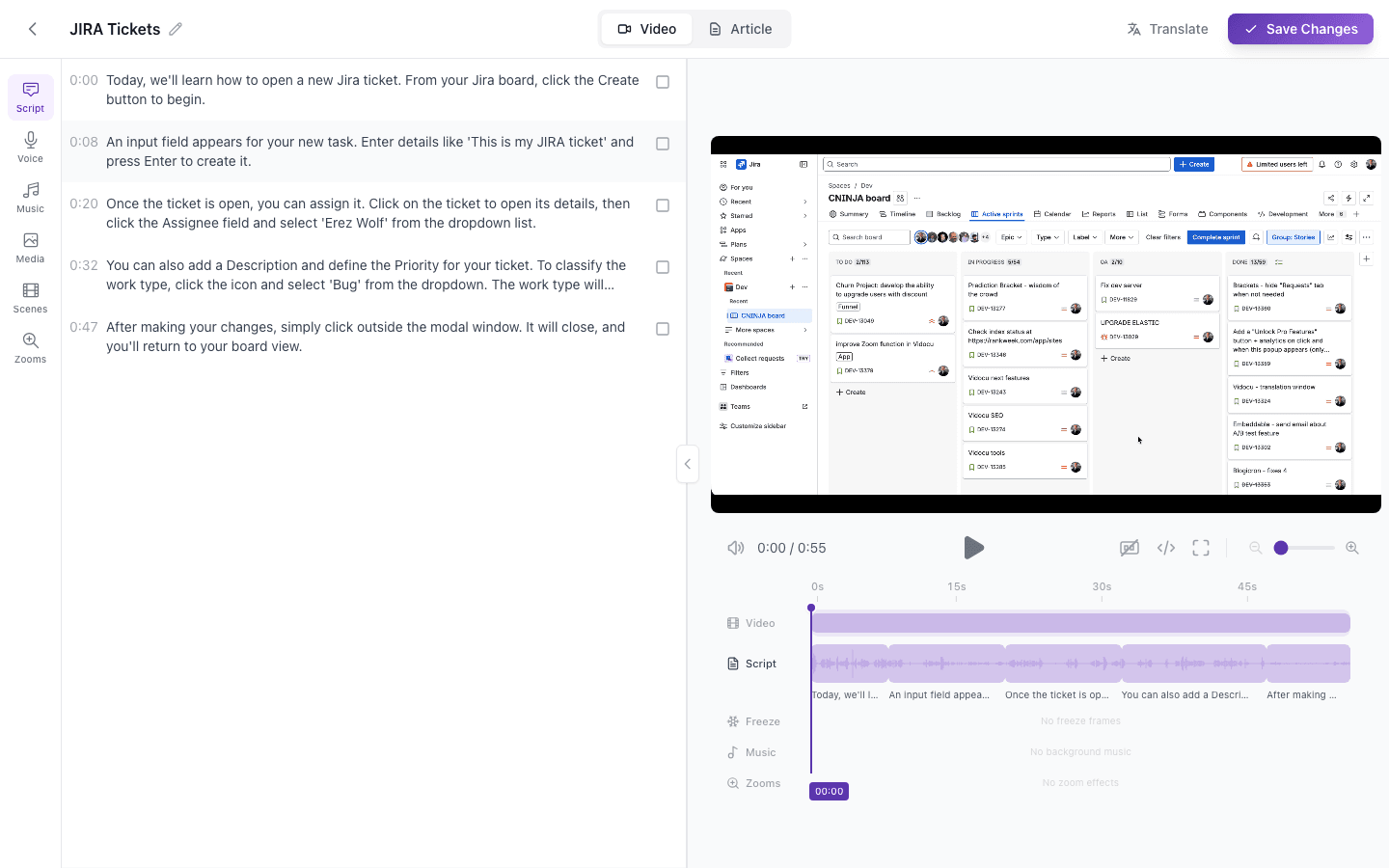
Edit subtitles, voiceover,
and timeline in one place.
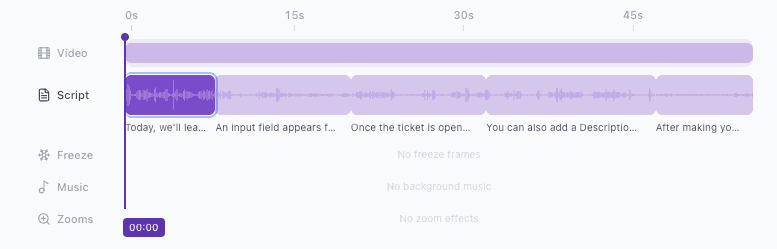
Full video editor with subtitle editing, AI voiceover controls, background music, zoom effects, and scene management. Everything you need, nothing you don't.
Professional narration.
Zero recording.
Generate natural-sounding voiceover from your video's content. Choose from multiple voices and languages. Sounds like a real narrator—not a robot.
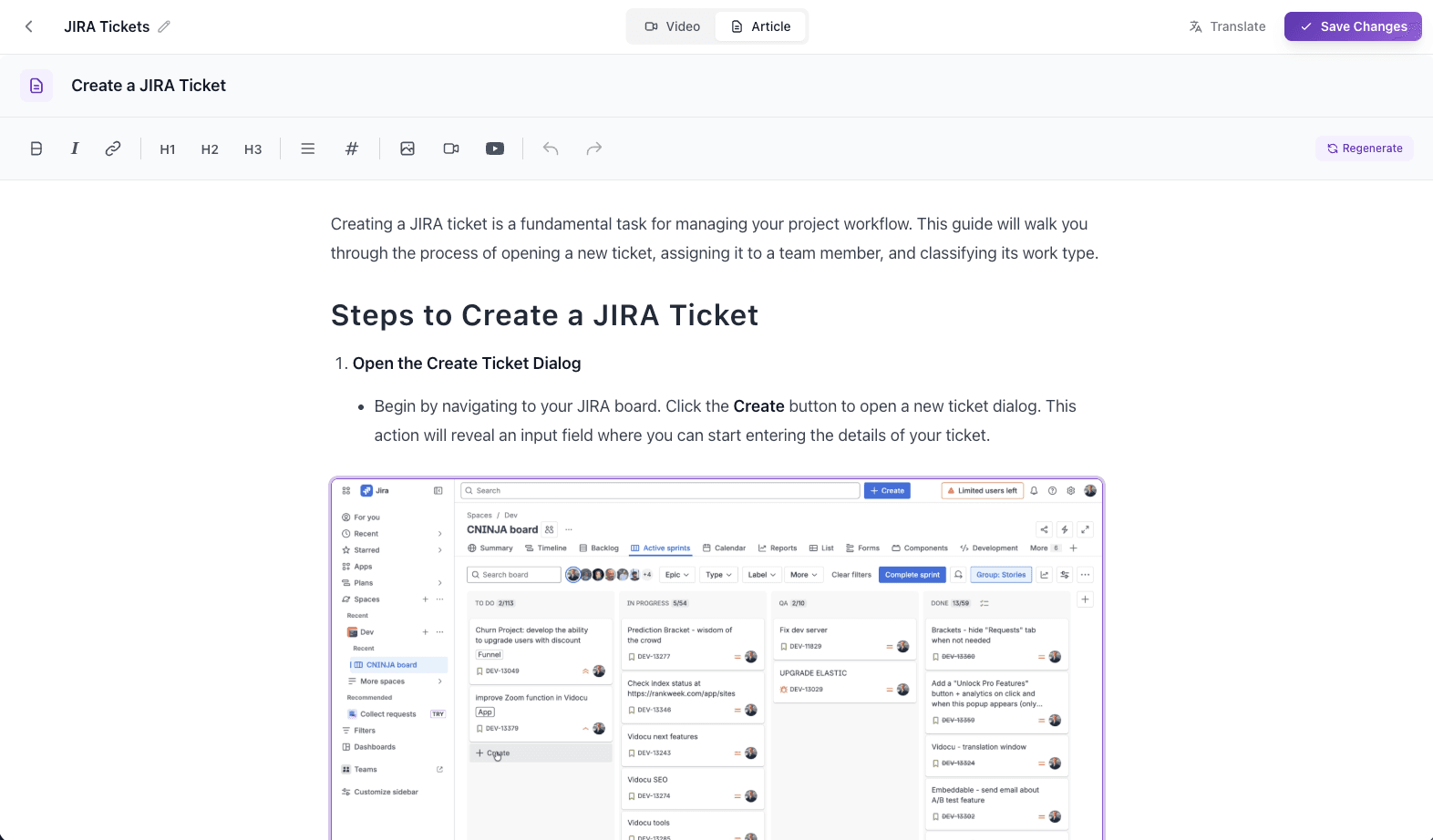
Documentation that
writes itself.
Vidocu watches your video and generates a complete step-by-step guide with auto-captured screenshots, numbered steps, and clear instructions. Publish-ready in minutes.
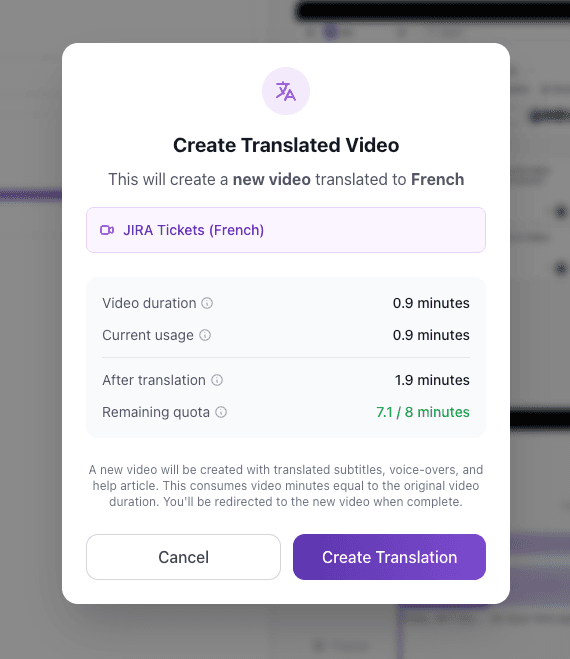
One video.
Every language.
Translate subtitles and generate voiceover in any language. Reach global audiences without re-recording. Manage all your projects from a single workspace.
How it works
Four steps. Minutes, not hours.
Upload your video
Screen recording, product demo, tutorial, or walkthrough.
AI generates everything
Subtitles, voiceover, and help article—in any language.
Edit if you want
Use built-in editors to fine-tune subtitles, audio, or the article.
Publish anywhere
Export to YouTube, your help center, blog, or share directly.
Built for teams that ship.
Global Teams
Reach international audiences with multi-language videos.
Customer Support
Turn product walkthroughs into accessible video tutorials and docs.
Creators & YouTubers
Make your content accessible and reach new audiences.
Onboarding & Training
Create accessible training videos with documentation.
Why Vidocu
Any language
Subtitles and voiceover generated in any language you need.
Sounds professional
AI voiceover that sounds natural—not robotic.
Docs included
Step-by-step guides with screenshots, generated automatically.
One recording. Professional output in minutes.
Frequently asked questions
Screen recordings, product demos, tutorials, walkthroughs, and how-to videos. Any video where you're explaining or demonstrating something.
Vidocu adds subtitles and professional voiceover to your video (in multiple languages), plus generates a step-by-step help article with auto-captured screenshots and annotations.
Vidocu supports subtitles and voiceover in multiple languages. You can create localized versions of your video for different markets.
The AI voiceover sounds natural and professional-not robotic. It's designed to match the quality you'd expect from a real narrator.
Yes! Vidocu includes built-in editors for everything-video editor, subtitles editor, and help article editor. You have full control to customize before publishing.
Videos with embedded subtitles, subtitle files (SRT/VTT), articles (HTML/Markdown), images (PNG), and more.
Yes! Vidocu is now in beta and free to try. Sign up to start transforming your videos into professional content.
Vidocu offers a free tier to get started. Check our pricing page for details on all available plans.