
AI-Powered
Video Editing
Training
Product
Solutions
Help Article Generator
Help-center ready articles
AI Knowledge Base Generator
Generate content & structure
AI Video Documentation
Video + docs + localization
Video to Blog Post
Repurpose tutorial videos
SOP Template
Free template, or let AI write it
User Manual Generator
Manuals from screen recordings
Work Instructions
Visual steps from one recording
Integrations
Free Tools
Video Intro Maker
Animate your logo into an intro
Article to Video
Turn articles into MP4
Script to Voiceover
Turn text into AI audio
Transcript to Help Article
Clean docs from transcripts
Video Trimmer
Cut and trim video clips
Subtitle Creator
Generate captions from audio
Transcript Extractor
Get text from any video
Video Watermark
Add logo or text overlay
Video Cropper
Resize and crop frames
AI Video Reframer
Auto crop with subject tracking
Video to FAQ
Turn video into Q&A
Video to Help Article
Auto-generate help docs
Video to Quiz
Generate quizzes from videos
Subtitle Translator
Translate captions instantly
Background Music
Add royalty-free tracks
Thumbnail Generator
Create click-worthy thumbs
Description Generator
SEO-optimized descriptions
AI Video Trimmer
Smart cuts, auto highlights
Video Merger
Combine multiple clips
Before & After Video
Side-by-side comparisons
Coming Next Video
PiP teaser into next clip
Video Rotator
Flip or rotate footage
Speed Changer
Speed up or slow down
Format Converter
Convert between formats
Video Compressor
Shrink file size, keep quality
Video to GIF
Turn clips into animated GIFs
Video Fade In/Out
Smooth intro and outro
Video Summary
AI-powered key takeaways
Video FAQ Generator
Extract FAQs from video
Video Report Generator
Custom report from any video
Image Annotator
Mark up screenshots
Video Annotator
Shapes, arrows & text on video
Audio Extractor
Extract audio from video
Audio Cleanup
Remove noise, level volume
Audio File Cleanup
Clean up an MP3 or WAV
Subtitle Burner
Burn captions into video
PDF to Video
Convert PDF to video
PowerPoint to Video
Convert PPT & PPTX to video
Keynote to Video
Convert Keynote to video
Presentation to Video
PDF, PPTX, or Keynote
Google Slides to Video
Turn Google Slides into video
Video Lighting
Brightness, contrast & more
Generate content AND structure for your knowledge base
Turn videos into a complete knowledge base with categories, articles, and search. Perfect for support and customer success teams building help centers.

The problem: building knowledge bases is complex
Content creation is slow
Writing dozens of help articles, organizing them into categories, and maintaining structure takes weeks or months of work.
Structure is hard to organize
Deciding on categories, organizing articles, and creating a logical hierarchy that makes sense to users is challenging.
Poor searchability
Without proper structure, keywords, and organization, users can't find answers. Knowledge bases become useless.
Generate content AND structure (categories, search)
Vidocu doesn't just create articles, it builds a complete knowledge base with organization, categories, and searchable content.
KB structure example
Getting Started
- • Account setup
- • First steps
- • Basic navigation
Features
- • Feature A guide
- • Feature B tutorial
- • Advanced settings
Troubleshooting
- • Common issues
- • Error messages
- • Performance tips
Article examples
Generate multiple help articles from your videos, each with proper structure, headings, steps, and screenshots. All optimized for search.
Host it or export it
Publish straight to Vidocu Knowledge Center, a hosted help center with AI search built in. Or export content in standard formats for Zendesk, Intercom, or your own knowledge base system.
How it works
Upload your videos
Upload multiple tutorial or walkthrough videos covering different topics.
AI generates structure
Vidocu analyzes content and suggests categories, organization, and hierarchy.
Articles are created
Each video becomes a structured help article with headings, steps, and screenshots.
Publish or export
Host it on Vidocu Knowledge Center with AI search built in, or export everything to your existing help center.
Don't just generate it. Host it.
With the Knowledge Center add-on, the articles you generate publish directly to a hosted, branded help center. No export, no migration, no separate platform.
AI Ask semantic search
Users ask in natural language and get answers pulled from your articles and videos, not a list of keyword matches.
Video deep links
Every article links to the exact timestamp in its source video, so readers can watch the step they are stuck on.
Magic-link gating
Keep internal knowledge bases private without managing user accounts. Public help centers stay SEO-indexed.
Multilingual by default
Three locales included, powered by the same AI translation pipeline that handles your videos.
Who it's for
For Support teams
Build a complete help center that reduces support tickets and empowers customers to find answers. Generate dozens of articles from your video library.
Related: Check out our help article generator for individual articles.
For Customer Success teams
Create a beautiful, on-brand knowledge base that helps customers succeed. Organize content logically and make it easy to discover.
Related: Learn about video to documentation for broader documentation needs.
For Product teams
Build comprehensive product documentation from feature demos and tutorials. Keep help centers updated as you ship new features.
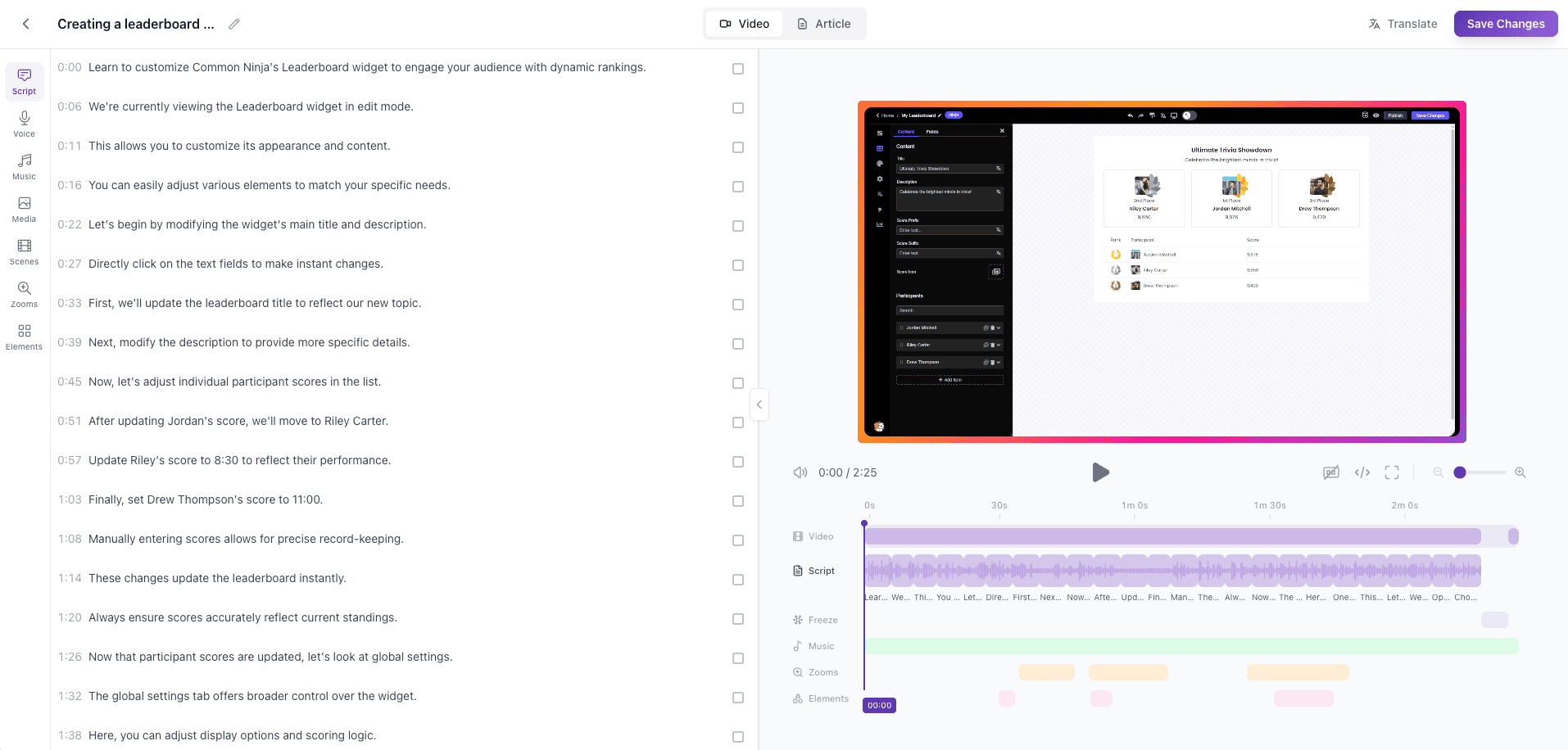
Knowledge base structure
See how Vidocu organizes your content into a searchable knowledge base with categories and articles.
Frequently asked questions
A knowledge base generator creates both the content (articles) and structure (categories, organization) for a help center or knowledge base. It goes beyond single articles to build a complete, searchable documentation system.
Vidocu generates: organized article structure with categories and subcategories, multiple help articles from your videos, searchable content optimized for discovery, screenshots and annotations for each article, and export formats compatible with knowledge base platforms.
Yes. The Knowledge Center add-on ($100/month on any paid plan) publishes your generated articles as a hosted, branded help center: AI Ask semantic search that answers questions from your content, magic-link gated access for internal knowledge bases, deep links into the source videos, and a custom domain. Three locales are included, with more available at $20/month each.
Vidocu's AI analyzes your videos to identify topics, group related content, and suggest categories. It creates a logical hierarchy that makes it easy for users to find what they need. You can customize the structure in the editor.
Vidocu generates content in standard formats that you can copy and paste into Zendesk, Intercom, or other help center platforms. You can also skip the migration entirely and host your knowledge base on Vidocu Knowledge Center, with AI search and custom branding built in.
You can generate multiple articles from multiple videos. Vidocu helps organize them into a cohesive knowledge base structure with categories and search functionality.
Any tutorial, walkthrough, or training video works well. The more videos you have covering different topics, the more comprehensive your knowledge base will be. Vidocu helps organize them into logical categories.
Yes! Vidocu suggests a structure based on your content, but you can reorganize categories, rename sections, and customize the hierarchy to match your needs.
Vidocu generates articles with proper headings, keywords, and structure that are optimized for search. The content is formatted to work with your help center's built-in search functionality.
Ready to build your knowledge base?
Try Vidocu for free and see the difference.
Your knowledge is valuable. Make it usable.
Upload once. Use everywhere.
The AI Knowledge Platform. One upload becomes videos, SOPs, guides, articles, and training - in any language.
© 2026 Vidocu. All rights reserved.