


Scribe vs Tango vs Guidde vs Vidocu: Best AI Documentation Tool in 2026
Your team records dozens of processes every week: onboarding flows, feature walkthroughs, support troubleshooting. The question isn't whether you need an AI documentation tool. It's which one actually fits the way you work.
Vidocu, Scribe, Tango, and Guidde all promise to turn knowledge into shareable docs faster. But they take fundamentally different approaches. Some capture clicks in a browser extension; others transform existing video into polished documentation. The right choice depends on what you're documenting, who's consuming it, and how much manual cleanup you're willing to tolerate. If Scribe is the one you are replacing, we rank the best alternative to Scribe for each use case separately.
Here's an honest breakdown of all four (what they do well, where they fall short, and which teams they're built for).
Updated July 2026 with head-to-head pairings and current free-plan details.
Quick Comparison
| Feature | Vidocu | Scribe | Tango | Guidde |
|---|---|---|---|---|
| Input method | Upload any video | Browser extension | Browser extension | Extension + desktop app |
| Video output | ✅ | ❌ | ❌ | ✅ |
| AI voiceover | ✅ | ❌ | ❌ | ✅ (200+ voices) |
| Subtitles | ✅ (auto-generated) | ❌ | ❌ | ❌ |
| Step-by-step docs | ✅ | ✅ | ✅ | ✅ |
| Multi-language | ✅ (translation built-in) | Limited | ❌ | ✅ (50+ languages) |
| Video editor | ✅ (full editor) | ❌ | ❌ | Basic |
| Extension required | No | Yes | Yes | Yes |
| Free tier | Yes | Yes (limited) | Yes (limited) | Yes (limited) |
Vidocu: Upload Any Video, Get Complete Documentation
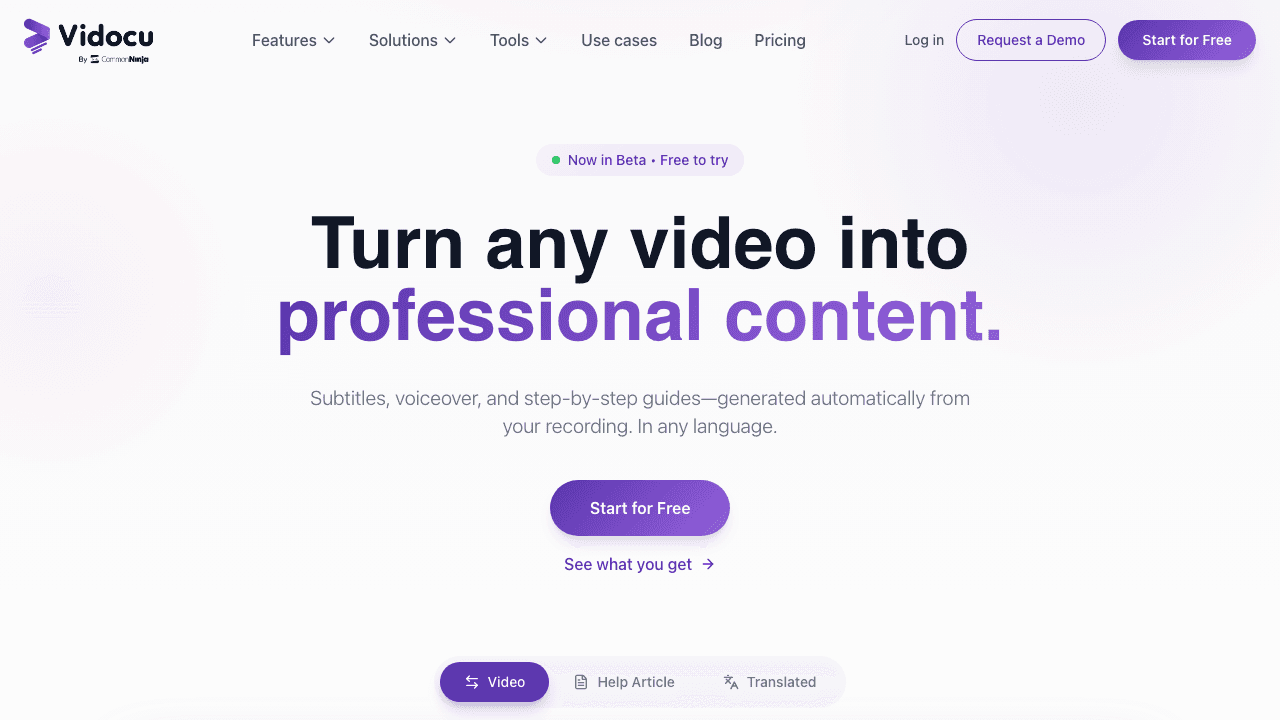
Vidocu takes a fundamentally different approach. Instead of requiring you to record through a specific extension, you upload any video (a screen recording, a Loom export, a training session, a phone capture) and Vidocu's AI generates the documentation around it.
That means auto-generated subtitles, AI voiceover in multiple languages, step-by-step written guides with extracted screenshots, and a built-in video editor to trim and polish the result. It's the only tool in this comparison that works as a complete AI video documentation pipeline.
What Vidocu does well:
- Works with any video, no extension or specific recording tool required
- Auto-generated subtitles with high accuracy
- Video-to-SOP workflow that extracts steps and screenshots automatically
- Multi-language translation for both subtitles and voiceover
- Full video editor built in: trim, crop, annotate without leaving the platform
- Permanent free tier with no credit card required (200 credits, roughly 4 video minutes)
Where it falls short:
- No real-time screen capture (you bring the video, Vidocu processes it)
- Newer platform, smaller user base than Scribe or Tango
- Best suited for video-centric workflows
Vidocu's sweet spot is teams that already produce video content and need to turn it into professional, multi-format documentation. Whether you're building a training library, creating customer support guides, or localizing product walkthroughs for global teams, the upload-based model means you're not locked into any specific recording tool.
If you're coming from Loom, the Loom-to-documentation workflow is particularly seamless: upload the recording and let the AI handle the rest.
Try Vidocu free, no extension, no credit card
Upload a video and see your AI-generated docs, subtitles, and voiceover in minutes.
Get started freeScribe: The Text-First Documentation Standard
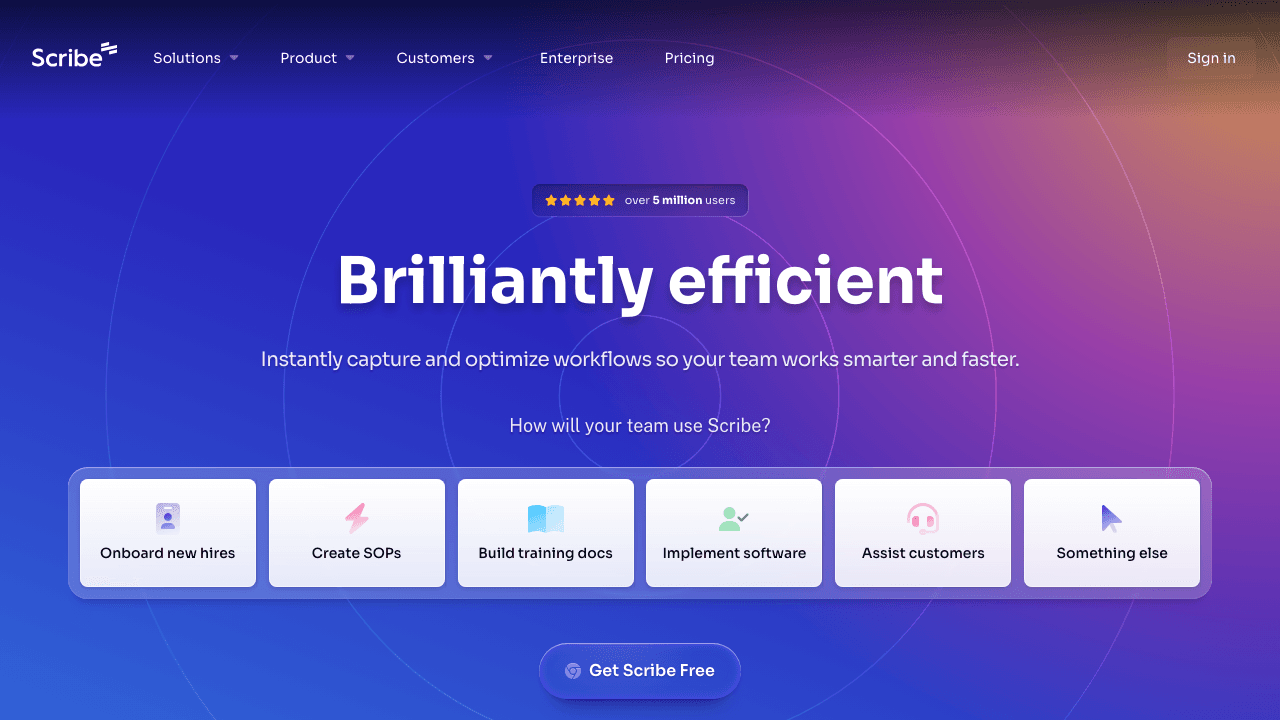
Scribe has earned its place as one of the most popular process documentation tools, with over 5 million users. The premise is simple: turn on the extension, click through a workflow, and Scribe automatically generates a step-by-step guide with annotated screenshots. Anything it misses, you can annotate an image online afterwards.
What Scribe does well:
- Captures browser and desktop workflows with minimal friction
- Auto-generates clean, text-based how-to guides
- Strong enterprise features: permissions, analytics, branded guides
- Massive user community and extensive template library
Where it falls short:
- No video output at all; every guide is static text and screenshots
- Browser extension is required for capture
- Free plan is heavily restricted
- Can't document anything that isn't a screen-based workflow
For teams that only need text-based SOPs for internal tools, Scribe is a solid, proven choice. But if your documentation needs video walkthroughs, voiceover, or multi-language support, you'll hit a ceiling fast. For a deeper look, see our full Scribe comparison.
Tango: Step-by-Step Guides with a Digital Adoption Twist
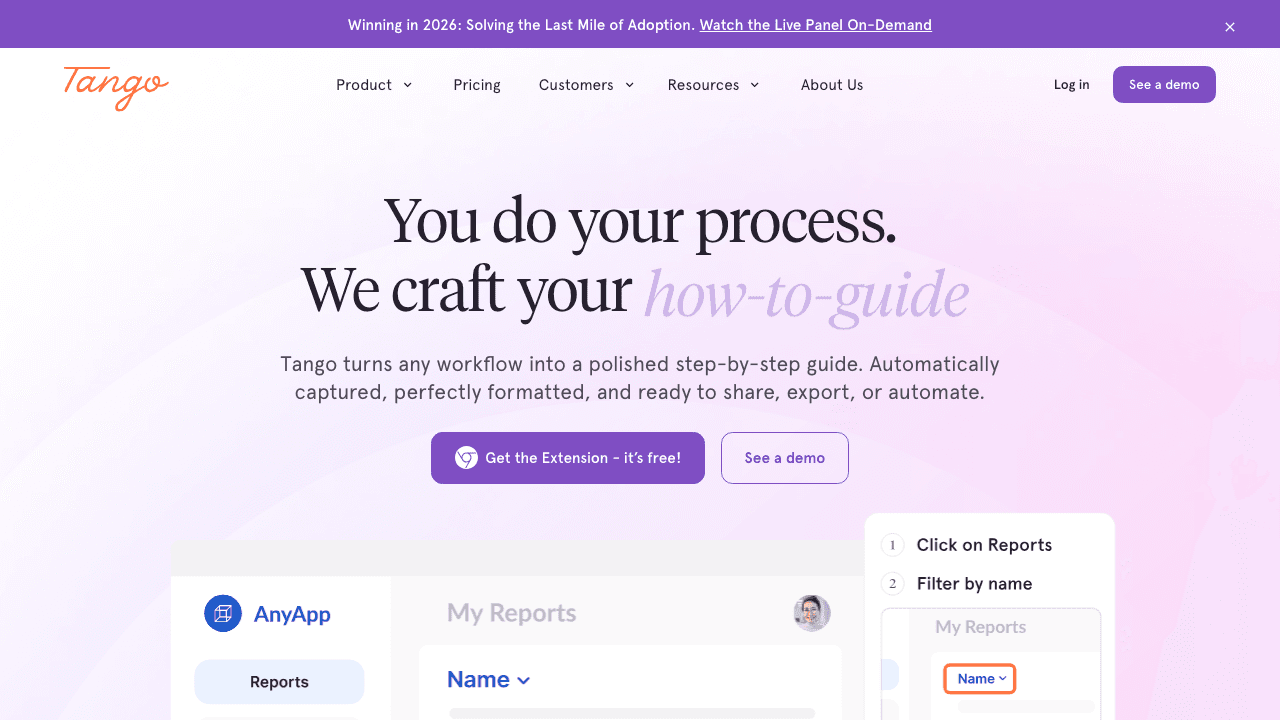
Tango started as a lightweight alternative to Scribe and has since pivoted toward digital adoption: embedding interactive guides directly inside web apps. Like Scribe, it uses a browser extension to capture clicks and generate step-by-step documentation.
What Tango does well:
- Quick capture with automatic screenshot annotation
- In-app guidance and interactive walkthroughs (newer focus)
- Clean UI that's easy for non-technical teams
- Integrations with common knowledge bases
Where it falls short:
- No video documentation whatsoever
- Extension-dependent, can't document mobile apps or uploaded recordings
- The digital adoption pivot means less focus on standalone documentation
- Limited language and localization support
Tango works well for teams that want lightweight how-to guides and are exploring in-app walkthroughs. But if your priority is producing polished documentation assets, especially video-based ones, Tango isn't built for that. Check our detailed Tango comparison for a full feature breakdown.
Guidde: AI Video Documentation, Extension-First
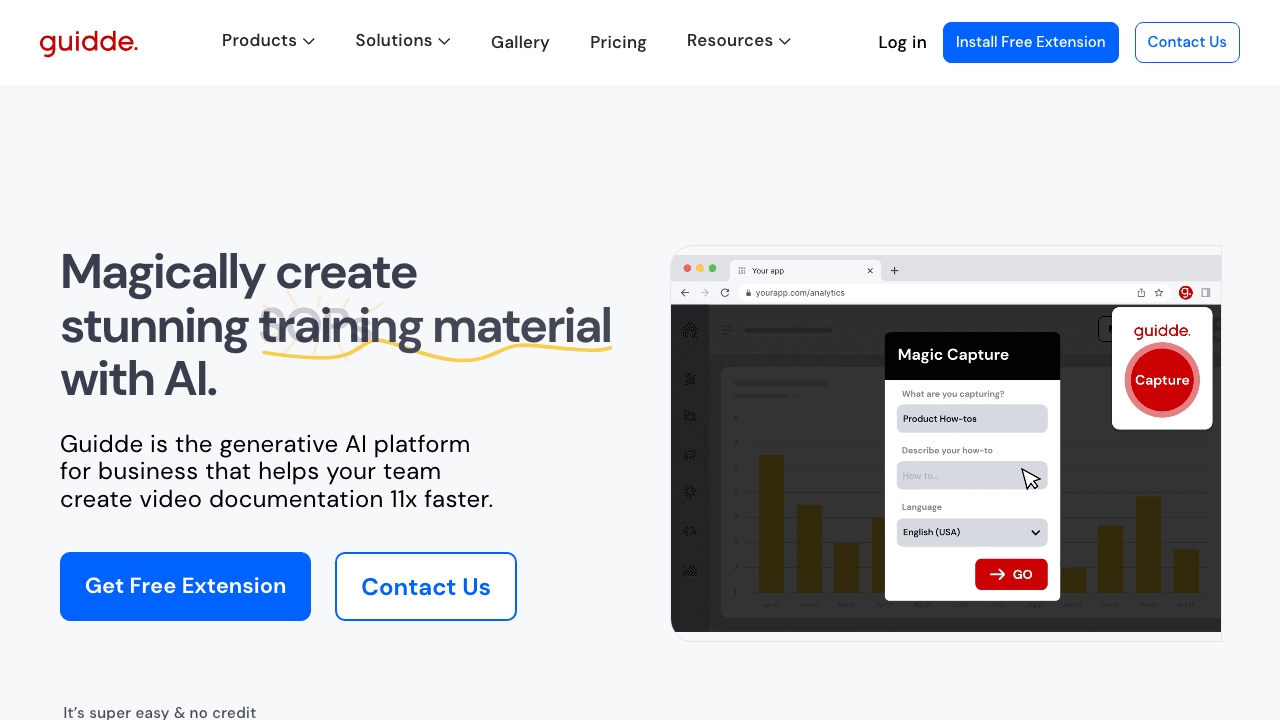
Guidde bridges the gap between text-based tools like Scribe and full video platforms. It records your screen via a browser extension (or desktop app), then layers on AI-generated voiceover in 200+ voices across 50+ languages. The result is a narrated video walkthrough you can share or embed.
What Guidde does well:
- AI voiceover with an impressive library of natural-sounding voices
- Multi-language support out of the box
- Generates both video and written step-by-step guides
- Faster than manually recording and editing a screencast
Where it falls short:
- Still extension-first; you need to record through Guidde's capture tool
- Can't process existing videos you've already recorded elsewhere
- Limited video editing capabilities
- No subtitle generation or translation workflow for uploaded content
Guidde is a strong contender for teams that want AI-narrated video guides and are comfortable with an extension-based workflow. The gap is that it's built around recording, not transforming. If you already have video content (Loom recordings, Zoom calls, training sessions), Guidde can't help you repurpose them. See our Guidde comparison page for more detail.
Already have videos that need documentation?
Upload any recording and Vidocu turns it into subtitled, translated, narrated documentation, no extension needed.
See how it worksFeature Matrix
| Capability | Vidocu | Scribe | Tango | Guidde |
|---|---|---|---|---|
| Text + screenshot guides | ✅ | ✅ | ✅ | ✅ |
| Video walkthroughs | ✅ | ❌ | ❌ | ✅ |
| AI voiceover | ✅ | ❌ | ❌ | ✅ |
| Auto subtitles | ✅ | ❌ | ❌ | ❌ |
| Video editing | ✅ | ❌ | ❌ | Basic |
| Multi-language translation | ✅ | Limited | ❌ | ✅ |
| Works without extension | ✅ | ❌ | ❌ | ❌ |
| Upload existing videos | ✅ | ❌ | ❌ | ❌ |
| SOP generation | ✅ | ✅ | ✅ | ✅ |
| Free tier | ✅ | Limited | Limited | Limited |
| Enterprise / SSO | Coming soon | ✅ | ✅ | ✅ |
Head-to-Head: The Pairings Buyers Actually Ask About
Most buyers don't evaluate all four tools at once. They ask about specific matchups, so here are the direct answers.
Guidde vs Tango: capture and AI step descriptions
Both are extension-first capture tools, but they produce different things. Guidde generates a how-to video with AI-written step descriptions and optional voiceover, so the output is video-led. Tango captures annotated screenshot walkthroughs with auto-generated step text, and the company has pivoted increasingly toward in-app guidance (digital adoption) rather than standalone documentation. For multi-app workflows, both depend on desktop capture, which sits behind Tango's paid Pro plan and Guidde's Business tier. If your source material already exists as video, neither capture model helps; that's the case where uploading the recording to Vidocu produces the doc without re-performing the workflow.
Scribe vs Tango: whose auto-generated step text is more accurate?
Both tools write step text from your clicks, and both inherit the same weakness: the text is only as good as the UI labels they capture. Scribe's generated steps tend toward the generic ("Click this button"), which is fast but usually needs an editing pass to add the why. Tango's step descriptions come attached to annotated screenshots, which compensates with visual context. In practice, accuracy differences between the two are small; plan for a human cleanup pass either way. Vidocu takes a different route: the step text is generated from the narration and on-screen activity in a real video, so the explanation your expert actually spoke becomes the written step, not a caption inferred from a click.
Guidde vs Scribe: embeds and publishing your docs
Both embed cleanly in Notion, Confluence, and help centers: Scribe as an interactive step-by-step block, Guidde as a video player with steps beneath it. The difference is what else you can do with the content. Scribe's free plan does not include PDF, HTML, or Markdown export (that starts on Pro), while Guidde's output stays video-centric. Vidocu exports articles as HTML and Markdown on every plan tier with export credits, and can publish directly to a hosted, searchable Knowledge Center instead of scattering embeds.
Free plans compared: what you actually get at $0
| Vidocu Free | Scribe Basic | Tango Free | Guidde Free | |
|---|---|---|---|---|
| Price | $0 forever | $0 | $0 | $0 |
| What you get | 200 credits (roughly 4 video minutes), 1 article, 1 export, 3-minute recordings | Unlimited web-capture guides | Browser capture, up to 10 users | 25 how-to videos, web capture |
| AI extras included | AI subtitles, auto-zoom, screenshot editor | Basic text editing | Auto step text | Recorded (not AI) voiceover |
| Biggest limit | Monthly minute cap | No PDF/HTML/Markdown export, web capture only | 5 shared workflows | Video cap, AI voiceover is paid |
| Credit card required | No | No | No | No (7-day Business trial also card-free) |
The pattern: Scribe's free plan is generous on quantity but locks exports, Tango's is team-friendly but capped at 5 shared workflows, and Guidde's is video-led with the AI features held back. Vidocu's free tier is the only one that includes the full video pipeline (subtitles, documentation, exports) at small volume, so you evaluate the actual product rather than a stripped-down capture tool.
Decision Guide: Which Tool Is Right for You?
All four picks are summarized below. If you are still framing the evaluation itself, our buyer's guide to choosing video documentation software walks through the four decisions (capture model, outputs, delivery, and scale) plus the demo questions that expose the differences.
Choose Vidocu if you already have video content (or want flexibility in how you record it) and need a single platform that handles subtitles, voiceover, translation, editing, and written documentation. The only tool here that doesn't require an extension and works with any video source.
Choose Scribe if you need text-only process documentation for internal software workflows, you want a battle-tested tool with a huge community, and video isn't part of your documentation strategy.
Choose Tango if you want lightweight step-by-step guides and are interested in digital adoption features like in-app walkthroughs. Best for teams standardizing on web-based tools.
Choose Guidde if you want AI-narrated video documentation and are comfortable with an extension-based recording workflow. Great for teams that create video guides from scratch and need multi-language voiceover.
FAQ
Which AI documentation tool is best for creating video tutorials?
Vidocu is the only tool in this comparison that generates video tutorials with AI voiceover, subtitles, and written documentation from a single upload. Guidde also produces video output but requires its own browser extension for recording. Scribe and Tango only produce text-and-screenshot guides.
Do I need a browser extension for AI documentation tools?
Vidocu is the exception in this category. It works with any uploaded video file, so you can use whatever screen recorder you prefer (or upload existing recordings from Loom, Zoom, etc.). Scribe, Tango, and Guidde all require browser extensions to capture workflows.
Can I use these tools to create SOPs from screen recordings?
Yes, all four tools can generate step-by-step process documentation. Vidocu goes furthest: it extracts steps, screenshots, subtitles, and voiceover from any uploaded video and outputs a complete SOP document. Scribe and Tango create text-based SOPs from browser clicks. Guidde adds AI voiceover to recordings.
Which tool supports the most languages for documentation?
Vidocu and Guidde lead on language support. Vidocu offers video translation in 65+ languages including translated subtitles and voiceover. Guidde supports 50+ languages for voiceover. Scribe has limited language support and Tango offers minimal localization.
Is there a free AI documentation tool?
All four tools offer free tiers, but with different limits. Vidocu's free plan covers subtitles and documentation, with voiceover and translation on Pro. Scribe and Tango restrict captures on free plans. Guidde limits video length and voice options. Try Vidocu's free tools to test the full workflow without commitment.
Does Guidde have a free plan, and how does it compare to Tango's?
Yes. Guidde's free plan includes up to 25 how-to videos with web capture and recorded voiceover, plus a 7-day Business trial with no credit card. Tango's free tier supports up to 10 users but caps sharing at 5 workflows. Vidocu's free plan includes 200 credits, roughly 4 video minutes, with AI subtitles, documentation, and an export included.
Which tool generates the most accurate step descriptions?
Extension-based tools (Scribe, Tango, Guidde) infer step text from clicks and UI labels, which is fast but generic, so expect an editing pass. Vidocu generates steps from the narration and screen activity of a real video, so the expert's spoken explanation becomes the written step.
The Bottom Line
The documentation tool landscape in 2026 has split into two camps. Video documentation platforms (Vidocu, Guidde) produce richer, multi-format output, while capture tools (Scribe, Tango) record your clicks in real time.
If you need video with AI voiceover and multi-language support, Vidocu and Guidde are the real contenders, with Vidocu being the only one that lets you skip the extension entirely and work with videos you've already recorded. If text and screenshots are enough, Scribe and Tango are mature, reliable options.
One case none of these four covers well: documentation that already exists as a PDF manual rather than as a recording. All four assume you start by capturing a screen. If your source is a document, you can convert a PDF to video directly, or compare the best PDF to video AI tools that generate narrated video from a document instead.
The best way to decide? Try Vidocu's free tools with one of your existing videos and see what comes out. No install, no extension, no commitment.

Written by
Daniel SternlichtDaniel Sternlicht is a tech entrepreneur and product builder focused on creating scalable web products. He is the Founder & CEO of Common Ninja, home to Widgets+, Embeddable, Brackets, and Vidocu - products that help businesses engage users, collect data, and build interactive web experiences across platforms.


