


Best AI Voiceover Tools for Tutorial Videos (2026)
Adding professional voiceover to a tutorial video used to mean hiring a narrator or spending hours recording and re-recording yourself. In 2026, AI voiceover tools generate natural-sounding narration from text in minutes, often in dozens of languages.
But not every tool is built for tutorials. Some focus on marketing content, others on podcasts, and a few are designed specifically for the documentation and training workflows where tutorials live.
Here are the best AI voiceover tools for tutorial videos right now, compared on voice quality, language support, pricing, and how well they fit tutorial-specific workflows.
Quick Comparison
| Tool | Best For | Languages | Starting Price | Tutorial Workflow |
|---|---|---|---|---|
| Vidocu | Full tutorial pipeline (voiceover + subtitles + docs) | 65+ | Free | ⭐ Built-in |
| ElevenLabs | Best standalone voice quality | 32+ | Free / $5/mo | Manual integration |
| Murf AI | Enterprise e-learning narration | 20+ | Free / $26/mo | Studio editor |
| Descript | Podcast & video editing with AI voice | 25+ | Free / $24/mo | Video editor |
| Fliki | Text-to-video with voiceover | 80+ | Free / $28/mo | Video generator |
| Narakeet | Bulk narrated video from PowerPoint/text | 100+ | Pay-per-use (~$0.10/min) | Batch processing |
| Synthesia | Avatar-led training videos | 160+ | $22/mo | Avatar + script |
1. Vidocu: Best for Tutorial Teams That Need More Than Just Voiceover
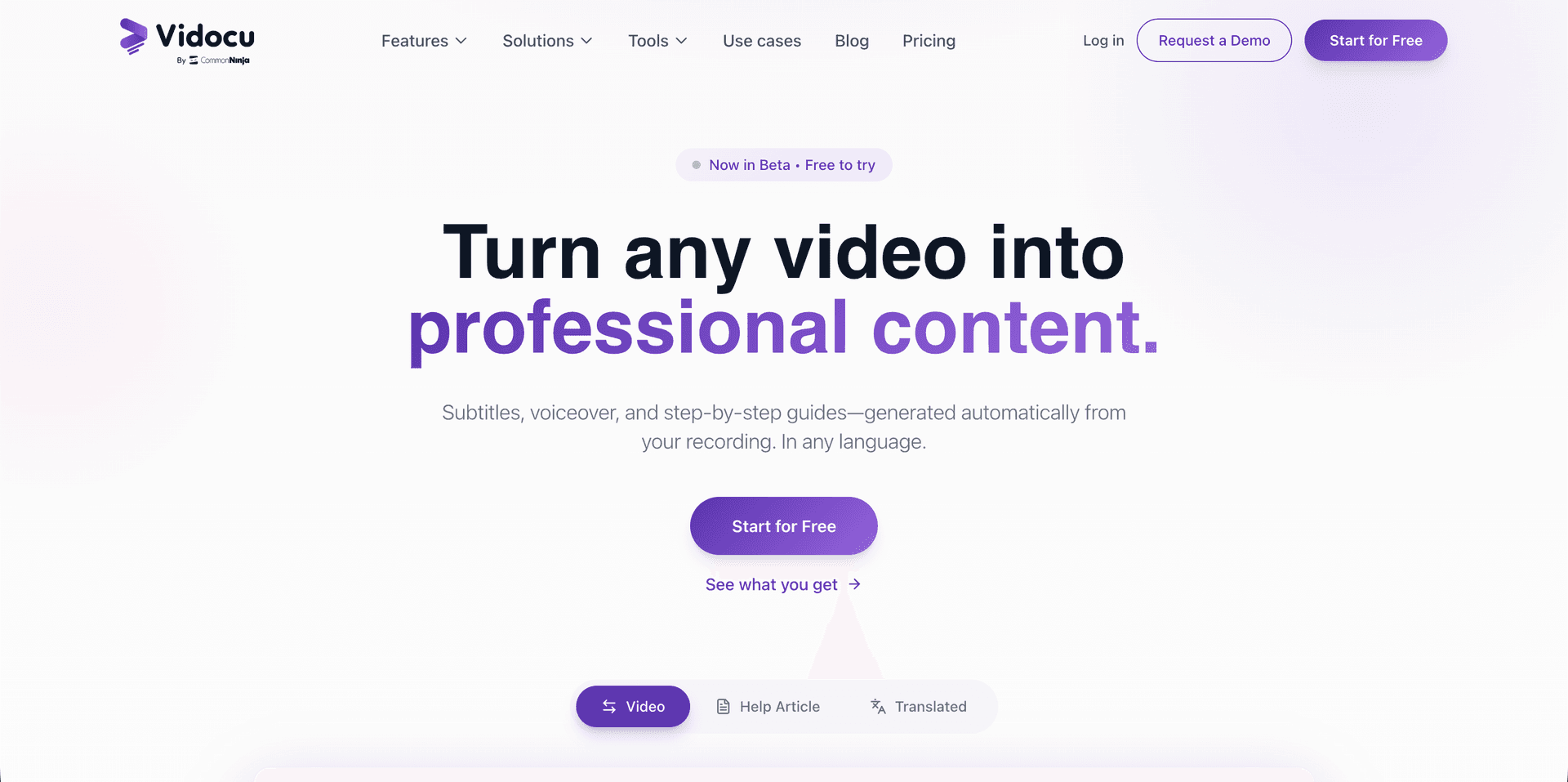
Most AI voiceover tools solve one problem: turning text into speech. Vidocu solves the whole tutorial pipeline. Upload a screen recording and it generates AI voiceover, subtitles, a step-by-step help article with screenshots, and translations, all from that single video.
Why it stands out for tutorials:
- Voiceover is auto-generated from the video content, no script writing needed
- Multiple natural voice options with fine-tuned timing
- Voiceover syncs with the built-in video editor, so you can adjust timing, add zoom effects, and include background music in the same tool
- 65+ language support for voiceover and subtitles together
- Publishing to YouTube? The same transcript feeds a YouTube description generator for chapters and timestamps
- Generates written documentation alongside the video, perfect for knowledge bases and SOPs
Pricing: Free/Premium plan, starting from $39/month. All features included.
Best for: Customer support, training, and technical writing teams that need tutorial videos and written documentation from the same recording.
Turn One Recording Into a Complete Tutorial Package
Vidocu generates voiceover, subtitles, screenshots, and a step-by-step article from a single video upload.
Try it free2. ElevenLabs: Best Standalone Voice Quality
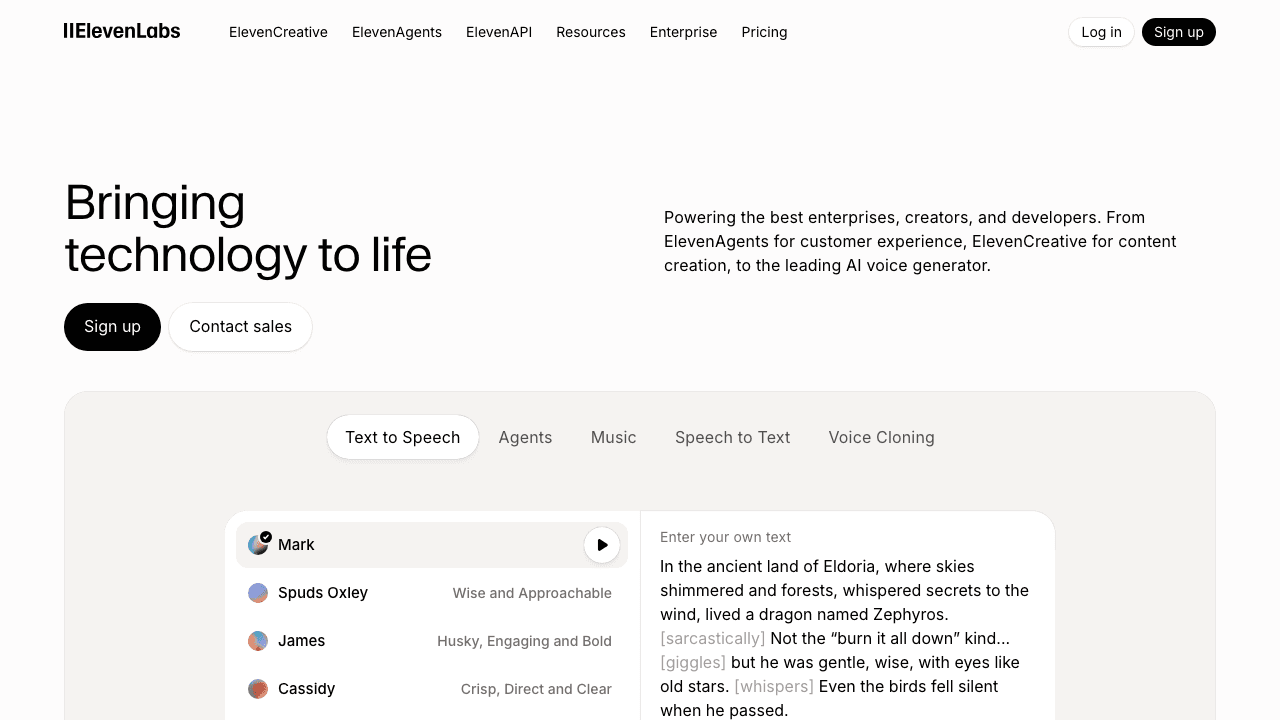
ElevenLabs has earned its reputation as the gold standard for AI voice quality. The voices are remarkably natural, with emotional range and intonation that most competitors can't match. If voice realism is your top priority and you're willing to handle the rest of the workflow yourself, ElevenLabs is hard to beat.
Key features:
- Industry-leading voice naturalness and emotional expression
- Voice cloning, create a digital copy of your own voice
- 32+ languages with accent control
- API access for developers
- Text-to-speech and speech-to-speech conversion
Pricing: Free tier available. Paid plans start at $5/month (Starter) for 30 minutes of audio, scaling to $99/month (Scale) for 100+ hours.
Limitation for tutorials: ElevenLabs is a voice engine, not a video tool. You'll need to generate audio separately and sync it with your video in another editor. There's no built-in screenshot capture, subtitle generation, or documentation output, so you'll also need a separate way to annotate images online when a step needs a callout.
Best for: Creators who need premium voice quality and have a separate video editing workflow.
3. Murf AI: Best for Enterprise E-Learning
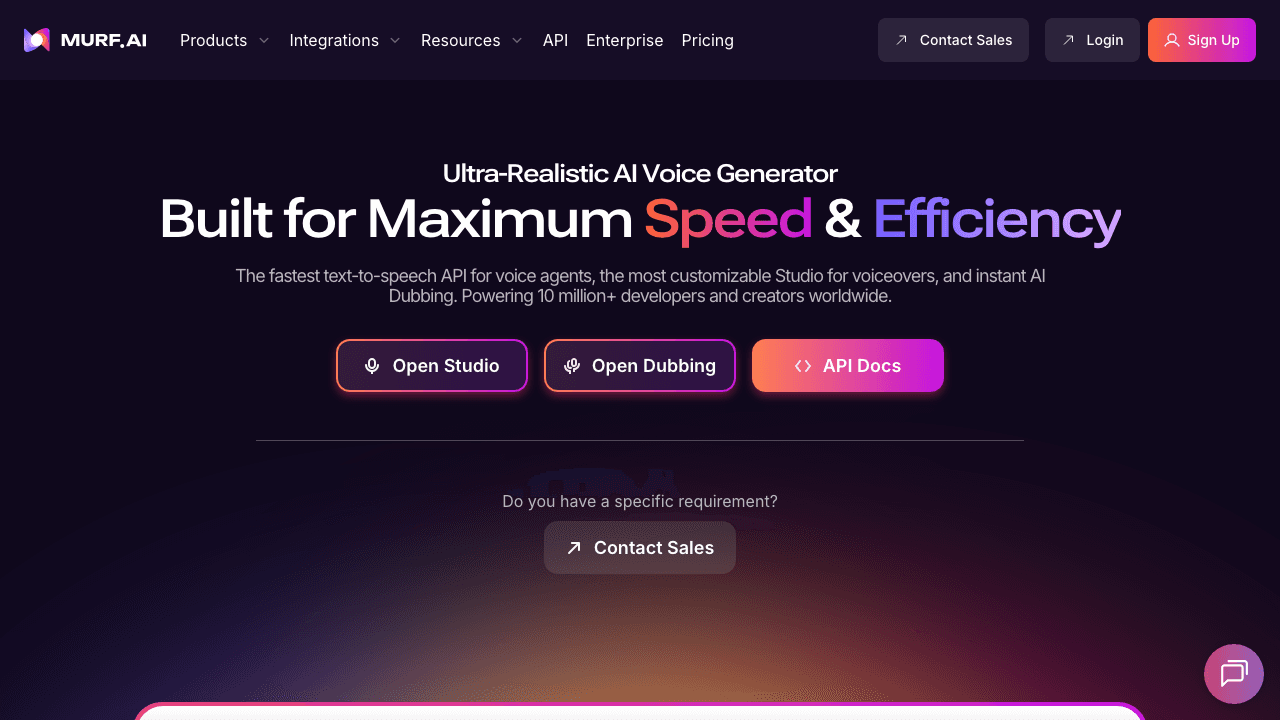
Murf AI positions itself as the enterprise voiceover solution, trusted by companies like Nestlé. It offers a studio-style editor where you can write scripts, choose from 120+ voices, and adjust pitch, speed, and emphasis. The interface is designed for non-technical teams who need to produce narrated content at scale.
Key features:
- 120+ AI voices across 20+ languages
- Studio editor with timeline and emphasis controls
- Voice cloning for brand consistency
- API integration for automated workflows
- Enterprise security (SOC 2 compliant)
Pricing: Free tier with limited usage. Paid plans from $26/month (Creator) to $83/month (Enterprise). Annual billing saves ~33%.
Limitation for tutorials: Murf is focused on voiceover production, not tutorial creation. You'd still need a separate tool to capture screenshots, generate documentation, or create step-by-step guides.
Best for: L&D teams and large organizations producing e-learning narration at scale.
4. Descript: Best for Podcast & Video Editing with AI Voice
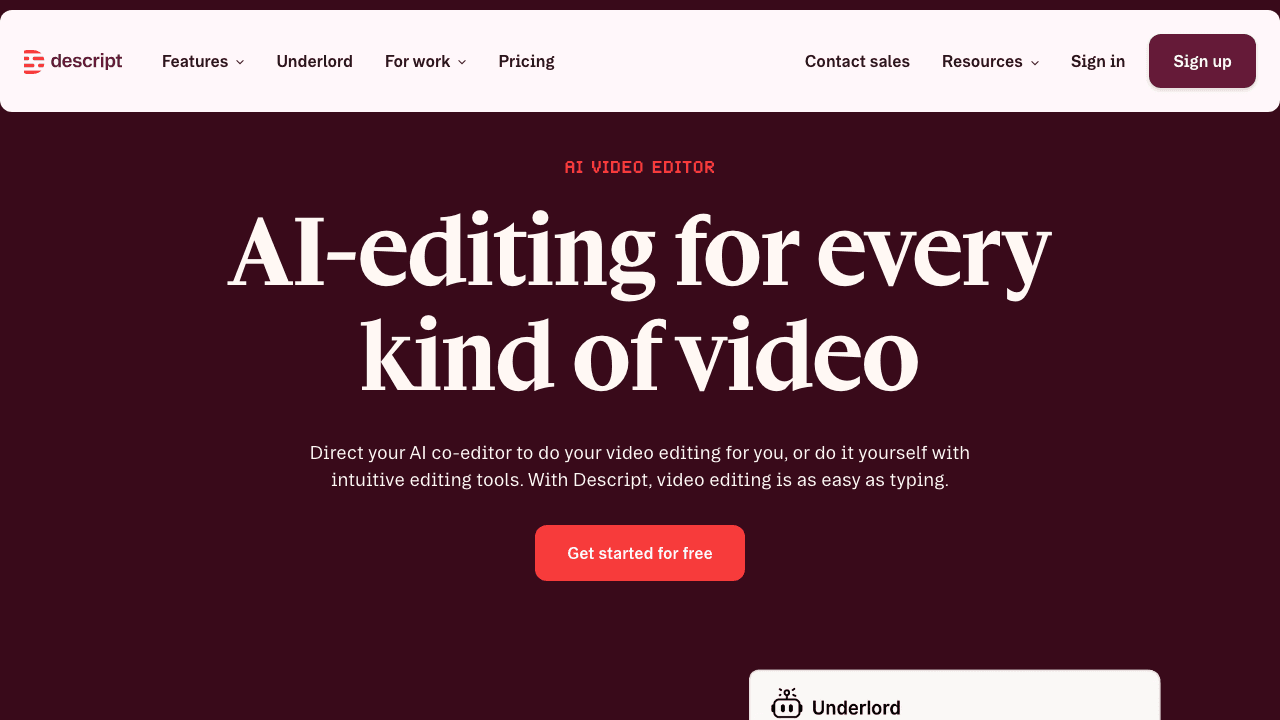
Descript takes a unique approach: edit video by editing text. Its AI voice feature lets you clone your voice and then make edits to your narration by simply retyping words. It's a full video and podcast editor, not just a voiceover tool.
Key features:
- Edit video by editing the transcript
- AI voice cloning with text-based corrections
- Screen recording built in
- Automatic transcription with high accuracy
- AI-powered filler word and silence removal
- 25+ languages for translation
Pricing: Free tier available. Pro plan at $24/month with unlimited transcription and AI features.
Limitation for tutorials: Descript is a powerful editor, but it doesn't generate documentation, help articles, or step-by-step guides with screenshots. If you need written tutorial output alongside your video, you'll need additional tools.
Best for: Content creators who want an all-in-one editor for video/podcast production and need occasional AI voiceover.
5. Fliki: Best for Text-to-Video with Voiceover
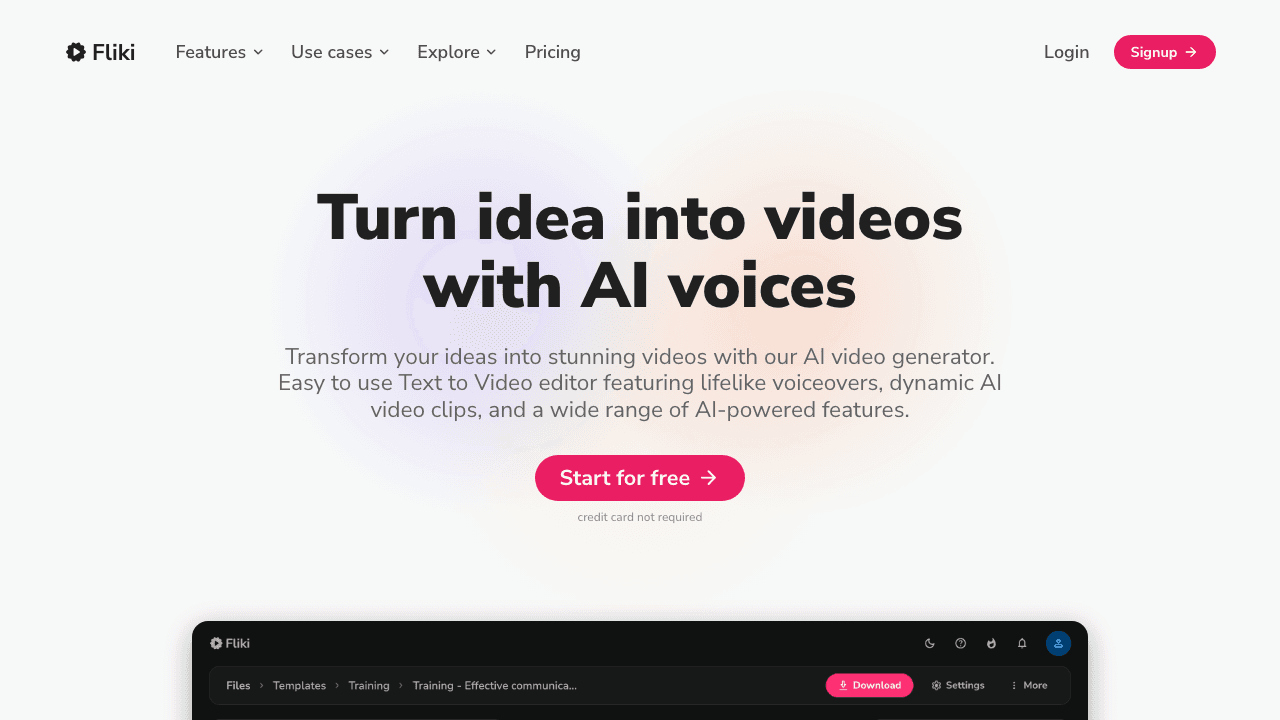
Fliki generates entire videos from text prompts, complete with AI voiceover, stock footage, and subtitles. It's designed for teams that want to turn a blog post, script, or idea into a video without any recording at all.
Key features:
- Text-to-video generation with automatic visuals
- 2, 000+ AI voices across 80+ languages
- AI avatars for presenter-style videos
- Blog-to-video conversion
- Built-in subtitle generation
Pricing: Free tier with watermark. Paid plans from $28/month (Standard) to $88/month (Premium).
Limitation for tutorials: Fliki creates videos from text, not from screen recordings. If your tutorials document a software workflow with actual UI screenshots, Fliki isn't the right fit. It's better for explainer videos and marketing content than for step-by-step screen recording documentation.
Best for: Marketing teams creating explainer videos and social content from scripts.
6. Narakeet: Best for Bulk Narration from Documents
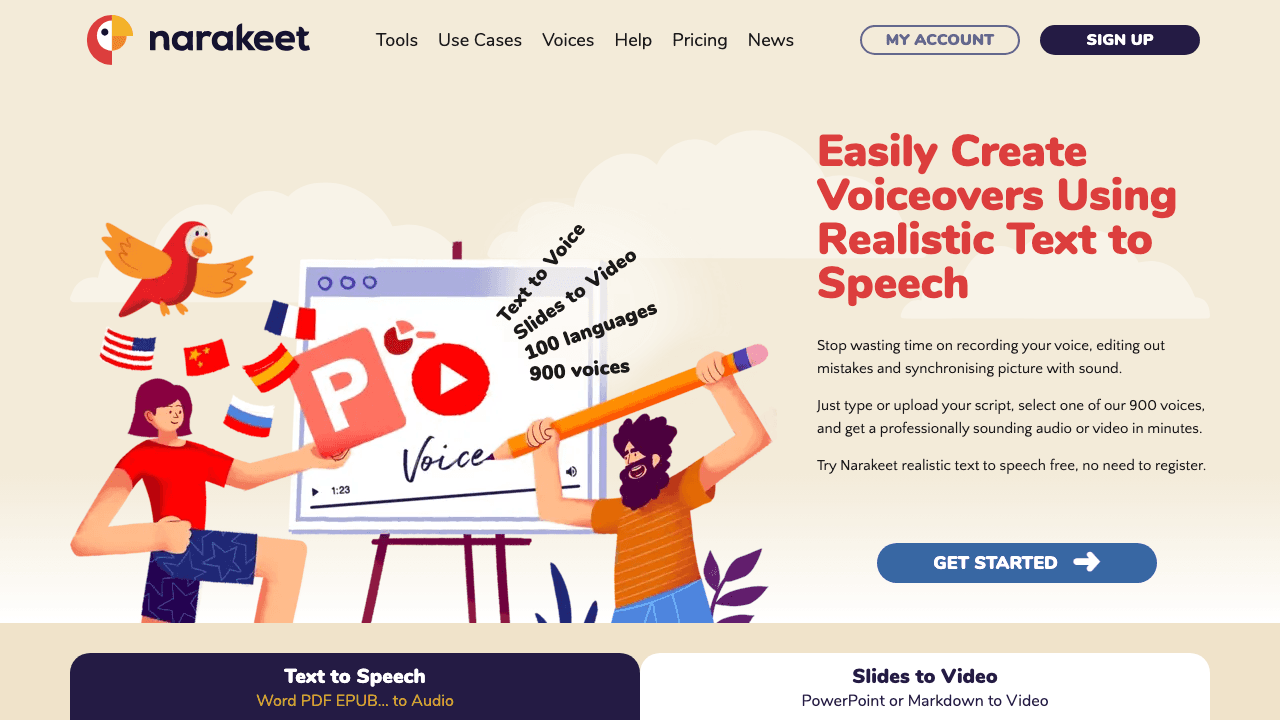
Narakeet takes a refreshingly simple approach: upload a PowerPoint, Word document, or text script, and it generates a narrated video with synchronized audio. No editor, no timeline, just input and output. It supports 900+ voices in 100+ languages.
Key features:
- Convert PowerPoint slides to narrated video
- Convert text/subtitles to synchronized audio
- 900+ voices across 100+ languages
- Batch processing for multiple files
- SRT/WebVTT subtitle-to-audio conversion
Pricing: Pay-per-use model starting around $0.10/minute. No monthly subscription required.
Limitation for tutorials: Narakeet is a batch processing tool, not an interactive editor. You can't record your screen, capture screenshots, or generate written documentation. It's best for converting existing slide decks into narrated training videos.
Best for: Teams converting existing training decks and documents into narrated videos at scale. If the source document is a PDF, you can convert a PDF to video first and add narration to the result.
7. Synthesia: Best for Avatar-Led Training Videos
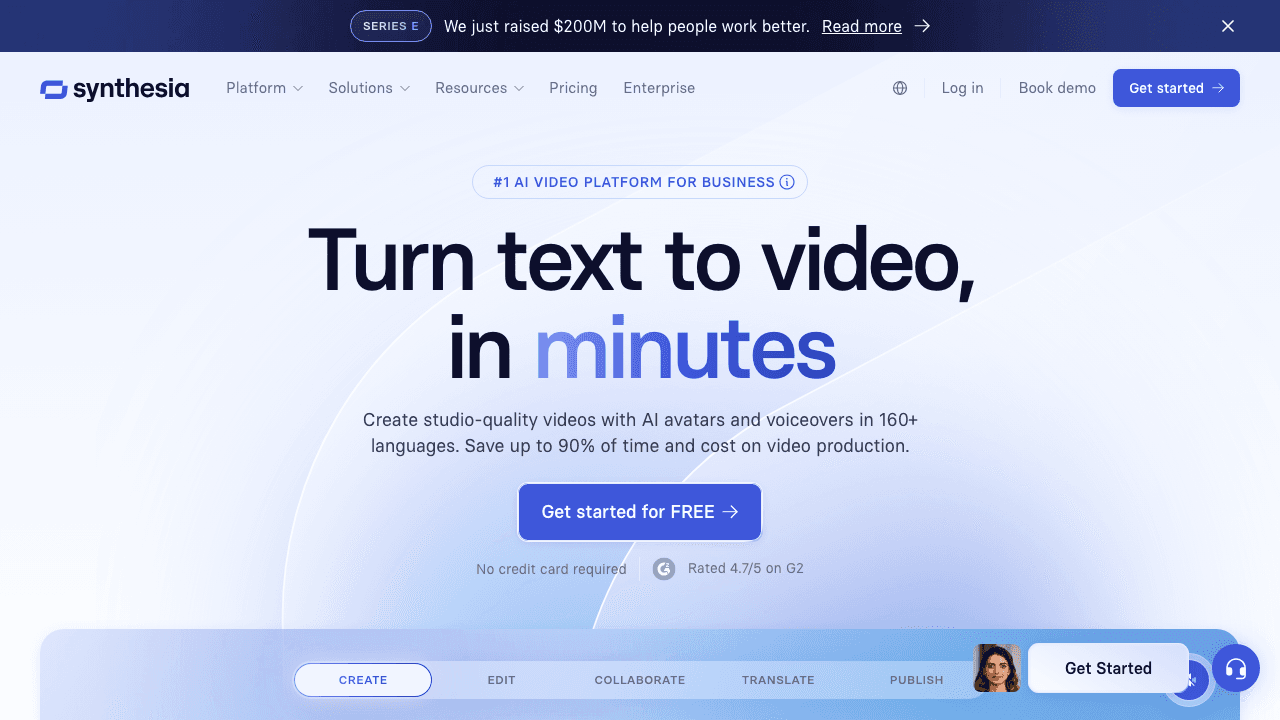
Synthesia is the leading AI avatar platform. Type a script, choose an avatar, and it generates a video with a realistic AI presenter speaking your words. It's used by large enterprises like Teleperformance and Heineken for training content at global scale.
Key features:
- 230+ AI avatars (including custom avatar creation)
- 160+ languages with lip-synced voiceover
- Template library for training and onboarding
- Team collaboration and brand controls
- Enterprise security (SOC 2, GDPR)
Pricing: Starts at $22/month (Starter, 3 min/month). Business plan at $67/month (30 min/month). Enterprise plans are custom.
Limitation for tutorials: Synthesia creates avatar-led talking-head videos, not screen recording tutorials. If your tutorials need to show actual software UI with step-by-step screenshots, Synthesia doesn't capture that. It's better for onboarding introductions and policy training than for how-to walkthroughs.
Best for: Enterprise L&D teams creating avatar-led training and onboarding videos in multiple languages.
Need Voiceover + Documentation From the Same Video?
Most voiceover tools stop at audio. Vidocu generates voiceover, subtitles, help articles, and screenshots, all from one upload.
See the differenceHow to Choose the Right Tool
The best AI voiceover tool depends on what you need beyond the voice:
- Just voiceover? ElevenLabs for quality, Murf for enterprise features, Narakeet for bulk processing.
- Voiceover + video editing? Descript if you want transcript-based editing, Fliki if you're starting from text.
- Voiceover + avatars? Synthesia for presenter-led training content.
- Voiceover + subtitles + documentation + screenshots? Vidocu, the only tool that generates a complete tutorial package from a single recording.
For tutorial teams specifically, the bottleneck usually isn't the voice, it's everything else. Writing the help article, capturing screenshots, adding subtitles, and translating for different markets. Tools that handle the full pipeline save significantly more time than tools that only solve the voiceover piece.
FAQ
What is the best free AI voiceover tool for tutorials?
Vidocu is the one to start with if you want voiceover inside a full tutorial pipeline: the free tier covers subtitles and a written guide from your upload, and AI voiceover unlocks on Pro at $39/mo. If you want voiceover itself at no cost, ElevenLabs has the most generous genuinely free tier. ElevenLabs also has a free tier with excellent voice quality, but you'll need separate tools for editing and subtitles. For bulk narration from slides, Narakeet's pay-per-use model can be cost-effective.
Can AI voiceover replace a human narrator for training videos?
For most internal training and product tutorials, yes. AI voices in 2026 are natural enough that viewers focus on the content, not the narrator. Where human voiceover still wins: emotional storytelling, brand-critical content, and audiences that specifically expect a personal touch.
How do I add AI voiceover to an existing video?
With Vidocu, upload your video and the AI generates voiceover automatically based on the content, no script writing needed. With standalone tools like ElevenLabs or Murf, you write a script, generate the audio file, then sync it manually in a video editor. The all-in-one approach saves significant time for tutorial workflows. If you need the original narration as a separate file first, either to keep as a reference track or to send out for transcription, you can extract audio from the video before you generate the new voiceover.
Which AI voiceover tool supports the most languages?
Synthesia leads with 160+ languages (avatar-based), followed by Narakeet (100+), Fliki (80+), and Vidocu (65+). For tutorial teams that also need subtitles and translation in the same workflow, Vidocu handles all three from a single upload.
Do AI voiceover tools work with screen recordings?
Yes, but the workflow varies. Vidocu accepts any uploaded screen recording and generates voiceover automatically. Descript lets you record your screen and edit the voiceover via transcript. ElevenLabs, Murf, and Narakeet generate standalone audio files that you'd need to sync in a separate editor.
Try Vidocu for Free
Vidocu is free to use. Upload a tutorial recording and see what it generates, voiceover, subtitles, screenshots, and a complete help article. No credit card required.

Written by
Daniel SternlichtDaniel Sternlicht is a tech entrepreneur and product builder focused on creating scalable web products. He is the Founder & CEO of Common Ninja, home to Widgets+, Embeddable, Brackets, and Vidocu - products that help businesses engage users, collect data, and build interactive web experiences across platforms.


