


Trupeer vs Vidocu: Pricing, Features & Which One to Pick
Trupeer and Vidocu both promise to turn screen recordings into polished product content. But they solve different problems, and picking the wrong one means paying for features you don't need while missing the ones you do.
Trupeer is built around creating studio-quality product videos with AI avatars, effects, and scripted voiceover. Vidocu is built around turning a single video into a complete content package: subtitles, voiceover, step-by-step documentation, annotated screenshots, and multilingual versions, all from one upload.
Here's an honest look at how they compare on features, pricing, and workflow fit, plus how Clueso's pricing stacks up against both.
Updated July 2026 with current pricing from each vendor's published pricing page.
Quick Comparison
| Feature | Vidocu | Trupeer |
|---|---|---|
| Primary focus | Video → docs + subtitles + voiceover | Video → polished product videos |
| Step-by-step documentation | ✅ First-class output | ✅ Guide alongside video |
| AI subtitles | ✅ Auto-generated | Not confirmed |
| AI voiceover | ✅ (65+ languages) | ✅ (multiple languages) |
| AI avatars | ✅ (Business tier; custom avatars + voice cloning on Enterprise) | ✅ (including custom) |
| Screenshot annotations | ✅ Per-step screenshots | Partial (video-level) |
| Video editor | ✅ Built-in | ✅ AI-powered effects |
| Browser extension required | No | Yes (Chrome) |
| Multi-language publishing | ✅ Full workflow | ✅ 65+ languages |
| Free tier | ✅ Permanent, 200 credits (~4 video min) | 10-day trial only |
Trupeer: Studio-Quality Product Videos with AI
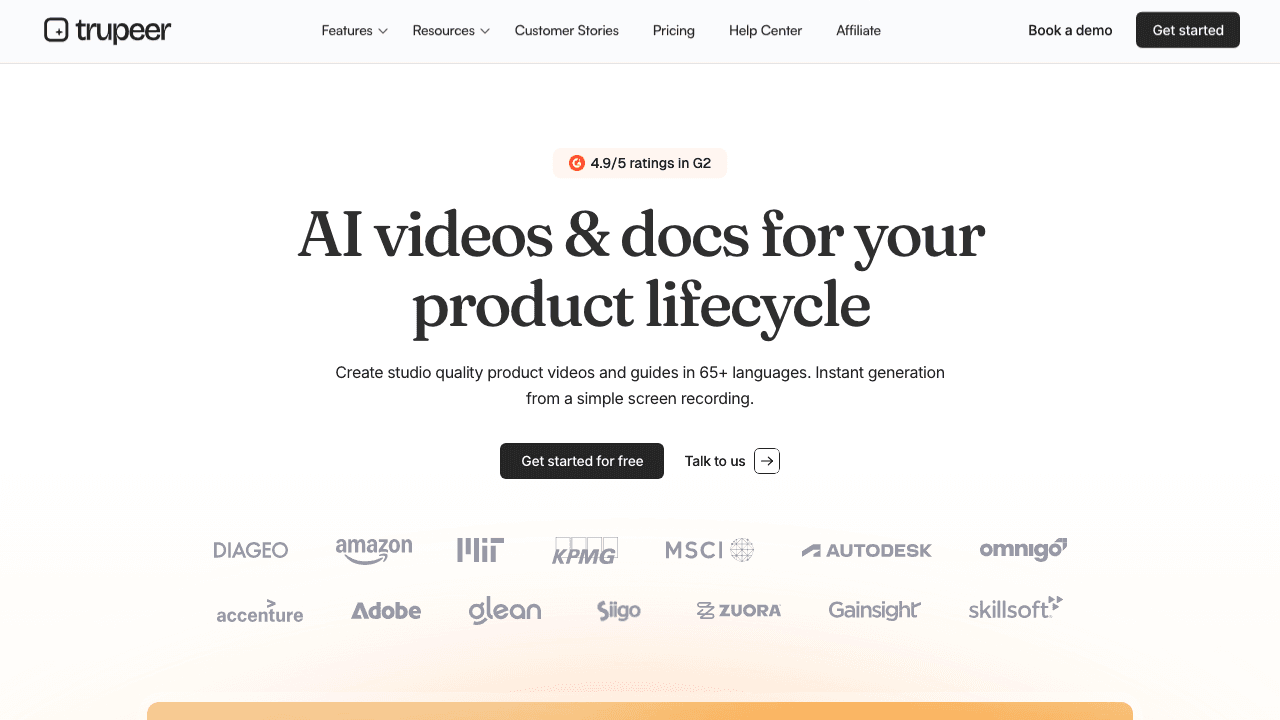
Trupeer positions itself as the tool for creating professional product videos from simple screen recordings. Record your workflow with their Chrome extension, and Trupeer applies AI-powered zoom effects, scripted voiceover, and even AI avatars to create videos that look like they came from a production team.
What Trupeer does well:
- AI avatars (including custom avatars) give videos a human presenter feel
- Automated zoom effects and highlights make workflows easier to follow
- Studio-quality voiceover in multiple languages and accents
- Dedicated Chrome extension for quick recording
Where it falls short:
- Requires a browser extension, so it can't work with existing video files as easily
- Documentation output is secondary to video
- No confirmed subtitle generation feature
- Free plan is a 10-day trial, not a true freemium tier
- Knowledge Base add-on costs an additional $150/month
Trupeer is a strong choice if your primary goal is creating polished explainer videos with an avatar presenter. For teams that need product demos, sales enablement videos, or marketing walkthroughs, it delivers a professional result with minimal effort.
Vidocu: One Upload, Multiple Content Outputs
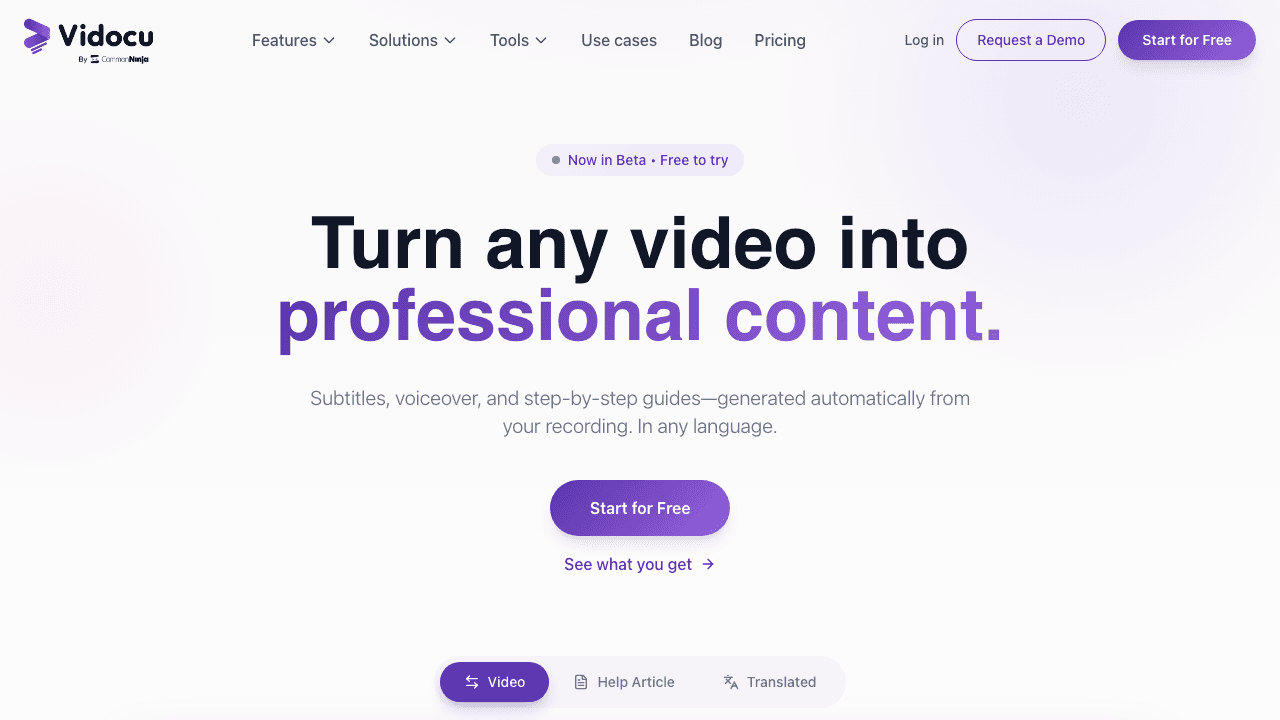
Vidocu takes a different approach: instead of optimizing for one video output, it turns a single recording into everything your team needs. Upload a video and get AI-generated subtitles, voiceover in 65+ languages, a structured help article with screenshots, and an edited video, all from the same source file.
What Vidocu does well:
- Multiple outputs from one video, with no switching between tools
- Step-by-step documentation is a first-class feature, not an afterthought
- Built-in editors for subtitles, voiceover, and article content
- No browser extension needed, so you can upload any video from any source
- True free tier (not just a trial period)
Where it falls short:
- AI avatars sit on the Business tier ($149/mo), where Trupeer offers them lower down its range
- Less focused on video effects and cinematic polish
- Newer product with a smaller user base than established players
Vidocu is purpose-built for teams where the recording is the easy part and everything after is the bottleneck. Support teams building knowledge bases, product teams creating SOPs from video, and enablement teams that need content in multiple languages will find the multi-output workflow significantly faster than stitching together separate tools.
Pricing Comparison
Pricing is where these tools diverge significantly.
Trupeer Pricing
| Plan | Monthly Price | AI Video Minutes | Key Limits |
|---|---|---|---|
| Free | $0 | 10 min (10-day trial) | 5 guides, 3 exports, 8-min recordings |
| Pro | $49/mo | 20 min | Unlimited guides & exports, 12-min recordings |
| Scale | $249/mo | 100 min | Team workspace (3 editors), custom voices, branded pages |
| Enterprise | Custom | Custom | Custom seats, SAML SSO, priority support |
Trupeer also charges $150/month for a Knowledge Base add-on if you want a branded documentation site.
Vidocu Pricing
Vidocu offers a permanent free tier (not time-limited) and paid plans that include all output types (subtitles, voiceover, documentation, and video editing) in every plan. Check the latest pricing at vidocu.ai/pricing.
Key pricing differences:
- Vidocu's free plan doesn't expire after 10 days
- Vidocu includes documentation, subtitles, and voiceover in base pricing, with no add-ons
- Trupeer's Knowledge Base add-on ($150/mo) is a significant cost if you need documentation hosting
- At the Pro tier, Trupeer gives you 20 minutes of AI video for $49/mo, so teams processing more content will hit limits quickly
How Clueso's Pricing Compares to Trupeer's
Clueso comes up constantly in this comparison, usually with a specific question attached: does it charge per AI-generated video, or per seat?
Neither, and the same is true of Trupeer. No tool in this category prices per video. They meter different things, which is the part that makes them hard to compare:
- Clueso meters exported video minutes (a monthly cap, or the same total up front on annual billing) and caps how many users each plan includes.
- Trupeer meters AI video minutes per month, then makes guides and exports unlimited on paid plans.
- Vidocu meters AI credits per month and includes every output type (subtitles, voiceover, documentation, translation) on paid plans.
Here is how the three line up on published rates.
| Plan level | Vidocu | Trupeer | Clueso |
|---|---|---|---|
| Free | $0 forever: 200 credits, roughly 4 AI video min, 1 article | $0 for 10 days: 1,000 credits, roughly 10 AI video min | $0 forever: 10 min of exports/mo, 15 articles, watermarked |
| Entry paid | $39/mo: 820 credits, roughly 16 AI video min | $40/mo annual ($49 monthly): roughly 20 AI video min | Solo $40/mo annual ($50 monthly): 15 min exports/mo, 1 user |
| Mid tier | $149/mo: 4,000 credits, roughly 80 AI video min, 3 editors | $199/mo annual ($249 monthly): roughly 100 AI video min, 3 creators | Business $120/mo annual ($150 monthly): 30 min exports/mo, 2 users |
| Enterprise | Custom | Custom | Custom (the only plan listing Clueso Agents) |
| Docs/KB add-on | $100/mo (Knowledge Center) | $120/mo annual ($150 monthly) Knowledge Base | Article exports included in plans |
| Standing free tier | Yes, permanent | No, trial only | Yes, permanent |
Prices reflect each vendor's published pricing page as of September 2026. Clueso repriced in 2026: its old Starter ($120) and Growth ($200) tiers were replaced by Free, Solo, Business and Enterprise, and it now publishes monthly as well as annual rates. All three Enterprise tiers are quote-only.
Does anyone offer unlimited AI-generated walkthroughs?
No. This is worth stating plainly because the phrase "unlimited" appears on more than one of these pricing pages and does not mean what it looks like.
Trupeer's "unlimited" applies to guides and exports, never to AI video minutes: Pro still stops at 20 minutes a month. Clueso has no unlimited tier either; every plan is metered in exported video minutes. Vidocu is metered too, in credits: roughly 16 minutes of AI video a month on Pro and 80 on Business.
If someone promises unlimited AI-generated product walkthroughs at a flat rate, check which noun the word "unlimited" is attached to. In this category it is almost always attached to the cheap part (exports, guides, seats) and never to the expensive part (AI generation minutes).
Which one is actually cheaper?
It depends entirely on volume, and the sticker prices mislead:
- At low volume, Vidocu Pro ($39/mo), Trupeer Pro ($40/mo annual) and Clueso Solo ($40/mo annual, $50 monthly) are now priced almost identically. They differ in what the money buys: Clueso Solo caps exports at 15 minutes a month for one user, Trupeer Pro includes about 20 AI video minutes, and Vidocu Pro includes about 16 AI video minutes plus the AI Recorder agent, which Clueso lists only on Enterprise.
- At mid volume, the closest real match is Clueso Business ($120/mo annual, 30 min exports/mo, 2 users) against Trupeer Scale ($199/mo annual, about 100 AI min/mo, 3 creators) against Vidocu Business ($149/mo, about 80 AI min/mo, 3 editors).
- If you need hosted documentation, the add-on decides it: Trupeer's Knowledge Base is $150/mo on top, Vidocu's Knowledge Center is $100/mo, and Clueso bundles article exports into its plans rather than selling a hosted site.
The honest summary: Clueso is priced for teams that want polished video and enterprise security credentials, with its recording agents on Enterprise (we break this down further in our Vidocu vs Clueso comparison), Trupeer is the cheapest way into AI product video, and Vidocu is the cheapest way to get documentation, subtitles, voiceover, and translation without paying per output type.
Head-to-Head: Key Workflow Differences
Documentation Quality
Both tools generate step-by-step guides, but they treat documentation differently.
Trupeer generates a "guide" as a companion to the video, which is useful but positioned as a secondary output. Vidocu generates a structured help article designed for help centers and knowledge bases, with per-step screenshots and annotations. If your documentation ends up in Zendesk, Confluence, or a customer-facing help center, that distinction matters.
Recording Flexibility
Trupeer requires its Chrome extension to record. That works for browser-based workflows but creates friction for desktop apps, mobile walkthroughs, or existing recordings you've already captured.
Vidocu works with any video file. Record with Loom, OBS, your phone, or any screen recorder, then upload and let the AI handle the rest. This flexibility is especially valuable for teams that already have a recording workflow they like. You can even convert Loom recordings into documentation.
Multilingual Content
Both tools support multiple languages, but the workflows differ. Trupeer offers voiceover in multiple languages and accents. Vidocu provides a full multilingual pipeline: translate subtitles, regenerate voiceover, and create localized versions of both the video and the documentation, all from the same source recording.
Turn one video into docs, subtitles & voiceover
Upload any recording and get a complete content package with no extension required
Try Vidocu freeReal-World Use Cases
Customer Support Teams
If your support team records walkthroughs to answer tickets, you need those recordings to become searchable, skimmable help articles, not just videos that customers have to watch end-to-end. Vidocu's help article generation creates structured articles with steps and screenshots that slot directly into your help center. Trupeer's guide output works too, but you'll likely need to do more manual formatting before it's help-center ready.
Product Marketing Teams
For teams creating polished product demos and feature announcements, Trupeer's AI avatars and cinematic effects give you a more production-ready video. If the video itself is the deliverable, whether for landing pages, social media, or sales decks, Trupeer's video-first approach makes sense. But if you also need the blog post version, the help article, and subtitles for accessibility, Vidocu's multi-output workflow saves you from duplicating effort.
Training and Onboarding Teams
Training content needs to work for different learning styles. Some people watch the video; others want to scan the steps. Vidocu gives you both from a single recording, plus multilingual versions for global teams. Trupeer gives you a professional-looking training video, but the written companion may need more work to meet documentation standards.
Build your knowledge base from video
Turn walkthroughs into searchable help articles with AI-generated steps and screenshots
Start for freeWho Should Choose Trupeer?
Trupeer is the better fit if you:
- Want AI avatars on a lower-priced tier than Vidocu's Business plan
- Focus primarily on creating polished product demo videos
- Want automated zoom effects and cinematic video editing
- Don't mind using a Chrome extension for every recording
- Have budget for the Knowledge Base add-on ($150/mo) if you need documentation hosting
Who Should Choose Vidocu?
Vidocu is the better fit if you:
- Need multiple outputs (docs + subtitles + voiceover) from each recording
- Build help centers, knowledge bases, or training materials
- Want documentation to be a first-class output, not a side feature
- Work with video files from different sources (not just Chrome recordings)
- Need a permanent free tier to get started
- Publish content in multiple languages regularly
The Bottom Line
Trupeer and Vidocu aren't really competing for the same use case. Trupeer excels at turning screen recordings into polished, avatar-led product videos. Vidocu excels at turning any video into a complete documentation package.
If your bottleneck is making videos look professional, Trupeer solves that. If your bottleneck is everything that happens after the recording, meaning writing docs, adding subtitles, creating voiceover, and translating content, then Vidocu solves that.
For most documentation, support, and enablement teams, the ability to generate multiple outputs from a single upload is the bigger time-saver. But if your workflow is specifically about creating demo videos with a presenter, Trupeer puts avatars within reach at a lower price point than Vidocu's Business tier.
The good news: both have free options, so you can test each with your actual workflow before committing. And if neither fits, we compare the wider field in our roundup of the best Trupeer alternatives.
FAQ
Does Clueso charge per AI-generated video or per seat?
Neither. Clueso sells plans that include a fixed number of users and a cap on exported video minutes. Solo is $40/mo billed yearly or $50 monthly with 1 user and 15 minutes of exports a month; Business is $120/mo billed yearly or $150 monthly with 2 users and 30 minutes a month; the Free plan allows 10 minutes a month with a watermark. Re-exporting the same video does not count twice. There is no per-video charge and no standalone per-seat price.
Does Trupeer offer a per-video pricing model, and how does Clueso's differ?
No. Trupeer prices by AI video minutes per month: 20 minutes on Pro ($40/mo annual, $49 monthly) and 100 minutes on Scale ($199/mo annual, $249 monthly), with unlimited guides and exports on both. Clueso differs by counting exported output rather than generation time: 15 minutes a month on Solo and 30 on Business, with annual plans receiving the full year's quota up front. Trupeer suits heavy generation with few exports; Clueso suits teams that export a steady, predictable amount.
How does Clueso's AI video plan pricing compare to Trupeer's for unlimited AI-generated product walkthroughs?
Neither vendor sells unlimited AI-generated walkthroughs at any published price. Trupeer's "unlimited" covers guides and exports only, never AI video minutes. Clueso has no unlimited tier at all. On comparable spend they meter very differently: Clueso Business at $120/mo billed yearly buys 30 minutes of exports a month for 2 users, while Trupeer Scale at $199/mo billed yearly buys about 100 AI video minutes a month for 3 creators.
Is Trupeer free?
Trupeer offers a free plan, but it's limited to a 10-day trial period with 10 AI video minutes, 5 guides, and 3 video exports. After 10 days, you'll need a paid plan to continue. Clueso now has a permanent Free plan with 10 minutes of video exports a month, 15 article exports and a watermark, with no credit card required. Vidocu's free tier is permanent rather than time-limited: 200 credits, roughly 4 video minutes, and 1 article, with no expiry.
Does Clueso support custom brand kits and multilingual output?
Yes to both. Clueso's custom fonts and clip templates start on its Business plan ($120/mo billed yearly), and translation of the video, captions and documentation is listed on every plan, including Free. Vidocu covers 65+ languages across subtitles, voiceover, and documentation, and includes its Brand Kit from the $39/mo Pro tier.
Does Vidocu require a browser extension?
No. Vidocu works with any video file you upload: screen recordings, Loom videos, phone captures, or any other source. No extension needed.
Can Trupeer generate documentation?
Yes, Trupeer generates guides alongside videos. However, the documentation is positioned as a companion to the video rather than a standalone help article optimized for knowledge bases and help centers.
Which tool is better for multilingual content?
Both support multiple languages for voiceover. Vidocu offers a more complete multilingual pipeline that includes subtitle translation, voiceover regeneration, and localized documentation from the same source video.
Can I switch from Trupeer to Vidocu?
Yes. Since Vidocu works with uploaded video files, you can re-upload any existing recordings and generate fresh documentation, subtitles, and voiceover without re-recording.

Written by
Daniel SternlichtDaniel Sternlicht is a tech entrepreneur and product builder focused on creating scalable web products. He is the Founder & CEO of Common Ninja, home to Widgets+, Embeddable, Brackets, and Vidocu - products that help businesses engage users, collect data, and build interactive web experiences across platforms.


