
Watching a 90-minute webinar to find one decision. Scrubbing through a Zoom recording for the part where someone said the deadline. Sitting through a 2-hour lecture you already half-understand. Long videos eat hours, and most of those hours are filler.
AI video summary generators fix that. Paste a YouTube link or upload a file, and a few seconds later you have a clean, scannable summary, often with timestamps, key points, and a Q&A chat on top. The good ones save real time. The bad ones produce a transcript dump and call it a summary.
We tested the top tools of 2026 across three jobs people actually do with them: summarizing YouTube videos, summarizing uploaded recordings (meetings, lectures, webinars), and turning a video into something downstream like notes, docs, or subtitles. Here are the seven that earned a spot.
At-a-Glance Comparison
| Tool | Best For | Free Tier | Paid From | URL + Upload | Output Beyond Summary |
|---|---|---|---|---|---|
| Vidocu | All-in-one workflow | Yes | $39/mo | Both | Subtitles, voiceover, docs, translation |
| Notta | Meetings & accuracy | 120 min/mo | $14.99/mo | Both | Transcription, notes, action items |
| ScreenApp | Free Q&A chat | 3 vids/mo, 45 min | $19/mo | Both | Chapters, key points, chat |
| Eightify | YouTube Chrome ext. | 7-day trial | $4.99/mo | URL only | Key insights, timestamps |
| NoteGPT | No-login YouTube | Unlimited basic | $9.99/mo | URL only | Transcript, mind map |
| Mindgrasp | Students | Trial | $9.99/mo | Both | Notes, flashcards, quizzes |
| Memories.ai | Video libraries | 100 credits/mo | $15/mo | Both | Multi-video search |
What "Best" Actually Means Here
A summary tool is useful when it does three things well:
- Captures intent, not just words. A transcript chopped into bullets is not a summary. The output should reflect what the video means, not just what was said.
- Lets you act on it. Timestamps, copyable text, mind maps, follow-up questions. The summary is the start of the workflow, not the end.
- Handles the source you actually have. YouTube link, uploaded MP4, a webinar replay sitting in your Zoom cloud. If the tool can't ingest your input, the rest doesn't matter.
The tools below are ranked by how well they do all three for their intended audience. Vidocu sits at #1 because it covers the most use cases in one place, but the right pick depends on what you're trying to do.
1. Vidocu: Best Overall AI Video Summary Generator
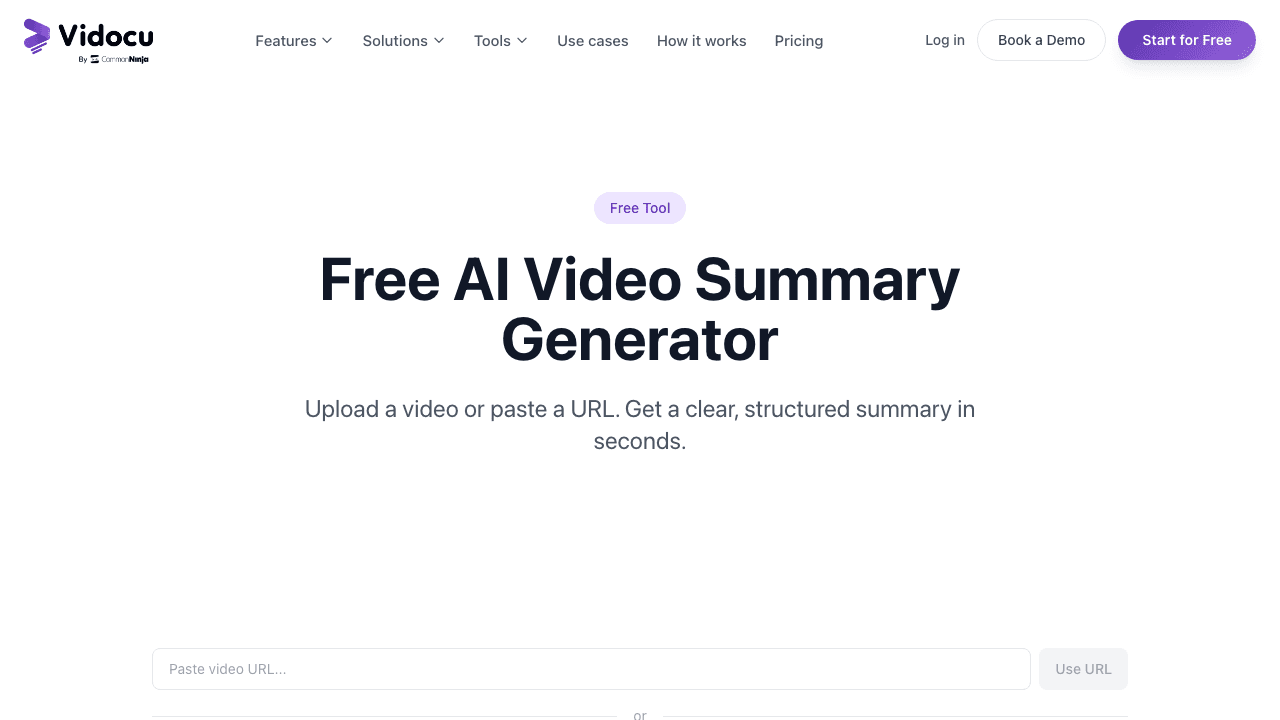
Vidocu's free video summary generator takes a YouTube URL or an uploaded file (up to 500 MB) and returns a structured summary in three lengths: short, medium, or detailed. The summary is grounded in both the audio track and the visual content, which matters for tutorials and product demos where the action on screen is part of the meaning. For a video you are publishing, the same pass feeds a YouTube description generator with chapters and timestamps.
What sets Vidocu apart is what happens after the summary. The same upload can be turned into AI-generated documentation with screenshots, accurate subtitles in 100+ languages, a fresh voiceover in another voice, or a fully translated video. If you're summarizing a webinar to share with your team, you can also turn it into a public knowledge base article in the same workflow.
Pricing: Free for the summary tool. Paid plans start at $5 for the full processing suite.
Strengths:
- URL + upload + visual analysis in one tool
- Three summary lengths cover quick scan and deep review
- Same upload becomes docs, subtitles, voiceover, or translation
- No browser extension required
Weaknesses:
- The 500 MB upload cap is generous but not unlimited
- Best when you need more than just a summary; if a one-line YouTube takeaway is all you want, lighter tools also work
Turn any video into a summary, doc, and subtitled clip
Vidocu does the summary, then keeps going. One upload becomes a structured summary, step-by-step documentation, accurate subtitles, and an AI voiceover in 100+ languages.
Try Vidocu free2. Notta: Best for Meetings and Transcription Accuracy
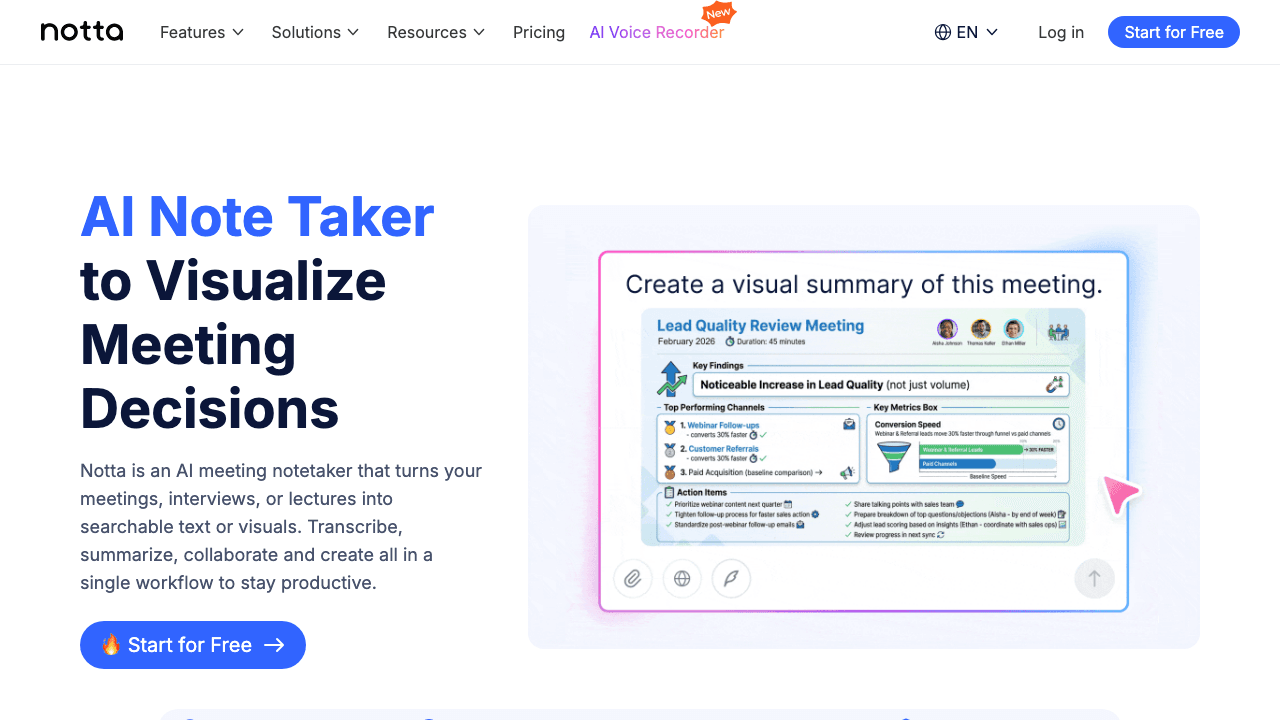
Notta is built around its transcription engine, which the company reports at up to 98.86% accuracy. The video summarizer is a layer on top: paste a YouTube URL, upload a Zoom recording, or import from Google Drive, and Notta produces a transcript first, then a structured summary with key points and action items.
Notta is the right pick if your videos are mostly meetings and you need both the verbatim record and the digest. The summaries lean toward business notes (decisions, owners, follow-ups) rather than narrative recaps, which is exactly what you want from a meeting tool. If your job involves a lot of meeting recordings, pair Notta's transcription with a separate workflow to turn the cleanest sessions into shareable tutorials and SOPs.
Pricing: Free plan with 120 minutes per month. Pro starts at $14.99/mo.
Strengths:
- Best-in-class transcription accuracy
- Strong for meeting-format content
- 58 languages, browser, desktop, and mobile apps
Weaknesses:
- Meeting-shaped output is not ideal for tutorial or lecture content
- Free tier runs out fast for heavy users
3. ScreenApp: Best Free Tool with Q&A Chat
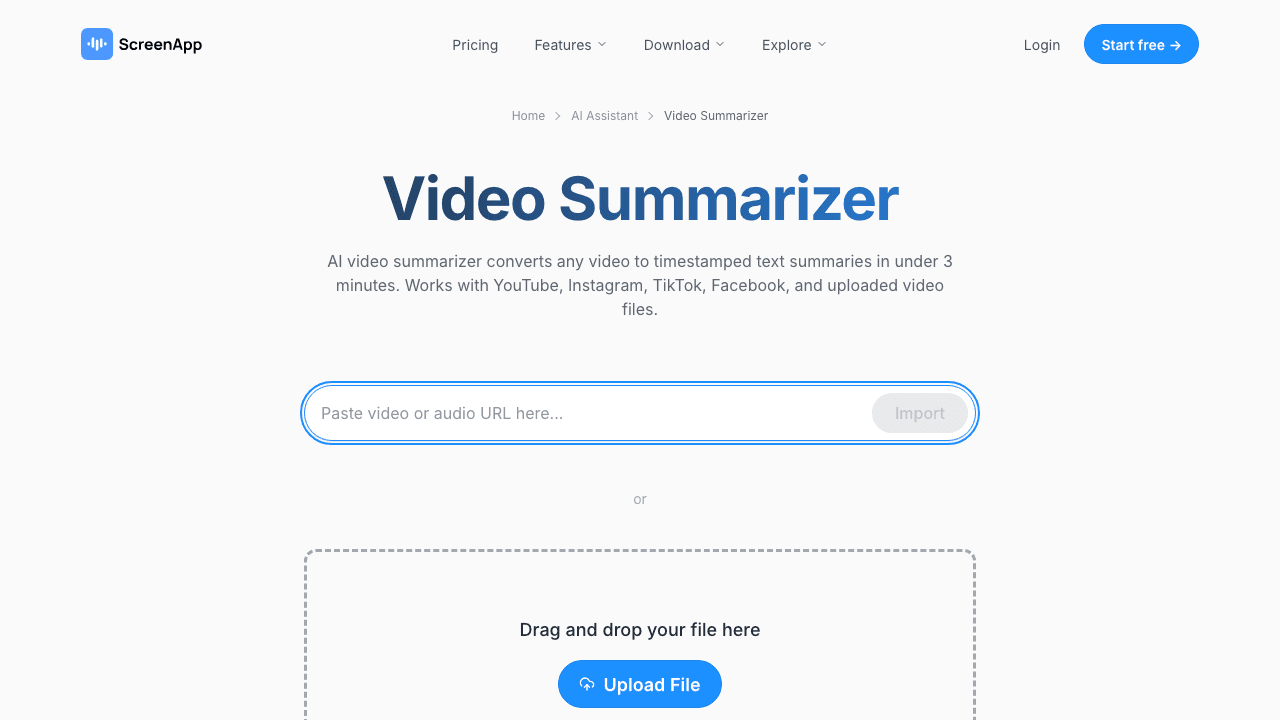
ScreenApp lets you upload up to three videos per month, each up to 45 minutes long, with no signup. You get a summary, timestamped chapters, key points, and a chat interface to ask follow-up questions about the video. That last feature is the one that turns this from a summarizer into something more useful: instead of re-reading the summary, you can just ask "what did the speaker say about pricing?" and get a grounded answer.
Pricing kicks in if you need more videos or longer files, but the free tier is enough to test whether AI summaries are useful for your workflow before committing to a paid tool.
Pricing: Free for 3 videos/month. Paid from $19/mo (annual).
Strengths:
- Generous free tier with no account required
- Q&A chat over your video is genuinely useful
- Speaker identification on paid plans
Weaknesses:
- 45-minute cap on free files is short for full webinars
- Output quality is solid but not the most polished
4. Eightify: Best Chrome Extension for YouTube
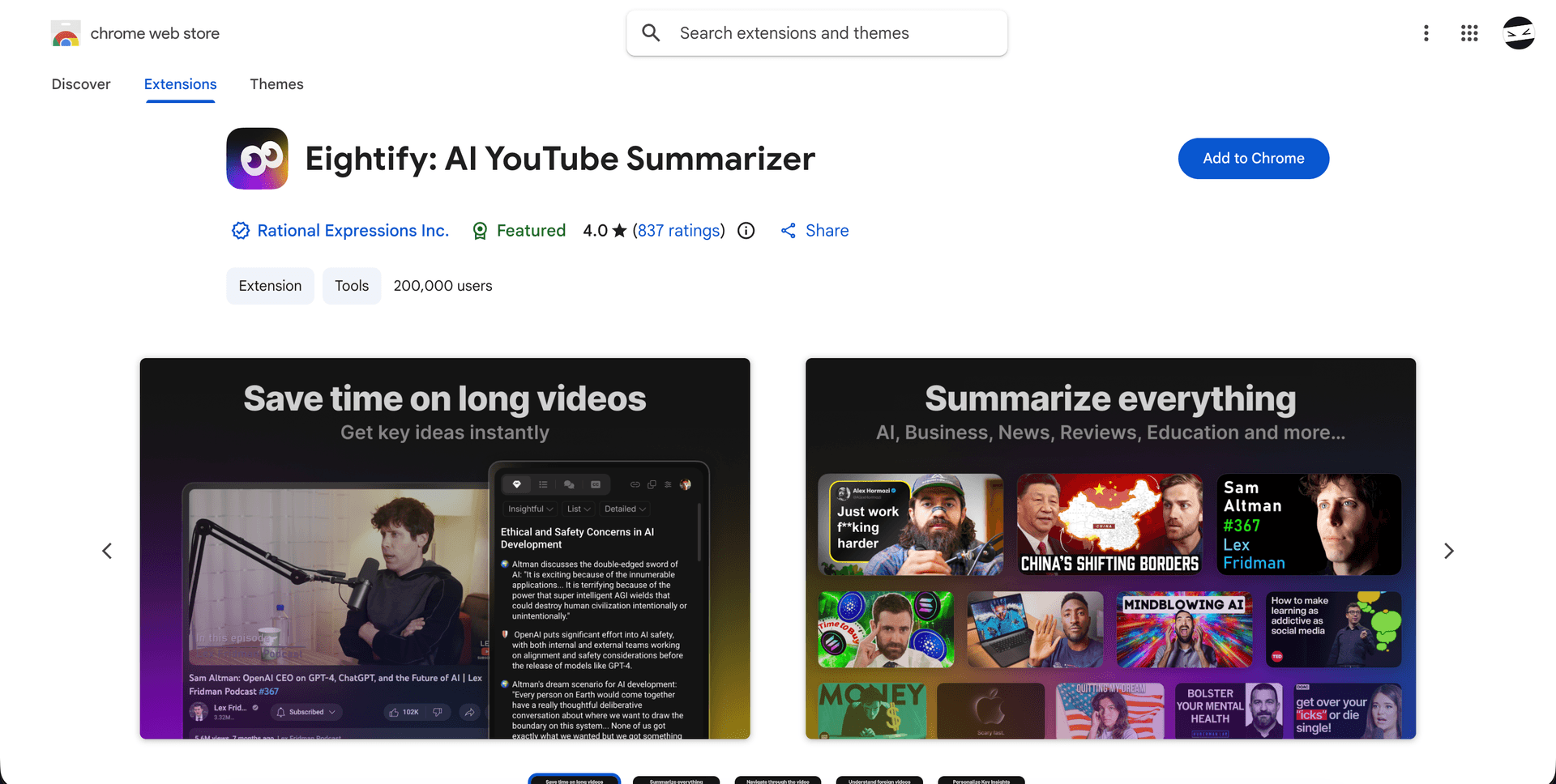
Eightify lives in your browser. Once installed, every YouTube page gets an Eightify panel with eight key ideas, a full summary, and timestamps you can click to jump to the exact moment. It uses ChatGPT and Claude under the hood and supports summaries in 40+ languages. There is no upload feature, which is the point: if you spend most of your video time inside YouTube, the friction of switching to a separate web app is what you're paying to remove.
It works on Chrome, iOS, and Android with one account, and there's a 7-day free trial before the paid plan starts.
Pricing: 7-day free trial. Paid from $4.99/mo.
Strengths:
- Lowest-friction YouTube summarization on the market
- Multi-device sync with one account
- Powered by GPT and Claude, not a weaker proprietary model
Weaknesses:
- YouTube only, no file uploads
- Requires a paid plan for any regular use
5. NoteGPT: Best Free No-Login YouTube Summarizer
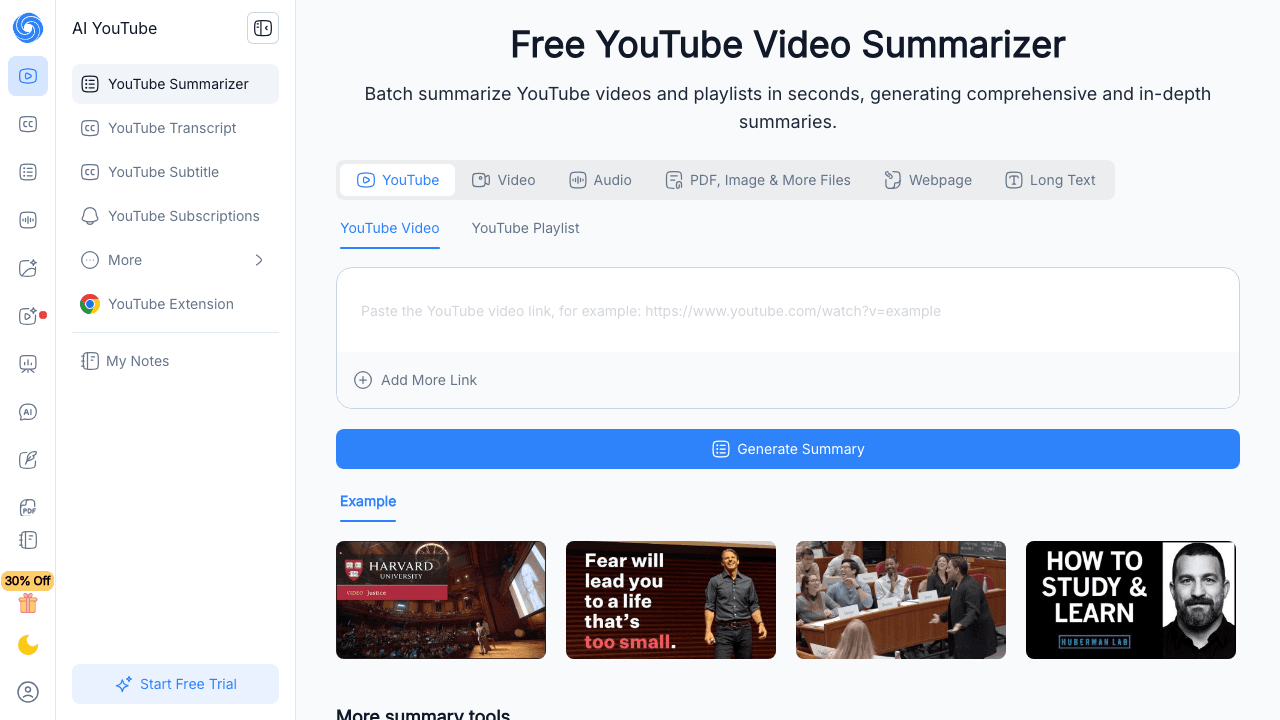
NoteGPT is the tool you use when you don't want to install anything, sign up for anything, or pay anything. Paste a YouTube link, get a summary. It also generates a clean transcript and a mind map, and there's no length cap on the free version, which is rare. The tradeoff is that summaries skew shorter and less structured than what Vidocu, Notta, or ScreenApp produce.
The Pro plan unlocks longer summaries, AI Q&A, and folder organization for $9.99/mo, which is fair if NoteGPT becomes part of your daily routine. For occasional YouTube summarization, the free tier is the easiest entry point.
Pricing: Free with no login. Pro from $9.99/mo.
Strengths:
- No signup, no install, no length limit
- Mind map output is a nice extra
- Multilingual support
Weaknesses:
- Summaries are shorter and less structured than paid tools
- YouTube and a few other URLs only, no full upload support on free tier
6. Mindgrasp: Best for Students and Learners
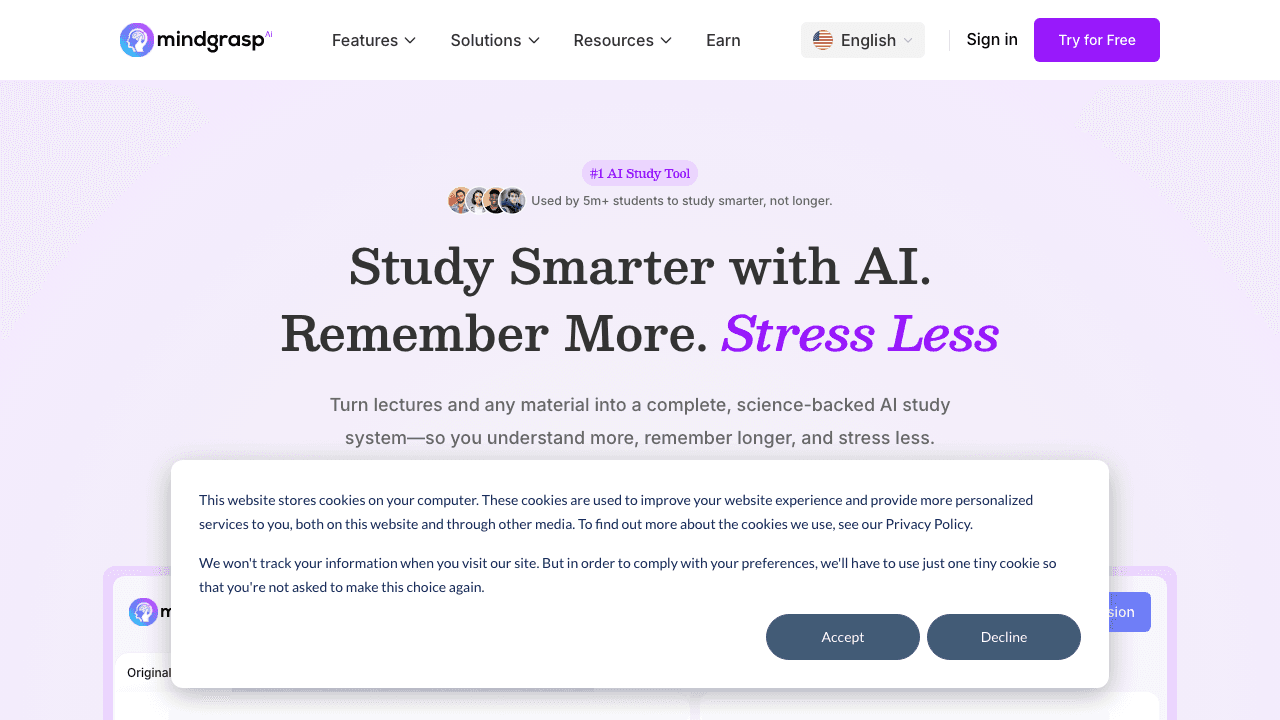
Mindgrasp is built for studying. The summary is one output among several: from the same video you also get notes, flashcards, quizzes, and an AI tutor that answers follow-up questions. It accepts YouTube links, Vimeo links, and uploaded MP4s, plus PDFs, DOCX, MP3, and PowerPoint files for non-video study material.
It's used by 5M+ students across 1,500+ schools including Princeton, Stanford, and MIT. If your goal is to learn from the video, not just remember it, the flashcards and quizzes are the real value. If you're a content team or knowledge base owner, the education use case page on Vidocu has tools more aligned with shipping content rather than retaining it.
Pricing: Free trial. Paid from $9.99/mo.
Strengths:
- Built specifically for learning workflows
- Flashcards and quizzes are unique value
- Handles many file types beyond video
Weaknesses:
- Not built for content production or business workflows
- Limited customization of summary format
7. Memories.ai: Best for Video Libraries
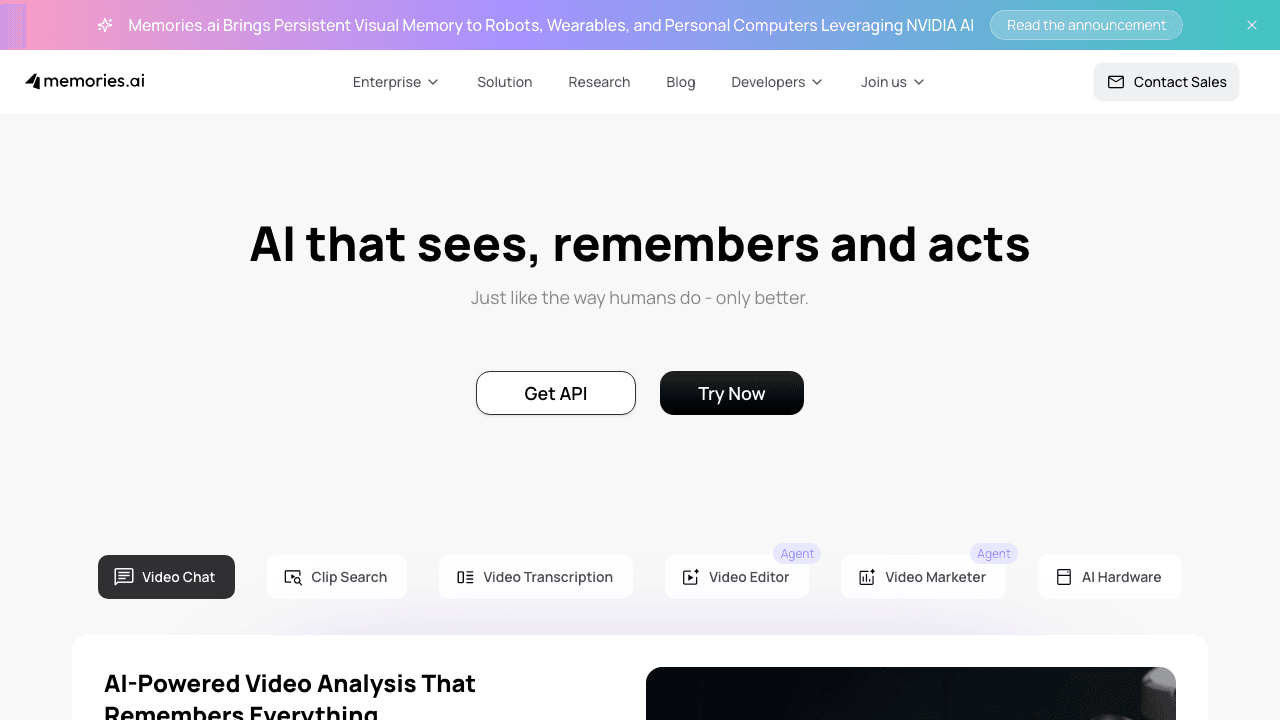
Memories.ai is the tool to reach for when "summarize this video" turns into "summarize this library of videos and let me search across all of them." It takes single videos via URL or upload, but the platform's bigger feature is multi-video search and analysis: ask a question, get an answer that pulls from across your uploaded clips with timestamps. Free plan includes 100 credits per month, with the Plus plan at $15/mo unlocking 5,000 credits and longer files.
For one-off summarization, the simpler tools above are quicker. For a content team building a searchable archive of webinars, training videos, or recorded calls, Memories.ai's multi-video reasoning is the differentiator.
Pricing: Free with 100 credits/mo. Plus from $15/mo (annual).
Strengths:
- Multi-video search across a library
- Strong for archive and research workflows
- Generous file size on paid plans
Weaknesses:
- Overkill for a single-video summary
- Credit-based pricing requires planning for heavy use
How to Pick the Right Tool
The honest answer depends on your inputs and outputs.
Inputs: If you mostly summarize YouTube, a URL-only tool like Eightify or NoteGPT gets the job done with less friction. If you have uploaded files, recordings, or a mix, you need a tool that handles uploads. Vidocu, Notta, ScreenApp, Mindgrasp, and Memories.ai all qualify.
Outputs: If a clean text summary is all you need, any tool here works. If you need the summary plus something else, the tool list shrinks. For meeting notes and action items, Notta. For flashcards and quizzes, Mindgrasp. For step-by-step documentation with screenshots, accurate subtitles, a translated voiceover, or a published knowledge base article, Vidocu is built around that whole pipeline rather than the summary alone.
Stop summarizing in one tool and producing in another
Vidocu turns a single upload into a summary, documentation with screenshots, subtitles, and a voiceover. One workflow, four outputs.
See how it worksFAQ
What is an AI video summary generator?
An AI video summary generator is a tool that uses AI to analyze the audio and visual content of a video, then produces a shorter text version covering the main points. Most accept a YouTube URL or an uploaded file and return a summary in seconds, often with timestamps, key points, and a chat interface for follow-up questions.
Are AI video summarizers accurate?
The good ones are accurate enough to replace watching a video for the gist of it. They are not accurate enough to replace watching when nuance matters, like product demos where the visuals carry meaning, or interviews where tone changes the answer. Tools that analyze visuals alongside audio (like Vidocu) outperform transcript-only summarizers on tutorials and demos. For meetings, transcription accuracy matters more than visual analysis, which is why Notta does well on that format.
Can AI summarize a 2-hour video?
Yes. Most modern tools handle long-form content. Eightify and NoteGPT specifically advertise no length cap on YouTube videos. For uploads, Vidocu accepts files up to 500 MB, ScreenApp covers up to 45 minutes on free and longer on paid, and Memories.ai unlocks longer files on its $15/mo plan. The bigger question is summary quality at length, since longer videos compress harder. Asking for a "detailed" rather than "short" summary on long content gives you more usable output.
Is there a free AI video summary generator with no signup?
Yes. NoteGPT summarizes YouTube videos for free with no login required. ScreenApp lets you upload three videos per month with no signup. Vidocu's free video summary tool asks for a free account and the first summary is on us.
What's the difference between a video summarizer and a transcription tool?
A transcription tool gives you the words, verbatim. A summarizer reads those words (and ideally the visuals) and produces a shorter version that captures the meaning. Many tools do both: Notta transcribes first and summarizes on top, Vidocu produces a summary alongside subtitles you can export in SRT or VTT, and ScreenApp shows you the summary, transcript, and chat in one view. If you only need the verbatim record, look at dedicated subtitle and caption tools. If you need the gist, you want a summarizer.
The Short Version
For most people in 2026, the right AI video summary generator is the one that fits both your input (URL or upload) and your output (just a summary, or a summary plus the next thing you do with it).
Vidocu wins overall because it does both: URL or upload in, structured summary out, and the same source video can become documentation, subtitles, a voiceover, or a translated version without re-uploading. If you only summarize YouTube videos, Eightify or NoteGPT do that one job with less overhead. If you live in meeting recordings, Notta is built for it. If you're studying, Mindgrasp.
Try Vidocu's free video summary generator on your next long video and see how much of your week opens up.

Written by
Daniel SternlichtDaniel Sternlicht is a tech entrepreneur and product builder focused on creating scalable web products. He is the Founder & CEO of Common Ninja, home to Widgets+, Embeddable, Brackets, and Vidocu - products that help businesses engage users, collect data, and build interactive web experiences across platforms.