


If you want captions on your video without paying for a subtitling service or typing them out by hand, the good news is that AI caption generators are now accurate enough to do 95% of the work for you. The bad news is that "free" means very different things across tools, some give you unlimited captions on short videos, others lock exports behind a watermark, and a few quietly cap you at a few minutes per month.
This guide cuts through that. Below are the 9 best free tools to generate captions directly from a video in 2026, what each one is actually free for, and which one to pick depending on whether you care most about accuracy, languages, export formats, or doing more than just captions.
What "free caption generator from video" should actually mean
Before the list, a quick filter. A caption generator worth using in 2026 should:
- Auto-transcribe the video (no manual typing)
- Support multiple languages: at minimum English plus the major European/Asian languages
- Let you edit captions before export
- Export to SRT, VTT, or burned-in MP4: ideally all three
- Be actually usable for free: not a 30-second teaser
Tools that fail one of those didn't make this list. Tools that pass all five and do more than captions (translation, voiceover, documentation) ranked higher.
Quick comparison
| Tool | Free tier | Paid from | Languages | Export formats | Best for |
|---|---|---|---|---|---|
| Vidocu | Free plan, 1 export, no card | $39/mo | 50+ | SRT, VTT, burned-in | All-in-one (captions + docs + voiceover) |
| Veed.io | 10 min/upload, watermark | $10 per user/mo billed yearly | 100+ | SRT, VTT, TXT | Quick browser editing |
| Kapwing | Up to 50 min auto-subs, 720p, watermark | $16 per member/mo billed yearly | 70+ | SRT, VTT, burned-in | Social clips |
| Submagic | Trial only, no permanent free plan | $12 per member/mo billed yearly | 48+ | Burned-in MP4 | TikTok/Reels styling |
| Rev | 45 AI min/mo, English only | $25.49 per seat/mo billed yearly | 30+ | SRT only | Pure SRT export |
| Descript | Free plan, limited | $16 per person/mo billed yearly | 23+ | SRT, VTT, TXT | Podcast/long-form |
| Happy Scribe | 10-min AI trial, watermarked exports | $8.50/mo billed yearly | 120+ | SRT, VTT, TXT | Multilingual accuracy |
| Zubtitle | 2 videos/mo, watermark, 720p | $19/mo or $190/yr | 60+ | Burned-in MP4 | Short-form social |
| CapCut | Free tier available | Not published | 30+ | Burned-in MP4 | Mobile-first editing |
Generate captions from any video, free
Upload a video, get accurate captions in 50+ languages, edit them in the browser, and export as SRT, VTT, or burned in. No credit card.
Try Vidocu free1. Vidocu: Best all-in-one caption generator
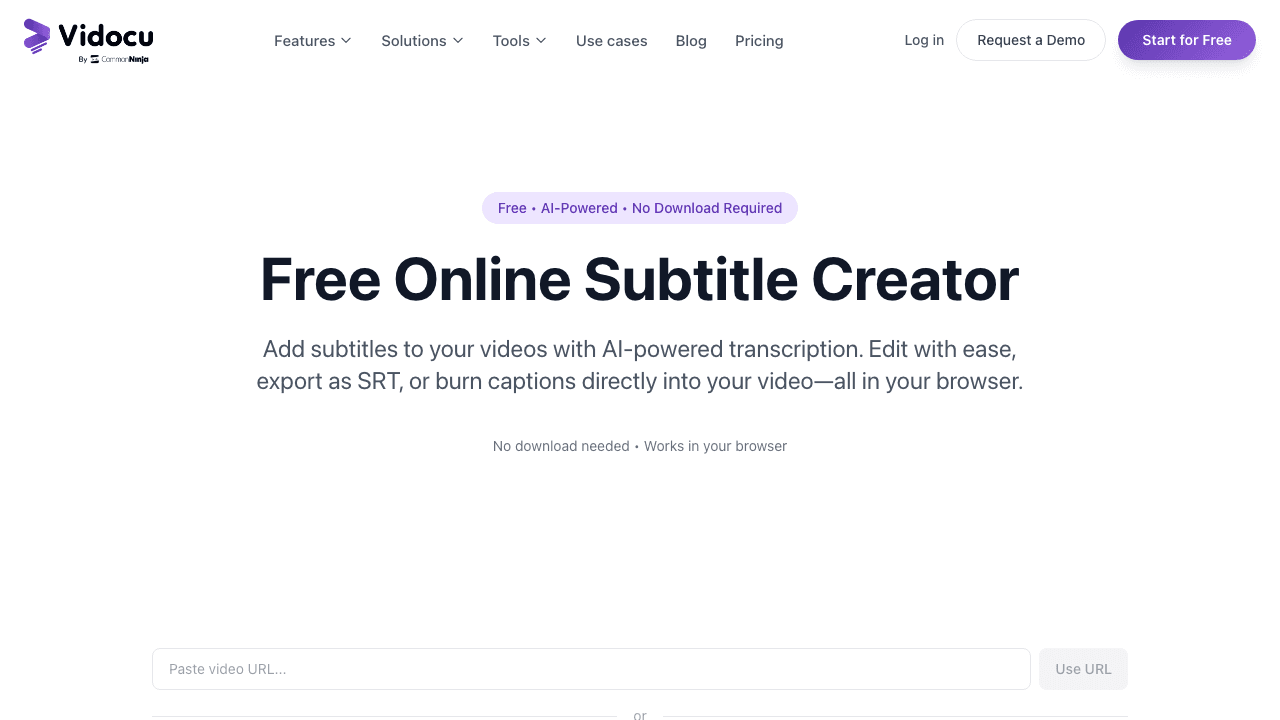
Vidocu is the only tool on this list that treats captions as the starting point, not the finish line. Upload a video and you instantly get an accurate transcript, editable captions in the browser, and one-click export to SRT, VTT, or a burned-in MP4. From the same upload you can also translate the captions into 50+ languages, generate an AI voiceover in the target language, or turn the video into a help article with screenshots.
That matters because most teams generating captions today aren't just captioning, they're trying to make a piece of content reusable. Vidocu's free subtitle creator handles the captioning step without a card, and if you ever need the rest of the workflow (translation, SOPs, documentation) it's the same upload.
Free tier: Free uploads, no credit card, no watermark on captions. Languages: 50+ Export formats: SRT, VTT, burned-in MP4 Also useful: the same transcript feeds a YouTube description generator if the video is going to YouTube. Best for: Anyone who wants captions today and might want translation, voiceover, or written docs from the same video tomorrow.
If the captioned video is heading somewhere public, it is worth one final pass to watermark the finished video.
2. Veed.io
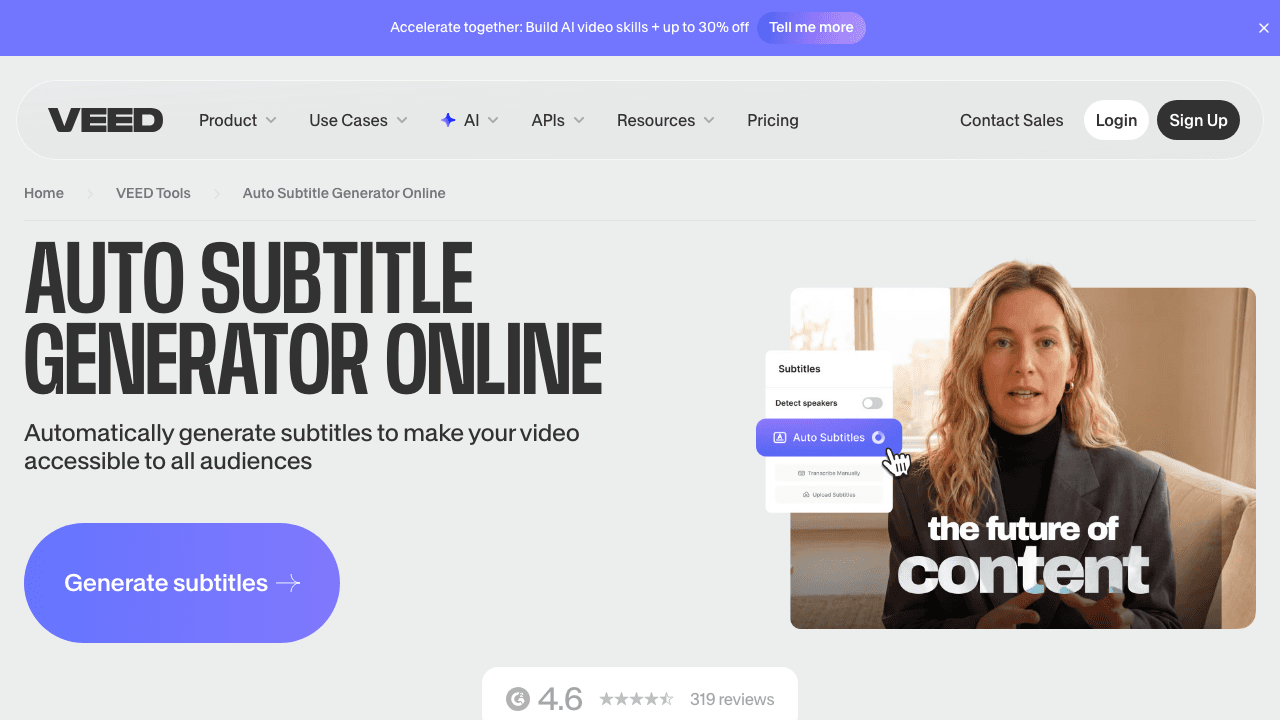
Veed is a browser-based video editor with a solid auto-subtitle feature baked in. Upload a clip, click "Subtitles → Auto Subtitles," and you get an editable timeline of captions you can restyle, reposition, and export. It's fast and the styling controls are good.
The catch: the free tier limits uploads to 10 minutes and adds a Veed watermark to exports. Captions exported as SRT are clean, but if you want a watermark-free burned-in MP4 you'll bump into the paywall fast.
Free tier: 10 min uploads, watermark on exports. Best for: Quick one-off captioning when you don't mind the watermark.
3. Kapwing
Kapwing pioneered the "everything in the browser" video editor and its auto-subtitle tool is one of the most polished. You get a clean timeline, easy text restyling, and the ability to translate captions into 70+ languages. Templates for TikTok/Reels-style animated captions are a nice touch.
The free plan caps automatic subtitles at 4 minutes per video and adds a watermark above that. Good for short clips, frustrating for anything longer.
Free tier: 4 min auto-subs, watermark on longer videos. Best for: Stylized social-media captions on short clips.
4. Submagic
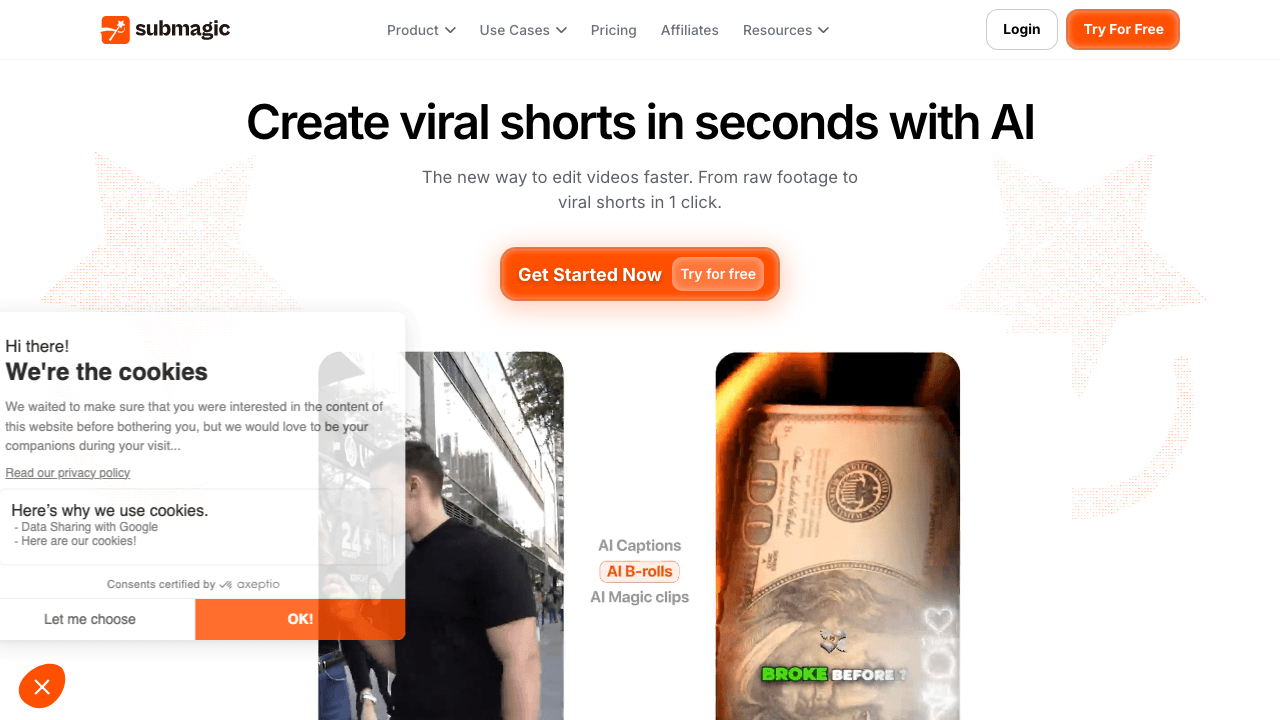
Submagic is purpose-built for one job: word-by-word animated captions for TikTok, Reels, and Shorts. It's not really a general caption generator, it's a styling layer on top of one. Accuracy is good, the templates look great, and you can add emojis and B-roll automatically.
The free tier gives you exactly one video. After that it's paid. Use it when you need polish, not when you need throughput.
Free tier: 1 free video. Best for: Short-form creators who want viral-style captions.
5. Rev
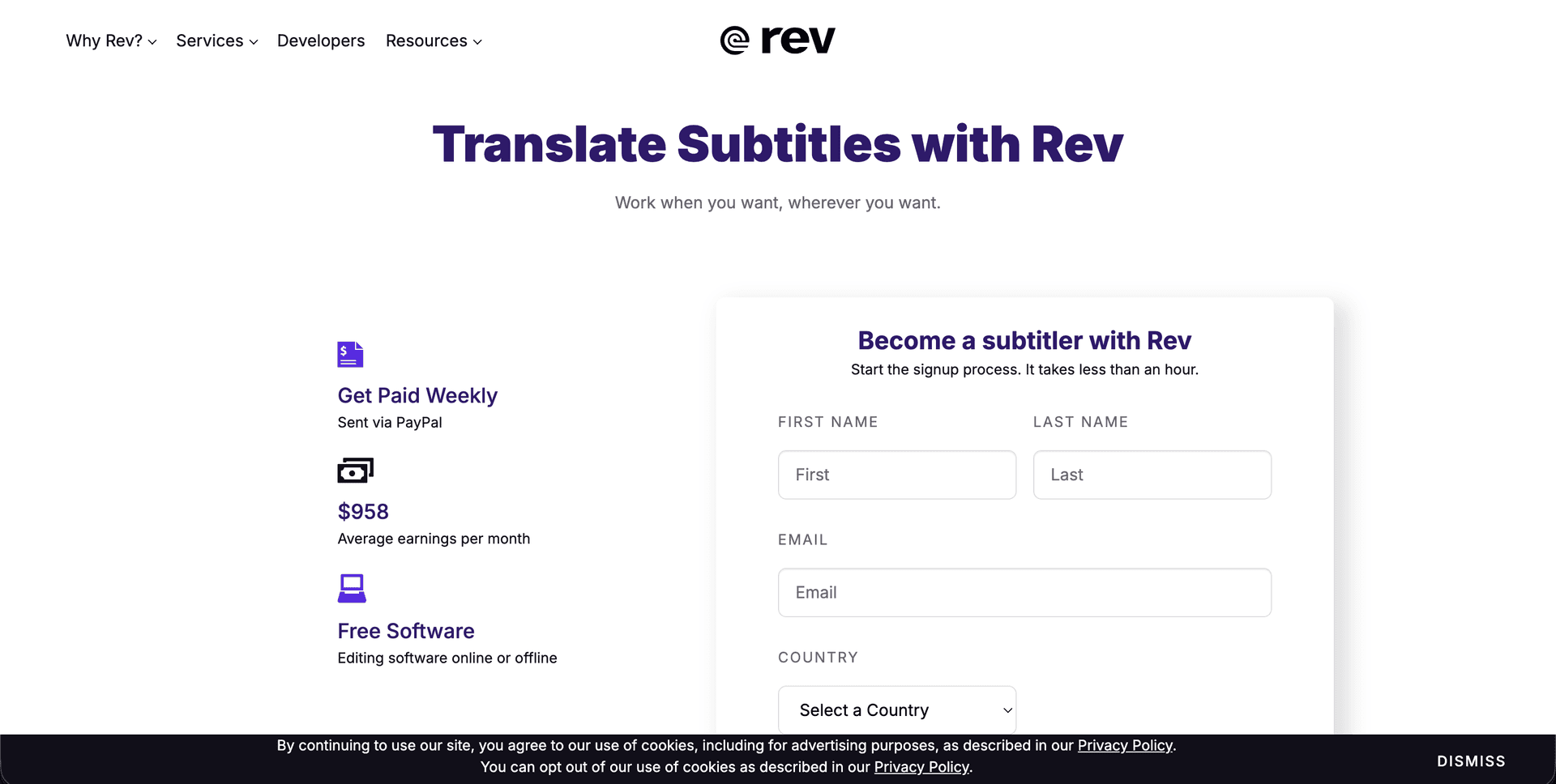
Rev is best known for its paid human transcription service, but it also offers a free AI-only SRT generator. You upload a video, wait a few minutes, and download an SRT. That's it, no editor, no styling, no burn-in. If all you need is a clean SRT to drop into a video editor or YouTube, Rev does the job.
Free tier: Free SRT downloads (rate-limited). Best for: Anyone who just wants the SRT file and nothing else.
6. Descript
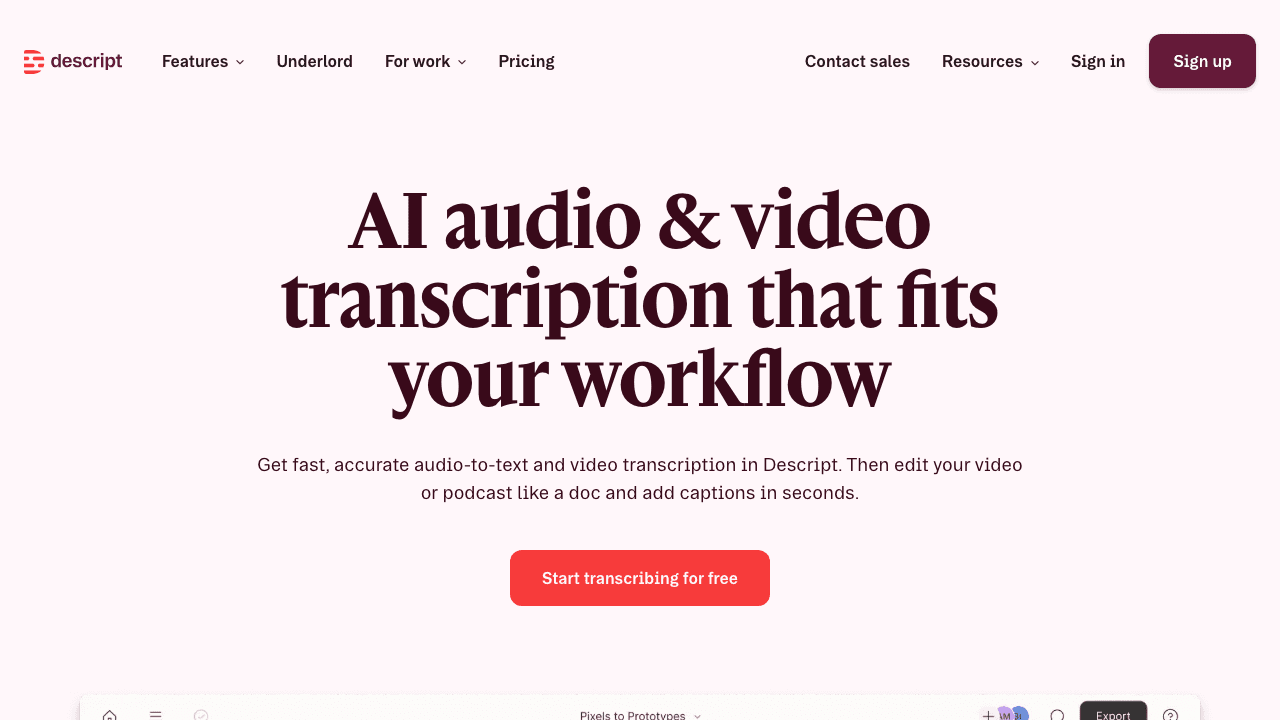
Descript treats transcription as the editing surface, you edit the video by editing the transcript. That's powerful for podcasts and long-form interviews, and the captions you can export at the end are accurate. The free tier gives you 1 hour of transcription per month, which is generous for occasional use but tight if you produce weekly.
If you want the full Descript-vs-Vidocu breakdown, we wrote one in our guide to Descript alternatives for documentation teams.
Free tier: 1 hour/month. Best for: Podcasters and long-form editors.
7. Happy Scribe
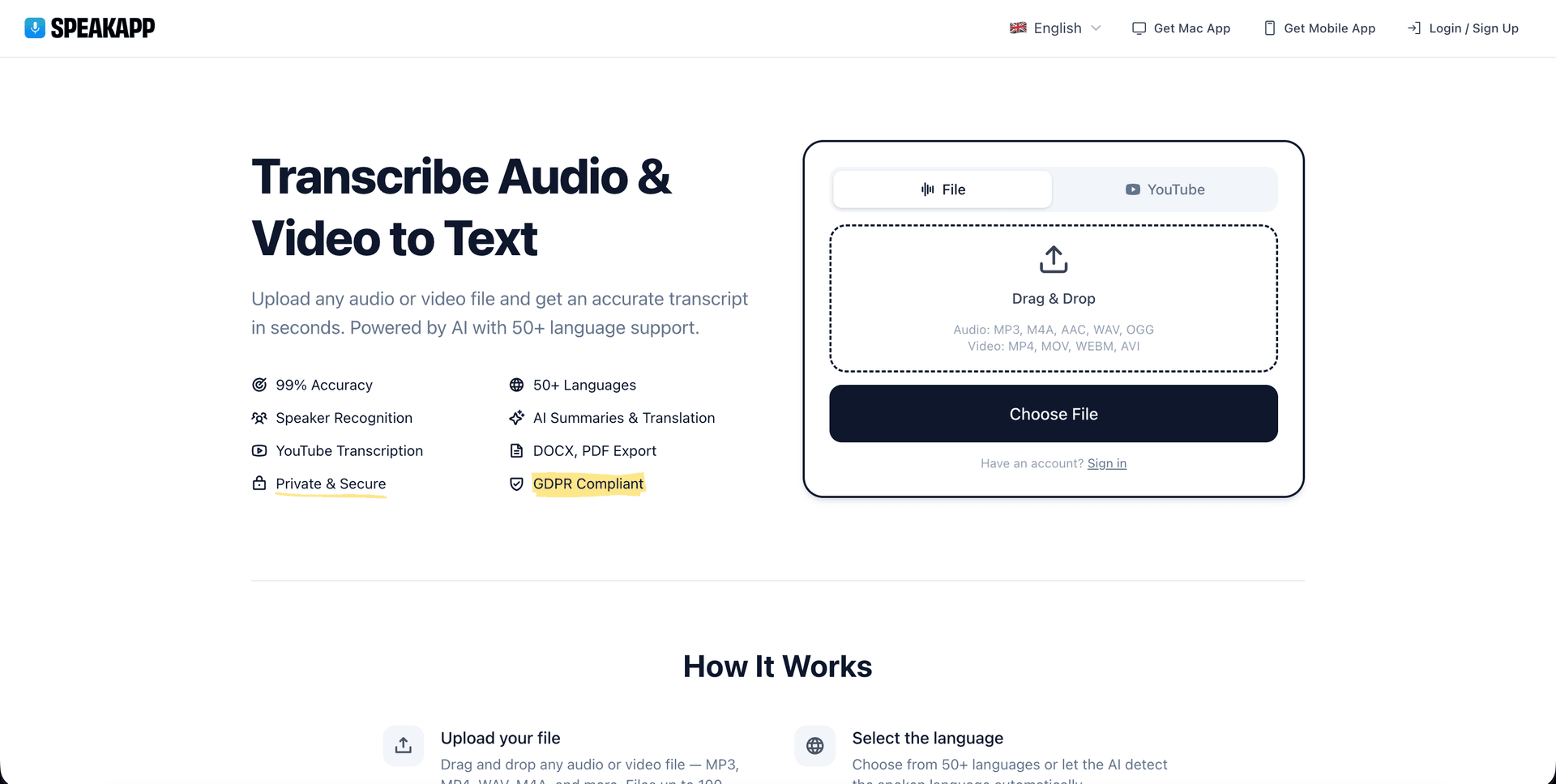
Happy Scribe focuses on multilingual accuracy and supports 120+ languages, more than anything else on this list. Their AI transcripts are paired with an optional human-review service for accuracy-critical work. The free tier is a 30-minute trial, after which you're on per-minute pricing.
Free tier: 30 min trial. Best for: Multilingual content where the language isn't English.
Captions in 50+ languages from one upload
Vidocu auto-detects the source language and lets you translate captions to any of 50+ target languages, keeping the timing perfect.
Try multilingual captions8. Zubtitle
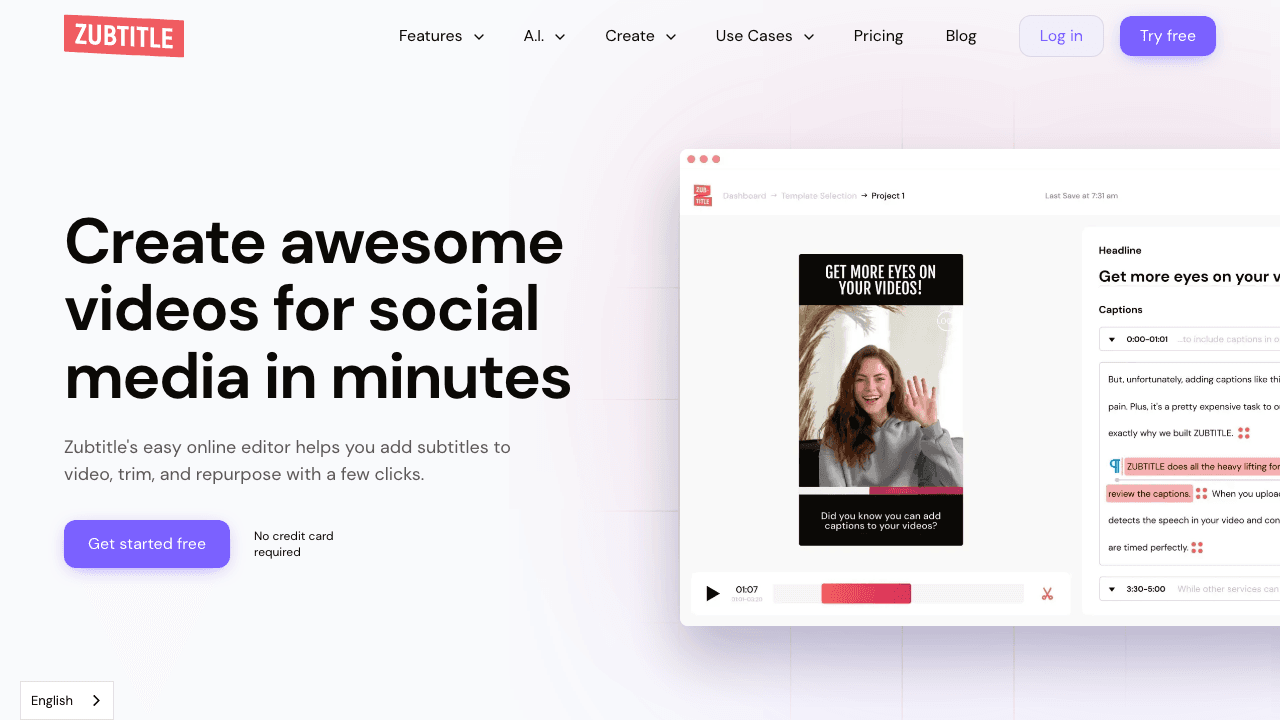
Zubtitle is another short-form-focused tool. Upload a video, get auto-generated captions burned in, and export. The styling presets are tuned for Instagram and TikTok aspect ratios. The free tier is 1 video per month, watermarked.
Free tier: 1 video/month, watermarked. Best for: Marketers running occasional social clips.
9. CapCut
CapCut, owned by ByteDance, is the most-used free mobile video editor in the world and includes solid auto-caption generation across 30+ languages. It's free with no credit card and no watermark on captions specifically. The downside: it's primarily a mobile-first app and the desktop version's UX is rougher than the browser-native tools above.
Free tier: Unlimited free. Best for: Mobile creators already in the CapCut ecosystem.
What caption generators actually cost in 2026
Free tiers are where most people start, but nearly all of them cap either the number of videos, the minutes of transcription, or the export quality. Here is what each tool charges once you outgrow the free plan, verified against every vendor's own pricing page in September 2026.
| Tool | Free tier | Entry paid plan | Next tier up | Top published tier |
|---|---|---|---|---|
| Vidocu | $0: 200 credits, about 4 min of AI video, 1 export, recordings up to 3 min | Pro $39/mo (820 credits, about 16 min) | Business $149/mo (4,000 credits, about 80 min) | Enterprise, custom |
| Veed.io | Start free, watermarked | Creator $10 per user/mo billed yearly ($116/yr) | Pro $21 per user/mo ($257/yr) | Studio $35 per user/mo ($414/yr) |
| Kapwing | $0: watermark, 720p, 4-min exports, up to 50 min auto-subtitling | Pro $16 per member/mo billed annually ($24 monthly) | Business $50 per member/mo ($64 monthly) | Enterprise, custom |
| Submagic | No permanent free plan, trial only | Starter $12 per member/mo billed yearly | Pro $23 per member/mo | Business $41 per member/mo |
| Rev | $0: 45 AI transcription and caption min/mo, English only | Essentials $25.49 per seat/mo ($305.90 billed annually) | Pro $47.99 per seat/mo ($575.88 annually) | Unlimited, custom |
| Descript | $0 plan available | Hobbyist $16 per person/mo annual ($24 monthly) | Creator $24 per person/mo ($35 monthly) | Business $50 per person/mo ($65 monthly) |
| Happy Scribe | $0: 10-min AI trial, watermarked exports | Basic $8.50/mo billed annually | Pro $19/mo | Business $59/mo |
| Zubtitle | $0: 2 videos/mo, watermark, up to 720p | Guru $19/mo or $190/yr (10 videos/mo) | Agency $49/mo or $490/yr (30 videos/mo) | Custom pricing calculator |
| CapCut | Free tier available | Not published | Not published | Not published |
Three things worth knowing before you compare these numbers.
CapCut no longer publishes pricing anywhere on its website. Plans are sold in-app, vary by region, and were restructured during 2026. Any figure you see quoted in a comparison article is a guess, so treat CapCut as a free tool and budget nothing for it until you see the in-app price yourself.
Rev has repositioned toward legal and investigative work. Its plans are now written around case review, file analysis, and a Clio integration rather than creator captioning. It still exports clean SRT, but you are paying for a stack aimed at a different job.
Watch the billing unit. Veed, Kapwing, Submagic, Rev, and Descript all price per seat or per member, so a three-person team multiplies the sticker price. Happy Scribe and Zubtitle bill per workspace with seats included, and Vidocu bills by credits rather than by seat, so the comparison changes shape as soon as more than one person needs access. Happy Scribe also localizes currency by region, so the figures above may render differently where you are.
How to pick
- You want captions plus everything else (translation, voiceover, docs from the same video): Vidocu.
- You want word-by-word animated TikTok captions: Submagic.
- You want a clean SRT and nothing else: Rev.
- You're editing a long podcast: Descript.
- Your source video is in a less common language: Happy Scribe.
- You're already on mobile and just want quick burns: CapCut.
For most teams creating product videos, tutorials, or training content, the answer is the all-in-one tool, because you'll inevitably need more than just captions. That's why we built Vidocu around captions as a foundation: the same upload becomes SOPs, help articles, voiceovers, and translations, and you don't have to re-upload anywhere.
One caveat worth planning for: captions exist because most social video plays on mute, but the same clip still needs to work with sound on. If you add a song to a video free, keep the music well under the narration, or the caption track ends up carrying the whole video for viewers who do turn the sound on.
Captions always start from the audio track, so if you ever need that track on its own, a free audio extractor pulls the MP3 out of the same video without touching the captions.
If you're publishing on YouTube, captions also matter for SEO, we wrote about what subtitles actually do for YouTube SEO and the difference between subtitles, captions, and closed captions.
FAQ
What's the difference between captions and subtitles?
Captions assume the viewer can't hear the audio and include sound cues ([SFX], [music playing]). Subtitles assume the viewer can hear but doesn't speak the language. For most video content, "captions" and "subtitles" are used interchangeably, but if you're publishing for accessibility, captions is the correct term.
Can I generate captions from a video for free without a watermark?
Yes. Vidocu's free subtitle creator generates captions with no watermark. CapCut and Rev also export caption files (SRT) without watermarks. Tools like Veed, Kapwing, Submagic, and Zubtitle add watermarks to free exports above their limits. If the captions also need another language, compare the AI subtitle translator tools built for that job.
How accurate are AI-generated captions in 2026?
For clear English audio, the top tools (Vidocu, Descript, Happy Scribe) hit 95–98% accuracy. Accuracy drops with background noise, accents, or technical jargon. Always plan to do a quick edit pass before publishing, even a 98% accurate transcript has a noticeable error every few minutes.
How much does a caption generator cost?
Entry paid plans in this list run from $8.50 to about $25 per month. Happy Scribe is the cheapest way into a paid tier at $8.50/mo billed annually, Veed starts at $10 per user/mo, Kapwing and Descript both start at $16, Zubtitle at $19, and Rev is the most expensive entry point at $25.49 per seat. Vidocu's Pro plan is $39/mo, which buys the full pipeline (captions plus documentation, voiceover, and translation) rather than captions alone. Most tools also keep a free tier, but nearly all of them cap videos, minutes, or export resolution, and Submagic has no permanent free plan at all.
What format should I export captions in?
For YouTube, Vimeo, or LinkedIn: upload the SRT file separately so viewers can toggle captions on or off. For Instagram, TikTok, or anywhere captions need to be visible by default: export as a burned-in MP4. Vidocu lets you do both from the same project. If the source footage is still landscape, crop the video online free to 9:16 first so the captions sit inside the vertical frame instead of getting cut off.
Can I translate captions into another language for free?
Yes. Vidocu's free subtitle translator translates captions into 50+ languages while preserving the original timing. Happy Scribe and Kapwing also offer translation, though usually behind their paid tiers.

Written by
Daniel SternlichtDaniel Sternlicht is a tech entrepreneur and product builder focused on creating scalable web products. He is the Founder & CEO of Common Ninja, home to Widgets+, Embeddable, Brackets, and Vidocu - products that help businesses engage users, collect data, and build interactive web experiences across platforms.


