
AI-Powered
Video Editing
Training
Developer
Product
Solutions
Integrations
Free Tools
Article to Video
Turn articles into MP4
Script to Voiceover
Turn text into AI audio
Transcript to Help Article
Clean docs from transcripts
Video Trimmer
Cut and trim video clips
Subtitle Creator
Generate captions from audio
Transcript Extractor
Get text from any video
Video Watermark
Add logo or text overlay
Video Cropper
Resize and crop frames
AI Video Reframer
Auto crop with subject tracking
Video to FAQ
Turn video into Q&A
Video to Help Article
Auto-generate help docs
Video to Quiz
Generate quizzes from videos
Subtitle Translator
Translate captions instantly
Background Music
Add royalty-free tracks
Thumbnail Generator
Create click-worthy thumbs
Description Generator
SEO-optimized descriptions
AI Video Trimmer
Smart cuts, auto highlights
Video Merger
Combine multiple clips
Before & After Video
Side-by-side comparisons
Coming Next Video
PiP teaser into next clip
Video Rotator
Flip or rotate footage
Speed Changer
Speed up or slow down
Format Converter
Convert between formats
Video Compressor
Shrink file size, keep quality
Video to GIF
Turn clips into animated GIFs
Video Fade In/Out
Smooth intro and outro
Video Summary
AI-powered key takeaways
Video FAQ Generator
Extract FAQs from video
Video Report Generator
Custom report from any video
Image Annotator
Mark up screenshots
Video Annotator
Shapes, arrows & text on video
Audio Extractor
Extract audio from video
Audio Cleanup
Remove noise, level volume
Audio File Cleanup
Clean up an MP3 or WAV
Subtitle Burner
Burn captions into video
PDF to Video
Convert PDF to video
PowerPoint to Video
Convert PPT & PPTX to video
Keynote to Video
Convert Keynote to video
Presentation to Video
PDF, PPTX, or Keynote
Google Slides to Video
Turn Google Slides into video
Video Lighting
Brightness, contrast & more
Your AI-powered help center, hosted
Turn every video and article you create in Vidocu into a branded knowledge base. Custom domain, AI search, multi-language. Built for product teams who already make great content.
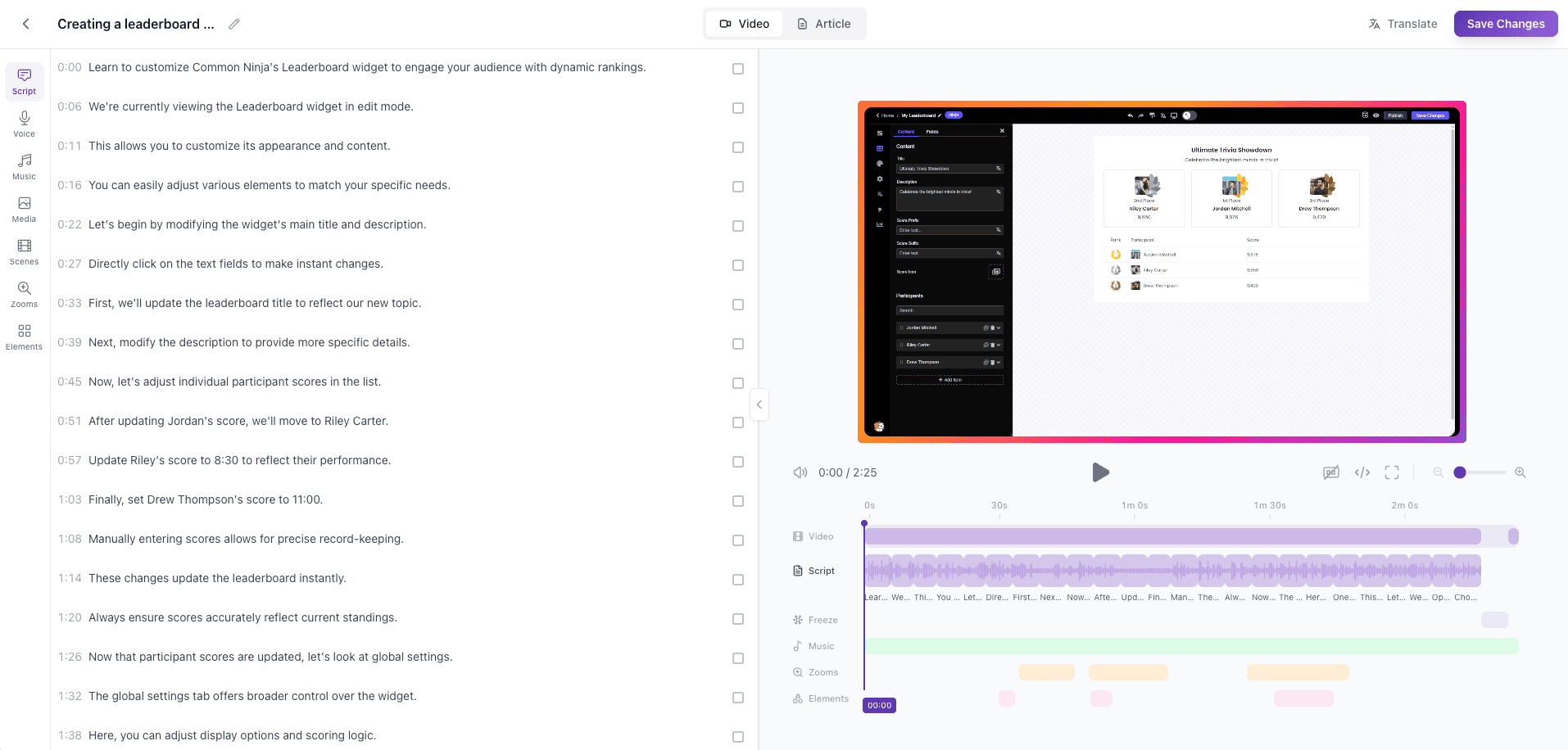
Most help centers are an afterthought
Support tickets pile up. Your team writes docs in Notion, exports videos to Loom, and somewhere a Zendesk article is rotting. Customers can't find anything, your team rewrites the same answers, and the link to that tutorial video died three migrations ago.
Vidocu Knowledge Center is the layer that ties it all together - the video, the transcript, the article, the screenshots - into a single help center your customers will actually use.
From video to help center in minutes
Upload a video
Screen recording, walkthrough, demo — Vidocu analyzes it with AI.
Auto-generate the article
Step-by-step instructions with screenshots, ready to publish.
Translate to any language
One click translates article + video subtitles + voiceover.
Publish to your KB
Goes live on your custom domain with AI search built in.
Upload a video
Screen recording, walkthrough, demo — Vidocu analyzes it with AI.
Auto-generate the article
Step-by-step instructions with screenshots, ready to publish.
Translate to any language
One click translates article + video subtitles + voiceover.
Publish to your KB
Goes live on your custom domain with AI search built in.
What's inside the Knowledge Center
Article-first layout
Every article ships with the linked Vidocu video — player, transcript, subtitles, and deep-link timestamps. Customers read, watch, or skim.
Custom domain
Host on docs.yourcompany.com via Domainee. SSL handled automatically. Or use the default {slug}.vidocu.help.
AI everywhere (1,000 credits/mo)
A single credit pool powers AI search with citations, AI edit on articles, and AI regenerate. Overages: $0.05 per credit.
Multi-language KB
Path-based locale URLs (/es/...). Translations stay in sync with the source — stale detection built in.
Gated or public
Magic-link gating with domain allowlists for internal docs. Or wide open for customer-facing help.
Your branding
Logo, colors, fonts, custom CSS, custom head HTML. Remove the Vidocu badge on Business+ plans.
Fast text search
Native Mongo text search across titles, excerpts, and content — instant, typo-tolerant, free.
Analytics
See what visitors search for, which articles convert, which queries had no good answer. Drive your content roadmap.
SEO ready
Per-locale sitemap, robots, canonical URLs, OG tags. Or set noindex with one click for staging KBs.
Who it's for
Customer support teams
Cut ticket volume by giving customers a help center that actually answers their question — with the video proof attached.
Product teams
Ship docs alongside features. Every release demo becomes a published article in the same flow.
Internal IT & ops
Gated internal KB with email-domain allowlist. SOPs, onboarding, training — searchable by AI.
How it stacks up
| Feature | Vidocu Knowledge Center | Zendesk / Intercom / Document360 |
|---|---|---|
Video player + transcript per article | ||
Auto-generated articles from video | ||
1-click multi-language translation | Paid add-on / manual | |
AI search over articles + video transcripts | Articles only | |
Custom domain | ||
Starting price | $100/mo add-on | $50-200+/mo seat |
Simple, predictable pricing
$100/mo (or $960/yr) on top of any paid Vidocu plan. Unlimited articles, 3 locales, and 1,000 AI credits included.
Extra locales are $20/mo each. AI credits beyond 1,000 are $0.05 each. No per-seat fees, no surprise bills.
Frequently Asked Questions
Subscribe to any paid Vidocu plan (Pro, Business, or Enterprise), then enable the Knowledge Center add-on from your billing dashboard. Provisioning is instant.
Yes. Knowledge Center supports custom domains via Domainee. You point a CNAME, we handle DNS verification and SSL. By default, your KB lives at {slug}.vidocu.help.
Every AI operation in your KB - public AI search, AI edit on articles, regenerate - debits 1 credit from a shared monthly pool. The included plan gets 1,000 credits/mo. Above that, overage is $0.05 per credit. Most teams stay well under the cap.
70+ languages. The Knowledge Center add-on includes 3 locales — your default language plus 2 translations. Additional locales are $20/mo each.
Yes. Toggle gated mode and KB visitors authenticate via email magic link. You can restrict access to specific email domains (e.g. only @yourcompany.com employees).
When you edit an article in its source language, translations are flagged as stale via a content hash. One click re-translates only what changed.
Bulk markdown import is in our roadmap. Zendesk import is planned alongside. Today, you can manually paste markdown or use Vidocu's auto-generated articles.
A 'Powered by Vidocu' badge appears in the footer on Pro tier. It's removable on Business and Enterprise plans from your KB branding settings.
The base Vidocu plans have free tiers and trials. The KB add-on activates the moment you subscribe to it — no separate trial period. You can cancel anytime.
Ship a help center your customers actually use
Add Knowledge Center to your plan for $100/mo. Unlimited articles. Live in minutes.
Your knowledge is valuable. Make it usable.
Upload once. Use everywhere.
The AI Knowledge Platform. One upload becomes videos, SOPs, guides, articles, and training - in any language.
© 2026 Vidocu. All rights reserved.