


A help center used to be a folder of articles with a search box on top. In 2026 the bar is higher. Buyers want a help center that writes its own articles, understands questions in plain language, cites its sources, translates itself, and gets smarter every time a customer asks something it cannot answer.
Most platforms market themselves as "AI-powered" the moment they bolt a chatbot on top of keyword search. A real AI-powered help center does four things: it generates content with minimal manual effort, it answers questions with retrieval-augmented generation (RAG) and citations, it surfaces gaps in its own knowledge, and it keeps multilingual versions in sync. We screened every major help center platform on those four criteria. Here are the seven that earned a spot.
Quick comparison
| Tool | Best for | AI search | Auto-generates articles | Multilingual | Starting price |
|---|---|---|---|---|---|
| Vidocu Knowledge Center | Video-first teams who want a hosted help center that builds itself | RAG with citations | Yes, from video | 65+ languages, stale-translation detection | $100 / mo add-on |
| Document360 | Enterprises with large written knowledge bases | Ask Eddy AI | AI writer, glossary | 50+ languages | Sales-led (quote) |
| Helpjuice | Mid-market support teams committed to a written KB | AI search + chatbot | AI writer | Yes (premium) | $449 / mo |
| GitBook | Developer documentation and API docs | AI Lens | Limited | Yes | $12 / user + $65 / site |
| Intercom (with Fin AI) | Live chat teams who want a deflection-first bot | Fin AI agent | No, sits on existing content | Yes | $0.99 / resolution |
| Bloomfire | Enterprise knowledge management across departments | Generative search | Generative authoring | Yes | Quote-based |
| Guru | Internal support enablement and onboarding | Verified AI answers | AI writer | Limited | $25 / seat (10 min.) |
What "AI-powered" should actually mean
Before the list, a quick standard. A help center earns the AI label when it does at least three of the following:
- Generates articles from a source other than a blank doc (a recording, a transcript, a ticket history, a Slack thread).
- Answers questions with RAG, not keyword search dressed up with a chatbot UI.
- Cites its sources so customers and agents can verify the answer.
- Detects its own gaps, either by surfacing unanswered queries or flagging stale content.
- Translates with synchronization, not a one-shot dump that drifts the moment you ship a feature.
Most tools in this category do two of those well and fake the rest. The seven below each lean into a meaningful subset. If you want a deeper dive on why RAG search outperforms keyword search for help centers, read our explainer on RAG-powered knowledge bases first.
1. Vidocu Knowledge Center
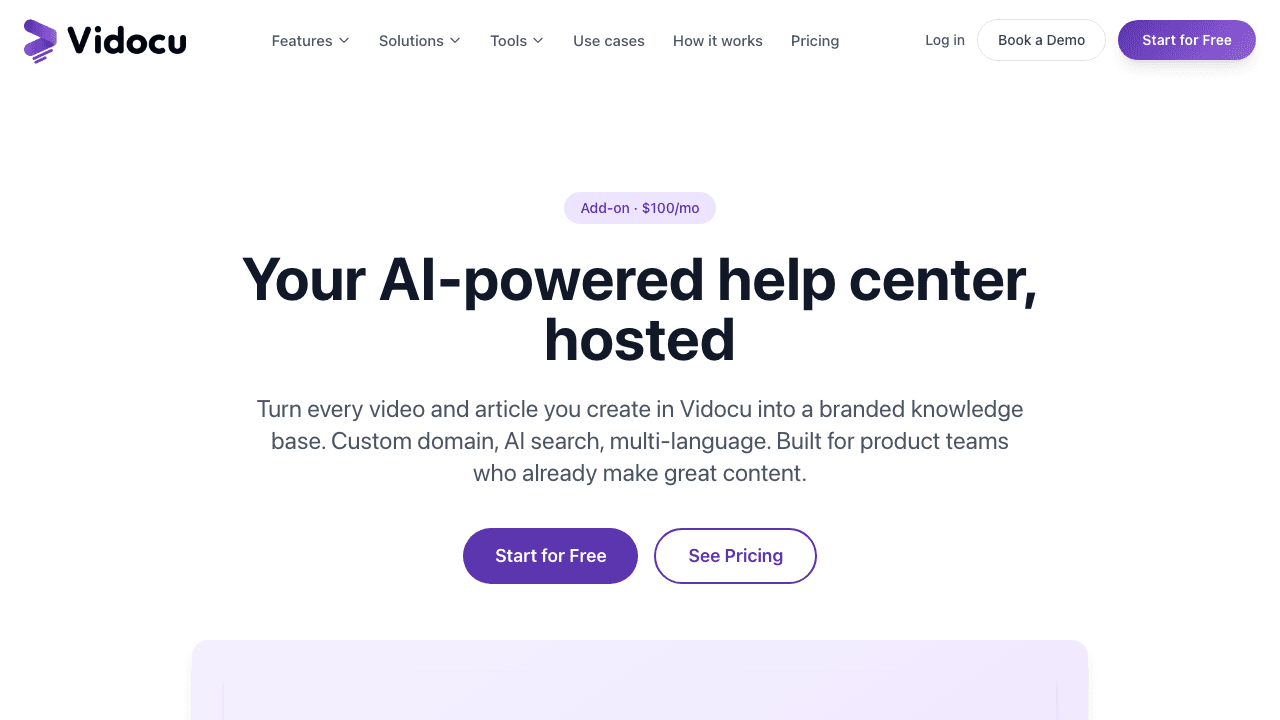
Best for: Teams who already record screen captures, demos, or training videos and want those to become a real help center automatically. Especially strong fit for customer support, customer success, and product-led SaaS teams.
Vidocu Knowledge Center is a hosted help center that turns the videos you already record into a searchable, multilingual, branded knowledge base. Uploads run through Vidocu's video-to-documentation workflow and land as articles with screenshots, embedded video, synchronized transcripts, and timestamped deep links. AI search is built on retrieval-augmented generation using Atlas Vector Search and Claude, and it reads transcripts in addition to article text, so a customer asking "how do I rotate the second clip" gets the right article even when the written body never says rotation.
What makes it different from a generic KB:
- The video is the source of truth. When you re-record a workflow, the article, subtitles, and translations all refresh from the same upload.
- 65+ language hosting with stale-translation detection. Edit the English version and every translated copy gets flagged with a visible "needs review" badge and a diff of what changed.
- Magic-link gating for internal docs. Public articles and gated internal SOPs coexist on the same domain with different access rules, scoped by email domain.
- Unanswered-query analytics. The dashboard surfaces the questions the AI assistant could not confidently answer, with a one-click "create article" button next to each.
Pricing: $100 / month as an add-on to any paid Vidocu plan ($960 / year). Includes unlimited articles, 3 locales (additional locales $20/mo each), 1,000 AI searches per month with $0.05 overage, custom domain, and analytics. Branding removal on Business and Enterprise tiers. The full Vidocu pricing page covers the underlying plans.
What it does not do well: If your knowledge base is entirely written articles with no video source material, Vidocu's video-native engine is overkill. The strength of the system is collapsing the workflow from recording to published help center; teams who never record screen captures will get more out of a Document360 or a Helpjuice.
Launch a hosted help center in an afternoon
Add Knowledge Center to any paid Vidocu plan for $100/mo. Video-native, multilingual, RAG search included.
Explore Knowledge Center2. Document360
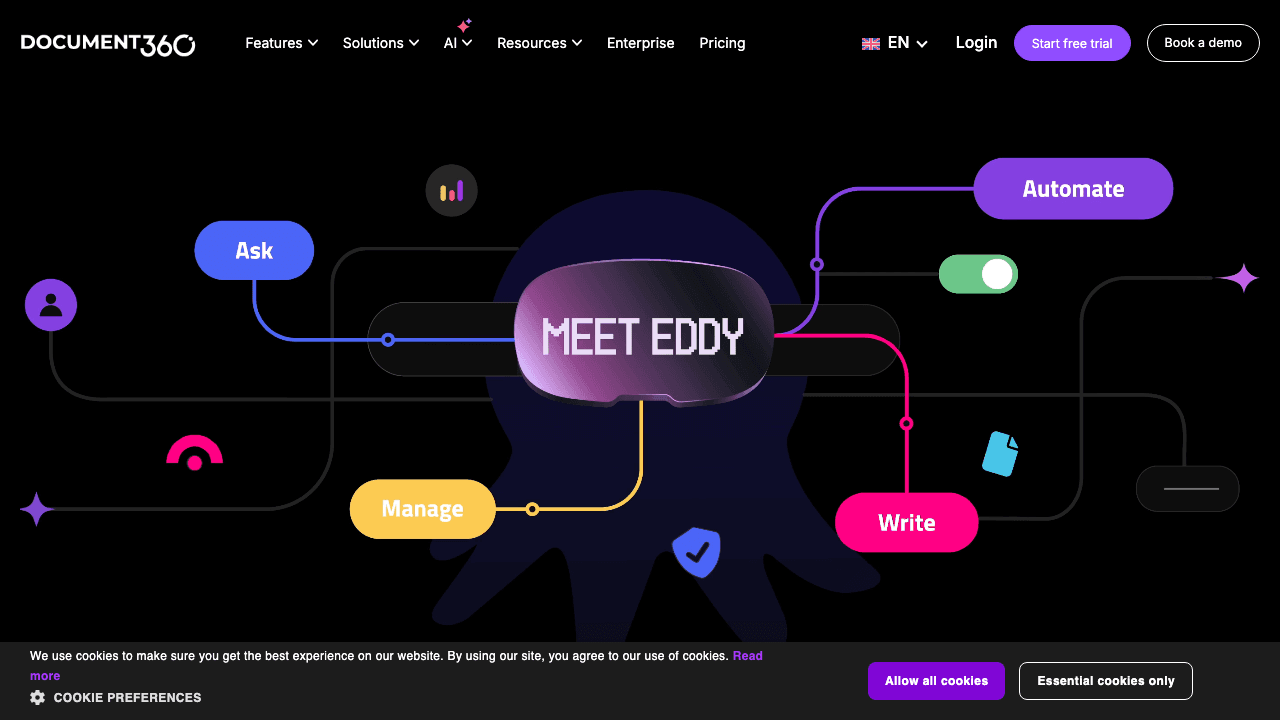
Best for: Enterprises with large existing written knowledge bases who want classic external help center hosting with a competent AI layer on top.
Document360 is the most established pure-play knowledge base platform in the AI tier, and its "Ask Eddy" AI search is the centerpiece of its 2026 push. Eddy retrieves relevant content and synthesizes a cited answer instead of returning a link list, breaks complex multi-part questions into sub-queries that run in parallel, and retains context across the last five queries in a session. The wider Eddy AI suite also handles 50+ language translation and includes an AI writer that pulls context from existing knowledge or web sources, formatted with tone, links, and FAQs.
Where Document360 leans further into AI: a glossary generator that identifies key terms automatically, a duplicate-content detector, and an Eddy AI Chatbot embed that customers can drop into their own product as a help widget.
Pricing: Document360 discontinued its free tier in late 2024 and is now fully sales-led. Plans are Professional, Business, and Enterprise, all quote-based. The Ask Eddy AI API is included with 2,000 credits per month on Business and 5,000 on Enterprise (1 credit per call). Expect Business pricing to land in the $400-600/mo range based on third-party benchmarks, with Enterprise starting around $700/mo.
What to watch: No public pricing means every conversation runs through sales, which is friction for teams who want to try-then-buy. Document360 is also primarily text-first; video embeds are supported but the platform was not built around them.
3. Helpjuice
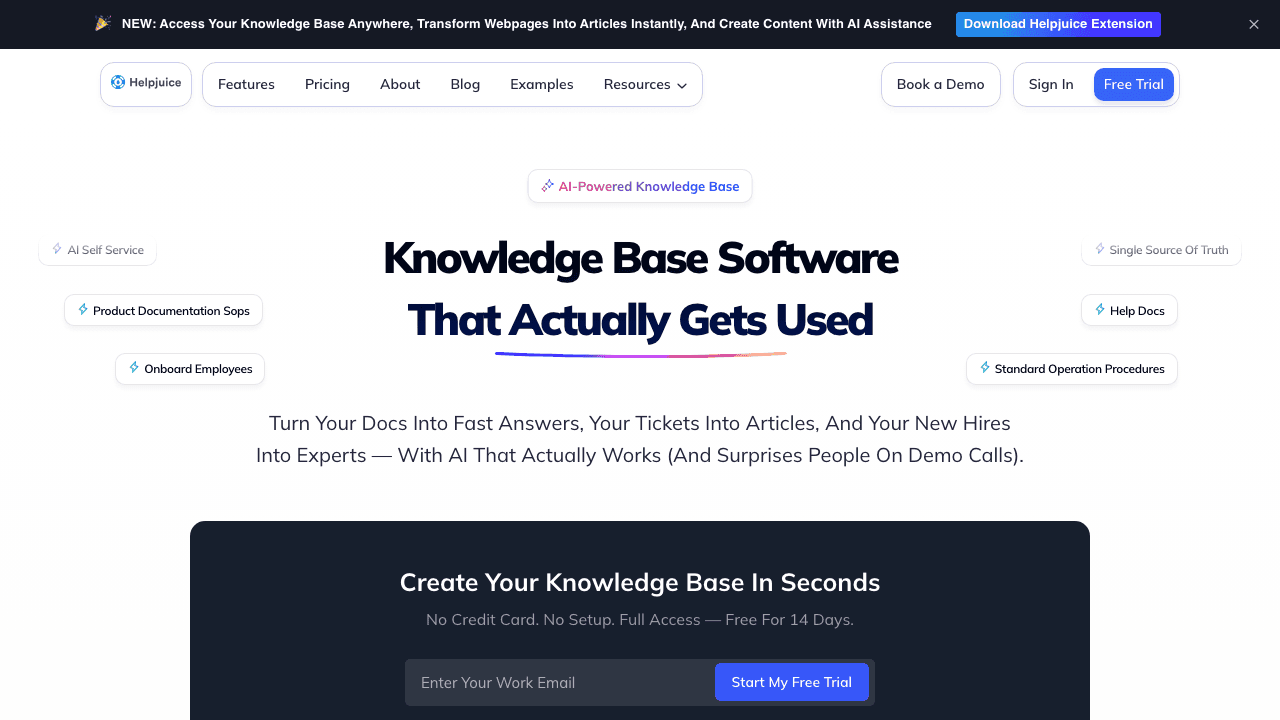
Best for: Mid-market support teams who want a polished, customizable knowledge base with hands-on design support and AI features on the mid-tier plan.
Helpjuice has been quietly running the "premium boutique" play in this space for years. The hook is a handcrafted KB design (their team builds you a custom theme), Google-style search with keyword suggestions and filters, and an AI Suite that bundles AI Writer, AI Search, AI Chatbot, an auto-updating Chrome extension, and a step-by-step tutorial builder.
The trade-off is the pricing model. AI features only unlock on the $449/mo plan, which includes 100 users and 24GB of storage. The $249/mo entry plan has no AI at all, which puts Helpjuice squarely in the "enterprise mid-market" segment rather than the bootstrapped end.
Pricing: Three tiers. $249/mo for 30 users without AI; $449/mo for 100 users with the full AI Suite; $799/mo unlimited users with enterprise customization budgets. All plans include a 14-day free trial and a 30-day money-back guarantee.
What to watch: The user-cap pricing model becomes expensive fast if you want every contributor to author or comment. If your team is small but needs AI, the $449/mo entry tier is a hard pill for a 5-person CS team.
4. GitBook
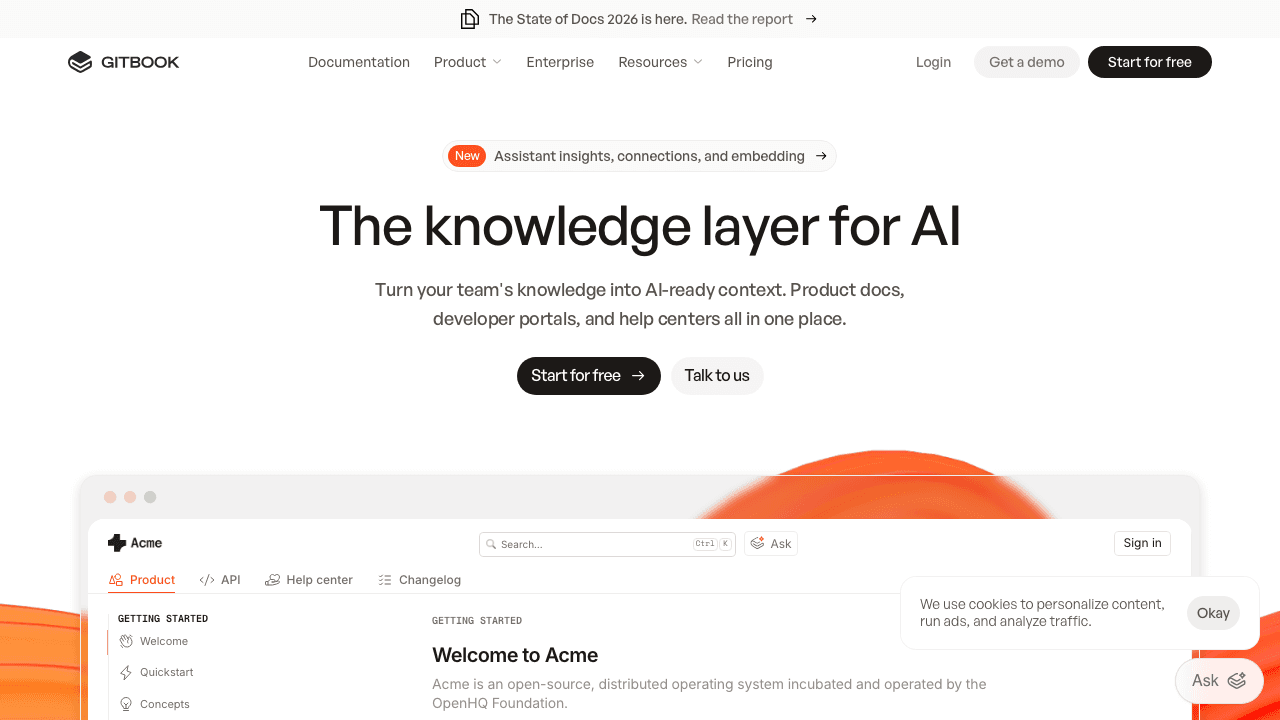
Best for: Developer documentation, API references, and engineering-led help centers.
GitBook is the developer docs leader and its 2026 AI feature, GitBook Lens, lets readers ask natural-language questions and get answers with citations pointing to the relevant sections. It is the most polished AI-search experience for technical documentation and integrates cleanly with the Git-based editing workflow developer teams already prefer.
GitBook is included here on its merits, not because it competes directly with a customer-support help center. If your "help center" is really an API reference plus a few how-to guides for developers, GitBook is probably the right pick. If your help center is meant to deflect support tickets from non-technical customers, the gap between developer docs and consumer help docs makes GitBook a stretch.
Pricing: $12 per user per month on the Standard plan, with a per-site fee that runs from $65 to $249 per site per month. AI search is available from the Standard plan; the AI agent and advanced AI features are gated to Premium and Ultimate tiers (custom pricing, often $500+/mo for small teams). Free tier exists but caps users and pages.
What to watch: The combination of per-user and per-site pricing gets opaque quickly. GitBook's AI gating to higher tiers also frustrates smaller teams who can clearly afford the platform but not the AI.
5. Intercom (with Fin AI)
Best for: Live chat teams who care more about deflection than about the help center as a destination, and who want outcome-based AI pricing.
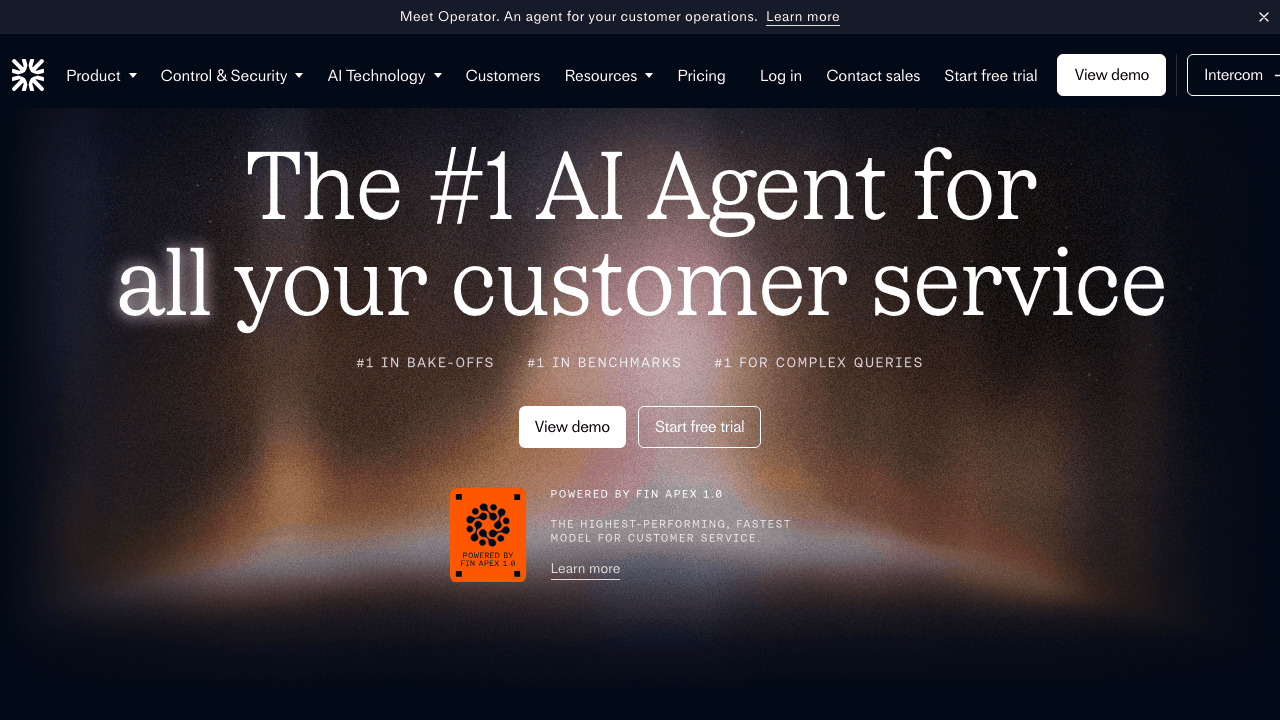
Intercom's help center is a competent product on its own, but the reason it earns a spot here is Fin AI, which Intercom now sells as both an Intercom add-on and a standalone agent that integrates with Salesforce, HubSpot, Freshworks, Front, Zoho, Sprinklr, and Gorgias. Fin reads your help center articles, past support conversations, and other knowledge sources, then resolves customer questions end-to-end across chat, email, WhatsApp, SMS, social, and voice.
The pricing is the headline. Fin AI bills per outcome at $0.99, where an outcome is a confirmed resolution or a Procedure handoff that ends in a human transfer. Standalone Fin has a 50-outcome minimum at $49.50/month, which is the lowest entry point for a serious deflection bot in this list.
Pricing: Fin AI is $0.99 per outcome with a $49.50/month minimum standalone. If you bundle Fin with Intercom's helpdesk, seat pricing applies: Essential ($29 annual / $39 monthly per seat), Advanced ($85/$99), Expert ($132/$139). The help center itself is included with any Intercom plan.
What to watch: Outcome pricing is great when you have heavy volume and clear resolutions, but harder to forecast for teams whose tickets do not cleanly resolve in chat. Fin is also a deflection layer; the underlying help center content still has to come from somewhere, which is why pairing it with an article-generation tool like Vidocu Knowledge Center can make sense.
6. Bloomfire
Best for: Enterprise knowledge management programs that span multiple departments and content types (documents, videos, images, audio).
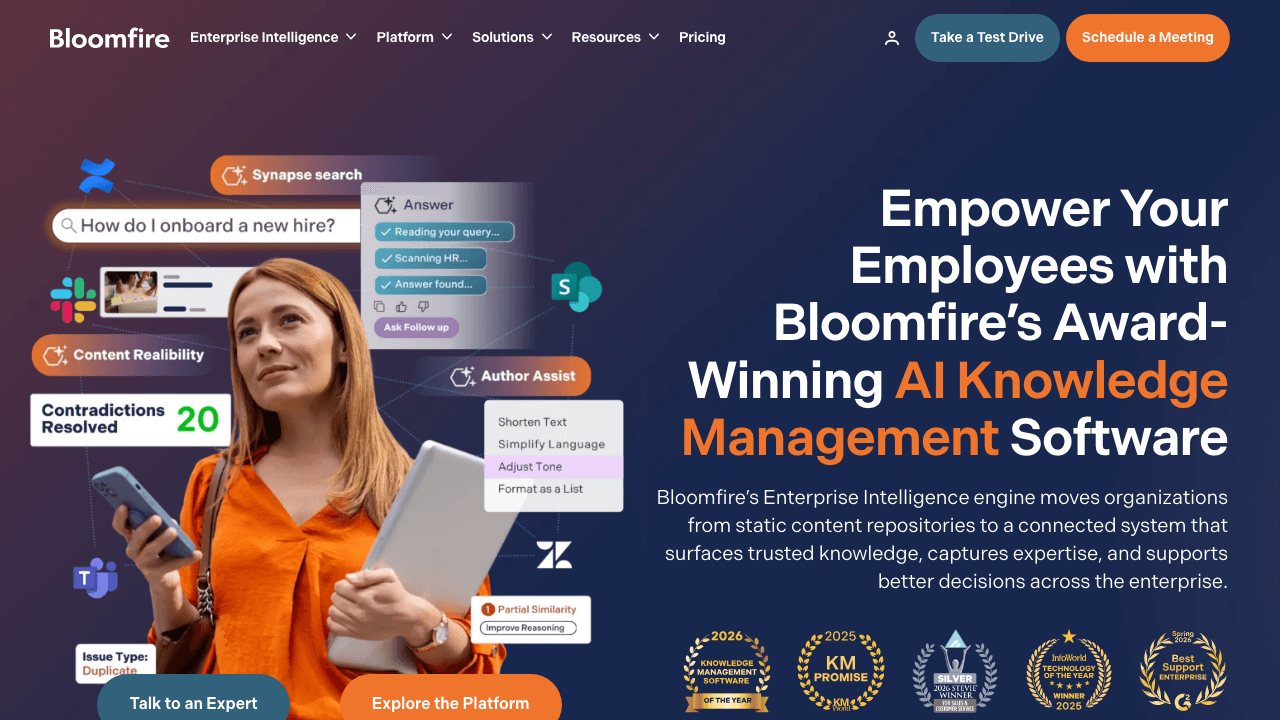
Bloomfire is positioned higher up the org chart than most of the tools on this list. Its sweet spot is a 200-to-2,000-person company that needs a single AI-driven knowledge layer for sales enablement, customer support, internal training, and field operations. The AI features include generative search with natural-language queries, generative authoring that drafts and edits content in place, and a "self-healing" knowledge base that uses AI to flag outdated or redundant content and prompt authors to update or archive without manual audits.
The platform handles diverse content types natively, including video and audio, with transcripts indexed so search returns hits inside recordings rather than just metadata.
Pricing: Quote-based, multi-year billing. Three tiers (Team, Department, Enterprise) each priced annually with separate fees for data migration and implementation. Third-party estimates put Team starting around $899/mo, but the real number depends heavily on user count and integrations. Salesforce, Microsoft Office, and SSO are core integrations.
What to watch: Multi-year contracts and quote-based pricing mean Bloomfire is rarely the right pick for a team running a quick pilot. It is built for the buyer who has procurement, security review, and a 12-month rollout plan.
7. Guru
Best for: Customer support and sales enablement teams who need a verified, agent-facing knowledge layer that lives inside Slack, Salesforce, and the help desk.
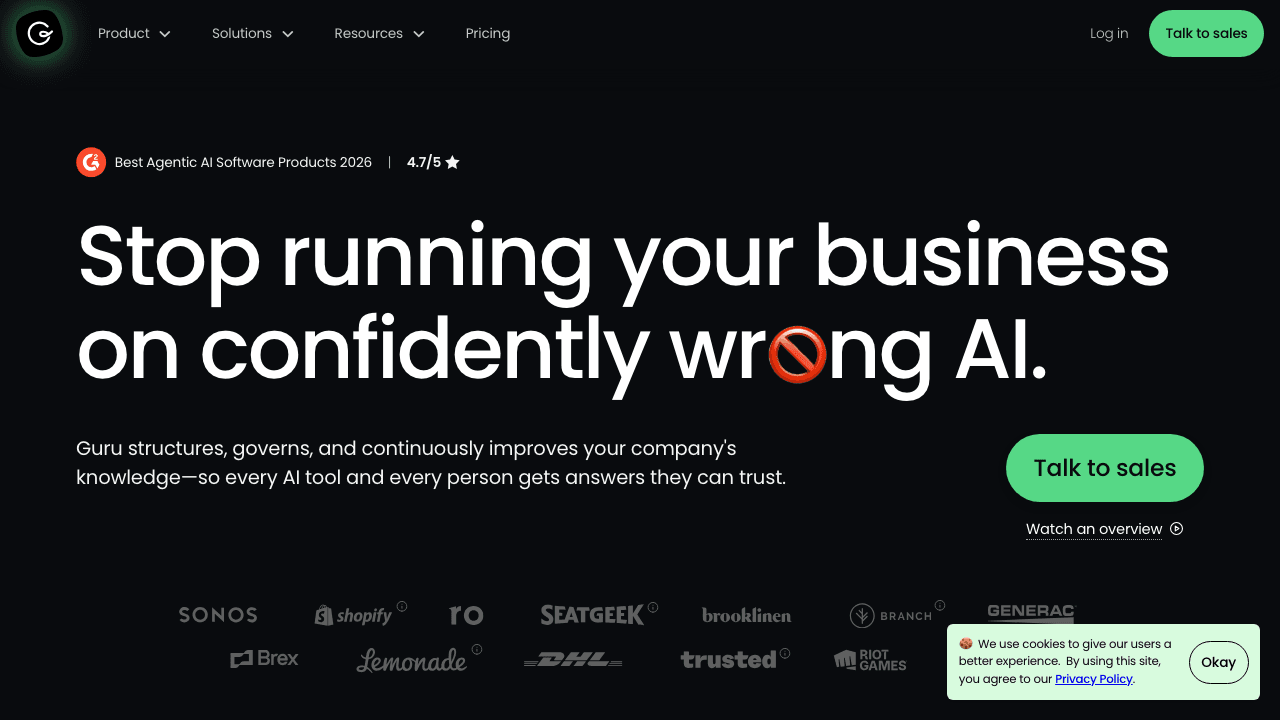
Guru is the strongest internal-facing help center in this list. Its 2026 pitch leans hard into "verified AI answers": rather than returning whatever the model generates, Guru ties responses to verified Cards (its content unit), and surfaces the verifier and last-verified date alongside the answer. The Guru AI Training Center lets admins edit AI responses, monitor data sources, and fill gaps based on frequently asked questions. In March 2026 Guru shipped a Slack Model Context Protocol (MCP) integration that lets external AI agents query live Slack conversations as a knowledge source.
Guru is here primarily for support agent enablement and sales enablement, not customer-facing help centers. If you want a knowledge base your customers search directly, Guru is the wrong fit; if you want every support agent's chat replies to be grounded in verified content, Guru is the right fit.
Pricing: Self-serve at $25/seat/month with a 10-seat minimum (so $250/mo annual or $300/mo monthly). Enterprise is custom-priced and increasingly leans on an AI Credit model where billing tracks successful agent resolutions and automated actions rather than seats.
What to watch: The 10-seat minimum prices out smaller teams. Customer-facing help center publishing requires workarounds.
Tired of help centers that drift away from your videos?
Vidocu Knowledge Center keeps articles, subtitles, and translations in sync with every re-recording. Hosted, branded, RAG search included.
See how it worksHow to choose
The seven tools above cover wildly different buyer profiles. A short decision tree to narrow the field:
Pick Vidocu Knowledge Center if your team records screen captures, training videos, or product walkthroughs and you want those to become a hosted help center automatically, in 65+ languages, without re-exporting to a second tool. The full video-to-documentation workflow keeps source video and published article in lockstep, which is the moat. Read our video knowledge base software comparison for deeper context on the video-first category.
Pick Document360 if you already manage a large written knowledge base and want a stable enterprise platform with a competent AI search and writer layer. Expect a sales-led purchase and a multi-month onboarding.
Pick Helpjuice if you want a handcrafted custom-designed knowledge base and you have the budget for the $449/mo AI tier. The trade-off is no AI on the entry plan.
Pick GitBook if you are publishing developer documentation or API references first and help center second.
Pick Intercom + Fin AI if your help center is downstream of a live chat product and you want outcome-based deflection pricing. Pair it with a content-generation tool to feed Fin good source articles.
Pick Bloomfire if you are running an enterprise knowledge management program across multiple departments and you need procurement-grade contracts.
Pick Guru if your top priority is grounding support agents and sales reps in verified knowledge, not publishing public-facing help docs.
For a wider look at the underlying buying decision, our buyer's guide for video documentation software walks through the criteria most teams skip. The customer support use case page covers the ticket-deflection math.
The pattern across all seven
Three patterns repeat across the entire AI help center category in 2026, regardless of vendor:
- The vendors that win on AI search win on retrieval architecture, not on chatbot UI. Every tool now ships a chat-style input. The ones that return useful answers built a real RAG pipeline underneath, with embeddings, vector search, and citations. The ones that hooked GPT to a keyword search return confident-sounding hallucinations.
- Article generation is the next moat. Three years ago the question was "can your help center search find the right article". Today it is "can your help center create articles without a content team". Vidocu's video-native generation, Document360's web-context AI writer, and Bloomfire's generative authoring all attack this problem from different angles.
- Multilingual sync is the quietest differentiator. Almost every vendor lists "supports X languages" on their site. Far fewer actually keep translated versions in sync when the source changes. Stale-translation detection is doing real work in 2026, and it shows up in the deflection numbers six months later.
The category is consolidating around "help center + AI agent + content generator" as a single product, not three. Anchor your evaluation around the workflows that touch your team most often, then pick the tool whose AI does that workflow without a manual export step.
FAQ
What makes a help center "AI-powered" rather than just searchable?
A truly AI-powered help center generates content from non-text sources (recordings, transcripts, tickets), answers questions with retrieval-augmented generation that returns cited answers, surfaces its own knowledge gaps via unanswered-query analytics, and keeps multilingual versions synchronized when the source changes. Keyword search with a chatbot UI on top does not count.
How much should an AI help center cost?
Entry pricing in 2026 ranges from $49.50/month (Intercom Fin AI standalone) to $899+/month (Bloomfire enterprise). The most common mid-market price point is $100 to $449 per month for a hosted product, plus seat or outcome-based AI fees on top. If you need both a help center and an AI search layer, budget $200 to $600 per month total for a serious mid-market deployment.
Can I run a public help center and internal documentation from the same tool?
Yes, but only a handful of tools support this cleanly. Vidocu Knowledge Center uses magic-link gating with email-domain allowlists to mark articles as internal-only, so customer-facing articles and internal SOPs live under one domain with different access rules. Most other platforms either force you to buy a second instance or skip internal docs entirely.
Do I need separate tools for help center content and a deflection chatbot?
Increasingly, no. The category is consolidating: Vidocu Knowledge Center, Document360, Helpjuice, and Bloomfire all bundle article generation with AI search in one product. Intercom Fin AI is the main exception, since it is a pure deflection layer that requires source content from elsewhere. If you already use Intercom, pairing Fin with a content-generation tool like Vidocu's AI documentation workflow is a sensible split. If you are starting fresh, a single bundled tool is simpler to operate.
How does multilingual stale-content detection actually work?
When you edit the source-language version of an article, the system detects the diff and flags every translated copy with a "needs review" badge plus a summary of what changed. Vidocu Knowledge Center does this automatically as part of its video translation pipeline, which keeps article text, subtitles, and voiceover narration in sync across all locales. Without that detection, multilingual help centers drift the moment you ship a new feature; with it, your translators see exactly which paragraphs need attention.
The AI-powered help center category is the most contested it has ever been, and the best tool for your team depends heavily on whether you start from videos, written content, support tickets, or developer docs. If video is your starting point, Vidocu Knowledge Center collapses the workflow from raw recording to a hosted, multilingual, RAG-searchable help center into a single product. Start a free Vidocu trial to see the full pipeline in action.

Written by
Daniel SternlichtDaniel Sternlicht is a tech entrepreneur and product builder focused on creating scalable web products. He is the Founder & CEO of Common Ninja, home to Widgets+, Embeddable, Brackets, and Vidocu - products that help businesses engage users, collect data, and build interactive web experiences across platforms.


