
Your knowledge base is only as good as what people actually use. And in 2026, that means video.
Text-heavy help articles get skimmed. Video walkthroughs get watched, understood, and followed. The problem? Most knowledge base platforms treat video as an afterthought, an embed you paste in manually after doing all the production work yourself.
A new generation of tools changes that. They let you turn screen recordings and tutorials into structured, searchable knowledge base content, with AI-generated subtitles, step-by-step documentation, and even multilingual support.
Here are the best video knowledge base tools in 2026, compared by features, pricing, and who they're built for.
Updated July 2026 with current pricing and Vidocu's hosted Knowledge Center add-on.
What Makes a Good Video Knowledge Base Tool?
Before diving into the list, here's what separates a real video knowledge base platform from a generic wiki with an embed button:
- Video-first content creation: Upload or record, and the tool builds the article around it
- AI-generated documentation: Auto-extracted steps, screenshots, and summaries from video
- Search within video: Users can find answers without watching the whole thing
- Subtitles and transcription: Accessibility and SEO built in
- Multi-language support: Serve global teams without re-recording
- Integration with existing tools: Publish to Zendesk, Notion, Confluence, or your own site
- A hosting option: The best tools can also host the finished KB as a searchable help center
The Best Video Knowledge Base Software in 2026
1. Vidocu
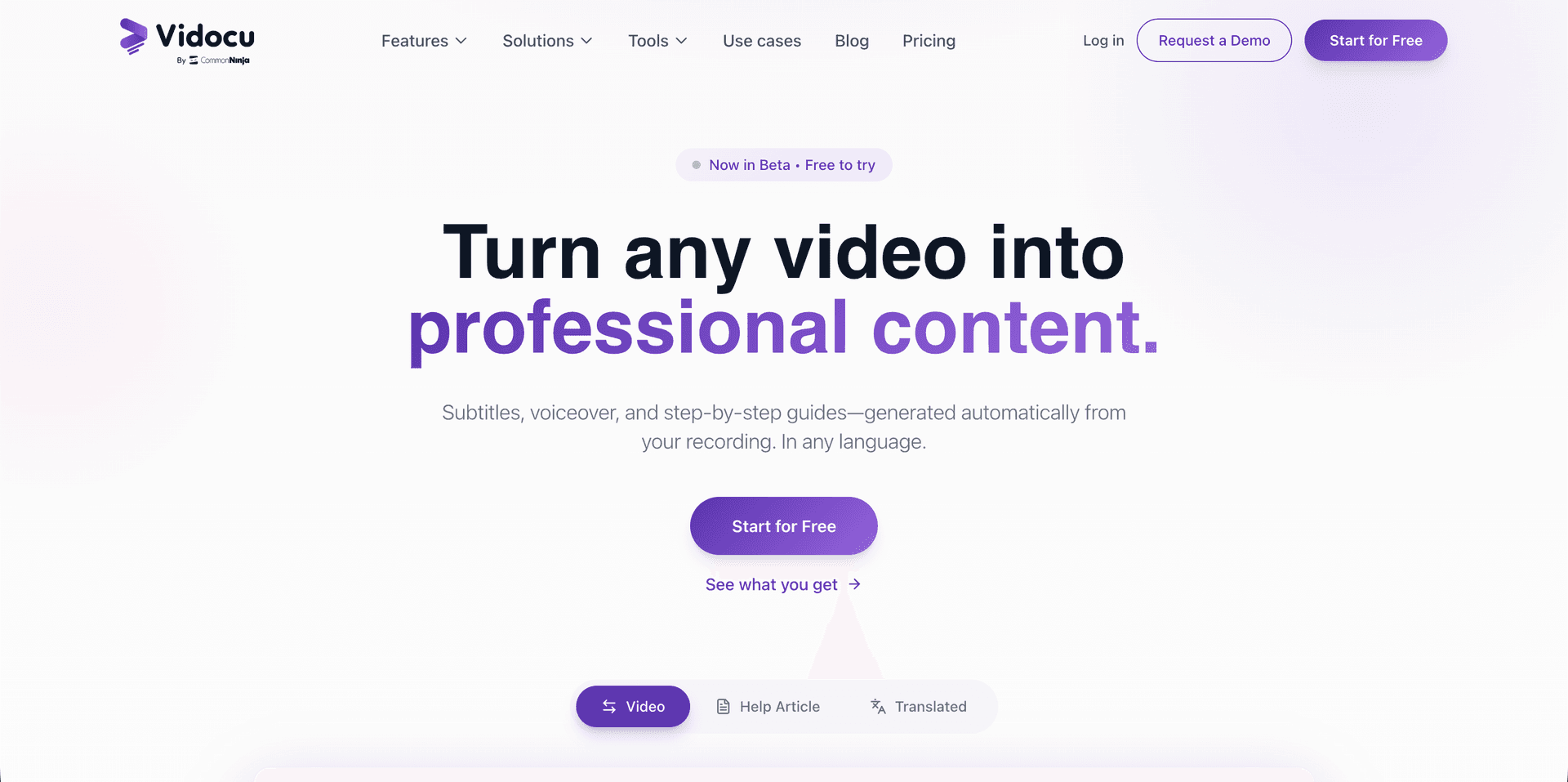
Best for: Teams that want a single tool to turn any video into a full knowledge base article, with subtitles, voiceover, screenshots, and documentation.
Vidocu takes a fundamentally different approach from traditional knowledge base tools. Instead of writing articles and embedding videos, you upload a video and Vidocu generates everything: AI subtitles, step-by-step documentation with screenshots, AI voiceover in multiple voices, and translations into 65+ languages.
This makes it the only tool where a single screen recording becomes a complete, multilingual knowledge base entry, no post-production, no writing, no manual screenshots.
Vidocu also hosts the result. The Knowledge Center add-on publishes your generated articles as a branded help center with AI Ask semantic search, magic-link gating for internal content, and deep links that drop readers at the exact moment in the source video.
Key features:
- Upload any video → get documentation, subtitles, and voiceover automatically
- AI knowledge base generator builds structured articles from video
- Built-in video editor with zoom and pan, annotations, and background music
- Video translation into 65+ languages
- No browser extension required, works with any uploaded video
- Export as help articles, SOPs, or blog posts
- Hosted Knowledge Center add-on with AI semantic search and access controls
Pricing: Free tier available. Paid plans from $39/month. Knowledge Center hosting is a $100/month add-on.
Best for: Support teams, product teams, and technical writers who want to turn screen recordings into step-by-step guides without the manual grind.
Turn Any Video Into a Knowledge Base Article
Upload a screen recording and get AI-generated documentation, subtitles, and voiceover, no editing needed.
Try Vidocu Free2. Scribe
Best for: Teams that need quick step-by-step guides captured from browser activity.
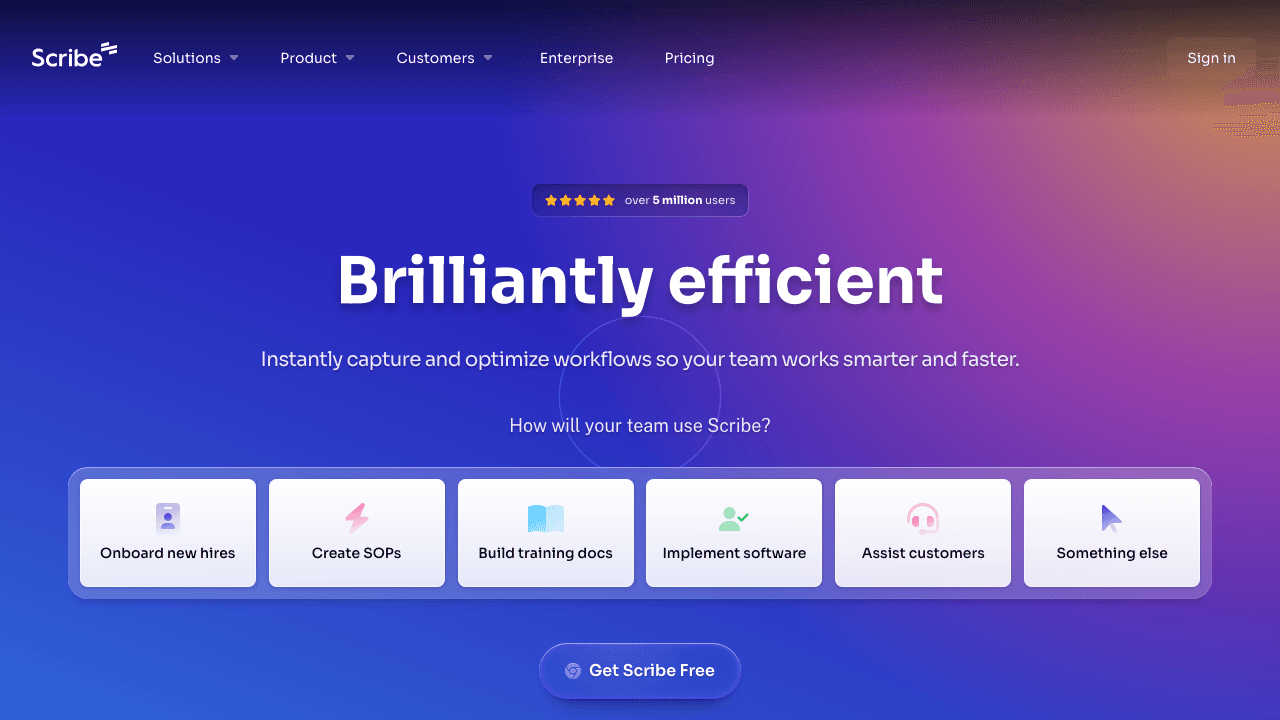
Scribe auto-captures clicks and keystrokes as you work, then generates a step-by-step guide with annotated screenshots. It's excellent for process documentation and SOPs, especially for internal tools and workflows.
However, Scribe is screenshot-based, not video-based. It captures individual steps rather than continuous video, so you lose the context that comes with watching someone actually perform a workflow. It also requires a browser extension for capture.
Key features:
- Auto-captures steps via browser extension or desktop app
- Generates annotated screenshots with instructions
- Shareable links and embeds
- Enterprise features: Scribe Pages, custom branding
Pricing: Free plan available. Pro from $29/user/month. Enterprise custom pricing.
Limitations: No video output, no voiceover, no subtitles, no translation. Extension-dependent capture.
3. Notion
Best for: Teams already using Notion who want a lightweight internal knowledge base.
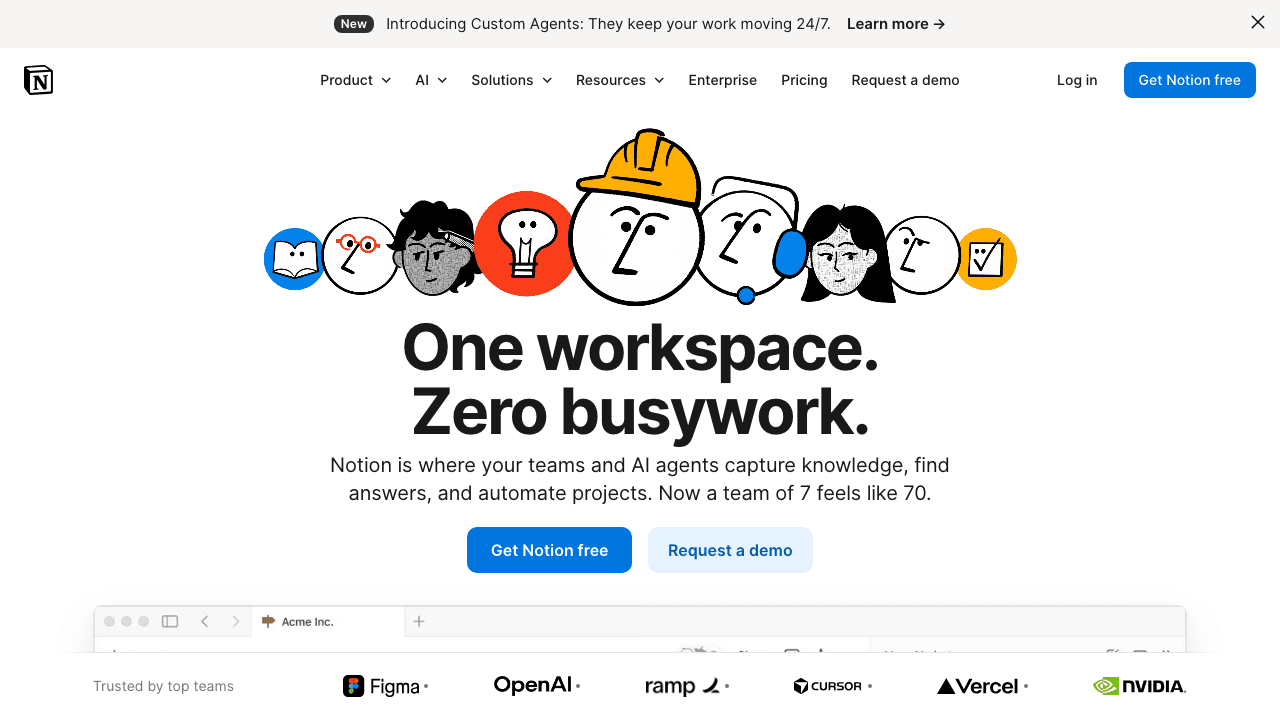
Notion is a powerful workspace tool that many teams use as their internal knowledge base. You can embed videos from Loom, YouTube, or other sources into Notion pages, and organize them in databases with tags and filters.
But Notion doesn't process video at all. It's a container, not a creation tool. You still need to record, edit, subtitle, and organize your video content elsewhere before pasting it in.
Key features:
- Flexible page/database structure
- Video embeds from external sources
- Strong search and organization
- AI features for text content
Pricing: Free for individuals. Team plan from $10/user/month.
Limitations: No video processing, no subtitle generation, no documentation extraction from video. You bring the finished content, Notion just hosts it.
4. Confluence
Best for: Enterprise teams in the Atlassian ecosystem who need a centralized knowledge base.
Confluence is Atlassian's enterprise wiki, tightly integrated with Jira and the rest of their suite. Like Notion, it supports video embeds but doesn't offer any video-specific intelligence.
For teams already using Jira, Confluence is the natural choice for documentation. But if your knowledge base strategy involves video-first content, you'll need a separate tool to create, subtitle, and structure the videos before embedding them.
Key features:
- Deep Jira integration
- Page trees and spaces for organization
- Macros and templates
- Enterprise-grade permissions and compliance
Pricing: Free for up to 10 users. Standard from $6.05/user/month.
Limitations: No native video creation or processing. Video is always embedded, never analyzed or transcribed.
5. Zendesk Guide
Best for: Customer-facing support teams that need a public help center with video content.

Zendesk Guide is the knowledge base component of Zendesk's support suite. It's purpose-built for external, customer-facing help centers with ticketing integration.
Zendesk supports video embeds in help articles and has a strong article management workflow. But like Notion and Confluence, the video itself is just an embed, Zendesk doesn't generate subtitles, extract steps, or do anything intelligent with the video content.
Key features:
- Customer-facing help center
- Ticket deflection analytics
- Multi-brand support
- Content Cues (AI suggestions for what to write about)
Pricing: Suite plans from $55/agent/month.
Limitations: No video processing or AI documentation. Videos are manual embeds only. Expensive for small teams.
6. Help Scout
Best for: Small to mid-size teams wanting a clean, simple customer-facing knowledge base.
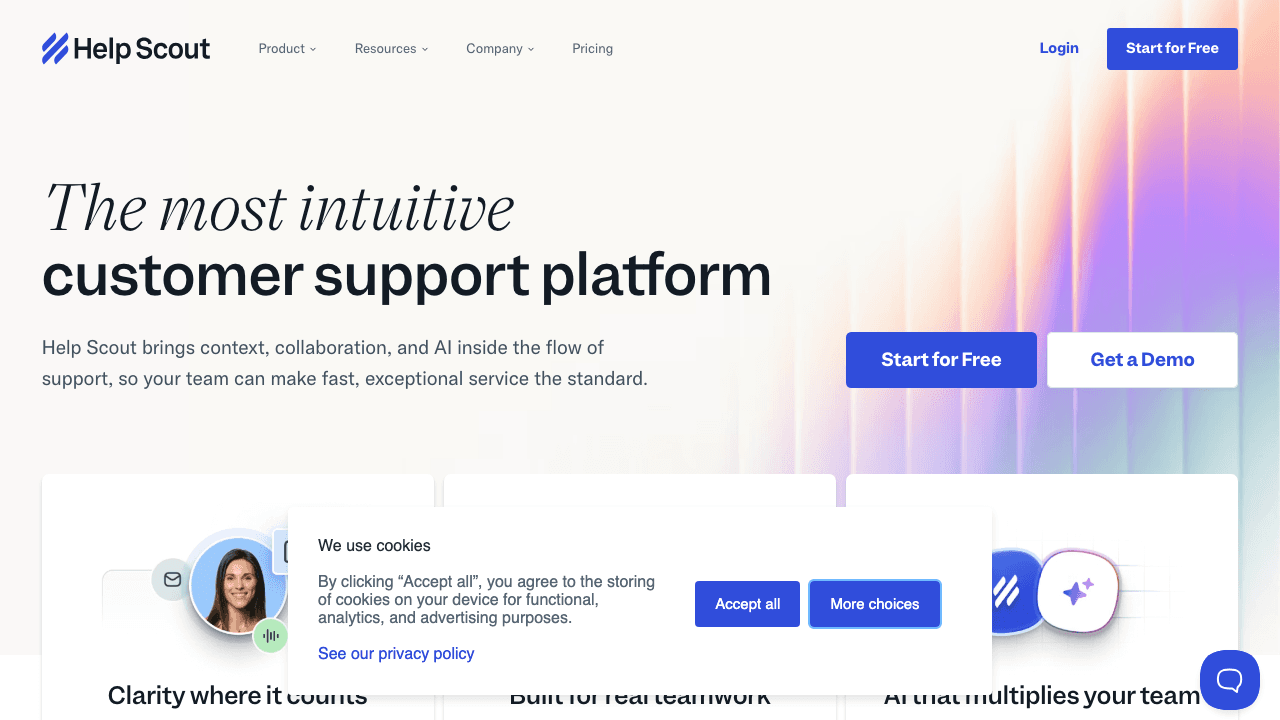
Help Scout offers Docs, a clean knowledge base builder designed for customer self-service. It's simpler than Zendesk and more affordable, with a focus on ease of use.
Like others in this category, video support is limited to embedding external videos. There's no AI processing, no subtitle generation, and no way to extract documentation from video content.
Key features:
- Clean, customizable help center
- Beacon widget for in-app help
- Simple article editor
- Integrations with popular tools
Pricing: Standard from $25/user/month.
Limitations: No video-specific features beyond embedding. No AI documentation tools.
7. Guidde
Best for: Teams that want AI-generated video walkthroughs from browser captures.
Guidde captures your workflow via a browser extension and turns it into a video with AI-generated voiceover. It's one of the few tools in this space that actually creates video content rather than just hosting it.
However, Guidde's output is primarily video, it doesn't generate written documentation, step-by-step text guides, or structured knowledge base articles from the recording. It's closer to a Loom replacement with AI voiceover than a full knowledge base solution.
Key features:
- Browser extension captures workflows as video
- AI-generated voiceover narration
- Shareable video links
- Basic organization and tagging
Pricing: Free plan available. Pro plans from $16/user/month.
Limitations: Extension-only capture (no video upload). No written documentation output. No subtitle editing or translation.
Comparison Table
| Feature | Vidocu | Scribe | Notion | Confluence | Zendesk | Help Scout | Guidde |
|---|---|---|---|---|---|---|---|
| Video upload & processing | ✅ | ❌ | ❌ | ❌ | ❌ | ❌ | ❌ |
| AI documentation from video | ✅ | ✅ (screenshots) | ❌ | ❌ | ❌ | ❌ | ❌ |
| AI subtitles | ✅ | ❌ | ❌ | ❌ | ❌ | ❌ | ❌ |
| AI voiceover | ✅ | ❌ | ❌ | ❌ | ❌ | ❌ | ✅ |
| Video translation | ✅ | ❌ | ❌ | ❌ | ❌ | ❌ | ❌ |
| No extension needed | ✅ | ❌ | ✅ | ✅ | ✅ | ✅ | ❌ |
| Built-in video editor | ✅ | ❌ | ❌ | ❌ | ❌ | ❌ | ❌ |
| Customer-facing help center | ✅ (add-on) | ❌ | ❌ | ❌ | ✅ | ✅ | ❌ |
| Starting price | Free/$39/mo | Free/$29/user/mo | Free/$10/user/mo | Free/$6.05/user/mo | $55/agent/mo | $25/user/mo | Free/$16/user/mo |
How to Choose the Right Tool
Choose Vidocu if you want to upload videos and get complete knowledge base articles automatically, with documentation, subtitles, voiceover, and translation in one workflow. With the Knowledge Center add-on it also hosts the result, so generation and hosting live in one place. Best for teams creating video SOPs, help articles, or multilingual tutorials.
Choose Scribe if you need quick screenshot-based step-by-step guides for internal processes, and video isn't a priority. Read our detailed Scribe comparison for a deeper look.
Choose Notion or Confluence if you already use these tools and just need a place to organize video embeds alongside text documentation. They're strong containers but not video-first tools.
Choose Zendesk or Help Scout if your primary need is a customer-facing help center with ticketing integration. They're support platforms first, knowledge bases second.
Choose Guidde if you want AI voiceover on captured walkthroughs but don't need written documentation or subtitle features.
Build Your Video Knowledge Base in Minutes
Upload any screen recording and Vidocu generates subtitles, documentation, and voiceover automatically.
Start FreeFAQ
What is video knowledge base software?
Video knowledge base software helps teams create, organize, and publish help content using video as the primary medium. The best tools go beyond simple video hosting, they use AI to generate subtitles, extract step-by-step documentation, and even translate content into multiple languages automatically.
Is video better than text for knowledge bases?
It depends on the content. Complex processes, software walkthroughs, and visual tasks are significantly easier to understand via video. The ideal approach combines both, a video walkthrough paired with AI-generated written steps so users can watch or scan depending on their preference. Tools like Vidocu generate both from a single upload. Learn more in our guide to building a knowledge base from scratch using video.
Can I use Vidocu with my existing knowledge base platform?
Yes. Vidocu generates the content, documentation, subtitles, voiceover, which you can then publish to any platform including Notion, Confluence, Zendesk, or your own site. It's a content creation engine, not a locked-in hosting platform. If you'd rather not run a separate platform at all, the Knowledge Center add-on hosts the articles for you, with AI semantic search and magic-link access control.
How much does video knowledge base software cost?
Prices range from free (Vidocu, Notion, Scribe free tiers) to $55+/agent/month (Zendesk). For most small to mid-size teams, Vidocu's $39/month plan offers the most comprehensive video-first feature set without per-user pricing.
Do I need a browser extension to create video knowledge base content?
Not with all tools. Scribe and Guidde require browser extensions for content capture. Vidocu works with any uploaded video, no extension needed, making it the most flexible option for teams working with existing recordings, webinar replays, or Loom videos.

Written by
Daniel SternlichtDaniel Sternlicht is a tech entrepreneur and product builder focused on creating scalable web products. He is the Founder & CEO of Common Ninja, home to Widgets+, Embeddable, Brackets, and Vidocu - products that help businesses engage users, collect data, and build interactive web experiences across platforms.