


How to Create Multilingual Tutorial Videos Without Re-Recording
You spent hours creating the perfect tutorial video. The lighting is right, the demo flows smoothly, and the narration hits every key point. Now your boss asks: "Can we get this in Spanish, German, and Japanese by Friday?"
The old answer involved hiring translators, booking voice actors, and re-recording everything from scratch. The new answer is dramatically simpler, and it's reshaping how teams produce multilingual video content.
Why Multilingual Tutorial Videos Matter More Than Ever
The numbers tell a clear story. CSA Research found that 76% of online consumers prefer to buy products with information in their native language. For tutorial videos specifically, onboarding flows, product walkthroughs, training modules, language barriers don't just reduce engagement. They kill it entirely.
If you're building software, selling globally, or training a distributed team, monolingual tutorials are leaving value on the table. But the traditional approach to localization is painfully slow and expensive.
A single 10-minute tutorial video can cost $2, 000–$5, 000 to professionally dub into one additional language. Multiply that across five or ten target languages, and you're looking at budgets that make most teams give up before they start.
That's exactly why AI video translation has become one of the fastest-growing categories in content tooling.
The Traditional Approach (and Why It Breaks Down)
Here's what multilingual video production used to look like:
- Record the original video in your primary language
- Send the script to translators for each target language
- Hire voice actors who speak each language natively
- Re-record the voiceover in a studio (or remotely, with quality trade-offs)
- Sync the new audio to the original video timeline
- Create subtitles separately for each version
- QA everything: timing, pronunciation, context
Each step introduces delays, costs, and potential errors. A single tutorial that takes a day to produce can take weeks to localize. And every time you update the original video, you restart the entire process.
For teams producing training content or product marketing videos, this cycle is unsustainable.
How AI Video Translation Actually Works
Modern AI video translation tools have collapsed most of those steps into a single automated workflow. Here's the general process:
Step 1: Transcription. The AI extracts speech from your video and generates an accurate transcript. This is the foundation, if the transcript is wrong, everything downstream suffers.
Step 2: Translation. The transcript is translated into your target languages using neural machine translation. The best tools preserve context, idioms, and technical terminology rather than translating word-by-word.
Step 3: Voice synthesis. AI generates voiceover in each target language, often cloning or approximating the original speaker's voice. The quality here varies enormously between tools.
Step 4: Subtitle generation. Synchronized subtitles are created for each language version, timed to match the translated audio.
Step 5: Output. You get your video back, same visuals, new language, ready to publish.
The entire process can take minutes instead of weeks. But not all tools handle it equally well.
Comparing the Top Video Translation Tools
Let's look at three popular platforms alongside Vidocu to understand the trade-offs.
Descript
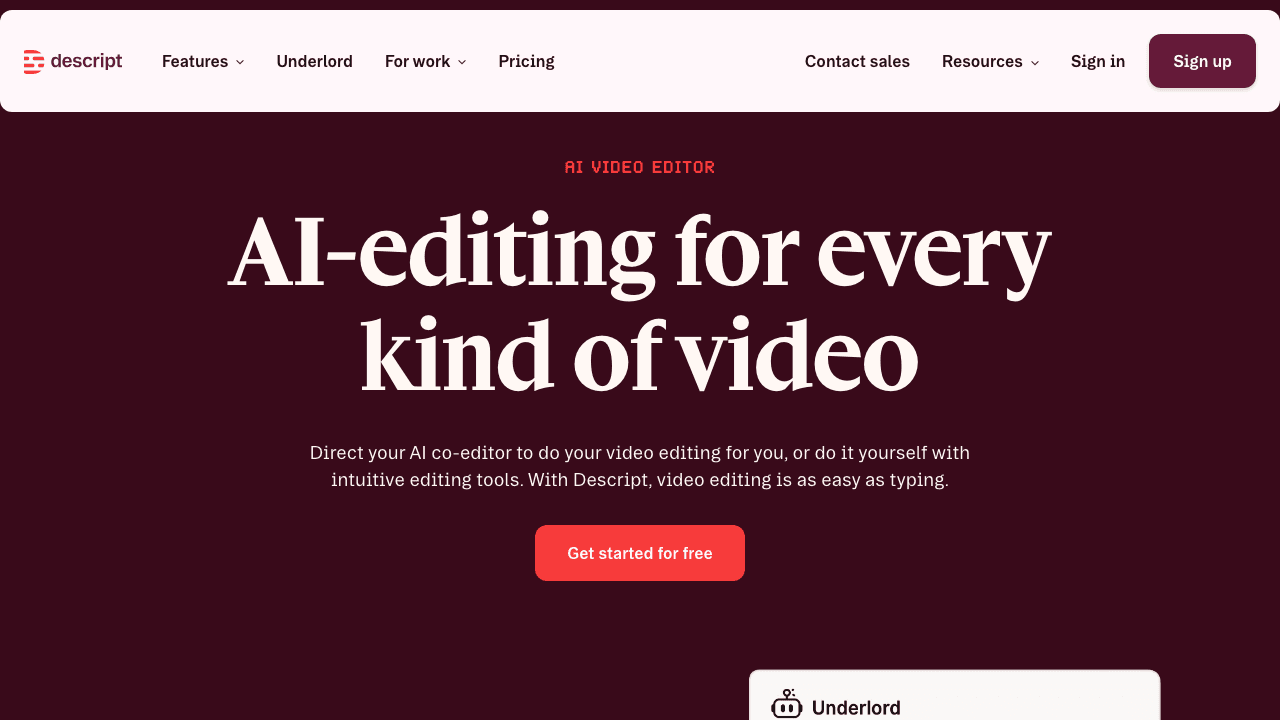
Descript built its reputation on text-based video editing, edit your video by editing the transcript. It's a clever paradigm, and they've added translation features on top. Descript handles transcription well and offers AI voiceover, but its translation capabilities are more limited in language coverage. It's strongest as a general-purpose video editor with some localization features bolted on.
Best for: Teams that need a full video editor first and translation second.
Rask AI
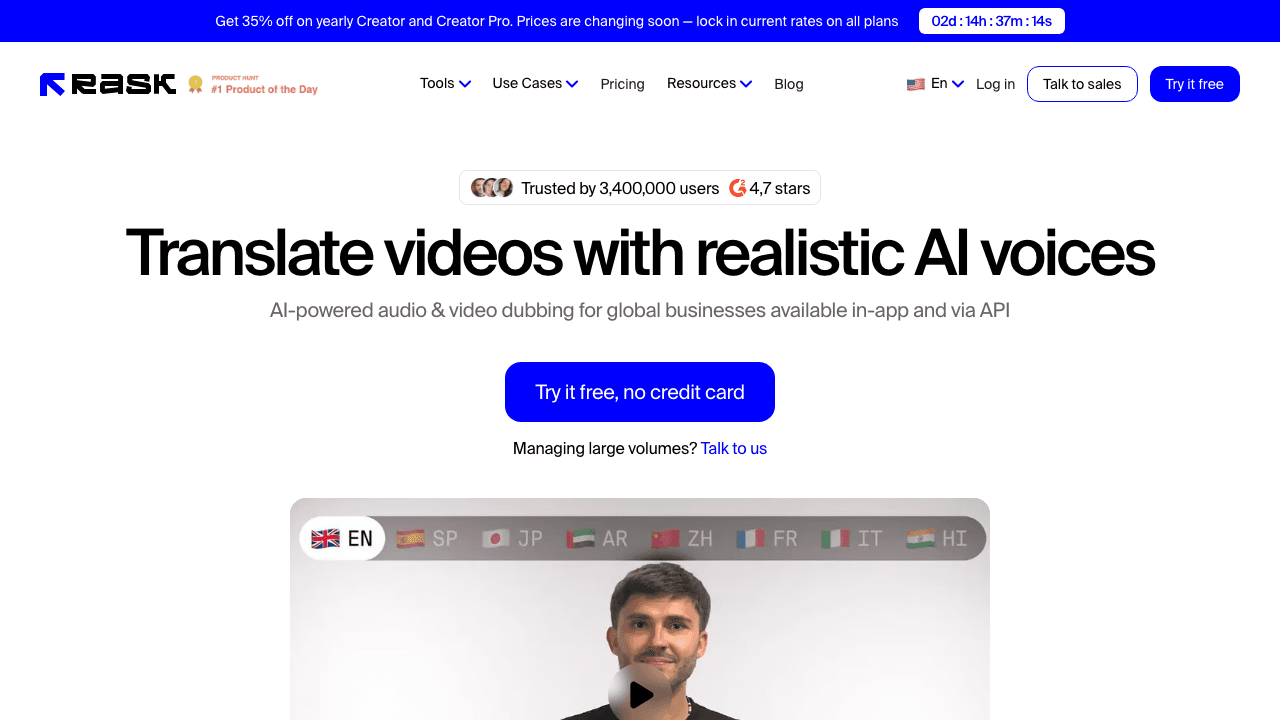
Rask AI is focused squarely on video translation and dubbing. It supports a wide range of languages and offers voice cloning for dubbed output. The platform is purpose-built for localization, which means it does that one job well. However, it doesn't generate documentation or step-by-step guides from your videos, it's translation only.
Best for: Teams that need pure translation/dubbing and already have their documentation workflow sorted.
Synthesia
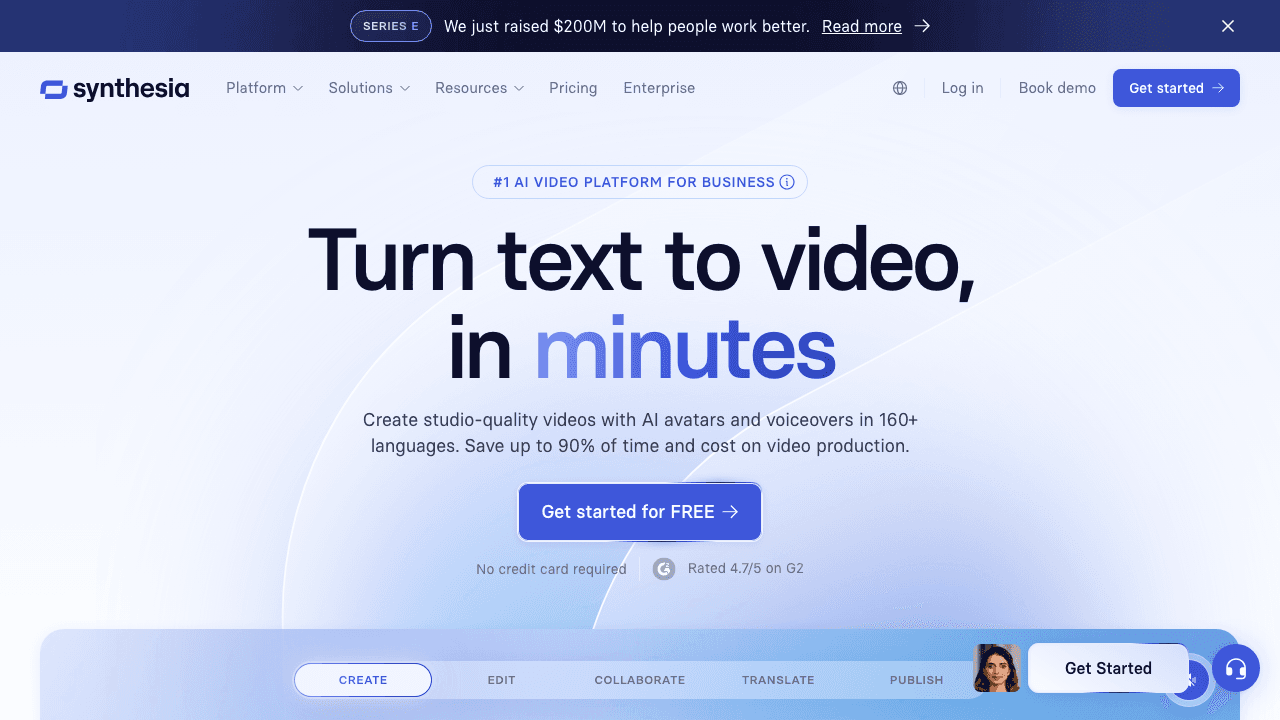
Synthesia takes a different approach entirely, AI-generated avatars that present your content. You write a script, choose an avatar, and the platform generates the video. It supports many languages natively since the avatar is synthetic from the start. The trade-off: your tutorials won't feature real screen recordings or actual product demos.
Best for: Talking-head style content where a real human presenter isn't required.
Vidocu
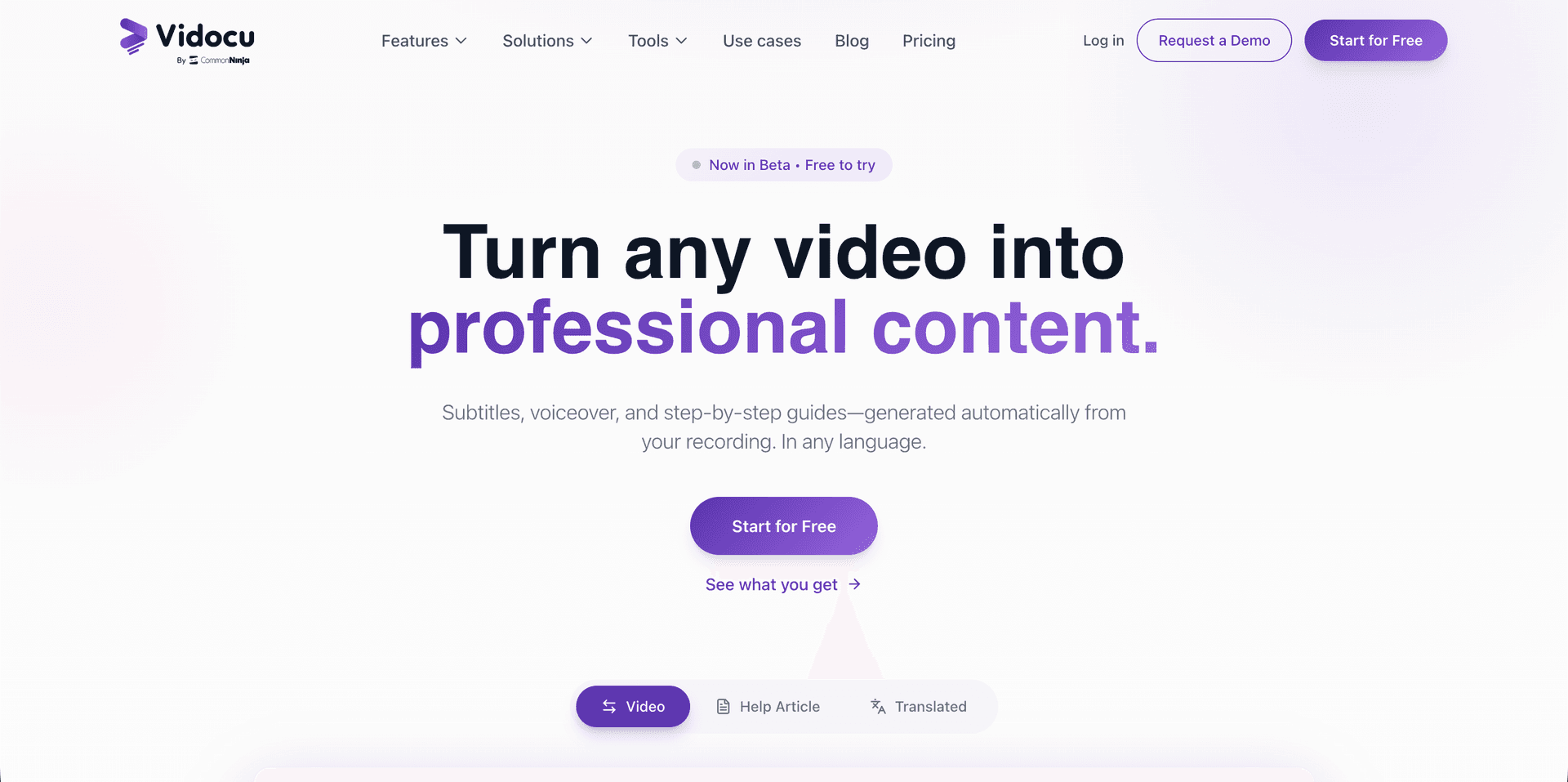
Vidocu approaches the problem differently from all three. Instead of being a translation-only tool or a synthetic video generator, it's built around the tutorial video workflow specifically. Upload a video and Vidocu produces:
- Accurate transcripts via its video transcript extractor
- Synchronized subtitles in multiple languages through the subtitle translator
- AI voiceover in translated languages
- Step-by-step documentation with auto-generated screenshots
- A built-in video editor for fine-tuning the result
No other tool combines all of these outputs from a single video upload. If you're creating educational content or software tutorials, that integrated workflow eliminates the need to stitch together three or four separate tools.
Translate Your Tutorials in Minutes
Upload a video, get subtitles, voiceover, and documentation in multiple languages, no re-recording needed.
Try Video Translation FreeA Practical Workflow for Multilingual Tutorials
Here's how a realistic multilingual tutorial workflow looks with an AI-powered tool:
1. Record Once, in Your Native Language
Don't change anything about your recording process. Use your normal screen recorder, speak naturally, and focus on making the content clear. The AI will handle the rest.
Tip: Speak at a moderate pace with clear enunciation. AI transcription handles accents well, but mumbling trips up even the best models.
2. Upload and Generate the Base Transcript
Once you upload your video, the first output is a transcript. Review it carefully, this is the document that every translation will be based on. Fix any errors here before proceeding. Most subtitle generators will let you edit the transcript directly.
3. Select Your Target Languages
Choose which languages you need. For most global products, a good starting set is:
- Spanish: 580M+ speakers
- Mandarin Chinese: 1.1B+ speakers
- Hindi: 600M+ speakers
- Portuguese: 260M+ speakers
- French: 310M+ speakers
- German: 130M+ speakers
- Japanese: 125M+ speakers
You don't need all of them. Check your analytics. Where are your users? Where do you want to grow? Start with two or three languages and expand based on engagement data.
4. Review Translated Subtitles
AI translation is good but not perfect. If you have native speakers on your team, have them review the translated subtitles for technical accuracy. Industry-specific jargon is where machine translation most often stumbles.
5. Generate AI Voiceover (Optional)
For tutorial videos, you have a choice: subtitles only, or subtitles plus dubbed voiceover. Subtitled versions are faster to produce and some audiences prefer them. Dubbed versions feel more natural but require more QA.
The right choice depends on your audience. Corporate training content tends to perform better with voiceover. Developer tutorials often work fine with subtitles alone.
6. Export and Distribute
Export each language version and distribute through your existing channels, LMS, YouTube, help center, product docs. If you're using Vidocu, you also get the step-by-step documentation as a bonus, which you can translate alongside the video.
Understanding Subtitles, Captions, and When to Use Each
A common point of confusion: should your translated videos use subtitles, captions, or closed captions? The distinction matters for accessibility and user experience.
Subtitles translate spoken dialogue into another language. Captions transcribe all audio, including sound effects and music, in the same language. Closed captions can be toggled on and off by the viewer.
For multilingual tutorials, you typically want subtitles (translation) combined with the option for closed captions (accessibility). We've covered this topic in depth in our guide on subtitles vs. captions vs. closed captions.
Tips for Better AI Video Translation Results
After working with dozens of teams on their multilingual content, here are the patterns that produce the best results:
Keep sentences short. Long, complex sentences translate worse than short, direct ones. This is good advice for tutorials in general.
Avoid idioms and cultural references. "Let's knock this out of the park" doesn't translate well into Japanese. Stick to clear, universal language.
Use consistent terminology. If you call it a "dashboard" in one sentence, don't switch to "control panel" in the next. AI translation handles consistency better when the source is consistent.
Leave visual pauses. When demonstrating UI actions, pause briefly between steps. This gives the translated voiceover room to breathe, some languages are significantly longer than English when spoken.
Test with native speakers. Even a quick review from a native speaker catches issues that automated QA misses. Focus on technical terms and product-specific vocabulary.
See How Your Subtitles Compare
Explore the best subtitle generator tools of 2026, accuracy, language support, and export formats compared.
Read the ComparisonThe ROI of Multilingual Tutorial Videos
Let's talk numbers. If a single English tutorial video generates 10, 000 views per month, translating it into five languages typically yields:
- 40–70% of original viewership per translated version (varies by language and market)
- 3–5x total reach compared to English only
- Higher completion rates: viewers who watch in their native language are 2.5x more likely to finish the tutorial
For product marketing, translated tutorials also improve conversion rates in non-English markets. Users who understand your product are more likely to buy it. That's not a radical insight, but it's one that many teams overlook.
The cost of AI video translation, typically $10–50 per video per language, makes the ROI calculation straightforward. Compare that to the $2, 000–5, 000 per language for traditional dubbing, and the economics are hard to argue with.
Choosing the Right Video Translation Tool
When evaluating a video translation tool, here's what matters most:
| Feature | Why It Matters |
|---|---|
| Transcription accuracy | Bad transcripts = bad translations |
| Language coverage | More languages = more markets |
| Voice quality | Synthetic voices need to sound natural |
| Subtitle editing | You'll always need to tweak something |
| Integration with docs | Tutorials need written docs too |
| Export formats | SRT, VTT, burned-in, you need options |
| Pricing model | Per-minute vs. per-video vs. subscription |
If you're specifically creating tutorials and training content, prioritize tools that understand that workflow end-to-end rather than general-purpose video editors with translation added as an afterthought. You can compare alternatives to find the right fit for your team.
FAQ
How accurate is AI video translation compared to human translation?
AI video translation typically achieves 85–95% accuracy for common language pairs (e.g., English to Spanish or French). For technical content, accuracy depends heavily on domain-specific terminology. Most teams find that AI translation with a quick human review produces results comparable to full human translation at a fraction of the cost and time.
Can AI preserve my original voice when translating?
Some tools offer voice cloning that approximates your original voice in other languages. The quality varies, it works best for clear, well-recorded audio. Vidocu's AI voiceover feature generates natural-sounding voices for each target language, though the voice will sound different from your original.
How many languages should I translate my tutorials into?
Start with 2–3 languages based on your analytics data. Look at where your current users are located and where you're trying to grow. Spanish, French, and German are common starting points for Western markets. Mandarin, Japanese, and Korean are typical for Asia-Pacific expansion.
Do I need to create separate subtitle files for each language?
If you're using a tool like Vidocu's free subtitle creator, subtitle files are generated automatically for each target language. You'll typically get SRT or VTT files that you can upload to YouTube, your LMS, or any video hosting platform.
Will translated tutorials rank in local search results?
Yes, multilingual video content can rank in local search results, especially on YouTube. Use translated titles, descriptions, and tags for each language version. Pair your translated videos with translated blog posts or documentation for maximum SEO impact.
How long does AI video translation take?
Most AI tools process a 10-minute video in 5–15 minutes per language. Batch processing multiple languages simultaneously is usually possible. Compare this to traditional dubbing, which takes days to weeks per language.
What's the difference between dubbing and subtitling for tutorials?
Dubbing replaces the original audio with translated voiceover. Subtitling adds translated text at the bottom of the screen while keeping the original audio. For tutorials, subtitling is faster and cheaper; dubbing provides a more immersive experience. Many teams offer both options.
Creating multilingual tutorial videos used to be a project measured in weeks and thousands of dollars. With AI video translation, it's an afternoon task. The technology isn't perfect yet, you'll still want human review for critical content, but it's good enough that there's no longer a valid excuse for English-only tutorials in a global market.
Ready to translate your first tutorial? Try Vidocu for free and see how fast you can go from one language to many.

Written by
Daniel SternlichtDaniel Sternlicht is a tech entrepreneur and product builder focused on creating scalable web products. He is the Founder & CEO of Common Ninja, home to Widgets+, Embeddable, Brackets, and Vidocu - products that help businesses engage users, collect data, and build interactive web experiences across platforms.


