


The best process documentation software in 2026 is Vidocu, which turns any screen recording into a step-by-step guide with screenshots, subtitles, AI voiceover, and translated versions automatically. Other strong picks are Scribe for click-by-click capture, Trainual for tying processes to onboarding, Process Street for recurring workflows, SweetProcess for written procedures and policies, and Notion for a flexible all-purpose wiki.
Process documentation is the work of writing down how things actually get done: the SOPs, runbooks, and onboarding guides that keep a team consistent when the person who knows the process is on vacation. The hard part has never been the format. It is that documenting a process by hand is slow, and the moment the process changes, the doc rots. The six tools below all attack that problem from a different angle, and the right one depends on whether your processes live in software clicks, recurring checklists, or video walkthroughs.
Why trust this guide?
As the founder of Vidocu, I build process documentation software for a living, so I spend most weeks inside these tools and the support tickets they create. For this guide I documented the same real process (onboarding a new teammate to our billing workflow) in each tool, capturing how fast it was to create, how it handled updates, and what the finished doc actually looked like to a reader. The notes below come from that hands-on pass, including the places where Vidocu is not the right answer. I have flagged those honestly.
Quick comparison
Every tool here documents a process. The differences show up in how you capture it (typing, clicking, or recording), what the output looks like, and whether the documentation can keep itself current when the process changes.
| Tool | Best for | How you capture a process | Auto step-by-step from video? | Starting price |
|---|---|---|---|---|
| Vidocu | Recordings into SOPs, docs, and multilingual content | Record or upload a video | Yes, with screenshots | Free, Pro from $39/mo |
| Scribe | Click-by-click software guides | Auto-capture browser clicks | No (capture only) | Free, paid from ~$23/seat/mo |
| Trainual | Processes tied to training and onboarding | Write, embed, or import | No | From ~$124/mo (team of 10) |
| Process Street | Recurring workflows and checklists | Build templates and run them | No | Free, Pro ~$30/user/mo |
| SweetProcess | Straightforward written procedures and policies | Write and organize steps | No | From ~$99/mo (up to 20 users) |
| Notion | Flexible all-purpose process wiki | Write in flexible docs | No | Free, paid from ~$10/user/mo |
1. Vidocu: best for turning recordings into documentation
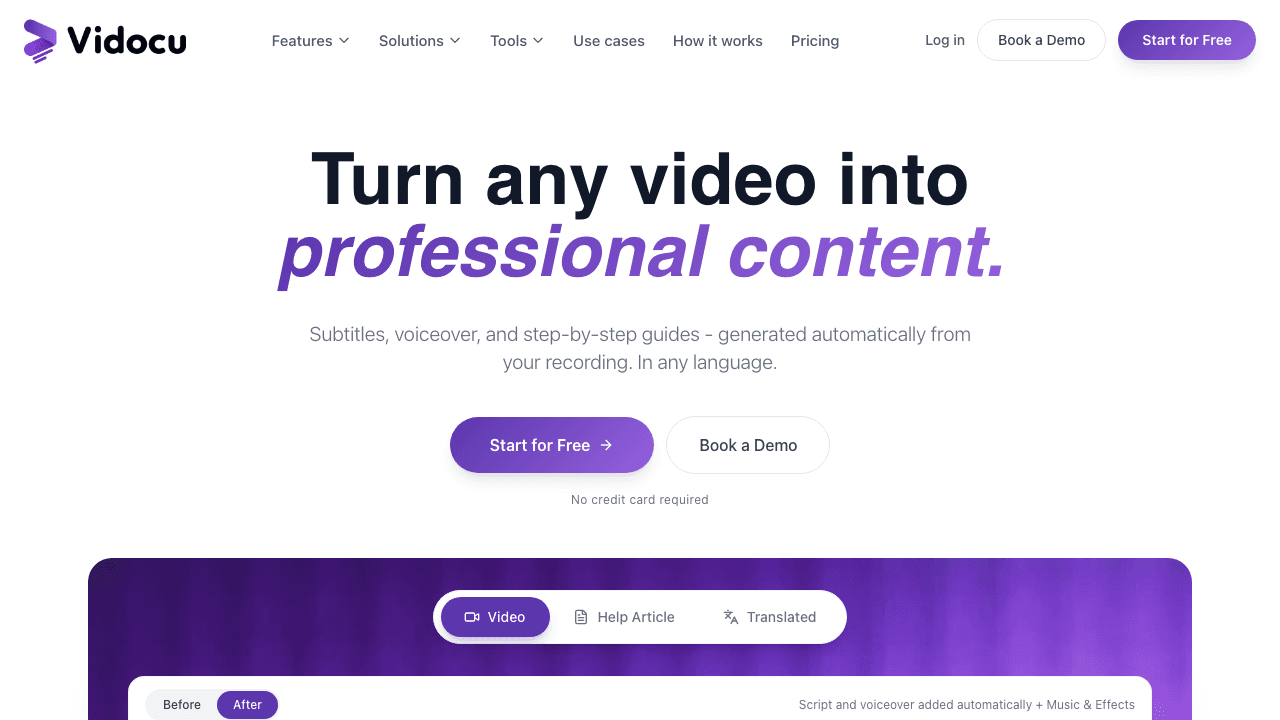
Vidocu is the pick for any process that is easier to show than to type out. You record the process once (or upload a video you already have), and Vidocu generates a step-by-step guide with captured screenshots, clean subtitles, an AI voiceover, and translated versions, all in one pass. Most process documentation tools make you write the steps. Vidocu watches you do the process and writes them for you.
That matters most for the processes that are painful to document by hand: a multi-screen software workflow, a configuration walkthrough, an onboarding sequence with twenty clicks. Its AI video documentation and video-to-SOP workflows produce both the watchable version and the readable, searchable version from the same recording, and the AI documentation feature keeps the screenshots and steps in sync with what you actually did. When the process changes, you re-record and regenerate instead of editing a wall of text.
The other edge is reach. Because Vidocu produces subtitles, voiceover, and translation from one upload, a process documented once is instantly available in 65+ languages, which is a real problem for distributed teams that most SOP tools leave entirely unsolved.
Best for: support, operations, and L&D teams who run processes through software and want docs without writing them. Pricing: Free to start; Pro at $39/mo, Business at $149/mo. Honest limitation: Vidocu is built around recorded processes. If your processes are recurring checklists that need to be run and tracked each time (think monthly close, compliance sign-offs), a workflow tool like Process Street is a better fit for the execution layer.
Document a process by recording it once
Upload any screen recording and Vidocu writes the step-by-step SOP, captures the screenshots, captions it, voices it, and translates it automatically.
Try Vidocu free2. Scribe: best for click-by-click software guides
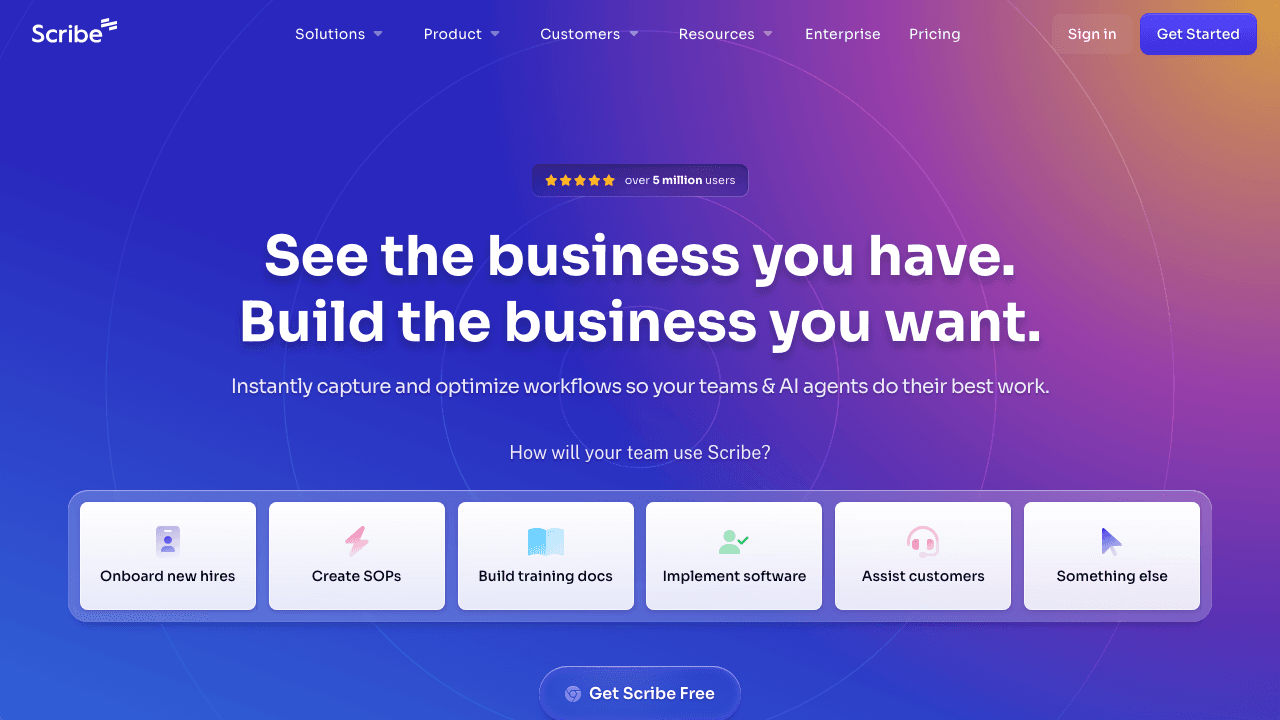
Scribe is the category default for capturing a software process. You turn on the browser extension, click through the task, and Scribe builds a step-by-step guide with screenshots and auto-written text. For documenting "how to do X in this web app," it is fast and genuinely useful.
Best for: teams documenting lots of in-browser software workflows. Pricing: Free tier; paid plans from around $23 per seat per month. Honest limitation: Scribe captures clicks, not narration or context, so the guides can read as mechanical, and it does not handle video, voiceover, or translation. Tango is a near-identical free lightweight option if you only need basic capture, and Guidde is the closest video-first equivalent. If you want the narrated, multilingual version of the same idea, this is where Vidocu and Scribe differ most, as the Scribe vs Tango vs Guidde vs Vidocu comparison breaks down in detail.
3. Trainual: best for processes tied to training
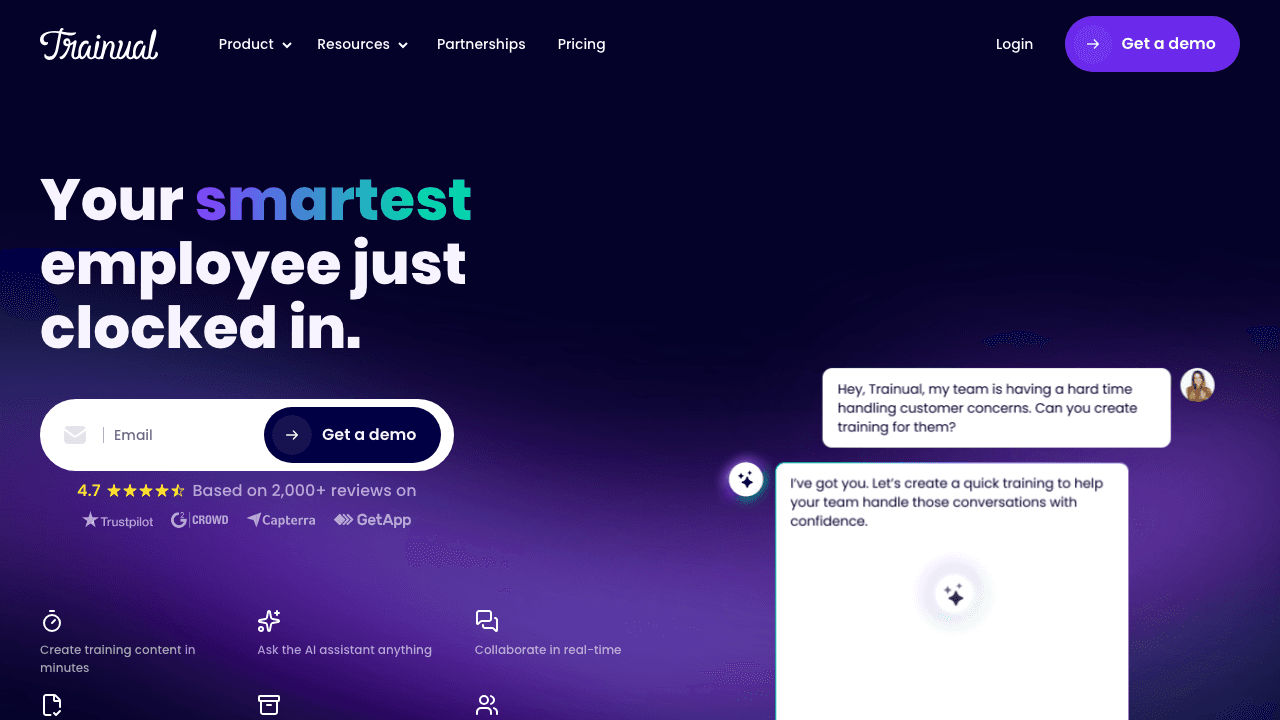
Trainual is less a documentation tool and more a system of record for "how we do things here." It turns documented processes into onboarding paths new hires complete, with role assignments, tests, and completion tracking. If your real goal is getting people to follow the process, not just read it, that training layer is the differentiator.
Best for: growing teams who want process docs and onboarding in one place. Pricing: From around $124 per month for a team of 10 (plus a one-time implementation fee on larger plans). Honest limitation: it is priced for teams, not individuals, and the per-month floor is the highest on this list. Creating the underlying content is still mostly manual writing; many teams record walkthroughs with a tool like Vidocu and embed them, which is exactly the kind of employee training content the two pair well on.
4. Process Street: best for recurring workflows
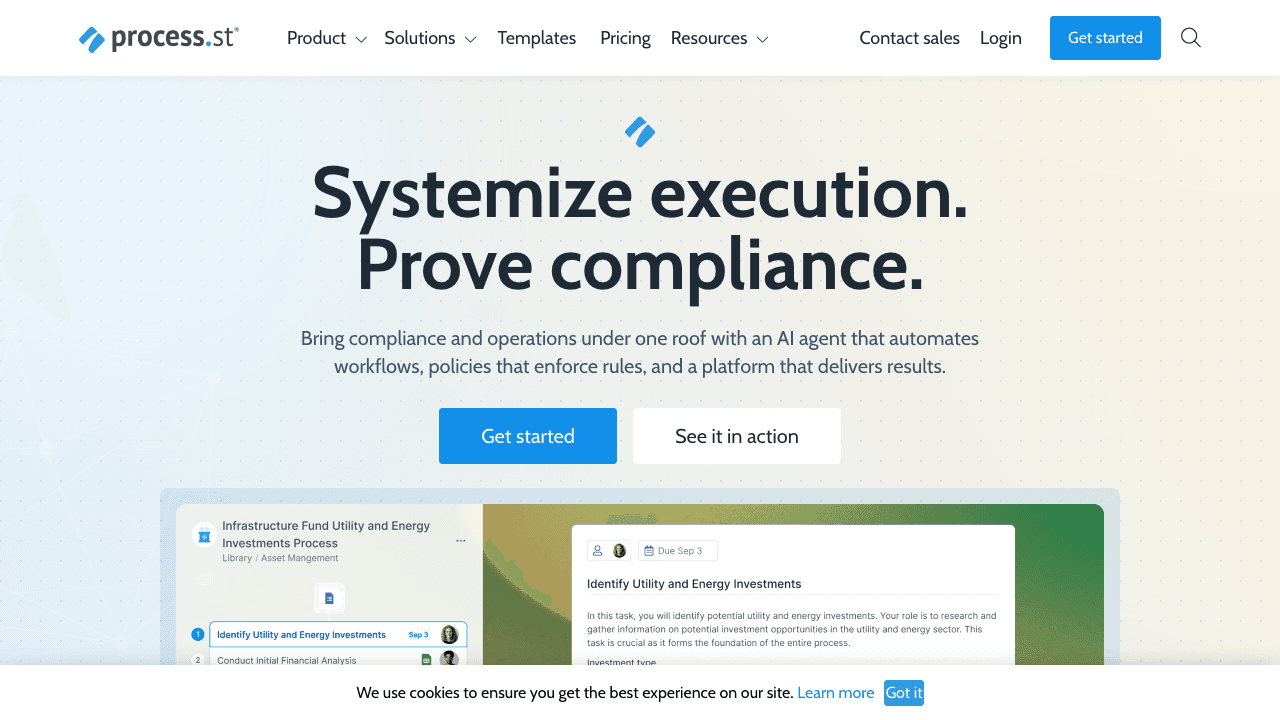
Process Street treats a process as a living checklist rather than a static page. You build a template once, then run it as a tracked instance every time the process happens, with conditional logic, approvals, and automations. For recurring operational processes (client onboarding, monthly close, compliance reviews), that run-and-track model is more useful than a document.
Best for: ops teams running the same process repeatedly and needing accountability. Pricing: Free plan; Pro around $30 per user per month. Honest limitation: it is built for execution, not explanation. The individual steps tend to be terse, so for the "here is exactly how to do this step" detail you often still link out to a recorded walkthrough or a written guide.
5. SweetProcess: best for written procedures and policies
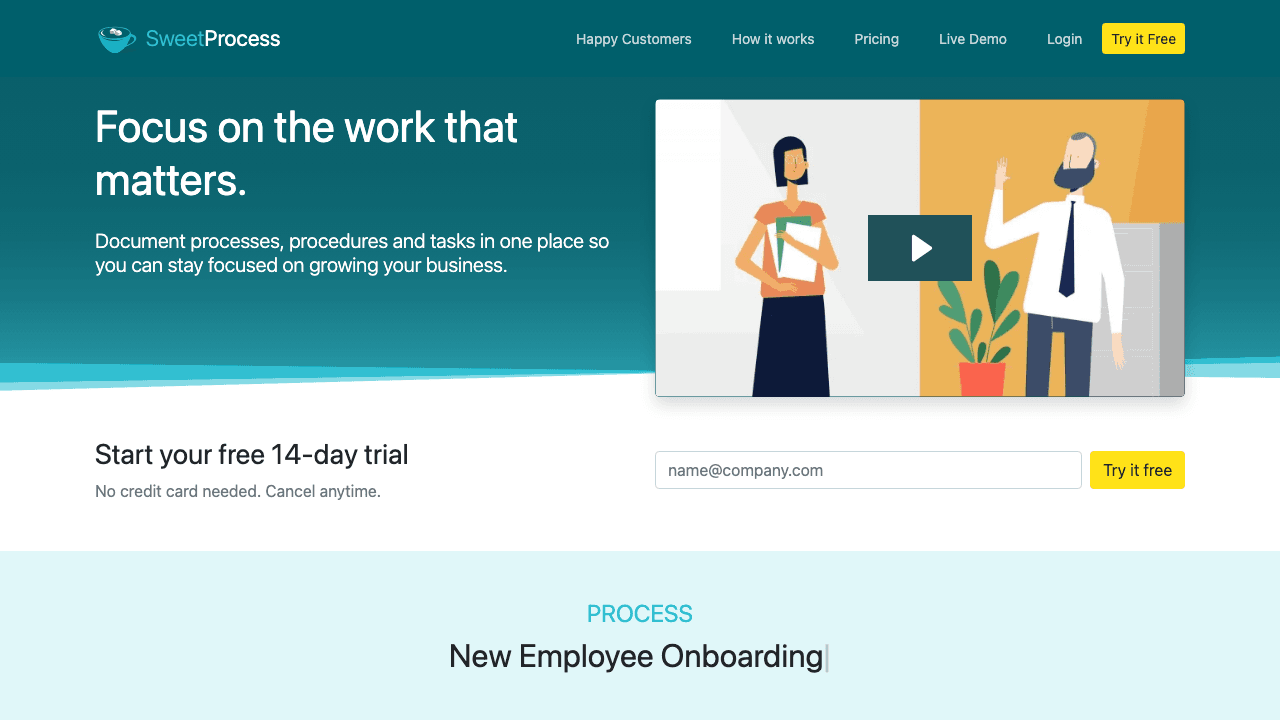
SweetProcess has done one thing reliably since 2013: let you write procedures and policies, organize them, and share them with your team. It is not flashy, but for businesses that just want a clean, dependable home for their SOPs and a simple way to keep them current, that focus is the point.
Best for: small and mid-size businesses that want a no-frills SOP and policy library. Pricing: From around $99 per month for up to 20 active members, then a small per-user fee above that. Honest limitation: documentation is written by hand, so the speed ceiling is whoever is doing the typing, and there is no native video, voiceover, or translation. It pairs well with a capture tool that drafts the steps for you.
6. Notion: best for a flexible process wiki
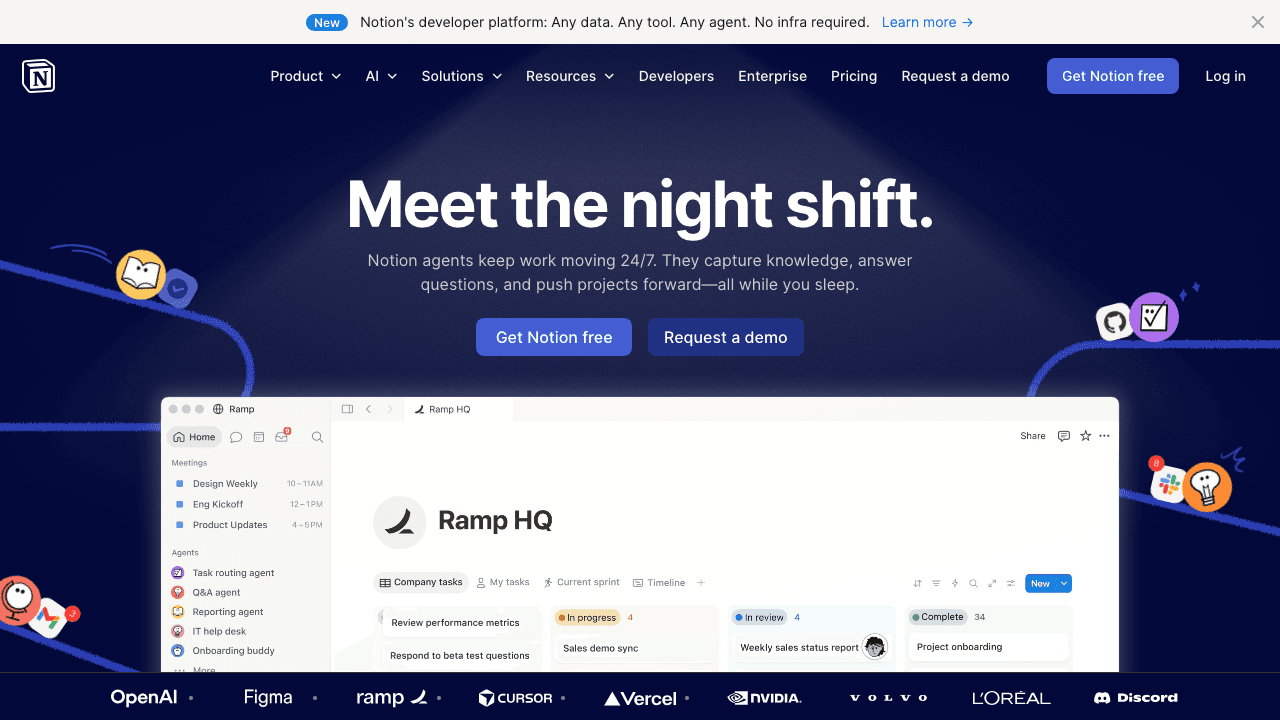
Notion is not purpose-built for process documentation, but it is where a huge number of teams actually keep their SOPs. Its flexible pages, databases, and embeds let you build a process wiki exactly how you want it, and its AI can help draft and summarize. If your team already lives in Notion, fighting that gravity rarely makes sense.
Best for: teams that want one flexible workspace for docs, wikis, and processes. Pricing: Free tier; paid plans from around $10 per user per month. Honest limitation: the flexibility is also the catch. Notion gives you a blank page, not a documentation workflow, so structure, screenshots, and keeping things current are all on you. Many teams embed recorded walkthroughs into Notion pages so the "how" is shown, not just described.
For frontline and manufacturing processes rather than office ones, the shop-floor category is different, and our digital work instructions comparison covers it. For writing the instructions themselves, see how to write work instructions.
How to choose process documentation software
Match the tool to where your processes actually live:
One distinction worth making before you shortlist: if the documents you need are procedures that must be followed the same way every time, with training records to prove it, you are shopping for SOP software rather than general process documentation, and that category has its own leaders.
- Your processes are software workflows you can record. Start with Vidocu. Recording once and getting a screenshotted SOP plus subtitles, voiceover, and translations is the biggest time saver here, especially for support, onboarding, and distributed teams.
- You just need quick click-by-click software guides. Scribe (or free Tango) captures those fast.
- You want people to complete and be tested on processes. Trainual ties documentation to onboarding.
- Your processes are recurring and need to be run and tracked. Process Street's checklist model fits.
- You want a simple, dependable written SOP library. SweetProcess does exactly that.
- You already run on Notion. Build your process wiki there and embed walkthroughs.
The honest throughline from testing all six: the formats are easy, but creation speed and staying current are where these tools win or lose. Hand-written documentation is only as fresh as the last person who remembered to update it. Documentation generated from a recording can be regenerated the moment the process changes, which is why teams drowning in stale SOPs increasingly start from video. If that is your situation, the video-to-documentation workflow is the fastest path, and the customer support use case shows what it looks like in practice. And if your shortlist is specifically video-based platforms, the video documentation software buyer's guide covers the evaluation criteria and pricing traps in depth.
Stop rewriting SOPs every time the process changes
Record the process once and Vidocu generates the step-by-step guide, screenshots, captions, voiceover, and translations, then regenerate in minutes when it changes.
Start freeFAQ
What is the best process documentation software in 2026?
For teams whose processes run through software, the best option is Vidocu, because it turns a single screen recording into a step-by-step guide with screenshots, subtitles, voiceover, and translations automatically. Scribe is best for quick click-capture guides, Trainual for processes tied to training, Process Street for recurring workflows, and SweetProcess for straightforward written procedures.
What is process documentation software?
Process documentation software helps you record, organize, and share how a task or workflow gets done, typically as SOPs, runbooks, checklists, or onboarding guides. The best tools reduce the manual effort of creating and updating that documentation, whether by auto-capturing clicks, generating steps from a video, or turning a process into a trackable checklist.
What is the difference between process documentation and an SOP?
A standard operating procedure (SOP) is one specific, repeatable instruction set for a single task. Process documentation is the broader practice of recording how work is done across a team, which includes SOPs, runbooks, policies, and onboarding material. Most tools on this list handle both; the difference is mainly scope.
Is there free process documentation software?
Yes. Vidocu has a free tier for turning recordings into documentation, Scribe and Tango offer free click-capture, Process Street has a limited free plan, and Notion is free for personal use. Free tiers usually cap usage or features, so heavier teams move to paid plans.
How do you keep process documentation from going out of date?
The biggest cause of stale docs is that updating them is manual work. Choose a tool that makes updates cheap: a checklist you tweak once, or video-based documentation you can re-record and regenerate in minutes. Vidocu's approach of generating docs from a recording means a changed process can produce a fresh, fully captioned guide without rewriting anything by hand.
The bottom line
There is no single best process documentation tool, only the best fit for where your processes live. If they are recurring checklists, use Process Street. If they are tied to onboarding, use Trainual. If you want a plain written library, SweetProcess; if you want flexibility, Notion; if you want fast click-capture, Scribe. But if your processes are things you can record, Vidocu changes the economics: you document by doing the process once, and walk away with the SOP, the screenshots, the captions, the voiceover, and the translations all at once.
Try Vidocu for free at vidocu.ai.
By Daniel Sternlicht, founder of Vidocu.

Written by
Daniel SternlichtDaniel Sternlicht is a tech entrepreneur and product builder focused on creating scalable web products. He is the Founder & CEO of Common Ninja, home to Widgets+, Embeddable, Brackets, and Vidocu - products that help businesses engage users, collect data, and build interactive web experiences across platforms.


