
The best product walkthrough software in 2026 depends on where the walkthrough lives. Vidocu is the best pick for video walkthroughs that ship with step-by-step docs, generated from one recording. Arcade leads for interactive click-through demos, Userpilot for in-app onboarding, WalkMe for enterprise digital adoption, and Scribe for quick written step guides.
"Product walkthrough software" gets used for at least three different kinds of tools, and most roundups mash them together. That's how you end up comparing a $0 screen recorder against a $50,000-per-year enterprise platform and learning nothing. This guide separates the categories first, then picks the strongest tool in each lane. We cut every tool that plays the same role as a stronger pick, which is why this list has five entries instead of fifteen.
The Three Kinds of Product Walkthrough Software
Before comparing tools, decide which of these you actually need:
1. Video walkthroughs. A narrated screen recording that shows the workflow end to end, usually paired with a written step-by-step guide. These live in your help center, knowledge base, YouTube channel, or onboarding emails. They work before and after signup, and they're the only format that survives outside your product. Tools: Vidocu, Guidde, Clueso.
2. Interactive click-through demos. A captured replica of your product that prospects click through themselves, usually embedded on a landing page or sent by sales. Great for top-of-funnel "show me before I sign up" moments. Tools: Arcade, Storylane, Navattic, Supademo.
3. In-app guidance. Tooltips, checklists, and guided flows overlaid on your live product for logged-in users. This is walkthrough-as-UI: it requires installing a snippet in your app and only helps users who are already inside it. Tools: Userpilot, Appcues, Pendo for SaaS onboarding; WalkMe and Whatfix for enterprise employee adoption.
There's also a fourth adjacent category: written step capture (Scribe, Tango), which auto-generates screenshot guides as you click. It's not video and it's not interactive, but for internal process walkthroughs it's often all you need.
A quick rule of thumb: if the walkthrough needs to live outside your product (help center, sales follow-up, training library), you want video plus docs. If it needs to live inside your product, you want in-app guidance. If it needs to pretend to be your product on a landing page, you want a click-through demo.
How We Picked These 5
We tested the leading tools in each category and collapsed the ones that play the same role. Storylane, Navattic, and Supademo all compete directly with Arcade, so Arcade represents the click-through category. Appcues and Pendo overlap with Userpilot; Whatfix and Apty overlap with WalkMe; Tango and Guidde overlap with Scribe and Vidocu. What survived is one strong pick per distinct job.
Comparison Table
| Tool | Walkthrough type | Best for | Free plan | Paid from |
|---|---|---|---|---|
| Vidocu | Video + auto-generated step docs | Walkthroughs for help centers, training, and multilingual teams | Yes (roughly 4 video min) | $39/mo |
| Arcade | Interactive click-through demo | Marketing pages and sales outreach | Yes (3 demos) | $32/user/mo |
| Userpilot | In-app onboarding flows | SaaS user activation | No (14-day trial) | $299/mo |
| WalkMe | Enterprise digital adoption | Employee training across large orgs | No | ~$50K/year |
| Scribe | Auto-captured written steps | Quick internal how-to guides | Yes (no export) | $13/seat/mo |
1. Vidocu: Video Walkthroughs With the Docs Included
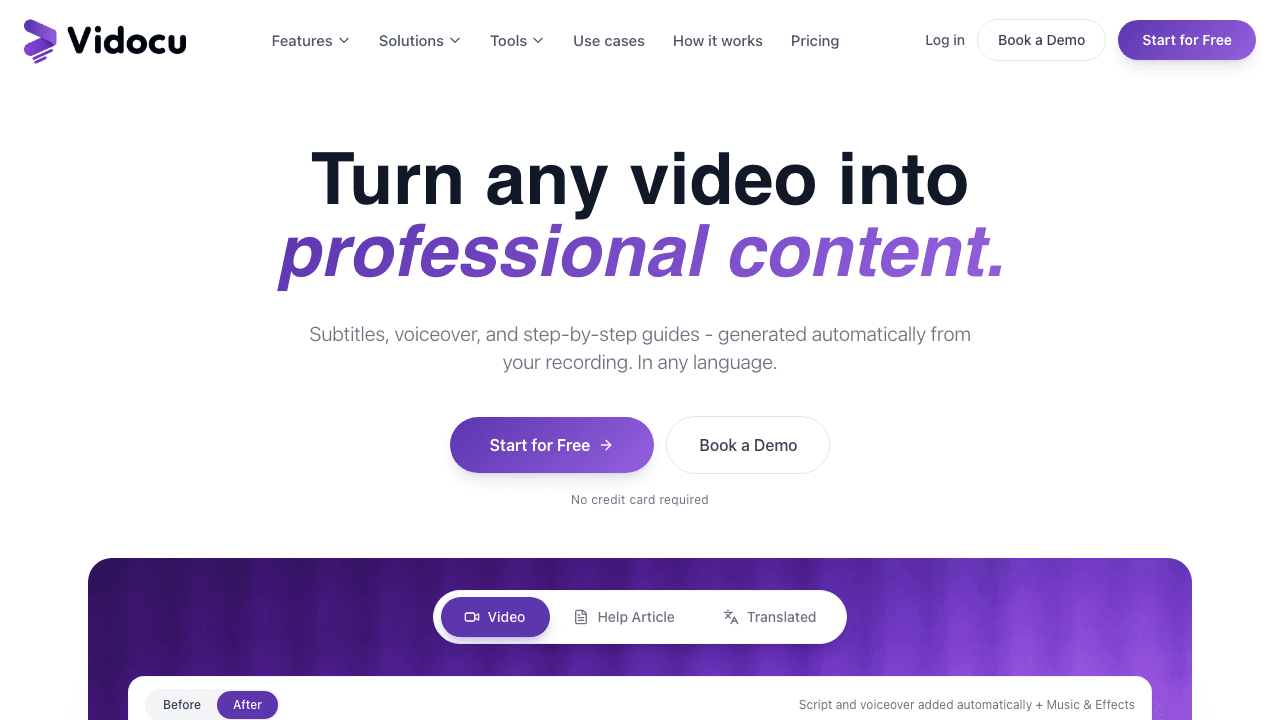
Most walkthrough tools give you one artifact. Vidocu gives you the full set from a single recording: a polished walkthrough video with subtitles and AI voiceover, plus a step-by-step written guide with auto-captured screenshots, in any of 65+ languages.
The workflow: record your product walkthrough with Vidocu's Chrome extension, which adds automatic zoom-ins and element highlights as you click, so the recording arrives already polished. Or upload any existing screen recording (a Loom, a Zoom call, an old demo) and add zoom and pan effects, callouts, and clean AI narration in the editor. Either way, Vidocu's AI documentation engine turns the same recording into a written walkthrough your users can skim.
That two-outputs-from-one-recording model matters because real walkthroughs live in multiple places. The video goes in your onboarding email and YouTube channel; the written guide goes in your help center; the translated versions go to your international customers. With single-format tools you rebuild each of those by hand.
Pricing: Free plan includes 200 credits, roughly 4 video minutes, and auto-zoom recording. Pro is $39/mo and adds AI voiceover, video translation, and watermark removal. Business is $149/mo with team workspace, REST API, and training quizzes.
Pros:
- One recording becomes video, docs, subtitles, and voiceover together
- Works on uploaded recordings, not just its own captures
- 65+ languages for both subtitles and narration
- Auto-zoom and element highlights at record time via the Chrome extension
Cons:
- Not an interactive click-through demo (viewers watch, they don't click)
- No in-app overlay guidance; walkthroughs live outside your product
Best for: Product marketing and customer education teams that need walkthroughs for help centers, onboarding, and training, especially in more than one language.
Turn one recording into a full product walkthrough
Record once and get a polished walkthrough video plus a step-by-step guide with screenshots, in 65+ languages.
Try Vidocu Free2. Arcade: Interactive Click-Through Demos for Marketing and Sales
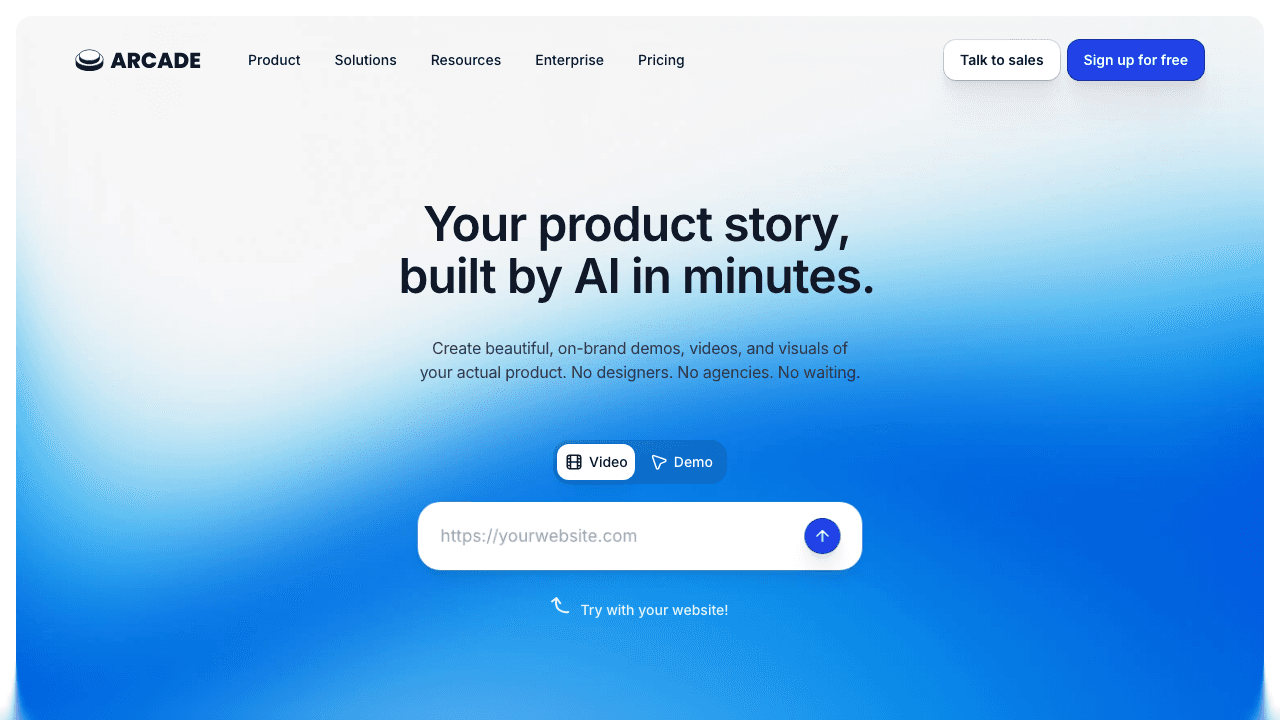
Arcade captures your product as you click through it, then turns that capture into an interactive demo prospects can drive themselves. Embed it on a landing page, drop it in a sales email, or share it as a link. Zapier reports 70% more booked meetings using Arcade tours, and the polish level is the best in the click-through category.
Arcade's editor is fast: hotspots, pans, branching paths on higher tiers, and AI voiceover for narrated tours. Exports to GIF and MP4 let marketing reuse demos in ads and social posts.
The tradeoff of the whole category: a click-through demo is a replica, not a video. It's excellent for "let me poke at this before I talk to sales" moments and weak for deep training, because viewers can only follow the path you captured. And when your UI changes, you recapture.
Pricing: Free plan allows 3 published demos. Pro is $32/user/mo. Growth moved to a flat $297.50/mo (includes 5 seats) and adds HTML capture, branching, and custom branding.
Pros:
- Fastest path to a polished interactive demo
- Strong analytics on where prospects drop off
- GIF/MP4 export for reuse in campaigns
Cons:
- Demos go stale when your UI changes
- Not built for post-signup training or help-center content
- Growth tier pricing jumped significantly
Best for: Marketing and sales teams that want prospects to experience the product before signup.
3. Userpilot: In-App Walkthroughs for User Activation
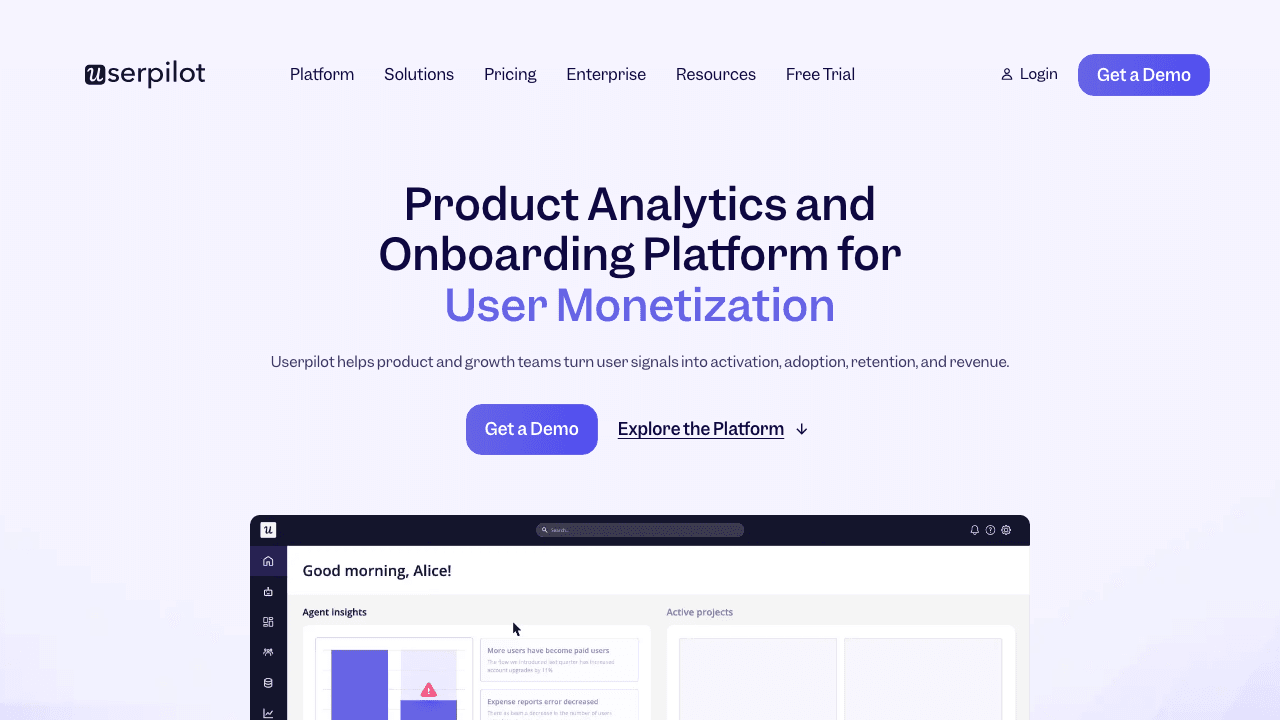
Userpilot overlays guided walkthroughs directly on your live product: welcome flows, tooltips, checklists, and progress-based nudges for logged-in users. Of the in-app category (Appcues, Pendo, UserGuiding), it hits the best balance of flow depth and analytics for mid-market SaaS.
Because it runs inside your app, Userpilot can react to what users actually do: skip the tour for power users, re-trigger a walkthrough when someone stalls, A/B test flows on higher tiers. That's something no video or demo tool can do.
The limits are the mirror image. In-app walkthroughs only reach users who are already logged in, can't be sent to a prospect or embedded in a help article, and require a JavaScript snippet in your product, which means engineering signs off first.
Pricing: Starter is $299/mo (billed annually) for up to 2,000 monthly active users. Localization and A/B testing require higher tiers.
Pros:
- Walkthroughs react to real user behavior in-product
- Strong segmentation and activation analytics
- No-code flow builder once the snippet is installed
Cons:
- Only reaches logged-in users
- MAU-based pricing climbs fast as you grow
- Multi-language support gated to expensive tiers
Best for: SaaS product teams focused on activation and feature adoption inside the app.
4. WalkMe: Enterprise Digital Adoption at Enterprise Prices
WalkMe, acquired by SAP in 2024, is the heavyweight of digital adoption platforms. It overlays walkthroughs, validation, and automation across other software your employees use: Salesforce, Workday, SAP, and your own internal tools. If the job is "make 10,000 employees fill in the CRM correctly," this is the category that does it, and WalkMe leads it over Whatfix and Apty on ecosystem depth.
It's a serious deployment, not a signup. Pricing is custom and typically lands between $50K and $150K per year, implementations run around four months, and advanced analytics and AI guidance are paid add-ons.
Pricing: Custom quotes only. Reported median around $43K/year, with large deployments well into six figures.
Pros:
- Works across your whole software stack, not one product
- Step validation and process enforcement for compliance-heavy workflows
- Deep analytics on where employees get stuck
Cons:
- Six-figure territory with multi-month implementation
- Massive overkill for SaaS customer-facing walkthroughs
- Key features sold as add-ons
Best for: Enterprises standardizing how employees use a large internal software stack.
5. Scribe: Auto-Captured Written Walkthroughs
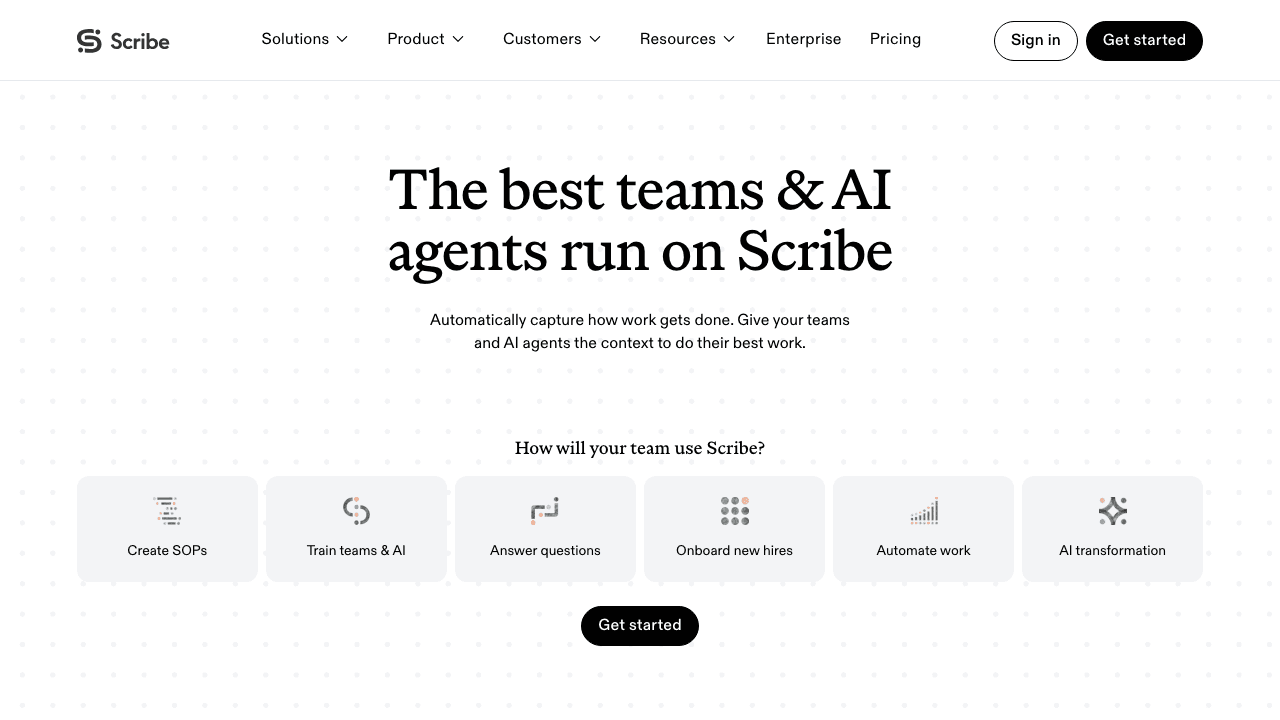
Scribe watches you click through a process and auto-generates a written step-by-step guide with annotated screenshots. For quick internal how-tos ("here's how to run the payroll export"), it's the fastest capture-to-guide path in the written category, ahead of Tango on editing flexibility.
The output is text and screenshots only. There's no video, no voiceover, and no translation of narrated content, so anything that benefits from watching motion (multi-screen workflows, timing-dependent steps) falls flat. Teams that need both formats usually pair a capture tool like Scribe with a video tool, or use a tool that generates both from one recording. We compared the written-capture tools head to head in our Scribe alternatives roundup.
Pricing: Free plan captures unlimited guides but doesn't export. Pro Team is around $13/seat/mo with a 5-seat minimum; Pro Personal around $25/user/mo adds desktop capture and PDF/HTML export.
Pros:
- Fastest way to produce a written step guide
- Auto-redaction of sensitive data on paid tiers
- Easy embedding in Notion, Confluence, and wikis
Cons:
- No video output at all
- Free plan can't export guides
- Screenshots go stale silently when your UI updates
Best for: Ops and support teams documenting internal processes as written guides.
Which Product Walkthrough Software Should You Pick?
- You need walkthroughs for a help center, onboarding library, or training program: Vidocu. One recording produces the video and the written guide, and translation covers international users without re-recording.
- You need prospects to try the product before signup: Arcade.
- You need to nudge logged-in users inside your app: Userpilot.
- You need 5,000+ employees to use Salesforce correctly: WalkMe.
- You need a written internal how-to by end of day: Scribe.
These aren't always either/or. A common stack is one in-app tool plus one video-and-docs tool, since they cover opposite sides of the login wall. If you're choosing the video-and-docs side, our buyer's guide to video documentation software walks through the evaluation criteria, and our product demo video guide covers the recording itself.
Build your walkthrough library without a video team
Record your product once. Vidocu generates the walkthrough video, subtitles, voiceover, and step-by-step doc automatically.
Start FreeFAQ
What is product walkthrough software?
Product walkthrough software creates guided demonstrations of how to use a product. The term covers three distinct tool types: video walkthrough tools that produce narrated recordings and written guides (Vidocu), interactive demo tools that create clickable product replicas (Arcade), and in-app guidance tools that overlay tooltips and flows on your live product (Userpilot, WalkMe).
What's the difference between a product walkthrough and a product tour?
They overlap heavily. "Product tour" usually means an in-app or click-through experience a user drives themselves, while "product walkthrough" is broader and includes narrated videos and step-by-step guides. Most teams need both: tours for first-run activation, walkthrough videos and docs for everything users look up later.
Can I create a product walkthrough from an existing screen recording?
Yes, with the right tool. Vidocu accepts any uploaded video (Loom exports, Zoom recordings, old demos) and generates subtitles, AI voiceover, zoom effects, and a step-by-step written guide from it. Click-through demo tools and in-app guidance platforms can't work from existing recordings; they require capturing or instrumenting the product itself.
Do interactive demos or video walkthroughs convert better?
They win at different stages. Interactive demos convert best pre-signup on landing pages, where prospects want to explore. Video walkthroughs win post-signup and in support contexts, where users want to be shown the answer, and they're reusable across help centers, emails, and social. Teams serious about activation typically run both.
How much does product walkthrough software cost?
Video walkthrough tools start free, with paid plans from $39/mo (Vidocu Pro). Interactive demo tools run $32 to $300/mo (Arcade). In-app onboarding platforms start around $299/mo (Userpilot). Enterprise digital adoption platforms like WalkMe are custom-quoted, typically $50K+ per year.
Ready to build product walkthroughs that come with the documentation included? Try Vidocu for free and turn your first recording into a walkthrough video and step-by-step guide in minutes.

Written by
Daniel SternlichtDaniel Sternlicht is a tech entrepreneur and product builder focused on creating scalable web products. He is the Founder & CEO of Common Ninja, home to Widgets+, Embeddable, Brackets, and Vidocu - products that help businesses engage users, collect data, and build interactive web experiences across platforms.