


Scribe popularized the "click record, get a guide" workflow, and it is still a solid screenshot-capture tool. But it leaves real gaps: it is silent (text and static images only), per-seat pricing climbs fast for teams, and it does nothing with the screen recordings and demo videos you already have. If you need video, voiceover, translation, or a place for docs to actually live, you are shopping for an alternative.
The short answer: the best Scribe alternative for most teams in 2026 is Vidocu, because it turns a single video recording into a step-by-step guide, subtitles, an AI voiceover, and a translated version in one pass. The seven other tools below each win a specific use case: Tango for free in-app capture, Guidde and Loom for video, Trainual for training programs, Folge for offline desktop work, Supademo for interactive demos, and Document360 for housing it all in a knowledge base.
Here are the eight that earned a spot.
How we chose
We compared tools on the things teams actually leave Scribe over: output formats beyond static screenshots, whether voiceover and translation are built in, how pricing scales with seats, and whether the tool captures the screen recordings you already make. Every pick is a tool we have tested or tracked across G2, Capterra, and community reviews. Vidocu is first because it is the only option here that covers documentation, subtitles, voiceover, and translation from one upload.
| Tool | Best for | Output | Voiceover + translation | Starting price |
|---|---|---|---|---|
| Vidocu | Video to docs, subtitles, voiceover, translation | Docs, subtitles, voiceover, video | Yes, 65+ languages | Free, Pro $39/mo |
| Tango | Free in-app step capture | Text + screenshots | No | Free, Pro ~$16/seat |
| Guidde | AI video walkthroughs | Video guides | AI voiceover, 25+ langs | Free, paid on request |
| Loom | Async video messages | Screen recordings | Transcripts only | Free, Business $15/seat |
| Trainual | Structured training programs | SOPs + courses | No | From ~$300/mo |
| Folge | Offline desktop capture | Docs, PDF, Word | No | One-time license |
| Supademo | Interactive product demos | Clickable demos | AI voiceover | Free, Pro $36/seat |
| Document360 | Hosting your knowledge base | KB site + portal | Add-on | From ~$199/mo |
1. Vidocu
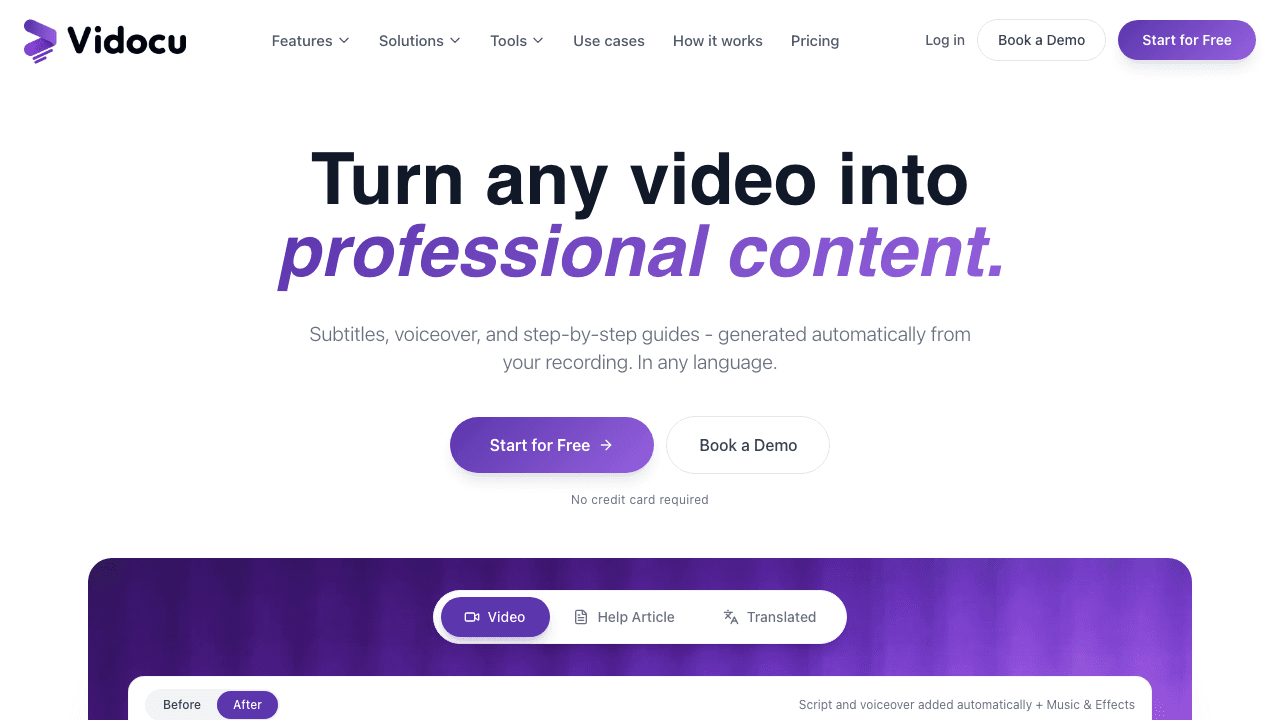
Scribe captures clicks and produces a silent text guide. Vidocu starts from the recording itself and produces four things at once: a step-by-step article with auto-captured screenshots, subtitle files, an AI voiceover, and translated versions in any of 65+ languages. That is the core difference. If you record demos, support calls, or onboarding sessions, those videos become documentation instead of sitting in a Drive folder.
The video-to-SOP workflow reads the recording, pulls the meaningful steps, grabs a screenshot for each, and writes the guide. If you would rather capture fresh, Vidocu's Chrome recorder auto-zooms on clicks and highlights the element you interact with, so the recording arrives already polished. From there you can generate AI subtitles, add a natural AI voiceover in 50+ voices, or run the whole thing through video translation to localize a guide without a translation team.
Where Scribe stops at the guide, Vidocu also gives the output a home: the knowledge center turns your guides into a searchable, AI-powered help center. So the same recording becomes an internal SOP, a public help article, and a subtitled video. Output formats cover all four bases: video with embedded subtitles, SRT/VTT subtitle files, HTML/Markdown articles, and PNG screenshots.
Pricing: Free forever (200 credits, roughly 4 minutes of AI video, AI subtitles, auto-zoom, screenshot editor). Pro is $39/mo and adds watermark removal, voiceover, translation, and word-level captions. Business is $149/mo with a team workspace and AI annotations.
Best for: teams that already record video and want documentation, subtitles, voiceover, and translation from one source instead of four separate tools.
Where it differs from Scribe: Scribe documents a workflow as you click; Vidocu turns any existing video into multi-format content, and it speaks, captions, and translates.
Turn your next recording into a guide, voiceover, and translation
Upload one video and Vidocu writes the step-by-step doc, adds subtitles, generates an AI voiceover, and localizes it. No browser extension required.
Try Vidocu for free2. Tango
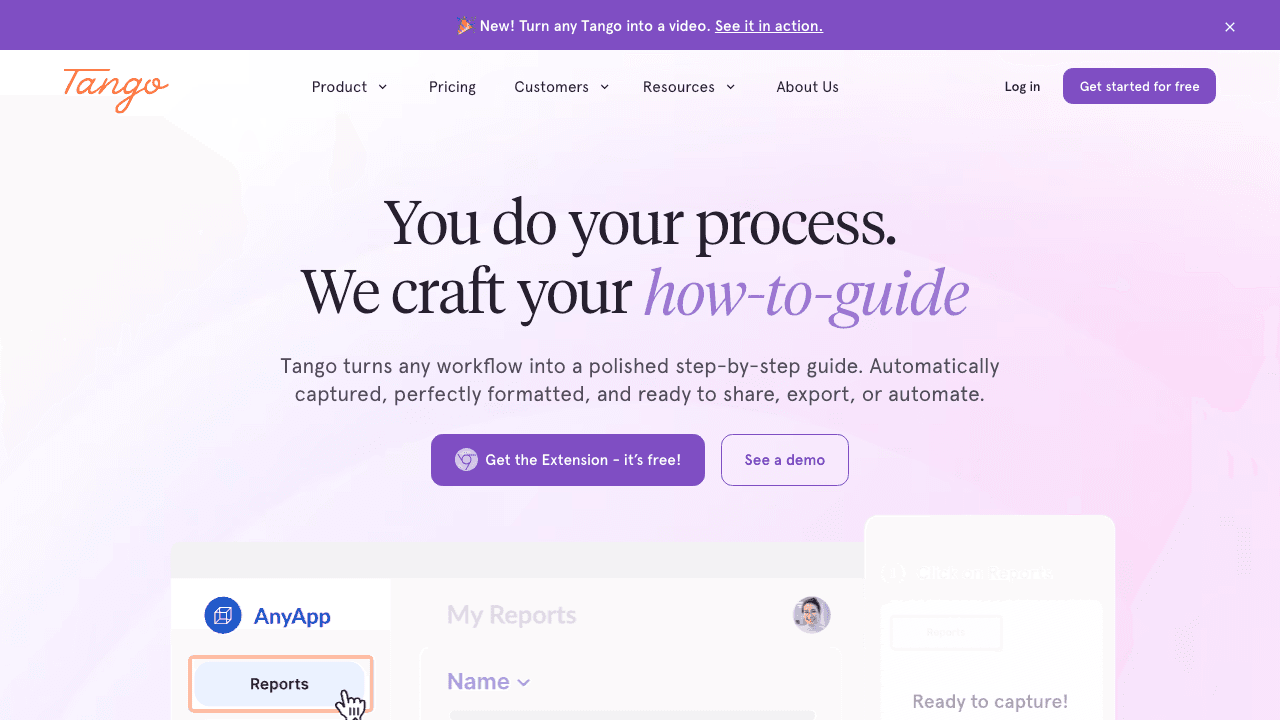
Tango is the closest like-for-like Scribe replacement and usually the first one teams try. It captures your workflow automatically and turns it into a step-by-step guide with screenshots, and it leans hard into in-app guidance: the same capture can become a tooltip walkthrough that floats over your software to guide users in real time.
It also tends to come in cheaper than Scribe at the entry tier and keeps a genuinely usable free plan, which is why budget-conscious IT and ops teams pick it. The catch is the same one Scribe has: it is silent and static. There is no voiceover and no real video output, so anything that benefits from narration or motion still needs another tool. If you are weighing the two directly, see our Tango comparison.
Pricing: Free plan available; Pro starts around $16 per seat per month.
Best for: internal IT and ops teams that want automatic capture plus in-app guidance on a tight budget.
3. Guidde
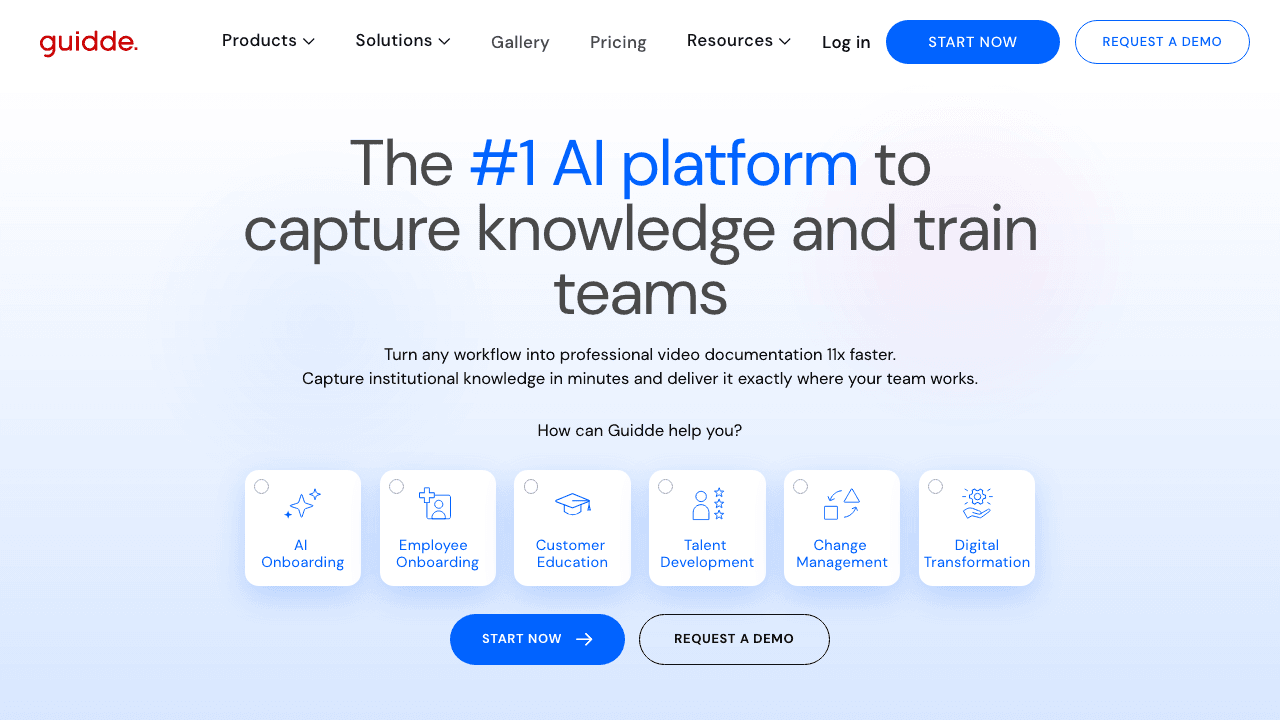
Guidde answers Scribe's biggest weakness directly: it produces video. It captures your screen and generates a narrated walkthrough with an AI voiceover in 25+ languages, sitting between traditional step docs and full video training. For teams that find static screenshots get ignored, the engagement bump from narrated video is the main reason to switch.
The trade-off is that Guidde is video-first, so it is less suited to the dense, scannable text SOP that some processes need. Pricing also moves to a sales conversation quickly once you grow past the free tier. Vidocu overlaps here (both generate narrated video) but Vidocu also writes the text guide and subtitle files from the same recording, so you are not forced to choose a format. Our Guidde comparison breaks down the differences.
Pricing: Free plan; paid tiers quoted on request.
Best for: teams that want AI-narrated video walkthroughs and care more about engagement than a dense text SOP.
4. Loom
Loom is not a documentation tool, and that is the point. It is the dominant async screen-recording tool for quick "let me show you" videos, and a huge number of teams already use it daily. As a Scribe alternative it works when the deliverable is a video message rather than a searchable, step-numbered guide. It gives you transcripts and chapters, but it stops short of writing an actual SOP.
The natural pattern is to pair them: record in Loom, then turn that recording into documentation. Vidocu has a dedicated Loom-to-documentation workflow for exactly this, and if you are evaluating Loom as a standalone pick, our Loom alternatives guide goes deeper.
Pricing: Free plan with limits; Business is around $15 per seat per month.
Best for: teams that live in async video and want a recording to share, not a written guide.
5. Trainual
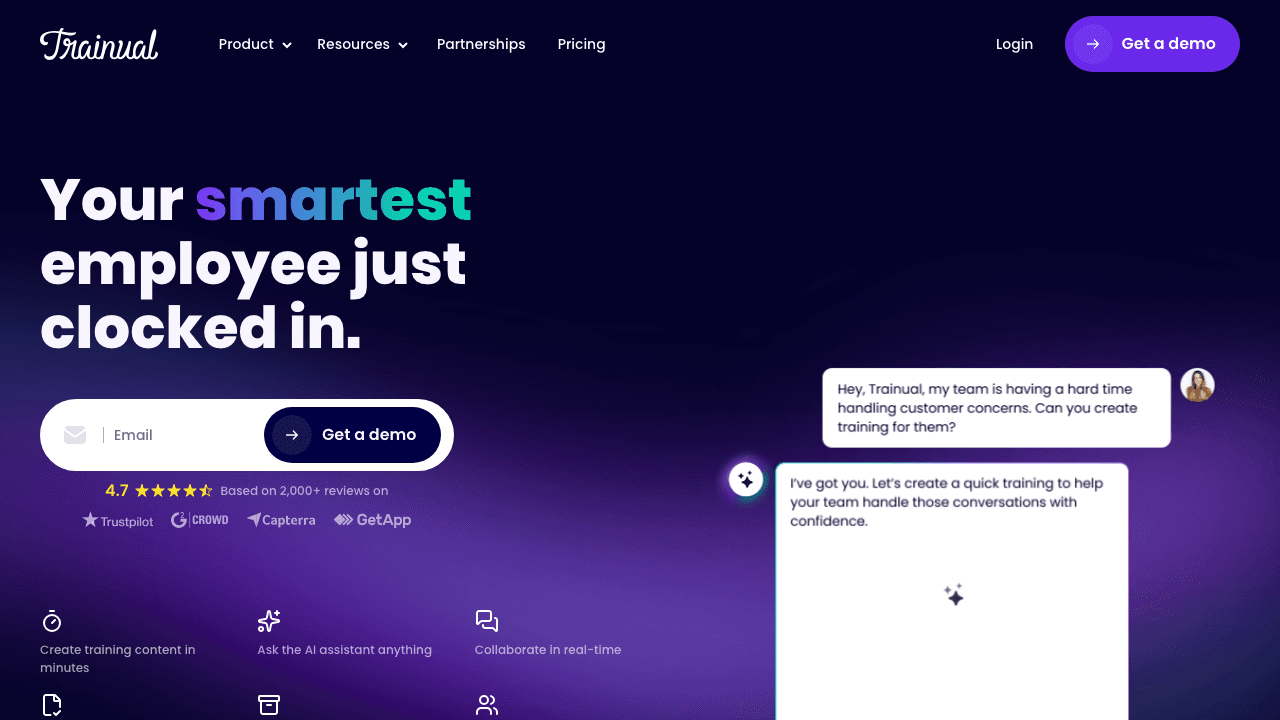
Trainual solves a different half of the problem than Scribe. Scribe creates individual guides; Trainual organizes all of your processes, policies, and training into structured courses with assignments, tracking, and accountability. If your real pain is "we have SOPs everywhere and no one follows them," Trainual is the governance layer, not the capture tool.
That structure is also its limit: Trainual is not built to auto-capture a workflow into a polished guide the way Scribe or Tango do, so many teams use it alongside a capture tool rather than instead of one. For the documentation side of that pairing, our process documentation software guide covers the options.
Pricing: Plans typically start around $300/mo for small teams.
Best for: companies that need to organize, assign, and track training, not just create guides.
6. Folge
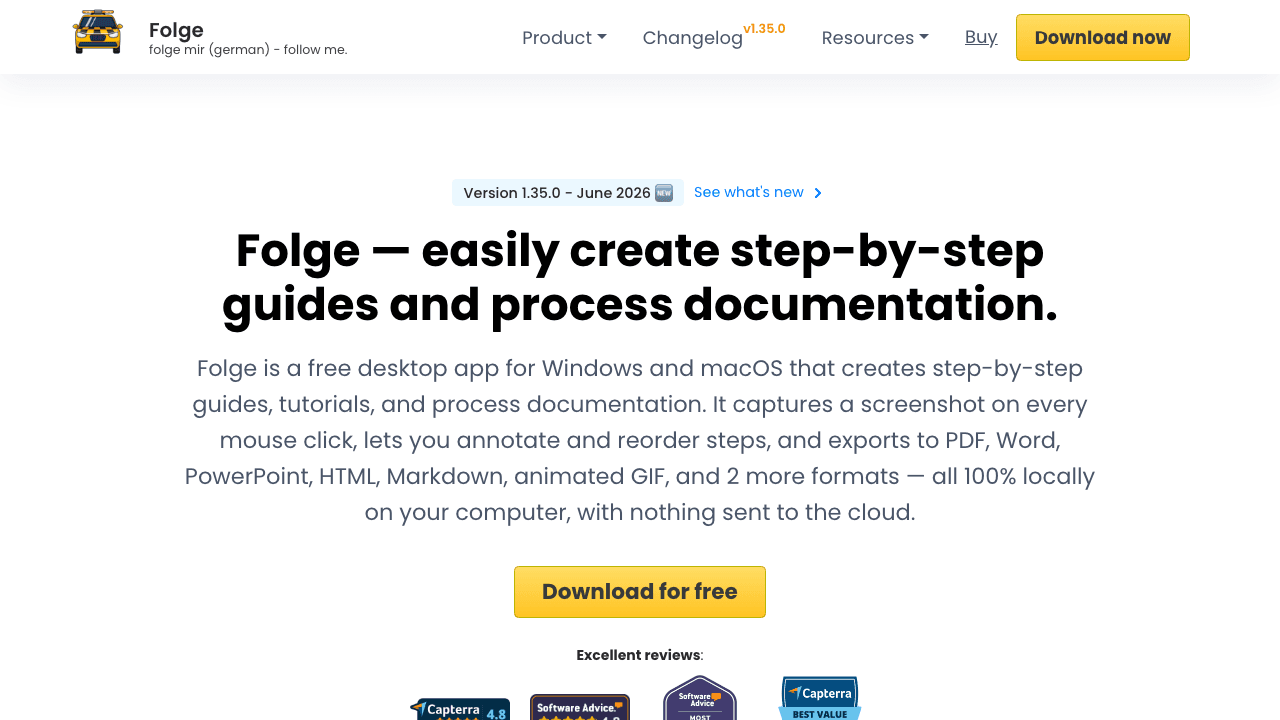
Folge is the pick for teams that cannot or will not put their process docs in the cloud. It is a desktop app that captures each step as you click, lets you annotate and blur screenshots, and exports to PDF, Word, HTML, or image files. Because everything runs locally, it suits regulated environments and security-conscious teams that rule Scribe out on data-residency grounds. It is also the closest match for teams replacing Windows Steps Recorder, which Microsoft has deprecated.
The trade-off is that local-first means no live shareable URLs, no real-time collaboration, and no video or voiceover. It is a focused capture-and-export tool, and within that scope it is clean and affordable.
Pricing: One-time license rather than a recurring subscription.
Best for: security-conscious or offline teams that need local capture and document exports.
7. Supademo
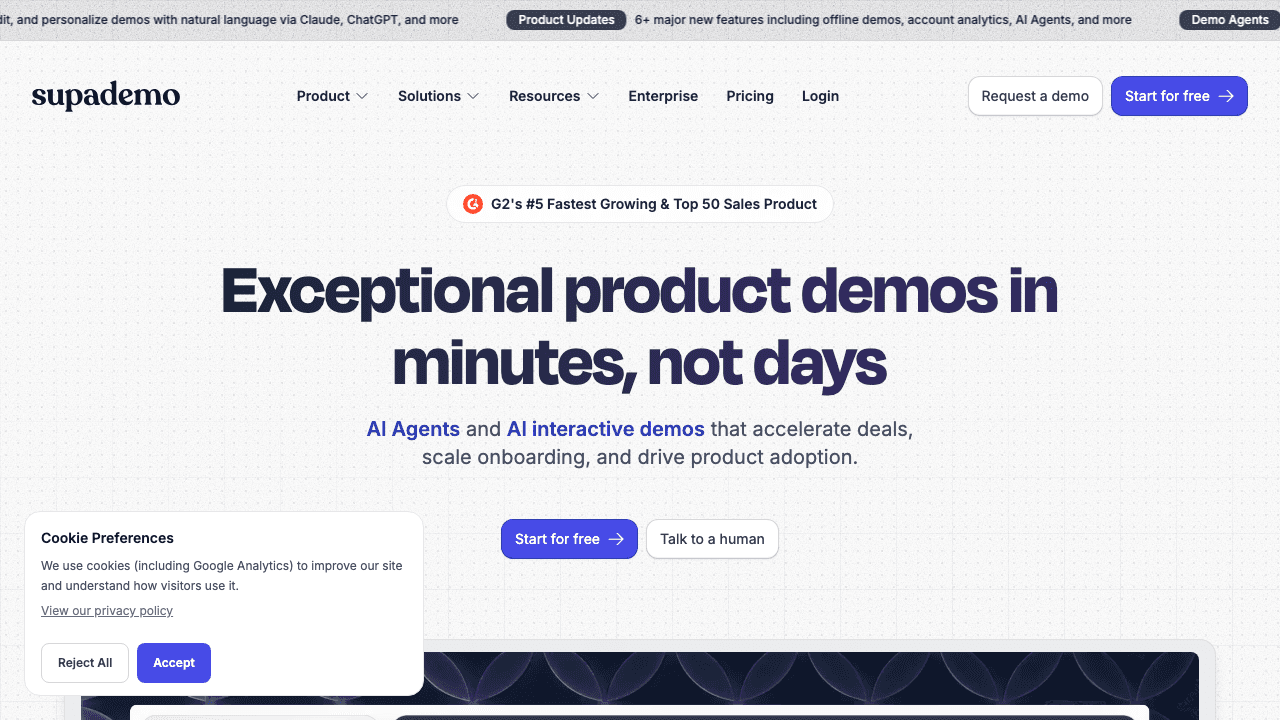
Supademo shifts the format from "read these steps" to "click through this." It creates interactive, clickable demos that let a user move through your product themselves, which is far more engaging than a static screenshot guide for onboarding, sales, and self-serve education. It also supports AI voiceover and multi-language demos.
If your goal is help-center articles or internal SOPs, an interactive demo is more than you need and the static guide tools are simpler. But for product-led onboarding, Supademo is the strongest pick on this list. See how it stacks up in our Supademo comparison.
Pricing: Free plan; Pro starts around $36 per seat per month.
Best for: product, sales, and onboarding teams that want hands-on interactive demos over static guides.
8. Document360
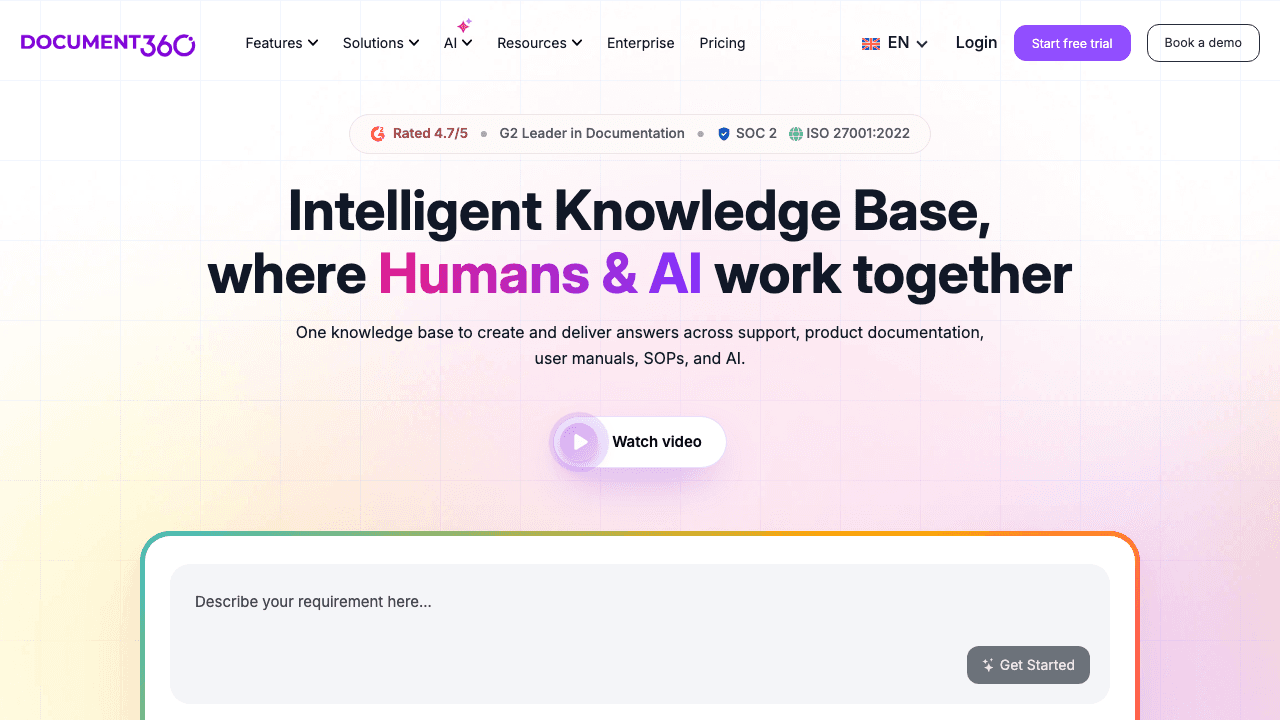
Document360 is on this list for a reason Scribe users hit eventually: you need somewhere for all these guides to live. It is a full knowledge base platform with a public help center, private docs, versioning, analytics, and an editor built for documentation teams. It is less about capturing a workflow and more about running a real, governed documentation operation.
The honest framing is that Document360 is a destination, not a capture tool, so you still need something to create the guides that fill it. That is exactly why it pairs well with Vidocu: generate the content from video, then publish and govern it. If you are weighing knowledge base options, our AI help center software guide and AI knowledge base generators roundup compare the field.
Pricing: Paid plans typically start around $199/mo.
Best for: teams that need a structured, searchable home for a growing documentation library.
One recording, every format your docs need
Vidocu turns a single video into a step-by-step guide, subtitles, AI voiceover, and translations, then publishes it as a searchable help center.
See the video-to-docs workflowHow to choose the right Scribe alternative
Start with your output, not the tool. If your deliverable is a written, screenshot-based guide and you want to stay close to Scribe's model, Tango is the cheapest swap and Folge is the offline one. If the format that actually gets read is video, Guidde and Loom cover async narration and Supademo covers interactive demos. If your problem is organization rather than creation, Trainual structures training and Document360 hosts the knowledge base.
If you want one tool that collapses several of those jobs into a single upload, including the parts Scribe never touched (voiceover and translation), that is where Vidocu fits. The same recording becomes a step-by-step document, a subtitled video, a narrated voiceover, and a localized version for every market you serve. For a head-to-head against Scribe specifically, see our Scribe comparison page.
FAQ
What is the best free Scribe alternative?
Vidocu and Tango both offer genuine free-forever plans. Tango is the closest match to Scribe's static-guide model, while Vidocu's free plan goes further by turning your video into a documented guide with AI subtitles and an in-browser screenshot editor included.
Does any Scribe alternative add voiceover and translation?
Yes. This is where most Scribe alternatives fall short, because Scribe, Tango, and Folge are silent. Vidocu generates an AI voiceover in 50+ voices and translates the guide, subtitles, and narration into 65+ languages from the same recording. Guidde and Supademo also offer AI voiceover in fewer languages.
Why do teams leave Scribe?
The three most common reasons are price (per-seat billing with a 5-seat minimum climbs fast), format (static screenshots get ignored when video would land better), and scope (Scribe documents a workflow but does nothing with the recordings you already have). The right alternative depends on which of those is your real blocker.
Can I turn an existing screen recording into documentation?
Yes. Vidocu is built for this: upload a Loom, Zoom, or any screen recording and it extracts the steps, captures a screenshot for each, and writes the guide, then adds subtitles, voiceover, and translation. You do not need a browser extension or a fresh capture session.
Is Scribe or a knowledge base tool the better choice?
They do different jobs. Scribe (and capture tools like Tango) create individual guides; a knowledge base like Document360 stores and governs them. Many teams need both. Vidocu covers both sides by generating the guides and publishing them into a searchable, AI-powered help center.
The bottom line
Scribe is fine at the narrow thing it does: capturing clicks into a static guide. The reason to switch is that documentation in 2026 is rarely just static text. It needs video, narration, translation, and a real home. Tango, Guidde, Loom, Trainual, Folge, Supademo, and Document360 each own a slice of that. Vidocu covers the most of it from a single recording, which is why it leads this list.
Try Vidocu for free and turn your next recording into a guide, a voiceover, and a translation in minutes.
Written by Daniel Sternlicht.

Written by
Daniel SternlichtDaniel Sternlicht is a tech entrepreneur and product builder focused on creating scalable web products. He is the Founder & CEO of Common Ninja, home to Widgets+, Embeddable, Brackets, and Vidocu - products that help businesses engage users, collect data, and build interactive web experiences across platforms.


