


Loom made async video easy. Then the free plan shrank to 25 videos and a 5-minute cap, the product folded into Atlassian, and a lot of teams started asking the obvious question: what else is out there?
Short answer: The best Loom alternative depends on what you do after you hit stop. If you need your recording turned into help docs, subtitles, and voiceover, Vidocu is the strongest pick. For sales video with CRM tracking, Vidyard. For fast screen-and-GIF capture, Zight. For an AI recorder that transcribes and summarizes for free, ScreenApp. For polished, edited video, Descript. For written step-by-step guides instead of video, Scribe. For free, unlimited recording with no watermark and no time limit, OBS Studio.
We recorded the same three-minute product walkthrough in each tool, shared it, and pushed it through whatever the tool does next. Here are the seven that earned a spot, what they cost, and who each one is actually for.
Updated July 2026 with current pricing and a free-tier breakdown.
Why teams leave Loom in 2026
Loom is still a good recorder. The friction shows up around it. The Starter (free) plan now caps you at 25 videos, five minutes each, at 720p. Paid plans start at $18 per user per month for Business and $24 for Business + AI. None of that is outrageous, but the recording is where Loom stops. You get a link to a video. If your real job is producing a help article, a translated tutorial, or a searchable knowledge base, you are still doing all of that work by hand after the recording ends.
That gap is what most of these alternatives attack, from different angles.
The 7 best Loom alternatives at a glance
Vidocu leads the table because it is the only tool here that turns a single recording into a finished video, subtitles, a voiceover, and a written step-by-step guide in one pass.
| Tool | Best for | Free plan | Paid from | What you get after recording |
|---|---|---|---|---|
| Vidocu | Turning recordings into docs, subtitles + voiceover | Yes (200 credits, roughly 4 video min, no caption watermark) | $39/mo | Auto docs, subtitles, AI voiceover, 65+ language translation |
| Vidyard | Sales and business video | Yes (25 videos) | ~$19/user/mo | Video email, CRM sync, engagement analytics |
| Zight | Fast screen + GIF capture | Yes | ~$8/user/mo | Quick share links, screenshots, GIFs, annotations |
| ScreenApp | Free AI recording + notes | Yes (3 recordings) | $19/mo | Transcript, summary, AI-generated notes |
| Descript | Polished, edited video | Yes (1 hr/mo, watermarked) | ~$16/user/mo | Transcript-based editing, filler-word removal |
| Scribe | Written step-by-step guides | Yes (10 guides) | ~$12/seat/mo | Auto screenshots + numbered text steps (no video) |
| OBS Studio | Free, unlimited local recording | Yes (free forever, no limits) | Free | Nothing automatic: full manual control, no watermark |
Pricing reflects published rates as of July 2026 and shifts often. Confirm current numbers before you buy.
1. Vidocu: best when you need more than a video
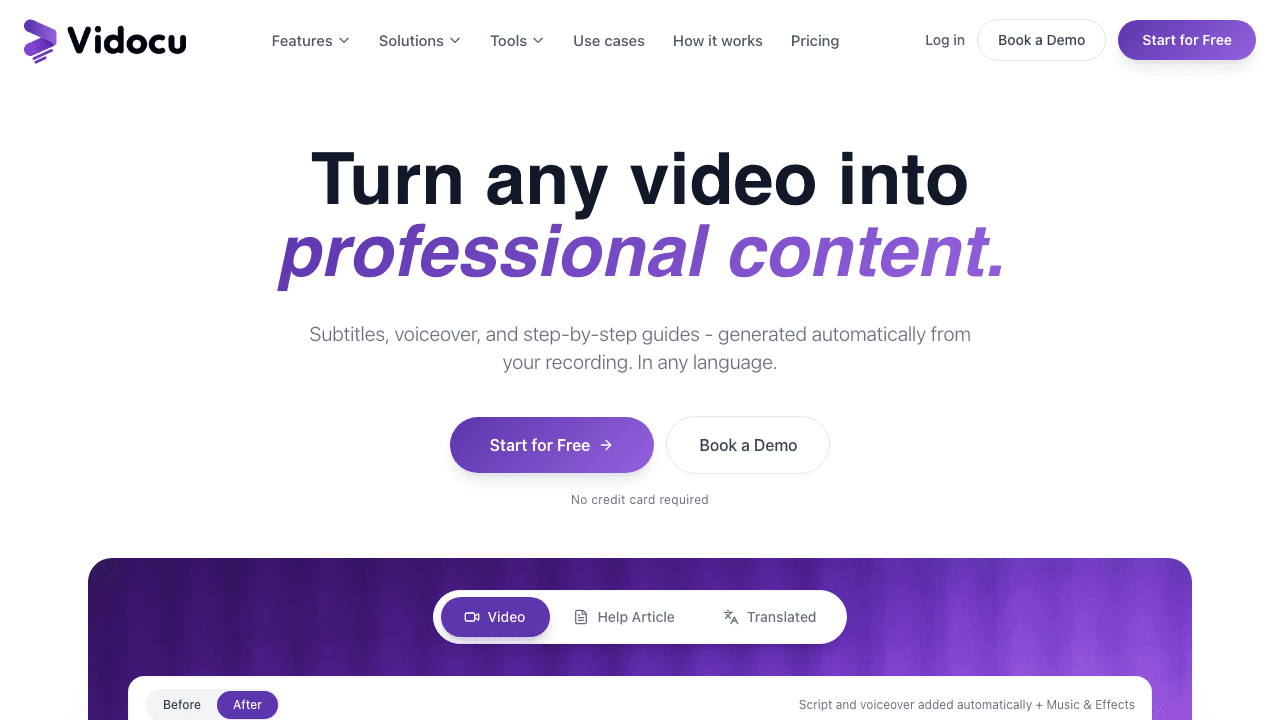
Loom gives you a video. Vidocu gives you everything you would otherwise build from that video by hand. Record with the Vidocu Chrome recorder (it auto-zooms on clicks and highlights the elements you interact with), and within a couple of minutes you get back a polished video, accurate subtitles, an optional AI voiceover, and a step-by-step written guide with captured screenshots. That is the core difference: Loom stops at the recording, Vidocu keeps going.
The translation piece is where it pulls away from the pack. One recording can become subtitles and voiceover in 65+ languages without re-recording, which matters if you support customers or train teams across regions. When we ran our test walkthrough through it, the written guide came back genuinely usable, headings, numbered steps, and screenshots placed at the right moments, not a raw transcript dump.
Vidocu is not the tool for a quick "here's my screen, talk soon" message to a teammate. That is Loom's home turf and Zight does it faster. Vidocu earns its place when the recording is the start of a deliverable: a help article, an SOP, a multilingual tutorial, or a searchable knowledge base. If you are already sitting on a library of Loom videos, the Loom-to-documentation flow converts an existing recording into a written guide, and the full Loom comparison goes feature by feature.
Pricing: Free forever (200 credits, roughly 4 video minutes, AI subtitles, auto-zoom, no watermark on captions). Pro $39/mo (820 credits, roughly 16 min/mo, AI voiceover, translation, watermark removal). Business $149/mo (4,000 credits, roughly 80 min/mo, team workspace, AI annotations).
Best for: Support, product marketing, and training teams who need documentation out of their recordings, not just a link.
Stop re-doing work after every recording
Vidocu turns one screen recording into a video, subtitles, a voiceover, and a written guide in any of 65+ languages. Automatically.
Try Vidocu free2. Vidyard: best for sales teams
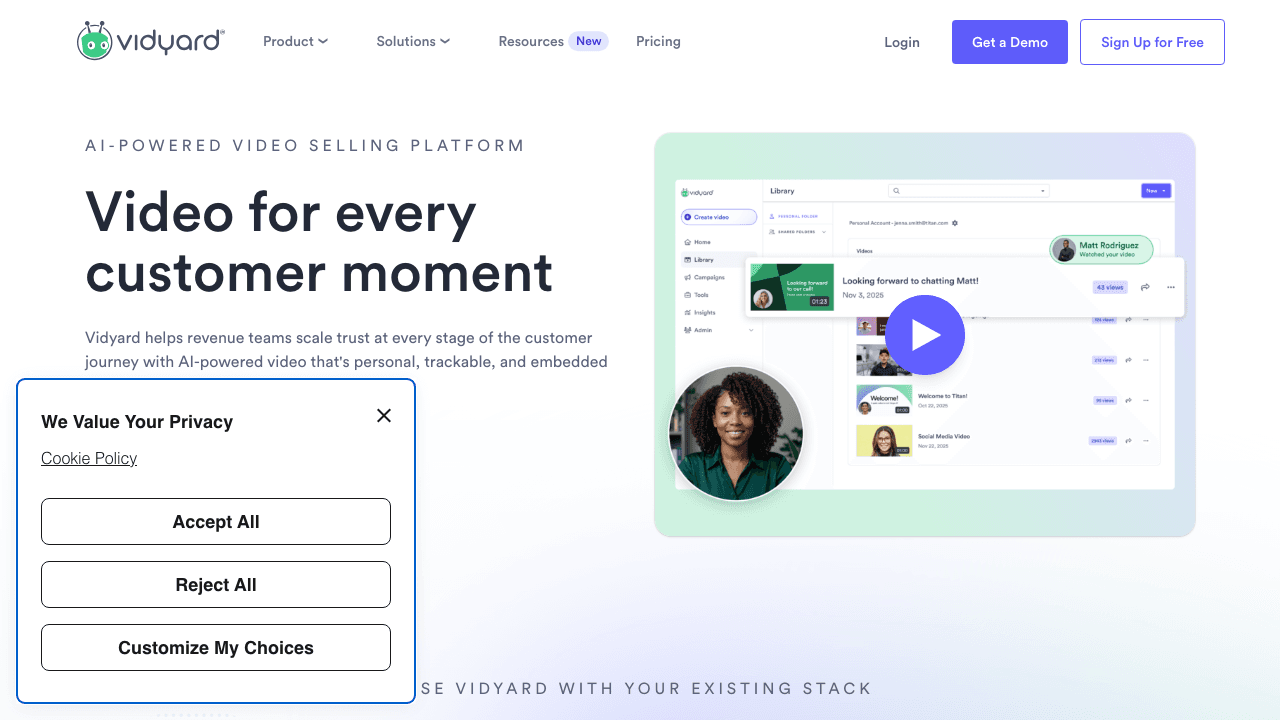
Vidyard built its business on the exact use case where Loom feels thin: sending video to prospects and knowing what happened next. It records screen and webcam like Loom, then layers on video email, personalized thumbnails, calls-to-action inside the player, and engagement tracking that syncs to your CRM. If a rep wants to know who watched their demo to the 80% mark, Vidyard answers that and Loom does not.
The free plan covers 25 videos at up to 30 minutes each, which is more generous on length than Loom's free tier. The catch is that the features that make Vidyard worth choosing, CTAs, lead forms, deeper integrations, sit behind paid plans. Published Pro pricing runs roughly $19 to $29 per user per month, with team and enterprise tiers quoted on request.
Pricing: Free (25 videos, branded player). Pro from ~$19/user/mo. Teams and Enterprise custom.
Best for: Sales and revenue teams who need video tied to pipeline. See how Vidocu fits a sales workflow when you also need the recording turned into follow-up docs, or the Vidyard comparison for a direct breakdown.
3. Zight: the closest like-for-like swap
Formerly CloudApp, Zight is the alternative that feels most like Loom on day one. Record your screen, voice, and face, get a shareable link instantly. Where it goes further is breadth: Zight also does annotated screenshots and GIFs from the same app, so the quick "let me show you this bug" message becomes a GIF in two clicks instead of a full video. It runs on Mac, Windows, and Chrome.
Recent versions added AI transcription, summaries, and "Smart Actions" that can spin a recording into a rough FAQ or SOP. It is lighter than Vidocu's documentation output, but it covers the fast-capture niche better than anything else on this list. Paid plans are inexpensive, starting around $8 per user per month on Team, which undercuts Loom Business.
If you want something even simpler and browser-only, Screencastify is the other option in this lane: a Chrome extension long popular in education, with basic trim, captions, and sharing. Its free tier caps you at 10 videos of 5 minutes each with a watermark, and Starter runs $7 per user per month billed annually. Pick Zight if you want screenshots and GIFs alongside video; pick Screencastify if you want the smallest possible tool.
Pricing: Free tier available. Pro around $9.95/mo, Team around $8/user/mo.
Best for: Teams who want Loom-style quick capture plus screenshots and GIFs without paying Loom prices.
4. ScreenApp: best free AI recorder
ScreenApp leads with AI. Record your screen and it automatically transcribes (it claims up to 99% accuracy across 99 languages), summarizes, and generates notes from the content. For meetings, training reviews, and any recording you would otherwise have to re-watch to find the useful 30 seconds, that is a real time saver.
The free plan is genuinely usable for trying it out: three recordings, one transcription, and a few AI generations per month. Real work needs the Growth plan at $19 per month (annual), which unlocks unlimited recordings and a meeting bot. If you want the transcription-and-summary layer without committing to a full documentation platform, ScreenApp is a clean middle ground. For deeper, screenshot-rich written guides you would still reach for Vidocu or Scribe.
Pricing: Free ($0, 3 recordings). Growth $19/mo. Business $34/mo (annual).
Best for: Individuals who want automatic transcripts and summaries from their recordings on a budget. Vidocu also has a free alternatives page for ScreenApp if you are comparing the two directly.
5. Descript: best for polished, edited video
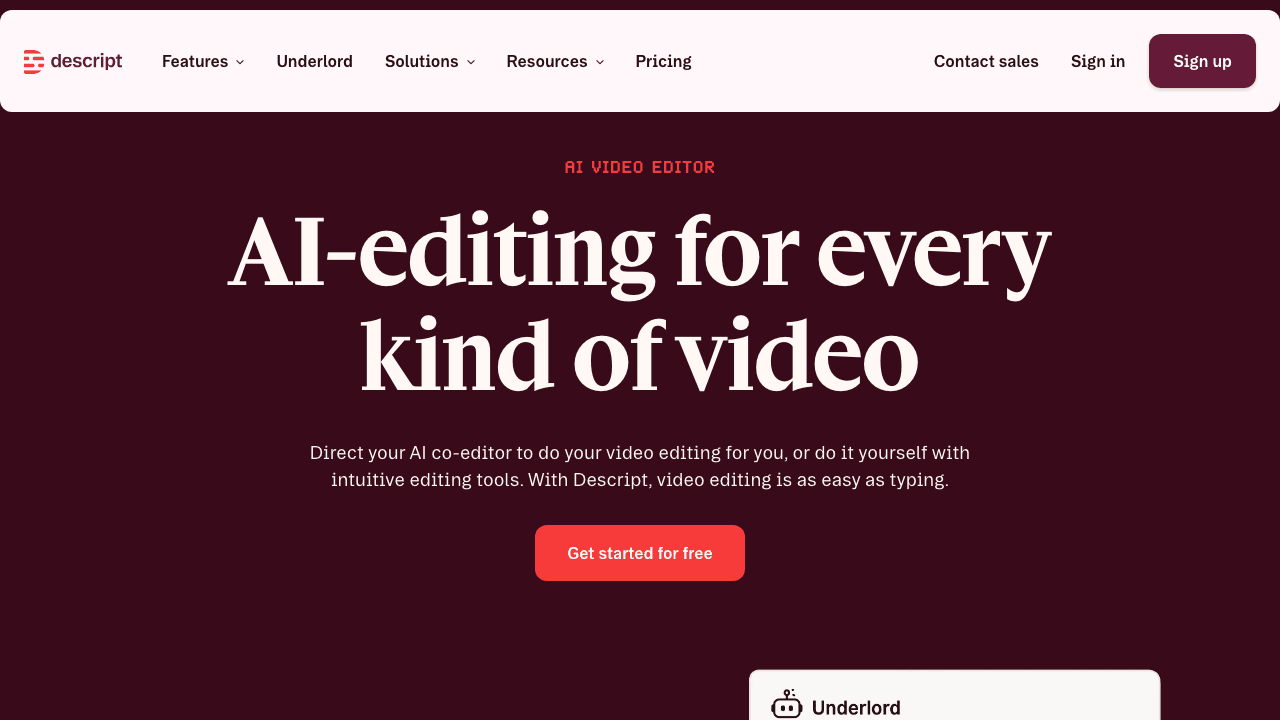
Descript is the pick when the recording needs to look produced. Its signature trick is editing video by editing the transcript: delete a sentence of text and the matching footage disappears, "ums" and filler words go with a single command. For a tutorial or a marketing clip that has to be tight, this is far faster than scrubbing a timeline.
The free plan gives you an hour of media a month but watermarks exports, and the AI features are heavily capped. Paid tiers start around $16 per user per month (Hobbyist, annual) and climb to $50 to $65 for Business. It is overkill for a quick teammate message, and it does not generate written documentation the way Vidocu does. If your bottleneck is editing rather than documenting, Descript is the strongest tool here. We also keep a deeper list of Descript alternatives and a head-to-head Descript comparison if that is your starting point.
Pricing: Free (1 hr/mo, watermarked). Hobbyist ~$16/mo, Creator ~$24/mo, Business ~$50/mo (annual).
Best for: Creators and marketers who need edited, professional-looking video, not just a recording.
6. Scribe: best when you do not need video at all
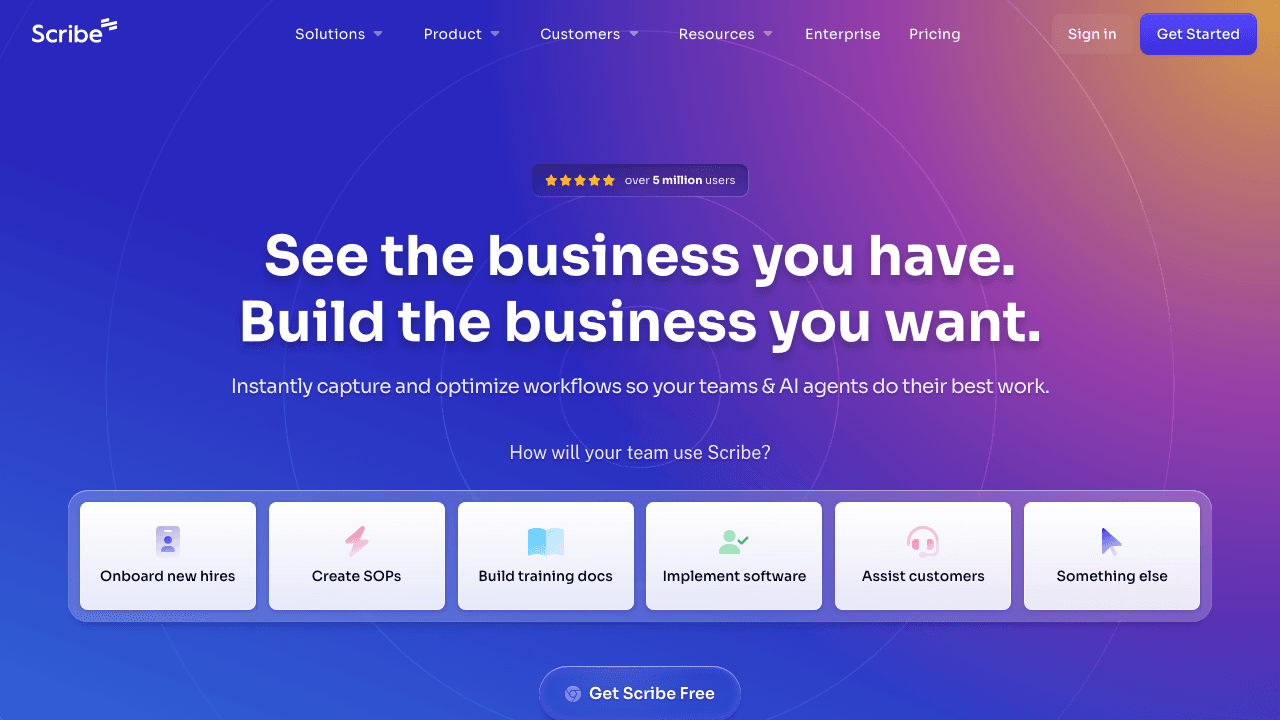
Here is the question worth asking before you replace Loom: did you need a video, or did you need a how-to? A lot of "watch me click through this" recordings are really step-by-step instructions trapped in a video. Scribe captures your screen as you work and turns it into a numbered guide with screenshots and text, no video, no narration. Readers skim it in seconds instead of sitting through three minutes.
The free plan covers 10 guides and is web-app only. Desktop and mobile capture require Pro, which runs about $12 per seat per month on the Team plan (five-seat minimum) or $23 per seat on Pro Personal. Scribe does not produce video at all, so it is not a Loom replacement for demos or face-to-camera messages. But for process documentation it is often the better format.
Guidde sits between Scribe and a recorder: it captures a workflow and returns a narrated, structured video guide you can export as MP4, GIF, PDF, or PPT, rather than a silent screenshot doc. Its free tier covers 25 videos with a watermark, and Pro is $18 per creator per month billed annually. If you want that format compared properly against Scribe and Tango, we break all four down in the Scribe vs Tango vs Guidde vs Vidocu comparison.
Vidocu covers this lane too, and goes further by giving you the video and the written guide from one recording, which is the comparison we make in our Loom vs Scribe vs Tango breakdown.
Pricing: Free (10 guides, web only). Pro Team ~$12/seat/mo (5-seat min). Pro Personal ~$23/seat/mo. Enterprise custom.
Best for: Teams documenting repeatable processes where a readable guide beats a video.
7. OBS Studio: best free, unlimited Loom alternative
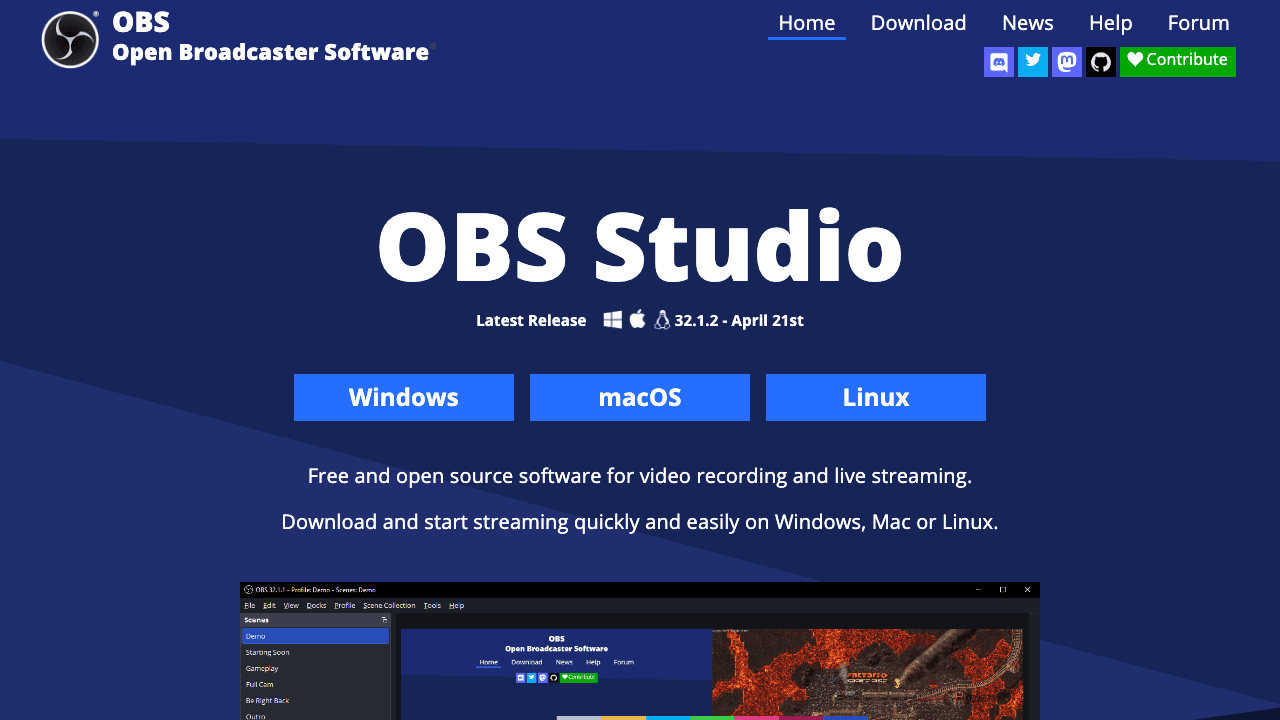
If the reason you are leaving Loom is the free plan's 25-video, five-minute ceiling, OBS Studio removes the ceiling entirely. It is free and open source, records up to 4K at 60fps with no watermark and no time limit, and lets you build multi-source scenes with window captures, webcams, and separate audio tracks. Nothing is gated behind a premium tier, on Windows, macOS, or Linux.
The trade-off is everything the cloud tools do for you. There is no instant shareable link, no hosting, no automatic captions, no transcript, and setup takes real effort the first time. You record locally and handle the rest yourself. That is a fair trade if you record often and share rarely, and a bad one if the share link was the point.
A common middle path: record in OBS for length and quality, then run the file through a tool that handles the after-work. Vidocu takes an uploaded MP4 and returns subtitles, a voiceover, and a written guide, so the free recorder and the free documentation tier cover a surprising amount between them.
Pricing: Free, forever, on Windows, macOS, and Linux. No watermark, no limits.
Best for: Power users who want unlimited, watermark-free recording and do not need cloud sharing or AI features.
One recording, every output your team needs
Subtitles, voiceover, written docs, and translation into 65+ languages, generated automatically. See why teams pick Vidocu over Loom.
See how Vidocu worksHow to choose the right Loom alternative
Match the tool to what happens after you stop recording:
- You need documentation, not just a video: Vidocu. It is the only option here that returns a written guide, subtitles, and voiceover from one recording, in 65+ languages.
- You sell with video: Vidyard, for CRM tracking and video email.
- You want fast, cheap quick-capture: Zight, for screen, screenshots, and GIFs in one app. Screencastify if you want it even simpler.
- You want AI transcripts and summaries for free: ScreenApp.
- You need polished, edited video: Descript.
- You actually wanted a how-to guide: Scribe for silent screenshot docs, Guidde for narrated video guides.
- You want free and unlimited: OBS Studio.
- You produce full training courses: none of these are built for it. Our training video software roundup covers that category properly.
Most teams overpay for Loom because they are using a recording tool to do a documentation job. If that sounds familiar, start with a tool built for the second half of the work. You can try Vidocu for free and turn your next recording into a finished, multilingual help article in a few minutes.
FAQ
What is the best free Loom alternative?
It depends on what "free" needs to cover. For unlimited free recording with no watermark and no time limit, OBS Studio is the most generous option on this list, though you host and caption the result yourself. For free AI transcription and summaries, ScreenApp. If you want free documentation out of your recordings, Vidocu's free plan turns roughly 4 video minutes into subtitles and a written guide at no cost, with no watermark on captions.
Is there a completely free Loom alternative with no time limit?
Yes. OBS Studio is free and open source with no recording cap, no watermark, and no export limit, on Windows, macOS, and Linux. The catch is that it only records: there is no share link, no hosting, and no automatic captions, so you handle distribution yourself. Every cloud-based tool here, Loom included, caps its free tier in some way.
Why are teams switching away from Loom?
Loom's free Starter plan now caps users at 25 videos of five minutes each at 720p, and the product stops at the recording itself. Teams that need help docs, subtitles, translation, or sales tracking find they are doing that work manually afterward, which is what most alternatives automate.
Is there a Loom alternative that creates documentation automatically?
Yes. Vidocu records your screen and automatically generates a step-by-step written guide with screenshots, plus subtitles and an optional AI voiceover, in over 65 languages. Scribe also creates written guides but does not produce video or narration, and Guidde produces narrated video guides with doc export.
Do these Loom alternatives watermark the free plan?
It varies, and it is worth checking before you rely on a free result. OBS Studio never adds one. Vidocu keeps captions watermark-free on its free tier. Descript, Vidyard, Screencastify, and Guidde all apply branding or a watermark on their free plans and remove it on paid tiers.
What is the cheapest Loom alternative for teams?
OBS Studio is free outright if you can live without hosting and captions. Among cloud tools, Zight is among the lowest-cost at roughly $8 per user per month on its Team plan, undercutting Loom Business at $18 per user per month. Vidocu's Pro plan at $39 per month covers a whole team's documentation output rather than charging per seat.
Which Loom alternative is best for sales?
Vidyard, because it ties video to your CRM with engagement analytics, video email, and in-player calls-to-action. Pair it with Vidocu when you also need the recording turned into a polished follow-up doc or localized demo.
Written by Daniel Sternlicht.

Written by
Daniel SternlichtDaniel Sternlicht is a tech entrepreneur and product builder focused on creating scalable web products. He is the Founder & CEO of Common Ninja, home to Widgets+, Embeddable, Brackets, and Vidocu - products that help businesses engage users, collect data, and build interactive web experiences across platforms.


