
Most tools sold as an AI screen recorder still expect you to do the clicking. You record the workflow yourself, and the AI shows up afterwards to trim filler words, add captions, or guess where to zoom. That is useful, but it is a very different product from one where the AI performs the workflow and records itself doing it. Both now exist, and they are being sold under the same two words.
This guide sorts the field by what the AI actually does, then names the best tool in each lane.
The three kinds of "AI screen recorder"
Almost every tool in this category falls into one of three groups. Knowing which one you are looking at saves a lot of trial time.
1. The AI performs the workflow. You describe the flow in plain language, and an agent opens a browser, carries out the steps, and records itself. You never touch the mouse. This is the newest group and currently the smallest: Vidocu's AI Recorder and Clueso are the best-known production examples, with Demosmith a smaller entrant taking the same approach (see how Vidocu compares to Demosmith).
2. You record, the AI polishes. You perform the workflow while capturing your screen, then AI cleans up the result: filler-word removal, captions, auto-zoom, voiceover replacement, branded templates. This is what the large majority of "AI screen recorder" pages mean. Loom, Synthesia, ScreenPal, and Canvid live here.
3. The AI just transcribes. The recorder is ordinary and the AI layer is speech-to-text plus a summary. Perfectly fine, but do not pay a premium for it.
There is a fourth group worth knowing about so you do not waste time on it: browser-automation and QA agents like Browser Use, Skyvern, and Playwright genuinely drive a browser on their own and record video, but that video is a debugging artifact. No zoom, no narration, no article. It exists to show an engineer why a test failed, not to teach a customer anything.
Quick comparison
| Tool | What the AI does | Performs the flow for you | Written guide from the same run | Starting price |
|---|---|---|---|---|
| Vidocu | Agent performs and records the flow, then edits it | Yes | Yes, article plus step screenshots | Free, Pro $39/mo |
| Clueso | Browser agent records your product autonomously (Enterprise plan) | Yes, Enterprise | Yes, articles and SOPs | Free plan, $40/mo (annual) |
| Loom | Titles, chapters, summaries, filler-word removal | No | Transcript and summary | Free tier available |
| Synthesia | Transcription, scene splitting, AI avatars | No | Transcript | Free tier available |
| ScreenPal | Captions, translation, quizzes | No | Captions and transcript | Free tier available |
| Canvid | Click-triggered auto-zoom, audio cleanup | No | No | $96/year or $75 lifetime |
Prices verified against each vendor's public pricing page in July 2026; Clueso re-checked in September 2026 after it repriced.
1. Vidocu
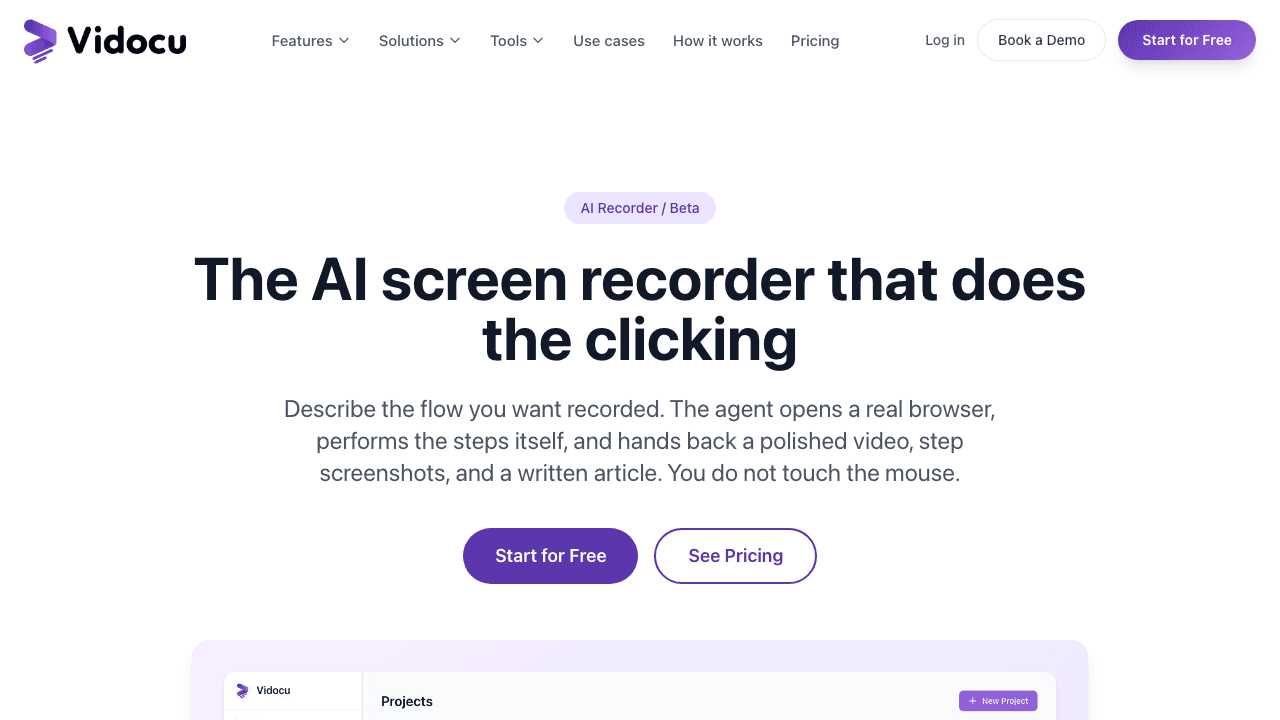
Best for: teams who want the recording, the screenshots, and the written guide from one instruction.
Vidocu's AI Recorder is in the first group. You describe the flow the way you would brief a teammate ("show how to create a discount code, open the Coupons tab, set 20% off, save, and end on the coupons list"), and the agent opens a real browser, performs those steps, and records itself. One run returns a finished video, a screenshot for each step, and a written article.
The part that matters most is not that it drives a browser. Driving a browser is close to commodity now. It is that because the agent performs each click, it knows exactly which element it clicked and when. Zooms and click spotlights are placed from that record. Every tool in group two has to infer where to zoom from cursor movement or pixel changes after the fact, which is why their zooms so often land slightly off the button they were meant to frame.
Two other practical differences: it can record a mobile viewport as well as a desktop one, and when a login asks for a one-time passcode it pauses mid-run and asks you for the code rather than giving up. A 2FA prompt is the single most common reason an unattended agent stops short of the flow you actually wanted documented.
It also stops and tells you when a task is impossible, naming the reason, instead of returning a confident recording of the wrong thing.
The output is not only video. The same upload pipeline produces subtitles, AI voiceover, translation, and a step-by-step help article, so the documentation is never a separate project. If you want to change the result, it opens in Studio like any other video.
Honest limits: unusual or heavily custom interfaces are where it is most likely to need a second run or a more specific brief. It needs credentials for the account you want recorded, as every tool in this category does. And it is not an interactive click-through demo builder, so if you want a prospect to drive the demo themselves, this is the wrong shape of tool.
Pricing: AI recording is included on every paid plan. Pro is $39/month and Business is $149/month, metered in credits, with AI recording charged at 50 credits per minute of finished video. The free plan covers the rest of Vidocu, but not the recorder.
Describe the flow. Get the video, screenshots, and the guide.
Vidocu's AI Recorder performs the workflow in a real browser and records itself doing it, then hands back a finished video plus a written article.
See the AI Recorder2. Clueso
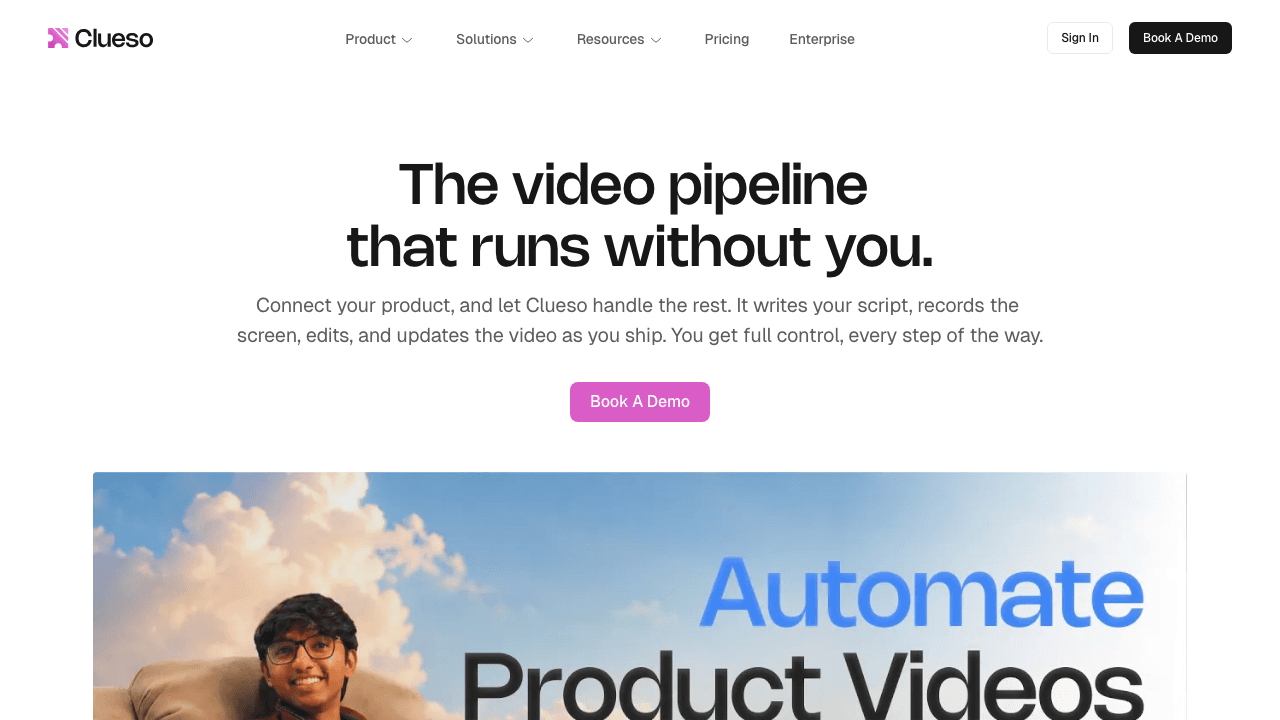
Best for: teams who want an autonomous recorder plus heavy brand polish.
Clueso is the other product currently shipping a genuinely autonomous recorder. Its Agents page states that its browser agent "navigates through your product and captures a polished screen recording. Completely autonomously," and that the agent drafts a script and production plan first. It produces both video and written documentation. One thing to check before you shortlist it for the agent: Clueso's pricing page lists "Clueso Agents for auto-recording and updating videos" under its Enterprise plan, so the self-serve plans record the classic way. If that rules it out, our Clueso alternatives roundup compares the options with verified pricing.
The setup differs from Vidocu's in one meaningful way: Clueso's documentation asks for login credentials to a demo or staging account. That is a safer default, and if you maintain a good staging environment it is a perfectly reasonable one. It does mean the agent cannot record a flow that only exists in production.
Clueso is genuinely strong on presentation: branded templates, intros and outros, and 4K export on the higher tier. If your output is going in front of customers as marketing rather than as support documentation, that polish is worth something.
Honest limits: the autonomous agent is an Enterprise feature, so self-serve buyers do not get it. Export volume is capped at 15 minutes a month on Solo and 30 on Business, and Business includes only 2 users, so a larger team hits the seat ceiling quickly.
Pricing: Free (1 user, 10 minutes of exports a month, watermarked), Solo at $40/month billed yearly or $50 monthly, Business at $120/month billed yearly or $150 monthly (2 users, 30 minutes of exports a month), and custom Enterprise pricing, which is the plan that includes the agents.
See the full breakdown in our Vidocu vs Clueso comparison.
3. Loom
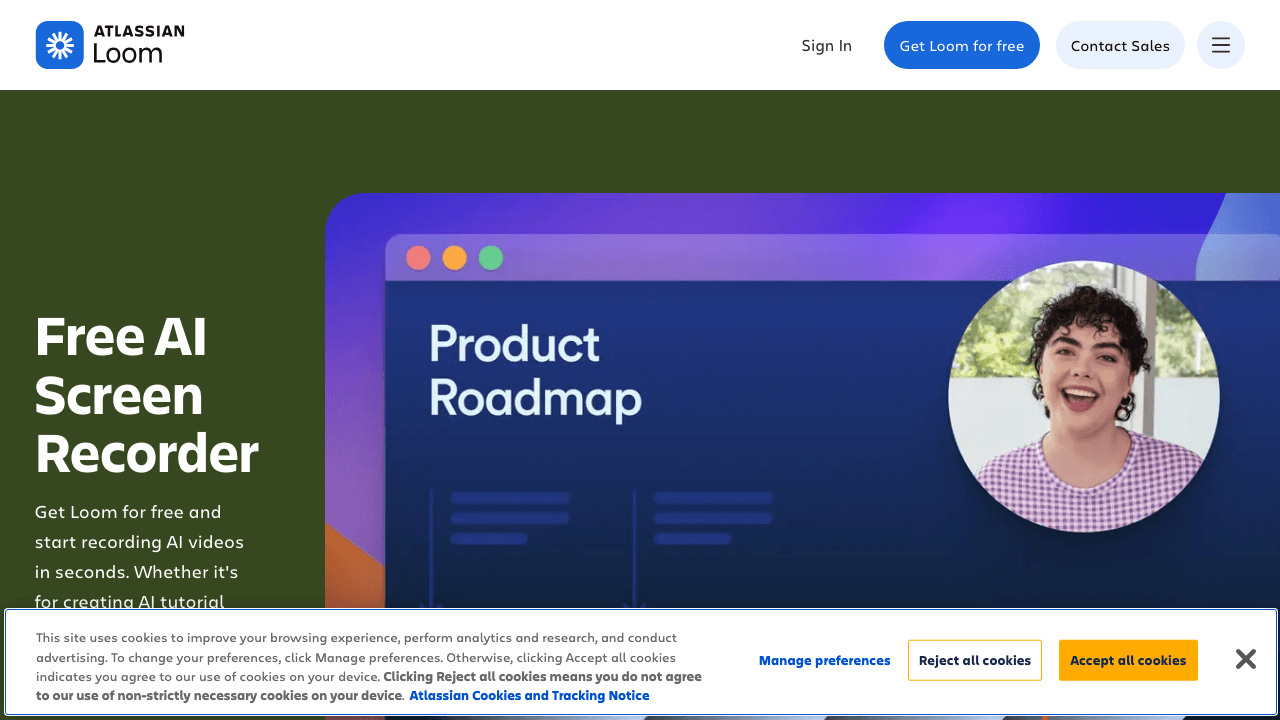
Best for: fast async updates where the recording is the whole deliverable.
Loom is the default async recorder for a reason. It is quick, the sharing model is frictionless, and the AI layer does exactly what most people want from a message: auto-generated titles, chapters, summaries, and filler-word removal.
What it does not do is perform the workflow or produce documentation. The AI is post-processing on a recording you made. For "here is what I meant, watch this," it is hard to beat. For a help center article, you will be rewriting it by hand.
Honest limits: the AI features sit behind paid tiers, and the output stays video-shaped. If your goal is a written guide, Loom is the start of the job rather than the end of it.
More detail in our Loom comparison.
4. Synthesia
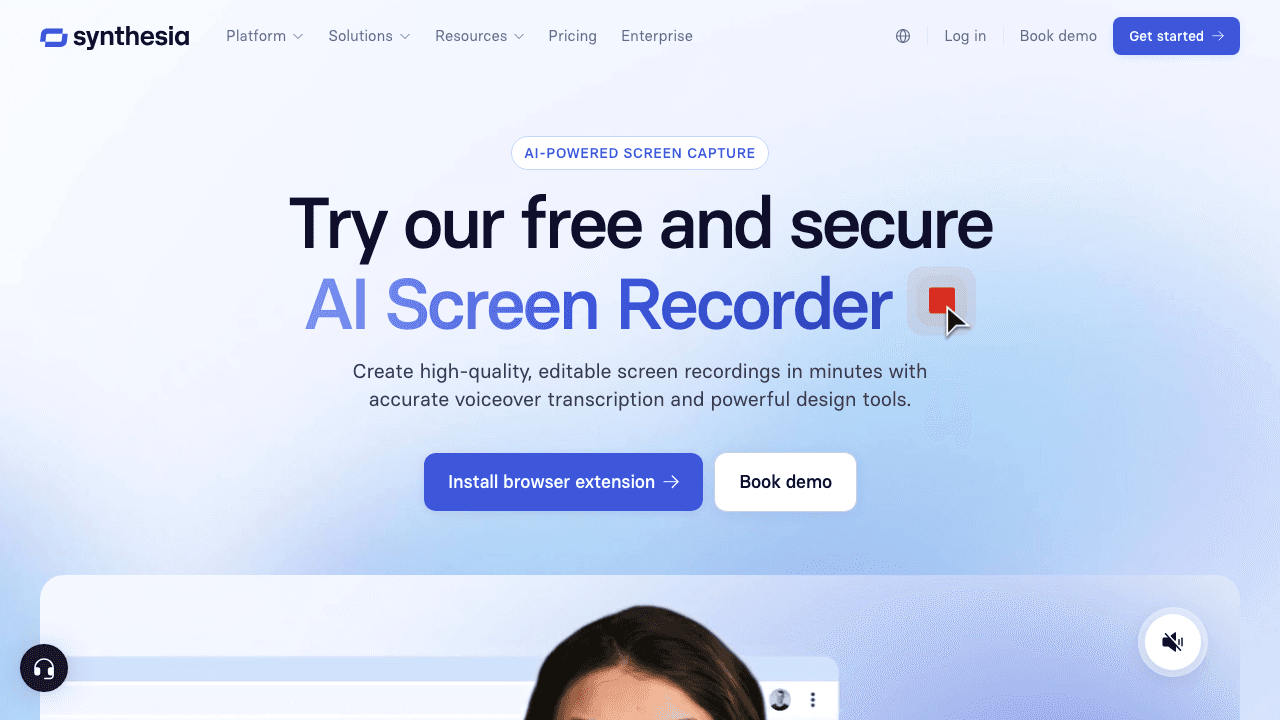
Best for: turning a screen recording into a presenter-led video.
Synthesia's screen recorder is free and browser-based, and it plugs into the thing Synthesia is genuinely best at: AI avatars and script-driven video. Record the screen, then put a synthetic presenter in front of it and swap the script without re-recording.
For onboarding content that needs a consistent human face across dozens of videos, in many languages, this is a real advantage that no other tool on this list matches.
Honest limits: it is avatar-first, not documentation-first. There is no written step-by-step guide at the end, and the screen recorder itself is a lighter tool than the rest of the platform. If you want an avatar in front of a tutorial, this is the pick. If you want the tutorial itself generated, it is not.
See our Synthesia comparison for the fuller picture.
5. ScreenPal
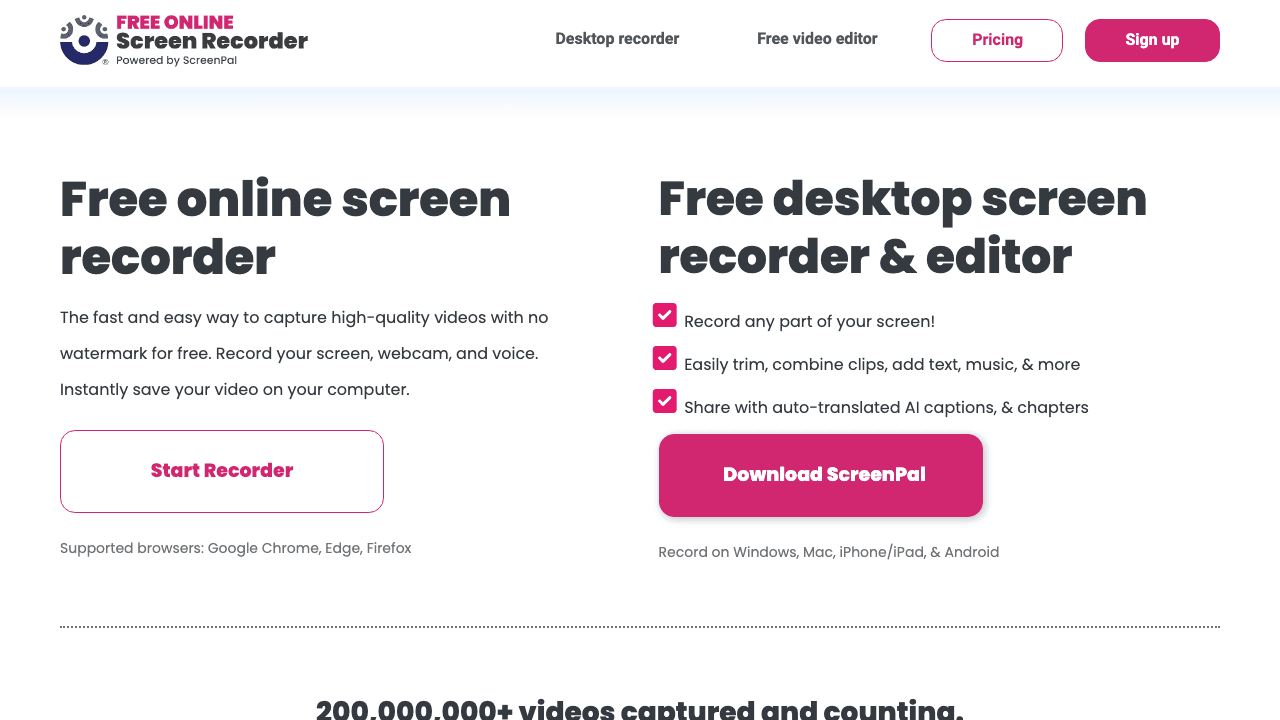
Best for: training teams who need captions, translation, and quizzes in one place.
ScreenPal (at screen-recorder.com) is more substantial than its plain positioning suggests. The AI layer covers automatic captions, translation into a large number of languages, and quiz generation from the recording, which is a genuinely useful combination for training and education teams who need to prove someone watched and understood.
Honest limits: the interface shows its age next to newer tools, and there is no agent. You record everything yourself.
6. Canvid
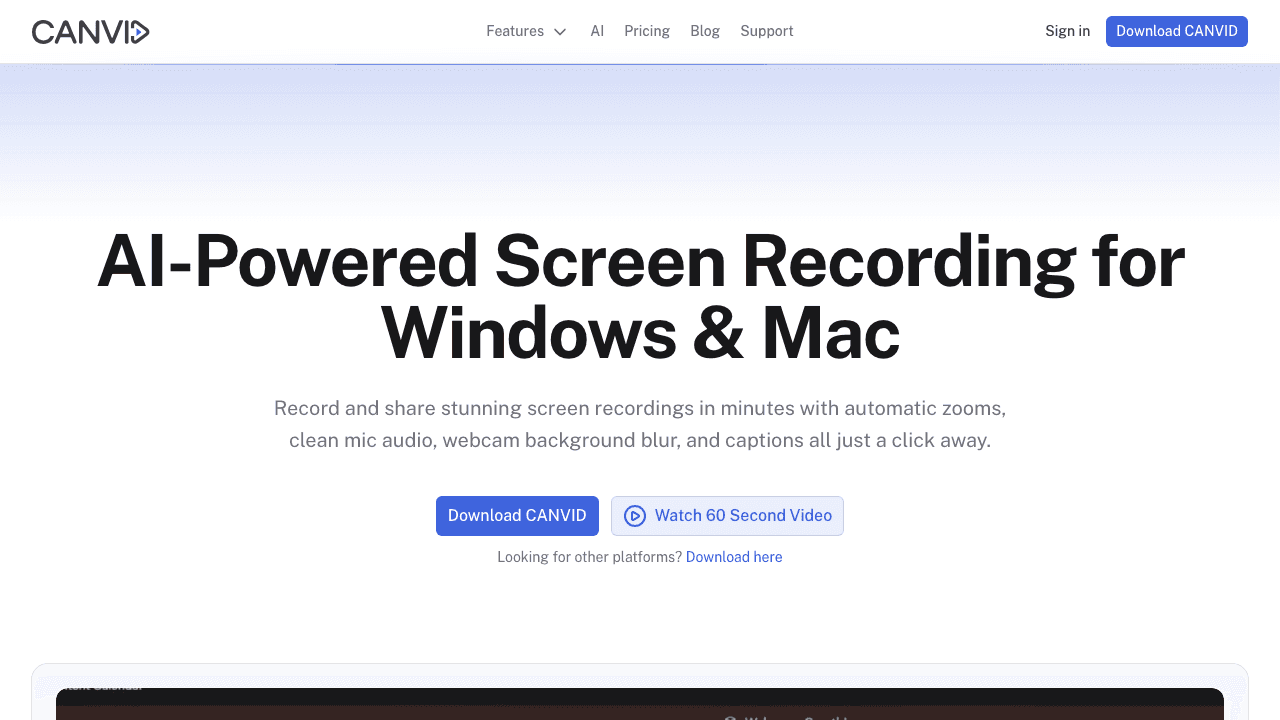
Best for: solo creators who want click-triggered zoom without a subscription.
Canvid is a desktop recorder for Windows and Mac whose main trick is automatic zoom triggered by your clicks, plus audio cleanup. It is the cheapest serious option here and one of very few sold outright rather than monthly.
It is a good illustration of the group-two ceiling. Its zoom is triggered by where your cursor clicked, which is a reasonable proxy, but it does not know what you clicked. It cannot tell a submit button from the empty panel behind it, so zoom framing is approximate in a way that ground-truth capture is not. For most solo work, approximate is fine.
Honest limits: desktop only, no documentation output, no team features.
What about Guidde, Trupeer, Scribe, and Tango?
These come up constantly in this search, and they are good tools, but they are documentation-first rather than recorder-first. Guidde and Trupeer capture a workflow and generate video documentation from it. Scribe produces screenshots and written guides and is not a video tool at all, which surprises a lot of people who find it in a screen recorder list. Tango produces guides and executable replay automations, also without video. For teams weighing up that whole category, we compare the Scribe alternatives side by side.
If documentation is your actual goal rather than the recording, that is a different comparison, and we cover it properly in our AI documentation tools breakdown.
One recording, every output your help center needs
Subtitles, AI voiceover, translation, and a step-by-step article with screenshots all come out of the same upload.
See how it worksHow to choose in two minutes
Answer one question first: do you want to stop doing the recording, or do you want your recordings to look better?
- Stop doing the recording: you need group one. Vidocu or Clueso. Choose Vidocu if you need the written guide from the same run, a mobile viewport, or access to flows behind a two-factor login. Choose Clueso if brand polish is the priority and you have a staging environment.
- Make your recordings look better: group two. Loom for async messages, Synthesia if you want an avatar, ScreenPal for training and quizzes, Canvid for cheap local auto-zoom.
- You mainly need the written doc: you are not shopping for a screen recorder at all. Look at documentation-first tools.
One more filter that saves money: check whether the tool meters what you produce or how many people produce it. Several tools in this category cap seats aggressively, so a five-person team can hit the seat ceiling long before it uses the export allowance it paid for.
FAQ
What is an agentic screen recorder?
It is a screen recorder where an AI agent performs the workflow instead of you. You describe the task in plain language, the agent opens a browser, carries out the steps, and records itself doing them. This is different from most tools marketed as an AI screen recorder, where a person still does the clicking and the AI only cleans up the result afterwards.
What is the best AI screen recorder in 2026?
It depends on which of the three groups you need. If you want the AI to perform and record the workflow itself, Vidocu and Clueso are the two production options, and Vidocu additionally returns a written article and step screenshots from the same run. If you want to keep recording yourself and have AI improve the result, Loom is the strongest general pick.
Can an AI screen recorder log into my product and record a flow?
Yes, several can, and all of them need credentials for the account being recorded. The difference is how they handle two-factor authentication. Vidocu's AI Recorder pauses mid-run and asks you for the one-time passcode, then continues. Clueso asks you to point it at a demo or staging account. Whichever you use, choose an account whose data you are comfortable having on screen.
Are free AI screen recorders any good?
The free tiers are genuinely usable for evaluation, and for group-two tools they are often enough for occasional work. The limits usually appear as watermarks, export caps, or the AI features being reserved for paid plans. Agentic recording is compute-heavy, so free allowances there are small by nature.
Does an AI screen recorder replace a video editor?
Not entirely, and be suspicious of any tool that claims it does. Automated zoom, cuts, and voiceover handle the repetitive work well. Anything with a narrative argument to make, like a launch film or a sales demo with a real story, still benefits from a person editing it. The sensible split is to automate the tutorial library and hand-edit the handful of videos that carry your positioning.
How long does an AI agent take to record a flow?
Longer than you would take to click through it yourself, because the agent is reasoning at each step, but it happens without you. The practical gain is not speed on a single video, it is that you can queue several and go and do something else, which is what makes a large tutorial library maintainable.
The short version
The phrase "AI screen recorder" now covers two genuinely different products. If the AI is polishing a recording you made, you are buying an editor with good defaults, and Loom, Synthesia, ScreenPal, and Canvid are all reasonable depending on what you make. If the AI is performing the workflow, you are buying something else entirely, and that group has exactly two serious entries today.
If you want the recording, the step screenshots, and the written guide to arrive together from a single sentence of instruction, that is what Vidocu's AI Recorder is built to do.

Written by
Daniel SternlichtDaniel Sternlicht is a tech entrepreneur and product builder focused on creating scalable web products. He is the Founder & CEO of Common Ninja, home to Widgets+, Embeddable, Brackets, and Vidocu - products that help businesses engage users, collect data, and build interactive web experiences across platforms.