Your product ships every week. Your help center was accurate the day each article was written. The gap between the two is called documentation drift, and a new category of tools now promises to close it: they watch what changes, work out which articles it breaks, and draft the fix.
Short answer: the right self-updating documentation tool depends on what goes stale and where your docs live. Vidocu Pulse keeps article text and screenshots current, adds a video in one click, and checks the help center you already have instead of making you move. Ferndesk is the strongest if you are happy to migrate to its hosted help center. Mintlify and Promptless fit developer docs kept in Git. LaunchBrightly refreshes screenshots only, in almost any help center. Clueso re-records videos only. Dosu keeps internal engineering knowledge current.
We checked every tool first-hand in September 2026 on the vendor's own product pages, docs and pricing pages. Here are the seven that earned a spot, compared on the question that actually separates them: what each one keeps up to date.
What Is a Self-Updating Documentation Tool?
A self-updating documentation tool detects when your product changes, finds the documentation that change made wrong, and drafts the correction for a person to approve. The best ones answer three questions:
- What does it watch? Code changes, your live app, support tickets, or a schedule.
- What does it fix? Article text, screenshots, video, or some combination.
- Where do the fixes go? Into the help center you already run, or only into the vendor's own hosted docs.
Most tools on the market answer the third question with "ours". That matters more than any feature list, because it decides whether adopting the tool means a help center migration. For the wider cost of letting docs rot, see the documentation death spiral.
Quick Comparison
| Tool | What It Keeps Current | What Triggers a Check | Where Docs Must Live | Review Before Publish | Price of the Self-Updating Part |
|---|---|---|---|---|---|
| Vidocu Pulse | Article text + screenshots; video in one click | Scheduled or on-demand scans of your code, live app, marketing site and help center | Stays where it is: updates Zendesk, Intercom, Freshdesk, Notion and Vidocu Knowledge Center articles in place | Always | Every plan, free included; runs on credits |
| Ferndesk | Text claims + screenshots | Every merged PR, plus a monthly audit | Ferndesk's hosted help center only | Always | $149/mo |
| Mintlify | Text in your docs repo | PR merges, schedules, webhooks, tickets | Mintlify | Your choice: PR or auto-merge | $450/mo annual (Pro) |
| Promptless | Text + screenshots | PRs, Slack, Jira, tickets, schedule | Git-based docs | PR by default, auto-merge optional | From $500/mo |
| LaunchBrightly | Screenshots + animated visuals (not text) | Visual audits of your live app | 10+ help centers and docs repos | Optional | Free (100 shots); $229/mo |
| Clueso | Videos (not articles) | Frontend code changes on GitHub | Clueso workspace | Always | Paid add-on, Enterprise only |
| Dosu | Internal knowledge text | Pull requests | Dosu, Confluence, Notion, repos | Always | $16/mo (Pro) |
1. Vidocu Pulse: Text, Screenshots and Video, Checked Against the Help Center You Already Have
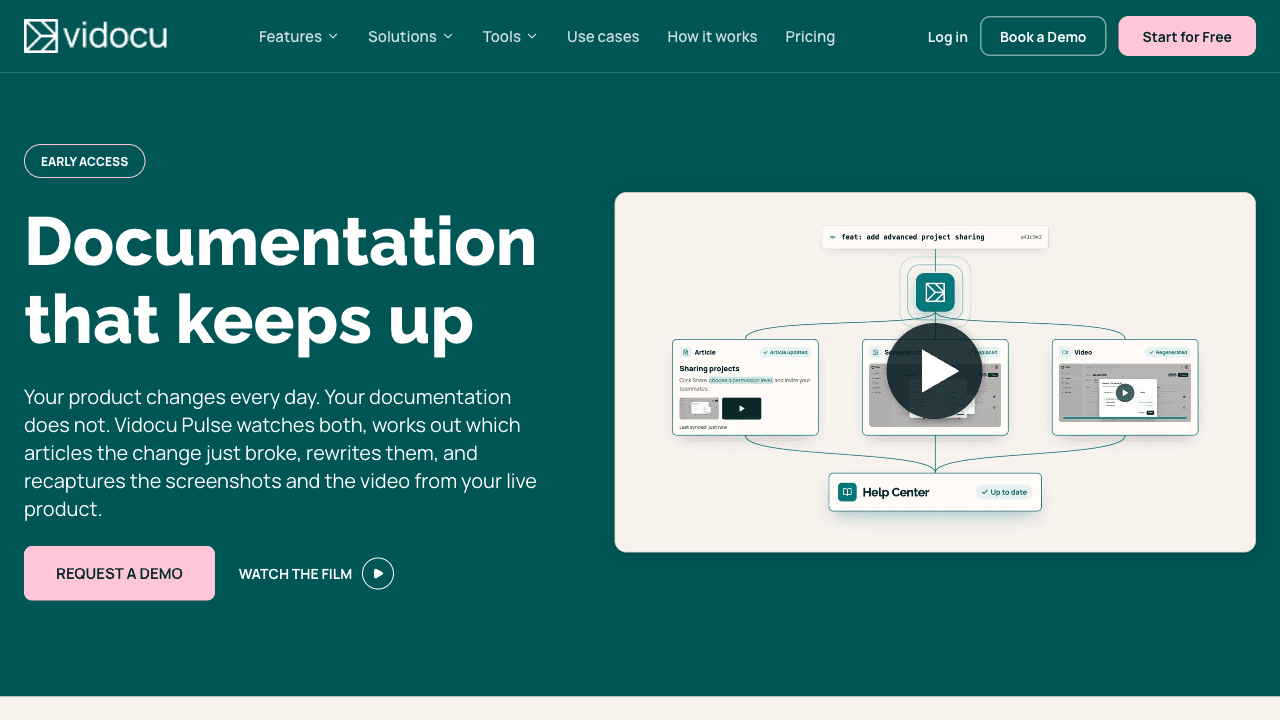
Vidocu Pulse scans four sources: your code (through a read-only GitHub app, across several repos), your live product (an agent signs in and walks it), your marketing site, and your existing help center, whatever platform it runs on. It compares what the product does and promises with what the help center says, then recommends which articles to create, update, review or archive. The launch post walks through the full flow.
What makes it different: it is the only tool on this list that handles all three kinds of drift together. It rewrites the article text, re-captures the screenshots by navigating to the exact screen each step describes, and turns the updated article into a fresh walkthrough video in one click with the AI Recorder. Because it reads your current help center from the outside and writes the fix back into the same article, it needs no migration at all, and it doesn't need repo access either. The live-app scan works on products whose code it can't read.
Key features:
- Scheduled daily or weekly scans, or on demand
- Drafts cite their evidence (the files at the scanned commit, or the page they came from)
- Unverified UI labels are flagged for the reviewer instead of silently guessed
- Updates the existing article in place in Zendesk, Intercom, Freshdesk, Notion or Vidocu Knowledge Center, so readers keep the same link (Help Scout and GitBook receive the fix as a new article)
- Nothing publishes without a person approving it
Pros: The only tool here that keeps text, screenshots and video in step, and the only one that fixes articles inside the help center you already run instead of asking you to move. Works without repo access.
Cons: Scans run on a schedule, not on every merged pull request, so Ferndesk, Mintlify and Promptless react faster to a single PR. Video takes a click rather than happening automatically. It is for web products only, and it needs an account with real data to walk.
Pricing: Available on every Vidocu plan, including the free one. Pulse runs on workspace credits: a scan is 180 credits and each drafted article is 15. Paid plans start at $19/month.
See Pulse Find the Drift in Your Help Center
A demo on your own product: what changed, which articles it broke, and the drafted fixes with fresh screenshots.
Request a demo2. Ferndesk: The Most Thorough Checker, If You Migrate
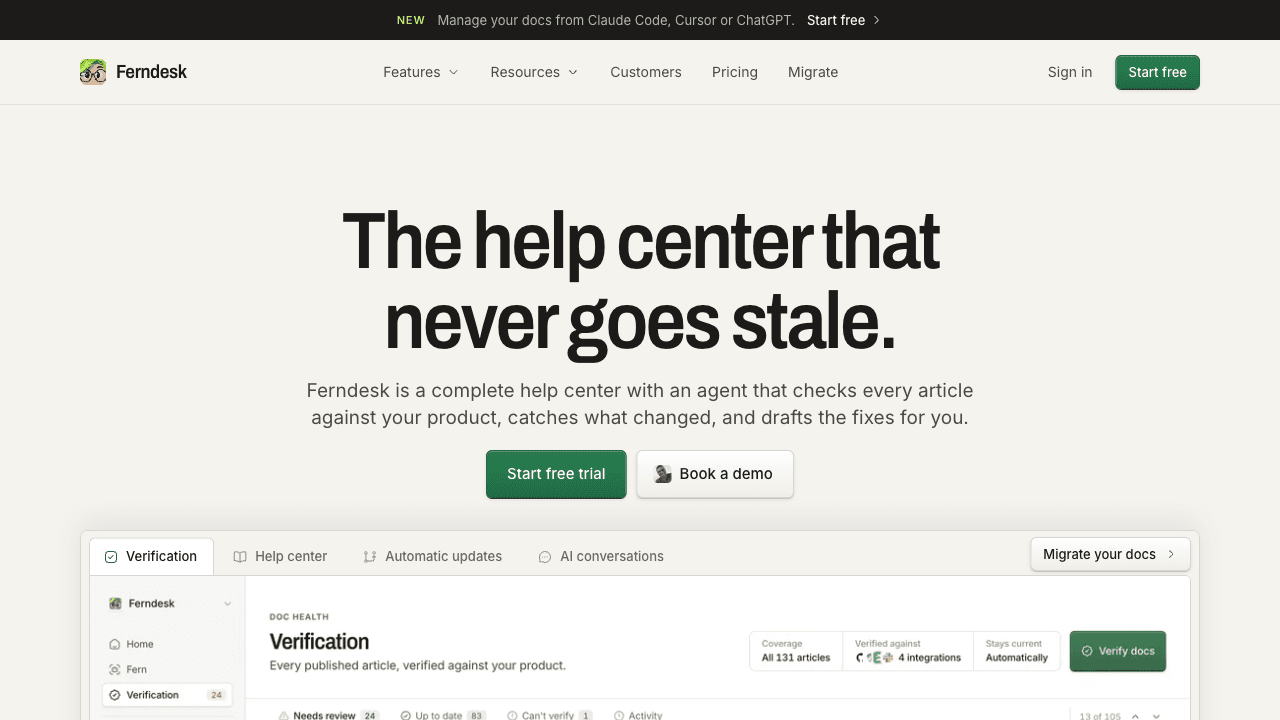
Ferndesk is a full hosted help center with an agent, Fern, that checks articles claim by claim against your code and your live product: navigation steps, setting names, feature behavior and API shapes. It screens every merged pull request, audits every article monthly on every plan, and has a manual Verify button.
Key features:
- PR-by-PR screening plus scheduled audits
- Screenshots re-captured with callouts when the UI changes
- Works without GitHub by checking your live site and support tickets, with less precision
- Inputs from Linear, Slack, Intercom, Zendesk, Help Scout, Discord and Notion
Pros: The most rigorous claim-level verification on this list. Re-captures screenshots itself. Clear "nothing publishes without you" review. Flat pricing.
Cons: Your docs must live in Ferndesk. Its own FAQ answers "no" to maintaining docs where they already are, so adopting it means importing your help center. No video. We found no SOC 2 claim; SAML and SCIM are Enterprise-only.
Pricing: One Pro plan at $149/month or $1,490/year, 7-day trial, no free plan. $75/month for the first year for teams under $1M ARR and 10 people. Enterprise from $399/month. For a head-to-head on migration, video and triggers, see Vidocu vs Ferndesk.
3. Mintlify: Automations for Developer Docs in Git
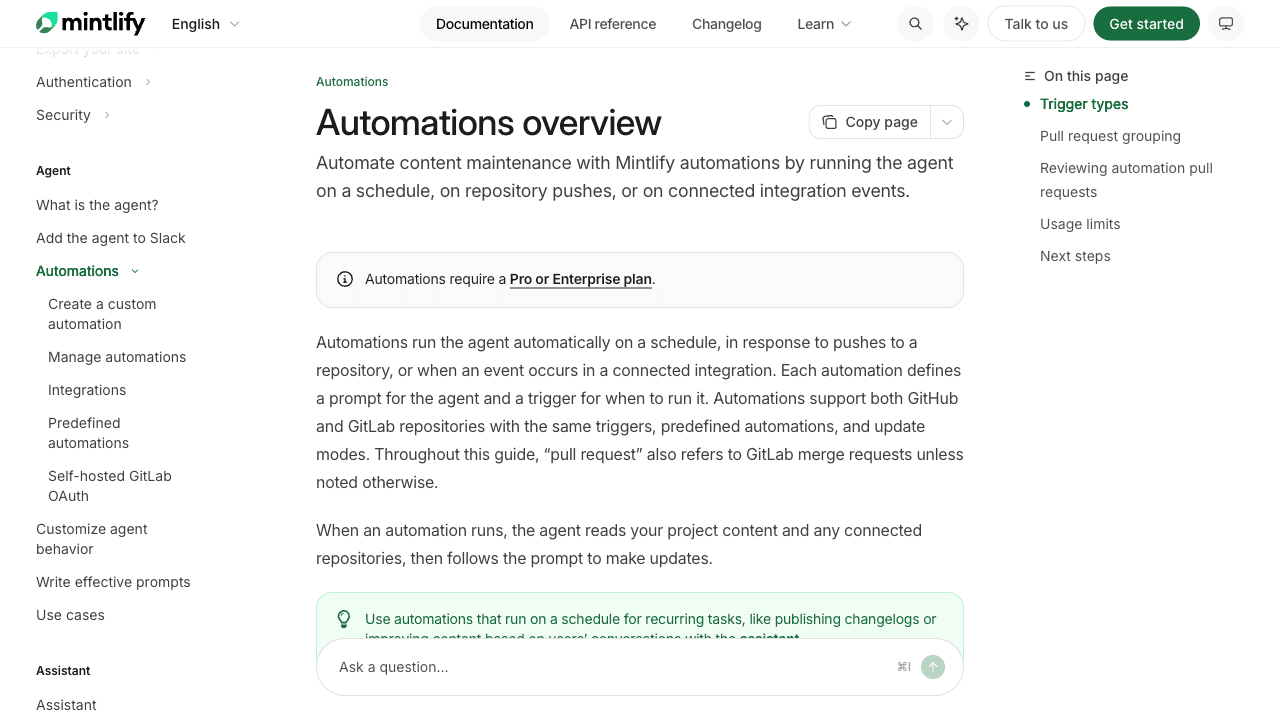
Mintlify is a developer documentation platform built on files in a Git repo. Its Automations feature (launched in beta in March 2026, earlier called Autopilot) runs an agent when code changes, on a schedule, on a webhook or when content is pushed. Preset automations can also mine resolved Intercom, Zendesk, Plain and Pylon tickets for missing docs.
Key features:
- Five trigger types, including merged PRs on GitHub or GitLab
- Reads up to 10 context repos to understand a change
- Each automation either opens a PR for review or commits directly
- Handles changelogs, translations, links and style fixes
Pros: The deepest code awareness here, with reviewers assigned from the code authors. Credits are only spent when a run actually changes something.
Cons: Text only in practice. Its own media guide says screenshots are a manual commitment, and it doesn't do video. Your docs must be on Mintlify, and you need to give it repo access. Expensive for a small team.
Pricing: Automations need Pro ($450/month billed annually, $540 monthly, 10,000 credits a month; a run that changes something costs 250 credits) or Enterprise. 14-day trial. The free Starter plan has no AI features.
4. Promptless: Docs-as-Code Updates with Screenshot Capture
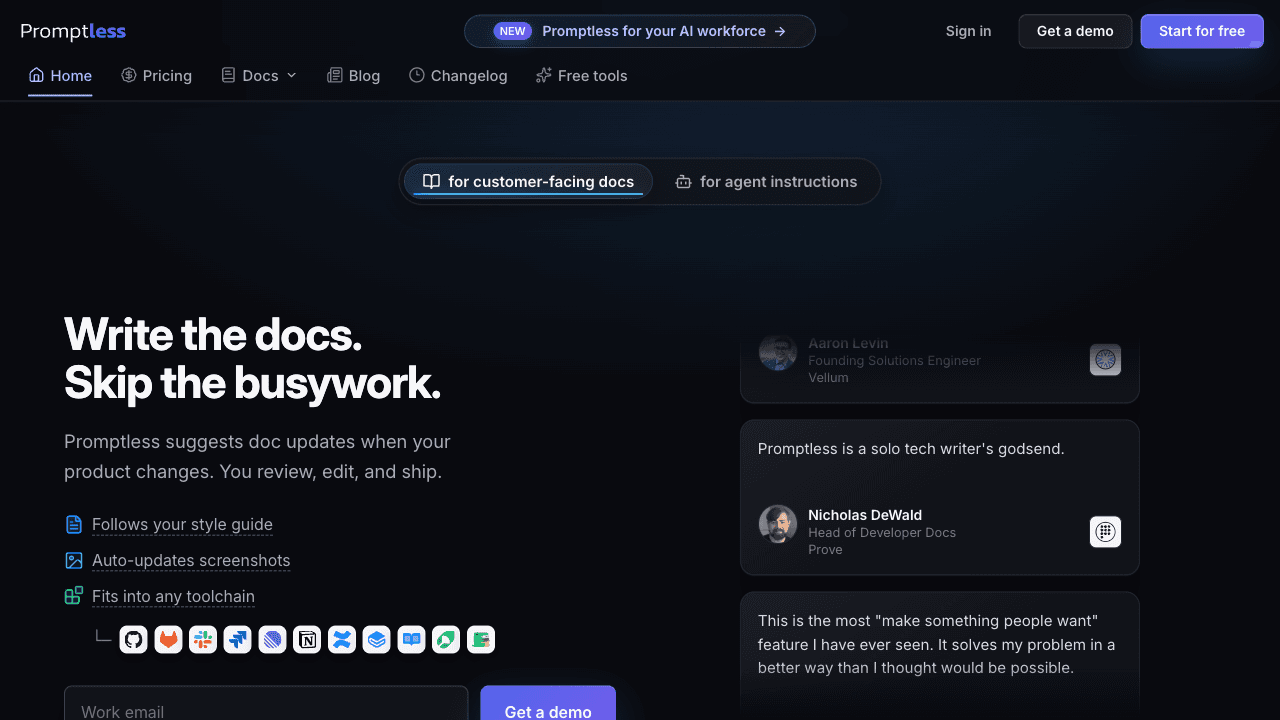
Promptless is an agent that suggests documentation updates from pull requests, Slack and Teams threads, Jira, resolved Intercom conversations, LaunchDarkly flag changes, or a schedule. It writes into Git-based docs across most frameworks: Fern, Mintlify, ReadMe, GitBook, Docusaurus, MkDocs, Hugo and more.
Key features:
- The widest set of triggers on this list
- Promptless Capture regenerates screenshots when a PR touches UI components, routes or styling
- Style guides and Vale rules enforced on every suggestion
- Translations
Pros: Framework-agnostic for docs-as-code teams. Strong at writing new prose from scattered context, with citations. SOC 2 Type II.
Cons: Git-based docs only; we found no write-back into Zendesk, Intercom or Help Scout. It needs a write-enabled GitHub app on the docs repo. No video. Screenshot capture starts on the Growth plan.
Pricing: Startup $500/month (up to 200 pages, Slack and GitHub only). Growth $500 to $1,000/month, which adds screenshot capture, Jira, Confluence, Notion and translations. Enterprise custom. 14-day trial, no free plan.
5. LaunchBrightly: Screenshots Only, in Almost Any Help Center
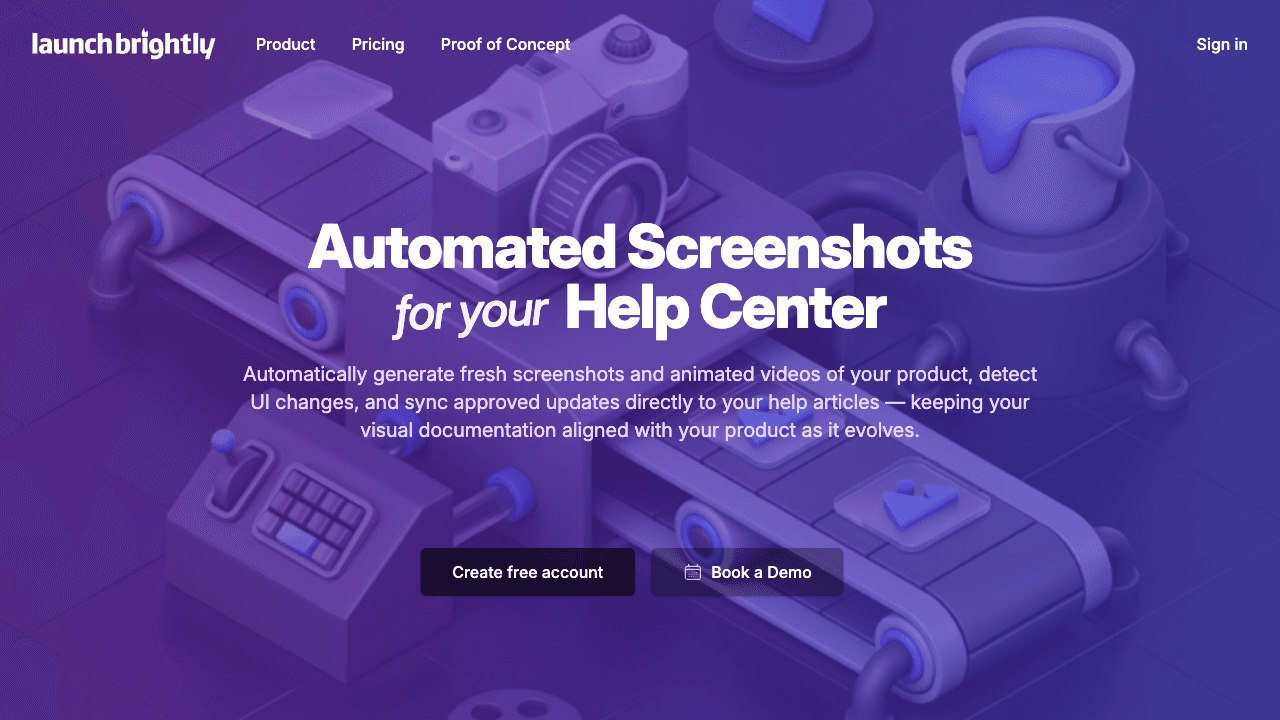
LaunchBrightly does one job: it logs into a demo account like a real user, captures your product's screens, audits them against the live UI, and syncs refreshed images and short animations into your help center. It doesn't touch article text.
Key features:
- Visual audits that flag images that no longer match the product
- Native Intercom and Zendesk integrations, plus sync for HubSpot, Help Scout, Freshdesk, Salesforce Knowledge, Kustomer, KnowledgeOwl, Helpjuice and Pylon
- PRs for GitHub, Mintlify and VitePress docs
- Live image URLs you can embed anywhere
Pros: The broadest help center coverage here, and no repo access needed. Approve an image once and it updates every article using it. Unlimited users.
Cons: Screenshots and animations only. If a button is renamed, the image is fixed but the sentence describing it is still wrong. Its SOC 2 and ISO 27001 claims refer to AWS, not LaunchBrightly itself.
Pricing: Free with 100 screenshots. Pro $229/month (500 screenshots), Business $499/month (2,000 screenshots, SSO, API). 30-day trial. For how it compares with a tool that also fixes the text, see Vidocu vs LaunchBrightly.
6. Clueso: Auto-Updating Videos, on Enterprise
Clueso makes polished product videos, and its Agents feature can detect frontend changes through a read-only GitHub connection, flag the videos that are now outdated, and re-record them with a browser agent, complete with script, voiceover and callouts.
Key features:
- Detects outdated videos from code changes
- Re-records with voiceover, zooms, callouts and translation
- Every regenerated video arrives as a draft for review
Pros: The most complete video regeneration here; one Clueso customer refreshed roughly 700 videos after a redesign. SOC 2 Type II and ISO 27001 on every plan.
Cons: Videos only; we found no automatic article or screenshot updates and no write-back to any help center. Automatic updates need GitHub. The auto-update agent is a paid add-on on Enterprise only. For the full plan breakdown, see our Clueso alternatives comparison.
Pricing: Free plan without the agent. Solo $40/month and Business $120/month (billed yearly) don't include it. Enterprise is custom, with the auto-update agent as a paid add-on.
7. Dosu: Self-Updating Internal Engineering Knowledge
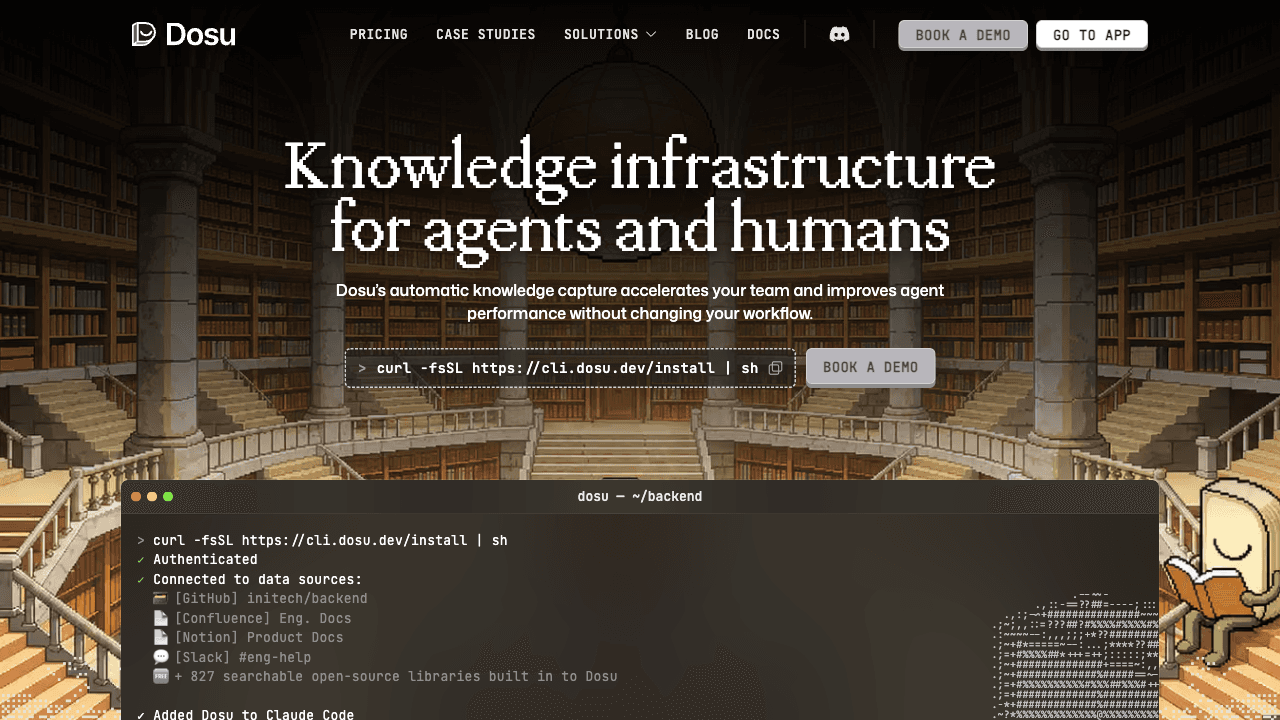
Dosu keeps internal engineering knowledge current rather than a customer-facing help center. It runs when pull requests open or update, proposes changes to its knowledge library, and can maintain AGENTS.md, CLAUDE.md and skill files so coding agents work from accurate context.
Key features:
- PR-triggered updates on GitHub or GitLab, with a manual refresh command
- Writes back to the original Confluence and Notion pages
- Learns from Slack, Teams and coding-agent sessions
- Serves knowledge to agents over MCP and a CLI
Pros: By far the cheapest option. Writes back into Confluence and Notion instead of forcing a new home. SOC 2 Type II, with self-hosting for large customers.
Cons: Text only, and aimed at engineering teams, not customer help centers. Private repos need Pro. It retired its free unlimited open-source tier on September 1, 2026.
Pricing: Free with 200 credits (public repos only). Pro $16/month ($192 billed upfront, 4,000 credits), 30-day trial. Enterprise custom.
Also Considered
- HappySupport has a promising selector-based recorder and a Git Handoff agent, but its own pricing page lists automatic screenshot updates as "Soon", and docs must live in its help center (from €399/month for the Git features).
- BunnyDesk is inexpensive ($29/month billed annually), but its site gives conflicting answers about triggers, trial length and review, and its video feature is listed as "Coming soon".
- Document360 is a mature knowledge base (SOC 2 Type II, ISO 27001) but has no built-in drift detection; its "self-maintaining knowledge base" is a pattern you build yourself with AI agents over its MCP server. See our Document360 vs Vidocu comparison.
- DeepDocs appears discontinued: its domain no longer resolves and its GitHub app is marked deprecated.
- Guidde and Scribe don't re-capture anything when the UI changes; updating still means re-recording or editing by hand.
How to Choose
- Customer help center with screenshots and video, and no appetite for a migration? Vidocu Pulse. It is also the pick if your team can't grant repo access.
- Willing to move your help center for the most rigorous claim checking? Ferndesk.
- Developer docs in a Git repo, and you want a PR on every merge? Mintlify if you are on Mintlify; Promptless for any other framework.
- Your text is fine and only the images rot? LaunchBrightly. If a tool is more than you need yet, our guide to keeping help center screenshots up to date covers the manual system.
- Your library is mostly product videos? Clueso on Enterprise, or Pulse if the videos sit next to articles. Our guide to keeping tutorial videos up to date when the UI changes covers the manual alternatives.
- Internal engineering docs and agent context? Dosu.
Documentation That Keeps Up With Your Product
Pulse finds what changed, rewrites the article, re-captures the screenshots and records the video. You review and publish.
See how Pulse worksFAQ
What is documentation drift?
Documentation drift is the gap between what your documentation says and what your product actually does. It builds up because code changes have an enforced path to production while documentation updates are a separate, manual step. Renamed buttons, moved settings and redesigned screens are the most common causes, and outdated screenshots are usually the first thing customers notice.
Can documentation really update itself without anyone reviewing it?
Most tools deliberately don't let it. Vidocu Pulse, Ferndesk, Clueso and Dosu always require a person to approve a change. Mintlify and Promptless can merge automatically if you configure them to, and LaunchBrightly lets you turn off approvals for screenshots. For customer-facing help content, review is the safer default, because an agent that misreads a change will publish a confident, wrong article.
Which tools update screenshots automatically?
Vidocu Pulse, Ferndesk, Promptless (on its Growth plan) and LaunchBrightly re-capture screenshots from the live product. Mintlify and Dosu update text only. Clueso re-records videos rather than screenshots. HappySupport lists automatic screenshot updates as coming soon.
Do self-updating documentation tools need access to my code?
Not all of them. Vidocu Pulse and LaunchBrightly can work entirely from your live product, and Ferndesk can fall back to your live site and support tickets with less precision. Mintlify, Promptless and Dosu need repository access, and Clueso needs GitHub for automatic video updates.
How much do self-updating documentation tools cost?
Prices range from $16/month (Dosu Pro) to $500/month and up (Promptless). Ferndesk is $149/month, LaunchBrightly Pro $229/month and Mintlify Pro $450/month billed annually. Clueso's auto-update agent is an Enterprise add-on, and Vidocu Pulse is on every Vidocu plan, free included, billed in credits. Prices were checked on each vendor's own site in September 2026.
The Bottom Line
Every tool on this list shrinks documentation drift, but each one covers a different slice of it. If your help center is customer-facing, full of screenshots, and already lives in Zendesk, Intercom, Freshdesk or Notion, Vidocu Pulse is the one built for that job: it finds what changed, rewrites the article where it already lives, re-captures the screens and records the video, and a person approves every change.

Written by
Daniel SternlichtDaniel Sternlicht is a tech entrepreneur and product builder focused on creating scalable web products. He is the Founder & CEO of Common Ninja, home to Widgets+, Embeddable, Brackets, and Vidocu - products that help businesses engage users, collect data, and build interactive web experiences across platforms.