
The short answer: if your team records product demos, support walkthroughs, or training sessions, Vidocu Knowledge Center is the cheaper and more useful pick because every article starts as a video and the AI search reads transcripts. If your knowledge base is pure written content and you need enterprise procurement, SCIM, and a 60-integration ecosystem, Document360 is still the safer choice. The rest of this guide walks through the pricing, AI features, multilingual support, and edge cases so you can decide with real numbers.
Both products promise an "AI-powered help center" in 2026. They mean very different things by it.
Quick comparison at a glance
| Vidocu Knowledge Center | Document360 | |
|---|---|---|
| Starting price (incl. base plan) | $139 / mo (Pro $39 + KC $100) | Quote only (est. $400 to 600 / mo Business) |
| Free tier | Vidocu has a free plan; KC is a paid add-on | Discontinued in late 2024 |
| Articles | Unlimited | Tiered by plan |
| Source material | Video native (recording becomes the article) | Text first (video embeds supported) |
| AI search | RAG (Atlas Vector + Claude) over articles and transcripts | Eddy AI over articles |
| Languages | 65+ (article + subtitle + voiceover in one pass) | 50+ (auto-translate, article text) |
| Internal + public docs | Magic link + email-domain allowlist | Internal KB, role-based access |
| Custom domain | Included | Included |
| Integrations | Native Vidocu workflow, public API in beta | 60+ connectors (Zendesk, Slack, Salesforce, GitHub) |
| Enterprise auth | SSO on Vidocu Enterprise | SSO, SCIM, IP restriction |
| Best for | SaaS, customer support, customer success teams who record | Enterprises with large written knowledge bases |
Pricing: published numbers vs sales-led quotes
The first real difference is whether you can find a price.
Vidocu publishes everything. Knowledge Center is a $100 per month add-on that you bolt onto any paid Vidocu plan. The minimum entry point is Pro ($39 per month) plus KC ($100), for a total of $139 per month. Business plans add team workspaces and run $249 per month total ($149 + $100). Enterprise is custom. Every dollar is on the pricing page and you can self-serve sign up without a sales call.
Document360 went the opposite direction. It discontinued its free tier in late 2024 and removed transparent pricing from its public site. There are three plans (Professional, Business, Enterprise), all quote-based. Third-party benchmarks from the past six months consistently land Business in the $400 to $600 per month range and Enterprise at $700 per month and up, with annual commits required for some features. The Eddy AI search API is metered separately: 2,000 credits per month on Business, 5,000 on Enterprise, one credit per call.
For a five-person customer success team that records weekly product walkthroughs, this matters. Vidocu Pro plus Knowledge Center comes in at $1,668 per year and you can cancel monthly. Document360 Business at a midpoint of $500 per month is $6,000 per year, often on a 12-month commit, with a sales conversation as the entry point. Both products do real work; you should know what they cost.
What "AI-powered help center" actually means in each tool
The phrase has gotten cheap. Five capabilities separate a genuine AI help center from a chatbot bolted onto a wiki:
- Generates articles from a non-text source.
- Answers questions with retrieval-augmented generation, not keyword search dressed up with a chatbot UI.
- Cites its sources so customers and agents can verify the answer.
- Detects its own gaps, either by surfacing unanswered queries or flagging stale content.
- Translates with synchronization, not a one-shot dump that drifts the moment you ship a feature.
If you want the deeper rationale, our explainer on RAG-powered knowledge bases covers why that second criterion matters more than the others combined. Here is how each tool measures up.
Generating articles from source material
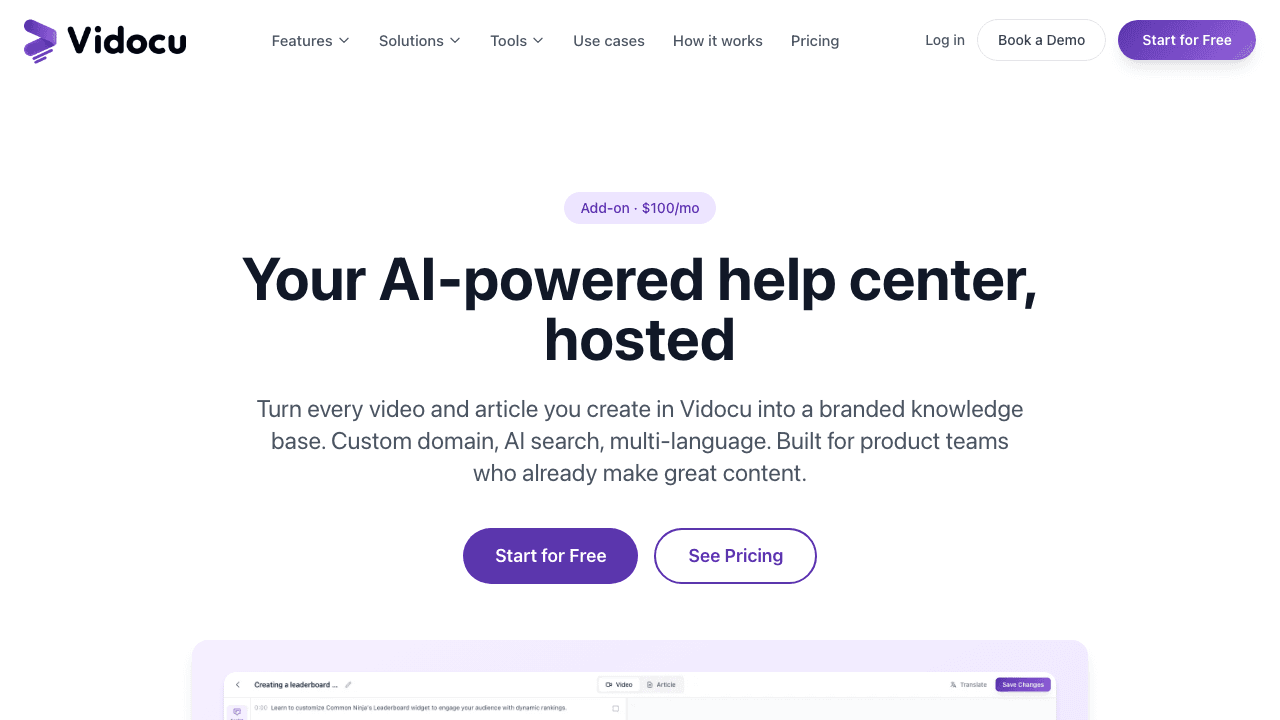
Vidocu Knowledge Center starts every article as a video. You upload a screen recording or product walkthrough, and the underlying video-to-documentation workflow generates step-by-step articles with screenshots, headings, deep-link timestamps, and a synchronized transcript. The published article includes the embedded video, so visitors can read or watch. This is the engine behind the AI knowledge base generator, now wired directly into a hosted publishing layer.
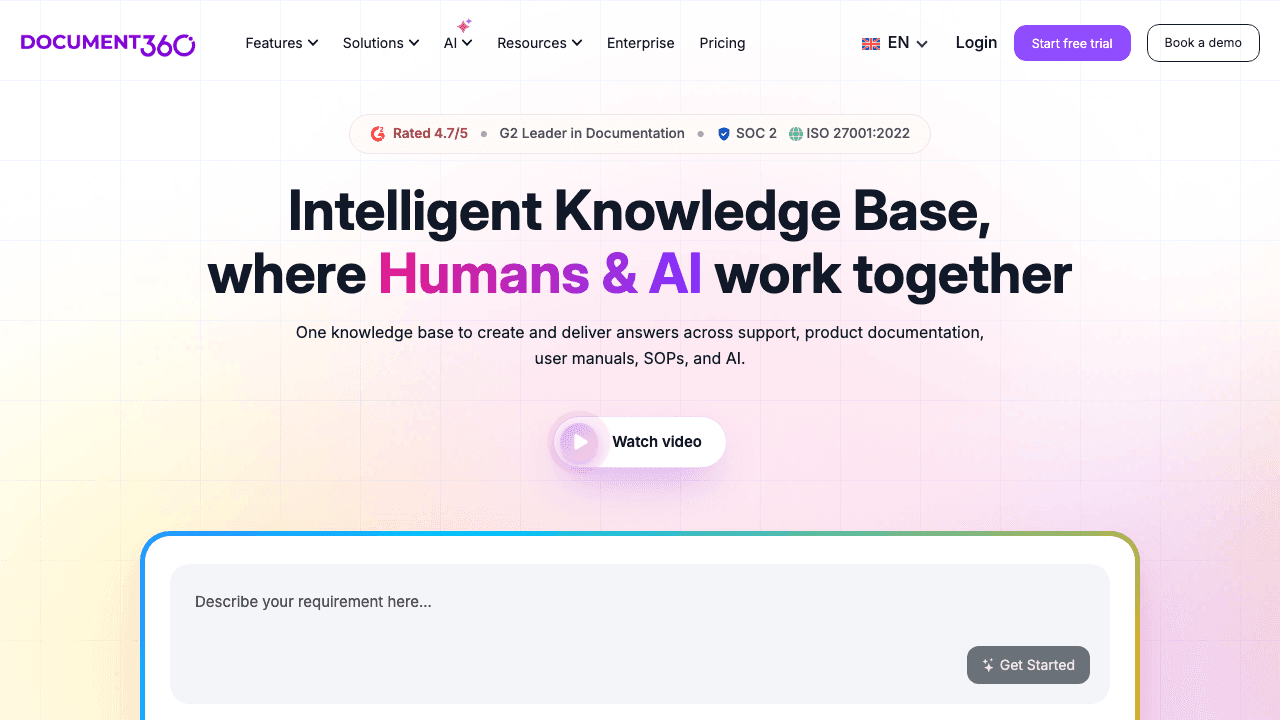
Document360's AI Writing Agent can also generate guides from video, audio, or text, but it is a content assistant rather than a workflow. You point it at a source, it drafts a guide, and you decide what to do with the draft. There is no integrated screen recorder, no automatic screenshot extraction tied to UI clicks, and the published article does not preserve the source video as a first-class asset.
If you already record demos, the difference is enormous. If you do not, Document360's writer is the more flexible draft tool.
AI search over articles vs over transcripts
This is the quiet capability that decides which tool actually deflects tickets.
Vidocu Knowledge Center's AI search is built on retrieval-augmented generation using MongoDB Atlas Vector Search and Claude. When a visitor types a question, the system retrieves the most relevant chunks across both your articles and your video transcripts, then generates a cited answer. A customer can ask "how do I rotate the second clip" and the assistant will surface an article whose written body never mentions rotation, because the transcript does. Every plan includes 1,000 AI searches per month, with $0.05 per query after that. No surprise tier upgrades.
Document360's Ask Eddy retrieves over your written content and synthesizes a cited answer, breaks multi-part questions into sub-queries that run in parallel, and retains context across the last five queries in a session. It is a very capable RAG layer for written knowledge. The limit is the corpus: Eddy reads articles, not video transcripts. If half of your product knowledge lives in screen recordings, Eddy never sees it.
AI search that reads your videos
Vidocu Knowledge Center indexes article text AND video transcripts. Document360 only sees the articles.
See Knowledge CenterMultilingual hosting
Both tools handle multilingual help centers, but the workflows are different in a way that matters once you ship.
Vidocu Knowledge Center translates an article, its subtitles, and its voiceover into 65+ languages in one pass. The full video translation pipeline runs inside the same workspace, so translated articles arrive with translated video and translated narration, not just translated body text. Three locales are included; additional locales are $20 per month each. When you edit the English version of an article, every translated copy is flagged with a visible "needs review" badge and a diff of what changed. Our multilingual help center playbook walks through the workflow end to end.
Document360 auto-translates article text to 50+ languages and supports per-locale URLs, custom domains per locale, and a translation editor for human review. It is solid for text. The blind spot is again video: if your article embeds an English walkthrough, the embedded video stays English. Subtitles, voiceover, and visual on-screen text inside the recording are out of scope for Document360's translation layer. You will end up translating videos in a separate tool, which is the exact workflow the integrated Vidocu pipeline removes.
Stale-content detection and gap analysis
Document360 has a duplicate-content detector and an auto-generated glossary. Both are useful for managing large existing knowledge bases.
Vidocu Knowledge Center has the multilingual stale-translation detector mentioned above, and an unanswered-query dashboard. If three customers in a week ask "how do I export to MP4 at 60fps" and the AI assistant cannot find a confident answer, that question shows up in your dashboard with a "create article" button next to it. Help centers usually fail because nobody knows what content is missing; this is the closest either tool gets to closing that gap automatically.
Hosting, custom domains, and branding
Roughly even.
Both tools provision SSL automatically, support custom domains, and let you publish under your own brand. Both expose CSS, custom head HTML for analytics, and theme controls. Document360 has a more mature site-builder with template options; Vidocu Knowledge Center ships with starter themes and a custom CSS escape hatch. The "Powered by Vidocu" badge is removable on Business and Enterprise tiers. Document360 white-labels by default on all paid plans.
Internal docs, gating, and enterprise security
This is where Document360 still has the lead for now.
Document360's Enterprise tier includes SSO with Okta, Entra ID, Google, and ADFS, SCIM user provisioning, IP restriction, a security audit trail, and a private hosting model. SOC 2 and ISO 27001:2022 are both in place. This is the package an enterprise IT review expects.
Vidocu Knowledge Center handles the mid-market case well: magic-link gating with email-domain allowlists lets you publish customer-facing articles and internal SOPs from the same workspace, and access rules are scoped per article. Visitors enter their work email, get a magic-link sign-in, and access only the content their domain is allowed to see. SSO is available on Vidocu Enterprise. SCIM, IP restriction, and a fully audited security workflow are not yet in the product. If you need them today, this matters. Our deeper writeup on running internal and public help centers from one place walks through the gating model in detail.
When Document360 is the right pick
Three scenarios genuinely favor Document360:
- You have a large existing written knowledge base and migration matters more than recreating content from video. Document360 imports cleanly from Word, PDF, and a handful of source platforms. Vidocu's importers from Zendesk, Intercom, and Document360 are on the roadmap but not shipping yet.
- Your IT or InfoSec team has hard requirements for SCIM and audit trails as part of procurement. Document360 has the enterprise checklist already.
- Your help center is text-first by design, with no significant video component. Pricing aside, you would not get the value from Vidocu's video-native engine.
In all three cases, the existing comparison content does not flatter Vidocu and that is fine. The honest match for those use cases is Document360 today.
When Vidocu Knowledge Center is the right pick
Five scenarios where Vidocu wins clearly:
- You already record product demos, support walkthroughs, or training sessions. Every recording becomes an article without extra work.
- You want AI search that understands what your videos actually say, not just what your written articles say.
- You ship in multiple languages and refuse to maintain four separate video versions.
- Your team is under 50 people and you want self-serve pricing, not a sales cycle to find out what the platform costs.
- You want one workspace for content creation, translation, and publishing, not three separate tools stitched together.
For a CS team running this exact pattern, the Customer Success Team's guide to video documentation software covers the ROI math on the same workflow.
Migration: how easy is the switch?
Document360 has importers from Word, PDF, and several major KB platforms; you can probably get content in within a day if you are coming from a generic wiki.
Vidocu Knowledge Center is video-first, so the migration story for written-only KBs is less mature. The current path is either to re-record your top 20 to 50 most-viewed articles as short walkthroughs (Vidocu generates article, transcript, and translations from each), or to use Markdown/HTML import for the long tail while you build video-native articles for high-traffic flows. Either path is a real commitment. If migration friction is the deciding factor and you are not ready to change your content model, stay where you are.
The decision tree
- Do you record video? If no, Document360. If yes, continue.
- Do you need SCIM, audit trails, and a 60-integration ecosystem today? If yes, Document360. If no, continue.
- Are you willing to commit $400 to $600+ per month and go through a sales cycle? If no, Vidocu Knowledge Center.
- Do you ship in multiple languages with embedded video? If yes, Vidocu Knowledge Center is the clear pick.
- Do you want one workspace for everything from recording to publishing? If yes, Vidocu Knowledge Center.
For a wider cross-tool view, our best AI-powered help center software guide compares seven options side by side.
Try Vidocu Knowledge Center for $100/mo
Add it to any paid Vidocu plan. Cancel anytime. No annual commit, no sales call.
See pricingBottom line
Document360 is a mature, text-first knowledge base with a competent AI layer on top. It earns its place in enterprise procurement and has the integration breadth to fit cleanly into a Zendesk plus Slack plus Salesforce ecosystem.
Vidocu Knowledge Center is the right pick when your knowledge is already trapped inside video. The advantage is not "AI for AI's sake," it is that the source material your team is already producing becomes a multilingual, searchable, hosted help center without a second tool, a second subscription, or a second team. For teams that fit that pattern, the Vidocu Knowledge Center launch post walks through the full workflow, and our best video knowledge base software guide puts it next to the other video-native options.
The honest take: the two products do not really compete head-to-head. They serve different content models. If your knowledge is text, Document360. If your knowledge is video, Vidocu Knowledge Center.
FAQ
Is Document360 better than Vidocu Knowledge Center?
For a text-first enterprise knowledge base with deep procurement and integration requirements, yes. For a SaaS customer success or customer support team that already records demos, no. Document360 has the more mature written-KB workflow; Vidocu Knowledge Center has the video-native pipeline and reads transcripts in search. The right answer depends on what your content actually looks like, not which tool is "better."
How much does Document360 actually cost?
Document360 removed public pricing in 2024 and is now sales-led on all three tiers. Third-party benchmarks from the past six months put Business at roughly $400 to $600 per month and Enterprise at $700 per month and up, usually on annual commits. The Ask Eddy AI API is metered separately at 2,000 credits per month on Business and 5,000 on Enterprise. Compare that to Vidocu Knowledge Center at $100 per month on top of a paid Vidocu plan, with the minimum entry at $139 per month.
Does Vidocu Knowledge Center work without video source material?
It works, but it is overkill for that case. The whole point of the platform is that a recording becomes an article, transcript, screenshots, and translations automatically. If you only have written articles and never record video, you are paying for an engine you are not using. Document360, Helpjuice, or GitBook will fit better.
Can you migrate from Document360 to Vidocu Knowledge Center?
Not yet via a one-click importer. The current path is Markdown or HTML import for written articles, plus a re-recording effort for the top-traffic articles where the video-native model adds the most value. A direct Document360 importer is on the roadmap. If migration is blocking you today, reach out and the team will help move content as part of onboarding.
Which AI search is better, Document360's Eddy AI or Vidocu Knowledge Center's RAG search?
Both use retrieval-augmented generation. Both cite sources. The functional difference is corpus: Vidocu Knowledge Center indexes article text and video transcripts; Document360 indexes article text. If your knowledge lives in recordings, Vidocu's search retrieves answers Eddy literally cannot see. If your knowledge lives only in written articles, the two are closer to comparable, with Eddy edging ahead on multi-part query decomposition and conversational session memory.
Vidocu Knowledge Center is available now as an add-on to any paid Vidocu plan. Try Vidocu for free to see the video-to-documentation workflow first, then enable Knowledge Center when you are ready to publish.

Written by
Daniel SternlichtDaniel Sternlicht is a tech entrepreneur and product builder focused on creating scalable web products. He is the Founder & CEO of Common Ninja, home to Widgets+, Embeddable, Brackets, and Vidocu - products that help businesses engage users, collect data, and build interactive web experiences across platforms.