


Most help centers are an afterthought. They live in whatever tool was cheapest to buy, get updated when somebody on the team has a spare afternoon, and quietly rot until a customer complains. We have written about why help centers stop working. Today we are shipping a fix.
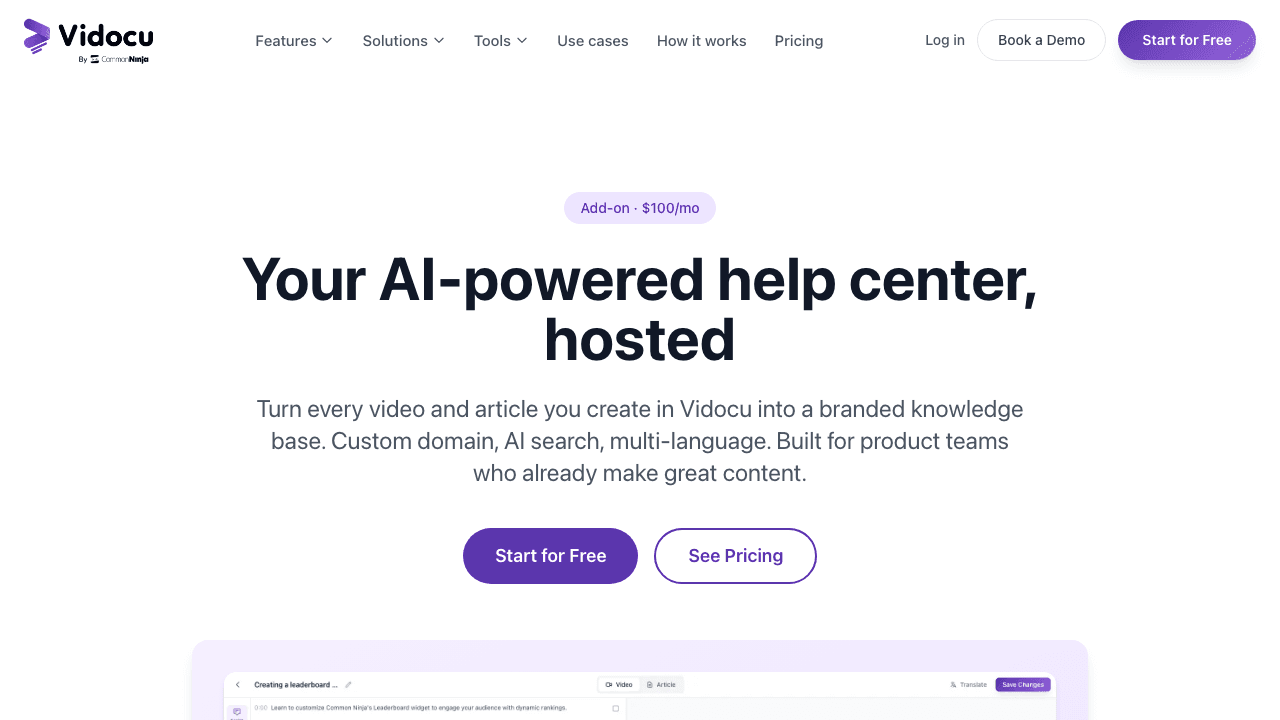
Vidocu Knowledge Center is a fully hosted, AI-powered help center that turns the videos you already record into a searchable, multilingual, branded knowledge base. No engineering work. No content team. No second subscription to a documentation platform that does not know what is in your videos.
It is available now as an add-on to any paid Vidocu plan, and you can see the feature in detail on the Knowledge Center page.
Why we built it
For two years, Vidocu has helped teams turn videos into documentation, subtitles, voiceovers, and SOPs. The most common follow-up question from customers has always been the same: "Great, the article is generated. Now where does it live?"
The honest answer used to be: somewhere else. You exported the article, pasted it into Document360 or Zendesk or Notion, re-uploaded the video to YouTube, hoped your search worked, and discovered six months later that your French and German versions were three releases behind.
That export step has been quietly killing the value of every AI documentation tool on the market, including ours. So we built the destination. Vidocu Knowledge Center is the hosted help center that already knows about your videos, your transcripts, your translations, and your screenshots, because it lives inside the same workspace that created them.
What it does
Vidocu Knowledge Center takes the articles generated by Vidocu's video-to-documentation workflow and publishes them as a hosted help center under your own domain. Each article comes with the embedded video, a synchronized transcript, deep-link timestamps, and translated versions in any of 65+ languages. Visitors can search it with natural-language questions, and an AI assistant answers in plain English with citations back to the source articles and the exact moment in the video.
A few things make it different from a generic knowledge base:
- The video is the source of truth, not an afterthought. When you update a screen recording, the article, subtitles, and translations all update from the same workflow.
- AI search reads transcripts, not just article text. A customer can ask "how do I rotate the second clip" and the assistant will surface an article whose written body never mentions rotation, because the transcript does.
- Translations stay in sync. If you change the English article, the system flags the French, Spanish, and Japanese versions as stale automatically.
- Internal and public docs live in one place. Magic-link gating with email-domain allowlists lets you publish customer-facing articles and internal SOPs from the same workspace.
See Knowledge Center in action
Launch your own AI-powered help center in under an hour. No engineering team required.
Explore Knowledge CenterThe features in detail
Auto-generated articles from video
Every article inside a Vidocu Knowledge Center starts as a video. You upload a screen recording or product walkthrough, and Vidocu generates a step-by-step article with screenshots, headings, and timestamps. The same source video is embedded in the published article, so visitors can read or watch. This is the same engine behind the AI knowledge base generator, now wired directly into a hosting layer.
AI search powered by RAG
The search experience is built on retrieval-augmented generation using Atlas Vector Search and Claude. When a visitor types a question, the system retrieves the most relevant chunks across both your articles and your video transcripts, then generates a direct answer with citations. Beyond keyword matching, the assistant understands phrasing differences ("change the speed" matches "speed up your clip" in a transcript) and refuses to fabricate when it does not have a confident source.
Every plan includes 1,000 AI searches per month. Beyond that, additional queries are $0.05 each, so a knowledge center that suddenly goes viral does not result in a surprise bill.
Multilingual hosting with stale-translation detection
One click translates an article, its subtitles, and its voiceover into 65+ languages. The full video translation pipeline runs inside the same workspace, so translated articles ship with translated video and translated narration, not just translated text. Each add-on includes three locales out of the box; additional locales are $20 per month each.
The stale-content detector is the quiet hero here. When you edit the English version of an article, every translated version is flagged with a visible "needs review" badge and a diff of what changed. Multilingual help centers normally drift the moment you ship a new feature. This one tells you exactly where the drift is.
Hosting, custom domains, and branding
Out of the box, every Knowledge Center publishes at {your-slug}.vidocu.help with SSL provisioned automatically. Bring your own domain (powered by Domainee, no DNS gymnastics required) and you get help.yourcompany.com with full SSL in minutes. You can customize the logo, colors, fonts, and add custom CSS or head HTML for analytics scripts. The "Powered by Vidocu" badge is removable on Business and Enterprise tiers.
Magic-link gating for internal docs
Publish public help articles and gated internal SOPs from the same workspace. Internal articles are protected by passwordless magic-link login, scoped to one or more email domains. Your customer success team can publish onboarding guides for prospects, while your IT team publishes internal runbooks, and both live under the same hosted domain with different access rules.
Analytics that point to gaps
Knowledge Center tracks searches, article performance, and (most usefully) unanswered queries. If three customers in a week asked "how do I export to MP4 at 60fps" and the AI assistant could not find a confident answer, that question shows up in your dashboard with a "create article" button next to it. Help centers usually fail because nobody knows what content is missing. This one tells you.
Pricing and availability
Vidocu Knowledge Center is available now as an add-on to any paid Vidocu plan.
| What you get | Included |
|---|---|
| Price | $100 / month ($960 / year) |
| Articles | Unlimited |
| Locales | 3 included, $20 / mo per additional locale |
| AI searches | 1,000 / month included, $0.05 / query overage |
| Custom domain | Included |
| Magic-link gating | Included |
| Analytics | Included |
| "Powered by Vidocu" badge | Removable on Business and Enterprise |
You need an active Vidocu Pro, Business, or Enterprise plan to add Knowledge Center. Full plan details are on the pricing page.
Who it is for
Three audiences in particular have been asking us to ship this:
Customer support teams who are tired of writing articles twice, once as a help doc and again as a video script. Knowledge Center collapses that into one workflow. The customer support use case page walks through the deflection math.
Customer success teams running onboarding programs across multiple product tiers. The combination of public articles, gated internal playbooks, and multilingual versions means a CS leader can run a single content operation for everything from trial onboarding to enterprise QBR prep. The customer success use case covers the workflow.
Product, IT, and ops teams with internal documentation that lives in seven different tools. Magic-link gating lets you consolidate runbooks, training guides, and SOPs in one searchable place without exposing anything to the public web.
How it fits into the Vidocu workflow
Knowledge Center is not a new product. It is the publishing layer for the workflow you already use:
- Upload a screen recording, demo, or walkthrough.
- Generate an article, subtitles, and an AI voiceover inside Vidocu.
- Translate into your three (or more) target locales.
- Publish to your branded Knowledge Center, with AI search and gating configured.
- Iterate based on unanswered-query analytics.
For teams that already use Vidocu, no migration is required. Your existing projects can be published into a Knowledge Center with a few clicks. For new teams, the entire pipeline from raw video to a live, searchable, multilingual help center fits comfortably inside an afternoon.
Start your Knowledge Center today
Add it to any paid Vidocu plan for $100/mo. Cancel anytime.
See pricingWhat is next
This is the first version. On the roadmap over the next quarter:
- A native widget so any SaaS app can embed Knowledge Center search inside the product.
- Public API endpoints for programmatic article publishing (the API already supports the underlying video and documentation workflow).
- Deeper analytics including AI-search satisfaction scoring and visitor cohort analysis.
- More starter themes for teams that want a more opinionated default look.
If there is a specific capability you need, tell us. The product team reads every request.
For a wider look at what good knowledge bases look like today, our Best Video Knowledge Base Software guide compares the major options side by side.
FAQ
Is Vidocu Knowledge Center a standalone product or an add-on?
It is an add-on to a paid Vidocu plan. You need an active Pro, Business, or Enterprise subscription, and Knowledge Center sits on top at $100 per month. This keeps it focused on teams that are already turning video into documentation rather than as a generic help-desk replacement.
How does the AI search work, and how much does it cost?
The AI search is built on retrieval-augmented generation using MongoDB Atlas Vector Search and Claude. It searches across both your written articles and your video transcripts. Every plan includes 1,000 AI searches per month. Additional queries are billed at $0.05 each. There is no per-seat fee and no surprise tier upgrades.
What languages does it support?
65+ languages, including all major European, Asian, and Middle Eastern locales. Each plan includes 3 locales; additional locales are $20 per month each. Translations cover articles, video subtitles, and voiceover narration in one step.
Can I publish internal-only documentation?
Yes. Magic-link gating with email-domain allowlists lets you mark any article as internal. Visitors enter their work email, get a magic-link sign-in, and access only the content their domain is allowed to see. Customer-facing articles and internal SOPs can coexist on the same domain with different access rules.
Can I migrate articles from an existing help center?
The current version focuses on video-generated articles. Direct importers from Zendesk, Intercom, and Document360 are on the roadmap. If migration is blocking you today, reach out and we will help you move content manually as part of onboarding.
Vidocu Knowledge Center is available now. Add it to any paid Vidocu plan from the Knowledge Center feature page, or start a free Vidocu trial to see the full video-to-documentation workflow in action.

Written by
Daniel SternlichtDaniel Sternlicht is a tech entrepreneur and product builder focused on creating scalable web products. He is the Founder & CEO of Common Ninja, home to Widgets+, Embeddable, Brackets, and Vidocu - products that help businesses engage users, collect data, and build interactive web experiences across platforms.


