


Creating training videos shouldn't require a film crew, a dedicated studio, or weeks of editing. The right software lets you produce professional training content from your desk, whether you're building onboarding programs, compliance courses, or product walkthroughs.
But with dozens of tools on the market, picking the right one depends on what you actually need. Some tools help you create videos from scratch using AI avatars. Others focus on recording your screen. And a few can take an existing recording and turn it into subtitled, translated, documented training material automatically.
We tested 10 training video tools across ease of use, output quality, language support, and pricing to help you find the best fit for your team.
Quick Comparison
| Tool | Best For | Starting Price | AI Features | Languages |
|---|---|---|---|---|
| Vidocu | Turning recordings into multilingual training docs | $39/mo | Subtitles, voiceover, auto-docs, translation | 65+ |
| Synthesia | AI avatar videos from scripts | $18/mo | AI avatars, text-to-video, dubbing | 130+ |
| Camtasia | Screen recording + editing | $180/yr | SmartFocus, auto-captions | 30+ |
| Vyond | Animated training content | $58/mo | Script-to-animation, AI avatars | 80+ |
| Loom | Quick screen recordings | Free | Auto-summaries, chapters | 50+ |
| iSpring Suite | PowerPoint-based eLearning | $770/yr | Quiz builder, dialogue sims | 14 |
| Descript | Text-based video editing | Free | Voice cloning, filler removal | 20+ |
| Powtoon | Animated explainers | $15/mo | Doc-to-video, AI presenters | 20+ |
| Panopto | Enterprise video management | Custom | AI video search, indexing | 20+ |
| Adobe Premiere Pro | High-production training | $22.99/mo | AI captions, scene detection | 18 |
1. Vidocu
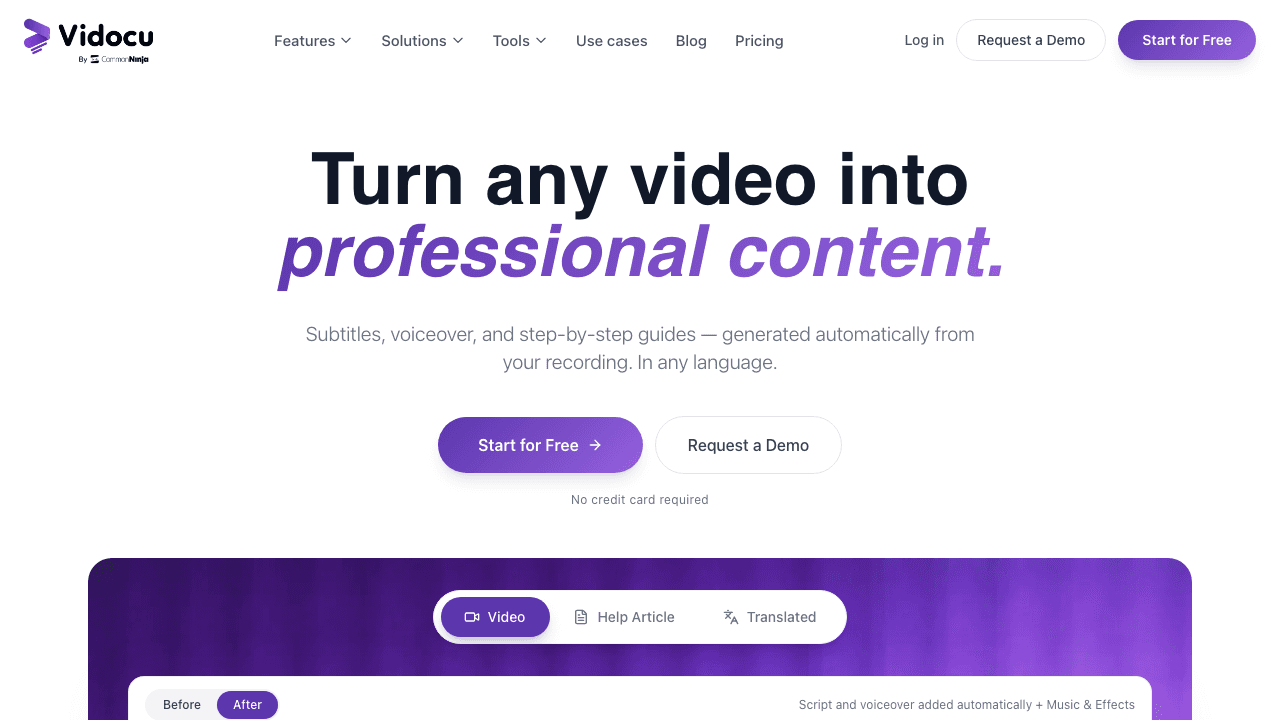
Best for: Teams that already have recordings and need subtitles, voiceover, documentation, and translations from a single upload.
Most training video tools focus on helping you create videos. Vidocu takes a different approach: you upload an existing recording, and it generates everything else automatically. Subtitles, AI voiceover in 130+ languages, step-by-step documentation with screenshots, and even a polished video-to-help-article workflow.
This makes Vidocu particularly useful for L&D teams who already record training sessions, product demos, or screen walkthroughs but spend hours adding subtitles, writing companion guides, or localizing content for global teams.
Upload a 10-minute onboarding video and you get: accurate subtitles, a professional AI voiceover in any language, a written guide with auto-extracted screenshots, and a translated version for international offices. The built-in video editor lets you trim, annotate, and add branding before sharing.
Key features:
- AI subtitles with 95%+ accuracy in 65+ languages
- AI voiceover that replaces or supplements original narration
- Auto-generated step-by-step documentation from video
- One-click video translation for global teams
- Video editor with watermarks, annotations, zoom and pan
- API and developer tools for automated workflows
Pricing: Free plan available. Pro starts at $39/month. Business at $149/month with priority processing and team features.
Limitations: Not designed for creating videos from scratch. You need an existing recording to work with.
2. Synthesia
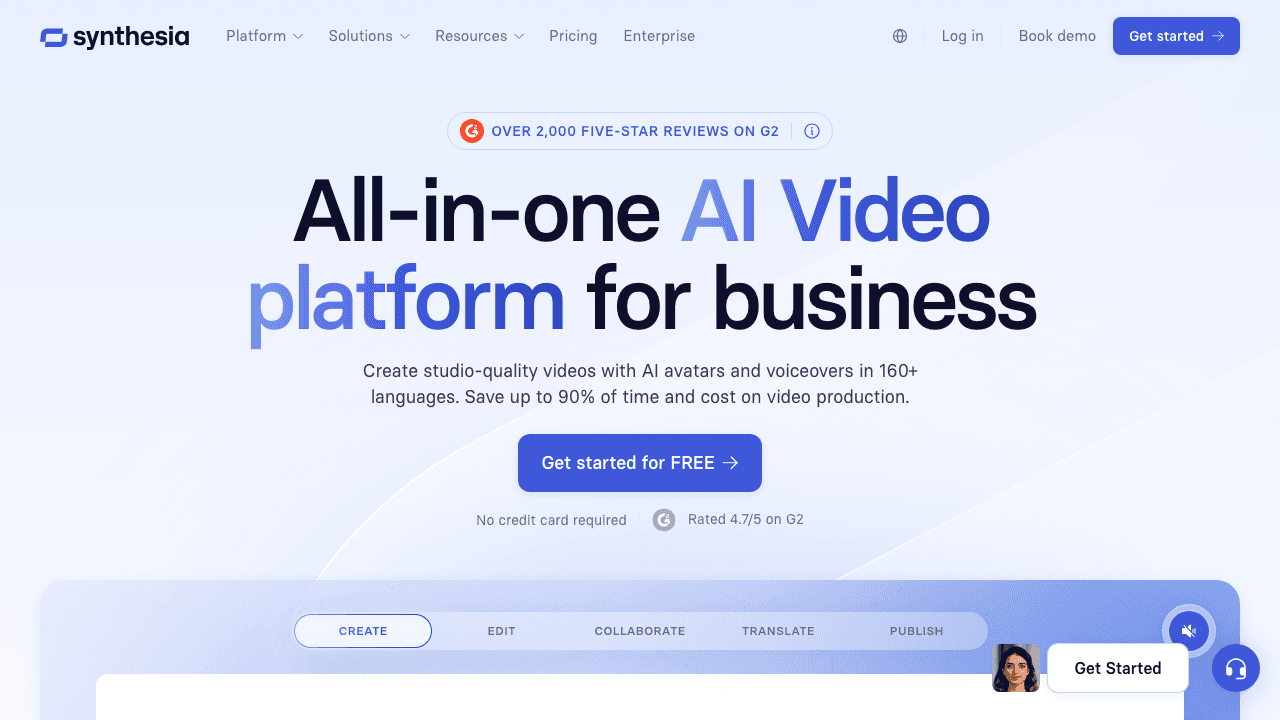
Best for: Teams that need presenter-style training videos without filming anyone.
Synthesia lets you type a script and generate a video with an AI avatar presenting it. With 180+ avatars and 130+ language options, it's become the go-to tool for companies that need standardized training content at scale, especially for onboarding, compliance, and product updates.
The platform launched its Express-2 avatar engine in late 2025, adding full-body gestures and more natural movement. You can also clone your own likeness into a personal avatar from a single photo, though studio-quality avatars cost extra ($1,000/year).
Key features:
- 180+ AI avatars with natural gestures
- Text-to-video in 130+ languages
- Personal avatar cloning from a photo
- Brand templates and style kits
- SCORM export (Enterprise tier only)
Pricing: Free tier available. Starter: $18/month (annual) for 10 video minutes. Creator: $64/month for 30 minutes. Enterprise: custom pricing.
Limitations: AI avatars still feel synthetic to some viewers. SCORM export is locked behind Enterprise pricing. Studio avatar cloning costs $1,000/year extra. If you want to compare Vidocu's approach with Synthesia's, see our detailed comparison.
3. Camtasia
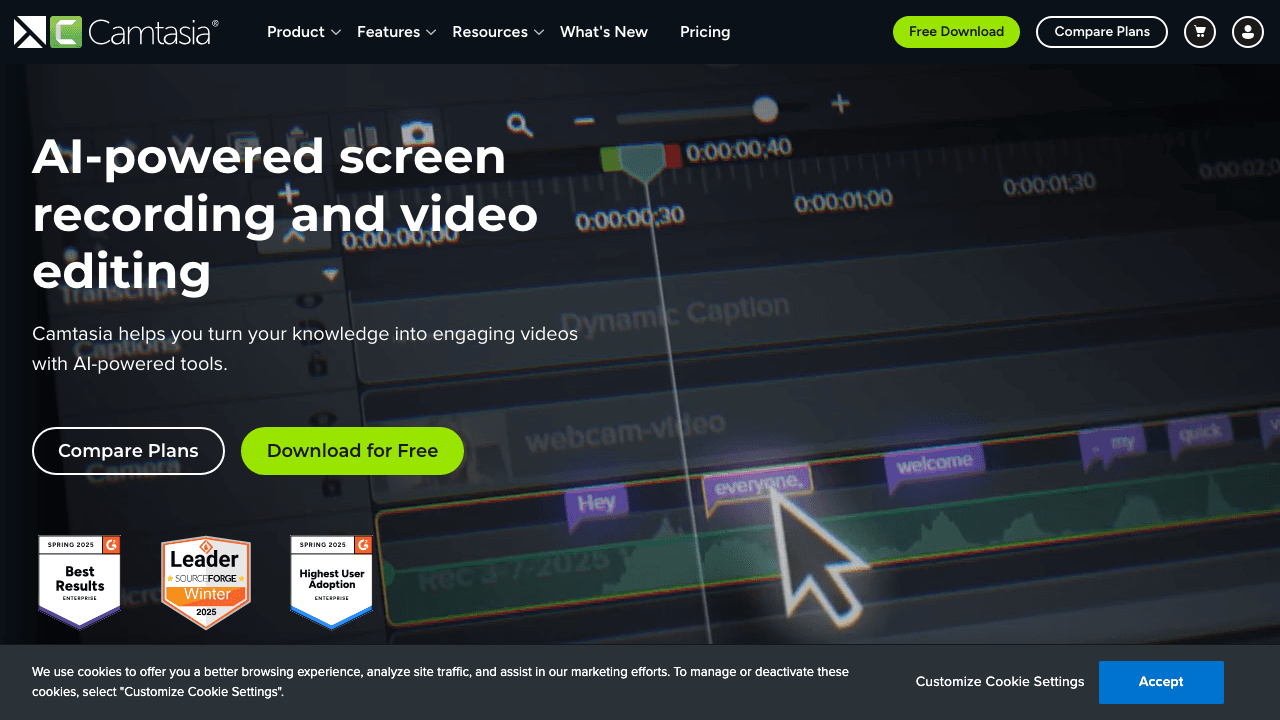
Best for: Software tutorials, product walkthroughs, and any training that starts with a screen recording.
Camtasia has been the standard for screen recording-based training for over a decade. It combines a full screen recorder with a timeline-based editor, giving you cursor effects, callouts, annotations, quizzes, and PowerPoint import all in one package.
TechSmith moved Camtasia to a subscription-only model in 2025 and added AI features like SmartFocus (auto zoom-and-pan on click targets) and text-based editing through Camtasia Audiate. The Pro tier now includes AI avatars for those who want a presenter without filming.
If your training workflow starts with recording your screen, Camtasia remains the most full-featured option. For teams that want to skip the editing entirely and auto-generate documentation from recordings, tools like Vidocu offer a faster path.
Key features:
- Screen recording with webcam overlay
- Timeline editor with annotations and callouts
- Built-in quiz and interactivity support
- PowerPoint import
- SCORM export for LMS integration
- SmartFocus auto zoom-and-pan
Pricing: Essentials: $180/year. Create: $254/year. Pro: $599/year. No free tier.
Limitations: Desktop-only (no cloud editing). No free plan. Steep learning curve for advanced features. Subscription-only now.
Skip the editing. Get training docs from any video.
Upload a recording and Vidocu generates subtitles, voiceover, and step-by-step guides automatically.
Try Vidocu Free4. Vyond
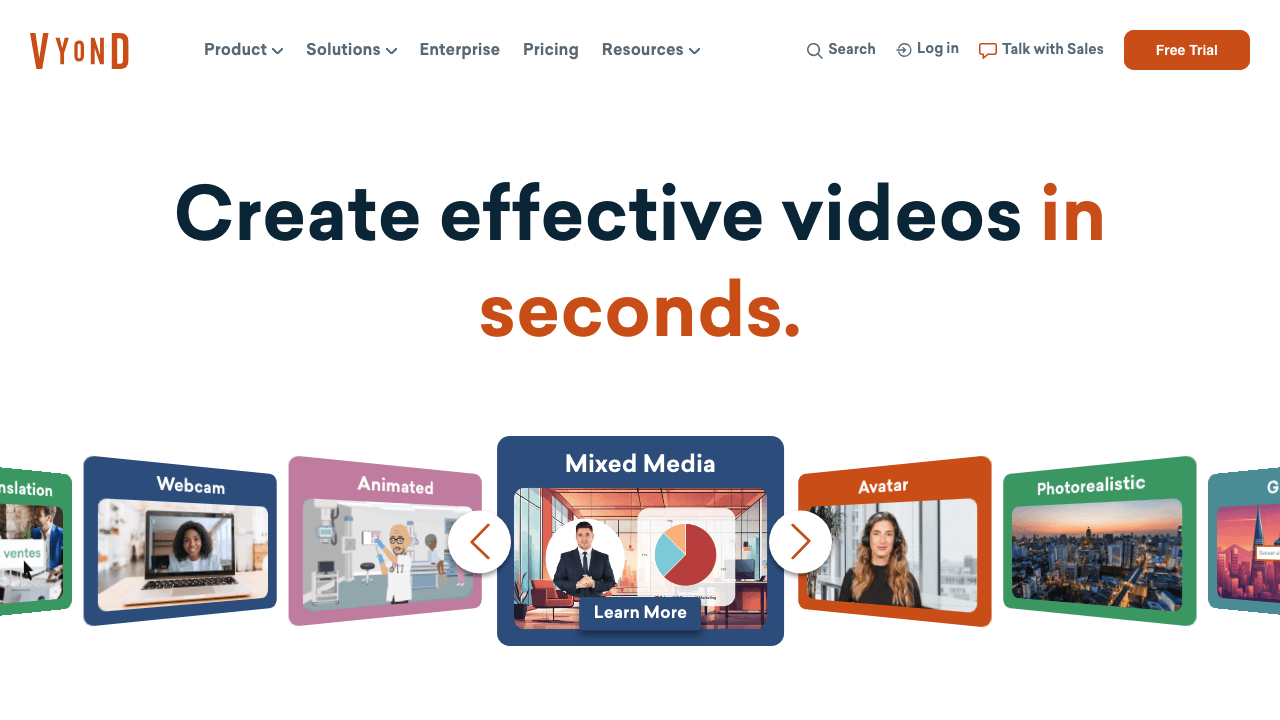
Best for: Animated scenario-based training, compliance content, and storytelling-driven courses.
Vyond specializes in animated video creation with a drag-and-drop studio editor. It's especially popular for compliance training and soft-skills content where animated scenarios feel more engaging than slides or screen recordings.
Vyond Go, their AI feature, converts text scripts, PDFs, and slides into animated videos automatically. The December 2025 update added new layout templates, pronunciation controls for text-to-speech voices, and expanded screen recording to 15 minutes.
Key features:
- Drag-and-drop animation studio
- Vyond Go: script/PDF/slides to animated video
- 1,000+ customizable avatars
- 80+ languages for voiceover
- Brand templates and style consistency
- Screen recording (up to 15 min)
Pricing: Starter: $58/month (annual). Professional: $1,188/year. Enterprise: $1,649/year. No free tier.
Limitations: Expensive starting point. Animation style isn't suited for every training type (software demos, for example). SSO only on Enterprise.
5. Loom
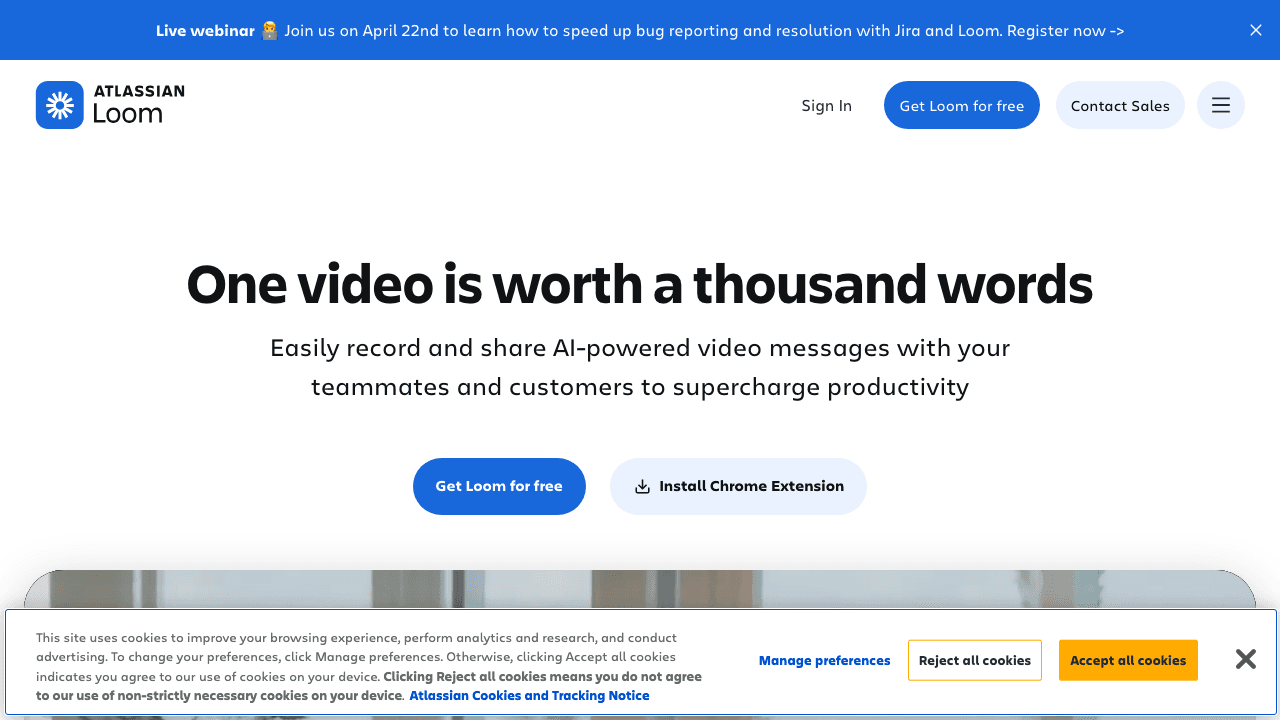
Best for: Quick, informal training clips and async onboarding for remote teams.
Loom is the fastest way to record and share a training video. Click record, walk through the process, stop, and share a link. No editing required, no file to upload, no waiting.
Since Atlassian acquired Loom, the product has leaned into AI: auto-generated titles, summaries, chapters, and filler word removal. The Business + AI tier ($20/user/month) adds auto-enhancement and video-to-document conversion.
For teams that need quick, "good enough" training clips, Loom is hard to beat. For teams that need those recordings turned into multilingual training materials with subtitles and documentation, a follow-up step with a tool like Vidocu fills the gap. You can read our full comparison with Loom.
Key features:
- Instant screen + webcam recording
- Shareable links (no downloads needed)
- AI auto-summaries and chapters
- Viewer analytics and engagement tracking
- Drawing tools and CTAs
- Slack, Salesforce, and Notion integrations
Pricing: Free: 25 videos, 5-minute limit. Business: $12.50/user/month. Business + AI: $20/user/month. Enterprise: custom.
Limitations: Limited editing. 5-minute cap on free plan. No animation or interactivity. Not designed for polished, production-quality training.
6. iSpring Suite
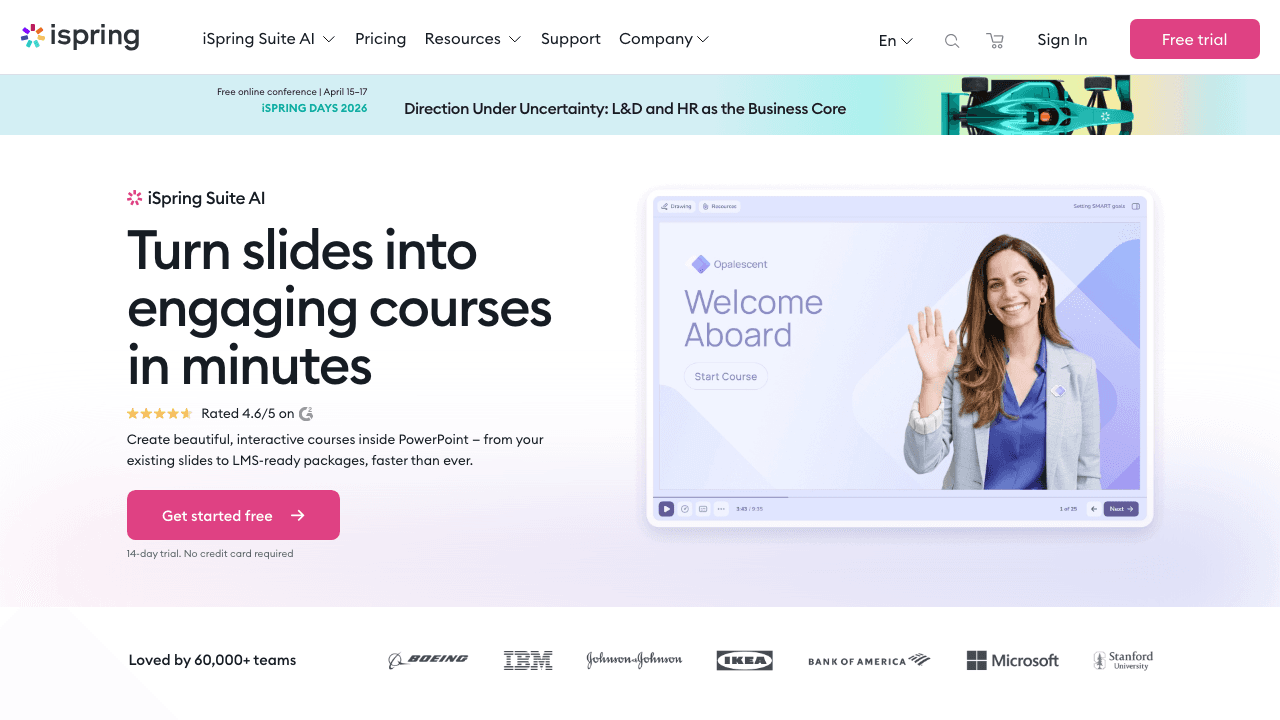
Best for: L&D teams that build courses in PowerPoint and need SCORM-compliant output.
iSpring Suite is a PowerPoint plugin that turns your slides into interactive eLearning courses. It adds video lectures, screen recordings, quizzes, dialogue simulations, and SCORM/xAPI export directly within the PowerPoint workflow your team already knows.
It's not a standalone video editor, and that's by design. If your training department lives in PowerPoint and publishes to an LMS, iSpring fits right into that workflow without requiring anyone to learn new software.
Key features:
- PowerPoint plugin (familiar workflow)
- Built-in screen recording
- Quiz builder with 14 question types
- Dialogue simulation for role-play scenarios
- SCORM/xAPI export for any LMS
- Video lectures with synced slides
Pricing: iSpring Suite: $770/year. Suite Max: $970/year. Premium: $1,970/year.
Limitations: Windows-only. Tied to PowerPoint. UI feels dated. Expensive for individual users.
7. Descript
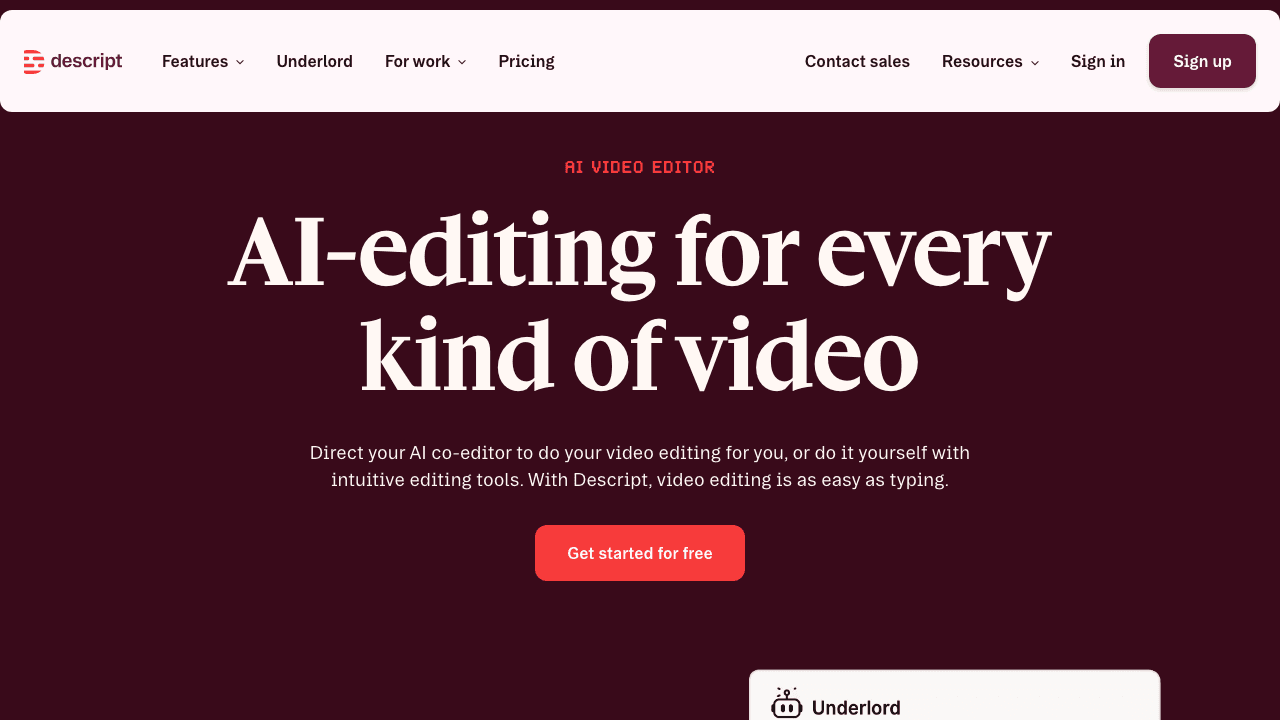
Best for: Teams that need to edit training videos quickly by editing text rather than a timeline.
Descript's core innovation is text-based video editing: your video gets transcribed, and you edit the transcript to edit the video. Delete a sentence, and the corresponding video segment disappears. This makes rough-cut editing dramatically faster, especially for training content where you're cutting mistakes, pauses, and tangents.
Version 50 added generative video, real-time voice cloning (Overdub), and lip sync for translated videos. The new pricing model uses "media minutes + AI credits," which can get confusing at scale.
For a detailed breakdown of how Descript compares for tutorial creation, see our Descript vs Vidocu comparison and our roundup of Descript alternatives.
Key features:
- Text-based video editing
- AI voice cloning (Overdub)
- Automatic filler word removal
- Screen recording
- Auto-captions and transcripts
- AI content repurposing (video to blog/social)
Pricing: Free: 60 media minutes/month with watermarks. Hobbyist: $24/month. Creator: $35/month. Business: $65/month.
Limitations: Media minutes + credits pricing is confusing. Steeper learning curve than Loom. Not training-specific (no quizzes, SCORM, etc.).
Turn any training recording into global-ready content
Vidocu auto-generates subtitles, voiceover, and written guides in 130+ languages from a single video upload.
See How It Works8. Powtoon
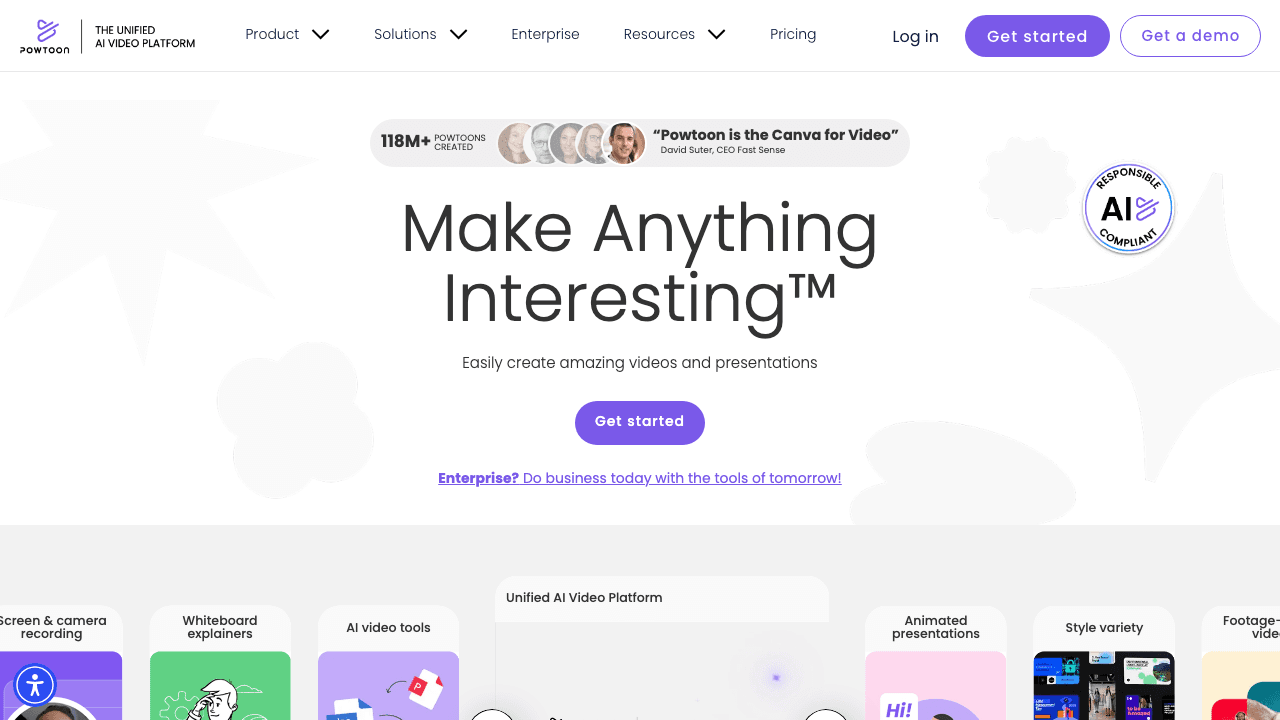
Best for: Non-designers who need quick animated explainers and onboarding videos.
Powtoon makes animated video creation accessible to anyone, with drag-and-drop templates, character libraries, and a Doc-to-Video feature that converts existing documents into animated presentations.
In late 2025, Powtoon launched a unified AI platform integrating HeyGen avatars, ElevenLabs voices, and Google Veo video generation. This gives it broader creative options than its core template-based editor alone.
Key features:
- Drag-and-drop animation editor
- Large template and character library
- Doc-to-Video conversion
- AI avatar presenters (via HeyGen integration)
- Brand kit for consistent styling
- Presentation mode for live delivery
Pricing: Free plan available. Lite: $15/month. Professional: $40/month. Business: $125/month.
Limitations: Animation quality feels dated compared to Vyond. Limited customization on lower tiers. Can look "templated" without careful design work.
9. Panopto
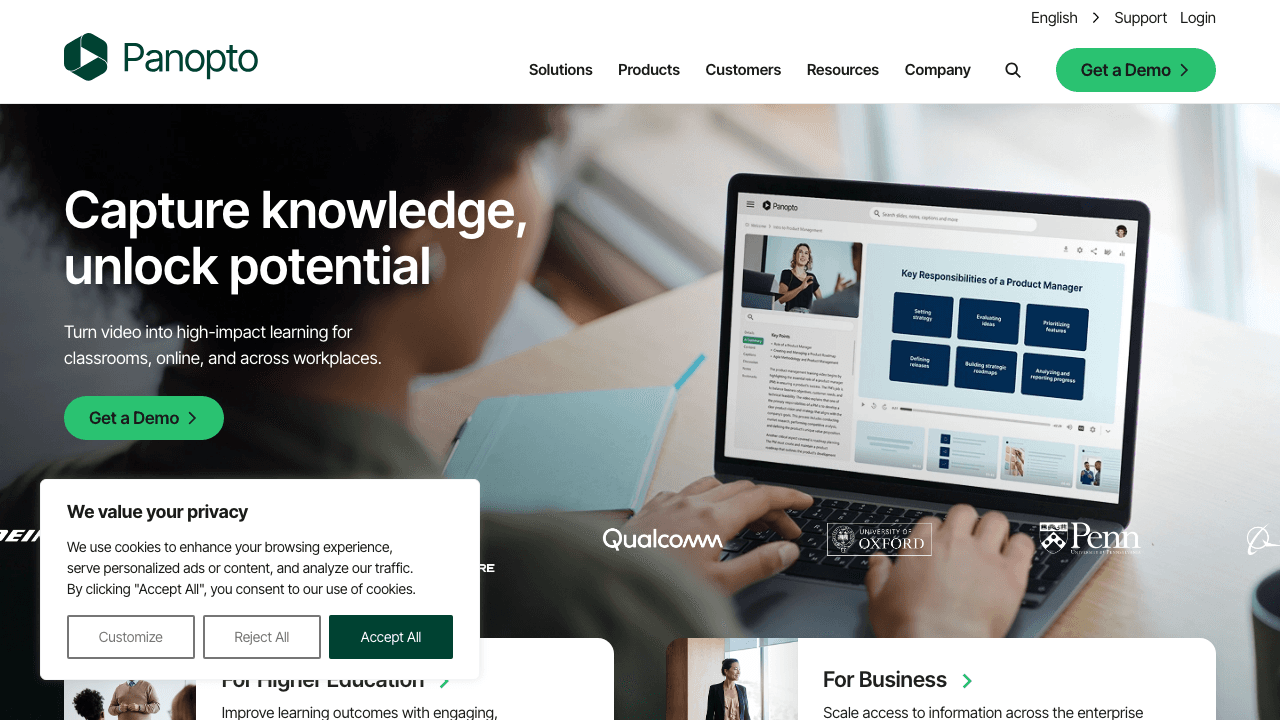
Best for: Large organizations that need to record, manage, and search across thousands of training videos.
Panopto is an enterprise video platform built for knowledge management. Its standout feature is AI-powered search that indexes everything spoken and shown in your videos, making any moment findable by keyword.
It recently integrated Elai AI for in-platform video creation (500+ avatars, 75 languages), adding a creation layer to what was previously a pure management and hosting platform.
If your challenge isn't making training videos but finding content inside the thousands you already have, Panopto solves that. For teams that need to build a knowledge base from video, it's a strong enterprise option.
Key features:
- AI-powered search inside video content
- Automatic content indexing
- Lecture and meeting recording
- LMS integrations (SCORM)
- Live streaming
- Video library management
Pricing: Enterprise pricing (custom quotes). Aimed at organizations with 500+ employees.
Limitations: Not accessible for small teams. Primarily a management platform, not a creation tool. Complex setup and onboarding.
10. Adobe Premiere Pro
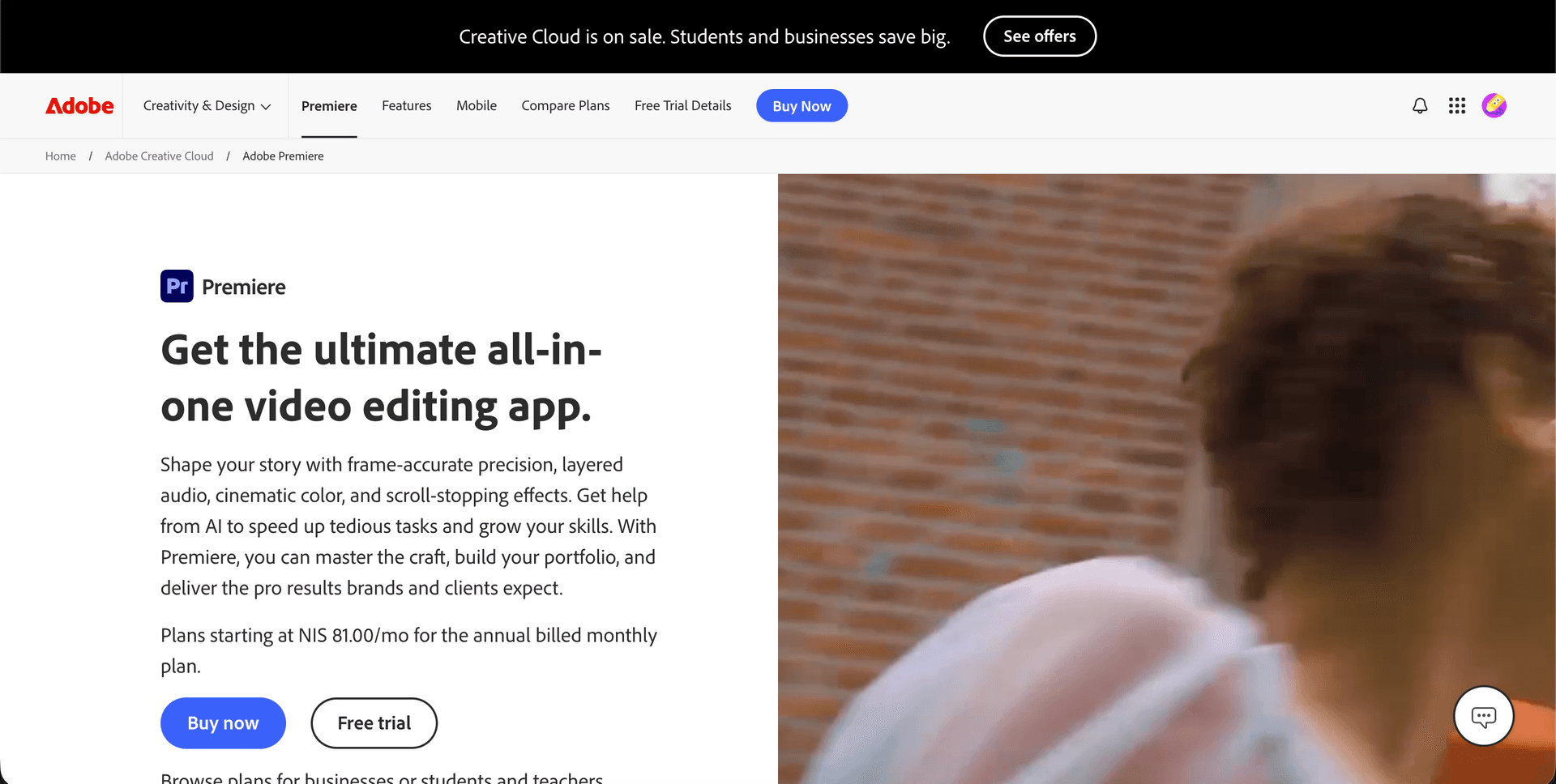
Best for: Teams with dedicated video editors who need cinema-grade training content.
Adobe Premiere Pro is overkill for most training video needs, but it belongs on this list because some organizations need that level of polish. Product launch videos, executive communications, and branded training campaigns sometimes demand professional-grade editing, color grading, and motion graphics.
Recent AI additions include improved auto-captioning, scene detection, and generative features via Adobe Firefly. It integrates with the full Creative Cloud suite (After Effects, Audition, Photoshop) for maximum creative flexibility.
Key features:
- Industry-standard timeline editor
- Motion graphics (via After Effects)
- Color grading and audio editing
- Multi-camera editing
- AI auto-captions and scene detection
- Full Creative Cloud integration
Pricing: Single app: $22.99/month. Full Creative Cloud: $59.99/month.
Limitations: Steep learning curve. Requires existing footage. Slow production compared to AI tools. No training-specific features (quizzes, SCORM, interactivity).
How to Choose the Right Training Video Software
The best tool depends on your starting point and what you need to produce:
You have recordings and need them enhanced: Vidocu turns existing video into subtitled, voiced, translated, and documented training materials without manual editing. Ideal if your team already records sessions but struggles with the follow-up work.
You need to create videos from text/scripts: Synthesia (AI avatars), Vyond (animation), or Powtoon (animated explainers) let you produce training videos without filming.
You need to record and edit: Camtasia (full editing), Loom (quick sharing), or Descript (text-based editing) cover different levels of recording and editing complexity.
You need to manage a video library: Panopto handles enterprise-scale video management with AI search across your entire library.
You need LMS compatibility: iSpring Suite and Camtasia both export SCORM-compliant packages. Synthesia offers SCORM on Enterprise plans.
You need maximum creative control: Adobe Premiere Pro gives you full editing power at the cost of speed and simplicity.
For teams creating SOPs and process documentation from video, or those who need to localize training content for international teams, the combination of recording tools (Loom or Camtasia) plus enhancement tools (Vidocu) often works better than any single platform.
FAQ
What is training video software?
Training video software is any tool that helps you create, edit, or enhance videos used for employee onboarding, skill development, compliance training, or product education. These tools range from screen recorders and AI avatar generators to full video editors and enterprise management platforms.
How much does training video software cost?
Prices range from free (Loom, Descript, Vidocu free tiers) to several thousand dollars per year (iSpring Suite, Vyond Enterprise, Panopto). Most tools offer monthly plans between $15 and $65 per user. Enterprise pricing is typically custom.
Can I create training videos without filming?
Yes. Synthesia generates videos from text scripts using AI avatars. Vyond and Powtoon create animated videos. Vidocu takes existing recordings and adds AI voiceover, subtitles, and documentation without any filming. Descript can clone your voice so you can "record" new narration by typing.
What's the best free training video software?
Loom's free tier (25 videos, 5-minute limit) is great for quick recordings. Vidocu's free plan lets you process videos with AI subtitles and basic editing. Descript offers 60 free media minutes per month. For most teams, starting with a free tier and upgrading as needs grow is the practical approach.
How do I make training videos accessible in multiple languages?
Tools with built-in translation include Vidocu (130+ languages with one-click translation), Synthesia (130+ languages), and Descript (lip-synced translations). For teams managing multilingual training at scale, Vidocu's approach of auto-generating subtitles, voiceover, and written guides in any language from a single recording is the most efficient workflow.
Looking for a faster way to turn your training recordings into subtitled, translated, multilingual content? Try Vidocu for free and see how a single upload becomes complete training material.

Written by
Daniel SternlichtDaniel Sternlicht is a tech entrepreneur and product builder focused on creating scalable web products. He is the Founder & CEO of Common Ninja, home to Widgets+, Embeddable, Brackets, and Vidocu - products that help businesses engage users, collect data, and build interactive web experiences across platforms.


