


You've built a great product. You've made videos that show exactly how it works. But your potential customers in Germany, Japan, and Brazil can't understand a word.
Video localization, the process of adapting your product videos for different languages and cultures, is no longer optional for companies selling internationally. It's a core part of any serious product marketing strategy.
The good news? You don't need to re-record anything. Modern AI tools make it possible to translate, dub, and subtitle your existing videos in dozens of languages, often in minutes.
This guide walks you through the full process: what video localization actually involves, how to approach it strategically, and which tools can help you scale without blowing your budget.
What Is Video Localization?
Video localization goes beyond simple translation. It's the process of adapting video content so it feels native to a target audience. That includes:
- Subtitles and captions in the target language
- Voiceover or dubbing with natural-sounding speech
- On-screen text translation (titles, annotations, UI elements)
- Cultural adaptation: adjusting examples, idioms, and references
- Format adjustments: date formats, units of measurement, reading direction
For product videos specifically, localization means making your demos, tutorials, and walkthroughs accessible to users who don't speak your source language. Whether you're localizing training videos for global teams or customer support content for international users, the principles are the same.
Why Localize Your Product Videos?
The business case is straightforward:
75% of consumers prefer to buy products in their native language. Even when people speak English as a second language, they engage more deeply with content in their mother tongue.
Here's what localization unlocks:
- Faster international expansion: Enter new markets without building local video production teams
- Higher engagement: Localized videos see 2-3x more watch time than English-only content
- Better support outcomes: Users who understand tutorial videos submit fewer support tickets
- Improved SEO: Localized video content ranks in local search results
- Stronger trust: Speaking a customer's language signals commitment to their market
The Traditional Approach (And Why It Doesn't Scale)
Historically, localizing a single product video meant:
- Sending the script to a translation agency
- Hiring voice actors for each target language
- Booking studio time for recording
- Syncing new audio with the original video
- Re-editing on-screen text and graphics
- Quality review and revisions
Cost: $2, 000–$10, 000 per video, per language. Timeline: 2–6 weeks per language.
For a company with 50 product videos targeting 5 languages, that's potentially $500, 000+ and months of project management. Not realistic for most teams.
A Modern Approach to Video Localization
Today's AI-powered workflow looks very different:
Step 1: Audit Your Video Library
Start by identifying which videos have the highest impact. Prioritize:
- Product demos shown to prospects
- Onboarding and setup tutorials
- Feature walkthroughs with the most views
- Support videos addressing common issues
You don't need to localize everything at once. Start with 5–10 high-traffic videos and expand from there.
Step 2: Generate Accurate Subtitles
The foundation of any localization workflow is a solid transcript. Use an AI subtitle generator to create accurate captions in the source language first.
Why start here? Because subtitle accuracy determines the quality of everything downstream, translations, voiceovers, and documentation.
Look for tools that support multiple export formats (SRT, VTT, ASS) so you can use the output across platforms.
Step 3: Translate Subtitles
Once you have clean source-language subtitles, translate them into your target languages. A subtitle translator can handle this automatically, but always review the output for:
- Technical terminology specific to your product
- UI element names that may or may not be translated in your localized app
- Cultural context that doesn't translate directly
Translate Your Subtitles Instantly
Vidocu translates subtitles into 120+ languages while preserving timing and formatting.
Try Free Subtitle TranslatorStep 4: Add AI Voiceover (Optional but Powerful)
Subtitles are the minimum viable localization. But for product videos, AI voiceover takes it to the next level.
Modern AI voices sound remarkably natural. They can match the pacing of your original narration and maintain consistent tone across languages. This is especially valuable for:
- Demo videos where you want viewers focused on the screen, not reading subtitles
- Tutorial content where audio instructions help users follow along
- Marketing videos where voiceover carries emotional weight
For a deep dive on voice options, see our comparison of the best AI voiceover tools for tutorial videos.
Step 5: Adapt On-Screen Content
This is the step most teams skip, and it shows. If your product video includes:
- Screenshots with English UI text
- Annotations or callouts
- Title cards or chapter headings
- Code snippets with English comments
You'll need to update these for each language. Some tools handle this automatically. For others, you may need to re-edit specific segments.
Step 6: Review and Publish
Before publishing, have a native speaker review each localized version. They should check:
- Translation accuracy (especially product-specific terms)
- Audio-visual sync (do voiceovers match the action on screen?)
- Cultural appropriateness (colors, gestures, examples)
- Technical accuracy (do instructions still match the localized product UI?)
Comparing Video Localization Tools
Several tools can help automate parts of this workflow. Here's how the major players compare:
| Feature | Vidocu | Rask AI | Descript | Synthesia |
|---|---|---|---|---|
| AI Subtitles | ✅ | ✅ | ✅ | ❌ |
| Subtitle Translation | ✅ 120+ languages | ✅ 130+ languages | Limited | ❌ |
| AI Voiceover/Dubbing | ✅ | ✅ | ✅ | ✅ (avatar-based) |
| Video Documentation | ✅ | ❌ | ❌ | ❌ |
| Free Tier | ✅ | Limited | Limited | ❌ |
| Best For | Product & tutorial videos | General video translation | Podcast/video editing | AI avatar videos |
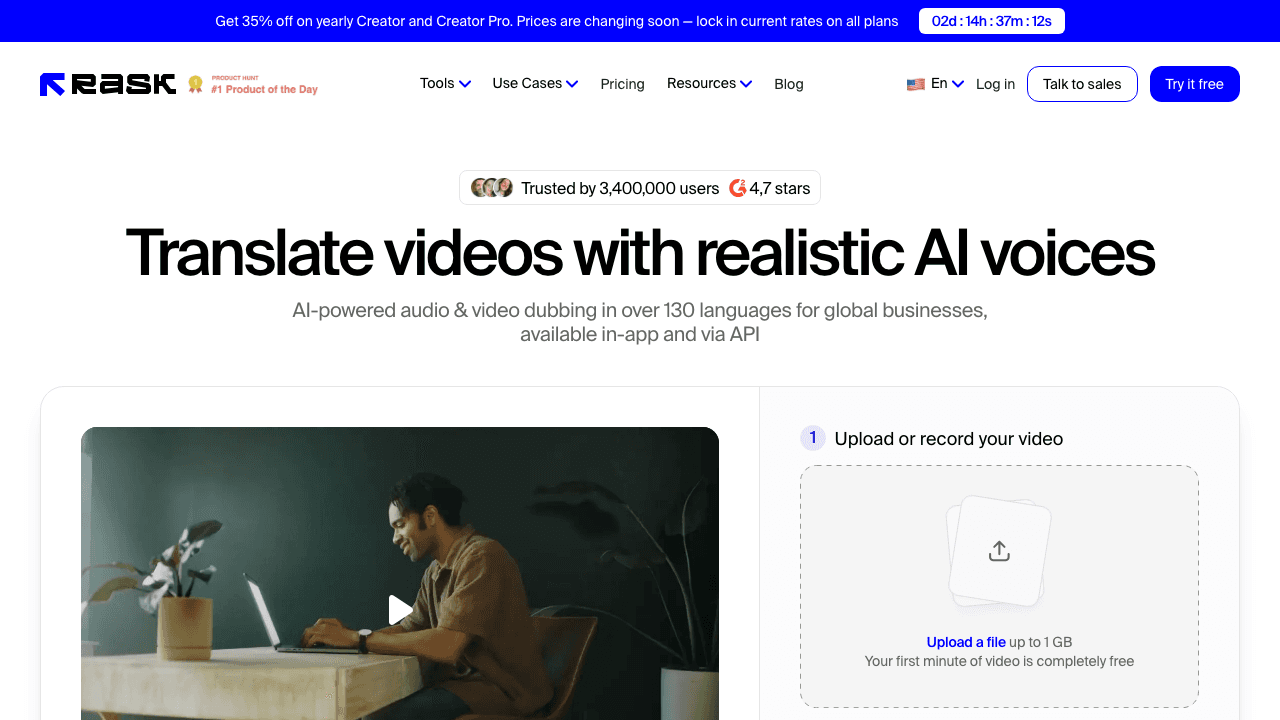 Rask AI focuses on video translation and dubbing with broad language support.
 Descript combines video editing with transcription and translation features.
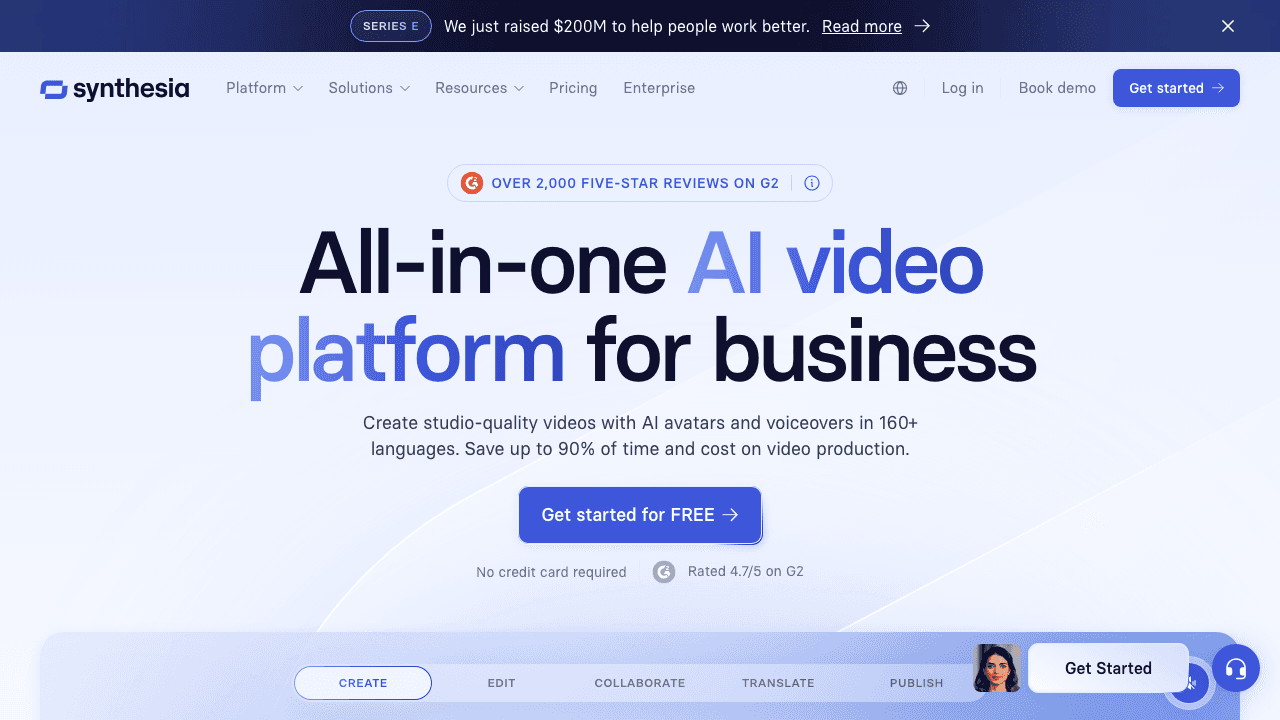 Synthesia takes a different approach, generating AI avatar videos from scripts.
Each tool has its strengths. For product video localization specifically, where you need subtitles, voiceover, and potentially step-by-step documentation, an end-to-end platform saves significant time over stitching together multiple tools.
For a broader comparison of localization and subtitle tools, check our alternatives hub.
Localize Product Videos in Minutes
Generate subtitles, translations, and voiceovers from your existing videos, no re-recording needed.
See Video Translation FeaturesCommon Mistakes to Avoid
Translating word-for-word. Natural speech patterns differ across languages. A sentence that takes 3 seconds in English might take 5 seconds in German. Good localization accounts for timing differences.
Ignoring cultural context. Hand gestures, color associations, and humor vary dramatically across cultures. What's friendly in one market can be confusing or offensive in another.
Skipping quality review. AI translation has improved enormously, but it still makes mistakes, especially with domain-specific terminology. Always have a human review before publishing.
Localizing everything at once. Start with your highest-impact videos and most important markets. Learn from the process before scaling up.
Forgetting about SEO. Localized videos need localized metadata, titles, descriptions, and tags in each target language.
Building a Scalable Localization Workflow
For teams that need to localize content regularly, here's a sustainable workflow:
- Create videos in your primary language as you normally would
- Run them through video translation to generate subtitles and voiceovers
- Use a subtitle creator to fine-tune timing and formatting
- Build a glossary of product terms and their approved translations
- Establish review partnerships with native speakers in each target market
- Publish and measure engagement metrics by language
The goal is to make localization a natural part of your content pipeline, not a separate, expensive project.
For teams already creating multilingual tutorial videos, adding product demos and marketing content to the workflow is a natural extension.
FAQ
How much does video localization cost?
Traditional localization with human translators and voice actors costs $2, 000–$10, 000 per video per language. AI-powered tools like Vidocu reduce this to a fraction of the cost, often under $50 per video, while maintaining high quality. The exact cost depends on video length, number of target languages, and whether you need subtitles only or full voiceover dubbing.
How long does it take to localize a product video?
With AI tools, you can generate translated subtitles and voiceovers in minutes rather than weeks. A 10-minute product video can typically be localized into a new language in under 30 minutes, including review time. Traditional methods take 2–6 weeks per language.
Should I use subtitles or voiceover for localized videos?
It depends on the use case. Subtitles are faster, cheaper, and let viewers hear the original speaker's tone. Voiceover is better for hands-on tutorials where viewers need to watch the screen closely, and for marketing content where audio carries emotional impact. Many teams use both, AI subtitles as a baseline and voiceover for key videos.
Which languages should I localize into first?
Start with the languages that match your largest potential markets. For most SaaS companies, that means Spanish, Portuguese, German, French, and Japanese. Check your analytics for traffic by country, look at where competitors are active, and consider where you already have (or want) a sales presence.
Can AI-localized videos match the quality of human translation?
For most product videos, yes, especially when combined with human review. AI translation accuracy has improved dramatically, and AI voiceovers now sound natural in dozens of languages. The key is treating AI as a first draft that gets you 90% of the way there, then having native speakers refine the remaining 10%.
Ready to localize your product videos without re-recording? Try Vidocu for free and see how fast you can reach international audiences.

Written by
Daniel SternlichtDaniel Sternlicht is a tech entrepreneur and product builder focused on creating scalable web products. He is the Founder & CEO of Common Ninja, home to Widgets+, Embeddable, Brackets, and Vidocu - products that help businesses engage users, collect data, and build interactive web experiences across platforms.


