


Building a product that needs video translation? Whether you're adding localization to a SaaS platform, scaling an e-learning product, or automating content workflows, you need an API that can handle video translation programmatically.
The problem: most "video translation" tools are built for end users clicking buttons in a dashboard. Developers need REST endpoints, webhooks, proper auth, and predictable pricing per minute. This guide covers only tools with real APIs that you can integrate into your stack today.
We tested and compared 9 video translation APIs across language support, pricing, features like lip-sync and voice cloning, and developer experience. Here's what we found.
What to Look For in a Video Translation API
Before diving into specific tools, here are the criteria that matter most for developer integrations:
- End-to-end vs. building blocks - Some APIs handle the full pipeline (upload video, get translated video back). Others handle only one piece (transcription or TTS) and require you to stitch together multiple services.
- Language coverage - Range varies from 32 to 175+ languages. Make sure your target markets are covered.
- Output format - Do you get a translated video file back, or just translated text/audio that you need to reassemble?
- Pricing model - Per-minute, per-character, credit-based, or flat monthly. Each has trade-offs at different scales.
- Lip-sync - Critical for talking-head videos. Only a few APIs offer it.
- Webhook support - Video translation is async. You need webhooks or polling endpoints to know when a job finishes.
- Authentication - API key, OAuth 2.0, or both. OAuth matters if you're building multi-tenant apps.
Quick Comparison
| Tool | Type | Languages | Lip-Sync | Voice Cloning | Pricing | Free Tier |
|---|---|---|---|---|---|---|
| Vidocu | End-to-end | 65+ | No | No | From $0 (~4 min/mo free) | Yes |
| Rask AI | End-to-end | 135+ | Yes | Yes (32 langs) | ~$1.12-2.40/min | No |
| HeyGen | End-to-end | 175+ | Yes | Yes | ~$1.50-2.97/min | Limited credits |
| ElevenLabs | Audio dubbing | 32 | No | Yes | $0.50-1.10/min | Yes (watermarked) |
| Murf AI | TTS + dubbing | 35+ | No | Yes | From $0.01/min | Yes |
| Synthesia | Avatar-based | 160+ | Yes (avatars) | No | ~$2-3/min | Limited |
| Deepgram | Transcription | 36+ | No | No | $0.0043/min | $200 credits |
| AssemblyAI | Transcription | 99+ | No | No | $0.15/hr + $0.06/hr translation | $50 credits |
| Shotstack | Video rendering | N/A | No | No | $0.20-0.30/min render | 10 credits |
1. Vidocu
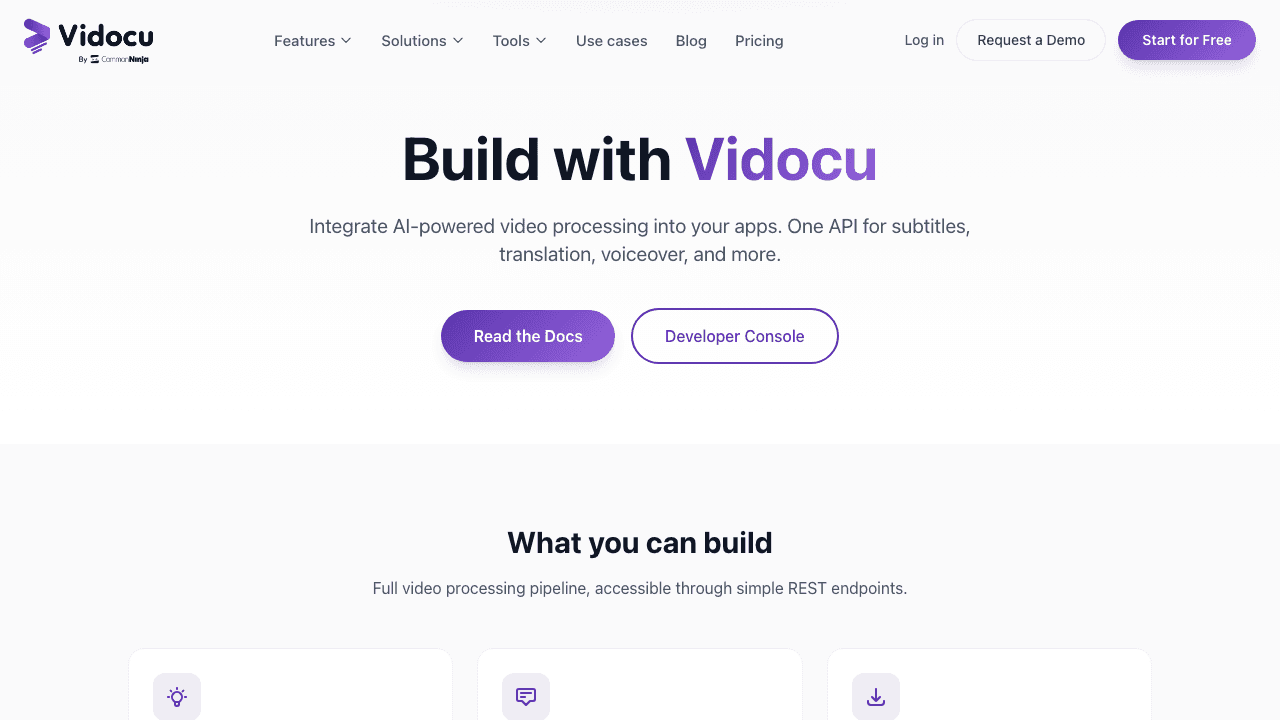
Vidocu handles the full translation pipeline through a single API: upload a video, and get back a translated version with AI-generated subtitles and voiceover in your target language. What makes it different from other tools on this list is that translation is just one part of a broader video processing platform that also generates documentation, step-by-step articles, and subtitle files from the same upload.
Key API features:
- Upload video via REST API with API key or OAuth 2.0 authentication
- AI subtitle generation with translation into 65+ languages
- AI voiceover in 50+ voices across supported languages
- Export translated video with burned-in subtitles and dubbed audio
- Webhook notifications when processing completes
- Additional outputs: SRT/VTT files, step-by-step documentation, video analysis
Developer experience:
Vidocu's API documentation covers authentication, endpoints, and response formats. The platform supports both API key auth for server-to-server integrations and OAuth 2.0 for multi-tenant apps. There's also an MCP server for AI agent integrations, which is unique among video translation tools.
Pricing:
- Free: $0/mo, 200 credits (roughly 4 minutes of AI video)
- Pro: $39/mo, 820 credits (roughly 16 minutes, includes translation and voiceover)
- Business: $149/mo, 4,000 credits (roughly 80 minutes) with team workspace
- Enterprise: Custom pricing
Best for: Teams that need video translation alongside documentation generation, or developers building products where video processing goes beyond just translation.
2. Rask AI
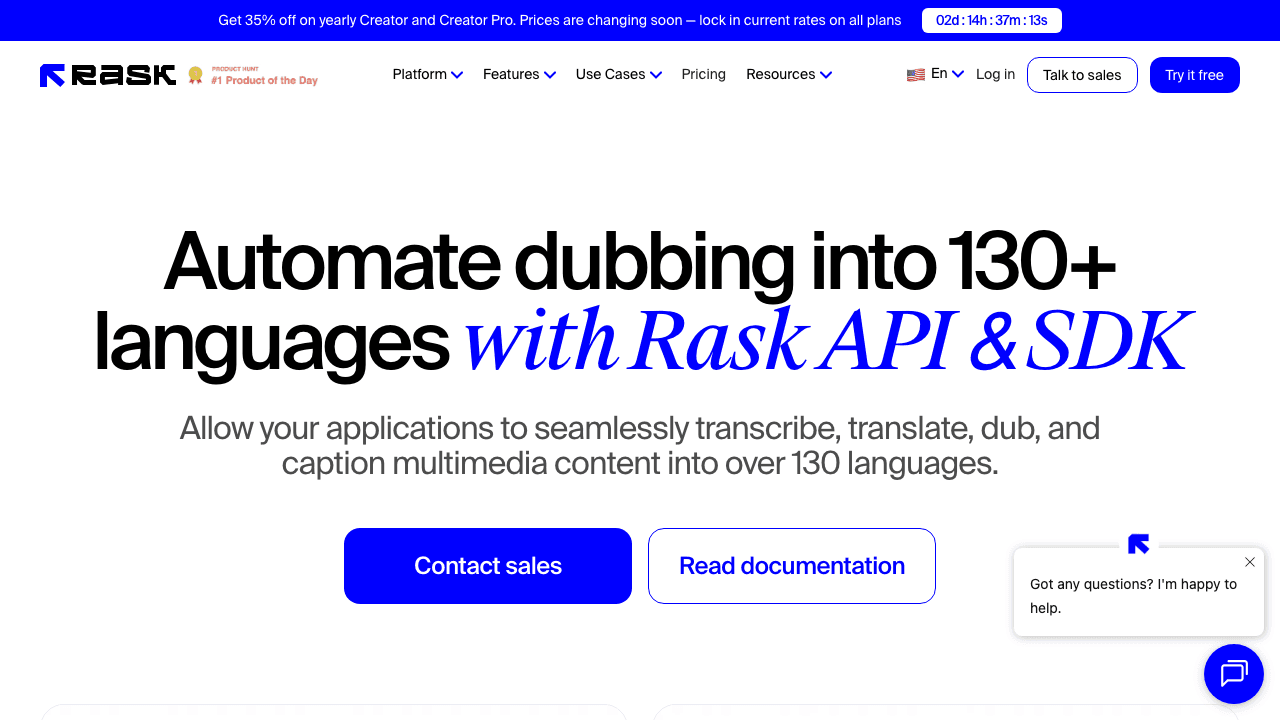
Rask AI is a dedicated video localization platform with a comprehensive API. It handles the entire pipeline from transcription to translation to dubbing, with lip-sync as a flagship feature. The API is designed for enterprise-scale localization workflows.
Key API features:
- End-to-end video localization: transcription, translation, dubbing, caption generation
- Lip-sync alignment on translated audio
- Voice cloning in 32 languages
- Multi-speaker recognition and separation
- Translation dictionary and custom prompting controls
- Human-in-the-loop review workflow via API
Developer experience:
Rask provides SDK support with versioned endpoints and deprecation warnings. The API documentation at docs.api.rask.ai is thorough. The main limitation is that API access requires their Business plan ($500/mo minimum), which makes it expensive to experiment with.
Pricing:
- API access starts at Business plan: $500/mo (~500 minutes)
- Effective cost: $1.12-2.40/min depending on plan
- No standalone API pricing available
- SOC 2 Type II and GDPR compliant
Best for: Enterprise teams localizing large volumes of video content who need lip-sync and voice cloning quality.
3. HeyGen
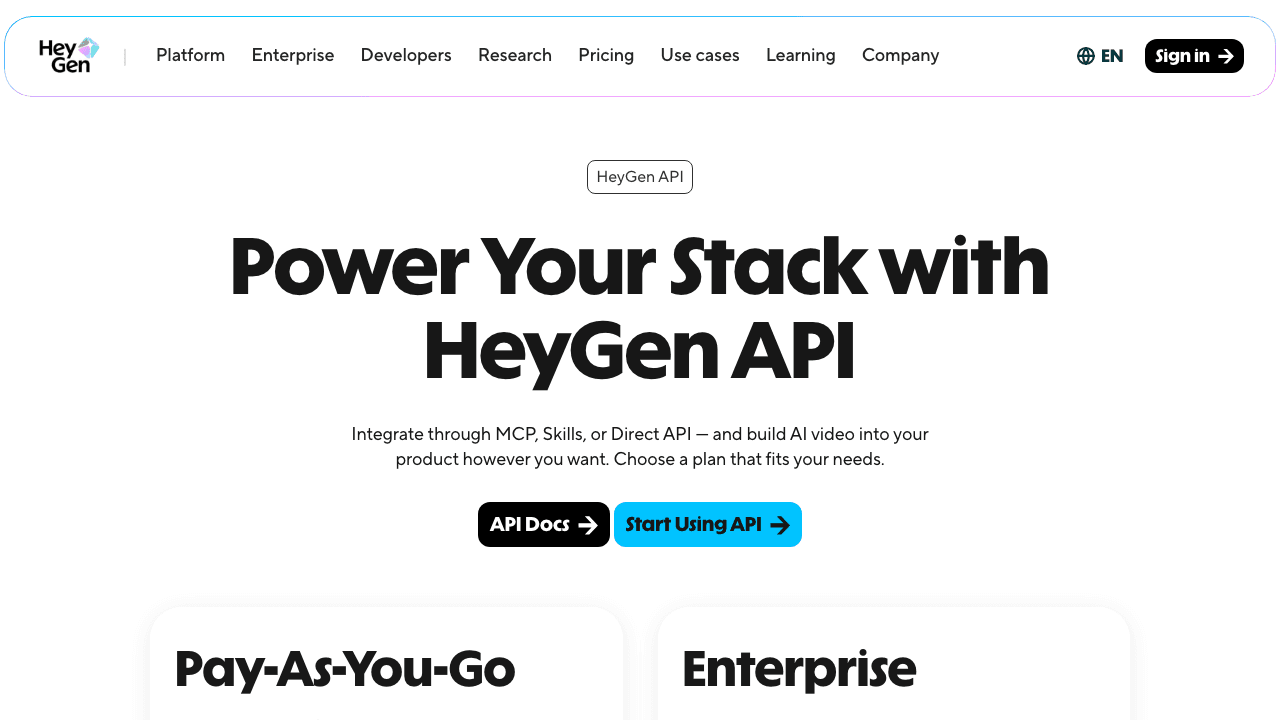
HeyGen combines AI avatar generation with video translation. Their translation API takes an existing video and produces a dubbed, lip-synced version in your target language. It's one of only two APIs on this list (alongside Rask AI) that offers lip-sync on uploaded videos.
Key API features:
- Video translation with AI-matched voice cloning
- Lip-sync alignment for natural-looking results
- 175+ languages and dialects supported
- Avatar video generation (create videos from text scripts)
- Audio-only dubbing mode (unlimited on paid plans)
Developer experience:
HeyGen's docs at docs.heygen.com include multiple integration paths: MCP server, Skills API, and direct REST API. The credit-based pricing can be tricky to predict at scale since different operations consume credits at different rates.
Pricing:
- Credit-based system: 1 minute of translation = 3 credits
- Pro API: $99/mo, credits at $0.99 each (~$2.97/min for translation)
- Scale: Credits at $0.50 each (~$1.50/min for translation)
- Credits don't roll over between months
- Limited free credits to start
Best for: Products that need both video translation with lip-sync and AI avatar generation in a single API.
4. ElevenLabs
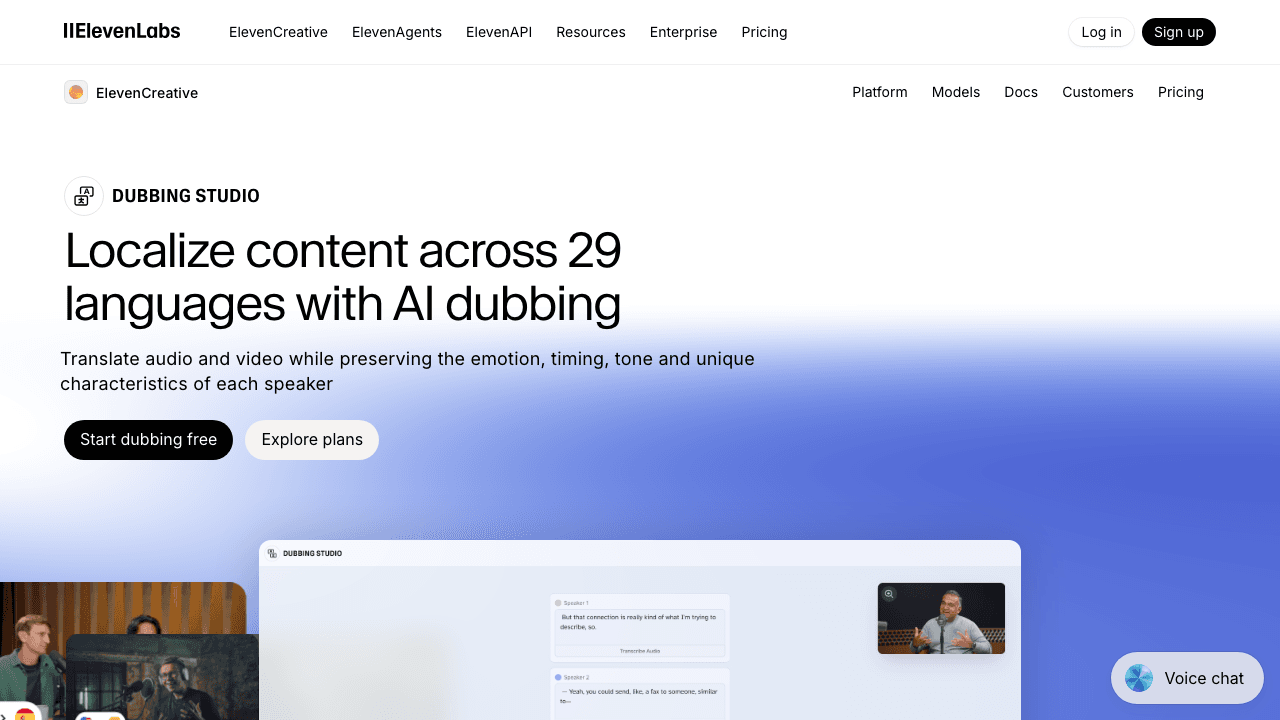
ElevenLabs is primarily known for text-to-speech, but their dubbing API handles video translation by extracting audio, translating it, and generating dubbed audio that preserves the original speaker's voice characteristics. The catch: it's audio-only. You get translated audio back, not a complete video.
Key API features:
- Multi-speaker detection (up to 9 speakers per file)
- Voice characteristic preservation across languages
- Background audio retention (music, sound effects stay intact)
- Accepts YouTube and TikTok URLs directly
- Customizable transcripts before dubbing
- 32 supported languages
Developer experience:
ElevenLabs has some of the best API documentation in the AI voice space. Clear endpoint descriptions, code examples in multiple languages, and straightforward authentication. The API is well-designed and predictable.
Pricing:
- Creator: $22/mo, ~50 dubbing minutes
- Per-minute cost: $0.50-1.10/min depending on plan
- Each target language billed separately (10 min video into 3 languages = 30 min billed)
- Free tier available with watermarked output
- File size limit: 1GB, max 2.5 hours per file
Best for: Developers who need high-quality audio dubbing and are comfortable handling video reassembly themselves.
5. Murf AI
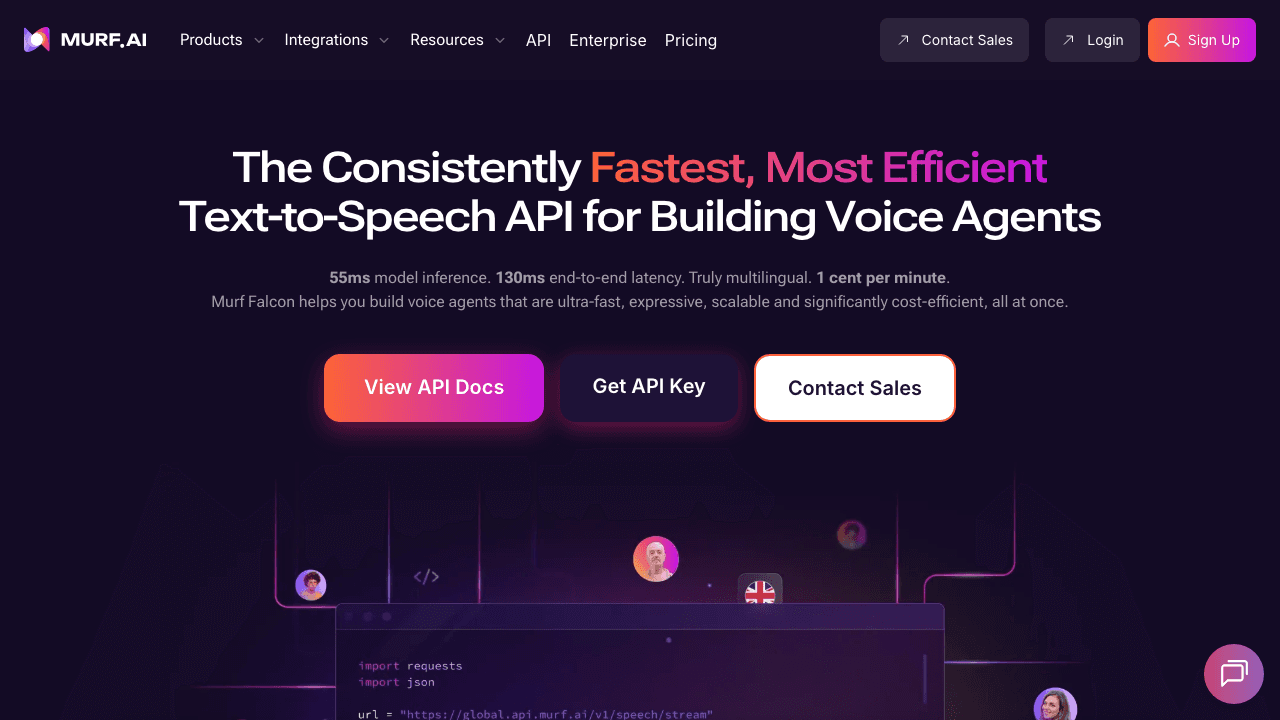
Murf AI offers one of the most affordable entry points for video translation via API. Their platform combines text-to-speech with a dubbing API that translates and re-voices audio/video content. The pricing model is pay-per-use with no mandatory subscription, which is rare in this space.
Key API features:
- Dubbing API: localize audio/video in 25+ languages while preserving speaker voice
- Voice cloning from just 10 seconds of reference audio
- 150+ AI voices across 35+ languages
- "Breath-Aware" natural speech synthesis
- Biometric watermarking for content authentication
- Code-mixing support (language switching within a single output)
Developer experience:
Murf provides a Python SDK alongside their REST API, with step-by-step tutorials in the documentation. The pay-per-use model with no subscription means you can start building immediately without committing to a monthly plan.
Pricing:
- TTS: $0.01/min (Falcon model) or $0.03/1000 chars (Studio)
- Translation: $0.02/1000 characters
- Voice Changer: $0.10/min
- No subscription required for API access
- Startup program: 50M free characters over 3 months
Best for: Startups and indie developers who need affordable TTS and dubbing without upfront commitment.
6. Synthesia
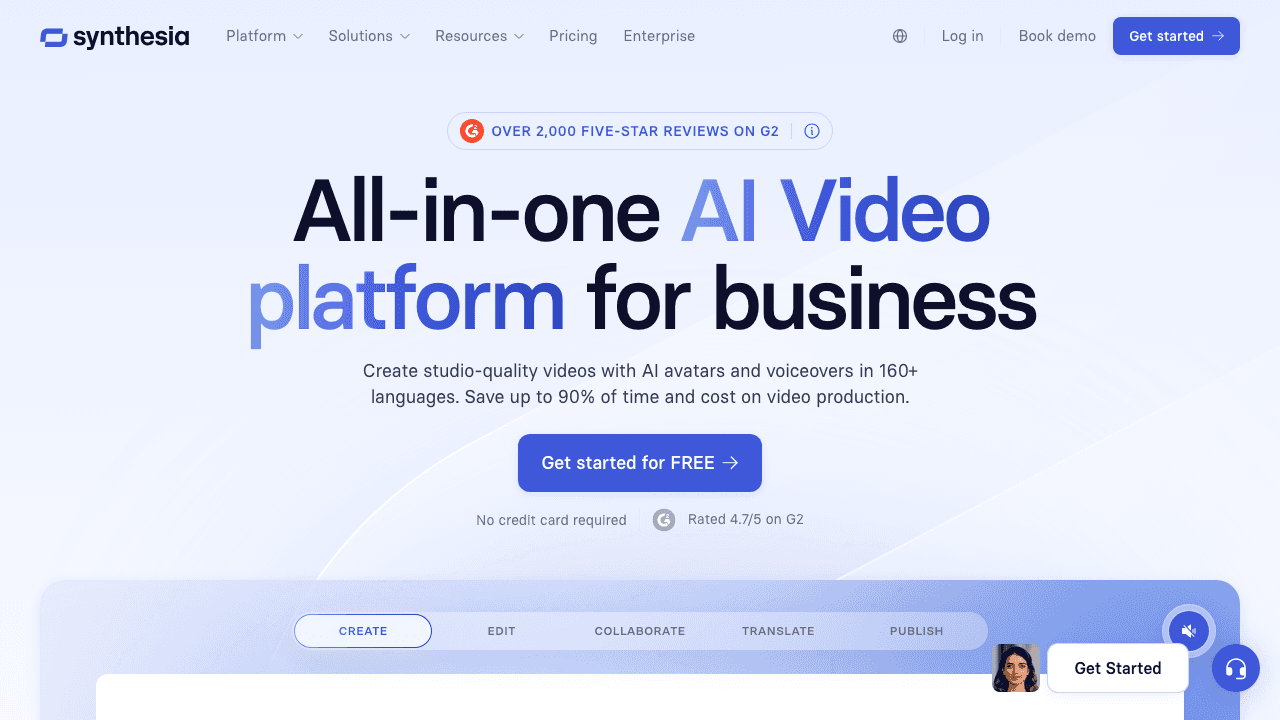
Synthesia is an AI avatar video platform with translation built in. The key distinction: Synthesia translates videos created within its own platform using AI avatars. It's not designed for translating arbitrary uploaded videos like the other tools on this list.
Key API features:
- One-click translation of Synthesia-created avatar videos
- 160+ languages and accents
- AI avatar lip-sync (for avatar-generated content)
- Template system for bulk video generation
- Excel add-in for batch translation workflows
- SCORM export for e-learning platforms
Developer experience:
The API is enterprise-grade with solid documentation. However, the translation workflow is tightly coupled to Synthesia's video creation pipeline. If you're trying to translate existing video content that wasn't created in Synthesia, this isn't the right tool.
Pricing:
- Creator: $64/mo (360 min/year)
- Effective cost: ~$2-3/min depending on volume
- Enterprise: custom pricing with unlimited minutes
- API access from Creator plan
Best for: Teams already using Synthesia for avatar-based content creation who need to localize that content across markets.
7. Deepgram
Deepgram is a speech-to-text engine, not an end-to-end video translation API. It handles the transcription step of the translation pipeline extremely well and at very low cost. You'd pair it with a separate translation service and TTS API to build a complete video translation workflow.
Key API features:
- Nova-3 model with industry-leading accuracy
- 36+ languages with auto-detection
- Speaker diarization (identify who said what)
- Smart formatting, punctuation, and paragraph detection
- Real-time streaming and pre-recorded file support
- Summarization, topic detection, sentiment analysis
Developer experience:
Deepgram has excellent developer documentation with SDKs in Python, Node.js, Go, and .NET. The API is fast, well-documented, and predictable. If you're building a custom video translation pipeline and want best-in-class transcription as your first step, Deepgram is hard to beat.
Pricing:
- Pre-recorded STT: $0.0043/min
- Streaming STT: $0.0077/min
- $200 free credits for new accounts
- Pay-as-you-go after credits
Best for: Developers building custom translation pipelines who want the best transcription accuracy as a foundation.
8. AssemblyAI
AssemblyAI sits in a similar space to Deepgram: transcription-first with translation as an add-on. The advantage over Deepgram is built-in translation, so you get transcription + translated text in a single API call. But like Deepgram, you still need to handle TTS and video assembly separately.
Key API features:
- Transcription in 99+ languages with auto-detection
- Built-in translation add-on (text output, not audio)
- Speaker diarization
- Summarization, sentiment analysis, content safety detection
- PII redaction (useful for compliance-sensitive video content)
- Slam-1 model for enhanced accuracy
Developer experience:
AssemblyAI's documentation is clean and well-organized. They provide SDKs for Python, Node.js, Go, Java, and Ruby. The translation add-on means one fewer service to integrate compared to using Deepgram + a separate translation API. But you're still missing TTS and video rendering.
Pricing:
- Universal STT: $0.15/hr (~$0.0025/min)
- Translation add-on: $0.06/hr
- $50 free credits for new accounts
- Pay-as-you-go
Best for: Developers who need transcription + text translation in one call, especially for workflows where the translated text feeds into subtitles rather than dubbing.
9. Shotstack
Shotstack is a cloud video rendering API, not a translation tool. It's included here because it's often the missing piece when you're building a translation pipeline from components. Once you have translated subtitles or dubbed audio from another service, Shotstack can programmatically render the final video with those assets burned in.
Key API features:
- JSON-based video templates with merge field variables
- Caption/subtitle overlay from SRT/VTT files (for one-off files, the browser-based subtitle translator skips the integration work entirely)
- Automated transcription via Ingest API
- Dolby audio enhancement
- Multi-format output (MP4, GIF, MP3)
- Batch rendering via templates
Developer experience:
Shotstack's API is JSON-template driven, which makes it very flexible but requires more upfront setup than end-to-end solutions. Their documentation includes a visual template editor alongside the API reference, which helps when designing video layouts.
Pricing:
- Starter: $69/mo
- Rendering cost: $0.20-0.30/min of output video
- 10 free render credits to start (valid 30 days)
Best for: Developers assembling a custom translation pipeline who need a reliable, scalable video rendering step at the end.
Choosing the Right Approach
The tools above fall into three categories, and the right choice depends on your architecture:
End-to-end APIs (simplest integration)
If you want to upload a video and get a translated video back with minimal code, use Vidocu, Rask AI, or HeyGen. Vidocu is the most affordable starting point, with a free tier big enough to prototype against. Rask AI and HeyGen are the premium options with lip-sync capabilities.
Audio dubbing APIs (mid-complexity)
If you already have a video pipeline and just need the audio translated and dubbed, ElevenLabs and Murf AI give you high-quality voice output. You'll need to handle muxing the audio back into the video yourself, but this gives you more control over the final output.
Build-your-own pipeline (most control)
If you want full control over every step, combine Deepgram or AssemblyAI for transcription, a translation API (Google Translate, DeepL) for text translation, a TTS API for voice generation, and Shotstack for final video rendering. This approach costs more in development time but gives you maximum flexibility.
For most teams, the end-to-end approach is the right starting point. You can always break apart the pipeline later as your requirements get more specific.
Translate Videos with Vidocu's API
Upload a video, get translated subtitles and AI voiceover in 65+ languages. Free tier included.
Explore the APIBuilding a Translation Workflow with an API
Here's a practical look at what integrating a video translation API involves:
1. Upload and process
Most APIs follow an async pattern. You upload a video (or provide a URL), receive a job ID, and either poll for completion or receive a webhook when processing finishes. Vidocu's API uses this pattern with webhook support for production integrations.
2. Select target languages
Specify one or more target languages per request. Some APIs (like ElevenLabs) bill per language, so translating into 5 languages costs 5x. Others (like Vidocu) bill by input video minutes regardless of how many languages you target.
3. Retrieve outputs
Depending on the API, you'll get back:
- A complete translated video file (Vidocu, Rask AI, HeyGen)
- Dubbed audio track only (ElevenLabs, Murf AI)
- Translated text/subtitles (Deepgram, AssemblyAI)
4. Handle edge cases
Real-world video translation surfaces issues that demos don't show: background music bleeding into speech detection, multiple overlapping speakers, technical jargon that translators mangle, and videos with on-screen text that doesn't get translated. Build error handling and human review steps into your workflow.
If you're localizing product content, Vidocu's video translation feature handles the common pipeline automatically. For customer-facing use cases, check out the guide on localizing product videos for international markets.
Video Translation Made Simple
Turn any video into multilingual content with AI subtitles and voiceover. No editing required.
Try Vidocu FreeFAQ
What is a video translation API?
A video translation API lets developers programmatically translate video content from one language to another. Depending on the tool, this can include subtitle translation, audio dubbing with AI voices, and lip-sync adjustment. Instead of manually translating videos in a dashboard, you send API requests and receive translated video files or audio tracks back. If the volume does not justify an integration yet, the no-code AI subtitle translator tools cover the same job from a browser.
How much does video translation via API cost?
Costs range widely. End-to-end solutions like Vidocu start at $0/mo with a free tier (roughly 4 minutes). Premium APIs with lip-sync like Rask AI and HeyGen cost $1-3 per minute of video. Building a custom pipeline from transcription + translation + TTS components can cost as little as $0.01/min for basic workflows but requires more development effort.
Do I need lip-sync for video translation?
It depends on the content. For talking-head videos, product demos, and e-learning content where a person is speaking on camera, lip-sync makes a significant difference in quality. For screencasts, tutorials, and videos where the speaker isn't visible, subtitle translation with AI voiceover achieves the same result at a fraction of the cost.
Can I translate a video into multiple languages with one API call?
Some APIs support batch translation (multiple languages per request), while others require separate API calls for each target language. Vidocu and Rask AI support multi-language workflows. ElevenLabs bills each language separately but processes them in parallel. Check whether the API charges per input minute or per output language, as this significantly affects cost at scale.
What's the difference between video dubbing and video translation?
Video translation is the broader category that includes subtitle translation, audio dubbing, and lip-sync. Dubbing specifically refers to replacing the original audio with a translated voice track. Some APIs like ElevenLabs focus only on the dubbing step (audio output), while end-to-end tools like Vidocu and Rask AI handle the full pipeline including subtitles and final video export.
Looking for a non-API approach to video translation? Check out our complete guide to free AI video translation or learn how to create multilingual tutorial videos without re-recording.
Author: Daniel Sternlicht

Written by
Daniel SternlichtDaniel Sternlicht is a tech entrepreneur and product builder focused on creating scalable web products. He is the Founder & CEO of Common Ninja, home to Widgets+, Embeddable, Brackets, and Vidocu - products that help businesses engage users, collect data, and build interactive web experiences across platforms.


