
Helpjuice built its reputation on one thing: a beautifully customized knowledge base, hand-designed by their team, with the kind of Google-style search that made support leaders look good. For years that was enough. In 2026 it is not, and the reason is price.
Helpjuice's entry plan is $249 per month with no AI features at all. To unlock the AI Writer, AI Search, and AI Chatbot that any modern knowledge base buyer now expects, you jump to $449 per month, an 80% increase. On top of that, Helpjuice counts every backend user as a paid seat, including people who only need read access to internal docs. For a SaaS company that wants AI-native documentation across the whole team, the math gets uncomfortable fast.
So this guide is for the Helpjuice refugee with a specific demand: a knowledge base where AI is built into the foundation, not gated behind the second-most-expensive tier. We screened the field for tools where article generation, retrieval-augmented search, and source citations come standard, then ranked them by how well they fit a growing SaaS team. Here are the eight that earned a spot.
Quick comparison
| Tool | Best for | AI search | Auto-generates articles | Starting price |
|---|---|---|---|---|
| Vidocu Knowledge Center | Video-first SaaS teams who want a hosted help center that builds itself | RAG with citations | Yes, from video | $100 / mo add-on |
| Document360 | Enterprises with large written knowledge bases | Ask Eddy AI | AI writer + glossary | Sales-led (quote) |
| GitBook | Developer docs and API references | GitBook Lens | Limited | $12 / user + per-site fee |
| Guru | Internal support and sales enablement | Verified AI answers | AI writer | $25 / seat (10 min.) |
| Slite | Lean internal wikis that need clean AI search | Ask AI (unlimited) | AI drafting | $8 / member |
| Tettra | Slack-native internal knowledge management | Kai AI in Slack | AI drafting + verification | $8 / user (10 min.) |
| KnowledgeOwl | Affordable per-KB external help centers | Semantic + AI chatbot | AI content tools | $79 / KB |
| Notion AI | SaaS teams already living in Notion | Notion AI Q&A | AI drafting | $10 / member add-on |
What "AI-native" actually means
Before the list, a quick standard, because "AI-powered" has become marketing wallpaper. A knowledge base is AI-native, not AI-bolted-on, when it does at least three of these without an upsell:
- Generates articles from a source other than a blank page (a recording, a transcript, a ticket, a Slack thread).
- Answers in plain language with RAG, not keyword search wearing a chatbot costume. If you want the full explanation of why this matters, our RAG-powered knowledge base explainer breaks it down.
- Cites its sources so customers and agents can verify an answer instead of trusting a confident guess.
- Detects its own gaps, by surfacing questions it could not answer or content that has gone stale.
Helpjuice technically checks these boxes, but only on the $449 tier. The eight tools below treat AI as table stakes. They differ mostly in where they point that intelligence: at customers, at support agents, at developers, or at the whole company.
1. Vidocu Knowledge Center
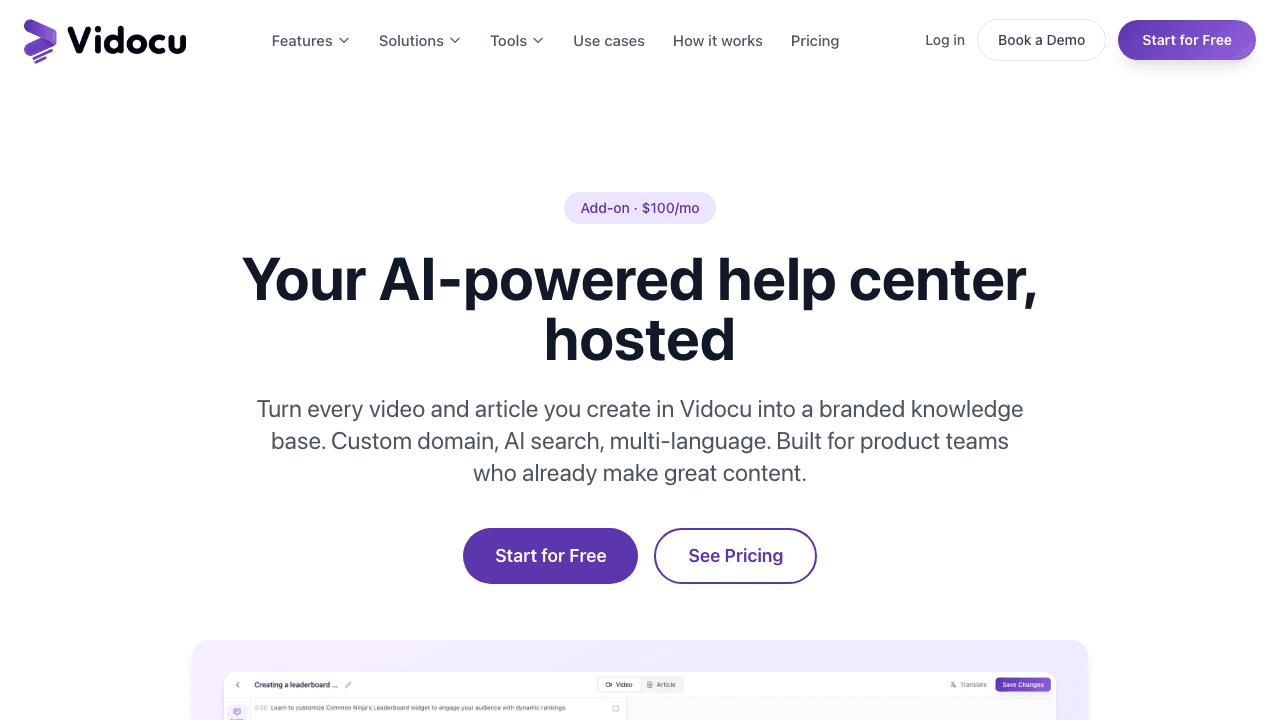
Best for: SaaS teams who already record demos, screen captures, or training videos and want those to become a real, searchable help center automatically.
Vidocu Knowledge Center is the most direct answer to the Helpjuice problem if your team produces any video at all. Instead of asking a writer to draft articles from scratch, you upload a recording and Vidocu's video-to-documentation workflow turns it into an article with auto-captured screenshots, an embedded clip, a synchronized transcript, and timestamped deep links. The result is hosted on a branded, custom-domain help center with AI search built on retrieval-augmented generation, using Atlas Vector Search and Claude.
Because search reads transcripts as well as article text, a customer asking "how do I rotate the second clip" lands on the right article even when the written body never uses the word rotate. That transcript-aware retrieval is something a text-only KB like Helpjuice structurally cannot match.
What makes it different from a written-first KB:
- The video is the source of truth. Re-record a workflow and the article, subtitles, and translations all refresh from the same upload, so docs never silently drift from the product.
- 65+ language hosting with stale-translation detection. Edit the English version and every translated copy gets flagged "needs review" with a diff of what changed, handled by the same video translation pipeline.
- Magic-link gating for internal docs. Public help articles and gated internal SOPs live on the same domain with access scoped by email domain, so you are not paying for two products the way Helpjuice's per-seat model nudges you toward.
- Unanswered-query analytics. The dashboard surfaces questions the assistant could not confidently answer, each with a one-click "create article" button.
Pricing: $100 per month as an add-on to any paid Vidocu plan, which start at $39 per month. That covers unlimited articles, 3 locales (extra locales $20 each), 1,000 AI searches per month, a custom domain, and analytics. The full Vidocu pricing page covers the underlying plans. For a Helpjuice refugee, the headline is simple: AI search and article generation are included, not a $200 jump.
What it does not do well: If your knowledge base is entirely hand-written articles with zero video source material, Vidocu's video-native engine is more than you need. The moat is collapsing the path from recording to published help center, so teams who never record will get more from a text-first tool.
Stop paying $200 extra just to add AI
Vidocu Knowledge Center adds RAG search, article generation, and 65+ language hosting to any paid plan for $100/mo.
Explore Knowledge Center2. Document360
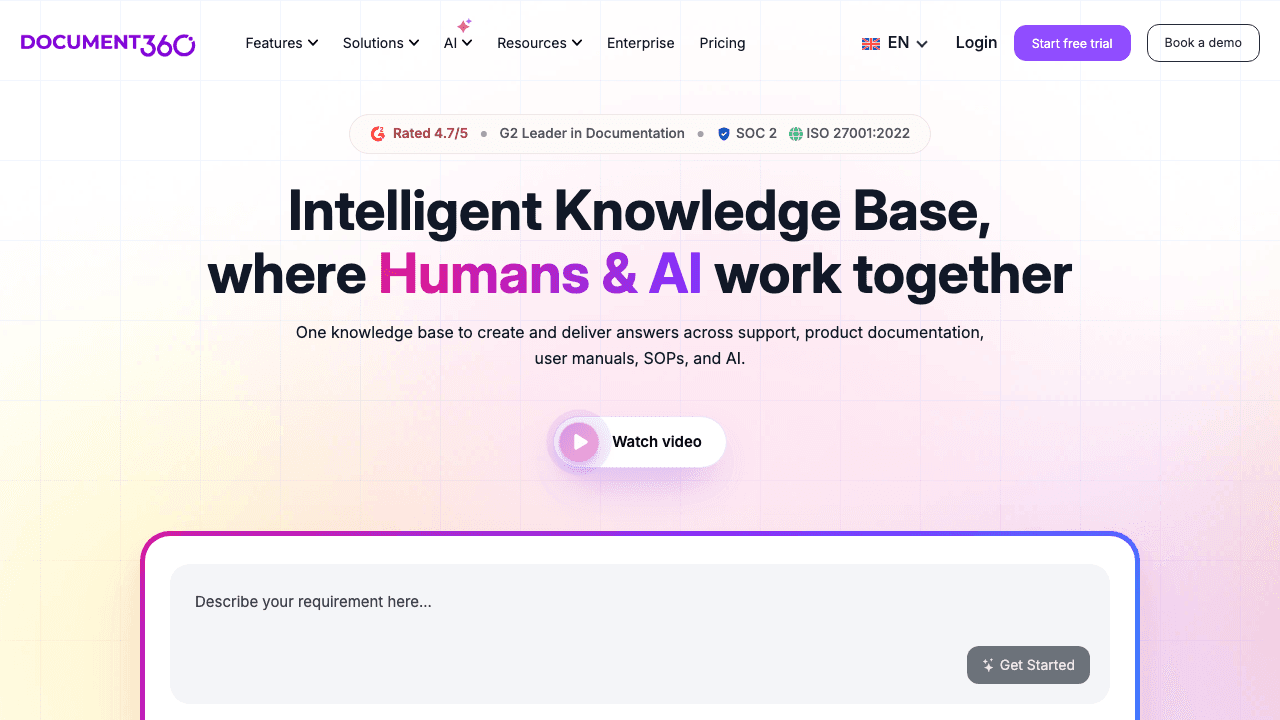
Best for: Enterprises with large existing written knowledge bases who want a stable platform with a competent AI layer on top.
Document360 is the most established pure-play knowledge base in the AI tier, and "Ask Eddy" is the centerpiece of its 2026 product. Eddy retrieves relevant content and synthesizes a cited answer rather than returning a link list, breaks multi-part questions into parallel sub-queries, and keeps context across the last five queries in a session. The wider Eddy suite handles 50+ language translation and ships an AI writer that drafts from existing knowledge or web sources, complete with tone, links, and FAQs. There is also a glossary generator and a duplicate-content detector.
If you are leaving Helpjuice because you outgrew it rather than because it was too expensive, Document360 is the natural step up.
Pricing: Document360 discontinued its free tier in late 2024 and is now fully sales-led across Professional, Business, and Enterprise. Eddy AI is included with 2,000 credits per month on Business and 5,000 on Enterprise. Third-party benchmarks put Business in the $400 to $600 per month range, so it is not the move if cost was your Helpjuice complaint.
What to watch: No public pricing means every deal runs through sales, and the platform is text-first. Video embeds work, but the product was not built around them.
3. GitBook
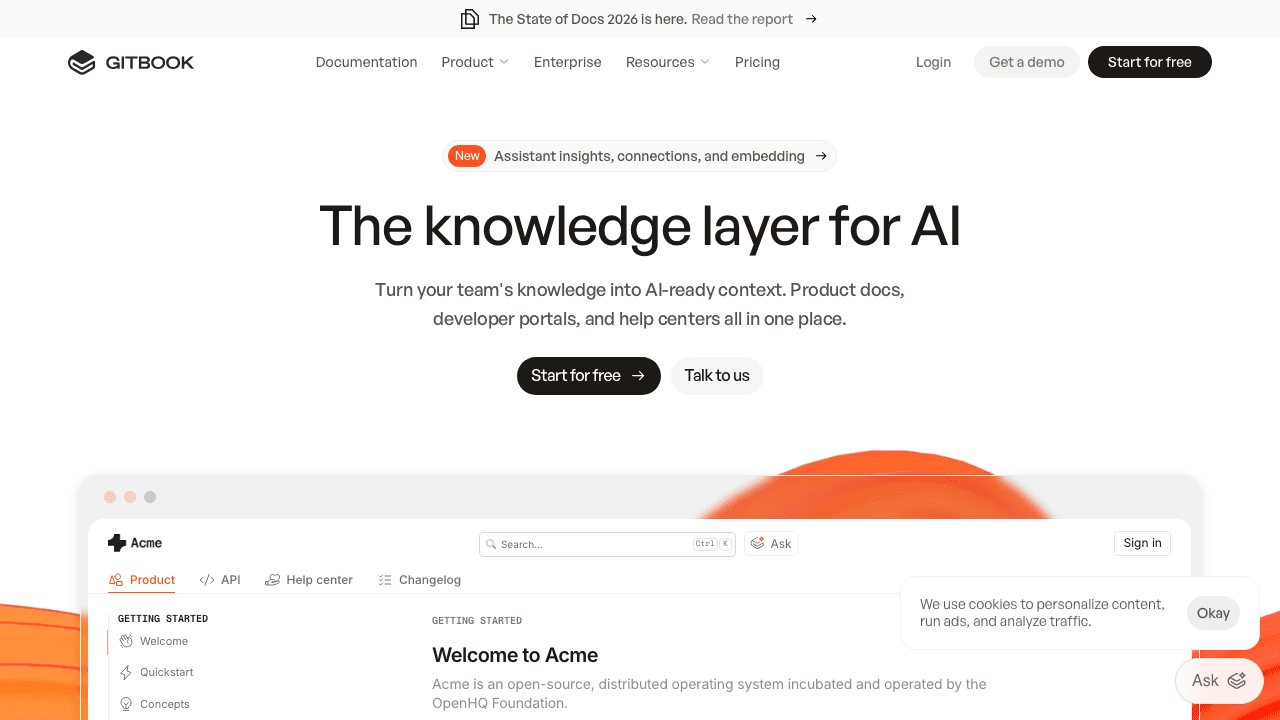
Best for: Developer documentation, API references, and engineering-led help centers.
If your SaaS company's "docs" are really developer docs, GitBook is a stronger Helpjuice replacement than any support-focused KB. GitBook Lens lets readers ask natural-language questions and returns answers with citations pointing to the exact section, and the Git-based editing workflow fits how engineering teams already work. It is the most polished AI search experience for technical content.
Pricing: $12 per user per month on Standard, plus a per-site fee that runs from roughly $65 to $249 per site per month. AI search is available from Standard; the AI agent and advanced features are gated to Premium and Ultimate. A capped free tier exists.
What to watch: The combination of per-user and per-site pricing gets opaque quickly, and the higher AI features sit behind upper tiers. GitBook is also a poor fit if your help center serves non-technical customers rather than developers.
4. Guru
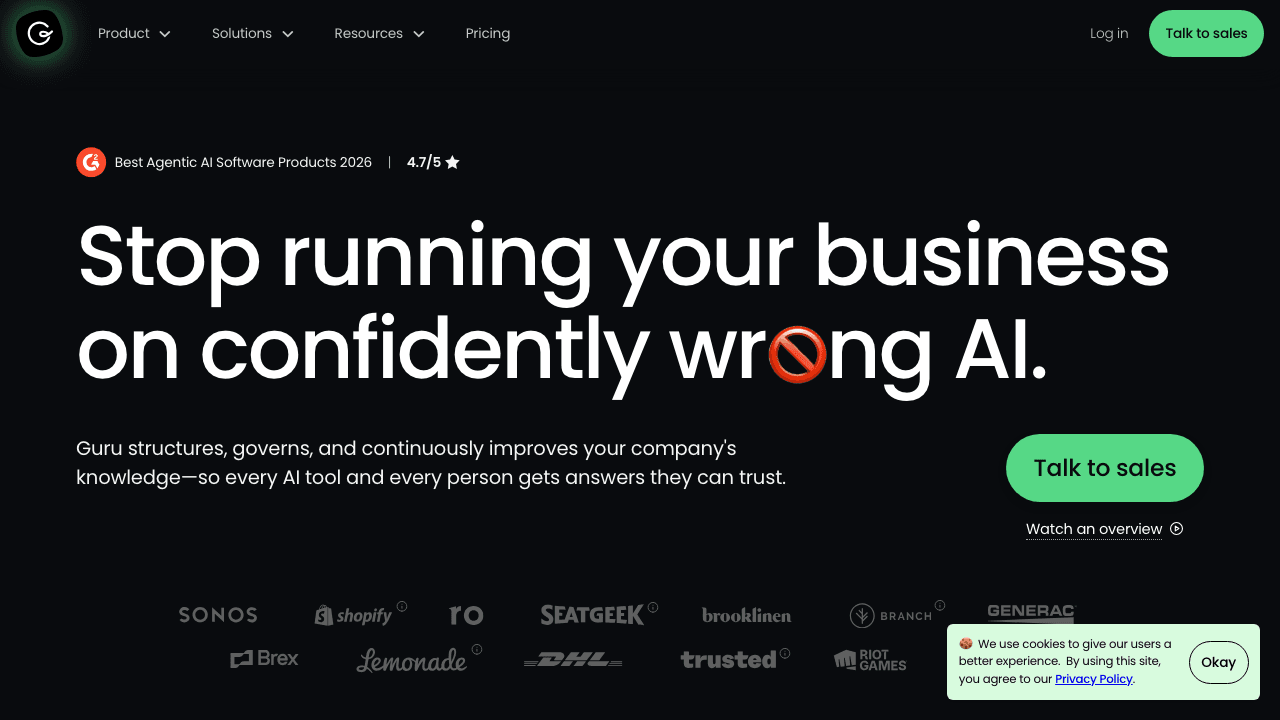
Best for: Customer support and sales enablement teams who need verified, agent-facing knowledge inside Slack, Salesforce, and the help desk.
Guru is the strongest internal-facing option here, and its 2026 pitch leans hard into "verified AI answers." Rather than returning whatever the model generates, Guru ties responses to verified Cards and shows the verifier and last-verified date next to each answer. The AI Training Center lets admins edit AI responses, monitor sources, and fill gaps from frequently asked questions. In early 2026 Guru added a Slack Model Context Protocol integration that lets external AI agents query live Slack as a knowledge source.
If your real problem was keeping internal agents accurate, Guru solves it better than Helpjuice ever did.
Pricing: Self-serve at $25 per seat per month with a 10-seat minimum. Enterprise is custom and increasingly uses an AI Credit model tied to successful agent resolutions.
What to watch: The 10-seat minimum prices out small teams, and customer-facing public publishing requires workarounds. This is an enablement layer first, a public help center second.
5. Slite
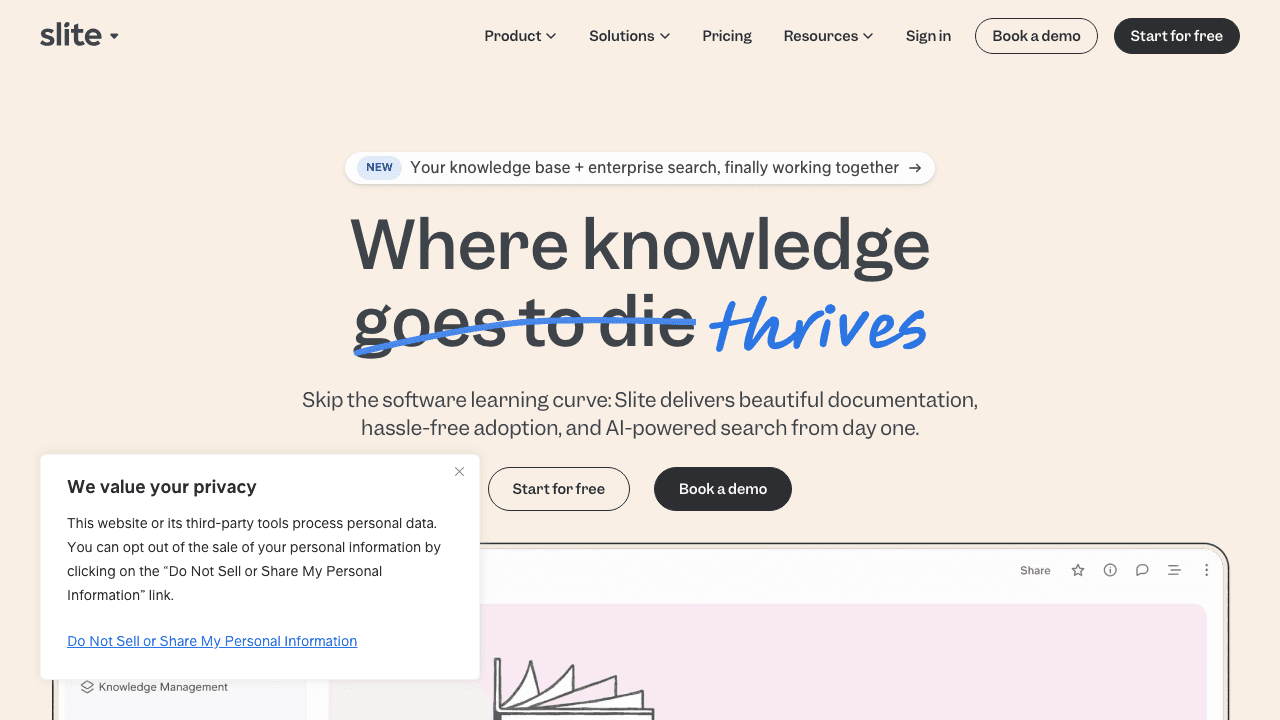
Best for: Lean SaaS teams who want a clean internal wiki with genuinely good AI search at a per-member price.
Slite is the price-conscious Helpjuice alternative for internal knowledge. Its Ask AI runs natively in the web app, answering questions across all your docs with unlimited queries on Standard and above, and the writing experience is among the cleanest in the category. Integrations cover Slack, Google Drive, GitHub, Jira, Confluence, and more, so it slots into an existing SaaS stack without a migration project.
Pricing: Starts at $8 per member per month for the Standard plan, a fraction of Helpjuice's per-seat cost, with AI search included rather than gated to a premium tier.
What to watch: Slite is built for internal wikis, not polished external help centers. If you need a customer-facing, heavily branded public KB, this is the wrong tool. Pair it with something else for external docs.
6. Tettra
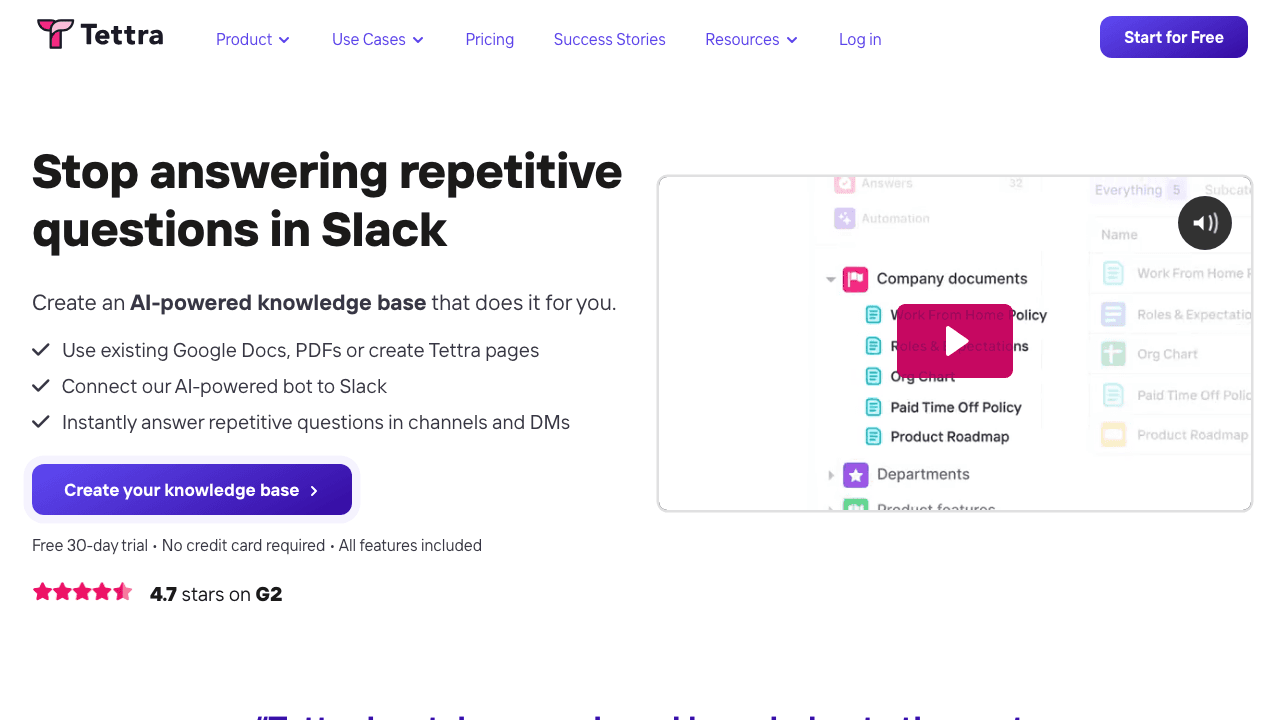
Best for: Support and operations teams who live in Slack and want answers without leaving it.
Tettra's Kai AI is deeply wired into Slack, surfacing answers from your knowledge base directly inside team conversations so nobody has to switch apps to find a documented answer. Its standout feature is knowledge verification: you assign owners to documents who must periodically confirm the information is still accurate, which keeps an internal KB from quietly rotting. For a SaaS support team drowning in repeat questions in Slack, that is a sharper fix than a prettier article template.
Pricing: The Scaling plan starts at $8 per user per month (10-user minimum) and unlocks the AI bot in Slack, advanced permissions, analytics, and API access. A higher Professional tier covers larger teams.
What to watch: Like Slite, Tettra is built for internal knowledge management, not customer-facing help centers. The 10-user minimum also adds a floor for very small teams.
7. KnowledgeOwl
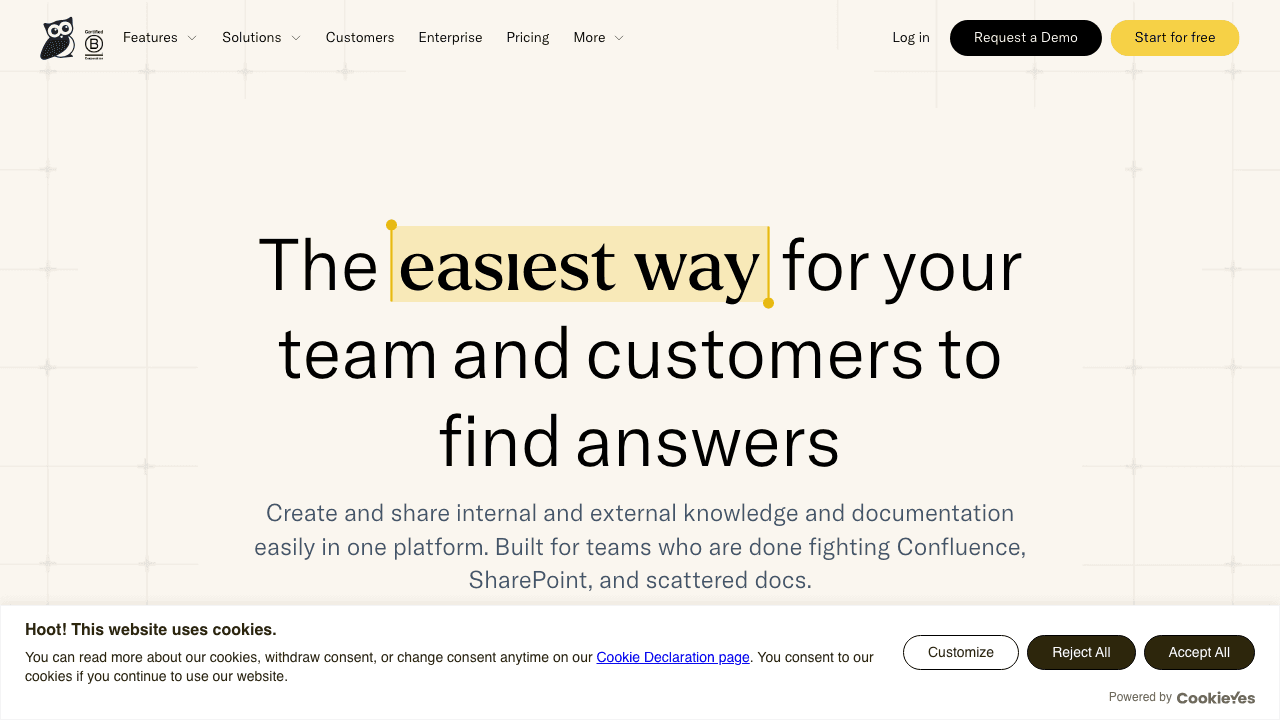
Best for: Teams who want an affordable external help center priced per knowledge base, not per reader.
KnowledgeOwl is the closest thing to a direct Helpjuice substitute on price model. It charges per knowledge base rather than per user, which immediately solves the "every reader is a paid seat" problem that makes Helpjuice expensive for internal docs. The search is genuinely strong, with semantic, keyword, or hybrid AI-powered options, automatic indexing, typo tolerance, and synonym libraries, plus an AI chatbot that returns contextualized answers with source citations.
Pricing: Starts around $79 per month per knowledge base, with AI search and chatbot capabilities available as the platform has expanded its AI tooling. For a single external help center, that undercuts Helpjuice's $449 AI tier dramatically.
What to watch: KnowledgeOwl is text-first and the interface is more utilitarian than Helpjuice's hand-designed themes. You trade boutique polish for a far better price and a no-seat-tax model.
8. Notion AI
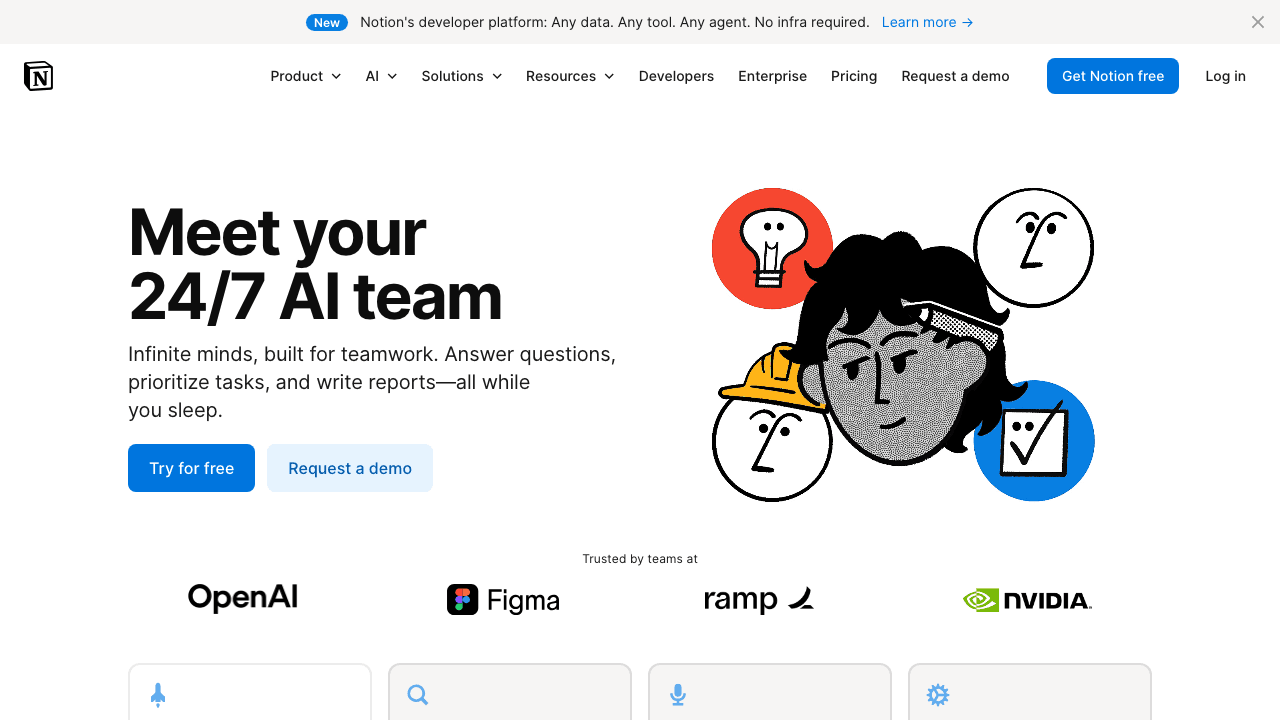
Best for: SaaS teams who already run their wiki, specs, and processes inside Notion.
For a lot of SaaS companies, the honest Helpjuice alternative is the tool they already pay for. Notion AI answers questions across your workspace, drafts and edits content inline, and now connects to other apps for cross-tool Q&A. If your internal documentation already lives in Notion, adding AI is cheaper and faster than migrating to a dedicated KB.
Pricing: Notion AI is a $10 per member per month add-on on top of your existing Notion plan, which keeps it well below Helpjuice's AI tier for most teams.
What to watch: Notion is not a customer-facing help center out of the box. Publishing a branded public KB requires third-party tools, and there is no native ticket-deflection layer. It shines for internal docs, not external support content.
Your videos are already your best documentation
Turn the demos and walkthroughs you already record into a hosted, multilingual, AI-searchable help center with Vidocu.
See how it worksHow to choose your Helpjuice alternative
Eight tools, very different buyers. A short decision guide:
Pick Vidocu Knowledge Center if your team records anything (demos, walkthroughs, training) and you want those recordings to become a hosted, multilingual help center automatically, with RAG search and article generation included rather than upsold. This is the cleanest answer to "Helpjuice was too expensive for what we got." Our video knowledge base software comparison covers the video-first category in more depth.
Pick Document360 if you outgrew Helpjuice on capability rather than cost and want an enterprise-grade written KB with a strong AI search layer. Budget for sales-led pricing.
Pick GitBook if your docs are developer-facing and API-heavy.
Pick Guru if the real goal is grounding support and sales reps in verified, accurate answers inside the tools they already use.
Pick Slite or Tettra if you need an affordable internal wiki with AI search baked in, and Slack is where your team actually asks questions. Tettra wins on Slack depth and knowledge verification; Slite wins on writing experience.
Pick KnowledgeOwl if you want an external help center priced per KB instead of per reader, which directly fixes Helpjuice's seat-tax problem.
Pick Notion AI if your knowledge already lives in Notion and you would rather add intelligence than migrate.
For the broader buying framework, our buyer's guide for video documentation software walks through the criteria most teams skip, and the customer support use case page covers the ticket-deflection math. If you want the wider field beyond Helpjuice specifically, see our roundup of the best AI-powered help center software.
The real lesson from leaving Helpjuice
Most teams do not leave Helpjuice because the product is bad. They leave because the pricing structure forces a choice they resent: pay a premium for a knowledge base, then pay a second premium to make it intelligent, then pay again for every reader. In 2026 that bundle is no longer the only option.
The tools that win the post-Helpjuice market treat AI as included, not as a tier. And the sharpest of them attack the part Helpjuice never solved at all: actually creating the content. A pretty template does not write your articles. A tool that turns the videos you already record into searchable, translated, cited documentation does. If video is anywhere in your workflow, that is where the real time savings live, and it is worth starting there.
FAQ
Why are people looking for Helpjuice alternatives in 2026?
The most common reason is pricing. Helpjuice starts at $249 per month with no AI features, and unlocking the AI Writer, AI Search, and AI Chatbot requires the $449 per month plan, an 80% jump. Helpjuice also counts every backend user as a paid seat, so building an internal knowledge base for a whole company gets expensive quickly. Teams that want AI included by default and a fairer pricing model start shopping for alternatives.
What is the cheapest AI-native Helpjuice alternative?
For internal wikis, Slite and Tettra start at $8 per member per month with AI search included. For an external help center, KnowledgeOwl charges per knowledge base (around $79 per month) rather than per reader. If your team records video, Vidocu Knowledge Center is $100 per month as an add-on and includes article generation, RAG search, and 65+ language hosting, which removes the separate AI upcharge entirely.
Which Helpjuice alternative is best for customer-facing help centers?
For a public, branded, customer-facing help center, Vidocu Knowledge Center, Document360, and KnowledgeOwl are the strongest fits. Slite, Tettra, Guru, and Notion AI are built primarily for internal knowledge, and GitBook is best for developer documentation. Match the tool to whether your docs face customers, agents, developers, or your own team.
Can I move my existing Helpjuice articles to a new tool?
Most platforms support content import via HTML, Markdown, or direct migration tooling, and Document360 and KnowledgeOwl both offer migration help. If you are switching to a video-native approach with Vidocu's AI documentation workflow, the better long-term move is often to regenerate high-traffic articles from fresh recordings so the documentation stays in sync with the current product, rather than porting stale text.
Do any Helpjuice alternatives generate articles automatically?
Yes. This is where AI-native tools separate from AI-bolted-on ones. Document360's AI writer drafts from existing knowledge or web sources, and Vidocu Knowledge Center generates full articles, with screenshots and embedded video, directly from a screen recording. For a deeper look at automatic article creation, see our guide to the best AI knowledge base generators.
Leaving Helpjuice is really a chance to stop paying for documentation you still have to write by hand. If your team records demos, walkthroughs, or training sessions, Vidocu Knowledge Center turns those recordings into a hosted, multilingual, AI-searchable help center with article generation and RAG search included, not gated behind a premium tier. Try Vidocu for free and see the full pipeline from recording to published help center.

Written by
Daniel SternlichtDaniel Sternlicht is a tech entrepreneur and product builder focused on creating scalable web products. He is the Founder & CEO of Common Ninja, home to Widgets+, Embeddable, Brackets, and Vidocu - products that help businesses engage users, collect data, and build interactive web experiences across platforms.