
Your team knows more than your knowledge base shows. The problem isn't missing expertise, it's that nobody has time to write it all down. AI knowledge base generators fix that by turning existing content, conversations, and even videos into organized, searchable knowledge bases.
We tested the top tools for 2026. Here's what actually works, who each tool is for, and what you'll pay.
Updated July 2026: refreshed pricing and added Vidocu Knowledge Center, the hosted AI help center that publishes generated articles directly.
What Makes a Good AI Knowledge Base Generator?
Before the list, here's what separates a useful AI knowledge base tool from a glorified text editor:
- Content generation: Can it draft articles from prompts, tickets, or source material?
- AI-powered search: Does it use semantic search, not just keyword matching?
- Multi-format input: Can it work with video, documents, conversations, or just text?
- Ease of use: How fast can a non-technical person publish an article?
- Integrations: Does it connect to where your team already works?
- A home for the finished KB: Can it host the articles as a searchable help center, or only draft them?
With that framework, here are the best options.
The Best AI Knowledge Base Generators in 2026
1. Vidocu
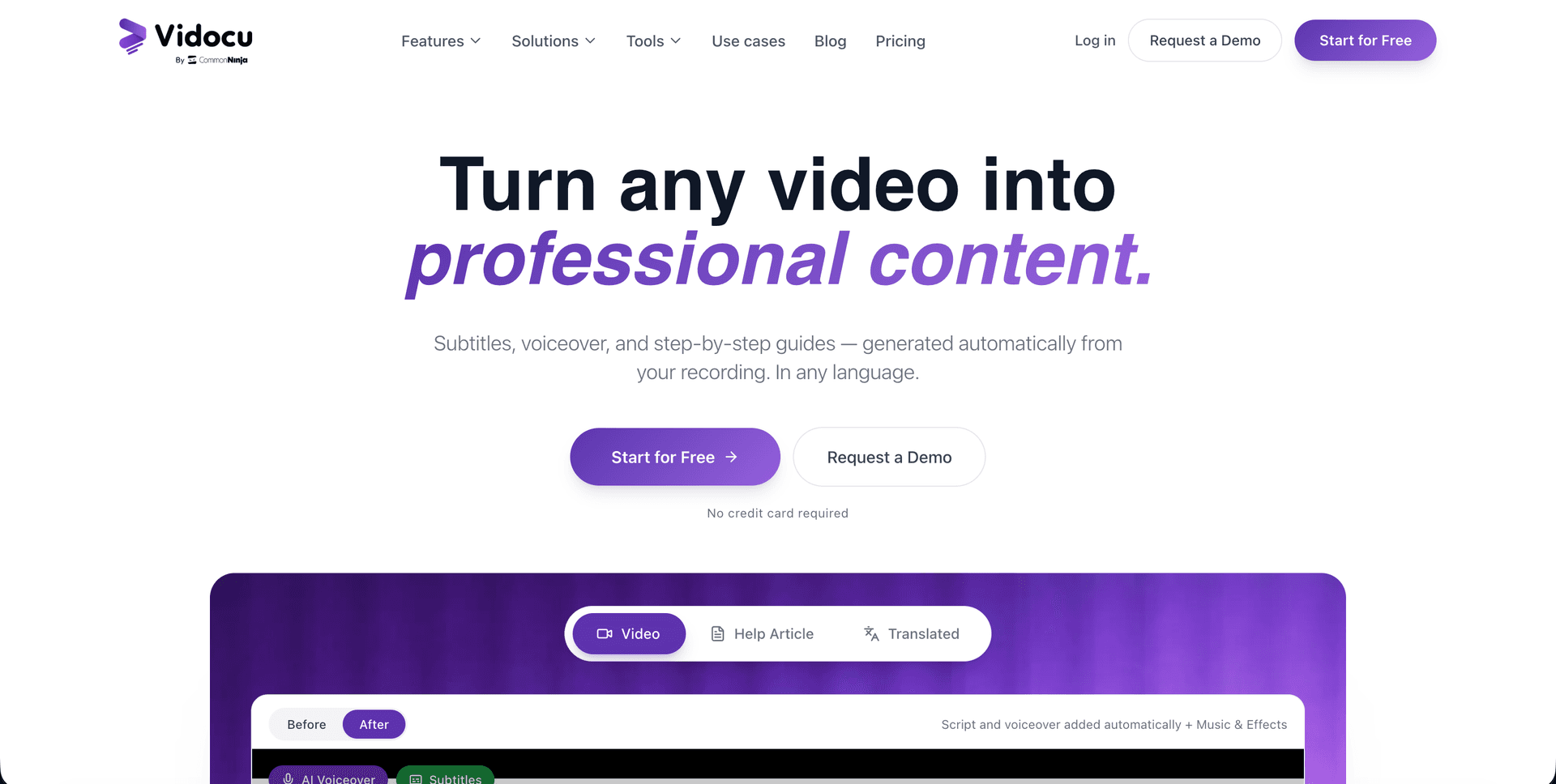
Best for: Teams that want to generate knowledge base articles directly from video
Vidocu takes a fundamentally different approach to knowledge base creation. Instead of writing articles from scratch, you upload a video, a product walkthrough, training session, or support explanation, and Vidocu's AI generates a complete knowledge base article with auto-extracted screenshots, step-by-step instructions, and proper formatting.
This makes it the only tool on this list that truly generates a knowledge base from existing content rather than helping you write one manually.
Key features:
- Upload any video → get a full knowledge base article with screenshots
- AI-generated subtitles in 65+ languages
- Built-in video editor for trimming and annotations
- AI voiceover for narrating documentation
- Multi-language translation for global teams
- Export as help articles, SOPs, or step-by-step guides
- Optional Knowledge Center hosts the finished KB: AI Ask semantic search, magic-link gated access, and deep links to exact video timestamps
Pricing: Free plan available. Paid plans start at $39/month. The hosted Knowledge Center add-on is $100/month on any paid plan.
Why it stands out: Most knowledge base tools assume someone will sit down and write. Vidocu assumes someone already explained it on a call or screen recording, and turns that into documentation automatically. If your team records anything (demos, onboarding, support calls), this is the fastest path from "tribal knowledge" to published KB. And you no longer need a second tool to publish: the Knowledge Center add-on hosts those articles as a branded, searchable help center with RAG-powered AI Ask search built in.
Try it: Vidocu AI Knowledge Base Generator
Turn Any Video Into a Knowledge Base Article
Upload a screen recording or walkthrough and get a complete, formatted article with screenshots, no writing required.
Try Vidocu Free2. Document360
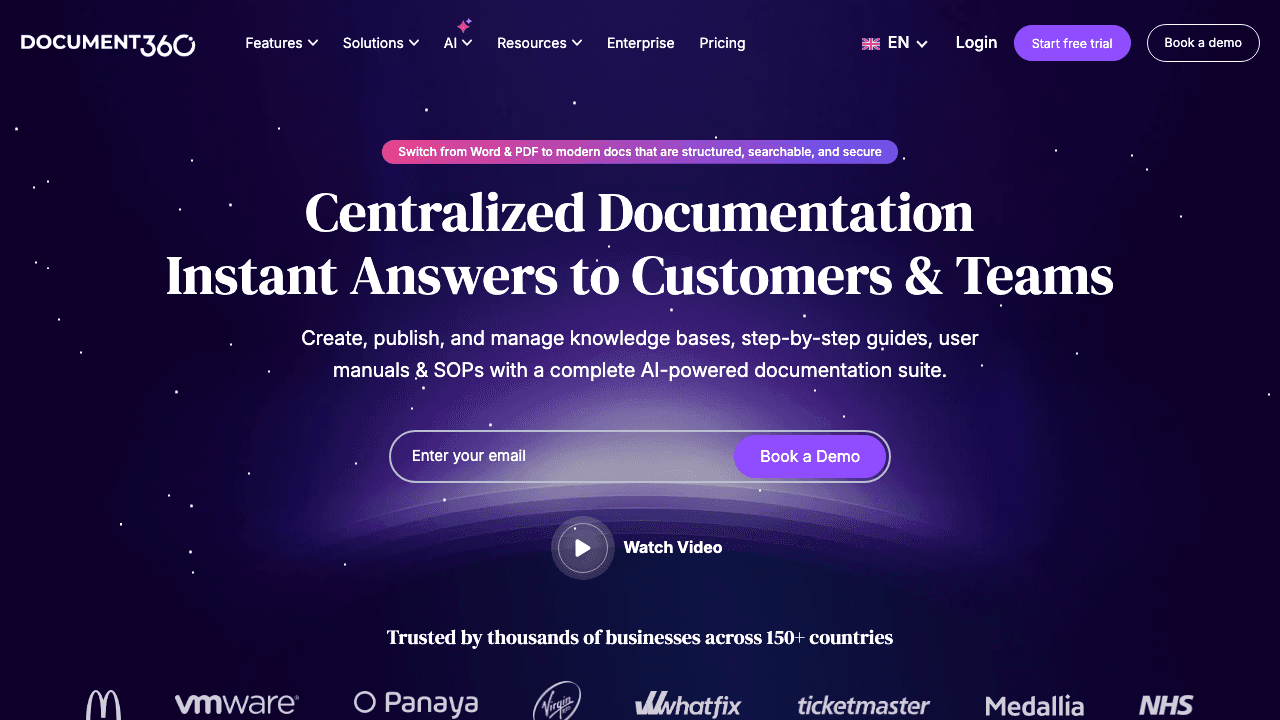
Best for: Large teams managing complex, multi-product documentation
Document360 is purpose-built for knowledge management at scale. Its AI assistant, Eddy, helps draft articles, suggest improvements, and summarize long content. The platform supports both internal and customer-facing knowledge bases with granular access controls.
Key features:
- AI-powered article drafting and editing
- Category-based organization with version control
- Eddy AI for search and content suggestions
- Markdown and WYSIWYG editors
- Analytics dashboard showing article performance
- API access for custom integrations
Pricing: Free plan for up to 50 articles. Business plan starts at $149/month.
Why it stands out: Document360 excels when you have dozens of contributors and hundreds of articles. The workflow features, approvals, versioning, localization, are built for enterprise documentation teams, not solo creators.
3. Guru
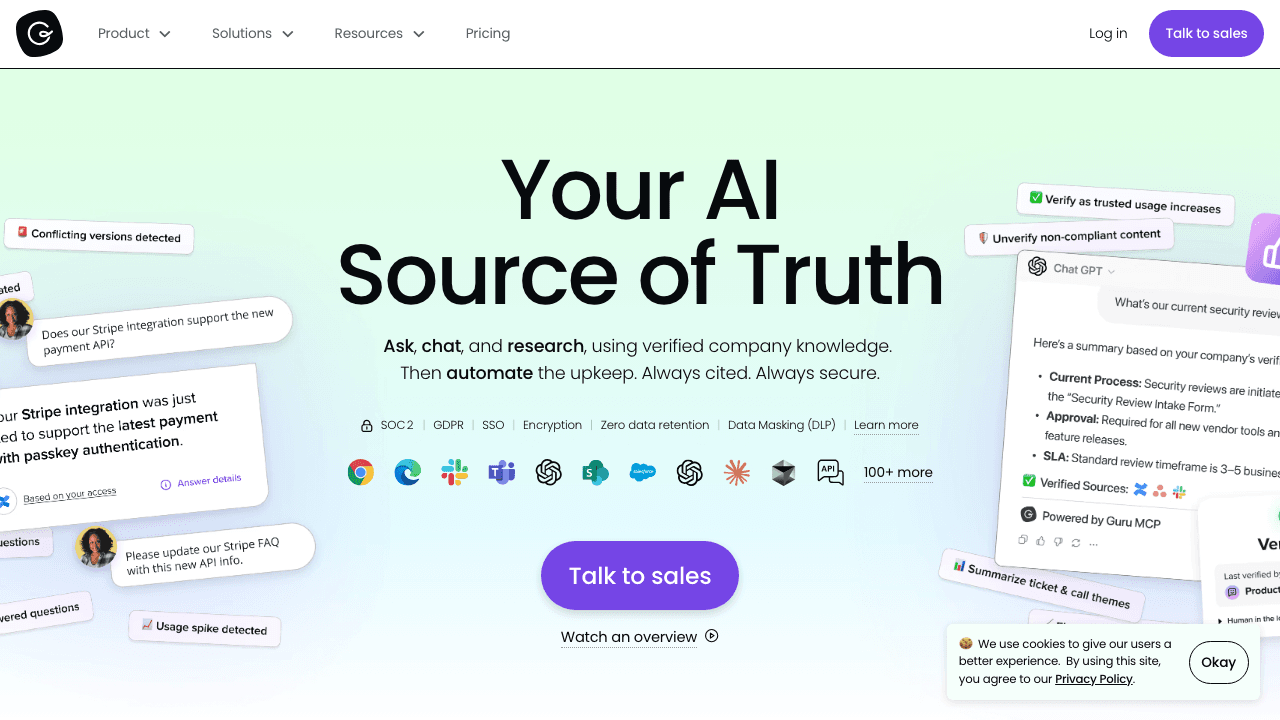
Best for: Teams that need knowledge accessible inside their existing tools
Guru's AI doesn't just power search, it actively pushes relevant knowledge to team members based on context. If someone's in a Slack thread about a billing question, Guru surfaces the relevant KB article without anyone searching for it.
Key features:
- AI-powered knowledge suggestions in Slack, Chrome, and MS Teams
- Verification workflows to keep content accurate
- AI Chat for natural language Q&A across your entire knowledge base
- Customizable knowledge hubs by department
- Analytics on knowledge gaps and usage
Pricing: Starts at $15/user/month. Enterprise pricing available.
Why it stands out: Guru is less about creating knowledge and more about making sure people actually find it. The proactive surfacing of information inside tools your team already uses is its killer feature.
4. Notion
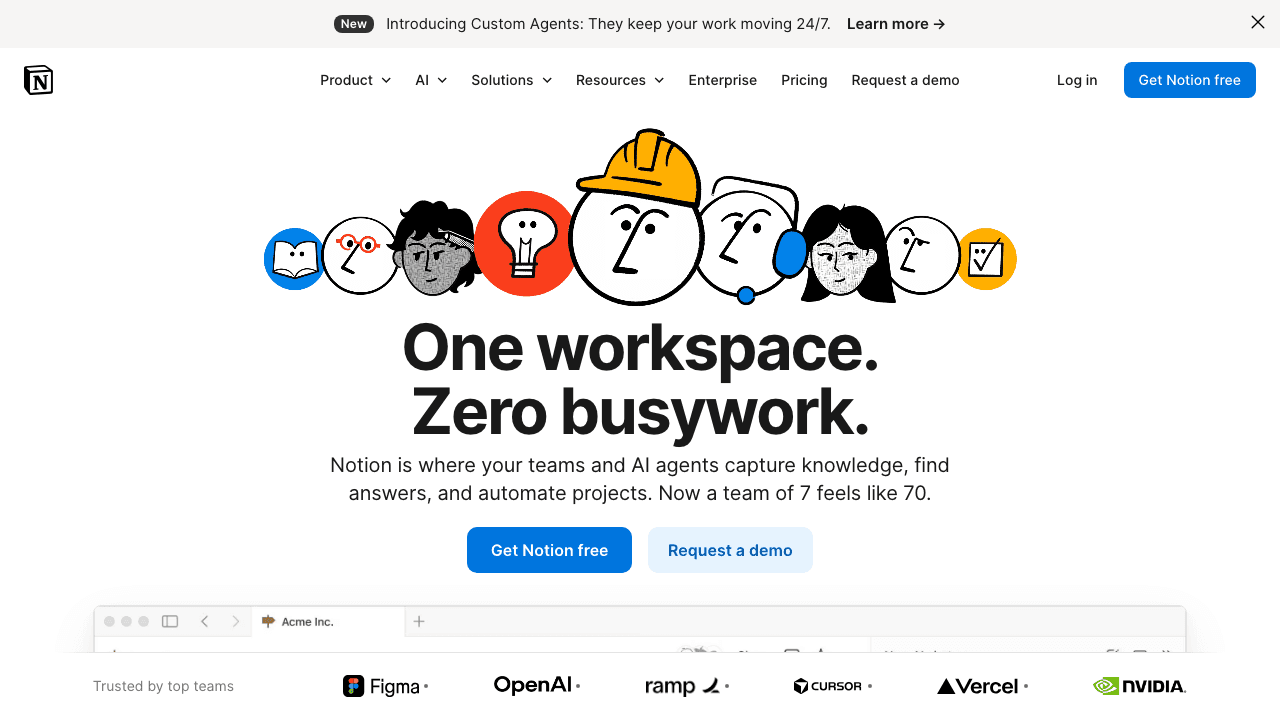
Best for: Teams that want a knowledge base integrated with their workspace
Notion's AI features turn it from a flexible workspace into a capable knowledge base generator. You can ask Notion AI to draft articles, summarize meeting notes into KB entries, or answer questions across your entire workspace. The new enterprise search connects Notion to Slack, Google Drive, and other tools.
Key features:
- AI-assisted content drafting and editing
- Enterprise search across connected tools
- Highly customizable templates and databases
- Collaborative editing with comments and mentions
- API and integrations ecosystem
Pricing: Free for personal use. Plus plan at $10/user/month. AI add-on is $10/user/month.
Why it stands out: If your team already lives in Notion, adding a knowledge base is trivial. The AI features are solid for drafting, but Notion's real strength is flexibility, you can structure your KB however makes sense for your team.
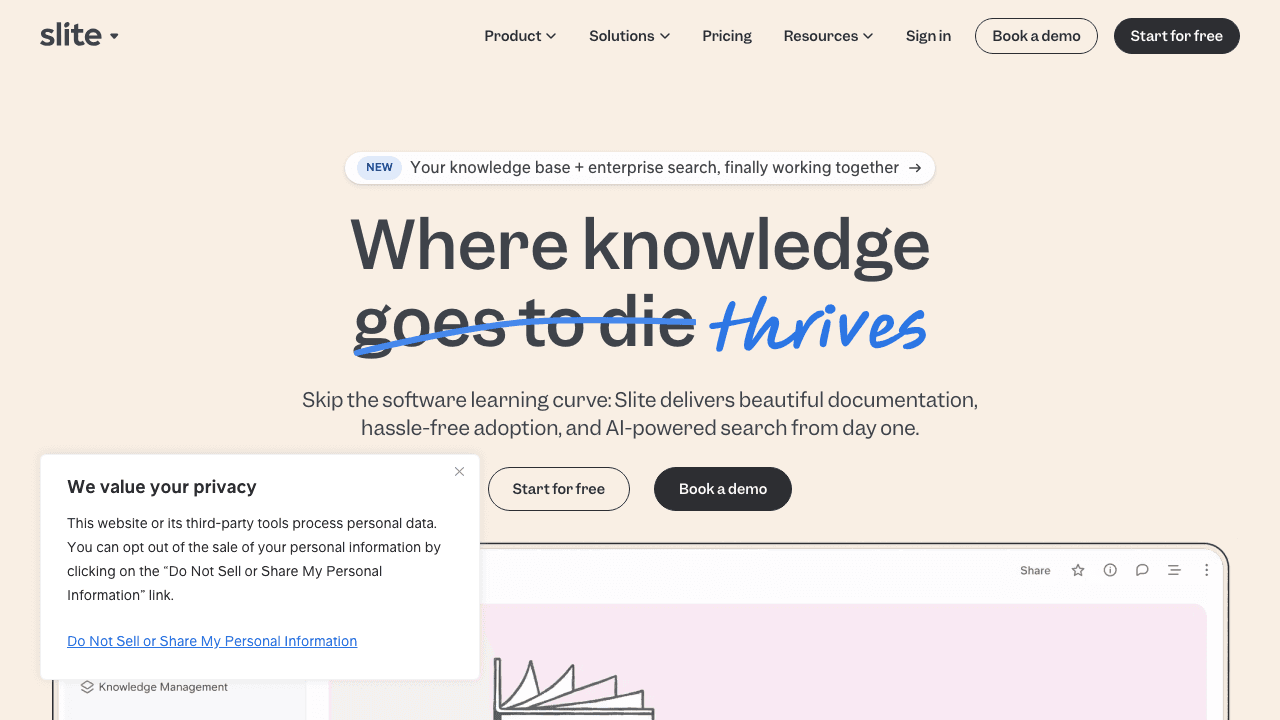
5. Slite
Best for: Small to mid-size teams that want a simple, AI-first knowledge base
Slite is designed around one idea: your knowledge base should answer questions, not just store documents. Its AI search understands context and returns direct answers from your content, not just links to articles.
Key features:
- AI-powered Q&A that answers from your content
- Clean, minimal editor optimized for speed
- Automatic content organization suggestions
- Integrations with Slack, Jira, and GitHub
- Content verification reminders
Pricing: Free for up to 50 docs. Standard plan at $8/member/month.
Why it stands out: Slite's simplicity is the point. No steep learning curve, no enterprise complexity. If you want a knowledge base that's actually easy to maintain and that people will actually search, Slite delivers.
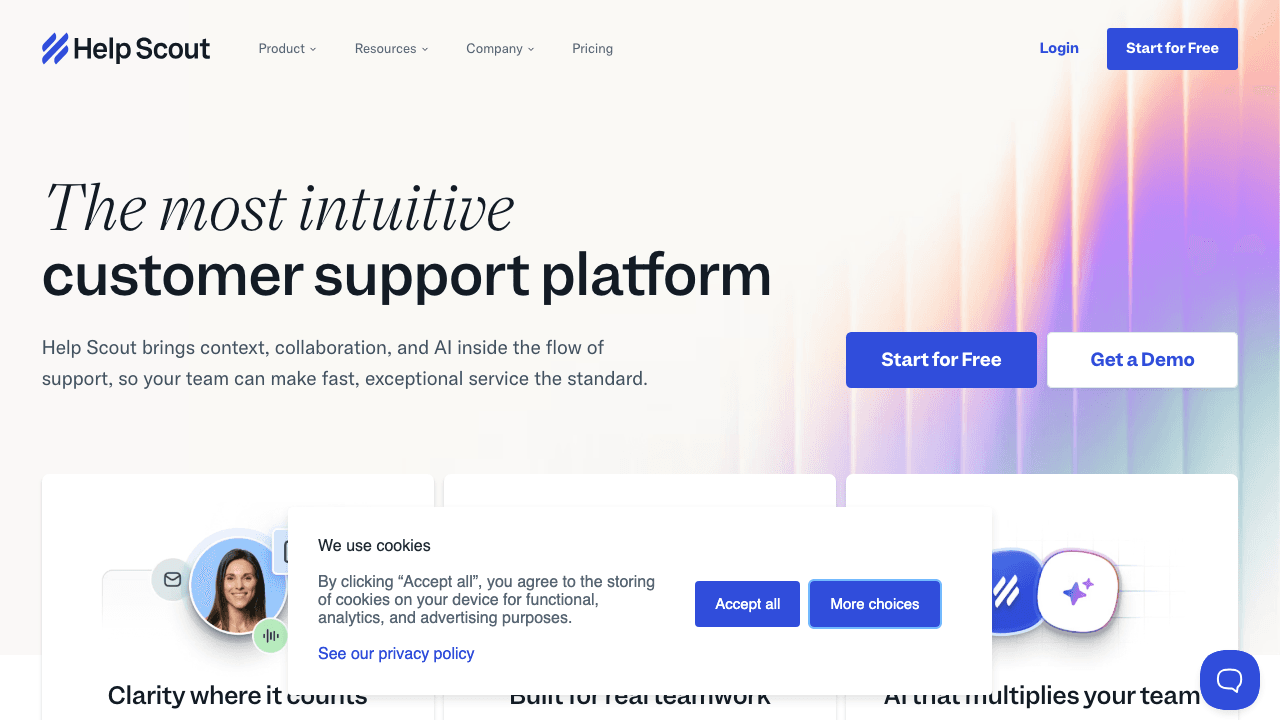
6. Help Scout
Best for: Support teams that want KB + help desk in one platform
Help Scout combines its Docs knowledge base builder with AI Answers, a chatbot that responds to customer questions using your KB content. The AI suggests articles to customers before they submit a ticket, and helps agents find answers faster.
Key features:
- Docs knowledge base with custom branding
- AI Answers chatbot powered by your KB content
- Help desk integration (shared inbox, live chat)
- Article performance analytics
- SEO-friendly public knowledge bases
- Beacon widget for in-app help
Pricing: Starts at $50/month (includes help desk + knowledge base).
Why it stands out: If you're a support team, Help Scout means you don't need separate KB and ticketing tools. The AI Answers feature turns your knowledge base into an automated first responder.
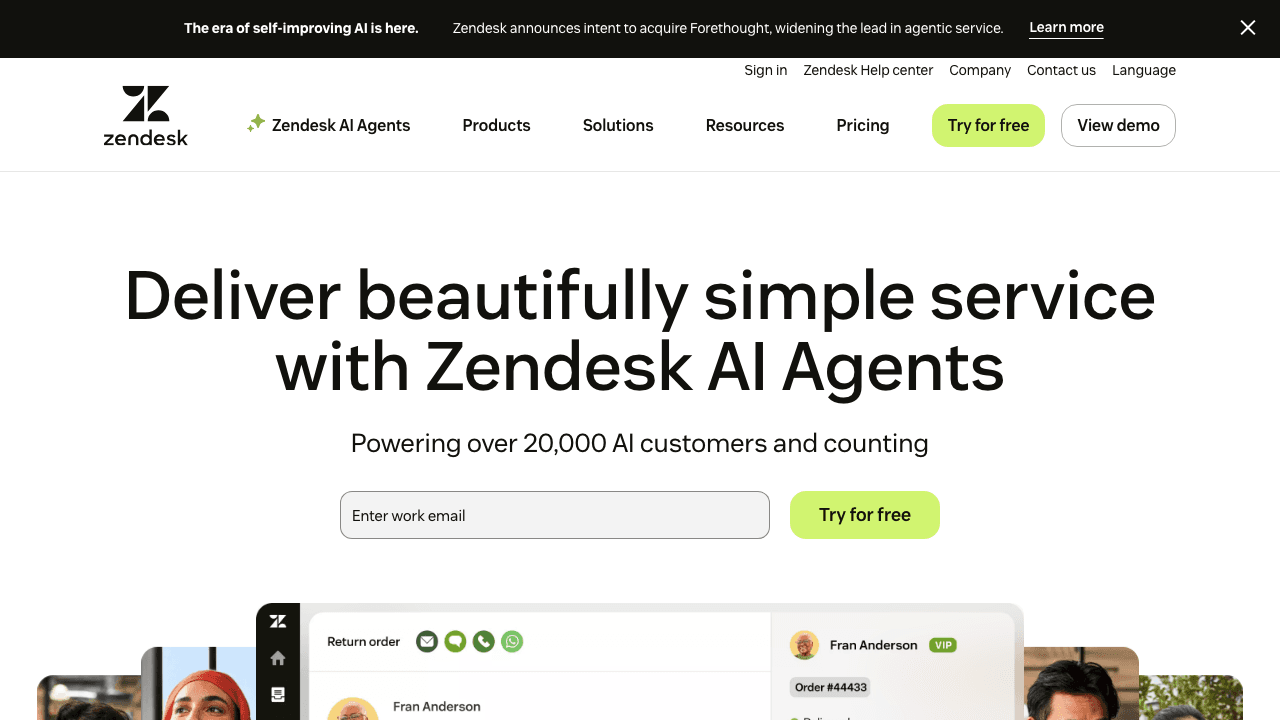
7. Zendesk
Best for: Enterprise support teams with high ticket volumes
Zendesk's AI knowledge base features are deeply integrated with its support platform. The generative AI can draft full articles from bullet points, adjust tone, and suggest content gaps based on incoming ticket trends.
Key features:
- Generative AI article drafting from bullet points
- Content Cues identifies gaps based on ticket data
- AI-powered bot that serves KB articles to customers
- Multi-language support with AI translation
- Advanced analytics and reporting
Pricing: Suite Team starts at $49/agent/month. AI features require Suite Professional ($99/agent/month) or higher.
Why it stands out: Zendesk's strength is the feedback loop, it analyzes support tickets to tell you what to write next. If you're drowning in tickets, this data-driven approach to KB creation is valuable.
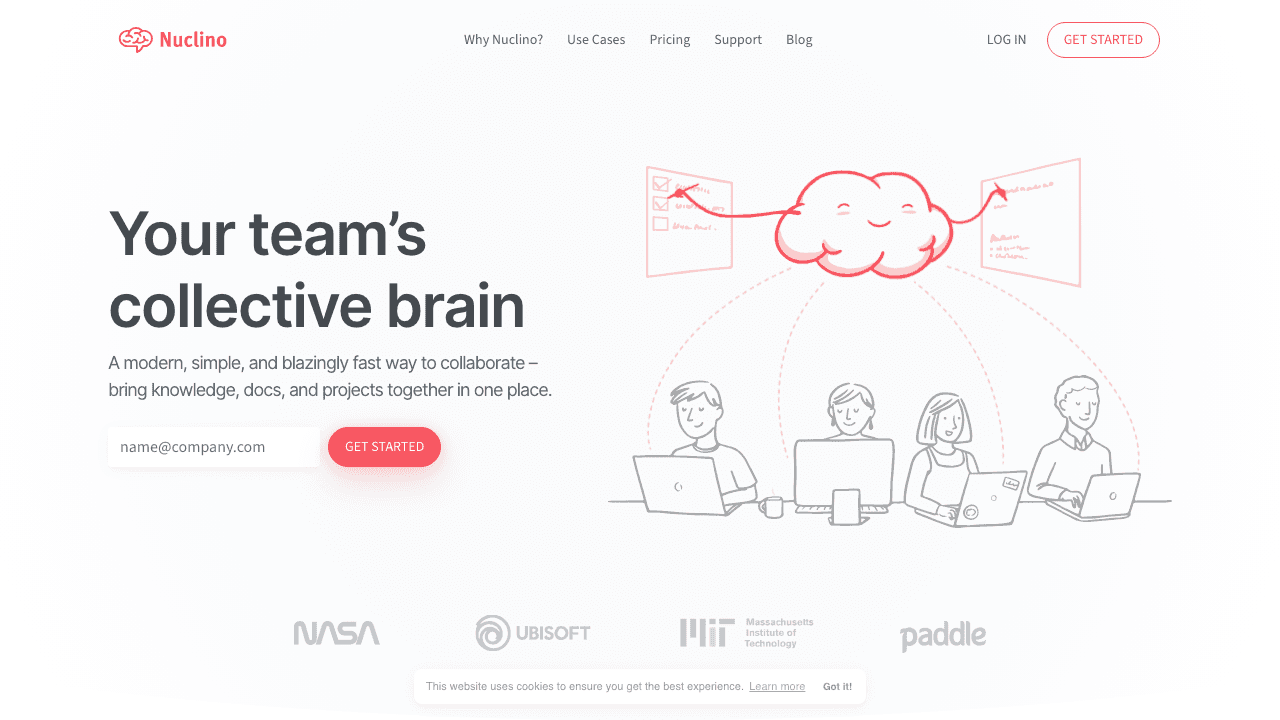
8. Nuclino
Best for: Lightweight internal wikis for fast-moving teams
Nuclino's AI assistant, Sidekick, helps draft content, answer questions, and summarize documents, all inside a fast, clean interface. It's like Notion's simpler, faster cousin.
Key features:
- AI Sidekick for drafting, summarizing, and Q&A
- Real-time collaborative editing
- Graph view showing content relationships
- Lightweight and fast (no bloat)
- Integrations with Slack, GitHub, Figma
Pricing: Free plan available. Standard plan at $6/user/month.
Why it stands out: Nuclino is the fastest tool to set up and start using. No templates to configure, no complex setup. If speed and simplicity matter more than enterprise features, Nuclino wins.
Skip the Writing, Generate KB Articles from Video
Record a walkthrough once. Vidocu generates the knowledge base article, screenshots, and subtitles automatically.
See How It Works9. Helpjuice
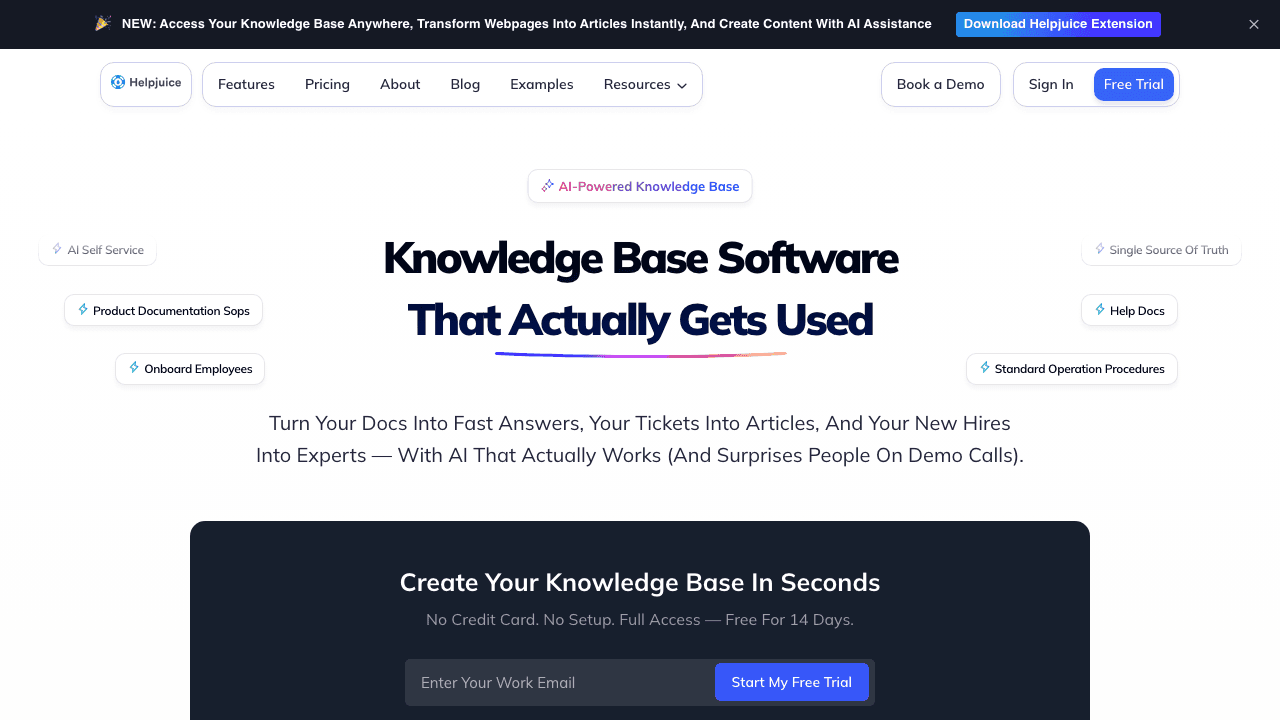
Best for: Companies that want a dedicated, branded knowledge base
Helpjuice focuses exclusively on knowledge bases, no help desk, no project management, just KB done well. Its AI features help with search optimization and content suggestions.
Key features:
- Full customization of KB design and branding
- AI-enhanced search with instant answers
- Multi-language support
- Advanced analytics on article performance
- Role-based access controls
Pricing: Free plan with up to 25 articles. Paid plans start at $49/author/month.
Why it stands out: Helpjuice gives you more control over how your knowledge base looks and feels than most competitors. If brand consistency matters, this is a strong pick.
10. Bloomfire

Best for: Organizations that need knowledge sharing across departments
Bloomfire combines knowledge management with social features, employees can ask questions, upvote content, and engage with articles. Its AI handles indexing, tagging, and search automatically.
Key features:
- AI-powered auto-tagging and indexing
- Natural language search with AI recommendations
- Q&A community features
- Video and audio content support (with transcription)
- Analytics on knowledge engagement
Pricing: Custom pricing (typically starts around $25/user/month).
Why it stands out: Bloomfire treats knowledge as a social activity, not just a library. The community features help surface questions that need answers and content that needs updating.
Comparison Table
| Tool | Best For | AI Generation | Video Input | Free Plan | Starting Price |
|---|---|---|---|---|---|
| Vidocu | Video → KB articles + hosted AI help center | ✅ Full articles from video | ✅ Core feature | ✅ | $39/mo |
| Document360 | Enterprise docs | ✅ AI drafting | ❌ | ✅ (50 articles) | $149/mo |
| Guru | In-tool knowledge | ⚡ AI suggestions | ❌ | ❌ | $15/user/mo |
| Notion | All-in-one workspace | ✅ AI drafting | ❌ | ✅ | $10/user/mo |
| Slite | Simple team KB | ✅ AI Q&A | ❌ | ✅ (50 docs) | $8/member/mo |
| Help Scout | Support teams | ✅ AI Answers bot | ❌ | ❌ | $50/mo |
| Zendesk | Enterprise support | ✅ AI drafting | ❌ | ❌ | $49/agent/mo |
| Nuclino | Lightweight wiki | ✅ AI Sidekick | ❌ | ✅ | $6/user/mo |
| Helpjuice | Branded KB | ⚡ AI search | ❌ | ✅ (25 articles) | $49/author/mo |
| Bloomfire | Cross-department | ⚡ AI indexing | ✅ Transcription | ❌ | ~$25/user/mo |
How to Choose the Right AI Knowledge Base Generator
The right tool depends on your starting point:
You have videos and recordings → Vidocu If your team explains things on calls, demos, or screen recordings, Vidocu converts those directly into formatted knowledge base articles. No rewriting needed.
You have a support team → Help Scout or Zendesk Both combine KB with help desk. Help Scout is better for small teams; Zendesk for enterprise.
You need an internal wiki → Notion, Slite, or Nuclino Notion if you want maximum flexibility. Slite if you want simplicity. Nuclino if you want speed.
You manage complex documentation → Document360 Best for multi-product, multi-contributor documentation with approval workflows.
You want knowledge pushed to people → Guru The proactive surfacing inside Slack, Chrome, and Teams is unmatched.
For many teams, the answer is a combination. Use Vidocu to generate articles from video content, then publish them in whatever KB platform your team uses. The generation and the hosting don't have to be the same tool, but they can be: Vidocu's Knowledge Center add-on hosts the generated articles as an AI help center with semantic search, magic-link gating for internal content, and usage analytics.
Tips for Building an AI Knowledge Base That Actually Gets Used
-
Start with what you already have. Don't write from scratch. Turn existing videos, support tickets, and Slack threads into articles. Tools like Vidocu make this possible by converting screen recordings into step-by-step guides.
-
Answer real questions. Check your support tickets for the top 20 questions. Write those first. Zendesk's Content Cues feature automates this, but you can do it manually with any tool.
-
Keep articles short and scannable. The best knowledge base articles are structured like how-to guides, numbered steps, screenshots, and clear headings.
-
Set up verification schedules. Content goes stale. Tools like Guru and Slite have built-in verification reminders. If yours doesn't, set a quarterly calendar reminder to audit your top articles.
-
Make search the front door. If people can't find it, it doesn't exist. Prioritize tools with AI-powered semantic search over simple keyword matching.
-
Go multilingual early. If you have international users, pick a tool that supports multi-language content. Vidocu's translation features handle this automatically for video-based content.
FAQ
What is an AI knowledge base generator?
An AI knowledge base generator is a tool that uses artificial intelligence to create, organize, and maintain knowledge base content. Instead of writing every article from scratch, these tools can draft articles from prompts, convert videos or support tickets into documentation, and use semantic search to help users find answers.
Can AI replace manual knowledge base writing?
AI significantly reduces the effort but doesn't eliminate human review entirely. Tools like Vidocu can generate complete articles from video, and platforms like Zendesk can draft articles from bullet points. But you'll still want someone to review for accuracy and tone before publishing. The time savings is typically 70-80% compared to writing from scratch.
What's the difference between an AI knowledge base and a regular knowledge base?
A regular knowledge base is a static collection of articles that requires manual writing and updating. An AI knowledge base adds intelligent features: automated content generation, semantic search that understands natural language, content gap analysis, and proactive knowledge surfacing. The AI layer makes the knowledge base both easier to build and easier to use.
How much does AI knowledge base software cost?
Pricing ranges widely. Free options exist (Nuclino, Notion, Vidocu, Helpjuice with limits). Mid-range tools like Slite and Guru run $8-15/user/month. Enterprise platforms like Zendesk and Document360 start at $49-149/month. The right budget depends on team size, content volume, and whether you need help desk integration.
Can I build a knowledge base from video content?
Yes, this is exactly what Vidocu's AI knowledge base generator does. Upload a product walkthrough, training video, or support explanation, and it generates a formatted article with auto-extracted screenshots and step-by-step instructions. It's the fastest way to turn existing video content into a searchable knowledge base.
Does Vidocu host the knowledge base or just generate the articles?
Both. Vidocu generates articles from your videos, and the optional Knowledge Center add-on ($100/month on any paid plan) hosts them as an AI-powered help center: RAG-based AI Ask search that answers questions from your content, three locales included, magic-link gating for internal KBs, and deep links that jump viewers to the exact moment in the source video.

Written by
Daniel SternlichtDaniel Sternlicht is a tech entrepreneur and product builder focused on creating scalable web products. He is the Founder & CEO of Common Ninja, home to Widgets+, Embeddable, Brackets, and Vidocu - products that help businesses engage users, collect data, and build interactive web experiences across platforms.