


AI video translation lets you convert any video into another language, subtitles, voiceover, or both, without hiring translators or recording anything twice. What used to take a localization team weeks now takes minutes.
This guide covers how AI video translation actually works, when to use it, the best free and paid tools available in 2026, and how to get the best results without spending a dime.
What Is AI Video Translation?
AI video translation is the process of automatically converting a video's spoken language into one or more target languages. Depending on the tool and workflow, this can mean:
- Translated subtitles: AI transcribes the original audio, translates the text, and generates synced subtitle files (SRT, VTT)
- AI dubbing: the translated text is converted into speech using AI voices, replacing or overlaying the original audio
- Lip sync dubbing: the most advanced option, where the speaker's lip movements are modified to match the translated audio
Most AI translation tools handle one or more of these. The distinction matters because subtitles are easy (and often free), while dubbing and lip sync require more processing power and typically cost money.
How AI Video Translation Works
The pipeline behind every AI video translation tool follows roughly the same steps:
1. Speech Recognition (Transcription)
The AI listens to the original audio and generates a timestamped transcript. Most tools use models like OpenAI's Whisper or Google's Speech-to-Text. Accuracy depends on audio quality, background noise, and how clearly the speaker talks.
2. Translation
The transcript gets translated into the target language using neural machine translation. Modern tools increasingly use large language models (GPT-4, Gemini, Claude) instead of traditional NMT engines like Google Translate. The difference: LLMs handle idioms, tone, and context better, so "break a leg" doesn't become a medical emergency in Spanish.
3. Voice Synthesis (for Dubbing)
If you want dubbed audio, the translated text is converted to speech using AI voices. The best tools clone the original speaker's voice characteristics, pitch, pace, emotion, and reproduce them in the target language. ElevenLabs set the bar here, and most translation tools use similar technology under the hood.
4. Timing and Synchronization
Translations are rarely the same length as the source. German is typically 30% longer than English. Japanese is shorter. The AI adjusts speech pacing, pauses, and segment timing so the translated audio stays in sync with the video.
5. Lip Sync (Optional)
The most advanced tools modify the speaker's mouth movements to match the translated audio. This uses generative video models, effectively deepfake technology applied constructively. It looks impressive but isn't always necessary, and adds processing time and cost.
When You Should (and Shouldn't) Use AI Video Translation
Best Use Cases
- YouTube and social media: Reach audiences in new markets without re-recording. Spanish, Portuguese, Hindi, and Arabic are the fastest-growing target languages on YouTube
- Training and onboarding: Translate training videos for distributed teams across regions
- Product demos and tutorials: Make product walkthroughs accessible to international users
- Course content: E-learning creators localizing courses for global platforms
- Customer support: Translate help articles and support videos for multilingual customer bases
- Marketing campaigns: Adapt video ads for new markets without reshooting
When to Hire a Human Instead
AI translation isn't perfect for every scenario:
- Legal or medical content where mistranslation has real consequences
- Brand-sensitive campaigns where cultural nuance matters more than speed
- Content with heavy slang, humor, or wordplay that AI may flatten
- Languages with limited AI training data (some African and indigenous languages still have lower accuracy)
For most business and educational content, AI gets you 85–95% of the way there. Many teams use AI as a first pass and have a native speaker review the output.
Best Free AI Video Translation Tools (2026)
Here's what's available if you want to translate videos without spending money, or at least test the waters before committing to a paid plan.
1. Vidocu
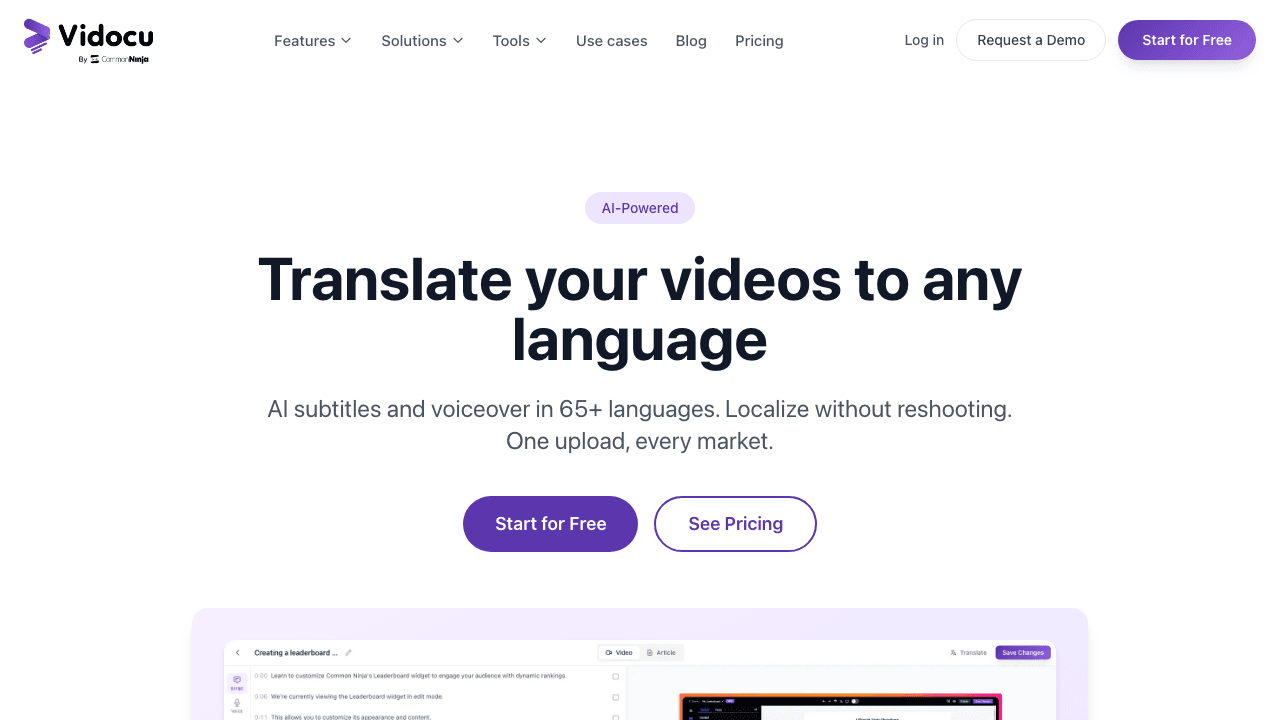
Vidocu takes a different approach to video translation. Upload any video, and Vidocu generates AI subtitles in the original language, then translates them into 50+ languages. But it doesn't stop there, Vidocu also generates natural AI voiceover in your target language, effectively dubbing the entire video.
What makes Vidocu unique is that translation is part of a bigger workflow. The same upload also produces step-by-step documentation, help articles, and a full video editor with zoom and pan, annotations, background music, and watermarks. If you're translating tutorial or product videos, it handles the entire post-production pipeline, not just the translation.
Free tier: 200 credits, roughly 4 minutes of AI video, with no watermark on the free tool exports. Languages: 50+ for subtitles and voiceover. Dubbing: Yes, AI voiceover in target language.
2. Kapwing
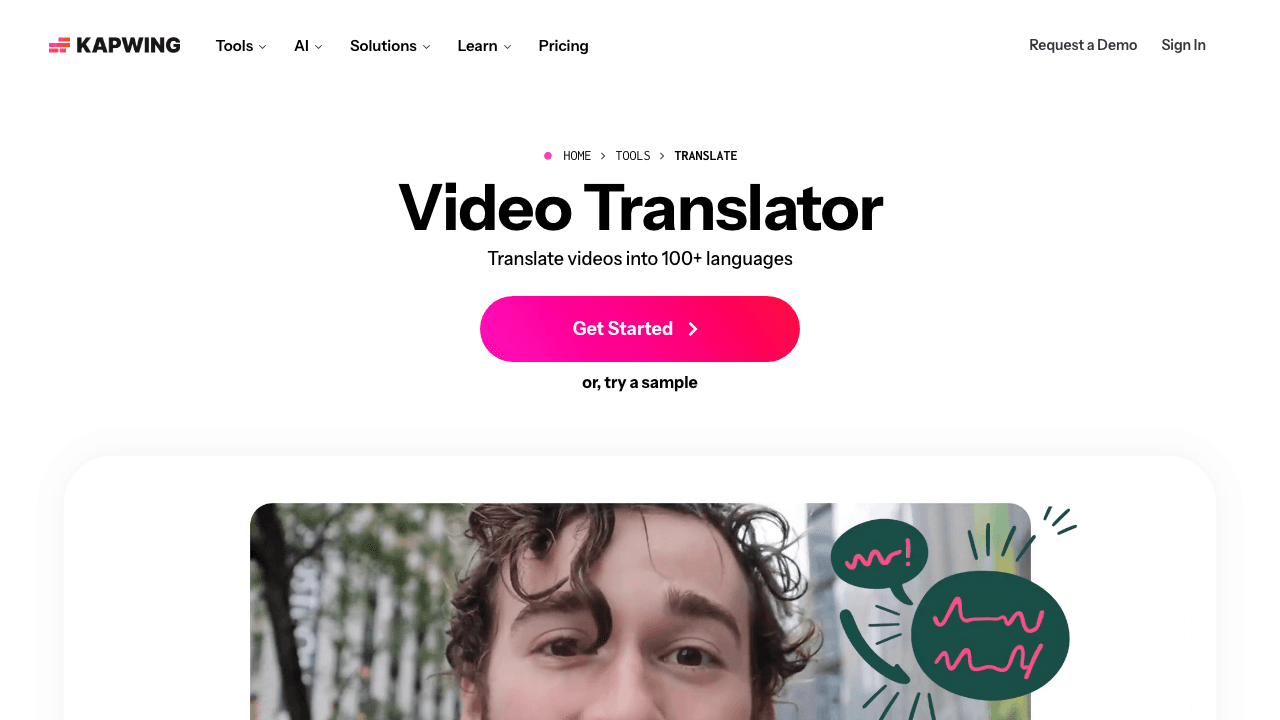
Kapwing is a browser-based video editor with built-in subtitle translation. You can auto-generate subtitles, translate them to 75+ languages, and export the result, all without downloading software.
Kapwing also added AI dubbing in 2024, though it's more basic than specialized tools. The free tier includes watermarked exports and limited project storage, which works fine for testing but gets restrictive for production use.
Free tier: Watermarked exports, limited storage. Languages: 75+ for subtitles. Dubbing: Basic AI dubbing available.
3. VEED
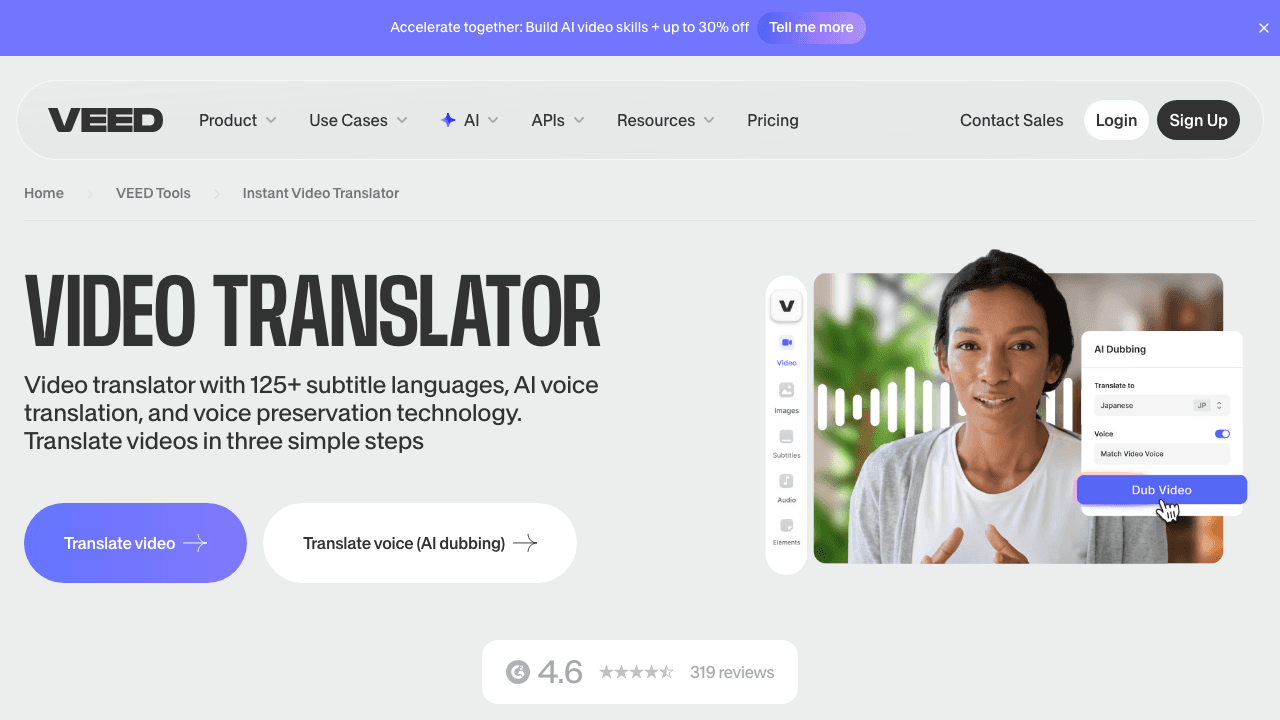
VEED is popular with social media creators for good reason. Its auto-subtitle workflow is fast and accurate, and translating those subtitles into 100+ languages takes one click. VEED also offers AI dubbing in around 50 languages, though without lip sync.
The free tier adds a watermark, and some translation features are locked behind paid plans. But for quick subtitle translation on social content, it's hard to beat.
Free tier: Watermarked, limited features. Languages: 100+ for subtitles, ~50 for dubbing. Dubbing: Yes, no lip sync.
4. Flixier

Flixier is a cloud-based video editor that emphasizes speed, videos render fast because processing happens on their servers, not your machine. It includes auto-subtitles with translation to 70+ languages.
Dubbing capabilities are limited compared to the specialists, but for subtitle-only translation, the workflow is clean and the free tier is usable (with watermark).
Free tier: Watermarked exports, limited storage. Languages: 70+ for subtitles. Dubbing: Limited.
5. Happy Scribe
Happy Scribe focuses purely on transcription and subtitles, no video editing, no dubbing, no lip sync. What it does, it does well. AI transcription accuracy is high, translation covers 120+ languages, and you can export in SRT, VTT, and other standard formats.
They also offer human transcription and review for an extra cost, which makes it a good option for teams that want AI speed with human quality assurance. Pricing is pay-per-minute rather than monthly subscriptions.
Free tier: Limited free minutes. Languages: 120+ for subtitles. Dubbing: No.
Translate Videos in Minutes, Not Weeks
Upload any video to Vidocu and get AI subtitles, voiceover, and translation in 50+ languages, plus documentation, all from one upload.
Try Vidocu FreeBest Paid AI Video Translation Tools (2026)
If you need dubbing, lip sync, or higher volume, these paid tools are worth considering.
6. Rask AI
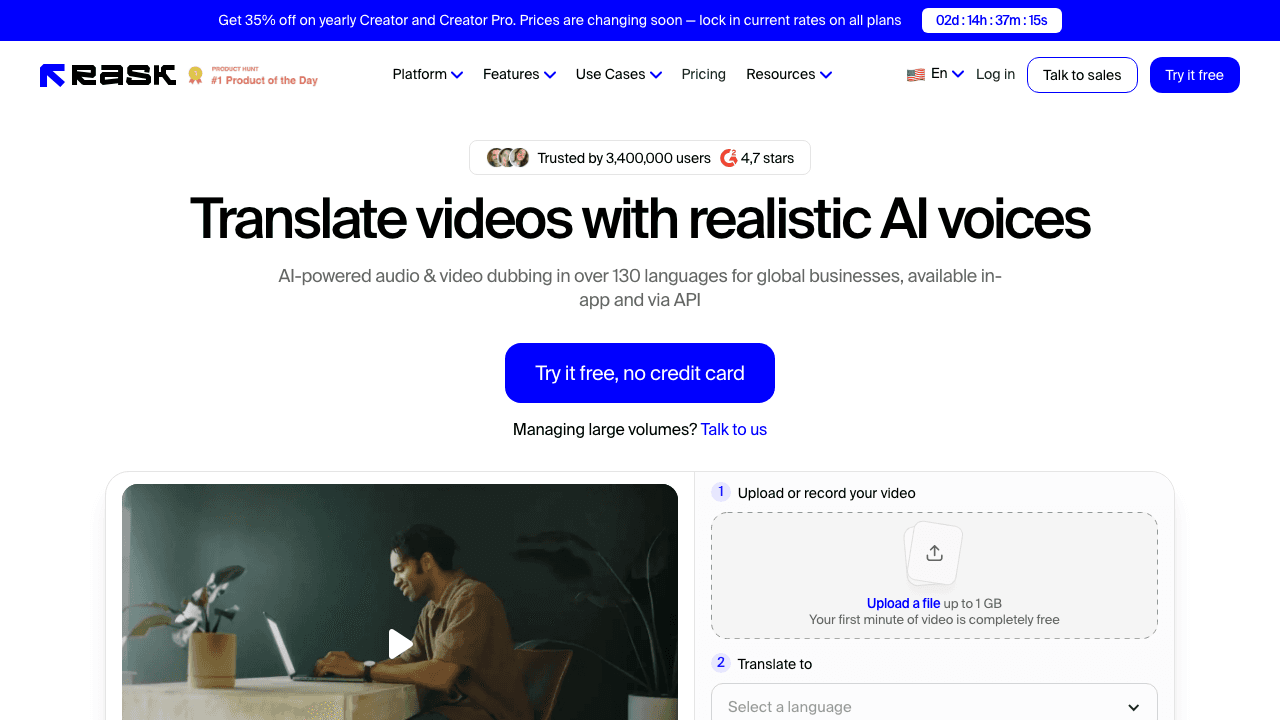
Rask AI is the most feature-complete dedicated translation tool on this list. It handles the full pipeline: transcription, translation, voice cloning, AI dubbing, and lip sync, all in one workflow. The voice cloning preserves the original speaker's tone across 130+ languages, and the lip sync (launched in 2024) has improved significantly.
The catch is pricing. The free tier is limited to about 3 minutes of video, and paid plans start around $60/month. For high-volume translation work, it's powerful. For occasional use, the cost is hard to justify.
Starting price: ~$60/month (Creator plan). Languages: 130+. Lip sync: Yes.
7. HeyGen
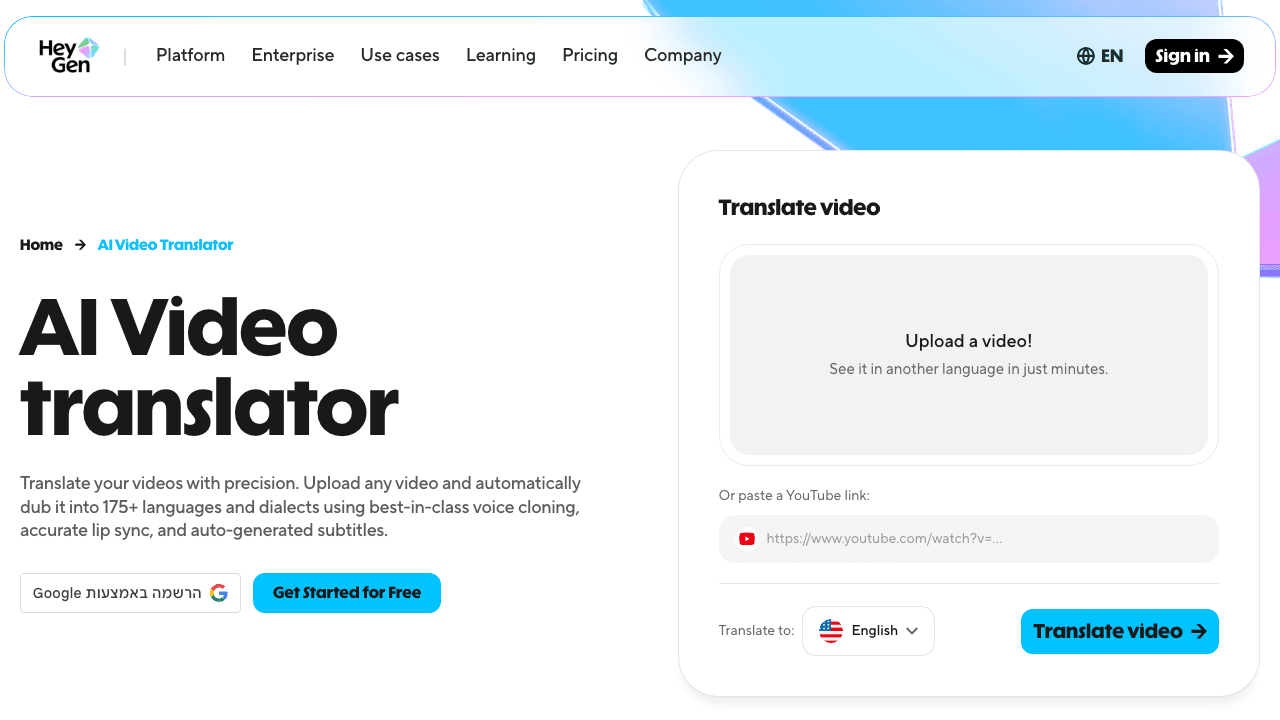
HeyGen went viral for its AI avatar videos, but its video translation feature is genuinely impressive. Upload a video of a real person speaking, and HeyGen translates the audio and modifies the lip movements to match, the result is uncanny. It's the best lip sync quality available in 2026.
HeyGen is primarily an avatar platform, so translation is one feature rather than the entire product. The credit-based pricing can add up fast for longer videos. But for short-form social content where lip sync matters, nothing else comes close.
Starting price: ~$24/month (Creator plan). Languages: 40+ for translation. Lip sync: Yes, industry-leading quality.
8. Descript
Descript is a text-based video editor with strong transcription and its "Overdub" voice cloning feature. You can translate transcripts and generate dubbed audio, but the workflow is more manual than fully automated tools, you're editing text and generating speech segment by segment.
For teams already using Descript for podcast or video editing, adding translation to the workflow makes sense. As a standalone translation tool, it's overkill.
Starting price: ~$24/month (Hobbyist plan). Languages: 20+ for transcription. Lip sync: No.
9. Maestra
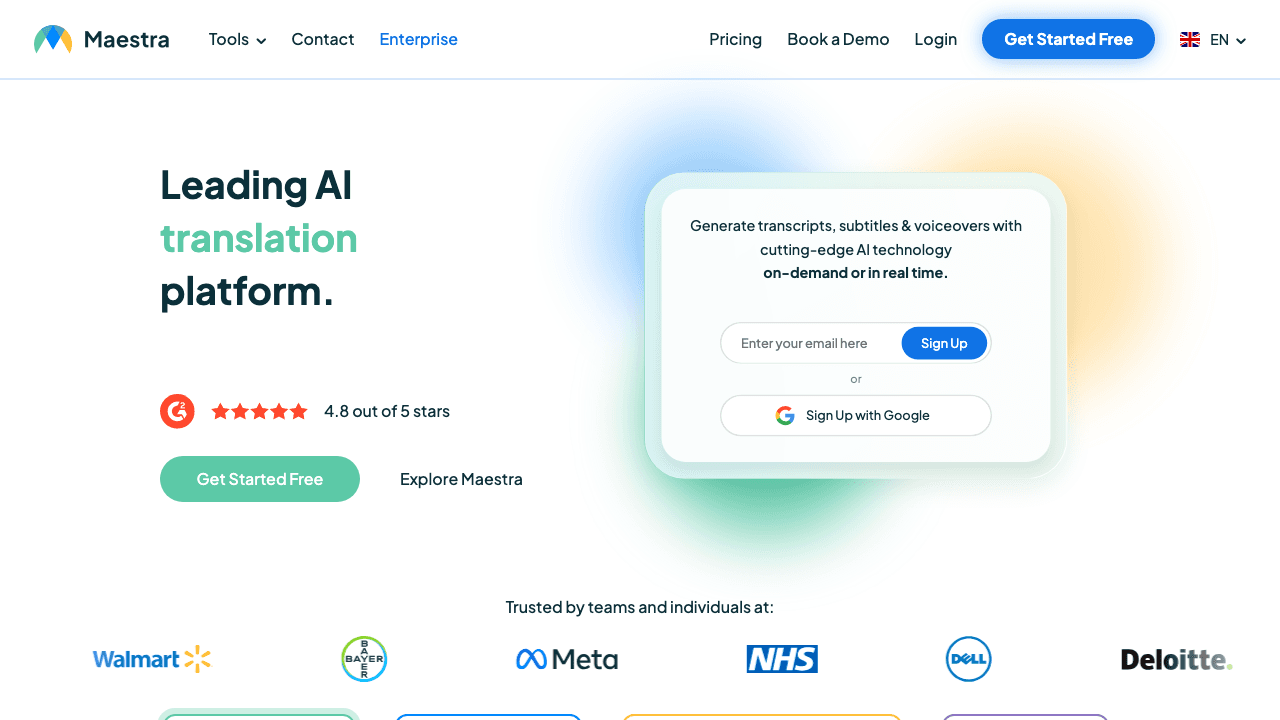
Maestra is an all-in-one transcription, subtitling, and dubbing platform that handles multi-speaker detection well. It's less flashy than Rask or HeyGen but covers the basics competently at a lower price point.
Batch processing is a highlight, you can upload multiple videos and translate them all at once, which is useful for course creators or teams with large video libraries.
Starting price: ~$25/month (Pro plan). Languages: 125+. Lip sync: No.
Comparison Table
| Tool | Free Tier | Subtitles | Dubbing | Lip Sync | Languages | Starting Price |
|---|---|---|---|---|---|---|
| Vidocu | Yes (subtitles, ~4 min) | Yes | Yes (AI voiceover, Pro) | No | 65+ | Free, Pro $39/mo |
| Kapwing | Watermarked | Yes | Basic | No | 75+ | $16/mo billed yearly ($24 monthly) |
| VEED | Watermarked | Yes | Yes | No | 100+ | $10/user/mo billed yearly |
| Flixier | Watermarked | Yes | Limited | No | 70+ | ~$14/mo |
| Happy Scribe | Limited minutes | Yes | No | No | 120+ | ~$0.20/min |
| Rask AI | ~3 min | Yes | Yes | Yes | 130+ | ~$60/mo |
| HeyGen | Demo only | Yes | Yes | Yes | 40+ | ~$24/mo |
| Descript | Limited hours | Yes | Partial | No | 20+ | ~$24/mo |
| Maestra | Limited minutes | Yes | Yes | No | 125+ | ~$25/mo |
How to Get the Best Results from AI Video Translation
AI translation tools have improved dramatically, but output quality still depends on your input. Here's how to maximize results:
Start with Clean Audio
Background music, crosstalk, and ambient noise all degrade transcription accuracy, and every error compounds through translation. Record in a quiet environment, or strip background audio before uploading.
Speak Clearly and at a Moderate Pace
Fast speech leads to transcription errors. Mumbling is worse. AI handles clear, well-paced speech best. This is especially important for tutorial videos where accuracy matters.
Review the Transcript First
Most tools let you edit the transcript before translation. Fix names, technical terms, and any misheard words at this stage, it's much easier than correcting translated output.
Choose the Right Output Format
- Subtitles only: fastest, cheapest, works everywhere. Best for YouTube SEO and accessibility
- Subtitles + dubbed audio: more engaging for viewers who don't want to read. Best for training, courses, and product demos
- Full lip sync: impressive but expensive. Only worth it for customer-facing marketing content or when the speaker is prominent on screen
Use a Human Review Pass
For anything customer-facing, have a native speaker review the AI output. Most AI tools get 90%+ accuracy, but that remaining 5–10% can include embarrassing errors. A 15-minute review catches what AI misses.
One Upload, Every Language
Vidocu translates your videos with AI subtitles and voiceover, plus generates documentation, help articles, and more from the same upload.
Start Translating FreeSubtitles vs. Dubbing vs. Lip Sync: Which Do You Need?
| Approach | Cost | Quality | Best For |
|---|---|---|---|
| Subtitles | Free–Low | High accuracy | YouTube, accessibility, SEO, any video |
| AI Dubbing | Medium | Good (voice may sound different) | Training, e-learning, product demos |
| Lip Sync | High | Impressive but imperfect | Marketing, social media, short-form |
For most business use cases, SOPs, knowledge bases, help articles, training content, subtitles plus AI dubbing gives you the best balance of cost, speed, and quality. Lip sync is impressive but rarely necessary.
The Future of AI Video Translation
The translation space is moving fast. Here's where things are heading:
Real-time translation: Tools are emerging for live stream and video call translation. Still early, but expect this to become standard for platforms like Zoom and Teams within the next year or two.
Platform-native features: YouTube expanded auto-dubbing in 2025, and TikTok is experimenting with built-in translation. These features increase awareness but are typically limited compared to dedicated tools.
Voice cloning improvements: Emotion and tone preservation has gotten dramatically better. Early AI dubbing sounded robotic. Current tools capture excitement, seriousness, and even humor in the translated voice.
Price compression: More competition means lower prices. Tools that charged $100+/month in 2024 now face competition from tools offering similar quality at a fraction of the cost. Free tiers are expanding across the board.
Regulatory awareness: As lip sync technology advances (it's essentially constructive deepfake tech), expect more consent verification requirements and transparency regulations, especially in the EU.
FAQ
Is AI video translation accurate enough for professional use?
For most business content, yes. AI translation accuracy has reached 85–95% depending on the language pair and content type. Technical content with domain-specific terminology may need human review, but standard training, marketing, and educational videos translate well. The key is reviewing the output before publishing, treat AI as a fast first draft, not a finished product.
Can I translate a video for free without a watermark?
Yes, but options are limited. Most free tiers from tools like Kapwing, VEED, and Flixier add watermarks. Vidocu offers free video translation with AI subtitles and voiceover without watermarking exports. Happy Scribe offers pay-per-minute pricing without watermarks if you only need subtitles.
What's the difference between AI dubbing and lip sync?
AI dubbing replaces the original audio with a synthesized voice speaking the translated text. The speaker's lips won't match the new audio. Lip sync goes further, it modifies the video to make the speaker's mouth movements match the translated speech. Lip sync looks more natural but costs more, takes longer to process, and isn't always necessary.
Which languages work best with AI video translation?
Languages with large AI training datasets produce the best results: English, Spanish, French, German, Portuguese, Chinese, Japanese, Korean, Hindi, and Arabic. Less common languages (many African languages, indigenous languages, some Southeast Asian languages) may have lower accuracy. Always test with a short clip before committing to a full video.
How long does AI video translation take?
Most tools process a 10-minute video in 5–15 minutes for subtitles only. Dubbing adds another 5–10 minutes. Lip sync can take 30 minutes to an hour depending on video length and the tool. Cloud-based tools are generally faster than local processing because they use powerful GPUs on their servers.
Start Translating Your Videos
AI video translation has made global content accessible to everyone, not just enterprises with localization budgets. Whether you need translated subtitles for YouTube reach, dubbed training videos for international teams, or multilingual product demos, the tools exist today and many are free to start.
The fastest way to test it: upload a video to Vidocu, generate subtitles and voiceover in your target language, and see the result in minutes. No software to install, and your first run is free.

Written by
Daniel SternlichtDaniel Sternlicht is a tech entrepreneur and product builder focused on creating scalable web products. He is the Founder & CEO of Common Ninja, home to Widgets+, Embeddable, Brackets, and Vidocu - products that help businesses engage users, collect data, and build interactive web experiences across platforms.


