


Updated June 2026.
Quick answer: The best Descript alternatives in 2026 are Vidocu (video to docs, subtitles, and voiceover in one step), Camtasia (screen-recording tutorials), VEED.io (browser subtitles and social clips), Riverside (high-quality recording with text-based editing), Loom (async screen sharing), CapCut (free general editing), Synthesia (AI avatar training videos), Tango (screenshot guides), and Clueso (enterprise product docs). The right pick depends on what you actually need to produce, not on which tool has the most features.
Descript changed the game with text-based video editing. But after the September 2025 pricing overhaul (metered AI credits, confusing media-minute plans, and power users seeing bills jump from $30 to $200+), many tutorial creators and documentation teams are looking elsewhere.
If you mainly use Descript to create tutorials, training videos, or product documentation, you might not need a full-blown podcast editor. Here are 9 alternatives worth considering in 2026, each with a different strength.
How we tested. We use Descript and most of the tools on this list in real tutorial and documentation work, not just from spec sheets. The picks below are based on hands-on use, current 2026 pricing pulled at time of writing, and the specific job each tool is built for. Where a tool has a genuine weakness, we say so.
Quick Comparison
| Tool | Best For | Starting Price | Free Tier | Text-Based Editing |
|---|---|---|---|---|
| Vidocu | Video → docs + subtitles + voiceover | $39/mo | Yes | Yes |
| Camtasia | Screen recording tutorials | $179.88/yr | Yes | No |
| VEED.io | Quick subtitles + social clips | $10/user/mo billed yearly | Yes (watermark) | No |
| Riverside | High-quality recording + editing | $19/mo | Yes (watermark) | Yes |
| Loom | Async video communication | $12.50/mo | Yes (25 videos) | No |
| CapCut | Budget-friendly editing | $9.99/mo | Yes (generous) | No |
| Synthesia | AI avatar training videos | $18/mo | Yes (10 min) | N/A |
| Tango | Screenshot step-by-step guides | ~$22/user/mo | Yes | N/A |
| Clueso | Enterprise product documentation | $40/mo (annual) | Yes | No |
1. Vidocu: Best for Turning Videos into Complete Documentation
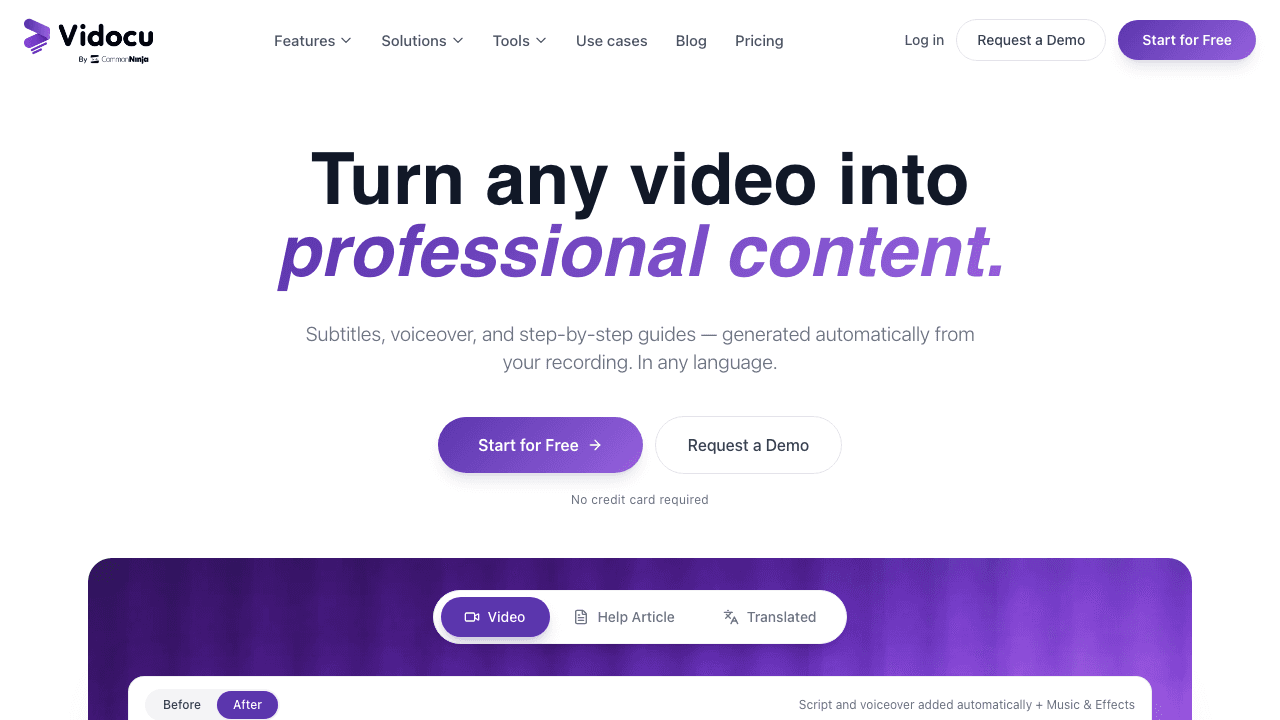
If your main goal is turning screen recordings or tutorials into polished, shareable content, Vidocu takes a fundamentally different approach than Descript.
Instead of giving you a timeline and leaving you to edit, Vidocu processes your video and generates everything automatically: AI subtitles in 65+ languages, natural AI voiceover that replaces or supplements your narration, and the big differentiator: step-by-step help articles with auto-generated screenshots.
Upload a tutorial video and get back a written guide, subtitled video, and voiceover track. No editing required.
Key features:
- Auto-generated subtitles in 65+ languages
- AI voiceover with natural-sounding voices
- Video-to-documentation with auto-screenshots
- Built-in video editor with zoom and pan, annotations, background music, and watermarks
- Multi-language video translation
Pricing: Free tier available. Paid plans start at $39/mo.
Why pick Vidocu over Descript: If you're using Descript mainly to subtitle tutorial videos or create documentation from recordings, Vidocu does it in one step, without metered AI credits or a complex editing timeline. You also get written documentation alongside your video, something Descript simply doesn't offer. For a feature-by-feature breakdown of the two, see the Vidocu vs Descript comparison.
Turn Any Video into Docs, Subtitles & Voiceover
Upload a video. Get a subtitled video, AI voiceover, and step-by-step article, automatically.
Try Vidocu Free2. Camtasia: Best for Screen Recording Veterans
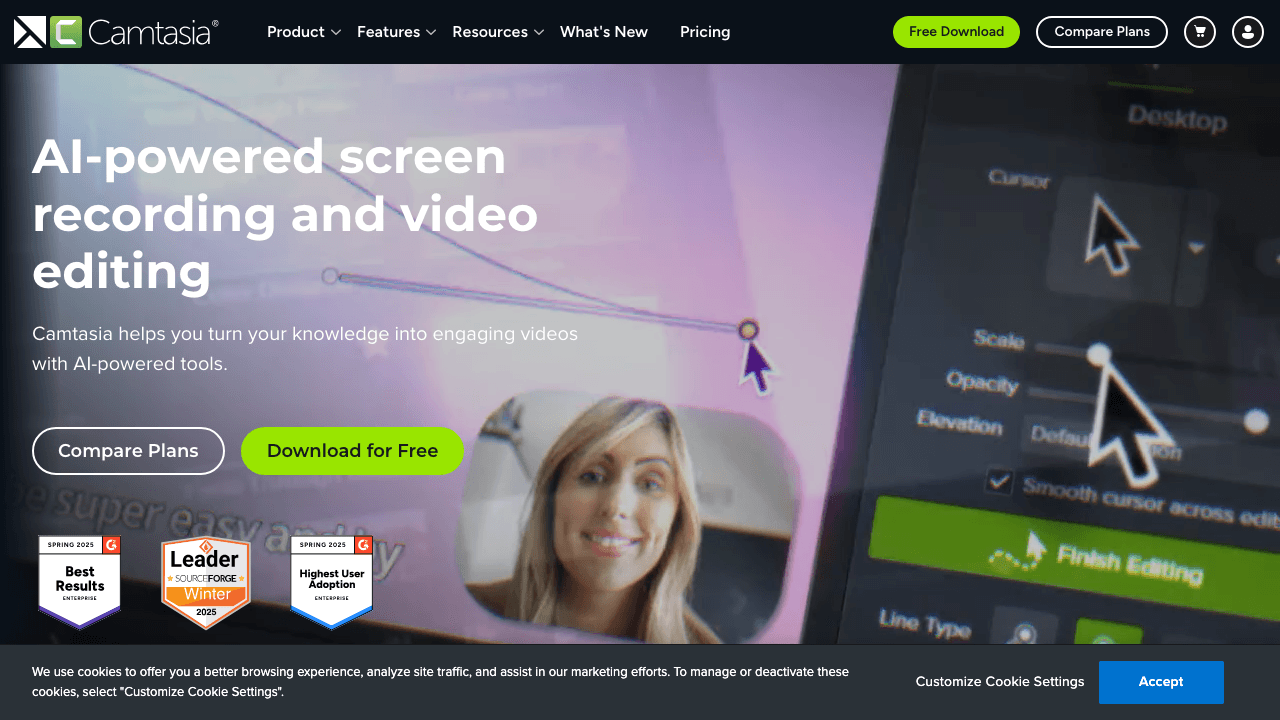
Camtasia by TechSmith has been the go-to screen recording and tutorial editor for over 20 years. It's not flashy, but it's reliable and purpose-built for the tutorial use case.
Where Descript tries to be everything (podcast editor, social clip maker, screen recorder), Camtasia focuses on screen recordings and training content. You get cursor effects that highlight clicks, automated zoom-to-fit, video quizzes for measuring learning outcomes, and templates designed for tutorials.
Key features:
- Screen capture with region selection and cursor effects
- Automated zoom and click highlights
- Built-in quizzes for training videos
- Templates and drag-and-drop editing
- AI script generation and text-to-speech (newer additions)
- One-time purchase option available
Pricing: $179.88/yr subscription or $299.99 one-time. Free plan available with limited features. Education discounts available.
Why pick Camtasia over Descript: Purpose-built for screen recordings. Cursor effects, quizzes, and preset recording dimensions are things Descript doesn't have. The one-time purchase option also appeals to teams tired of subscription creep.
Limitations: Desktop-only, no browser editing. The UI feels dated compared to newer tools. No text-based editing.
3. VEED.io: Best Browser-Based Editor for Quick Content
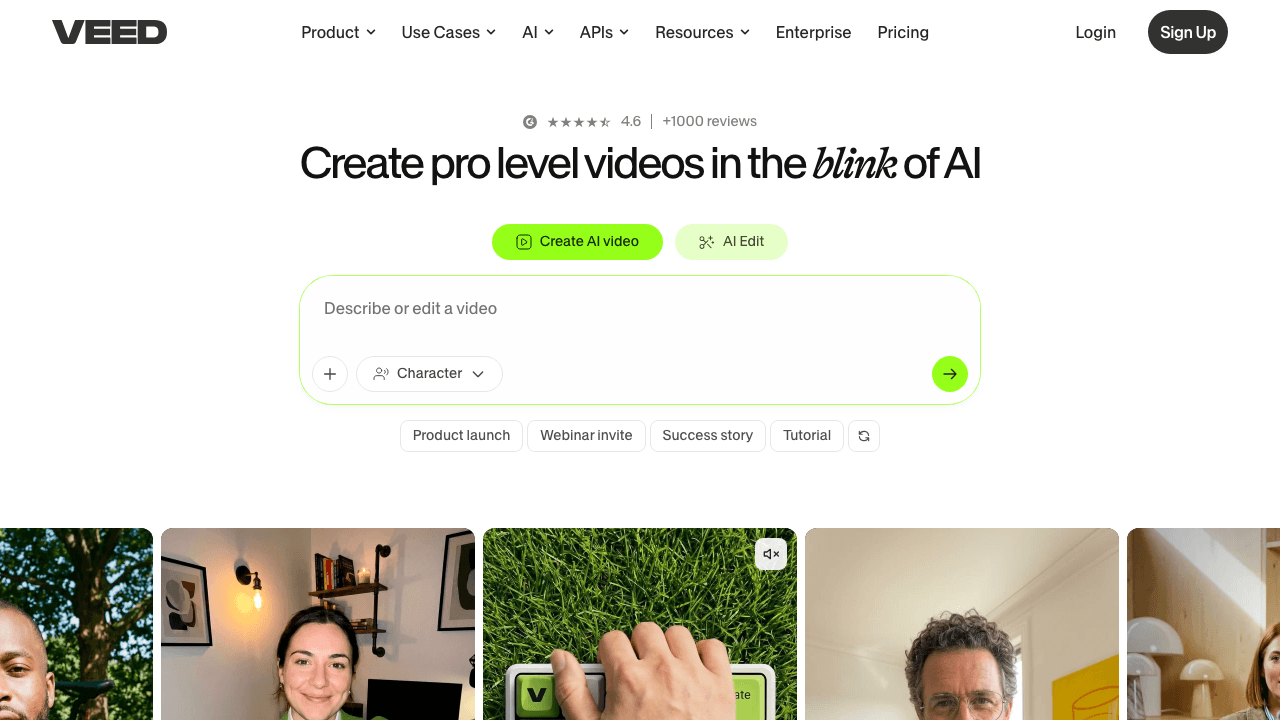
VEED.io is a fully browser-based video editor with strong subtitle and AI features. If you liked Descript's simplicity but found the desktop app sluggish, VEED might be your speed.
It's particularly strong at subtitles (supporting 125+ languages with solid accuracy) and quick social content creation. The learning curve is minimal compared to Descript's text-based editing paradigm.
Key features:
- Auto subtitles in 125+ languages
- Background noise removal
- AI dubbing and translation
- Voice cloning
- Templates for social content
- Fully browser-based (no download)
Pricing: Free (720p, watermarked). Creator at $10/user/mo billed yearly (1080p, no watermark). Pro at $21/user/mo billed yearly, Studio at $35/user/mo billed yearly.
Why pick VEED over Descript: Simpler, faster, runs in your browser. Better subtitle engine. No app to install or update. If your workflow is "add subtitles, trim, export," VEED gets it done with less friction.
Limitations: No text-based editing. Limited advanced editing capabilities. Can feel slow on large files.
4. Riverside: Best for Recording Quality + Editing

Riverside started as a recording platform and evolved into a full editing suite. It now offers text-based editing similar to Descript, but with significantly better recording quality.
The key differentiator is local 4K recording with separate tracks. Where Descript's recording relies on your internet connection, Riverside records locally on each participant's device. This means no quality loss from bandwidth drops, and separate audio/video tracks for each person.
Key features:
- 4K local recording with separate tracks
- Text-based editing (like Descript)
- AI auto-cut and highlight detection
- Transcript-based search and editing
- Multi-platform publishing
- Live streaming support
Pricing: Free (2 hrs, 720p, watermarked). Standard at $19/mo (unlimited recording, 1080p). Pro at $29/mo (4K, 15 hrs transcription/mo).
Why pick Riverside over Descript: If recording quality matters to your tutorials (and it should), Riverside's local recording is a clear upgrade. You still get text-based editing, but your source footage is better from the start.
Limitations: Optimized for talking-head and interview content. Less useful for screen recordings or software tutorials. You get the most value recording inside Riverside.
5. Loom: Best for Quick Async Video Communication
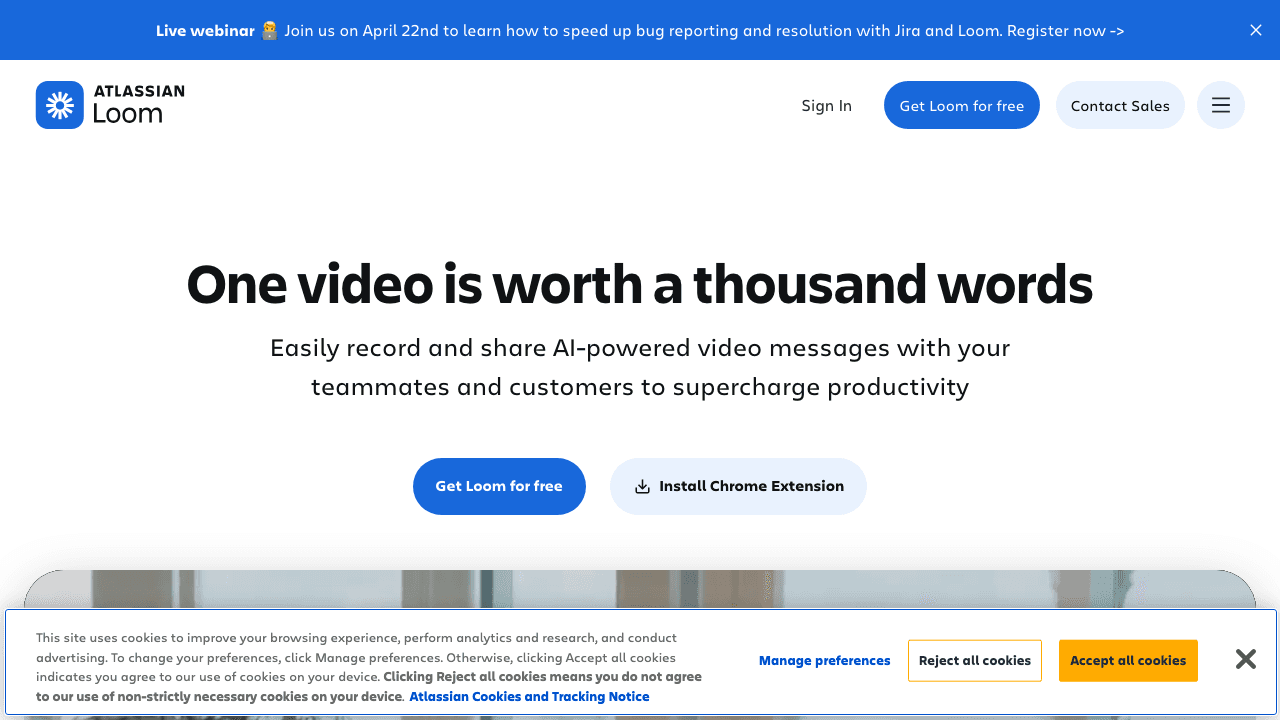
Loom (now owned by Atlassian) isn't a video editor, it's an async communication tool. If you've been using Descript to create quick explainer videos for your team, Loom is purpose-built for that workflow and does it in a fraction of the time.
Record your screen, add your camera, click stop, and share a link. That's it. No export, no timeline, no editing unless you want it.
Key features:
- Chrome extension + desktop + mobile recording
- Instant sharing links with viewer analytics
- Auto-summaries and chapters (Business + AI plan)
- Filler word removal
- Annotations and text overlays
- Deep Atlassian/Jira integration
Pricing: Free (25 videos). Business at $12.50/creator/mo. Business + AI at $20–24/user/mo.
Why pick Loom over Descript: If "explain this quickly" is your main use case, Loom is 10x faster. Record, share, done. Viewer analytics tell you who watched and where they dropped off, useful for training and customer support teams.
Limitations: Minimal editing capabilities. Not a real video editor. Post-Atlassian migration has introduced some performance issues. Videos live on Loom's platform. If Loom rather than Descript is the tool you are weighing, see the roundup of the best Loom alternatives.
6. CapCut: Best Free Video Editor
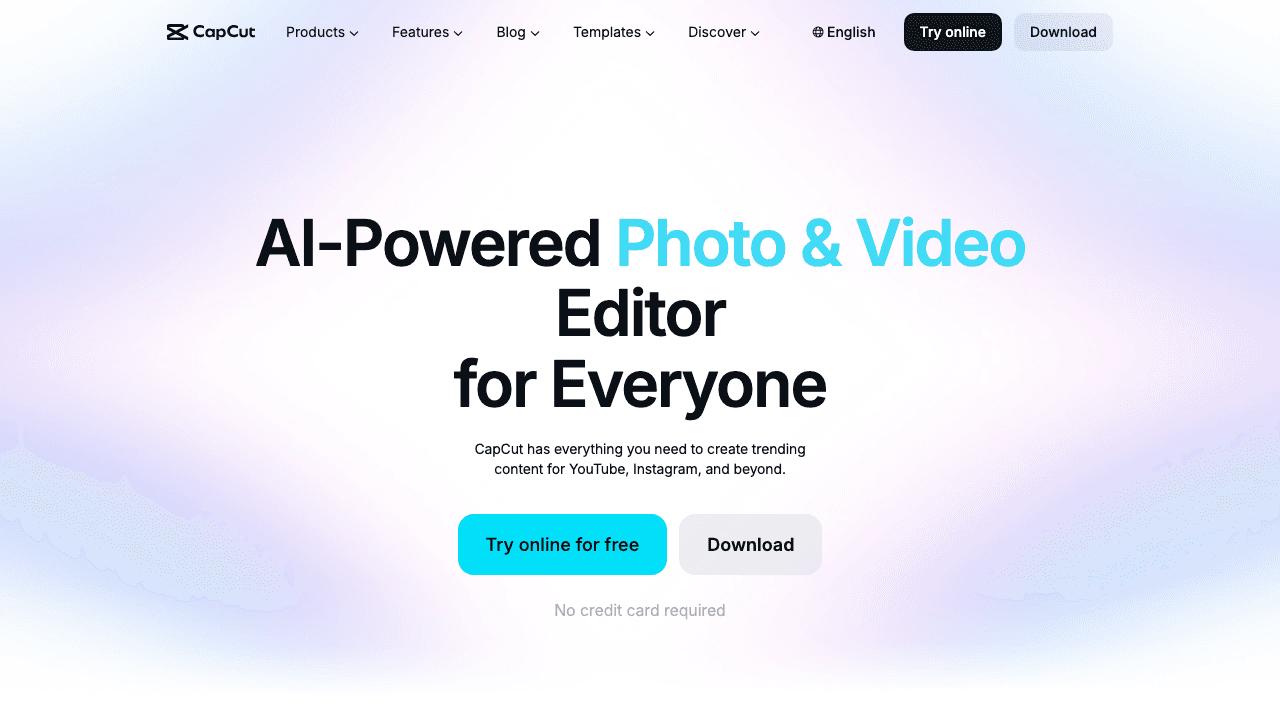
CapCut by ByteDance offers a surprisingly capable free video editor across desktop, mobile, and web. If Descript's pricing pushed you out and you need a general-purpose editor, CapCut's free tier is hard to beat.
The free plan includes multi-track timeline editing, keyframe animation, chroma key, auto captions, and AI voiceover, features that cost money on virtually every other platform.
Key features:
- Multi-track timeline with keyframe animation
- Chroma key (green screen)
- Auto captions and AI voiceover
- Motion tracking and noise reduction
- Templates for social content
- Desktop + mobile + web
Pricing: Free (full basic editing). Pro at ~$9.99/mo (4K/HDR export, background removal, premium effects).
Why pick CapCut over Descript: The free tier alone covers what most tutorial creators need. No credit limits, no media-minute tracking. If you're comfortable with a traditional timeline editor, CapCut gives you more editing power than Descript at zero cost.
Limitations: No text-based editing. ByteDance/TikTok data privacy concerns for some organizations. Less suited for long-form professional workflows. Weaker transcription accuracy than Descript.
7. Synthesia: Best for AI Avatar Training Videos
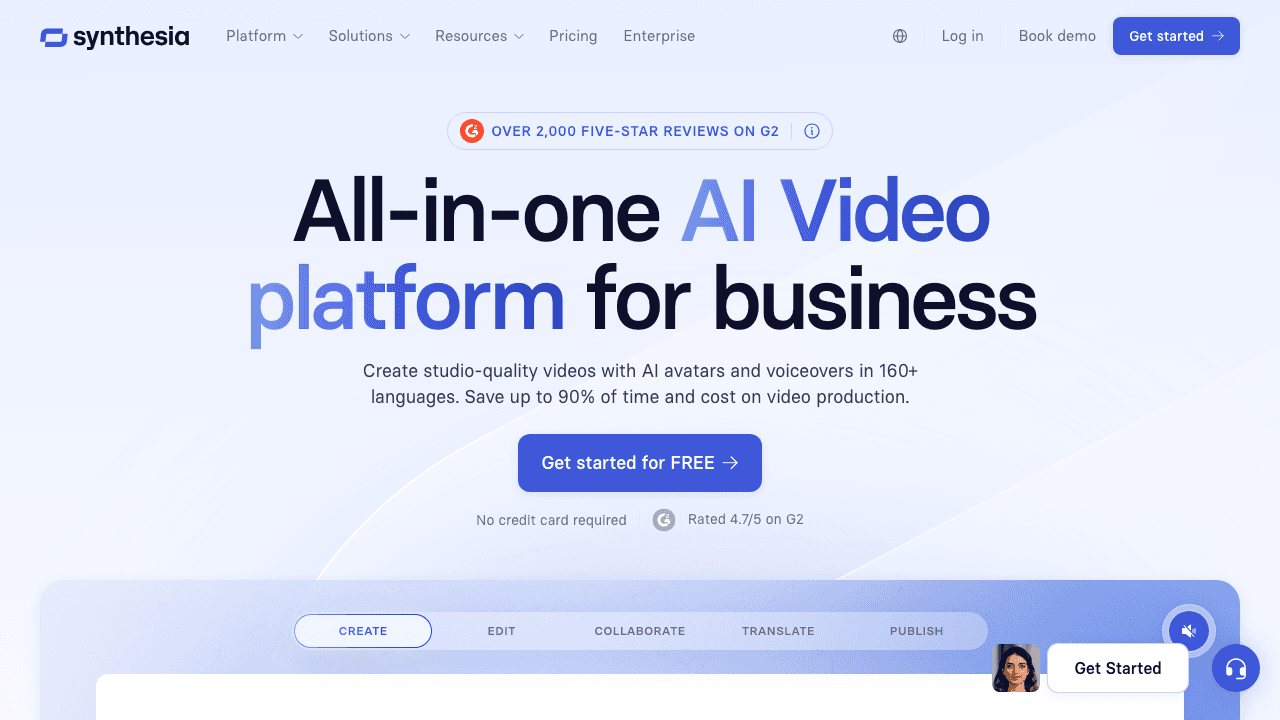
Synthesia takes a completely different approach: you don't record anything. Write a script (or paste a document), pick an AI avatar, and Synthesia generates a professional-looking training video.
This is ideal for L&D teams who need to produce training content at scale without scheduling recordings or hiring talent. Update a video by changing the text, no re-recording needed.
Key features:
- 170+ AI avatars with natural movements
- Voice cloning and 100+ language support
- Document-to-video conversion
- SCORM export for LMS integration
- Interactive elements and quizzes
- Brand kits and templates
Pricing: Free (10 min/mo, 9 avatars). Starter at $18/mo (120 min/yr). Creator at $89/mo (360 min/yr, custom avatar). Enterprise pricing available.
Why pick Synthesia over Descript: If you need training videos but don't have time to record or present on camera, Synthesia removes the recording step entirely. SCORM export for LMS integration is something no general-purpose editor offers.
Limitations: AI avatars still have an "uncanny valley" quality. Expensive at scale. Not for editing existing footage. Custom avatars are a pricey add-on ($1,000/yr).
8. Tango: Best for Screenshot-Based Step-by-Step Guides
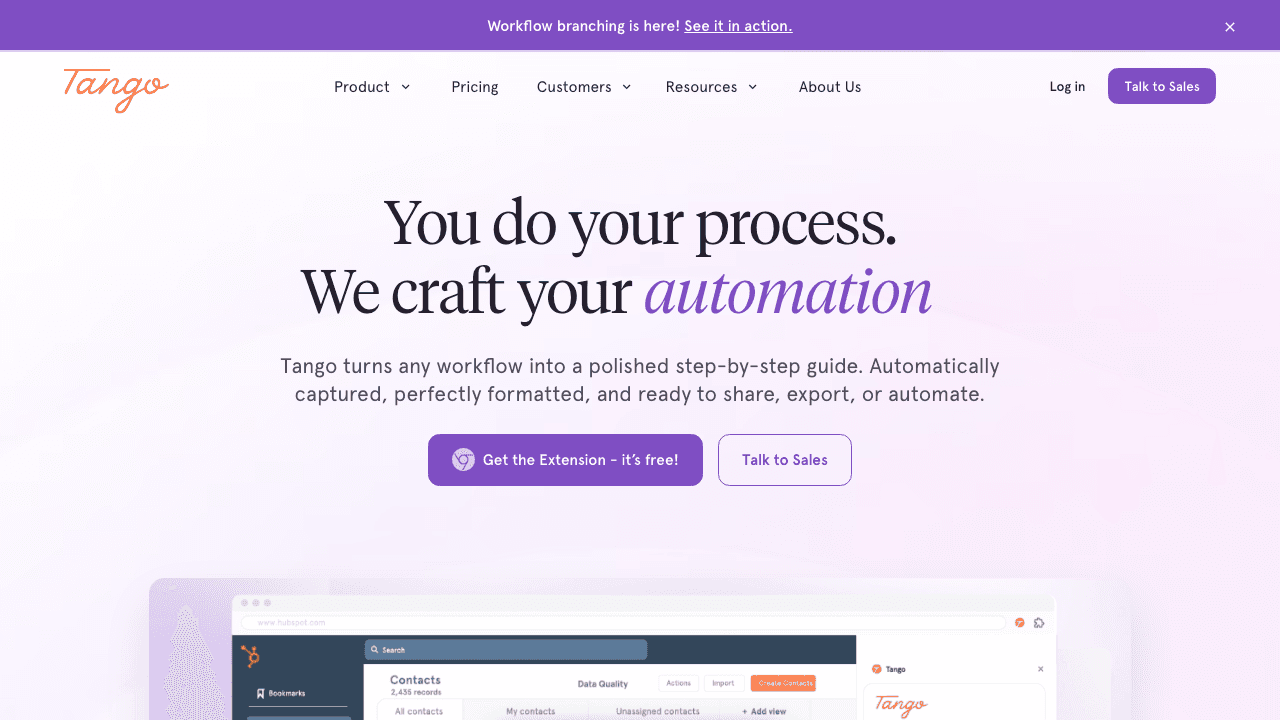
Tango isn't a video tool at all. It's a Chrome extension that captures screenshots as you click through a workflow and auto-generates annotated step-by-step guides.
If you've been using Descript to create software tutorials, consider whether your audience actually needs video or just clear, scannable instructions. For SOP creation and technical writing, screenshot guides are often faster to create and easier to follow.
Key features:
- Auto-captures screenshots as you work
- Generates annotated step-by-step guides instantly
- Browser-based workflow capture
- Team sharing and knowledge management
- In-app walkthroughs (Enterprise)
Pricing: Free (basic guides). Pro at ~$22–26/user/mo. Enterprise pricing available.
Why pick Tango over Descript: If your tutorials are about software workflows, Tango creates documentation in the time it takes you to do the task once. No recording, no editing, no export. Just click through your process and get a guide.
Limitations: Chrome extension only, with no desktop app workflows. No video output. Best features (walkthroughs, PII blurring) are Enterprise-only.
Why Not Both? Video + Written Docs from One Upload
Vidocu generates step-by-step articles with screenshots AND subtitled videos from the same recording.
See How It Works9. Clueso: Best for Enterprise Product Documentation
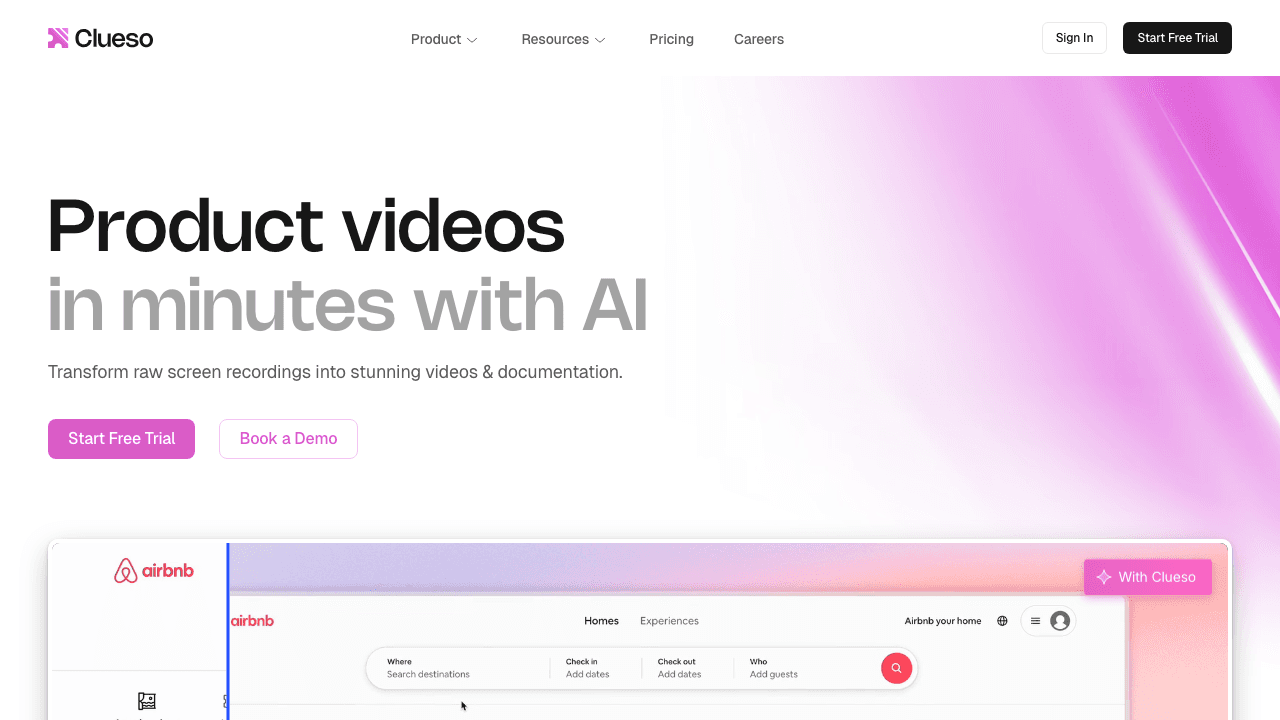
Clueso is the closest to Vidocu on this list: it turns screen recordings into polished product videos with auto-zoom, cursor smoothing, and branded styling. It also generates written step-by-step articles alongside the video.
The target audience is enterprise product teams who need SOC 2 and ISO 27001 compliance. If security certifications are a hard requirement, Clueso checks those boxes.
Key features:
- Auto-zoom on UI elements and cursor smoothing
- Pan transitions and branded styling
- AI voiceover and one-click translation of video, captions and docs
- Written documentation generation alongside video
- SOC 2 Type II and ISO 27001 certified
Pricing: Free (10 minutes of video exports a month, watermarked). Solo $40/mo billed yearly or $50 monthly (1 user, 15 minutes of exports a month). Business $120/mo billed yearly or $150 monthly (2 users, 30 minutes a month, 4K). Enterprise custom, which is also where its recording agents are listed.
Why pick Clueso over Descript: If you need compliant, branded product documentation videos with auto-generated written guides, Clueso is built for exactly that workflow. Descript doesn't offer documentation generation or enterprise security certifications.
Limitations: Tight export caps (15 to 30 minutes of video a month on the self-serve plans). Autonomous recording agents, voice cloning and SSO are Enterprise only. Limited to the product documentation use case.
Why Teams Leave Descript in 2026
Descript remains a powerful tool, but the September 2025 pricing changes created real friction:
- AI credits deplete fast. Users report a month's credits lasting about a day of heavy use. Power users went from ~$30/mo to $115–235/mo with top-ups.
- Export quality issues. Heavy compression (500MB source files exported at 23MB) with no bitrate control. Many teams use Descript only for rough cuts, then export to another tool.
- Complexity for simple needs. Text-based editing is brilliant for podcasts, but overkill if you just need subtitles on a tutorial or a help article from a screen recording.
- No documentation output. Descript edits video. It doesn't generate written documentation, knowledge base articles, or SOPs, which is what many tutorial teams actually need.
How to Choose the Right Alternative
Choose based on your primary output:
- You need video + written docs from one upload → Vidocu
- You create screen recording tutorials with quizzes → Camtasia
- You need quick subtitles and social clips in-browser → VEED.io
- You record interviews/podcasts and want text-based editing → Riverside
- You send quick explainer videos to teammates → Loom
- You need a capable free editor → CapCut
- You create training videos without recording → Synthesia
- You document software workflows as screenshot guides → Tango
- You need enterprise-compliant product documentation → Clueso
The right Descript alternative depends less on which tool has the most features and more on what you're actually trying to produce. A documentation team doesn't need podcast editing. A training team doesn't need social clip templates. Match the tool to the output.
FAQ
Is Descript still worth it in 2026?
Descript is still a capable editor, especially for podcast and long-form video editing where text-based editing shines. But the September 2025 pricing changes made it significantly more expensive for power users. If you're mostly creating tutorials or documentation, a specialized tool will likely give you better results at a lower cost.
What's the best free Descript alternative?
CapCut offers the most generous free tier for general video editing. For documentation specifically, Vidocu's free tier lets you generate subtitles and a written article from your videos without paying, with voiceover and translation on the Pro plan.
Can I do text-based editing without Descript?
Yes. Riverside offers text-based editing with better recording quality. VEED.io also supports transcript-based editing in its Pro plan. However, text-based editing matters most for podcast and interview content. For tutorials, auto-generated subtitles and documentation are usually more useful than editing the transcript directly.
What's the best Descript alternative for training videos?
It depends on your approach. If you record yourself or your screen, Vidocu or Camtasia are strong choices. If you want to create videos from scripts without recording, Synthesia generates AI avatar training videos with SCORM export for LMS platforms. For step-by-step SOPs, Vidocu auto-generates written guides alongside your video.
Does Vidocu replace Descript?
For tutorial and documentation workflows, yes. Vidocu handles subtitles, voiceover, and video editing, plus generates written documentation that Descript can't. For podcast editing or long-form video production, Descript's text-based editing is still more appropriate.

Written by
Daniel SternlichtDaniel Sternlicht is a tech entrepreneur and product builder focused on creating scalable web products. He is the Founder & CEO of Common Ninja, home to Widgets+, Embeddable, Brackets, and Vidocu - products that help businesses engage users, collect data, and build interactive web experiences across platforms.


