
PDFs are great for storage. They're terrible for engagement. A 40-page training manual, a product spec, a research paper, an onboarding guide, almost nobody reads them end-to-end. Video, on the other hand, gets watched.
That's why "PDF to video" tools have exploded in 2026. They take a static document and turn it into a narrated, visual, scene-based video, usually in minutes, with AI generating the script, voiceover, and supporting visuals automatically.
But the quality varies wildly. Some tools are essentially slideshow generators with robotic narration. Others actually read your PDF, understand its structure, and produce something a marketing team would be proud of.
Here are the 9 best PDF to video AI tools in 2026, ranked by output quality, free tier generosity, and how well they handle real-world documents.
What Makes a Good PDF to Video Tool?
Before the list, here's what to look for:
- Real document understanding. The tool should extract structure and key points, not just paste paragraphs onto slides.
- Natural AI voiceover. Robotic narration kills engagement. Look for tools using ElevenLabs-grade voices.
- Editable output. You'll almost always want to tweak the script, swap visuals, or trim scenes. Read-only exports are a red flag.
- Multilingual support. If you're publishing globally, a tool that handles video translation is a major time-saver.
- Reasonable free tier. Most tools watermark free output or cap pages aggressively. The best ones let you test with a real document.
If you need the output to double as documentation, not just a marketing video, consider tools that also produce step-by-step guides with screenshots from the same source material.
Quick Comparison
| Tool | Output Type | Free Tier | Starting Price | Best For |
|---|---|---|---|---|
| Vidocu | Video + docs + subtitles + voiceover | Yes | $39/mo | Teams who need video + documentation from one source |
| Synthesia | AI avatar videos | Limited demo | $29/mo | Polished, avatar-led corporate videos |
| NoteGPT | Narrated slideshow video | Yes (no signup) | $9.99/mo | Quick free conversions, students |
| Visla | Scene-based video | Yes (credits) | $18/mo | Marketing teams, short-form content |
| Fliki | Voiceover slideshow | Yes | $8/mo | Budget multilingual narration |
| X-Pilot | Animated explainer video | Yes (30 pages) | Contact sales | Educational and training content |
| AI Studios (DeepBrain) | Custom AI avatars | Free trial | $30/mo | Custom-avatar enterprise videos |
| Vidnoz | Avatar + slideshow | Yes (generous) | $17.99/mo | Quick free generation |
| StudyFetch | Explainer video | Yes (limited) | $14.99/mo | Students and educators |
1. Vidocu
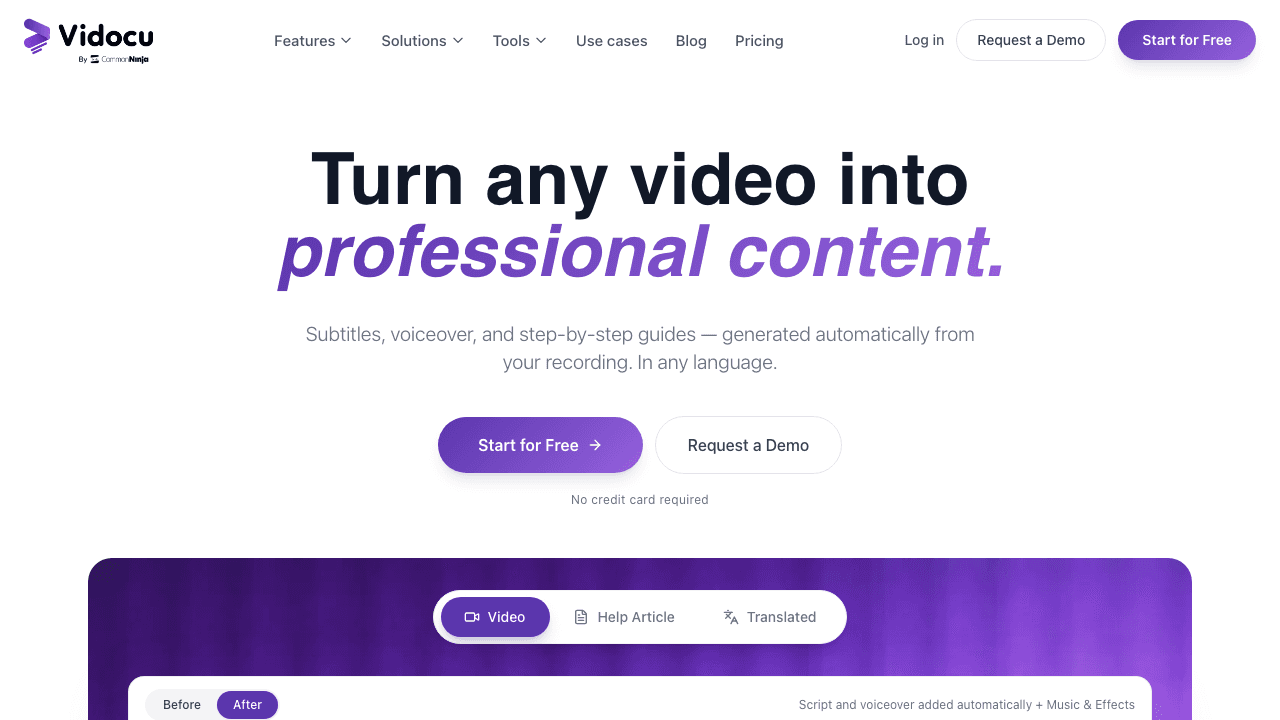
Vidocu takes a different angle from most tools on this list. Where the others are pure "PDF in, video out" generators, Vidocu is a complete content platform: upload a video (or generate one from a document) and you get a polished video, AI subtitles in 100+ languages, natural AI voiceover, and a step-by-step help article, all from the same source.
This matters because most PDFs aren't meant to live as videos only. A product manual needs to be a video for onboarding, a written guide for the help center, and a translated version for international users. Vidocu produces all of those from one workflow.
The built-in video editor lets you trim scenes, add zoom and pan, drop in annotations, apply a watermark, or layer in background music, without exporting to a separate tool.
Where Vidocu wins:
- Multi-output: video, docs, subtitles, voiceover from one upload
- Built-in editor (no need for Premiere or Descript afterward)
- Strong multilingual support, 100+ languages for subtitles and voiceover
- Generates help articles with auto-screenshots alongside the video
Where other tools might win:
- Pure avatar videos (Synthesia is more polished for talking-head output)
- Free unlimited generation (Vidocu's free tier is metered)
Pricing: Free plan at $0 (200 credits, roughly 4 minutes of AI video). Pro is $39/month and Business is $149/month.
One Upload. Video, Docs, Subtitles & Voiceover.
Vidocu turns any video or document into a polished video, step-by-step guide, multilingual subtitles, and AI voiceover, all in one workflow.
Try Vidocu Free2. Synthesia
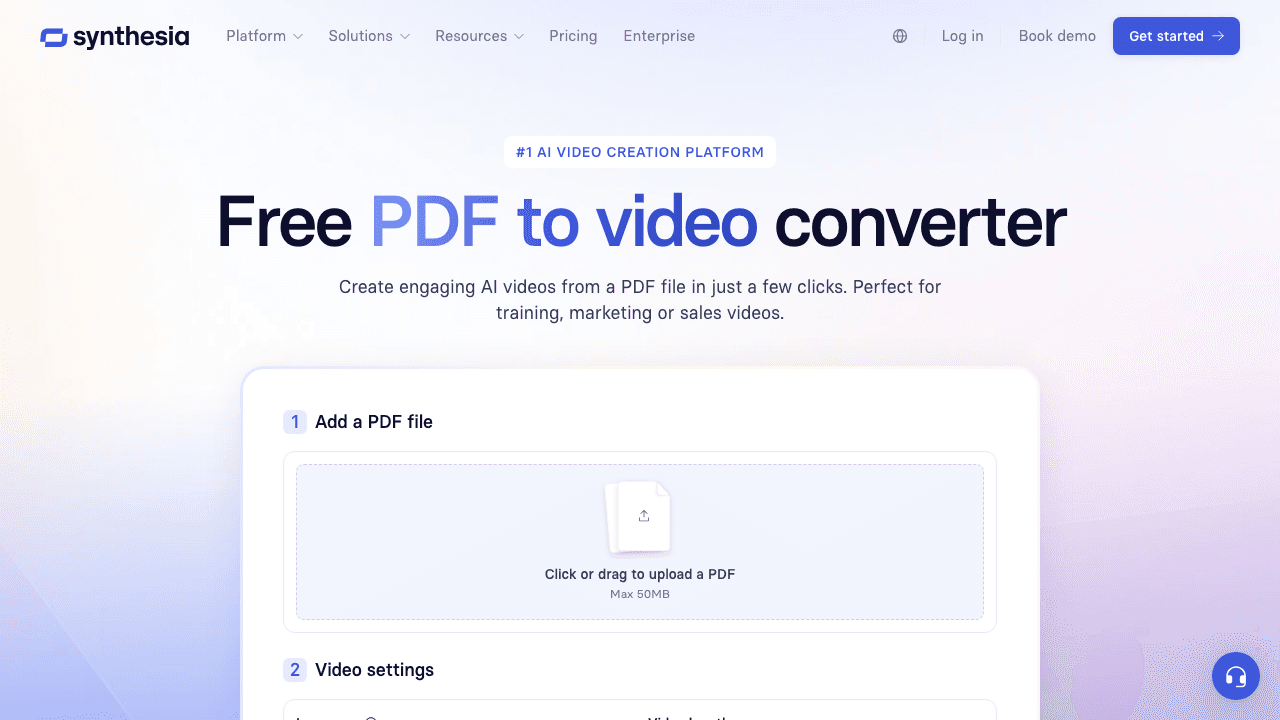
Synthesia is the gold standard for avatar-led corporate videos. Upload a PDF and Synthesia's AI extracts the key points, drafts a script, and produces a video featuring one of its 230+ AI presenters, with lip-synced delivery in 140+ languages.
The output looks like a real human is talking through your document. For internal training, compliance modules, or polished sales enablement content, this is the most professional result you can get from a PDF without filming anything.
Key features:
- 230+ AI avatars and 140+ languages
- Brand kits for consistent corporate styling
- Enterprise SOC 2 + GDPR compliance
- Decent first-draft script generation from PDF
Limitations:
- No truly free plan, only a short demo
- Avatar videos can feel uncanny for some audiences
- Editing the visual scenes (beyond avatar + slides) is limited
- No documentation output, video only
Pricing: Starter at $29/month (10 min/month). Creator at $89/month.
3. NoteGPT
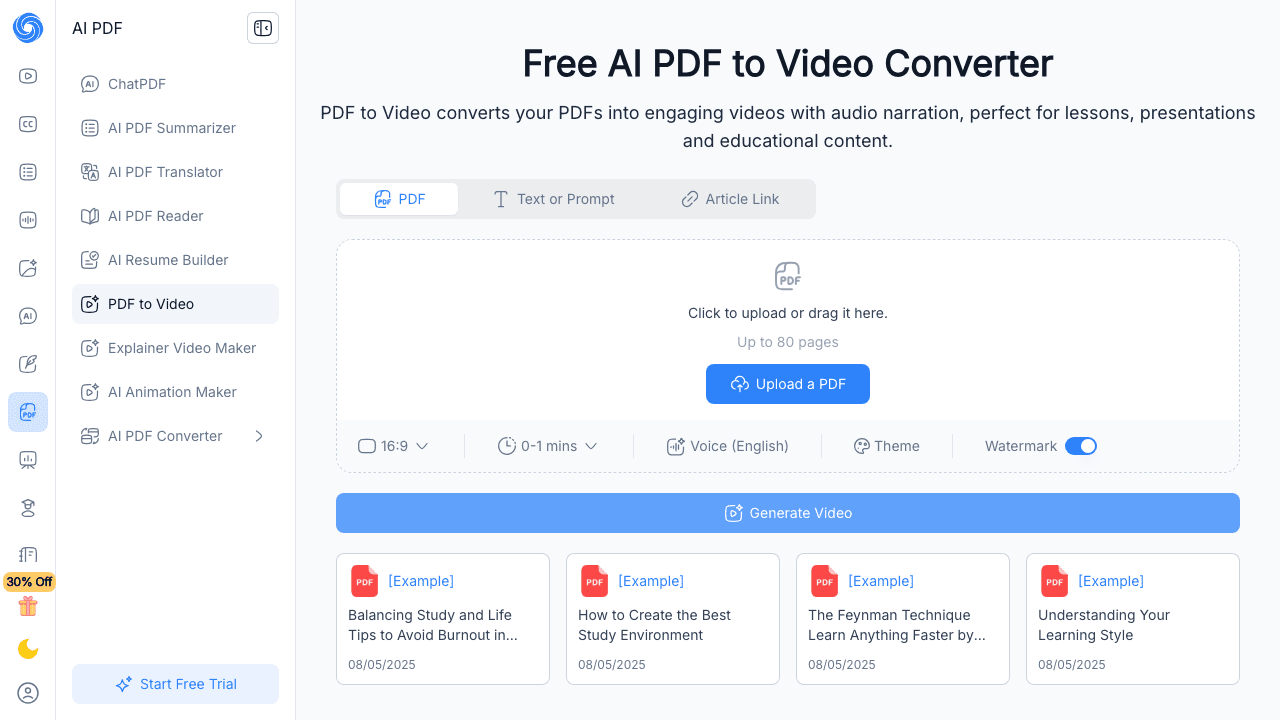
NoteGPT is the easiest way to convert a PDF into a narrated video without signing up. Drop in a PDF and NoteGPT generates a narrated slideshow with AI-written commentary, automatically extracted key points, and matching visuals.
It's not the most polished output on this list, the visuals lean basic and the voiceover is functional rather than human, but the price (free, no signup) and speed make it ideal for students summarizing lecture notes or anyone who needs a quick first draft.
Key features:
- Free, no signup required
- Auto-summarization of long PDFs
- Multilingual narration
- Mind map and flashcard exports as a bonus
Limitations:
- Output looks generic
- Limited editing controls
- Watermarked free exports
- Better for study notes than marketing content
Pricing: Free tier. Pro from $9.99/month.
4. Visla
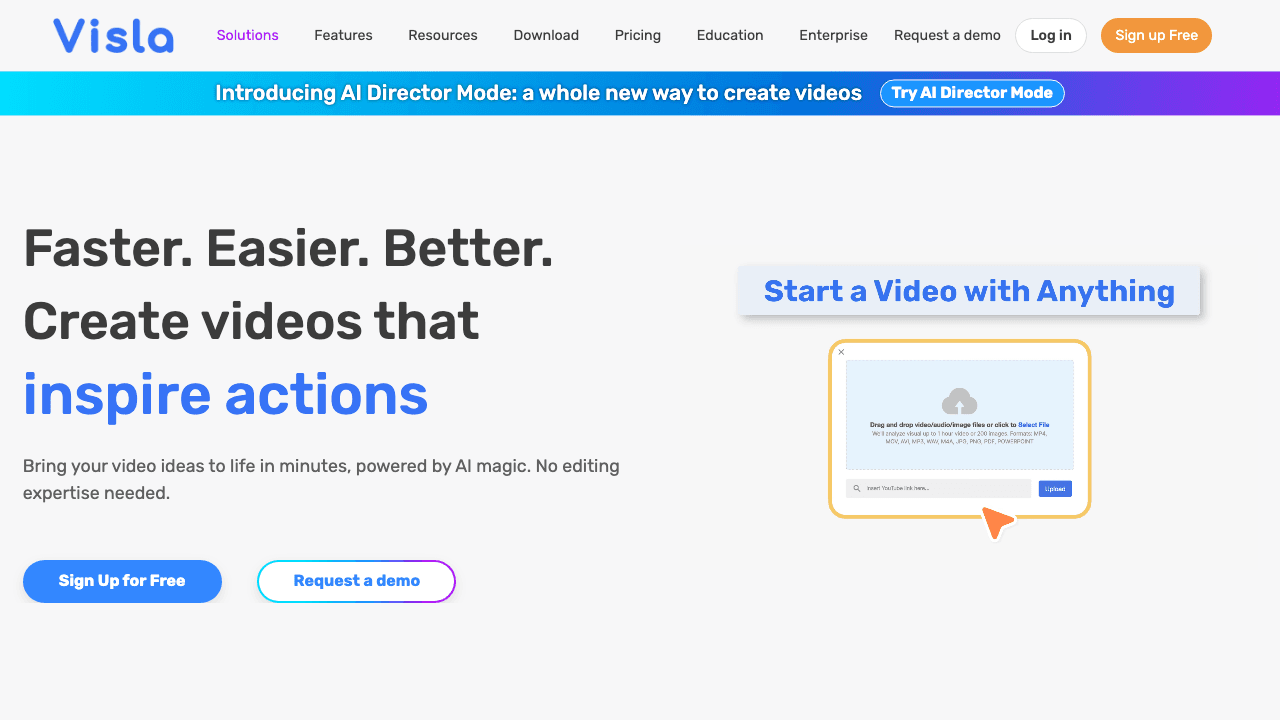
Visla turns PDFs (and PowerPoints, scripts, prompts) into scene-based videos with stock footage, AI voiceover, and auto-generated subtitles. It's positioned as a marketing tool, the output is short, snappy, and looks like it belongs on social media.
Visla's strength is its scene generation. It breaks your document into logical chunks, picks relevant b-roll for each scene, and lets you swap clips with a click. The voice cloning feature is also useful if you want narration in your own voice.
Key features:
- Scene-based editor with stock footage library
- Voice cloning + AI avatars
- Auto-subtitles and transitions
- Direct social-media export presets
Limitations:
- Credit-based system can feel restrictive
- Less suited for long-form training content
- Quality of scene selection varies by topic
Pricing: Free with credits. Pro at $18/month (50% off annual).
5. Fliki
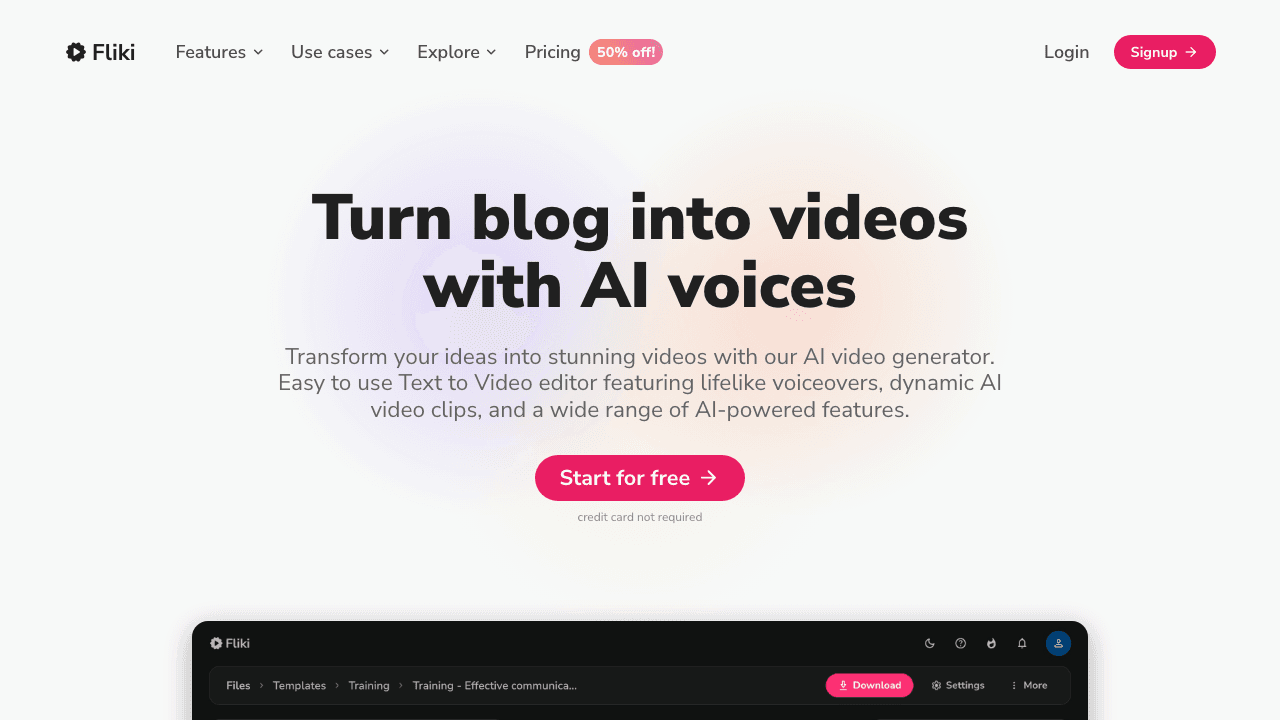
Fliki is a long-running text-to-video tool that also accepts PDFs. It's known for its huge voice library, 2, 000+ voices in 80+ languages, and has one of the cheapest entry points on this list.
The output is essentially a voiceover slideshow: stock images or video clips paired with narration. It's not as visually rich as Visla or as polished as Synthesia, but it covers the basics very well at a low price point.
Key features:
- 2, 000+ AI voices, 80+ languages
- Voice cloning available
- Stock library integration (Pexels, Unsplash, Pixabay)
- Simple timeline editor
Limitations:
- Visual output feels templated
- PDF parsing is less sophisticated than newer tools
- Free tier is heavily metered
Pricing: Free plan. Standard from $8/month.
6. X-Pilot
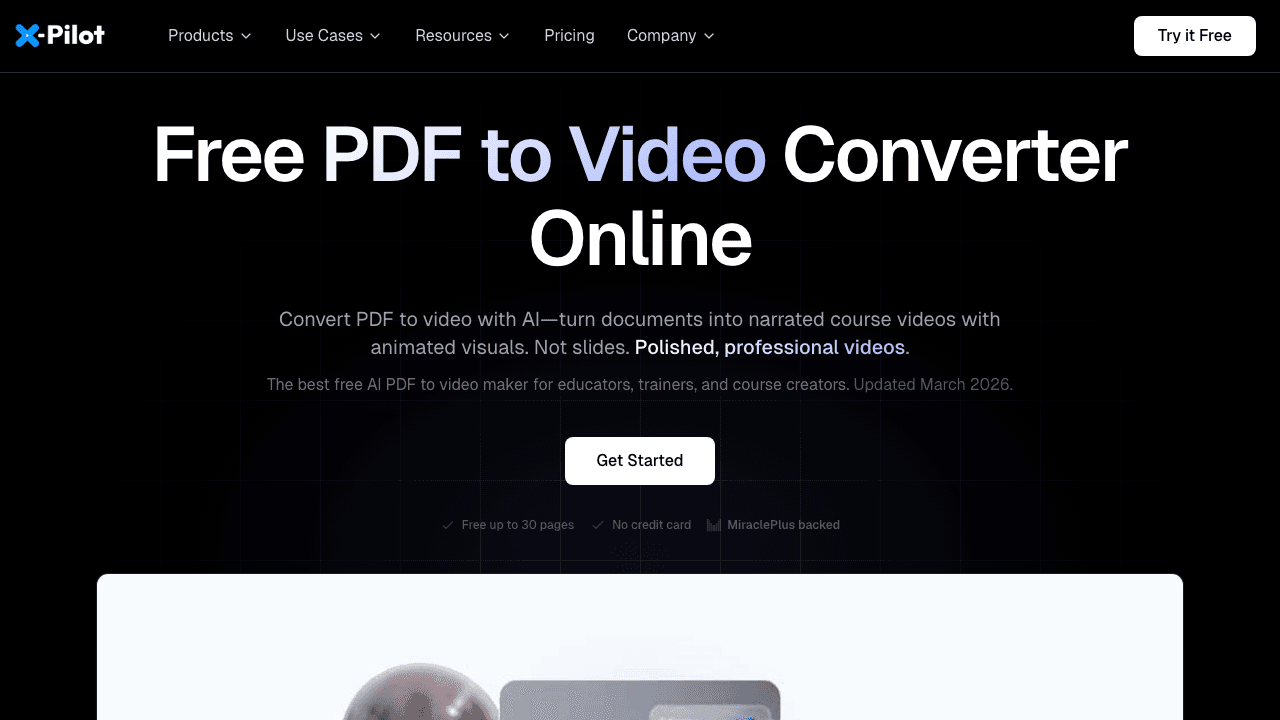
X-Pilot is designed for educational and training content. It actually parses your PDF, extracting structure, identifying concepts, and selecting contextual animations for each section, rather than just narrating paragraphs in order.
The free tier is unusually generous: documents up to 30 pages, no watermark, no credit card. For instructors, course creators, and L&D teams, that alone makes X-Pilot worth testing.
Key features:
- Document-aware AI (extracts logical structure)
- Animated explainer-style output
- 30-page free PDFs with no watermark
- Strong on educational/training content
Limitations:
- Less suited for marketing-style videos
- Smaller voice library than Fliki
- Pricing for higher tiers requires contacting sales
Pricing: Free tier (30 pages). Paid plans on request.
7. AI Studios (DeepBrain)
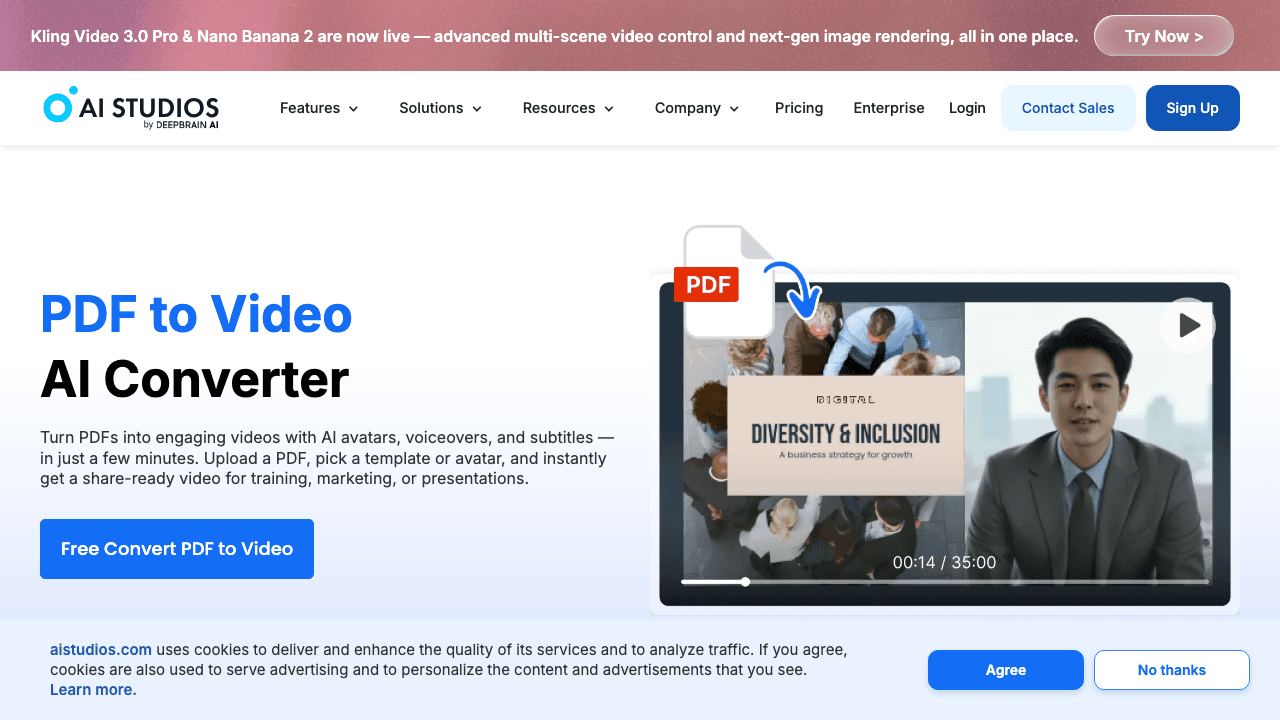
AI Studios by DeepBrain is the closest competitor to Synthesia in the avatar-video space. It supports 100+ languages, includes 200+ pre-built AI presenters, and lets enterprise customers create a custom AI avatar from a single photo and voice sample.
For organizations that want a branded virtual spokesperson, same face across every video, AI Studios is one of the few tools that delivers convincing custom avatars without a studio shoot.
Key features:
- Custom AI avatars from a photo
- 100+ languages
- PDF-to-video and PPT-to-video templates
- Real-time avatar streaming for live use cases
Limitations:
- Custom avatars are an enterprise upsell
- Editing is more rigid than scene-based tools
- Free trial is short
Pricing: Free trial. Personal from $30/month.
8. Vidnoz
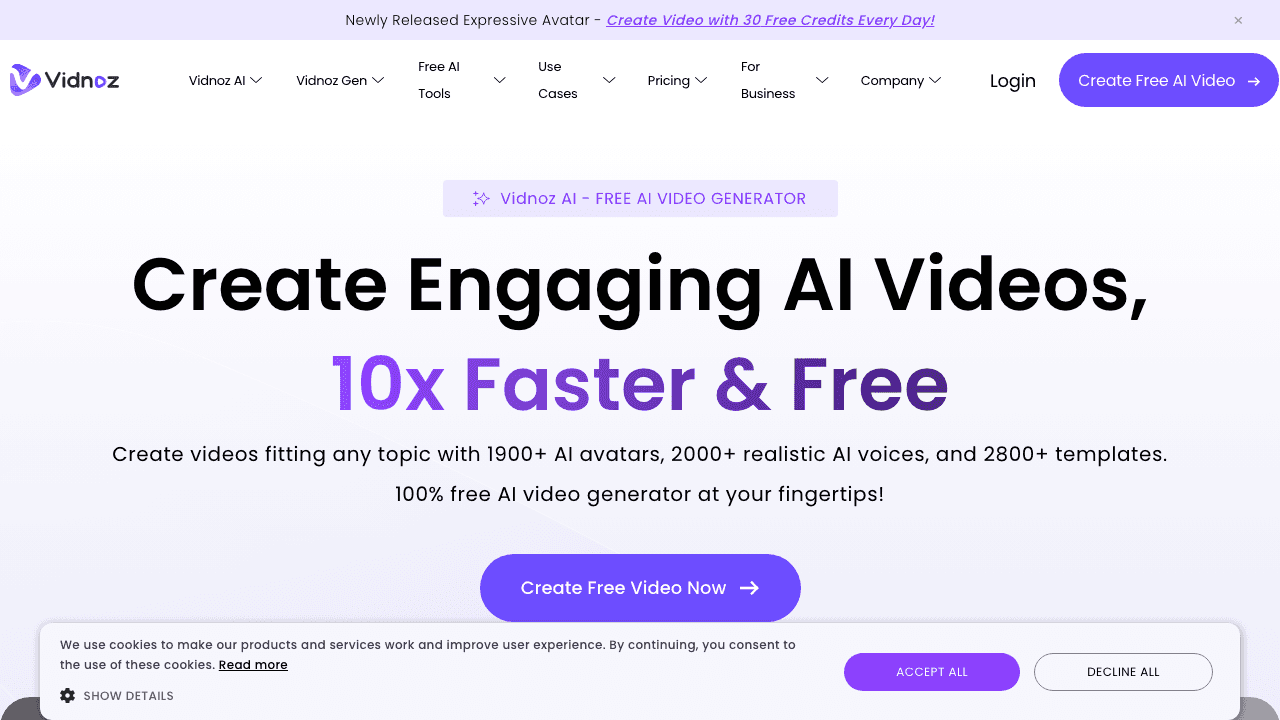
Vidnoz AI is one of the most generous free options. It includes avatar-based PDF to video, talking photo, voice cloning, and a sizable template library, all accessible on the free plan without aggressive watermarking.
The output sits between slideshow and avatar video. It's not as polished as Synthesia, but it's free, fast, and handles PDFs in a few minutes. For trying the format before committing to a paid tool, Vidnoz is a smart starting point.
Key features:
- Generous free tier (1 min/day)
- 800+ avatars and 1, 290+ AI voices
- Voice cloning + face swap
- PDF, PPT, and URL inputs
Limitations:
- Free tier has daily limits, not monthly
- Avatar quality varies
- Editor feels cluttered
Pricing: Free. Paid from $17.99/month.
9. StudyFetch
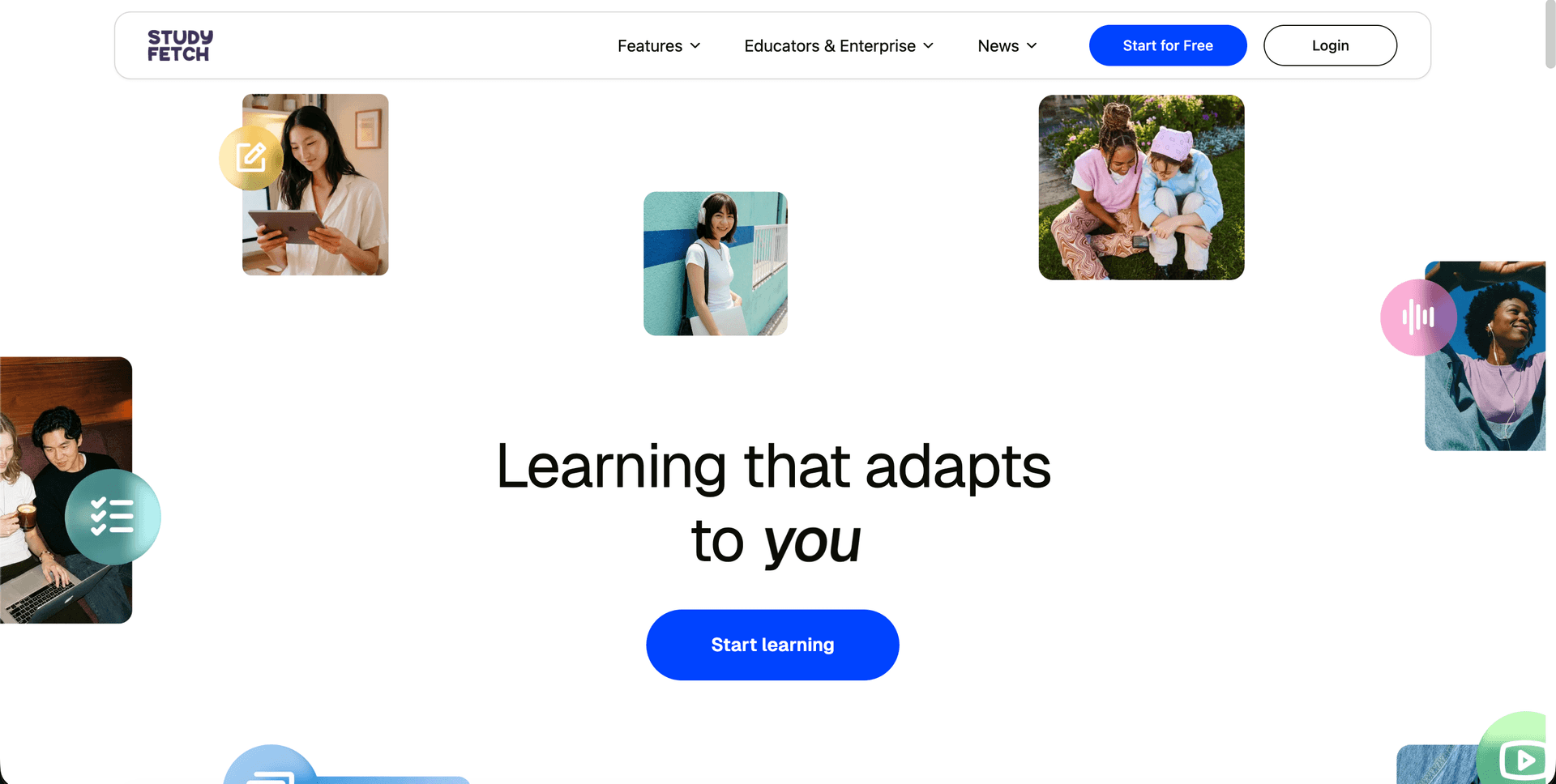
StudyFetch is built specifically for students and educators. Upload a textbook chapter, lecture notes, or research paper and StudyFetch generates an explainer video that walks through the material like a tutor would.
It's narrower in scope than the other tools on this list, you wouldn't use it for marketing, but for turning dense academic PDFs into something watchable, it's purpose-built.
Key features:
- Tutor-style explanations
- Generates flashcards and quizzes alongside the video
- Designed for academic content
- Affordable student pricing
Limitations:
- Not suitable for business or marketing videos
- Visual style is deliberately simple
- Limited language support
Pricing: Free trial. Pro from $14.99/month.
Need Documentation, Not Just a Video?
Vidocu generates step-by-step guides, subtitles, and voiceover from your videos and documents, perfect for help centers and training.
See How It WorksHow to Pick the Right Tool
A few quick decision rules:
- Need video AND documentation from the same source? → Vidocu is the only tool here that produces both in one workflow.
- Need a polished avatar talking through your PDF? → Synthesia or AI Studios.
- Need it free with no signup? → NoteGPT.
- Need short, snappy social-media clips? → Visla.
- Need cheap multilingual narration? → Fliki.
- Educational or training content? → X-Pilot.
- Just exploring the format? → Vidnoz.
For most teams building knowledge bases, help articles, or SOPs, the right tool is one that produces multiple output types from the same source, because almost no piece of content lives in a single format anymore.
FAQ
Can AI really turn a PDF into a watchable video?
Yes, but quality varies enormously. The best tools (Synthesia, X-Pilot, Vidocu) actually parse the document structure, write a coherent script, and select contextual visuals. Lower-quality tools just paste paragraphs onto slides with robotic narration. Always test with a real document before subscribing.
How long does PDF to video conversion take?
For most tools, a 10-page PDF generates a 2–5 minute video in under 5 minutes. Longer documents (50+ pages) can take 15–30 minutes. Tools that use AI avatars are typically slower than slideshow-based tools.
Are PDF to video tools free?
Most have free tiers, but they're usually metered: limited length, watermarks, or page caps. NoteGPT and Vidnoz have the most generous free tiers. X-Pilot offers up to 30 pages free with no watermark. For unlimited use, expect to pay $9–$30/month.
Can I edit the video after it's generated?
Most tools let you edit the script and swap individual scenes. Few let you do real video editing, trimming, transitions, music, without exporting to a separate tool. Vidocu and Visla have the most complete built-in editors.
What's the best PDF to video tool for training and onboarding?
For training that also needs to live as written documentation (which is most internal training), Vidocu is the strongest option because it produces a video, a step-by-step guide, subtitles, and voiceover from the same source. For pure avatar-led compliance training, Synthesia is hard to beat.
Do these tools support multiple languages?
Most do. Fliki (80+), Synthesia (140+), Vidocu (100+), and AI Studios (100+) all offer broad multilingual support. If you need to publish content in many languages, prioritize tools with built-in video translation so you don't have to regenerate from scratch each time.

Written by
Daniel SternlichtDaniel Sternlicht is a tech entrepreneur and product builder focused on creating scalable web products. He is the Founder & CEO of Common Ninja, home to Widgets+, Embeddable, Brackets, and Vidocu - products that help businesses engage users, collect data, and build interactive web experiences across platforms.