


Building video features into your app used to mean months of FFmpeg wrestling, GPU provisioning, and encoding headaches. Not anymore.
A growing wave of video editing APIs lets developers add trimming, rendering, subtitles, voiceover, and even full post-production to any product, with a few API calls. Whether you're building a SaaS tool, automating marketing content, or processing user-generated video at scale, there's an API built for your use case.
This guide breaks down the 9 best video editing APIs for developers in 2026, covering features, pricing, strengths, and trade-offs so you can pick the right one.
The best video editing API depends on your use case. For AI-powered subtitles, voiceover, translation, and video-to-documentation, Vidocu leads. For template rendering at scale, choose Shotstack or Creatomate. For streaming and playback, Mux or api.video. Cloudinary wins for URL-based transforms, and FFmpeg.wasm for client-side processing. Whether you call it a video editing API or a video editor API, match the tool to the job.
Last updated: June 2026.
What to Look for in a Video Editing API
Before diving into the list, here's what separates a great video API from a mediocre one:
- Rendering speed: How fast can it process and return a finished video?
- Feature depth: Does it handle just trimming and encoding, or does it also support subtitles, voiceover, overlays, and effects?
- AI capabilities: Can it auto-generate subtitles, translate audio, or create documentation from video?
- Async job handling: Does it support webhooks and job polling for long-running tasks?
- SDKs and documentation: Are there official SDKs, clear docs, and working code examples?
- Pricing model: Per-minute rendering, per-API-call, or flat monthly? Hidden costs matter.
Comparison Table
| API | Best For | AI Features | Free Tier | SDKs | Pricing Model |
|---|---|---|---|---|---|
| Vidocu | Subtitles, voiceover, docs from video | Subtitles, voiceover, translation, article generation | Yes | REST + MCP | Usage-based by plan |
| Shotstack | Template-based video rendering at scale | Template AI generation | Sandbox | Node, Python, PHP, Ruby | $0.20–0.30/min |
| Creatomate | Automated social media videos | Template rendering | 50 credits | Node, PHP, Python | Credit-based |
| Mux | Video streaming and playback | Auto-captions, moderation | Free credit | Node, Python, Ruby, Go, PHP | Pay-as-you-go |
| Cloudinary | Media management + on-the-fly transforms | Auto-tagging, smart cropping | Yes (limited) | Node, Python, PHP, Java, Ruby | Transform-based |
| api.video | Video hosting and live streaming | Transcription, summarization | Yes | 20+ SDKs | Usage-based |
| Transloadit | File processing pipelines | Transcription | 5 GB/mo free | React, Vue, Node, Python, Swift, Kotlin | From $69/mo |
| Bannerbear | Image and short video generation | Template rendering | Free trial | Node, Ruby, PHP, Python | From $49/mo |
| FFmpeg.wasm | Client-side video processing | None | Open source | JS, React, Vue | Free |
1. Vidocu
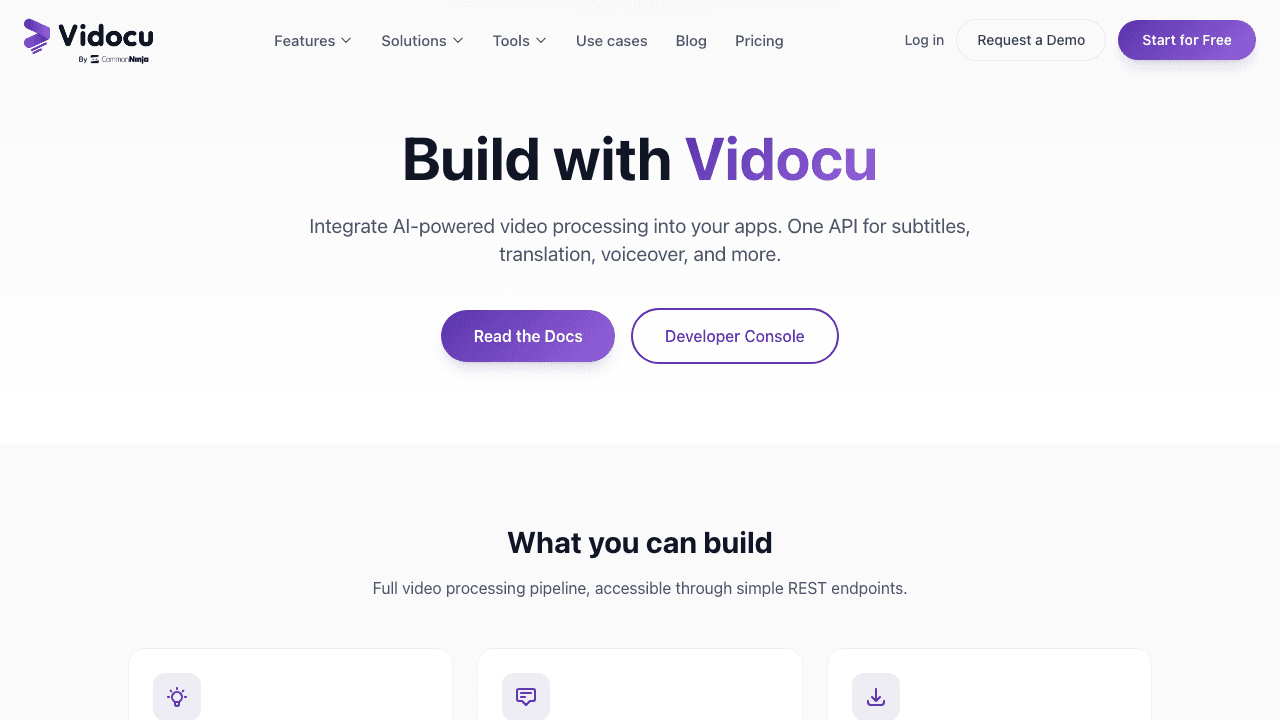
Vidocu's API is built for teams that need more than raw video encoding. Upload a video, and the API can analyze it, generate subtitles in 65+ languages, create natural AI voiceover, translate everything, and even produce a step-by-step help article with auto-generated screenshots, all through REST endpoints.
Key features:
- Video analysis with scene detection and metadata extraction
- AI subtitle generation in 65+ languages (JSON and SRT output)
- Natural AI voiceover with multiple voice and language options
- Video translation across 65+ languages
- Article generation, turns videos into structured Markdown documentation with screenshots
- Video export with burned-in subtitles and branding
- Webhook support with HMAC SHA-256 signed payloads
- OAuth 2.0 with PKCE for user-facing integrations
Pricing: Usage-based across Starter, Growth, Scale, and Enterprise tiers. Rate limits range from 50 req/min (Starter) to 1,000 req/min (Enterprise). All paid plans include API access.
Best for: Developer teams building products that need AI-powered video processing, especially subtitles, voiceover, translation, and video-to-documentation workflows. If you're building a knowledge base, training platform, or content repurposing tool, Vidocu handles the full pipeline from upload to finished content. You can also automate subtitles, voiceover, and docs with an API in a single workflow.
2. Shotstack
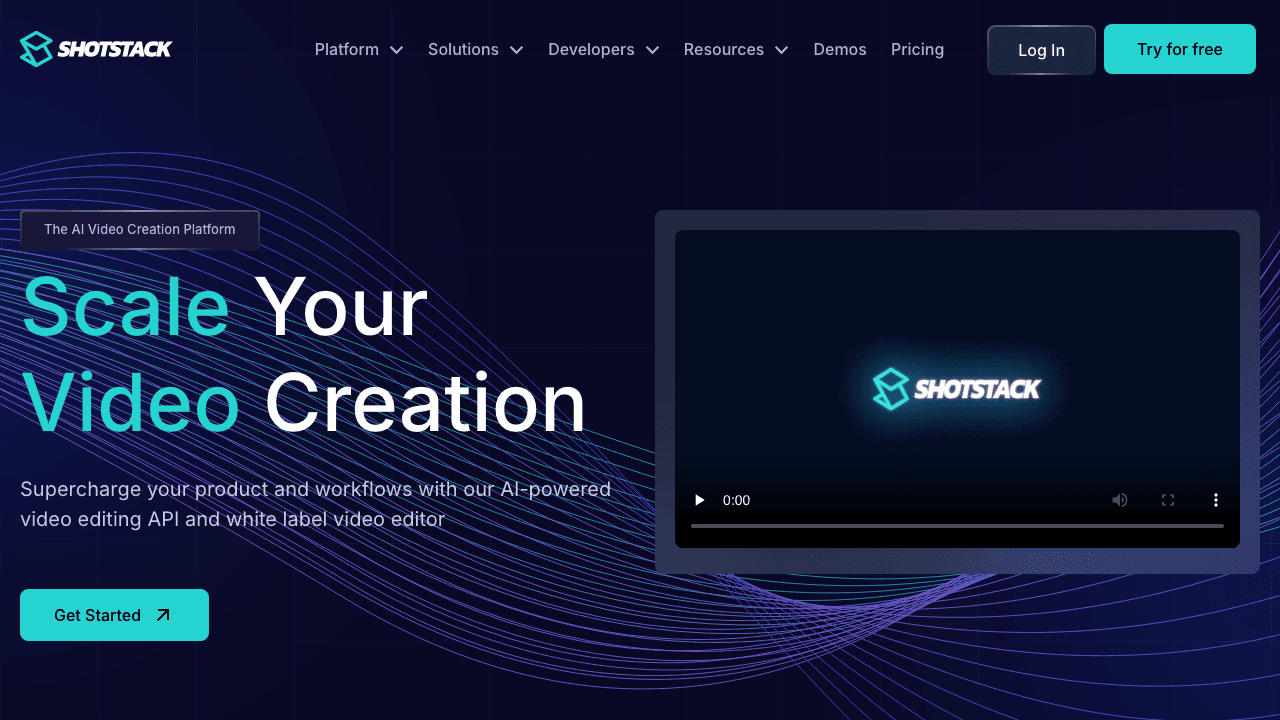
Shotstack is a cloud-based video rendering API designed for high-volume, template-driven video production. You define video compositions as JSON, and Shotstack renders them at scale, up to thousands of videos in minutes.
Key features:
- JSON-based video composition and rendering
- Template system with dynamic data replacement
- White-label video editor SDK (embeddable)
- SDKs for Node.js, Python, PHP, and Ruby
- Up to 4K resolution, 60fps
- Bulk rendering for personalized video campaigns
- 99.9% SLA uptime
Pricing: Pay-as-you-go at $0.30/min, or subscription plans from $39/month at $0.20/min. Free sandbox environment for testing. High-volume plans (50,000+ minutes/year) offer custom pricing.
Best for: Marketing and e-commerce teams that need to generate thousands of personalized videos from templates. Shotstack excels at scale but doesn't offer AI features like subtitle generation or voiceover, it's a rendering engine, not a content intelligence platform.
3. Creatomate
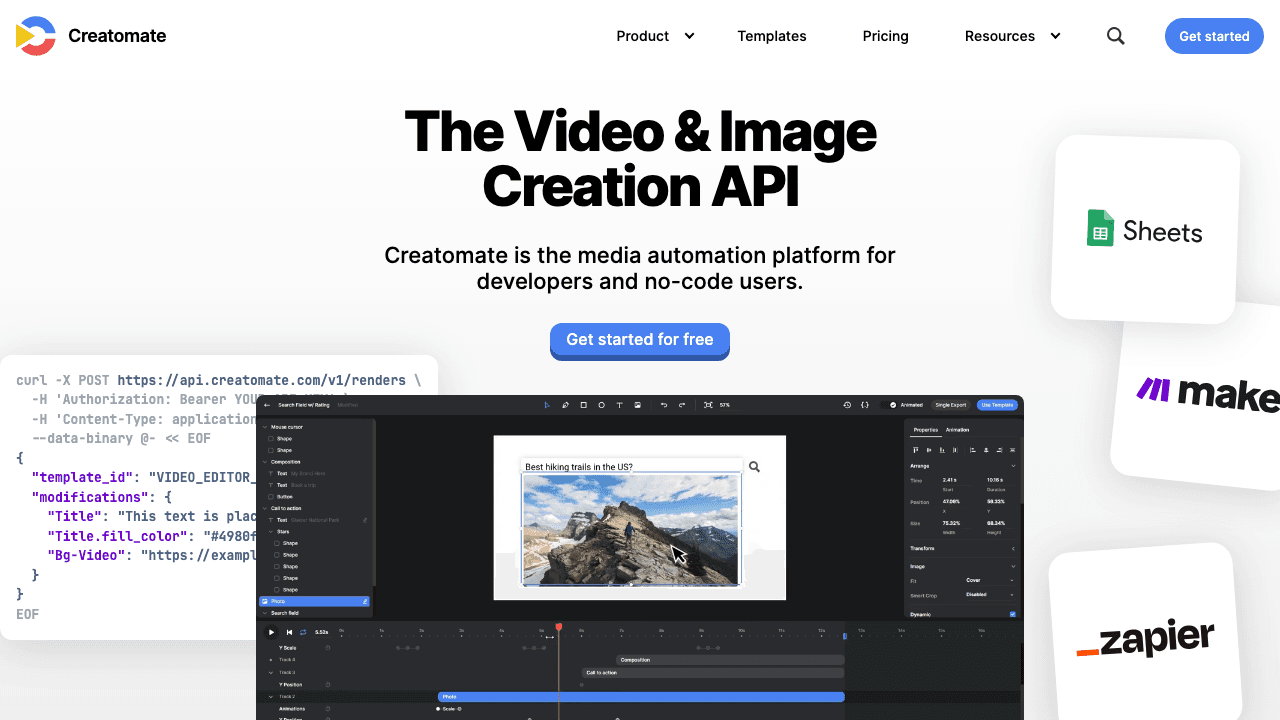
Creatomate is a media automation platform that renders videos and images from templates via API. It bridges the gap between no-code tools and developer APIs with a visual template editor plus full REST access.
Key features:
- REST API for video and image rendering from JSON templates
- Visual template editor for designing compositions
- JavaScript Preview SDK for in-browser editing
- No-code integrations via Zapier and Make (5,000+ apps)
- Bulk generation from CSV data
- Dynamic text, color, and media replacement
- Social media format presets (Reels, Shorts, TikTok)
Pricing: Credit-based system. Free trial with 50 credits. Paid plans range from Essential (2,000 credits) to Beyond (50,000+ credits). Pricing varies by billing frequency.
Best for: Teams automating social media content and marketing videos. The no-code + API combo works well for mixed teams, but Creatomate is focused on template rendering, it won't analyze existing videos, generate subtitles, or create documentation from video content.
4. Mux
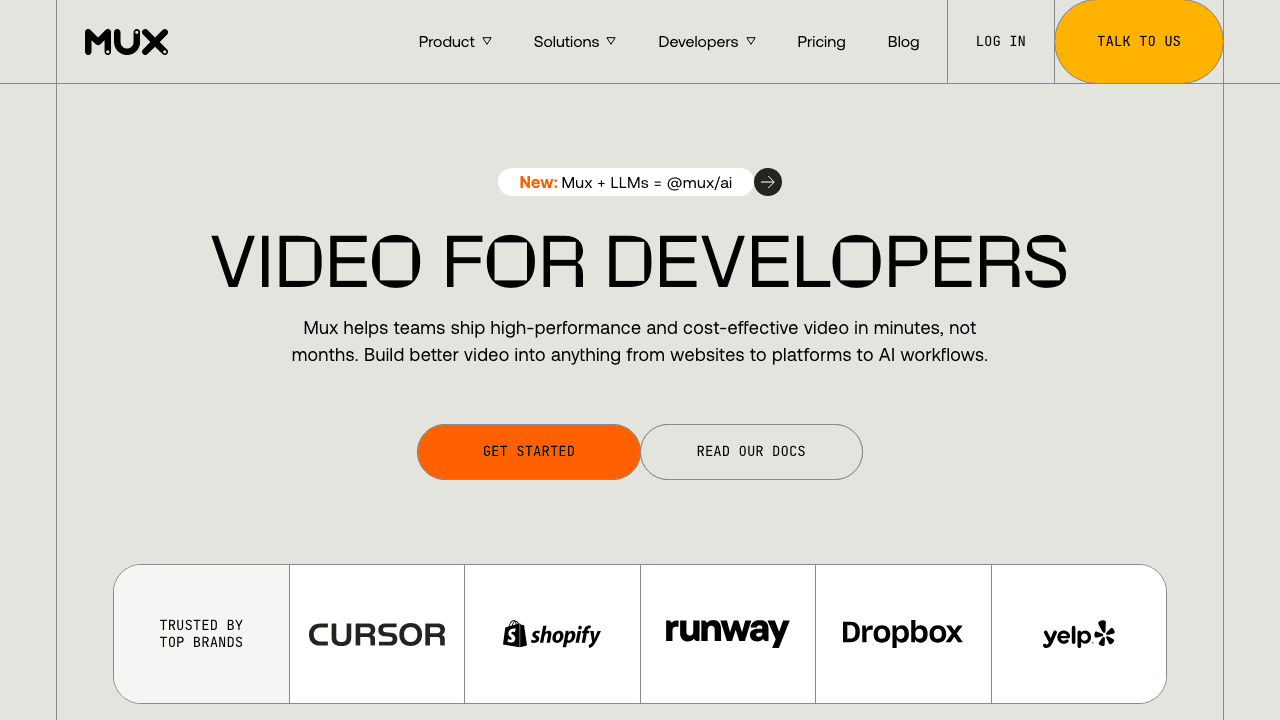
Mux is a video infrastructure platform focused on encoding, streaming, and analytics. It handles the heavy lifting of video delivery, adaptive bitrate streaming, real-time analytics, and recently added AI features like auto-captions and content moderation.
Key features:
- On-demand and live video streaming
- Auto-generated subtitles and closed captions
- Frame-accurate clipping and thumbnail generation
- Storyboard generation for timeline previews
- Multi-track audio for dubbed content
- Engagement and quality-of-experience analytics (Mux Data)
- AI content moderation scoring
- Playback ready in under 2 seconds average
Pricing: Pay-as-you-go with a free monthly usage credit. Charges based on encoding, storage, and streaming minutes. Transparent per-minute pricing.
Best for: Products that need rock-solid video playback and streaming infrastructure. Mux is the strongest pick for viewer-facing video (courses, media platforms, UGC). However, it's primarily a delivery and analytics platform, it doesn't do video editing, effects, or content generation like AI voiceover or video translation.
5. Cloudinary
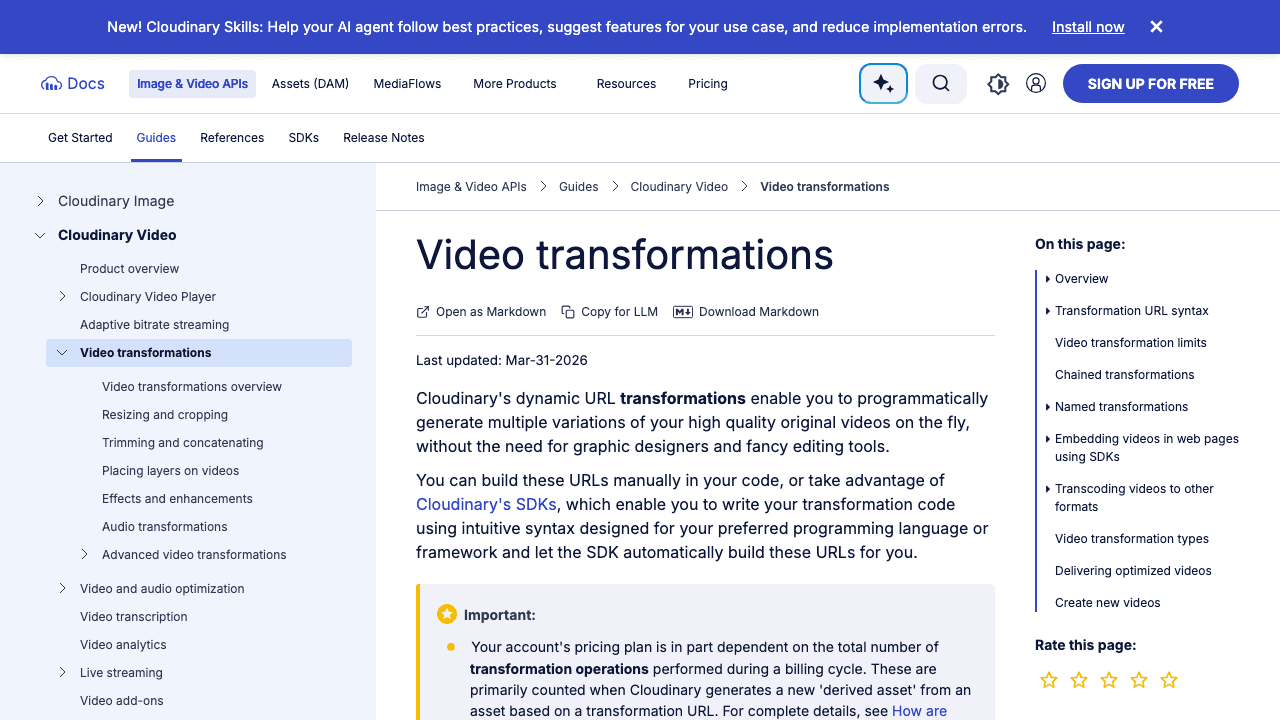
Cloudinary is a media management platform with powerful URL-based video transformations. Instead of rendering videos through a separate pipeline, you apply transformations directly in the delivery URL, resize, crop, overlay, concatenate, and optimize on the fly.
Key features:
- URL-based video transformations (no separate rendering step)
- Format conversion and adaptive streaming
- Text and image overlays
- Smart cropping with auto-gravity
- Video concatenation and trimming
- AI-powered tagging and content-aware cropping
- SDKs for Node.js, Python, PHP, Java, Ruby, and more
- Transformation Builder UI with natural language mode
Pricing: Transform-based billing. Free tier available with limited credits. Paid plans scale based on storage, transformations, and bandwidth. 30-minute max for progressive delivery, 60-minute max for adaptive streaming.
Best for: Teams already using Cloudinary for image management who want to add video capabilities. The URL-based approach is elegant for simple transformations, but complex editing workflows (multi-track audio, voiceover, subtitle generation) require a dedicated video editing platform.
6. api.video
api.video is a video hosting and streaming API with a developer-first approach. It handles encoding, delivery, and live streaming with a global CDN (140+ points of presence), plus recently added AI transcription and summarization.
Key features:
- Video encoding and hosting with global CDN
- Live streaming with low latency
- AI-powered transcription and video summarization
- Customizable embedded video player
- 20+ SDKs (Node.js, Python, PHP, iOS, Android, etc.)
- Engagement analytics and viewer insights
- 99.999% uptime SLA
Pricing: Usage-based with volume discounts. Free tier available with no credit card required. Enterprise plans for custom needs.
Best for: Developers building video-first applications that need reliable hosting and streaming. api.video is strong on delivery infrastructure but lighter on post-production features, no subtitle burning, voiceover generation, or video effects.
7. Transloadit
Transloadit is an enterprise-grade file processing API built on top of FFmpeg. It handles video encoding, audio processing, image manipulation, and document conversion through a declarative pipeline system called "Assembly Instructions."
Key features:
- Parallel processing, multiple steps execute simultaneously
- Resumable uploads via the tus protocol
- 1,000+ supported formats and codecs
- AI-powered transcription and content moderation
- Multi-CDN delivery with compliance-aware routing
- SOC 2 certified, GDPR and HIPAA ready
- SDKs for React, Vue, Node.js, Python, Swift, and Kotlin
Pricing: Free Community tier (5 GB/month). Startup at $69/month (40 GB/month). Enterprise with custom pricing and dedicated support.
Best for: Teams that need a Swiss-army-knife file processor, video, audio, images, and documents in one API. Transloadit is battle-tested (used by The New York Times, NVIDIA, Coursera) but requires more configuration than purpose-built video APIs. It won't generate AI documentation or voiceover, it's a processing pipeline, not a content platform.
8. Bannerbear

Bannerbear generates images and short videos from templates via API. It's focused on automating visual content creation, social media posts, Open Graph images, video thumbnails, and short promotional clips.
Key features:
- REST API for image and video generation from templates
- Visual template designer with layers and dynamic fields
- Integrations with Zapier, Airtable, and webhooks
- Multi-template collections for consistent branding
- Signed URL generation for secure, on-demand rendering
- Animated GIF and short MP4 output
Pricing: Plans start from $49/month. Free trial available. Credit-based system with limits on renders and API calls.
Best for: Teams automating visual content like social cards, thumbnails, and short promo videos. Bannerbear is laser-focused on template-to-image/video generation, it's not designed for editing longer videos, adding subtitles, or processing uploads.
9. FFmpeg.wasm
FFmpeg.wasm brings the power of FFmpeg to the browser via WebAssembly. It's the only fully client-side option on this list, no server, no API calls, no usage fees.
Key features:
- Full FFmpeg functionality in the browser
- No server-side processing required
- Open source (MIT license)
- Supports trimming, encoding, format conversion, filters, and more
- Works with React, Vue, and vanilla JavaScript
- Community-maintained with active development
Pricing: Free and open source.
Best for: Developers who need basic video processing without server costs or data privacy concerns (video never leaves the user's browser). The trade-off: processing speed is limited by the user's device, there's no AI capability, and complex operations can freeze the browser tab. For production workloads, a cloud-based API like Vidocu is more reliable.
Build Video Features Into Your Product
Vidocu's API handles subtitles, voiceover, translation, and documentation, so you don't have to build it yourself.
Explore the APIHow to Choose the Right Video API
The right API depends on what you're building:
If you need AI-powered content generation (subtitles, voiceover, translation, documentation) → Vidocu is the only API that handles the full pipeline from video upload to finished content.
If you need template-based rendering at scale (marketing videos, personalized clips) → Shotstack or Creatomate will serve you best. For a broader look at no-code options, see our video automation tools roundup.
If you need video streaming and playback (courses, media platforms, UGC) → Mux or api.video have the strongest delivery infrastructure.
If you need media management with transformations (resize, crop, overlay on the fly) → Cloudinary's URL-based approach is hard to beat.
If you need a general-purpose file processor (video + audio + images + documents) → Transloadit covers the widest range of formats.
If you need client-side processing (privacy-first, no server costs) → FFmpeg.wasm is the only option that processes video entirely in the browser.
API Integration Patterns
Most video editing APIs follow similar integration patterns. Here's what to expect:
Async Job Processing
Video operations take time. Every serious video API uses async job processing:
- Submit a job (upload, encode, render)
- Receive a job ID immediately
- Poll for status or receive a webhook when complete
- Download or stream the result
APIs like Vidocu and Mux support both polling and webhooks. Others like Shotstack are webhook-first. Make sure your architecture handles async callbacks, don't try to process video synchronously.
Example: submit and poll a job
A typical Vidocu flow is upload, analyze, then poll the job until it completes:
# 1. Request a presigned upload URL
curl -X POST https://api.vidocu.ai/v1/videos/upload \
  -H "Authorization: Bearer vdo_live_your_key" \
  -H "Content-Type: application/json" \
  -d '{"filename":"demo.mp4","contentType":"video/mp4","name":"Product Demo"}'

# 2. Start analysis (returns a jobId)
curl -X POST https://api.vidocu.ai/v1/videos/vid_123/analyze \
  -H "Authorization: Bearer vdo_live_your_key" \
  -H "Content-Type: application/json" -d '{}'
Then poll GET /v1/jobs/:id until status is completed:
{
  "jobId": "analysis_1708300000000_abc1234",
  "type": "analysis",
  "status": "processing",
  "progress": { "step": "transcribing", "percentage": 45 },
  "result": null
}
Or skip polling entirely and let a signed webhook notify your endpoint when the job finishes.
Authentication
Most APIs use API key authentication for server-to-server integrations. If you're building a user-facing app where end users connect their own accounts, look for OAuth 2.0 support. Vidocu supports both API keys and OAuth 2.0 with PKCE, which is the most flexible option for SaaS builders. For AI-agent and LLM-driven workflows, see how video MCP servers let agents call video tools directly.
Rate Limits
Every API has rate limits. Plan for them:
| API | Rate Limit |
|---|---|
| Vidocu | 50–1,000 req/min (by plan) |
| Shotstack | Concurrent render limits |
| Mux | Per-endpoint limits |
| Cloudinary | Plan-based quotas |
| api.video | Usage-based |
If you expect burst traffic, check whether the API offers queuing or if you need to build your own.
Start Building with Vidocu's API
Upload a video, get subtitles, voiceover, and documentation back, all via REST.
Read the docsFAQ
What is a video editing API?
A video editing API lets developers programmatically process, edit, and transform video files without building their own encoding infrastructure. Instead of managing FFmpeg servers, GPU instances, and storage, you send API calls and receive processed video back. Common operations include trimming, encoding, adding subtitles, generating voiceover, and rendering compositions from templates. For a one-off job that does not justify an integration, you can combine videos online in the browser instead.
Which video API is best for adding subtitles and voiceover?
Vidocu is the strongest option for AI-powered subtitles and voiceover. It generates subtitles in 65+ languages, creates natural AI voiceover, and can translate both, all through a single API. Mux offers auto-captions but not voiceover. Most other APIs on this list require you to integrate separate subtitle and text-to-speech services. For translation-specific options, compare the best video translation APIs. If your pipeline needs the raw audio track rather than a transcript, you can also extract audio from video as a standalone step.
Can I use FFmpeg instead of a video editing API?
Yes, but you'll need to manage your own infrastructure, servers, GPU instances, encoding queues, storage, and scaling. FFmpeg is incredibly powerful but requires significant DevOps work to run reliably at scale. APIs like Shotstack and Transloadit are essentially managed FFmpeg infrastructure. For AI features like subtitle generation, voiceover, and video translation, you'll need a platform like Vidocu regardless.
How much does a video editing API cost?
Costs vary widely. FFmpeg.wasm is free (open source). Transloadit starts at $69/month. Shotstack charges $0.20–0.30 per minute of rendered video. Mux and api.video use pay-as-you-go pricing with free credits. Vidocu offers usage-based plans starting with a free tier. For most startups, expect $50–200/month for moderate usage.
What's the difference between a video editing API and a video streaming API?
Video editing APIs (Shotstack, Creatomate, Vidocu) process and transform video files, trimming, rendering, adding effects, generating subtitles. Video streaming APIs (Mux, api.video) focus on delivering video to viewers, encoding for adaptive bitrate, CDN distribution, player embeds, and analytics. Some platforms overlap, Mux now offers editing features, and Vidocu handles both processing and export, but the core distinction is creation vs. delivery.
Is a video editor API the same as a video editing API?
Mostly yes. The terms "video editor API" and "video editing API" are used interchangeably for services that programmatically trim, render, caption, or transform video. Some teams reserve "video editor API" for embeddable editor SDKs (like Shotstack's white-label editor), but functionally they describe the same category. Vidocu offers REST endpoints today, with SDKs on the way.

Written by
Daniel SternlichtDaniel Sternlicht is a tech entrepreneur and product builder focused on creating scalable web products. He is the Founder & CEO of Common Ninja, home to Widgets+, Embeddable, Brackets, and Vidocu - products that help businesses engage users, collect data, and build interactive web experiences across platforms.


