
Scribe is one of the most popular tools for auto-generating step-by-step documentation. You click through a workflow, and it creates a guide with annotated screenshots and text descriptions. Simple, fast, and widely adopted. When a capture needs a fix afterwards, you can annotate an image online to add the arrow or blur it missed.
But Scribe has limitations, and if your team relies on video for training, onboarding, or customer support, those limitations become deal-breakers. Scribe produces static text-and-screenshot guides only. No video output. No voiceover. No translation. And the free tier is locked to browser-only capture.
Shopping purely on the head term rather than the video angle? We rank the field on general fit in our best Scribe alternatives roundup. This guide is narrower on purpose: it only covers the tools that also give you video and a place to host it.
If you're looking for a Scribe alternative that goes beyond static screenshots, especially one that supports video workflows, here are the 9 best options in 2026.
Why Teams Look for Scribe Alternatives
Before diving into the tools, here's what typically drives teams away from Scribe:
- No video output. Scribe generates text + screenshot guides only. If your team needs video walkthroughs, explainer videos, or tutorial content, you'll need a separate tool entirely.
- Browser extension dependency. The free plan only captures browser-based workflows. Desktop apps like Excel, Salesforce, or Adobe tools require a Pro upgrade ($25/seat/month annually).
- Generic auto-generated text. Step descriptions often say "Click here" or "Click on the button" without meaningful context. Heavy editing is usually required.
- Screenshot accuracy. Scribe sometimes captures the wrong moment, misses steps, or produces blurry screenshots, requiring manual cleanup that defeats the purpose of automation.
- Steep pricing jump. Going from free to Pro Personal costs $25–$35/seat/month. For teams that need desktop capture, redaction, or PDF export, there's no middle ground.
- No interactivity. Scribe produces read-only documents. There's no way to create interactive walkthroughs, in-app guidance, or practice environments.
If any of these pain points resonate, particularly the lack of video, the alternatives below are worth evaluating.
Quick Comparison
| Tool | Output Type | Free Tier | Starting Price | Best For |
|---|---|---|---|---|
| Vidocu | Video + text + subtitles + voiceover | Yes | $39/mo | Video-first documentation teams |
| Tango | Text + screenshots | Yes (10 users) | $24/user/mo | Direct Scribe replacement |
| Guidde | Video + AI narration | Yes (25 videos) | $19/creator/mo | Customer-facing video guides |
| Loom | Video + transcripts | Yes (25 videos) | $12.50/user/mo | Async video communication |
| Dubble | Video + screenshots | Yes (unlimited) | $18/mo | Budget-friendly dual-format |
| Iorad | Interactive tutorials | Yes (limited) | $200/mo | Hands-on software training |
| Whatfix | In-app guidance | No | Enterprise | Large-scale digital adoption |
| FlowShare | Text + screenshots (desktop) | No | ~€39/user/mo | Windows desktop workflows |
| Glitter AI | Text + screenshots (AI-enhanced) | Yes | Contact sales | AI-powered process capture |
1. Vidocu
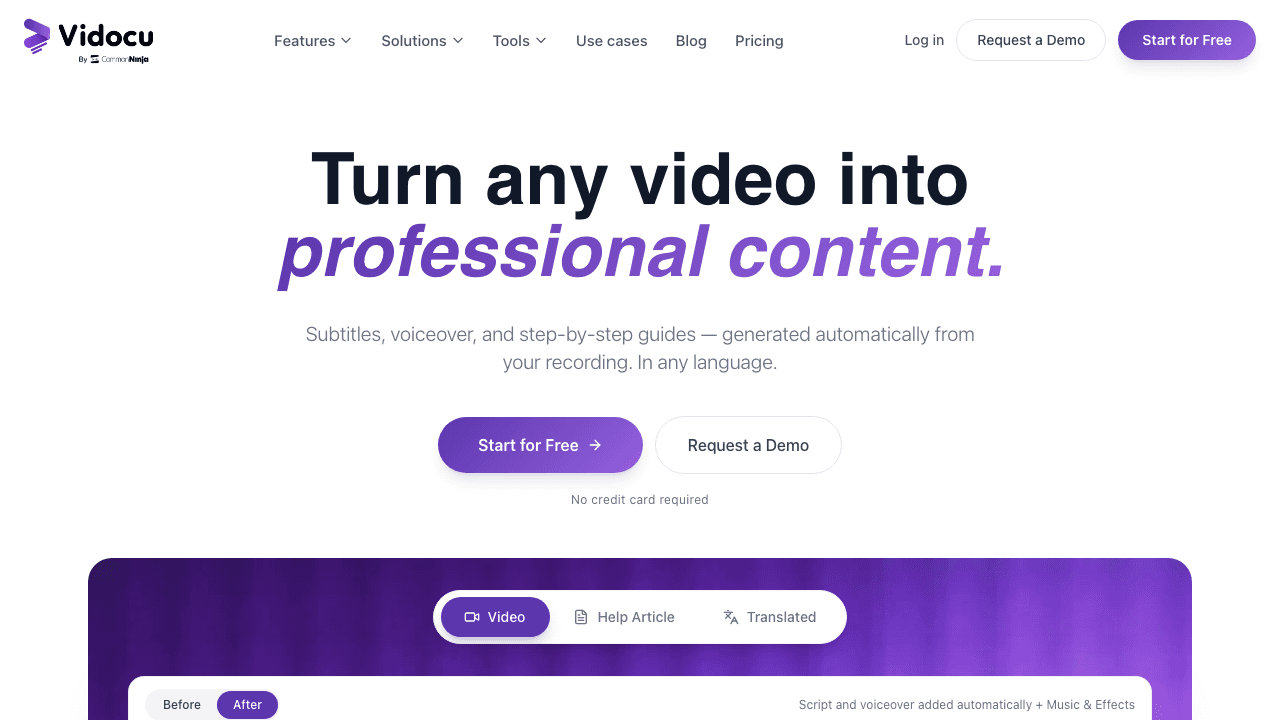
Vidocu takes a fundamentally different approach from Scribe. Instead of capturing clicks through a browser extension, you upload any video, a screen recording, a Loom, a Zoom call, a training session, and Vidocu's AI generates multiple outputs from it automatically. For a feature-by-feature and pricing breakdown, see the Vidocu vs Scribe comparison, our detailed Scribe alternative page.
From a single video upload, you get:
- Step-by-step documentation with auto-generated screenshots
- AI subtitles in 65+ languages
- AI voiceover that replaces or supplements your narration
- Video translation for multilingual teams
- A built-in video editor for trimming, annotations, zoom-and-pan, watermarks, and background music
This makes Vidocu uniquely versatile. Where Scribe gives you one output (a text guide), Vidocu gives you five or six from the same source material. And because it works with any uploaded video, not just browser recordings, you can document anything: physical processes, desktop software, mobile apps, in-person training, webinars.
Where Vidocu beats Scribe:
- Video output with professional subtitles and voiceover
- Works with any video file, not just screen recordings
- Multi-language translation built in
- No browser extension required
- Full video editor included
Where Scribe might still win:
- Faster for quick browser-based click capture (no video recording needed)
- Larger user community and more integrations
- More mature enterprise features (SSO, admin controls)
Pricing: Free tier available. Paid plans start at $29/month.
Turn Any Video Into Documentation, Subtitles & Voiceover
Upload a screen recording, tutorial, or training video, Vidocu generates step-by-step guides, subtitles, and AI voiceover automatically.
Try Vidocu Free2. Tango
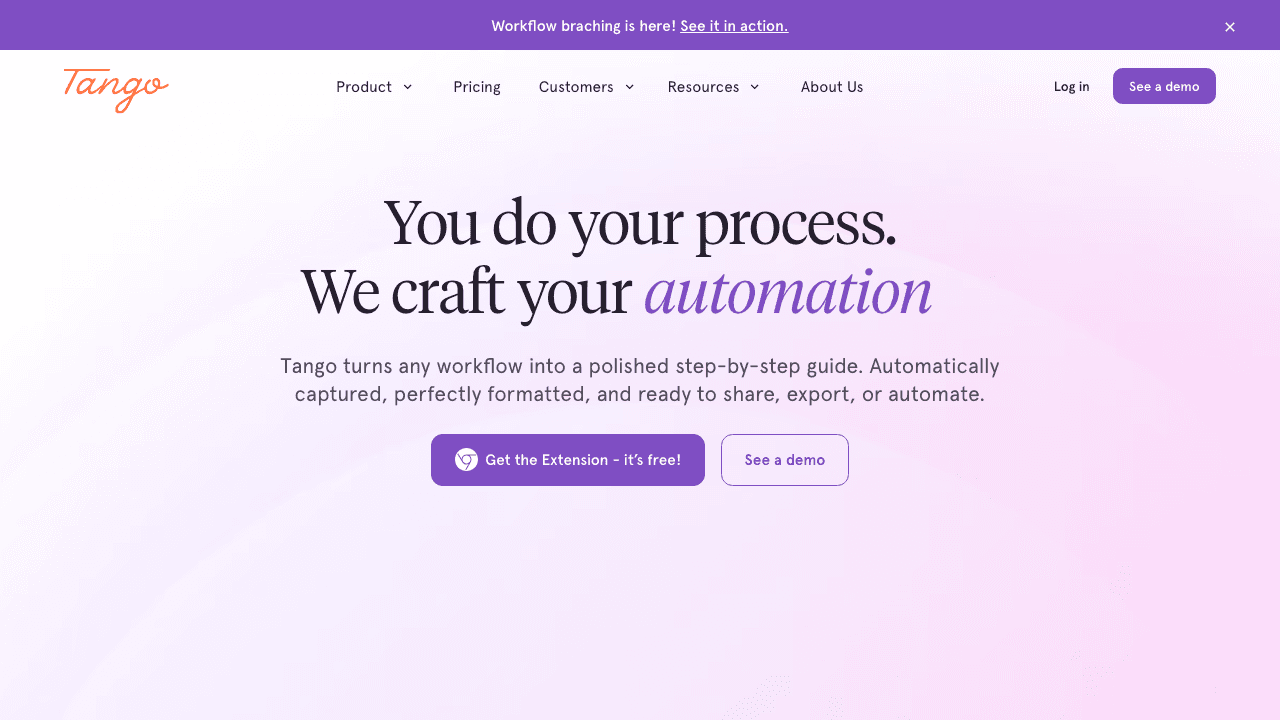
Tango is the closest direct alternative to Scribe. It captures your screen clicks and generates step-by-step guides with annotated screenshots, the same core workflow, with a cleaner interface and some additional features.
Tango has evolved significantly in recent years. Beyond standard documentation capture, it now offers in-app guidance overlays (called "Nuggets") that show instructions directly inside the application your team is using. The company has also expanded into AI-powered sales automation, though that's a separate product line.
Key features:
- Auto-capture of browser and desktop workflows
- Annotated screenshots with step descriptions
- In-app guidance overlays
- Team collaboration and sharing
- Integrations with Notion, Confluence, Slack, and more
Where Tango beats Scribe:
- Cleaner, more modern UI
- In-app guidance overlays (Scribe doesn't offer this)
- Free tier includes up to 10 users and 15 workflows
Limitations:
- Same core limitation as Scribe: no video output
- Free tier is limited (15 workflows)
- Pricing has increased, Pro is now $24/user/month
- Still requires a browser extension for capture
Pricing: Free (10 users, 15 workflows). Pro: $24/user/month. Enterprise: custom.
Best for: Teams that want a direct Scribe replacement with a better interface, especially if in-app guidance is valuable.
3. Guidde
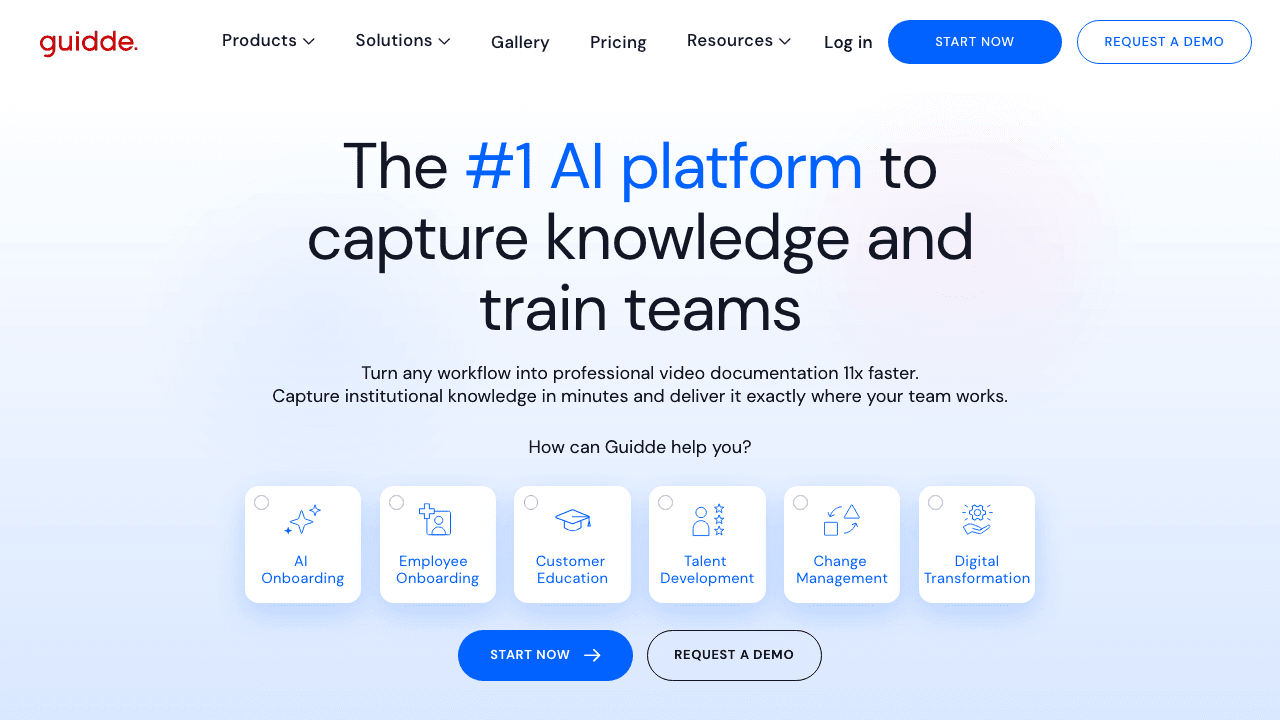
Guidde bridges the gap between Scribe's static guides and Loom's manual video recording. You record your workflow, and Guidde generates both a video walkthrough and a text guide, with AI-generated voiceover narration, so you don't have to speak while recording. (For a direct comparison, see the Vidocu vs Guidde page, our Guidde alternative breakdown with 2026 per-creator pricing.)
The AI voiceover is Guidde's standout feature. Choose from multiple voice styles and languages, and Guidde narrates your tutorial automatically. This makes it particularly useful for customer-facing documentation where you want polished, professional video without the effort of scripting and narrating.
Key features:
- Video + text guide from a single recording
- AI-generated voiceover (multiple languages and voices)
- Brand customization
- Export to video, PDF, and PowerPoint
- Sensitive data blurring (Pro+)
Where Guidde beats Scribe:
- Produces video output, not just screenshots
- AI voiceover eliminates the need to narrate
- Multi-language support out of the box
Limitations:
- Free tier limited to 25 videos with watermarks
- AI voiceover can sound robotic on some voices
- Still requires a browser extension for capture (desktop capture on Business plan only)
- Video editing is basic, no annotations, zoom, or transitions
Pricing: Free (25 videos, watermarked). Pro: $19/creator/month. Business: $39/creator/month. Enterprise: custom.
Best for: Teams that want video documentation with AI narration for customer support, SaaS onboarding, or help articles.
4. Loom
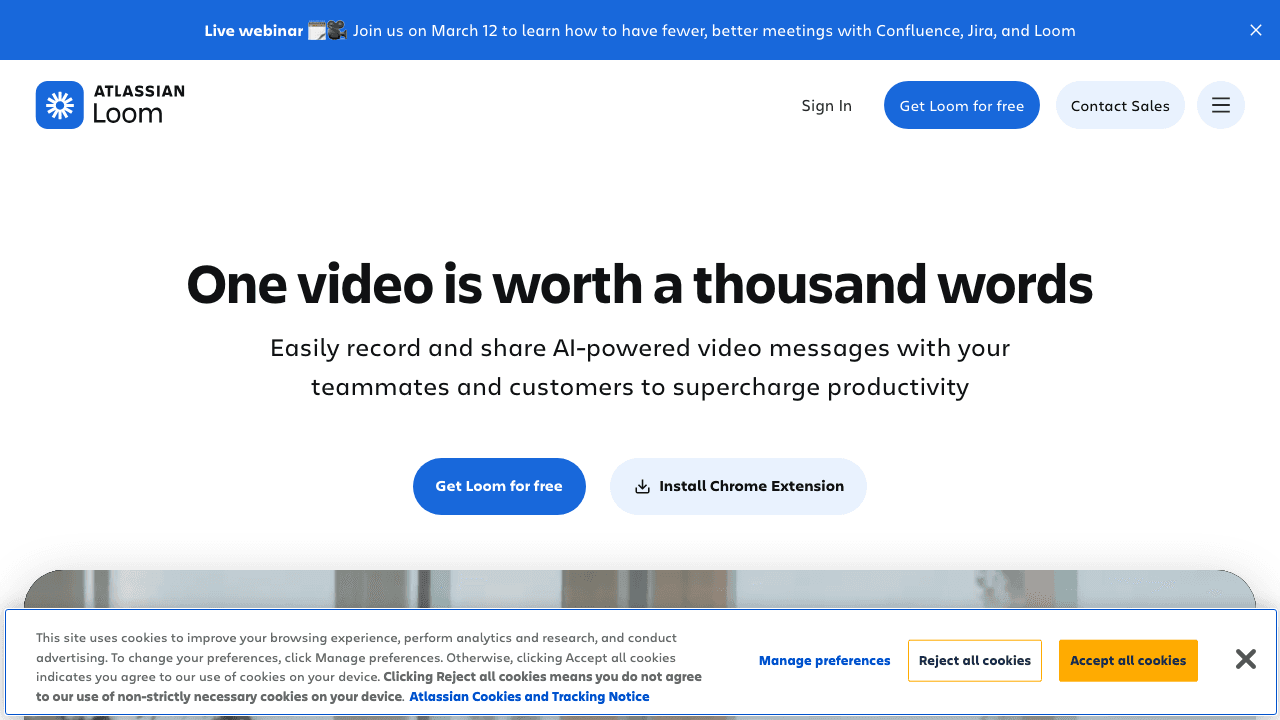
Loom barely needs an introduction. It's the most widely adopted screen recording and async video tool, now owned by Atlassian. You record your screen (with optional webcam), share a link, and your viewers get a video with AI-generated summaries, chapters, and transcripts.
Loom isn't a direct Scribe replacement, it's a video-first communication tool, not a documentation tool. But many teams use it as an alternative because video walkthroughs often communicate processes more effectively than static screenshots. The Atlassian acquisition also means tight integration with Jira and Confluence, which matters for product and engineering teams.
Key features:
- Polished screen + webcam recording
- AI summaries, auto-chapters, and transcription
- Viewer analytics (who watched, for how long)
- Comments and reactions on videos
- Atlassian ecosystem integration (Jira, Confluence)
Where Loom beats Scribe:
- Video output, better for complex or visual processes
- Webcam overlay adds a personal, human element
- Massive ecosystem and widespread adoption
- AI summaries extract key points automatically
Limitations:
- No structured step-by-step documentation, just video
- Requires manual effort to create written guides from recordings
- Free tier is limited (25 videos, 5-minute max each)
- Not designed for process documentation or SOPs
Pricing: Free (25 videos, 5 min max). Business: $12.50/user/month. Enterprise: custom.
Best for: Async team communication, quick explainer videos, and bug reports. Complements a documentation tool rather than replacing one entirely.
5. Dubble
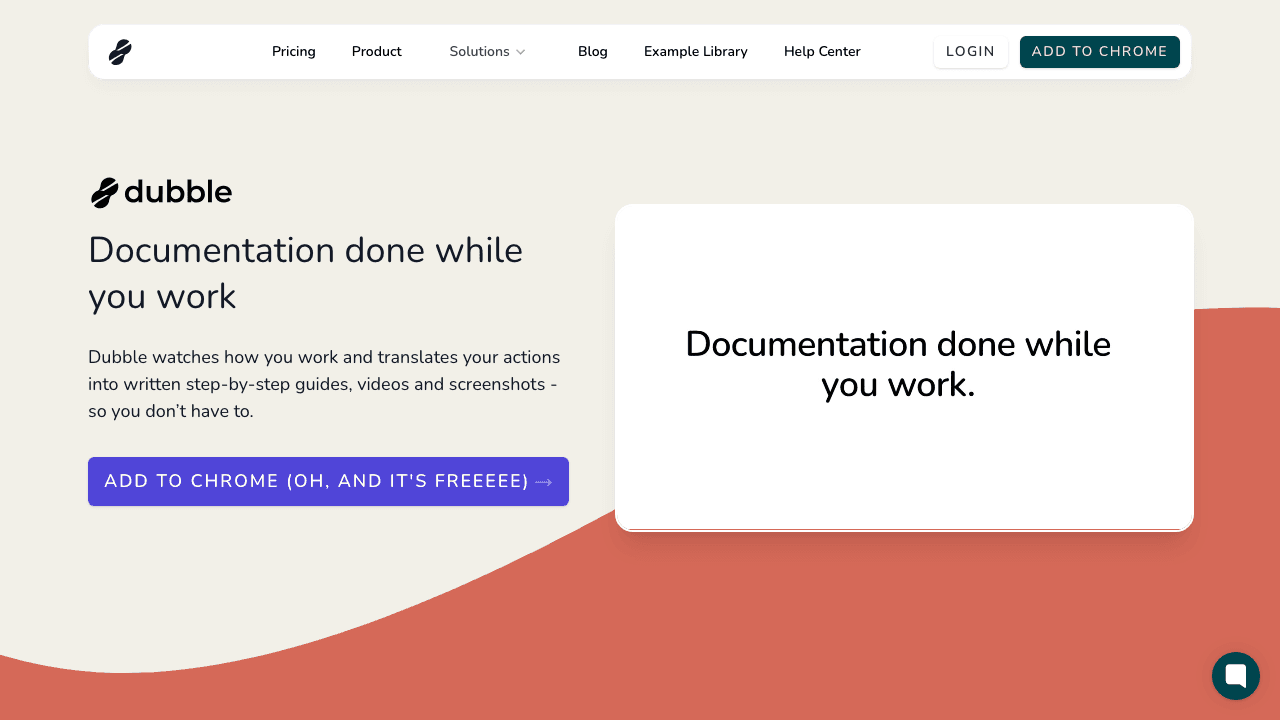
Dubble is the budget-friendly option that gives you both video recordings and screenshot-based guides from the same capture session. It's similar to Scribe in concept but includes video as a standard output, and the free tier is notably generous.
The free plan includes unlimited guides, image editing, redaction, PDF downloads, and unlimited private viewers. That's more than Scribe or Tango offer for free. Video recording and desktop capture require the Pro plan, but at $18/month (with 3 creators included), it's significantly cheaper than Scribe Pro.
Key features:
- Auto-generated step-by-step guides with screenshots
- Video recording of workflows (Pro)
- Image editing and sensitive data redaction (free)
- PDF download (free)
- Screenshot extraction from video
Where Dubble beats Scribe:
- Video + screenshot output from one recording
- Generous free tier (unlimited guides, redaction included)
- Significantly cheaper Pro plan ($18/mo vs $25/seat/mo)
- Redaction available on free tier (Scribe locks this behind Pro)
Limitations:
- Smaller team and community than Scribe
- Desktop capture only available on Mac (beta) and Pro
- Fewer integrations
- No AI voiceover or translation
Pricing: Free (unlimited guides, image editing, redaction). Pro: $18/month (3 creators included, +$6/mo per additional). Enterprise: custom.
Best for: Small teams or individuals who want video + text documentation at a fraction of Scribe's cost.
6. Iorad
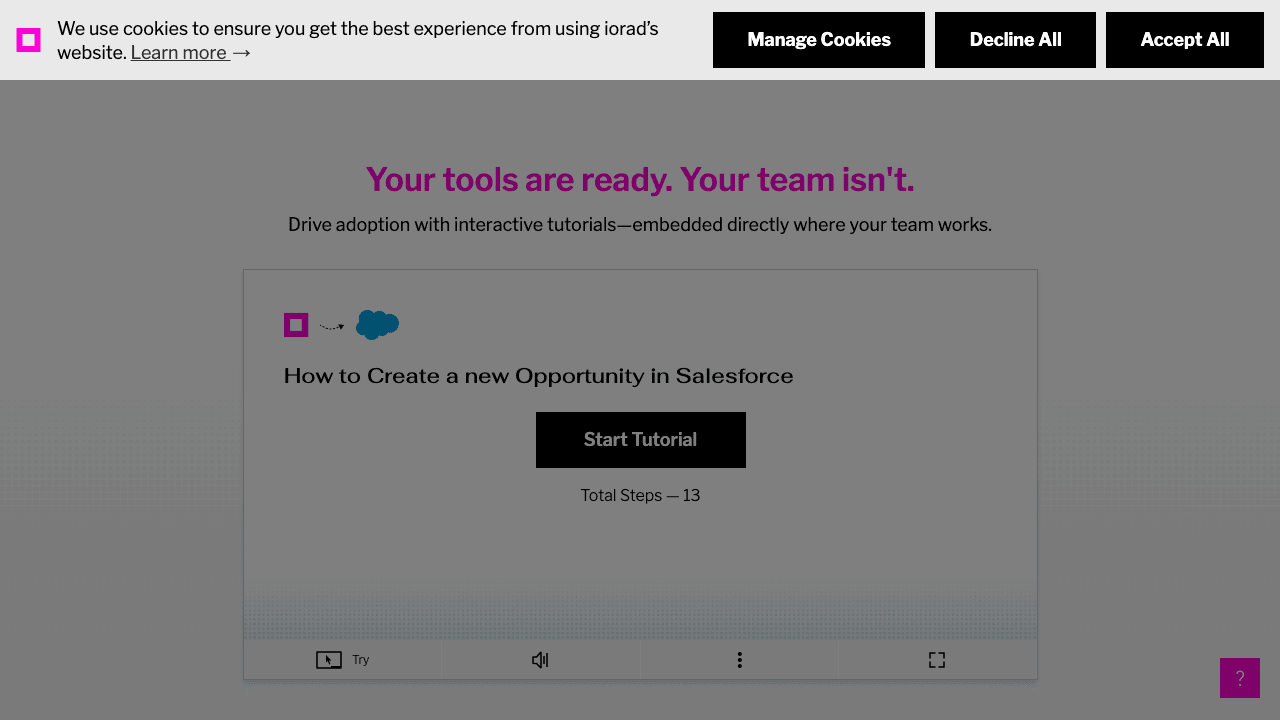
Iorad takes a completely different approach. Instead of producing static guides or videos, it creates interactive tutorials where users click through a simulated version of your application. Think of it as a practice environment, users learn by doing, not by reading.
This makes iorad particularly effective for software training and onboarding, where hands-on practice leads to better retention than passive documentation. The tutorials can be embedded in help centers, LMS platforms, or directly on your website.
Key features:
- Interactive, clickable step-by-step tutorials
- Embeddable in websites, LMS, and help centers
- Audio narration and voiceover
- Data masking for sensitive information
- Multi-language translations (Enterprise)
- Engagement analytics
Where iorad beats Scribe:
- Interactive format, users practice, not just read
- Better learning retention for training scenarios
- Embeddable anywhere
- Audio narration included
Limitations:
- Expensive, Individual plan starts at $200/month ($2, 000/year)
- More complex to set up than Scribe
- Overkill for simple how-to guides
- Free tier is very limited (1 creator, 2 private tutorials)
- The interactive format isn't always needed
Pricing: Free (1 creator, 2 private tutorials). Individual: $200/month. Team: $500/month base. Enterprise: custom.
Best for: L&D teams, compliance training, and organizations that need interactive software training, not just documentation.
7. Whatfix

Whatfix is an enterprise Digital Adoption Platform (DAP), a different category entirely from Scribe. Instead of creating separate documentation, Whatfix overlays interactive guidance directly inside your applications. Tooltips, step-by-step flows, and self-help widgets appear in context as users work.
This is the right solution when the problem isn't "we need documentation" but "people aren't adopting our software." Whatfix measures user behavior, identifies where people get stuck, and delivers contextual help at the point of need. It's used by enterprises running complex platforms like Salesforce, SAP, Workday, and ServiceNow.
Key features:
- In-app walkthroughs, tooltips, and task lists
- Self-help widget with searchable knowledge base
- User behavior analytics and adoption tracking
- Multi-format content (videos, articles, flows)
- Enterprise integrations (SSO, API, analytics platforms)
Where Whatfix beats Scribe:
- Contextual, in-app guidance (highest adoption impact)
- Analytics on where users struggle
- Reduces support tickets measurably
- Supports complex enterprise application stacks
Limitations:
- Enterprise-only pricing ($1, 000+/month)
- Complex implementation (weeks to months)
- Requires technical setup and ongoing maintenance
- Complete overkill for simple process documentation
Pricing: Enterprise only. Custom pricing based on users and applications. Expect $1, 000+/month.
Best for: Large enterprises (500+ employees) driving adoption of complex internal software. Not a fit for SMBs or teams that just need process guides.
8. FlowShare
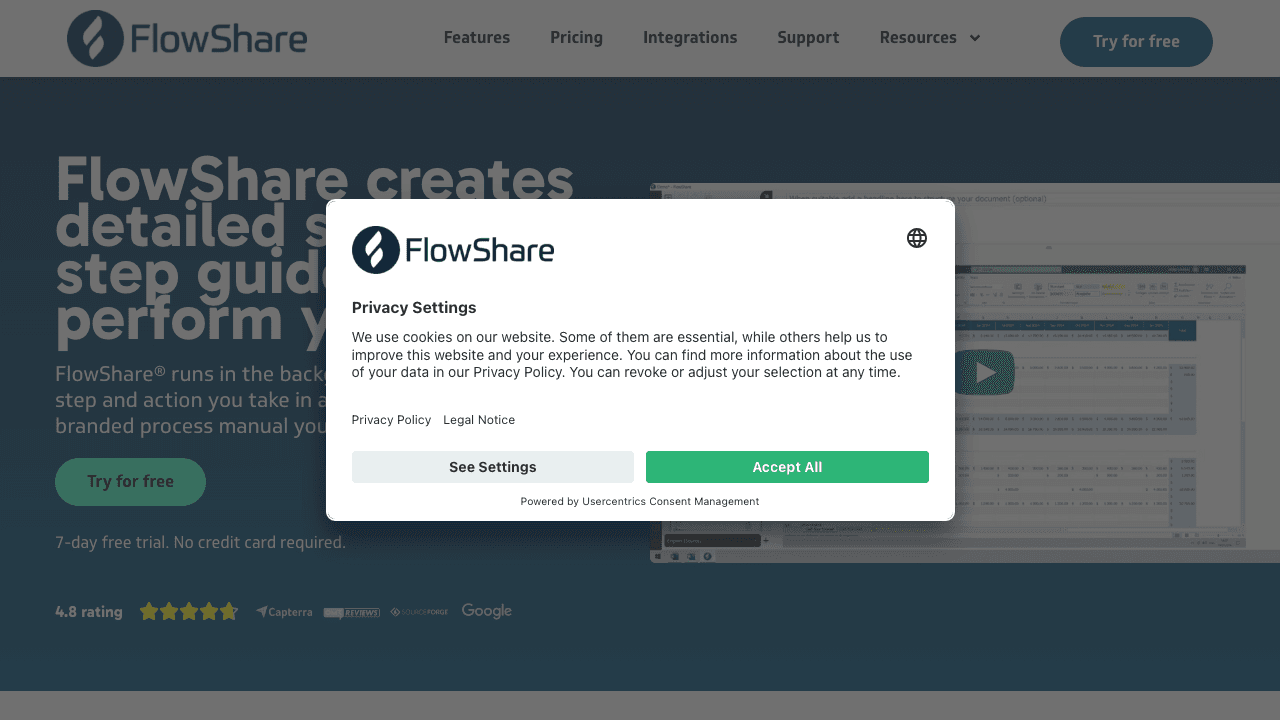
FlowShare is a German-based alternative built specifically for capturing desktop application workflows, the exact scenario where Scribe's free tier falls short. It runs as a background Windows application, automatically capturing every click without requiring a browser extension.
For teams that document processes in desktop software, ERP systems, legacy applications, Adobe tools, or any Windows program, FlowShare solves a real pain point. It captures everything automatically and exports to PDF, PowerPoint, Word, and HTML.
Key features:
- Background desktop capture on Windows
- Automatic screenshot and step generation
- Export to PDF, PPTX, DOCX, and HTML
- AI-powered assistant for end-user troubleshooting
- GDPR-compliant (EU-based)
Where FlowShare beats Scribe:
- Native desktop capture without a browser extension
- Exports to multiple business formats (Word, PowerPoint)
- Strong for Windows-based enterprise environments
- GDPR compliance for EU organizations
Limitations:
- Windows only, no Mac or Linux support
- No video output
- No free tier
- Limited to desktop capture (no browser-specific features)
- Smaller ecosystem and community
Pricing: Starts at approximately €39/user/month. Enterprise pricing available.
Best for: Windows-centric teams documenting desktop application workflows, especially in regulated industries that need GDPR compliance.
Document Any Application, No Extension Required
Vidocu works with any video, from any source. Record your desktop, phone, or browser, then let AI generate the documentation.
Get Started Free9. Glitter AI
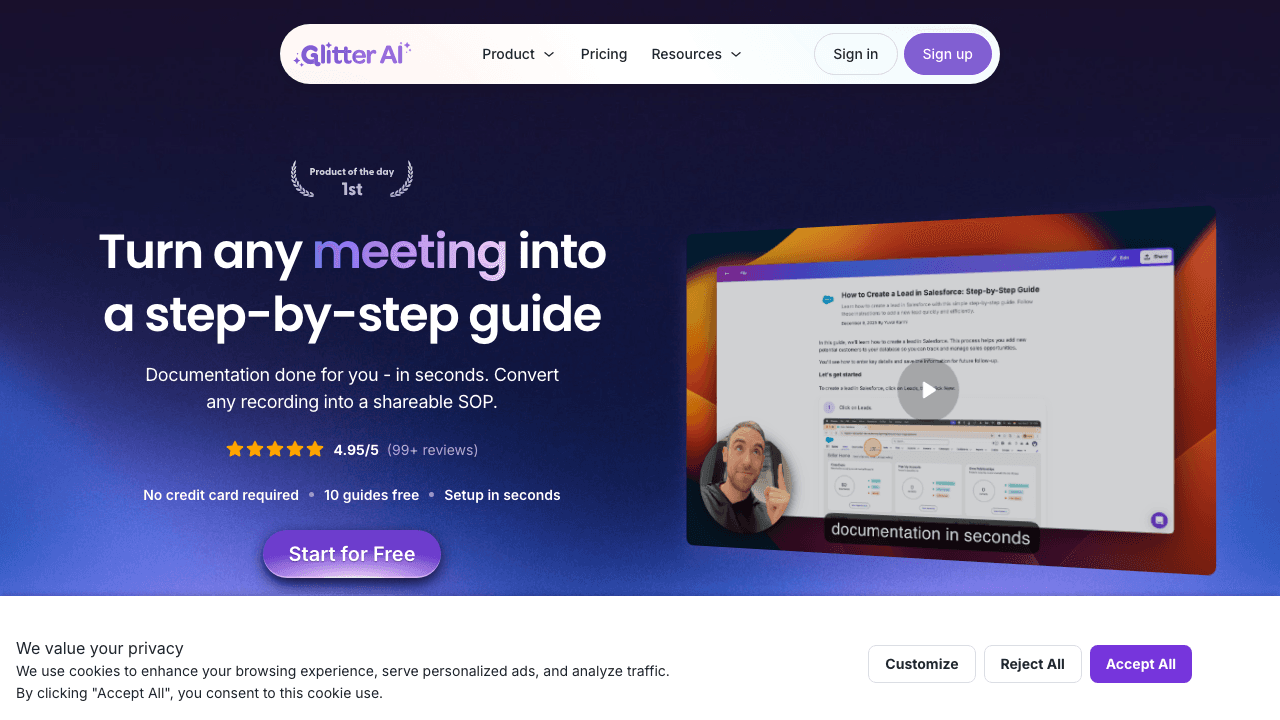
Glitter AI is a newer entrant that differentiates itself by capturing more context than traditional tools. While Scribe records clicks, Glitter captures voice narration, hover actions, and full workflow context, then uses AI to transform everything into polished documentation.
The AI-first approach means less manual editing after capture. Glitter aims to produce guides that are closer to "finished" out of the box, with contextual descriptions that go beyond Scribe's generic "Click here" text.
Key features:
- Captures voice, hovers, and clicks (not just clicks)
- AI-generated contextual descriptions
- Chrome extension capture
- Shareable guides with custom branding
- Team collaboration features
Where Glitter AI beats Scribe:
- Captures richer context (voice narration, hover actions)
- AI-generated descriptions are more contextual than Scribe's
- Modern, AI-first design philosophy
Limitations:
- Newer tool, still maturing
- Smaller user base and fewer integrations
- Chrome extension only (no desktop capture yet)
- No video output
- Limited track record compared to established tools
Pricing: Free tier available. Paid plans require contacting sales.
Best for: Teams that want AI-powered documentation with richer context capture than Scribe, and are comfortable with a newer tool.
Can a Scribe Alternative Create Videos and Host the Knowledge Base?
This is really two requirements, and it is worth separating them, because most tools in this category satisfy only the first.
Creating the content is the part that is now well covered. Several tools on this list turn a recording into a watchable video and a written guide in the same pass, so you are not maintaining a video in one tool and a help article in another.
Hosting it is the part that usually gets skipped. Sharing a guide from a workspace or a public link is not the same as running a help center. A hosted knowledge base means your own domain, search that answers a question rather than matching keywords, access control if the content is internal, and analytics telling you which articles actually get read.
Vidocu is the option here that covers both in one product. The generated articles can be published to Knowledge Center, a hosted help center that adds AI Ask semantic search over your own content, magic-link gated access for internal knowledge bases, deep links back into the exact timestamp in the source video, custom branding and domain, and three locales as standard. It is a $100 per month add-on on top of any paid plan, so it is a real line item rather than a bundled checkbox.
Most of the other tools here stop at the content layer: they generate the guide and hand you a link or an export, and you host it in Notion, Confluence, Zendesk, or whichever help desk you already pay for. If you already run a help center, that is the cheaper and perfectly sensible setup, and paying separately for hosting would be waste. The AI knowledge base generator route only pays off when you do not already have somewhere good to put the content.
How to Choose the Right Scribe Alternative
The right choice depends on what's missing from your Scribe workflow:
If you need video output: Vidocu, Guidde, or Dubble. Vidocu offers the most comprehensive video pipeline (subtitles, voiceover, translation, editing). Guidde specializes in AI narration. Dubble is the most affordable.
If you want a direct Scribe replacement: Tango is the closest match. Same click-capture workflow, cleaner interface, with in-app guidance as a bonus.
If video communication is the priority: Loom is the gold standard for async video, but it's a communication tool, not a documentation tool. Pair it with Vidocu's Loom-to-documentation workflow for the best of both worlds.
If you need interactive training: Iorad creates practice environments where users learn by doing. Ideal for compliance training and software onboarding, but expensive.
If you're an enterprise: Whatfix for in-app digital adoption at scale. FlowShare for Windows desktop documentation in regulated environments.
If you need multilingual documentation: Vidocu handles video translation and subtitle generation in 100+ languages from a single upload. Guidde also offers multi-language AI voiceover.
The broader trend is clear: teams are moving beyond static screenshots. Video-based documentation, with AI-powered subtitles, voiceover, and step-by-step generation, is becoming the standard. The tools that combine video capture with structured documentation output are the ones gaining the most traction.
FAQ
Which Scribe alternatives can host the knowledge base, not just create it?
Most cannot. The majority of tools in this category generate the guide and give you a link or an export, expecting you to host it in Notion, Confluence, or an existing help desk. Vidocu is the exception on this list, publishing generated articles to a hosted help center with semantic search, gated access, and a custom domain as a $100 per month add-on.
Is Scribe still worth using in 2026?
Scribe remains a solid tool for browser-based click capture if all you need is text-and-screenshot guides. It's fast, well-established, and has strong enterprise features. But if your team works with video content, needs multilingual documentation, or documents desktop applications, you'll likely outgrow Scribe's capabilities.
Can I use Scribe and a video tool together?
Yes, many teams use Scribe for quick browser walkthroughs and a tool like Vidocu or Loom for video-based content. But running two tools means two subscriptions, two workflows, and content scattered across platforms. An all-in-one tool like Vidocu can consolidate both into a single workflow.
What's the cheapest Scribe alternative with video support?
Dubble offers the most generous free tier (unlimited guides with redaction), and its Pro plan at $18/month includes video recording. Vidocu's free tier also includes video documentation capabilities. Both are significantly cheaper than combining Scribe Pro ($25/seat/month) with a separate video tool.
Do any Scribe alternatives work without a browser extension?
Vidocu requires no browser extension at all, you upload any video file and it generates documentation from it. FlowShare runs as a native desktop app on Windows. Most other tools (Tango, Scribe, Guidde, Glitter) rely on browser extensions for capture.
Which Scribe alternative is best for creating SOPs?
For video-based SOPs, Vidocu automatically generates step-by-step procedures from screen recordings. For static SOPs similar to Scribe's output, Tango is the closest match. For interactive SOP training, iorad lets users practice the procedure hands-on. See our guide on how to create SOPs from video for a detailed workflow.

Written by
Daniel SternlichtDaniel Sternlicht is a tech entrepreneur and product builder focused on creating scalable web products. He is the Founder & CEO of Common Ninja, home to Widgets+, Embeddable, Brackets, and Vidocu - products that help businesses engage users, collect data, and build interactive web experiences across platforms.