
Content teams are drowning in video work. Tutorials, social clips, training modules, localized versions, captioned cuts for paid ads, and a stream of one-off requests from sales and CS. The teams that ship the most are not the ones with the biggest editors. They are the ones who let software handle the repeatable parts.
That is what video automation actually means in 2026. Not a single magic button, but a stack of tools that take care of the predictable steps so people can focus on the creative ones. Subtitles, voiceovers, repurposing, translations, transcript-based edits, avatar production. All on autopilot.
We tested the field and cut anything weak, redundant, or undifferentiated. Six tools earned a spot. Each one solves a distinct part of the content team's video workflow.
Comparison Table
| Tool | Best For | Free Plan | Starting Price | Key Automation |
|---|---|---|---|---|
| Vidocu | End-to-end (subs, voiceover, docs, translation) | Yes | $39/mo | One upload, full asset set |
| Synthesia | Training and internal comms videos | Limited demo | $29/mo | Text to AI avatar video |
| Pictory | Marketing repurposing from text | 3 videos | $25/mo | Article or script to video |
| Opus Clip | Social repurposing from long-form | Limited | $19/mo | Long video to viral shorts |
| Descript | Editing-heavy content production | Yes | $16/mo annual ($24 monthly) | Transcript-based editing |
| HeyGen | AI translation with lip-sync | Limited | $29/mo | Voice clone plus lip-sync translation |
What "Video Automation" Actually Means for Content Teams
When developers talk about video automation, they usually mean APIs and pipelines (we covered those in the best video editing APIs guide). When content teams talk about it, they mean something different. They mean removing manual labor from the production line.
Three patterns matter most:
- Generation automation. A script, article, or text prompt becomes a finished video without anyone touching a timeline.
- Processing automation. A raw recording becomes captions, voiceover, translated versions, and written documentation in one pass.
- Repurposing automation. A long-form video becomes ten short-form variants ready for different channels.
The six tools below cover all three patterns. Most teams will use two or three of them in combination, not just one.
1. Vidocu
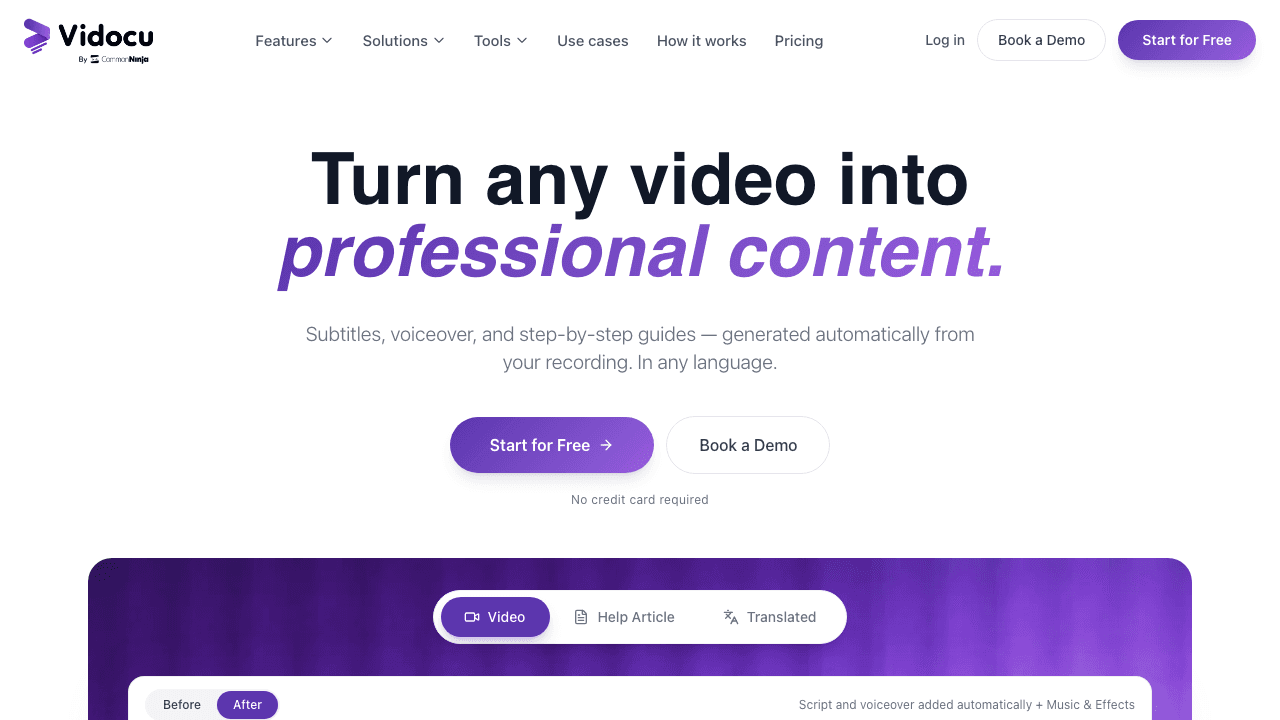
Vidocu is the only tool on this list that handles the full chain in a single workflow. You upload one video and it returns burned-in or downloadable subtitles, an AI voiceover in the language and voice of your choice, a step-by-step written guide with screenshots, and translated versions for international markets. No browser extension, no separate apps, no stitching together services.
For content teams running a steady cadence of tutorials, training videos, or product walkthroughs, this matters. The same upload that produces a YouTube cut also produces the help center article, the Spanish version, and the auto-captioned social cut. One job, one workflow, one place to manage assets.
Key automation features:
- AI subtitles in 80+ languages, exportable as SRT or burned in
- AI voiceover with natural voices and multi-speaker support
- Video translation that swaps audio and subtitles in one pass
- AI documentation that turns recordings into help articles with screenshots
- Developer API for teams that want to embed the same automation in their own product
Pricing: Free plan at $0. Pro is $39/month, Business is $149/month.
Best for: Customer support, technical writing, training, and product marketing teams who need the whole asset set from every recording.
Try Vidocu Free
Upload one video and walk away with subtitles, voiceover, written docs, and translated versions in minutes.
Start Free2. Synthesia
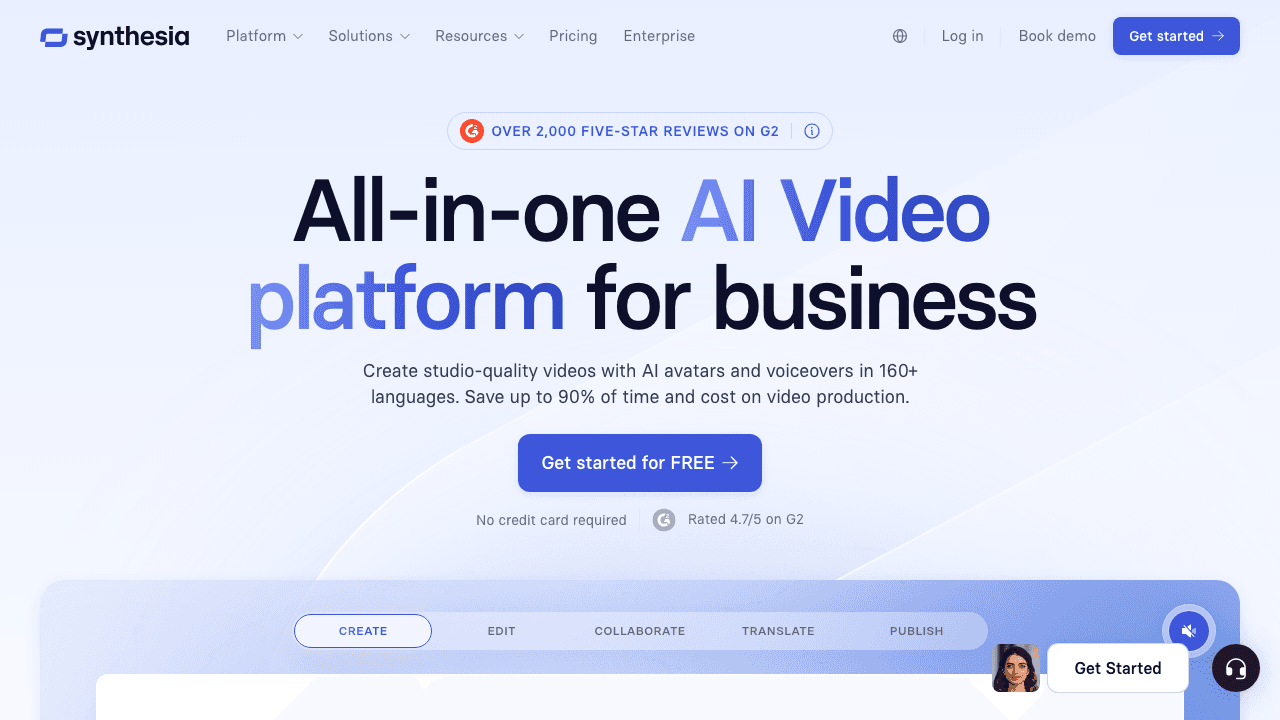
Synthesia is the most established AI avatar platform and the default choice for B2B training and internal communications. You write a script, pick an avatar, choose a voice, and the platform produces a polished video with a presenter who never needs a camera, a studio, or a reshoot when the script changes.
The automation value is highest when scripts change frequently. HR rolling out a new policy, product teams shipping monthly updates, or sales enablement teams localizing pitches across regions can edit text and re-render the video in minutes instead of rebooking a studio.
Key automation features:
- 230+ AI avatars including custom ones trained on real presenters
- 140+ languages with consistent voice and lip-sync
- Branded templates for repeatable formats
- PowerPoint import for converting decks to narrated videos
- Team workspace with shared brand kits
Pricing: Limited demo available. Paid plans start at $29/month per seat.
Best for: L&D, internal comms, and enablement teams producing high volumes of talking-head content. If you are evaluating alternatives, our Synthesia alternatives breakdown compares it to other options including Vidocu.
3. Pictory
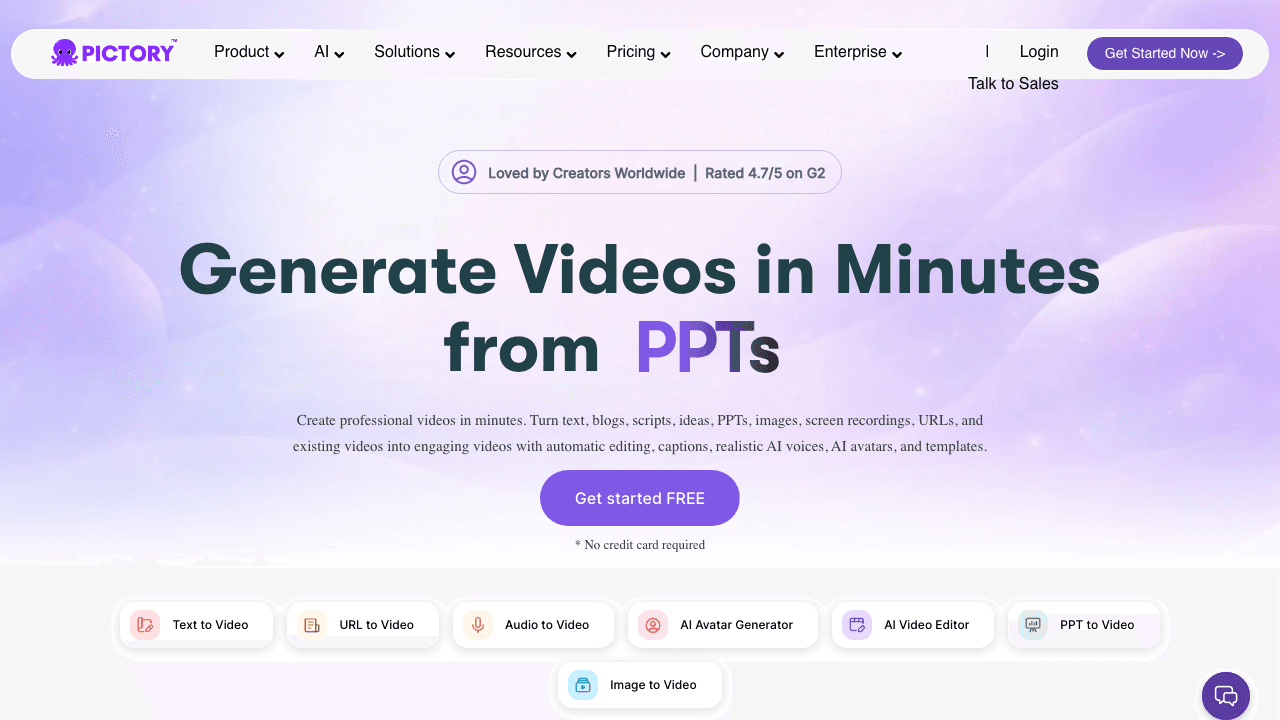
Pictory turns text into video. Paste a blog post URL, a script, or a long article and the tool generates a stitched-together video using stock footage, subtitles, and AI voiceover, all matched to the script's pacing. It is built for content marketers who need to repurpose existing written content into video without an editor on staff.
This is the right pick when your team already produces a lot of written content and wants to turn that pipeline into a video pipeline. It is less suited for tutorials or product demos, where you actually need to show the product on screen rather than illustrate concepts with stock clips.
Key automation features:
- Article and blog post URL imports
- Auto-matched stock footage from a built-in library
- Auto-generated captions and voiceover
- Branded templates with logo, fonts, and color
- Direct export to YouTube, social, and download
Pricing: Free plan with 3 video projects. Paid plans start at $25/month.
Best for: Content marketing teams running an SEO and YouTube strategy who want to convert articles into supporting videos. Pair it with our PowerPoint to video tools roundup if you also work from decks.
4. Opus Clip
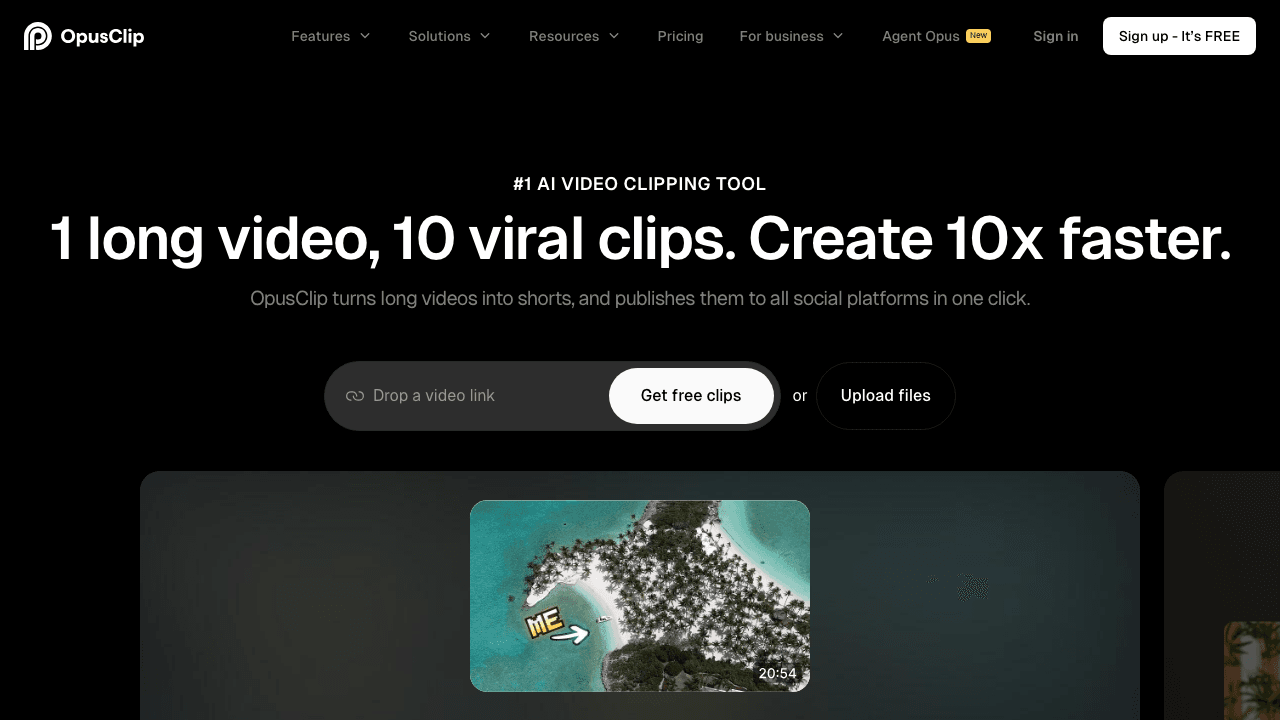
Opus Clip exists for one job. Take a long-form video, usually a podcast, webinar, or recorded interview, and produce a stack of short vertical clips ready for TikTok, Reels, and Shorts. The AI scores each clip for "viral potential," handles speaker tracking, adds captions, and reframes from horizontal to vertical automatically.
The automation here saves the hours a social editor would otherwise spend scrubbing through a 90-minute podcast looking for the 30-second moments. For teams that publish long-form weekly and need a steady drip of social cuts, the math works fast.
Key automation features:
- AI clip selection with viral score
- Auto-reframing from horizontal to vertical with speaker tracking
- Animated captions with brand colors
- B-roll suggestions and emoji overlays
- Direct scheduling to social platforms
Pricing: Limited free tier. Paid plans start at $19/month.
Best for: Podcast networks, creator economy brands, and social teams that produce long-form content and need to feed multi-platform calendars. If you need a comparable end-to-end repurposing flow that also handles documentation, our video to blog post page shows how Vidocu approaches the same problem from the written-content side.
5. Descript

Descript's signature move is editing video by editing the transcript. Delete a sentence in the text and the corresponding clip disappears from the timeline. Combined with automated filler-word removal, AI overdub for fixing mistakes without re-recording, and Studio Sound for cleaning audio in one click, it dramatically cuts the time from raw recording to polished cut.
For teams that own the full editing process and want to compress it, Descript is the strongest pick. It is less of a "generate video from text" tool and more of a "make existing video faster to edit" tool. The two are often confused.
Key automation features:
- Transcript-based editing
- Filler word removal in one click
- Overdub voice cloning for script fixes
- Eye contact and Studio Sound corrections
- Multi-track recording for podcasts
Pricing: Free plan available. Hobbyist is $24/month, or $16/month billed annually.
Best for: Podcasters, course creators, and marketing teams producing edited video content who want a faster post-production loop. Considering Descript alternatives? We have a dedicated breakdown for tutorial and documentation use cases where Descript is not the strongest match.
6. HeyGen
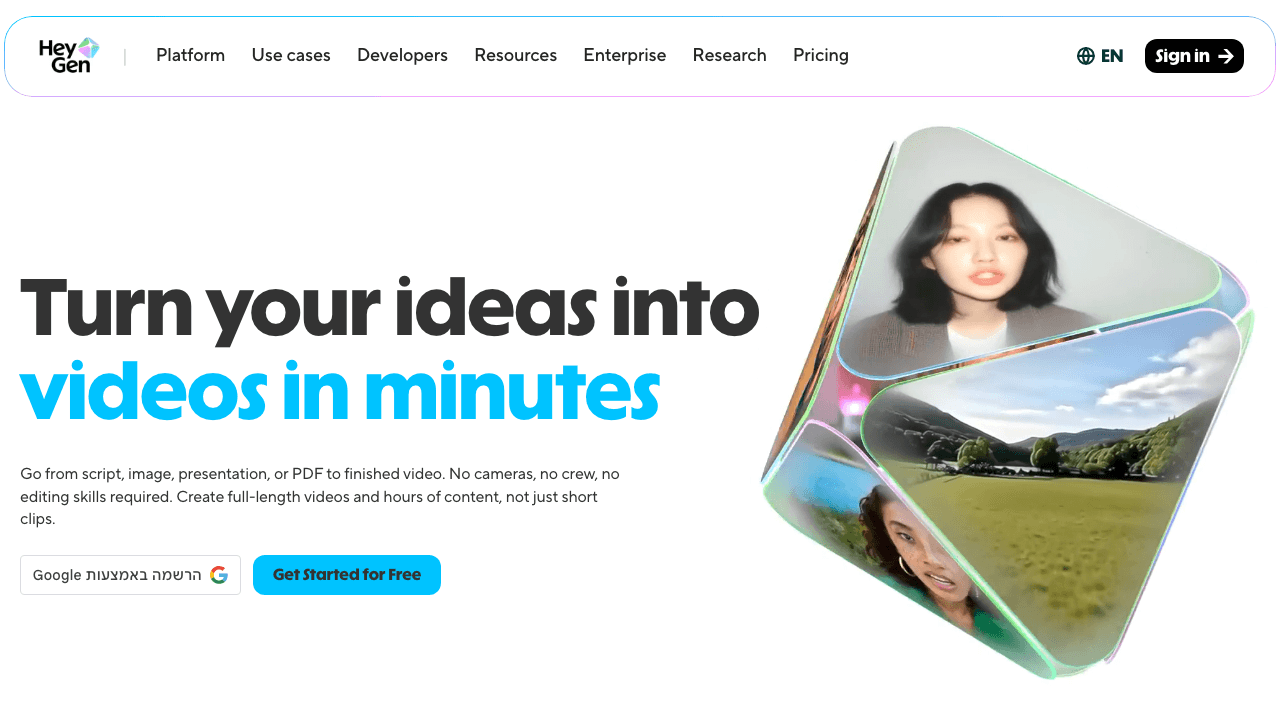
HeyGen overlaps with Synthesia on AI avatars, but its standout automation is video translation with lip-sync. Upload a real recording of a person speaking and HeyGen will translate the speech, clone the voice, and re-sync the lips to match the new language. The result is a localized video that looks like the speaker recorded it themselves in the target language.
For global content teams, this is genuinely transformative. A single product video shot in English can ship in eight languages without re-recording, without hiring native voice talent, and without the uncanny mismatch between dubbed audio and visible mouth movement.
Key automation features:
- AI video translation with voice cloning and lip-sync
- 100+ AI avatars and instant avatar creation
- Multilingual voice cloning from short samples
- Avatar video generator from script
- API for embedding avatar generation
Pricing: Limited free credits monthly. Paid plans start at $29/month.
Best for: Global marketing, sales enablement, and creator teams shipping the same video across multiple languages. If you only need translated subtitles and voiceover without lip-sync, Vidocu's video translation feature gets you there at a lower price point. Our Rask AI alternatives roundup compares the translation-focused options side by side.
How to Pick the Right Tool
These tools solve different problems, so the right answer depends on what your team's bottleneck actually is.
- You record a lot but waste time turning recordings into deliverables. Start with Vidocu. One upload, full asset set.
- Your script changes faster than you can shoot. Start with Synthesia. Edit text, re-render, ship.
- You publish written content faster than video. Start with Pictory. Articles become videos automatically.
- Your podcast or webinar pipeline is full and your social feed is empty. Start with Opus Clip. Long becomes short on autopilot.
- You spend more time editing than recording. Start with Descript. Transcript editing is the unlock.
- You ship the same video in many languages. Start with HeyGen. Lip-sync translation closes the loop.
Most content teams settle on a stack of two or three of these. Vidocu plus Opus Clip is a common combination for teams that produce tutorial content and want both the documentation pipeline and the social repurposing pipeline running in parallel.
Automate Your Whole Video Workflow
Subtitles, voiceover, written docs, and translation from a single upload. No extension required.
Try Vidocu FreeWhat to Watch For
A few honest cautions before you commit budget:
- Free tiers are demos. Most of these platforms gate the actually useful features behind paid plans. Plan a trial that mirrors a real workflow, not a single test video.
- AI voices have ceilings. Even the best AI voiceover sounds slightly off for emotive content like brand ads. They shine in tutorials, training, and explainer formats.
- Avatars are not a recording replacement. Synthesia and HeyGen avatars are excellent for talking-head content where the speaker is the messenger, not the personality. For founder-led brand content, real footage still wins.
- Translation accuracy varies by language pair. English to Spanish is excellent across all tools. English to Japanese or Arabic still benefits from human review.
FAQ
What is the difference between video automation and AI video generation?
Video automation removes manual steps from a production process you already run, like adding captions, repurposing, or translating. AI video generation creates videos from scratch using text or templates. Most content teams need both, but they are not the same thing.
Can I use these tools with existing recordings?
Yes. Vidocu, Opus Clip, Descript, and HeyGen all start from an uploaded recording. Synthesia and Pictory generate from text or scripts rather than processing existing footage. Pick based on whether your bottleneck is in recording or in everything that happens after.
Are AI-generated voiceovers good enough for marketing content?
For tutorials, training, explainers, and product walkthroughs, modern AI voices are indistinguishable from human voiceovers in most listening tests. For high-emotion brand content, scripted ads, or anything that depends on personality, real voice talent still has the edge. Our AI voiceover tools roundup compares the strongest options.
How much can a content team realistically save by automating video?
Teams that adopt automation across captioning, repurposing, and translation typically cut production time by 60 to 80 percent on standard tutorial and training content. The savings are smaller for highly creative content where the bottleneck is decisions, not labor.
Do these tools work for technical documentation, not just marketing?
Some do. Vidocu was built for the documentation use case and produces help articles with screenshots from screen recordings, alongside the standard video assets. Most of the others are tuned for marketing and creator workflows. If your team owns help center content, Vidocu's video to documentation flow is the closest fit.
The Bottom Line
Video automation is no longer a single category. It is a stack of specialized tools, each removing a specific bottleneck from the content team's pipeline. Vidocu handles the end-to-end asset chain. Synthesia and HeyGen produce avatar and translated content. Pictory turns text into video. Opus Clip handles social repurposing. Descript compresses the editing step.
Pick based on where your team is losing the most hours, not based on which tool has the most marketing buzz. Two of these in combination will outperform any one tool used alone.
If your bottleneck is "we record a lot but can't keep up with everything that needs to come out of those recordings," start with Vidocu's free trial. You will know within one upload whether the workflow fits.
Daniel Sternlicht is the founder of Vidocu, an AI platform that turns video content into subtitles, voiceovers, documentation, and translated versions in a single workflow.

Written by
Daniel SternlichtDaniel Sternlicht is a tech entrepreneur and product builder focused on creating scalable web products. He is the Founder & CEO of Common Ninja, home to Widgets+, Embeddable, Brackets, and Vidocu - products that help businesses engage users, collect data, and build interactive web experiences across platforms.