


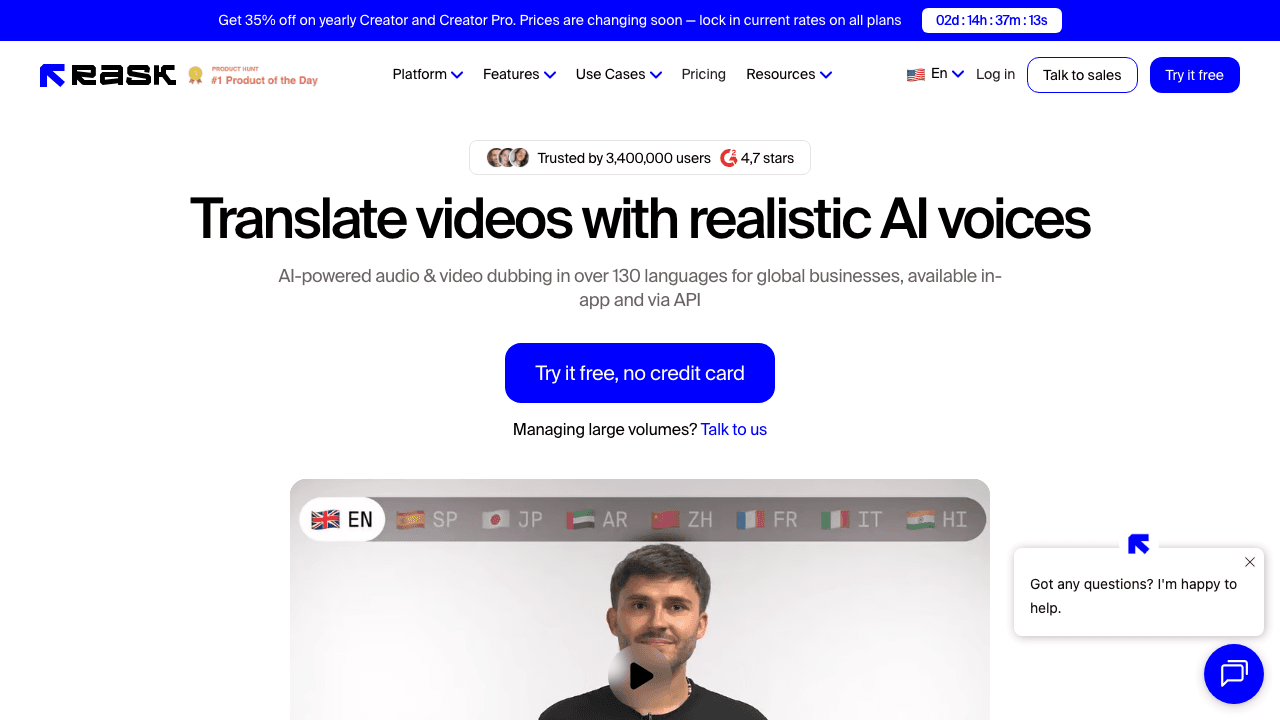
The best Rask AI alternatives for video translation in 2026 are Vidocu, HeyGen, ElevenLabs, Descript, Synthesia, Captions, CAMB.AI, Dubverse, and Maestra, each with different strengths depending on whether you prioritize lip-sync, voice quality, pricing, or workflow integration. Rask AI is a solid platform, but its minute-based pricing and limited content workflow push many teams to explore other options.
This guide compares all nine tools head-to-head so you can pick the right one for your use case and budget. If your comparison is just the two of us, the Vidocu vs Rask AI page has that head-to-head.
Why Look Beyond Rask AI?
Rask AI works well for basic video translation, but users consistently run into these friction points:
- Expensive minute-based pricing. Entry plans now start at $60/mo (or $33/mo billed annually, with 300 minutes per year), and lip-sync requires the Creator Pro tier at $150/mo, so costs add up fast for teams producing regular content.
- Voice quality drops with complexity. Background music, heavy accents, and multi-speaker videos often produce unnatural-sounding output.
- Lip-sync is still developing. Rask's lip-sync feature exists but lags behind dedicated competitors like HeyGen and Synthesia.
- No broader content workflow. Rask translates video audio, that's it. If you also need subtitles, help articles, or documentation from the same video, you'll need additional tools.
Quick Comparison
| Tool | Languages | Lip-Sync | Voice Clone | Pricing From | Best For |
|---|---|---|---|---|---|
| Vidocu | 65+ | , | , | Free (~4 min) | Tutorials + documentation |
| HeyGen | 175+ | ✅ | ✅ | Free (3 videos) | Lip-sync translation |
| ElevenLabs | 32 | , | ✅ | Free (10K credits) | Voice quality |
| Descript | 61 (captions) / 30+ (dub) | , | ✅ | $24/mo | Video editors |
| Synthesia | 140+ | ✅ | ✅ | Free (36 min/yr) | Enterprise teams |
| Captions | 100+ (captions) / 28-40 (dub) | ✅ | , | $9.99/mo | Mobile / social |
| CAMB.AI | 140+ | , | ✅ | Custom | Cinematic / enterprise |
| Dubverse | 30+ | , | , | ~$18/mo | Budget dubbing |
| Maestra | 125+ | , | ✅ | $49/mo | Full localization suite |
1. Vidocu: Best for Tutorials + Documentation Teams
If you create tutorial videos, product walkthroughs, or training content, Vidocu is the only tool that combines video translation with automatic documentation generation. Translate your video into 65+ languages, then generate localized help articles and SOPs from the same upload, no extra tools required.
The platform includes a built-in subtitle editor where you can review and adjust translations before export. AI voiceover generates natural-sounding narration in your target language, so you can create multilingual tutorial videos without re-recording anything. For teams that need subtitles only, the free subtitle translator and free subtitle creator handle quick jobs at no cost.
Where Vidocu stands apart is the content workflow. Most translation tools stop at audio or subtitles. Vidocu turns a single video into translated subtitles, voiceover, and step-by-step articles, which is exactly what documentation and support teams need when localizing product videos for international markets.
Pros:
- Only tool that generates translated articles + subtitles + voiceover from one video
- Clean subtitle editor with manual review
- No per-minute overage surprise, clear plan limits
- Free tier available with no watermark
Cons:
- No lip-sync dubbing
- Smaller language count (65+) compared to some competitors
- Free tier limited to roughly 4 minutes of AI video, with translation and voiceover on paid plans
Pricing: Free (200 credits, roughly 4 min), Pro $39/mo (820 credits, roughly 16 min), Business $149/mo (4,000 credits, roughly 80 min). See full pricing.
Translate Videos and Generate Docs, From One Upload
Vidocu turns tutorial videos into multilingual subtitles, voiceover, and help articles automatically.
Try Vidocu for free2. HeyGen: Best Lip-Sync Translation
HeyGen has the most impressive lip-sync technology in the category. Upload a video, pick your target language, and the platform re-renders the speaker's mouth movements to match translated audio. It's primarily an AI avatar platform, and the translation feature piggybacks on that avatar tech, which is why lip-sync quality is so far ahead. Supports 175+ languages, though quality varies by language pair.
The catch is credit consumption. Lip-synced translation costs 5 credits per minute, and the free tier gives you just 3 one-minute videos per month. For regular use, expect Creator ($29/mo, 600 credits) or Pro ($49/mo, 1, 000 credits).
Pros:
- Best-in-class lip-sync for talking-head videos
- 175+ languages supported
- AI avatar creation included
Cons:
- Credits burn fast with lip-sync enabled
- Free tier is very limited (3 videos)
- Avatar-first platform, translation is secondary
Pricing: Free (3 videos/mo, up to 1 min each), Creator $29/mo (600 credits), Pro $49/mo (1, 000 credits).
3. ElevenLabs: Best Voice Quality
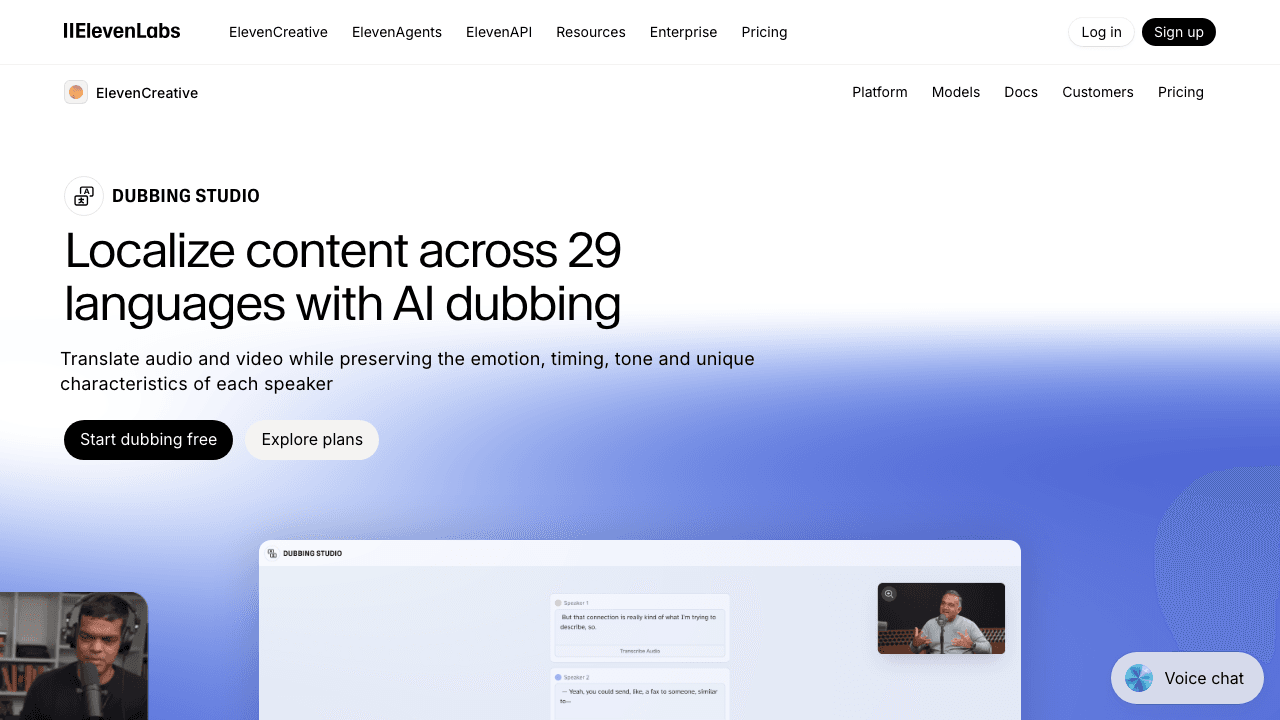
If voice quality is your top priority, ElevenLabs is hard to beat. Their speech synthesis engine produces the most natural-sounding AI voices available, emotion preservation, breathing patterns, and tonal consistency that other platforms can't match. Supports 32 languages with voice cloning, so translated content can keep a voice that sounds like the original speaker.
The platform is primarily an audio tool, so you'll handle video editing separately. But for voiceover-focused workflows, it delivers studio-quality results. Pricing is the most accessible on this list, free tier gives you ~15 minutes, paid plans start at just $5/mo.
Pros:
- Industry-leading voice synthesis quality
- Excellent voice cloning with emotion preservation
- Very affordable ($5/mo starter)
Cons:
- Audio-only, no video editing or lip-sync
- Only 32 languages
- Requires separate video workflow
Pricing: Free (10K credits ~15 min), Starter $5/mo, Creator $22/mo.
4. Descript: Best for Video Editors
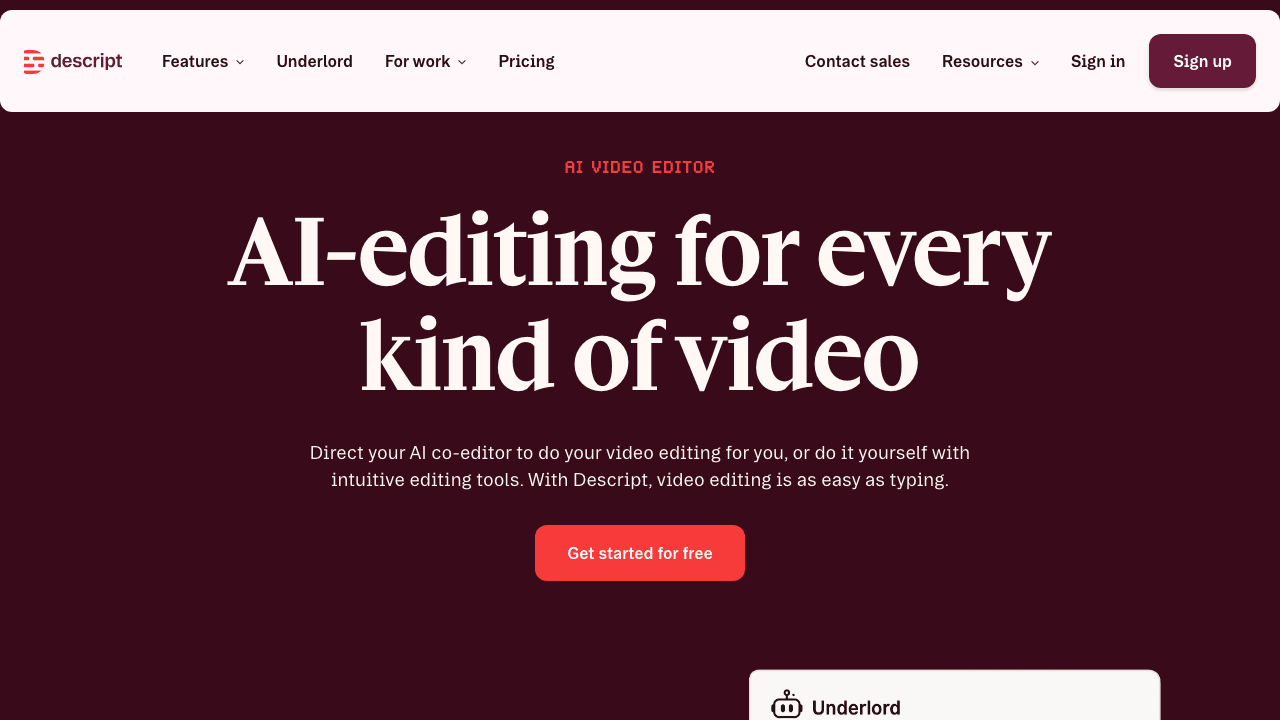
Descript is a full video editor with translation built in. If you already edit videos and want translation baked into your workflow, it makes sense. Supports captions in 61 languages and dubbing in 30+ (14 that sound particularly natural). The text-based editing approach, edit video by editing a transcript, pairs naturally with translation.
Translation quality is solid but not specialized. Descript competes primarily as an editor, so dubbing gets less R&D attention than dedicated platforms. For teams that need a general-purpose editor with decent translation, it's efficient.
Pros:
- Full video editor with translation built in
- Text-based editing pairs naturally with translation
- Good collaboration features
Cons:
- Translation is a secondary feature
- Dubbing quality trails dedicated platforms
- No lip-sync
Pricing: Hobbyist $24/mo, Creator $35/mo, Business $65/mo.
5. Synthesia: Best for Enterprise
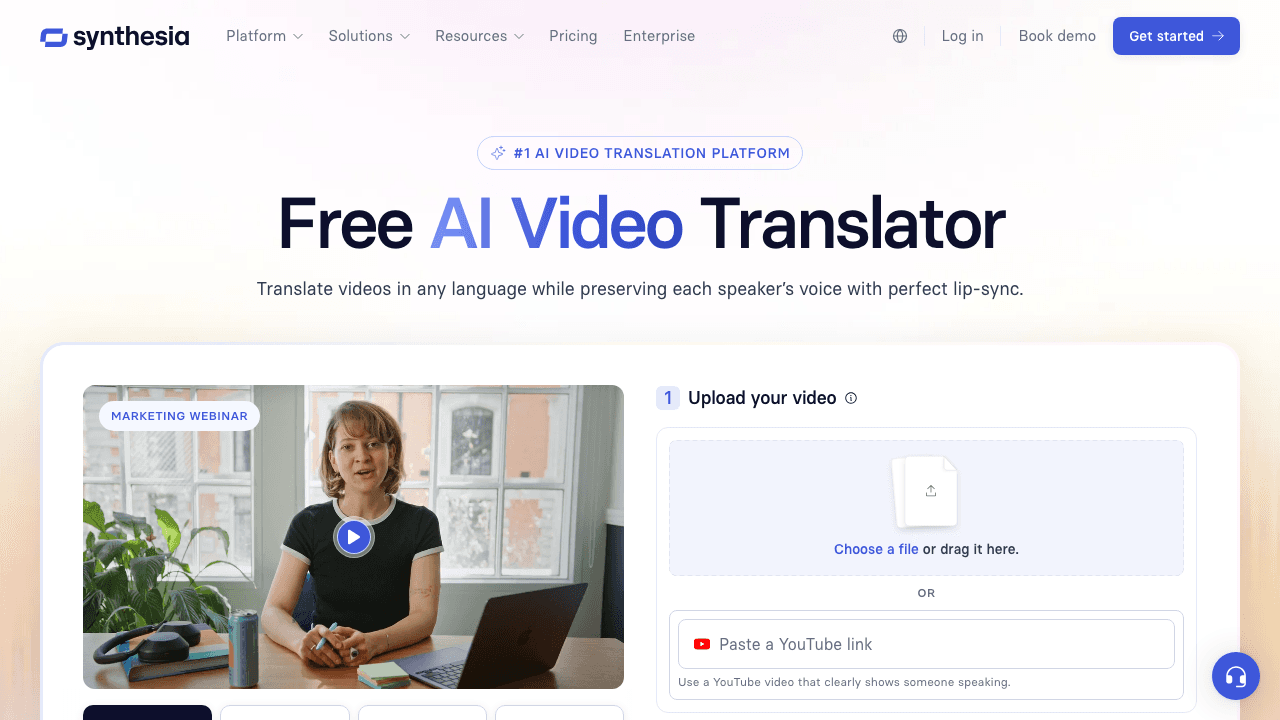
Synthesia is an AI avatar platform built for enterprise communications, training, corporate updates, onboarding. Translation supports 140+ languages with lip-sync and voice cloning. The lip-sync quality is excellent for avatar-generated content, handling voice, mouth movements, and gesture timing across languages.
The trade-off: translation shares your minute allocation with video creation. The free tier (36 min/yr) is barely enough to evaluate, and most teams end up on Creator ($64/mo) or above.
Pros:
- Excellent lip-sync for avatar content
- 140+ languages
- Strong enterprise features (SSO, brand kits, approvals)
Cons:
- Translation shares minutes with video creation
- Avatar-first, less useful for translating existing footage
- Enterprise pricing adds up quickly
Pricing: Free (36 min/yr), Starter $18/mo, Creator $64/mo.
Need Subtitles Fast? Try the Free Translator
Translate subtitle files into 65+ languages instantly. First translation free.
Translate subtitles free6. Captions: Best for Mobile and Social Content
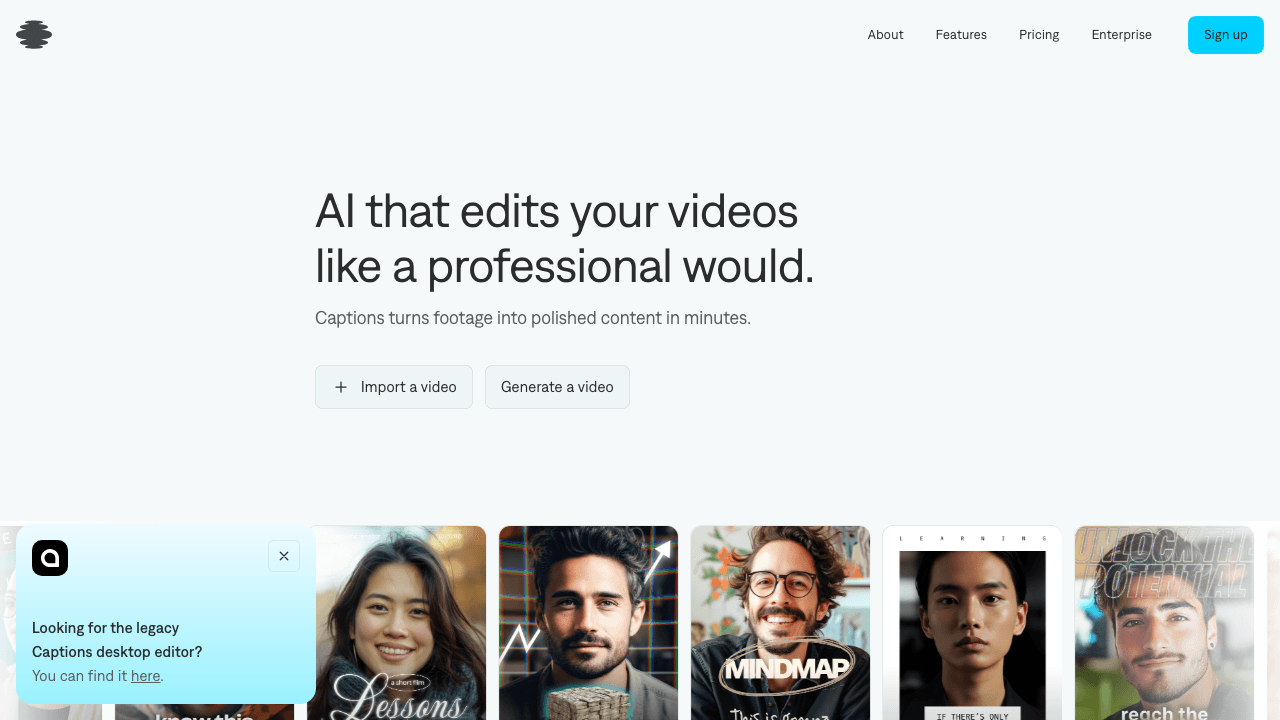
Captions is built for mobile-first creators. The app supports captions in 100+ languages and dubbing with lip-sync in 28-40 languages, all from your phone. At $9.99/mo, it's the most affordable lip-synced translation option.
Quality is tuned for short clips, talking-to-camera formats, reels, and TikToks. Longer or more complex content (multi-speaker, technical narration) is where it struggles. Solo creators translating social clips get excellent value; teams with longer content will hit limits fast.
Pros:
- Most affordable lip-sync translation ($9.99/mo)
- Mobile-first experience
- Quick turnaround on short-form content
Cons:
- Less suited for long-form or professional content
- Limited control over translation output
- Quality drops with complex audio
Pricing: Pro $9.99/mo.
7. CAMB.AI: Best for Cinematic and Enterprise Content
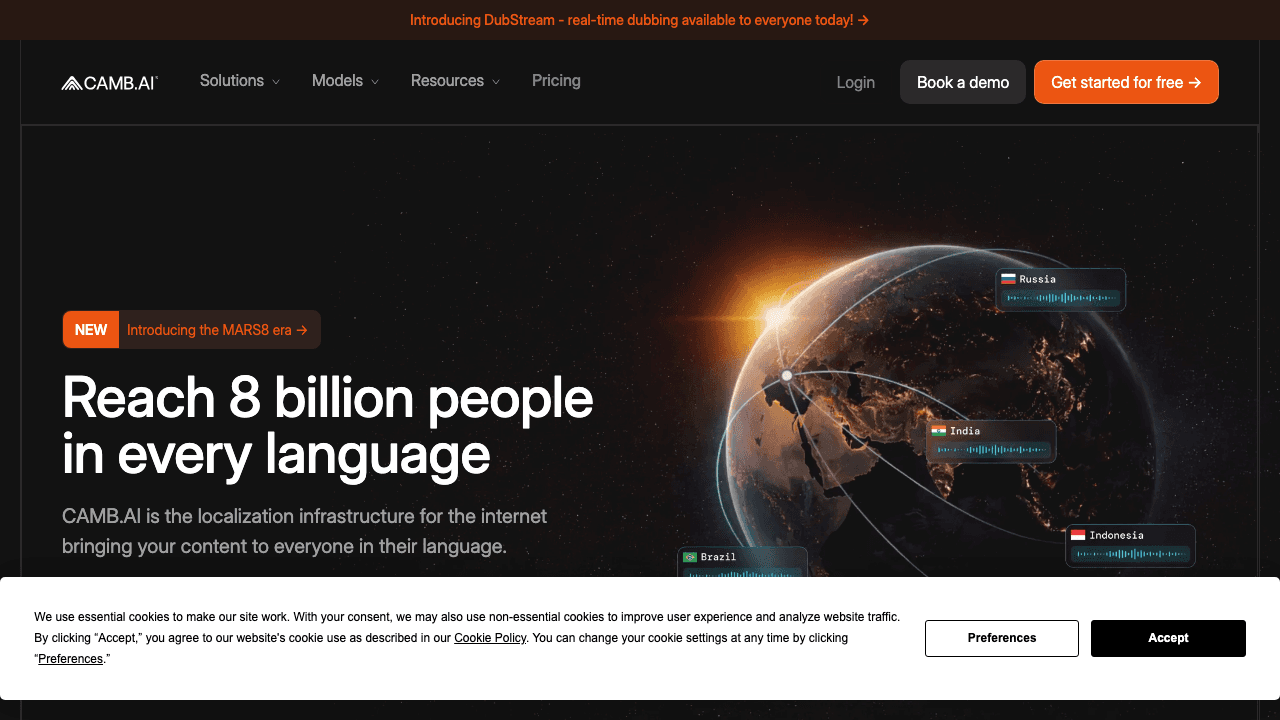
CAMB.AI operates at the high end. Their proprietary MARS voice engine powered the first AI-dubbed IMAX theatrical release. Supports 140+ languages with real-time live dubbing. The voice engine preserves performance nuance in ways consumer-grade tools don't attempt.
Pricing isn't public, and the platform is built for enterprise buyers. If you're translating tutorial videos, CAMB.AI is overkill. If you're dubbing feature films or global ad campaigns, it's worth a conversation.
Pros:
- Cinematic-quality dubbing (IMAX-proven)
- 140+ languages with proprietary voice engine
- Real-time live dubbing available
Cons:
- Pricing not publicly listed
- Overkill for individual creators
- Enterprise sales process required
Pricing: Custom (contact sales).
8. Dubverse: Best Budget Option
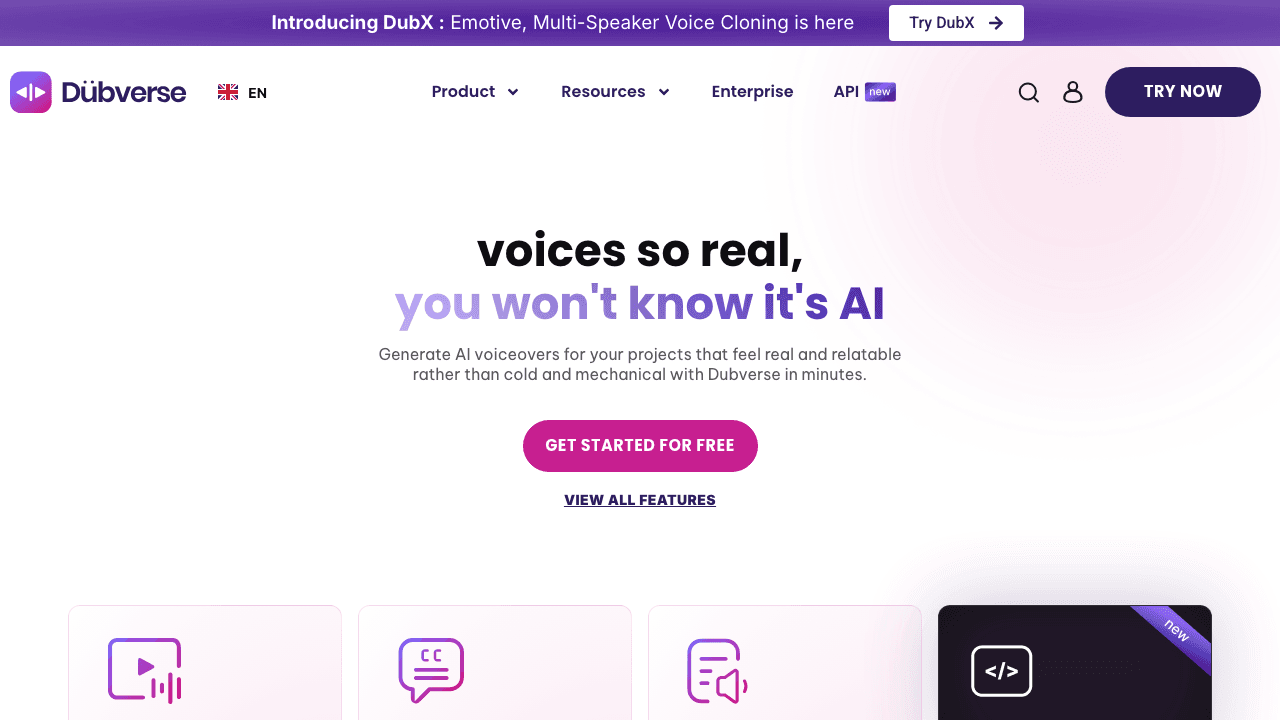
Dubverse keeps things simple: pick your video, pick your language, get dubbed output. Plans start around $18/mo with 450+ AI voices. Credits never expire, a genuine advantage over platforms where unused minutes reset monthly.
What you give up is polish. No lip-sync, smaller brand, and voice quality that doesn't match ElevenLabs or HeyGen. For budget-conscious teams with basic internal content needs, it works. For client-facing content, look elsewhere.
Pros:
- Affordable entry (~$18/mo)
- Credits never expire
- 450+ AI voices
Cons:
- No lip-sync
- Voice quality trails premium platforms
- Smaller brand with fewer updates
Pricing: Plans from ~$18/mo.
9. Maestra: Best Full Localization Suite
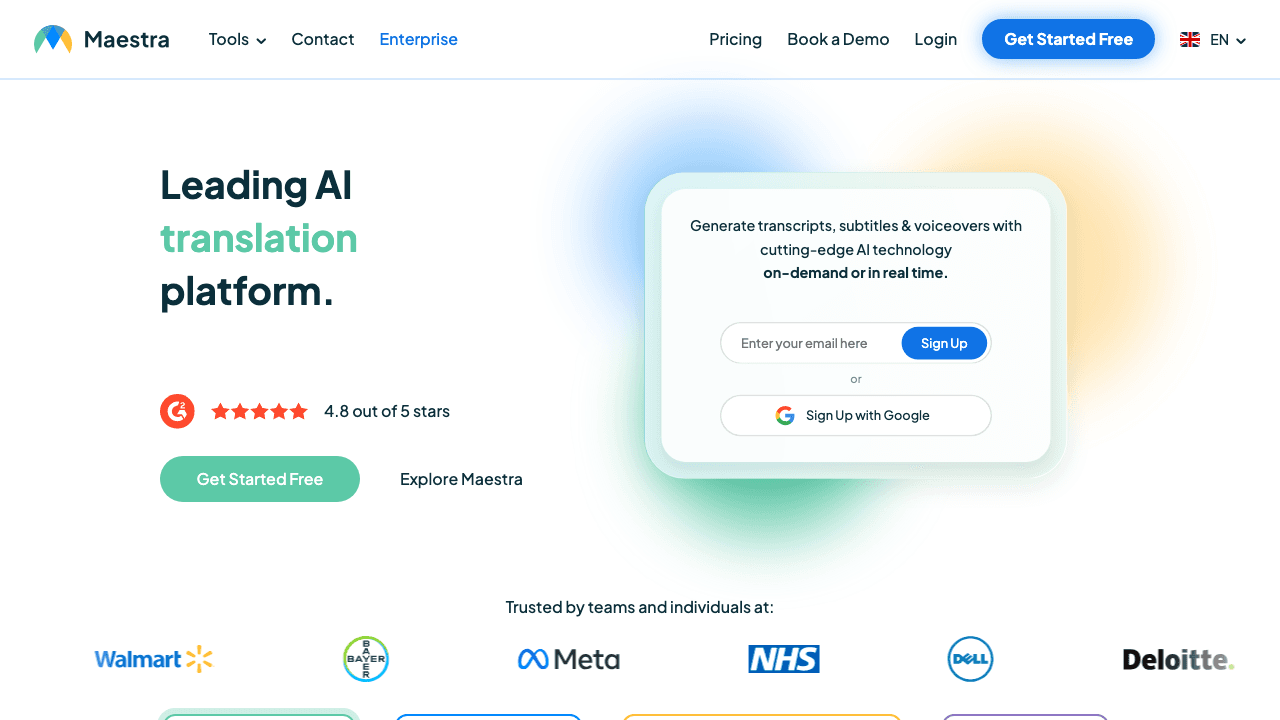
Maestra bundles transcription, translation, subtitles, and dubbing into one platform supporting 125+ languages. If you need the full pipeline, transcribe, translate, subtitle, and dub, Maestra handles it without jumping between tools. The Basic plan includes 120 minutes at $49/mo, competitive for the breadth of features.
The trade-off is specialization. Maestra does everything adequately but nothing exceptionally, voice quality trails ElevenLabs, documentation trails Vidocu. For teams that want one vendor for the entire localization pipeline, it's a solid choice.
Pros:
- Full localization suite (transcription + translation + subtitles + dubbing)
- 125+ languages
- Generous minute allocations
Cons:
- Jack of all trades, master of none
- No lip-sync
- Premium/Business plans get expensive ($99-$200/mo)
Pricing: Basic $49/mo (120 min), Premium $99/mo, Business $200/mo.
How to Choose the Right Rask AI Alternative
The right tool depends on what you're actually building:
You produce tutorials, training videos, or product documentation. Vidocu is the only option that translates video and generates localized help articles from the same upload. If your goal is multilingual tutorial videos plus supporting docs, nothing else covers both.
You need realistic lip-sync for talking-head content. HeyGen leads in lip-sync quality. Synthesia is a close second, especially for avatar-based content. Captions is the budget option.
Voice quality matters most. ElevenLabs, full stop. Their voice synthesis is a generation ahead of integrated platforms.
You're already editing video and want translation built in. Descript keeps everything in one editor. Less specialized, but more efficient if you're already in their ecosystem.
You're on a tight budget. Captions ($9.99/mo with lip-sync) or Dubverse (~$18/mo for basic dubbing) offer the lowest entry points. Vidocu and ElevenLabs both have free tiers for testing.
You need enterprise-grade localization. CAMB.AI for cinematic quality, Synthesia for corporate communications, or Maestra for full-pipeline localization.
For a deeper look at the AI video translation landscape, including free options and workflow tips, check our complete guide.
FAQ
What is the best free alternative to Rask AI?
Vidocu, HeyGen, and ElevenLabs all offer free tiers. Vidocu gives you 200 credits, roughly 4 minutes of AI video, with AI subtitles included; voiceover and translation start on the Pro plan. ElevenLabs offers roughly 15 minutes of free voice generation. HeyGen's free tier includes 3 videos with 3 minutes of translation per month. For a side-by-side of the caption-only options, see our roundup of AI subtitle translator tools. For subtitles only, Vidocu's free subtitle translator covers one free run on the free plan.
Which Rask AI alternative has the best lip-sync?
HeyGen has the best lip-sync technology for video translation in 2026. It re-renders mouth movements to match translated audio, producing natural-looking results for talking-head content. Synthesia is a close second, particularly for AI avatar videos. Captions offers lip-sync at a lower price point ($9.99/mo) but with less consistent quality.
Can I translate tutorial videos without re-recording?
Yes. Tools like Vidocu, HeyGen, and ElevenLabs let you translate tutorial videos without re-recording the original. You upload your existing video, select target languages, and the platform generates translated subtitles and/or AI voiceover. Vidocu goes further by also generating localized help articles from the same video.
What is the cheapest AI video translation tool?
Captions Pro at $9.99/mo is the cheapest paid option and includes lip-sync. Dubverse starts around $18/mo for basic dubbing. For voice-only translation (no video editing), ElevenLabs starts at $5/mo. Several tools offer free tiers: Vidocu (~4 min), ElevenLabs (~15 min of audio), and HeyGen (3 videos/mo).
Does Rask AI support lip-sync dubbing?
Rask AI has been developing lip-sync capabilities, but as of 2026 the feature is still behind competitors like HeyGen and Synthesia in terms of quality and reliability. If lip-sync is a core requirement, HeyGen or Synthesia are stronger choices. If you primarily need translated subtitles and voiceover without lip-sync, platforms like Vidocu or ElevenLabs may be more cost-effective.
Looking for more alternatives? Explore how Vidocu compares to other video translation and documentation platforms.
Try Vidocu for free: translate videos and generate docs from a single upload.

Written by
Daniel SternlichtDaniel Sternlicht is a tech entrepreneur and product builder focused on creating scalable web products. He is the Founder & CEO of Common Ninja, home to Widgets+, Embeddable, Brackets, and Vidocu - products that help businesses engage users, collect data, and build interactive web experiences across platforms.


