

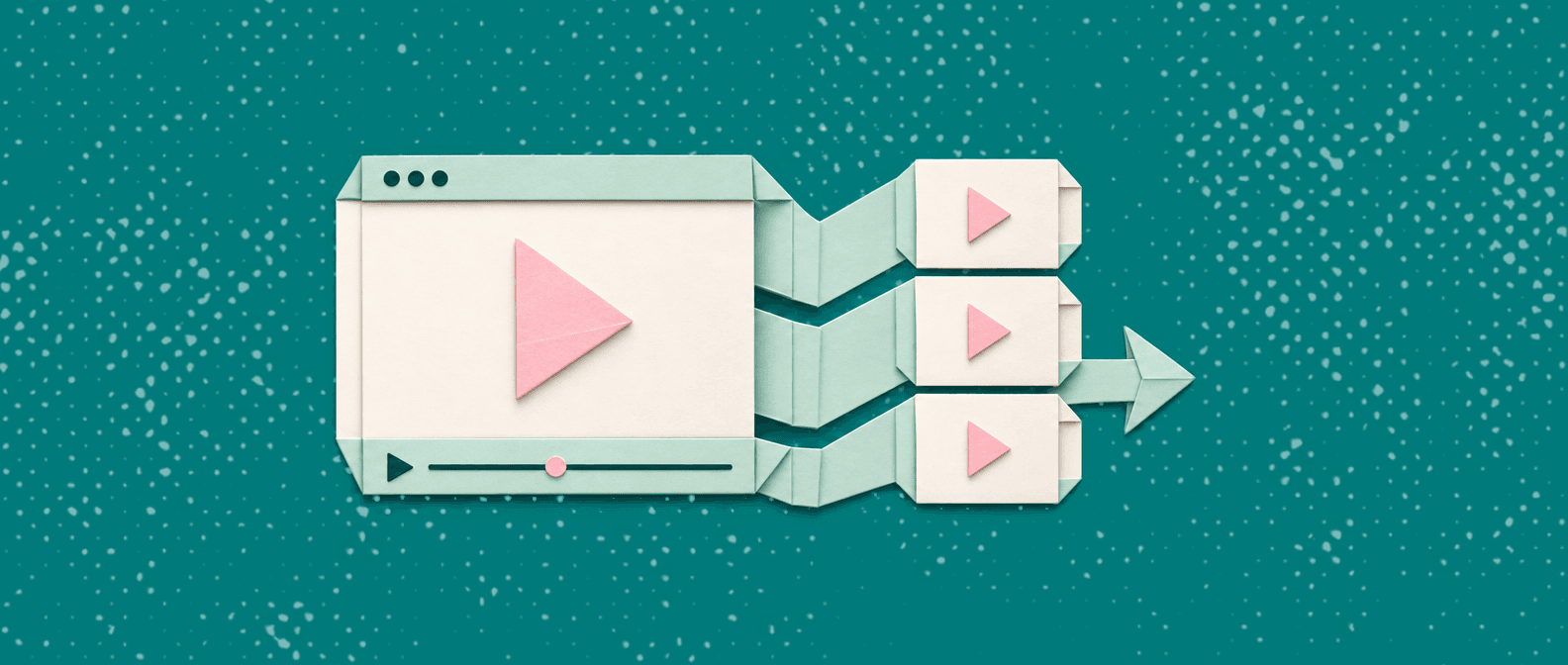
Customer education teams scale video how-to content without a video team by turning raw screen recordings into finished tutorials automatically. Instead of editing, scripting, and voicing each video by hand, they record once and let an AI tool like Vidocu generate subtitles, voiceover, step-by-step written guides, and translations from the same upload. One person can produce a full library.
Most customer education leaders hit the same wall. Demand for how-to content is effectively infinite (every feature, every workflow, every edge case a customer asks about), but the team producing it is two or three people, and none of them are video editors. Recording a walkthrough takes ten minutes. Turning that recording into something you would actually publish (captions, clean narration, a written version for the help center, versions in the languages your customers speak) takes hours. That gap is why so many education libraries stall out at a few dozen videos and never cover what customers actually search for.
The teams that break through this do not hire a video team. They change the production model. Here is how that works, and how to build a how-to library that keeps pace with your product without adding headcount.
Why the video team was always the bottleneck
The traditional pipeline for a single how-to video looks like this: write a script, record the screen, re-record the parts you fumbled, hand the raw file to an editor, wait for a cut, request revisions, add captions manually, hire a voice artist if you want narration, then rebuild the whole thing when the UI changes next quarter.
Every step in that chain needs a specialist or a queue. The result is that customer education becomes a project, not a process. You batch up a "video sprint" once a quarter, ship ten videos, and then fall behind again the moment your product ships a new feature.
The reason this matters for scale is simple: your customers do not ask questions on your production schedule. They ask when they are stuck, at 9pm, in Portuguese, about a feature you launched last week. A library that only grows during quarterly sprints can never keep up. This is the same dynamic that drives up ticket volume, which is why self-service documentation is one of the most reliable ways to reduce support tickets: the coverage gap is a staffing gap in disguise.
The new model: record once, generate everything
The shift that makes scale possible is separating the recording (which anyone on your team can do) from the production (which no longer requires a person at all).
With Vidocu's AI video documentation workflow, a subject-matter expert records a normal screen walkthrough and uploads it. From that single upload, the platform generates:
- Accurate captions in seconds using AI subtitles, not the hour or two a human would spend transcribing and timing them.
- Clean, professional narration through AI voiceover, with 50+ natural voices, so the person who knew the workflow did not also have to be a great presenter.
- A step-by-step written guide with screenshots, captured automatically, so every video ships with a text version for your help center and for customers who prefer to read or skim.
- Versions in other languages through video translation that produces subtitles and voiceover together across 65+ languages.
The person who understands the feature records it. Everything downstream is automated and finishes in minutes. That is the entire trick, and it is why a two-person customer education team can suddenly ship at the volume of a ten-person content studio.
Turn one screen recording into a full tutorial
Vidocu generates subtitles, voiceover, and a step-by-step written guide from a single upload, in minutes.
See how it worksWhat "scale" actually means for customer education
Scaling how-to content is not just about making more videos faster. It is about four things happening at once, none of which the old model handled well.
1. Coverage that matches your product surface
If your product has 200 features and workflows, you eventually need something close to 200 pieces of how-to content. Manual production makes that math impossible. Automated production makes it a matter of recording time. When any support agent, CSM, or product specialist can turn a five-minute recording into a publishable tutorial, coverage stops being a bottleneck. This is the workflow behind going from a support ticket to a public tutorial in about five minutes: every recurring question becomes a permanent asset.
2. Both formats from one effort
Some customers watch. Some skim a written guide. Historically you had to choose, or produce each format separately. Because Vidocu generates a step-by-step written article alongside the video from the same recording, you cover both learning styles with no extra work. That doubles the value of every recording without doubling the effort.
3. Freshness without re-recording everything
The quiet killer of every content library is staleness. Your UI changes, and suddenly half your tutorials show buttons that no longer exist. When production is expensive, teams let content rot because updating it costs almost as much as making it. When re-recording a single workflow and regenerating its captions, narration, and written guide takes minutes, keeping content current becomes realistic instead of aspirational. Freshness also matters for discoverability: search engines and AI answer tools both favor recently updated content.
4. Languages your customers actually speak
Localizing a video library used to mean a translation vendor, a voice artist per language, and weeks of turnaround. That cost is why most education content ships in English only. Generating subtitles and voiceover together across 65+ languages from the original recording removes the barrier, so a global customer base gets how-to content in its own language without a proportional increase in cost or staff.
A practical workflow you can run this week
You do not need to reorganize your team to adopt this. A customer education function can start with a single repeatable loop:
- Pick the questions customers actually ask. Pull your top recurring tickets, onboarding questions, and search queries with no matching content. That is your backlog, prioritized by real demand rather than guesswork.
- Record the walkthrough. Whoever knows the workflow best records it, mistakes and all. No script polishing required, because the voiceover will be regenerated anyway.
- Upload and let it generate. Vidocu produces the captioned video, the narrated version, and the written step-by-step guide automatically.
- Publish to your help center. Push the written guide and embedded video to your knowledge base. Teams that want a hosted, searchable home for this can use Vidocu's Knowledge Center, an AI help center that answers customer questions from your own content.
- Translate on demand. When you expand to a new market, generate localized versions from the originals instead of starting over.
Run that loop weekly and your library grows continuously instead of in quarterly bursts. This is the exact operating model that lets customer success and education teams treat video documentation as infrastructure rather than a special project.
Built for teams that educate customers at scale
Vidocu helps customer education, support, and success teams turn recordings into a searchable how-to library in every language.
Explore the customer support use caseWhat you give up, and what you do not
Honest framing matters here. Automated production does not replace editorial judgment. You still decide what to teach, in what order, and how deep to go. A tool will not tell you that your onboarding tutorial buries the one step everyone gets stuck on. That is your team's job, and it is the part worth their time.
What you give up is the manual labor that never needed a human in the first place: transcribing audio, timing captions, re-recording narration because you sneezed, formatting a written version by hand, and managing a translation vendor. Those were always tax, not craft. Removing them is what frees a small team to cover a large product.
For education teams that also run live training or webinars, the same model applies: a recorded session becomes a permanent, captioned, documented, multilingual asset instead of a replay nobody watches. The through-line is that every recording your organization already makes can become finished how-to content, which is a very different economics than "we need to schedule a video shoot."
The bottom line
Scaling video how-to content was never really a video problem. It was a production problem. As long as every tutorial required an editor, a voice artist, a technical writer, and a translator, a small customer education team could only ever cover a fraction of what customers needed.
By recording once and generating subtitles, voiceover, written guides, and translations automatically, a two or three person team can produce and maintain a library that used to require a dedicated studio. The video team you were told you needed turns out to be a workflow, not a hire.
If you are trying to keep how-to content current across a growing product and a global customer base, Vidocu is built for exactly this. Try it for free at vidocu.ai.
FAQ
Can a customer education team really produce quality video how-tos without a video editor?
Yes, for the vast majority of instructional content. The parts that used to require an editor (captioning, narration, formatting a written version, translating) are now automated. What still needs a human is deciding what to teach and reviewing the output for accuracy, which is editorial work, not video editing. For polished marketing videos with heavy motion graphics you may still want a specialist, but standard how-to and product tutorials do not need one.
How is this different from just recording a Loom and sharing the link?
A raw screen recording is a starting point, not a finished asset. It has no clean captions, no professional narration, no written version for people who prefer to read, and only exists in one language. Vidocu takes that same recording and generates all of those outputs automatically, so one recording becomes a captioned video, a step-by-step written guide, and localized versions, instead of a single link that ages badly.
How do we keep a large video library from going stale when the product changes?
Re-record only the workflow that changed and regenerate its outputs. Because producing captions, voiceover, and the written guide takes minutes rather than hours, updating content becomes cheap enough to actually do. Teams that automate production can maintain freshness continuously instead of letting tutorials rot until the next quarterly sprint.
How many languages can customer education content be produced in?
Vidocu generates subtitles and voiceover together across 65+ languages from the original recording. That means you can localize your entire how-to library without hiring a translator or a voice artist per language, which is usually what stops education content from shipping in anything but English.
Where should the finished how-to content live?
Wherever your customers look for help: your existing help center, your in-app resources, or a hosted knowledge base. Vidocu produces both the video and a written step-by-step guide, so you can publish to a video player and a searchable article at the same time, and teams that want an AI-searchable home for it can use the Knowledge Center add-on.

Written by
Daniel SternlichtDaniel Sternlicht is a tech entrepreneur and product builder focused on creating scalable web products. He is the Founder & CEO of Common Ninja, home to Widgets+, Embeddable, Brackets, and Vidocu - products that help businesses engage users, collect data, and build interactive web experiences across platforms.


