


If you've been paying attention to the agent ecosystem in 2026, you already know the Model Context Protocol is the plumbing behind almost every serious AI workflow. What's changed this year is that video stopped being a blind spot. Agents can now transcribe, translate, search, edit, and summarize video through a growing set of MCP servers, and the question has shifted from "can AI work with video?" to "which video MCP server should I plug in?"
This post answers that. You'll get a plain-English explanation of what a video MCP server is, the capabilities worth caring about, and a ranked look at the servers doing the interesting work right now, including Vidocu's own MCP server, TwelveLabs, AllVoiceLab, FFmpeg-based editors, and the infrastructure players like Mux and Bunny.net.
What is a video MCP server?
The Model Context Protocol (MCP) is an open standard originally released by Anthropic in late 2024 that lets AI assistants like Claude, Cursor, and Windsurf talk to external tools through a common interface. Think of it as a USB-C port for LLMs: instead of writing a bespoke API wrapper every time you want an agent to do something new, you point it at an MCP server and it gets a standardized toolbox.
A video MCP server is one of those toolboxes, but specifically for video operations. It exposes tools like "generate subtitles", "translate this clip", "trim from 0:30 to 2:15", or "find the scene where the speaker mentions pricing" as callable MCP tools that any AI agent can invoke with natural language.
The reason this matters in 2026: video files are large, processing is expensive, and every team rolls its own pipeline slightly differently. MCP servers turn that sprawl into a plug-in ecosystem, and the good ones let agents handle real production work without a single line of FFmpeg glue code.
What can AI agents actually do with a video MCP server?
The capabilities fall into roughly five buckets. Most servers cover one or two. A handful cover the full pipeline.
- Understanding: transcription, summarization, semantic search, scene detection, Q&A over a video's contents.
- Editing: trimming, merging, cropping, rotating, adding watermarks, adjusting speed, applying effects.
- Translation and voice: translating subtitles to other languages, generating AI voiceover, dubbing entire videos.
- Documentation: turning a screen recording into a step-by-step guide with screenshots, FAQs, or a help article.
- Delivery and storage: uploading to a CDN, managing streaming endpoints, serving video to end users.
A team building an internal onboarding agent, for example, might chain three of these together: record a Loom-style screen capture, feed it to an MCP server that generates subtitles and an auto-written step-by-step guide, translate the output into the 12 languages the company ships in, and drop everything into Notion. That entire chain runs through MCP tool calls, no human in the loop beyond recording the original video.
The best video MCP servers in 2026
Here's the ranked list. I've grouped them by what they do best, because "best" depends heavily on whether you need understanding, editing, or full pipeline work.
1. Vidocu MCP Server: the full pipeline in one server
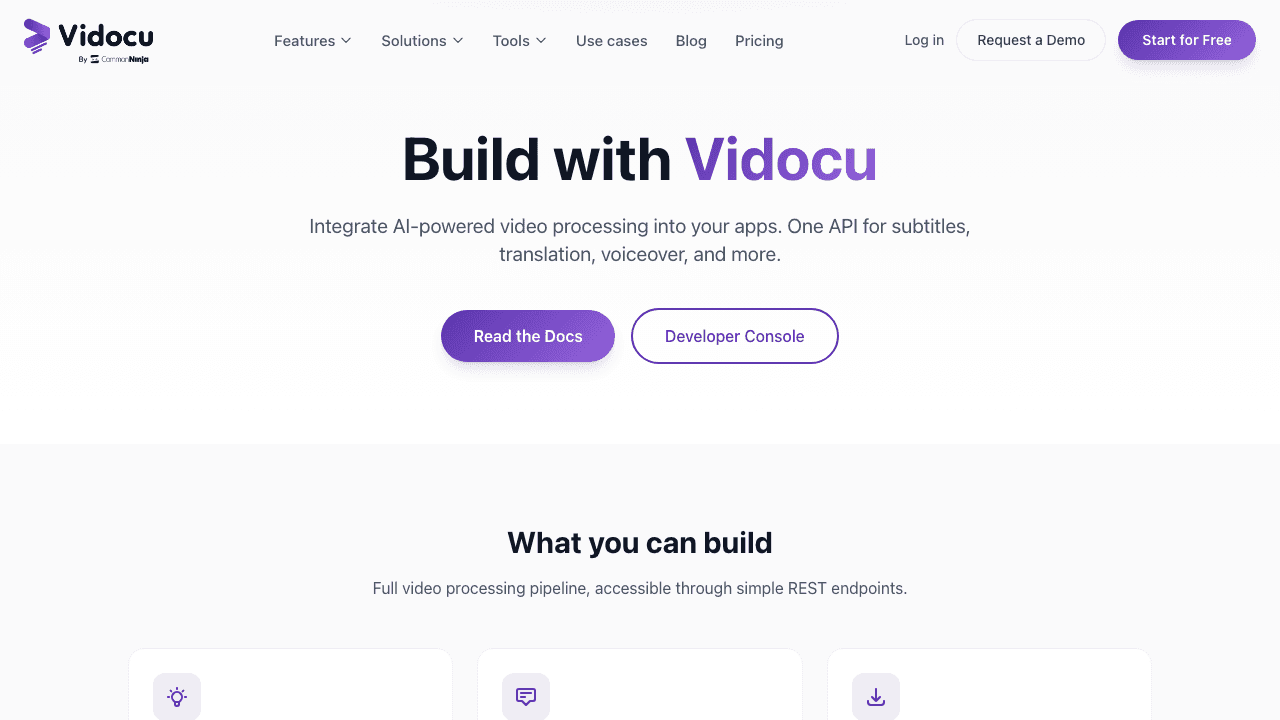
Vidocu's MCP server for video is the one I'd reach for if you want to go from a raw recording to shipped content without stitching together five different tools. It exposes the full Vidocu pipeline as MCP tools: upload a video, analyze it, generate subtitles in 65+ languages, add AI voiceover, translate the whole video, and auto-generate step-by-step documentation with screenshots, all through a single server.
What makes it different: most of the servers on this list are thin wrappers around one capability (FFmpeg, TwelveLabs embeddings, a storage API). Vidocu is the only one I've found that covers upload, understanding, editing, translation, voiceover, and docs together. That matters for agent workflows because you don't have to reason about which MCP server owns which step.
Best for: teams building content automation, support agents, localization pipelines, or internal training tools that need more than raw FFmpeg operations.
Pricing: Free tier covers 8 minutes of video and 4 articles. Pro at $39/mo. API and MCP both use the same credit pool.
2. TwelveLabs MCP Server: video understanding and semantic search
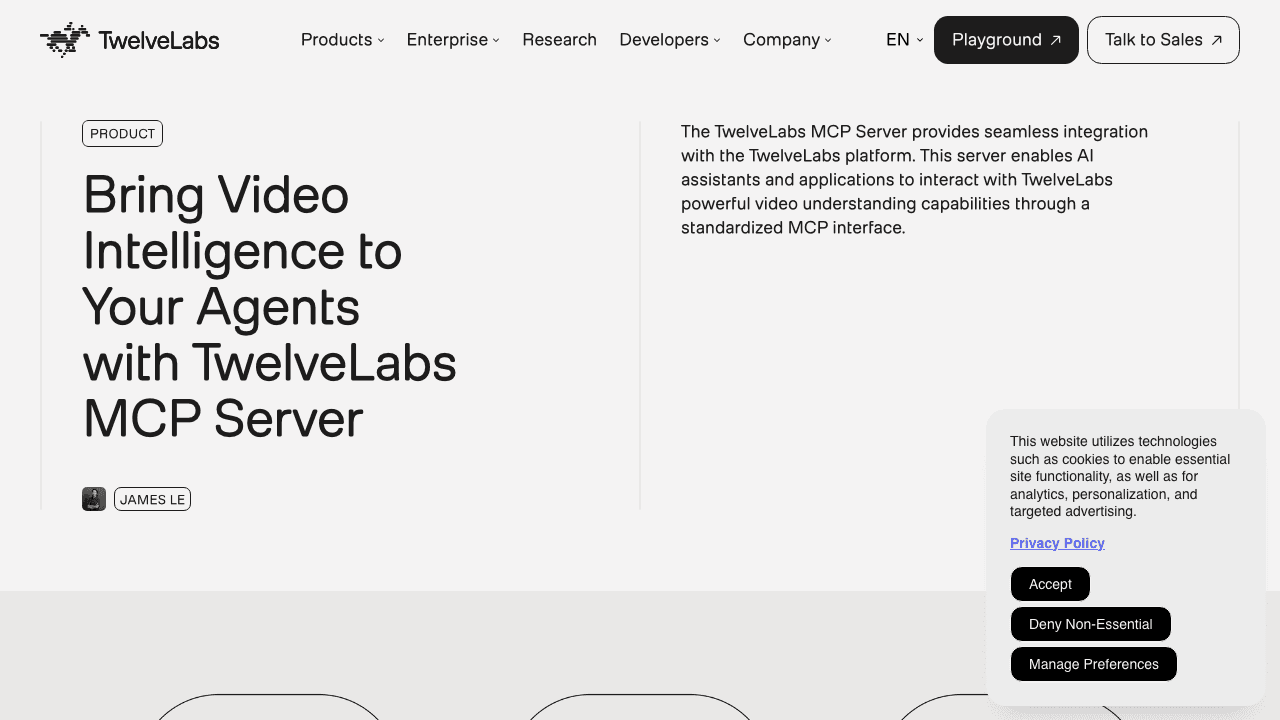
If your agent needs to watch video instead of edit it, TwelveLabs is the strongest option. Their MCP server exposes semantic search powered by the Marengo embeddings model and summarization or Q&A via Pegasus, their video language model.
An agent connected to TwelveLabs can do things like "find every clip where the speaker mentions competitor pricing" or "summarize the 90-minute webinar as a briefing". The embeddings are genuinely good, which is why they show up in a lot of video RAG architectures this year.
Best for: video search, highlight extraction, RAG over long video libraries, content moderation.
3. AllVoiceLab MCP Server: dubbing and multilingual voice
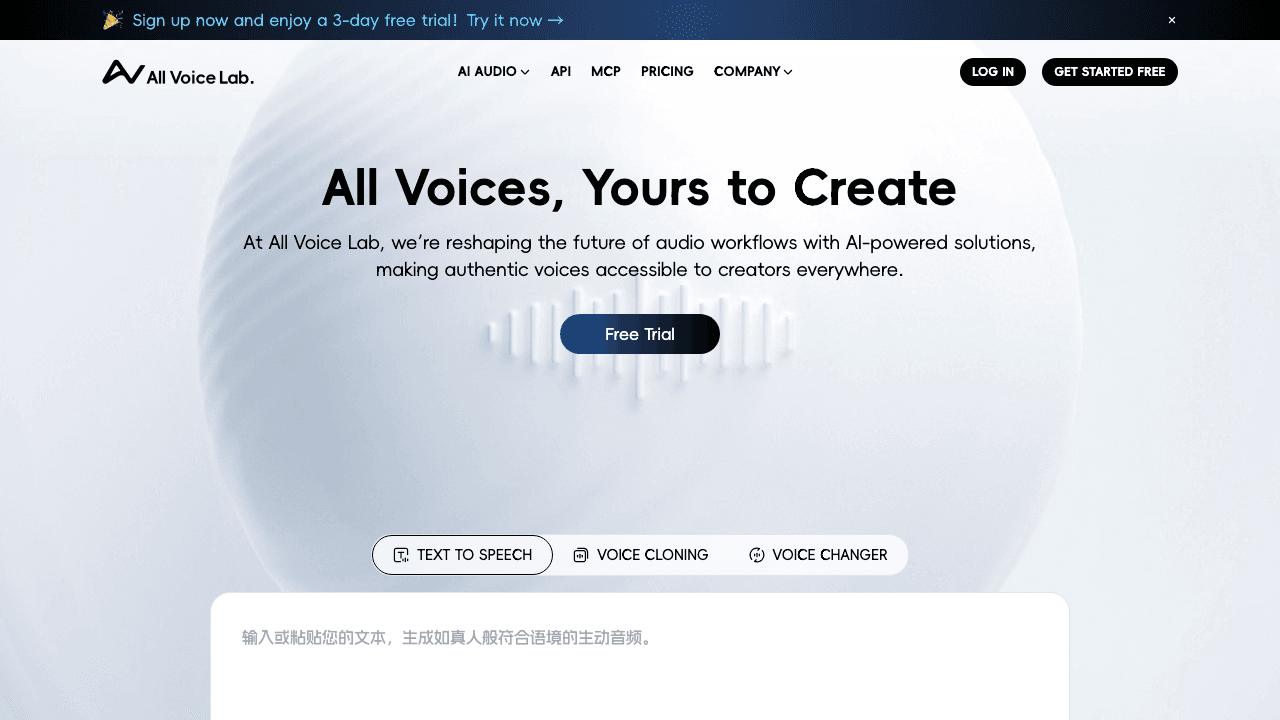
AllVoiceLab's server specializes in one of the hardest parts of video: voice. It does one-click translation and dubbing of short videos, voice conversion, and multilingual subtitle generation with a claimed 98% accuracy. It works cleanly with Claude Desktop, Cursor, Windsurf, and OpenAI Agents.
Best for: agents that need to produce dubbed video in multiple languages without spinning up separate TTS and translation services.
4. Video Editor MCP (Kush36Agrawal): FFmpeg in natural language
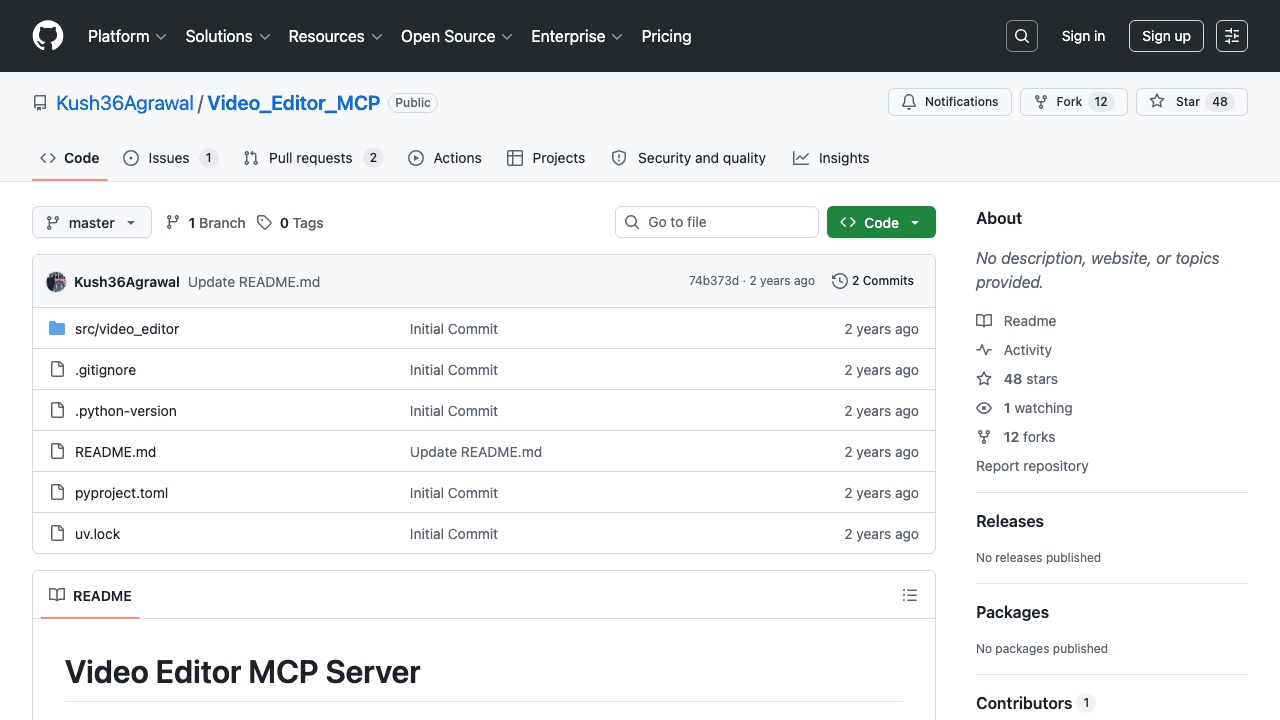
This is the most popular open-source "FFmpeg as MCP" server. It exposes a single execute_ffmpeg tool that handles trimming, merging, format conversion, speed adjustment, audio tracks, extraction, subtitles, and basic filters. Plug it into Claude Desktop and you can say "trim video.mp4 from 1:30 to 2:45" or "convert input.mp4 to WebM" and it works.
Best for: developers who want FFmpeg-level control without hand-writing commands, and who are comfortable running things locally.
5. Video/Audio MCP (misbahsy): the comprehensive FFmpeg wrapper
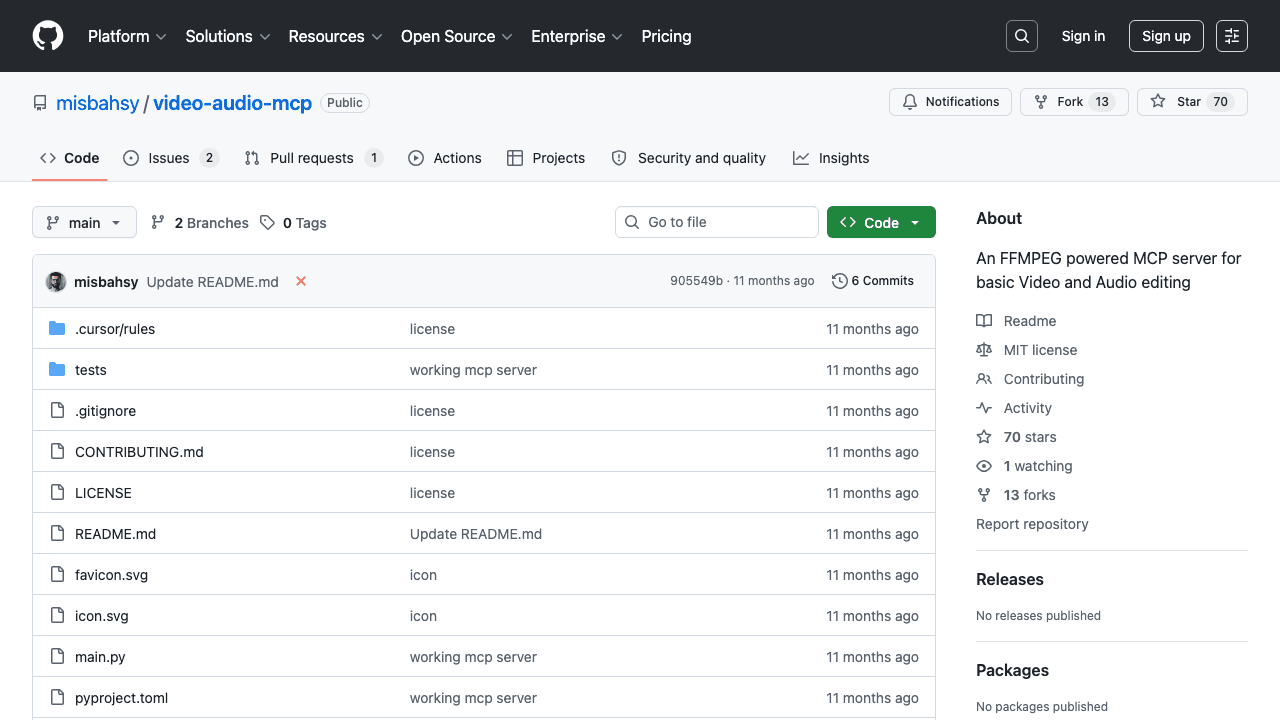
A more feature-rich FFmpeg MCP than Kush36's, with structured tools for format conversion, trimming, overlays, transitions, and advanced audio processing. If you want FFmpeg power but with cleaner tool granularity, this is the one.
Best for: teams that want FFmpeg capabilities exposed as a set of well-scoped tools rather than one execute_ffmpeg catch-all.
6. FFmpeg MCP Server (bitscorp-mcp): simple resize and extract
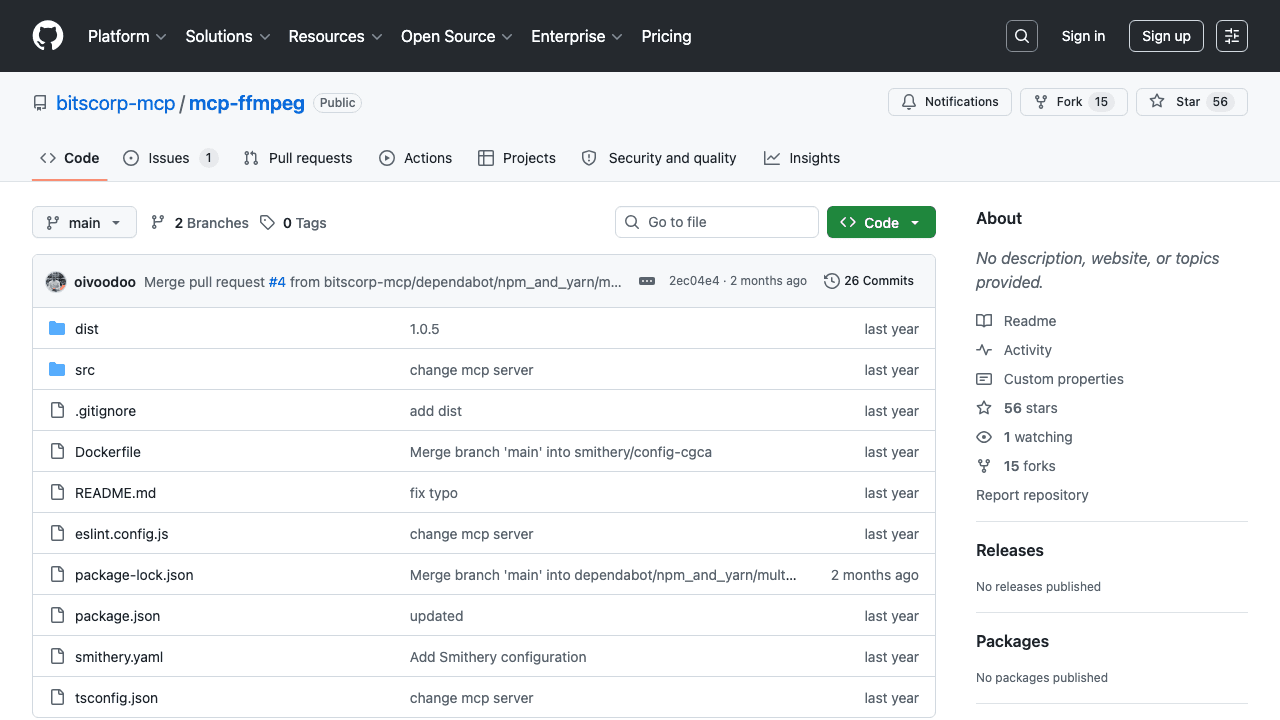
A Node.js FFmpeg server focused on two operations: resizing videos to 360p/480p/720p/1080p and extracting audio as MP3, AAC, WAV, or OGG. Minimal surface area, which is actually a feature if you just need those two things.
Best for: agents with narrow use cases like preparing video for different delivery targets or extracting podcast-style audio.
7. YouTube Translate MCP (Brian Shin): YouTube transcripts and SRT/VTT
Pulls full transcripts from YouTube videos, translates them into various languages, and generates subtitle files in SRT or VTT formats. If your workflow starts with "here's a YouTube URL", this handles the first-mile problem.
Best for: content teams that repurpose YouTube content into other formats or languages.
8. Mux MCP Server: video hosting and streaming
Mux is a video infrastructure company with an MCP server that lets agents interact with their hosting and streaming backend. Create video assets, manage playback IDs, pull analytics, configure live streams.
Best for: applications shipping video to end users and needing programmatic control over hosting and delivery.
9. Bunny.net MCP Server: low-cost delivery

Bunny.net's MCP server does what the Mux one does but at Bunny's pricing. Manage video collections, upload, configure players. The tradeoff is you get less polish and fewer analytics in exchange for lower delivery costs.
Best for: cost-sensitive delivery use cases where you don't need Mux-level analytics.
10. Google Cloud Video Intelligence MCP: object detection and OCR
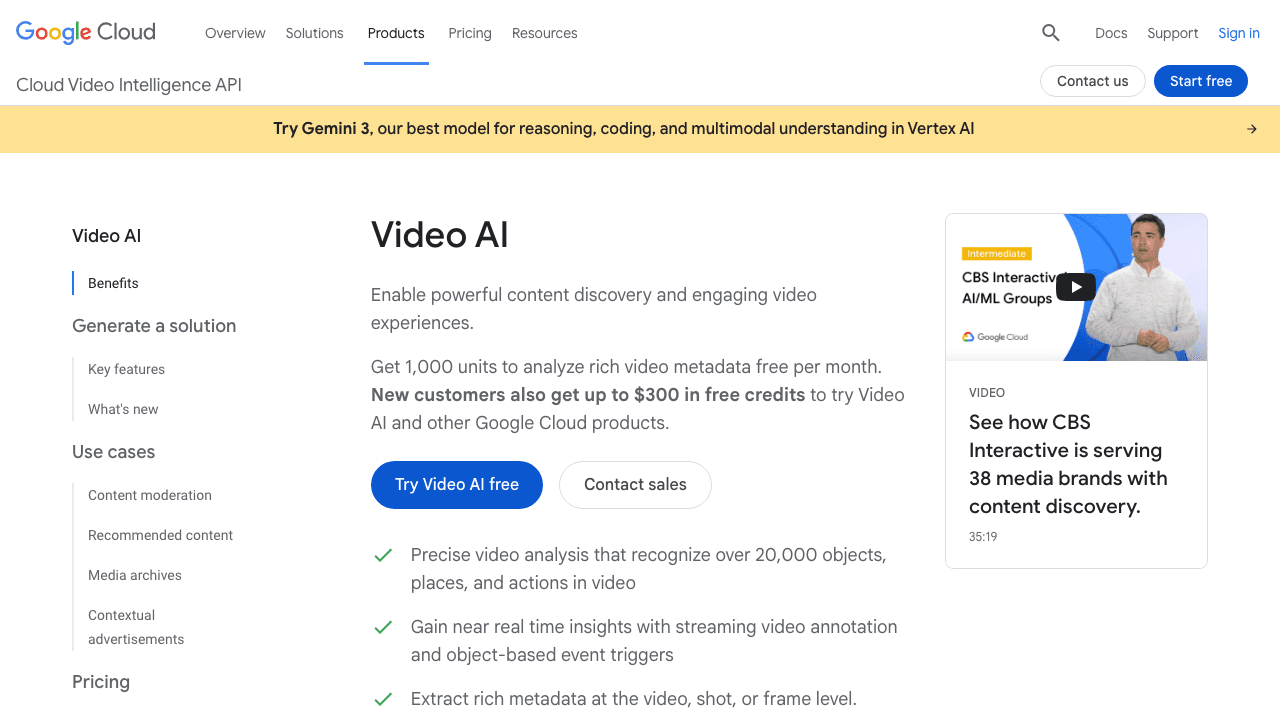
Exposes Google's Video Intelligence API to agents: detect objects, shot changes, recognize on-screen text, flag inappropriate content. Turns raw video into structured metadata.
Best for: content moderation, compliance workflows, or any pipeline that needs video converted into labeled data.
11. Fast.io MCP: storage for video agents
Less of a video server and more of an adjacent infrastructure layer. Fast.io provides a persistent file system agents can read and write through MCP. Useful because video files are usually too big for agent context windows or ephemeral containers.
Best for: pairing with any of the servers above when your agent needs a place to stash large files between steps.
Video MCP servers at a glance
| Server | Primary capability | Best for | Covers full pipeline? |
|---|---|---|---|
| Vidocu | Subtitles, voiceover, translation, docs | Content automation, localization, internal docs | Yes |
| TwelveLabs | Semantic search, video Q&A | Video RAG, highlight extraction | No |
| AllVoiceLab | Dubbing, multilingual voice | Voice-heavy workflows | Partial |
| Video Editor MCP (Kush36) | FFmpeg operations | Trim, merge, convert via natural language | No |
| Video/Audio MCP (misbahsy) | FFmpeg with granular tools | Structured editing workflows | No |
| FFmpeg MCP (bitscorp) | Resize, audio extract | Narrow use cases | No |
| YouTube Translate MCP | YouTube transcripts, SRT/VTT | YouTube-first workflows | No |
| Mux MCP | Hosting, streaming | Shipping video to end users | No |
| Bunny.net MCP | Video delivery | Cost-sensitive delivery | No |
| Google Video Intelligence | Object detection, OCR | Moderation, structured metadata | No |
| Fast.io MCP | File storage | Intermediate storage for pipelines | No |
Build video agents without the FFmpeg plumbing
Vidocu's MCP server exposes subtitles, voiceover, translation, and documentation as callable tools. Covers the full pipeline in one connection.
Explore the developer platformHow to choose the right video MCP server
The decision tree is simpler than the list suggests.
- Do you need agents to understand video? TwelveLabs for search and Q&A, Google Video Intelligence for structured metadata.
- Do you need agents to edit video? One of the FFmpeg MCPs (Kush36 or misbahsy) if you want open-source, or Vidocu if you want higher-level operations and don't want to manage FFmpeg yourself.
- Do you need agents to translate or voice video? AllVoiceLab for pure dubbing, Vidocu for subtitles + voiceover + translation together.
- Do you need agents to ship video? Mux if you're paying for polish, Bunny.net if you're optimizing cost.
- Do you need agents to document video? Vidocu is the only MCP server I've seen that turns a recording into a step-by-step help article with screenshots.
If your workflow touches more than two of those, save yourself integration work and start with a server that covers multiple capabilities out of the box. If it only touches one, a specialized server is usually faster and cheaper.
A real video agent workflow, start to finish
Here's a workflow I built recently to illustrate how these pieces compose. The goal: a content team drops a Loom recording in Slack, an agent picks it up, and the team wakes up to a blog post, a help article, subtitles in five languages, and a dubbed version ready to publish.
- Ingest. Slack webhook fires, agent calls Vidocu's MCP
upload_videotool with the Loom URL. - Understand.
analyze_videoreturns scenes, topics, and a transcript. Agent decides what kind of content this is (demo, tutorial, meeting, webinar). - Document.
generate_articleturns the video into a step-by-step help article with auto-captured screenshots. - Translate.
translate_videoproduces subtitle and voiceover versions in Spanish, German, French, Portuguese, and Japanese. - Export.
export_videorenders the final videos with burned-in subtitles for each language. - Publish. Agent posts results back to Slack with links to the article and each language variant.
The whole thing runs through one MCP server, which is the point. You can do the same thing by wiring up seven different servers, but you'll spend most of your time gluing them together instead of building the agent's actual behavior. This is the same philosophy behind Vidocu's video editing API and its video translation pipeline: ship one primitive that covers the full job, not a dozen that cover slices of it.
MCP vs REST API: when to use which
One question I get a lot from developers: if Vidocu already has a REST API, why use the MCP server?
Short answer: MCP is for agents, REST is for applications.
If you're building a SaaS product with a UI where users trigger video processing, use the REST API. Authentication, rate limits, and webhook workflows are all built for that. If you're building an agent where Claude, Cursor, or a custom LLM needs to decide which video tool to call based on context, use MCP. The protocol handles tool discovery, parameter inference, and result parsing automatically.
Most serious production setups I've seen in 2026 use both. REST for the user-facing flows, MCP for the agent-side automation that sits on top.
One server, the full video pipeline
Upload, analyze, subtitle, voiceover, translate, and document - all as MCP tools. 65+ languages, 50+ voices, built for agents.
Read the API docsThe state of video MCP in 2026
Two trends worth watching.
First, MCP itself is expanding to support native media types this year, which means agents won't just call tools that return URLs to video files. They'll be able to pass video frames, audio segments, and embeddings directly through the protocol. Most of the servers on this list will need to update their tool surfaces to take advantage.
Second, the "Best X" list category now accounts for around 44% of ChatGPT citations, and MCP-aware content is disproportionately cited by AI search because it's the kind of content AI agents themselves are searching for. If you're a developer building in this space, being on roundups like this matters more than link count or domain authority. That's true for tool vendors, but it's also true for content teams deciding which MCP servers to trust.
Video is one of the last big unlocks for agentic AI. The servers above are how you ride that wave without building the plumbing yourself.
FAQ
What is a video MCP server?
A video MCP server is a Model Context Protocol server that exposes video operations (transcription, translation, editing, documentation, delivery) as standardized tools that any MCP-compatible AI agent can call. It removes the need to write custom API integrations for each video tool.
Which video MCP server covers the most capabilities?
Vidocu's MCP server is the only one I've found that covers the full pipeline from upload through understanding, translation, voiceover, documentation, and export in a single connection. Most other servers specialize in one or two capabilities, like TwelveLabs for search or the FFmpeg servers for editing.
Do I need to know FFmpeg to use a video MCP server?
Not unless you specifically choose an FFmpeg-based server like Video Editor MCP or the misbahsy Video/Audio server. Higher-level servers like Vidocu, TwelveLabs, and AllVoiceLab abstract FFmpeg entirely. You call tools like generate_subtitles or translate_video, not raw FFmpeg commands.
Can I use a video MCP server with Claude Desktop?
Yes. Most MCP servers on this list work with Claude Desktop, Cursor, Windsurf, and the OpenAI Agents SDK. Configuration is usually a few lines in an MCP config file pointing to the server's endpoint or binary.
What's the difference between a video MCP server and a video API?
A video API is designed for applications with predictable request patterns. A video MCP server is designed for AI agents that reason about which tool to call and when. MCP servers add tool discovery, schema negotiation, and parameter inference on top of an API, which lets agents use them without prior integration work. Many products (including Vidocu) ship both.
Is there a cost difference between using MCP and REST?
Usually no. Most providers, including Vidocu, use the same credit or usage pool whether you call the API directly or through MCP. The MCP layer is a protocol convenience, not a separate product tier.

Written by
Daniel SternlichtDaniel Sternlicht is a tech entrepreneur and product builder focused on creating scalable web products. He is the Founder & CEO of Common Ninja, home to Widgets+, Embeddable, Brackets, and Vidocu - products that help businesses engage users, collect data, and build interactive web experiences across platforms.


