
Writing SOPs from scratch is tedious. You record a process, then spend an hour turning it into a document with steps, screenshots, and formatting, and often another pass to annotate an image online so each screenshot points at the right button. By the time you're done, the process has probably changed.
Video SOP software is the category of tools built to produce structured standard operating procedures from screen recordings. Support teams in particular use it to get from recorded ticket resolutions to customer support SOPs agents can follow. The tools differ on whether they need an extension, whether they accept footage you already have, and whether they output a video as well as a document.
If you already know you want to convert a recording and just need the tool, go straight to Vidocu's video to SOP converter. The rest of this guide is for choosing between tools.
But which tool actually delivers? We tested the top video SOP tools in 2026 and compared them on features, output quality, pricing, and ease of use. This roundup covers the video-first subset of the market; for the general category, including workflow-enforcement and training-first tools like Process Street and Trainual, see our comparison of the best SOP software.
What Makes Good Video SOP Software?
Before diving into the tools, here's what to look for:
- Automatic step detection: The tool should identify distinct steps in your recording without manual input
- Screenshot extraction: Each step needs a clear screenshot, not a blurry frame grab
- Editable output: You need to tweak steps, reorder them, and add context
- Export options: PDF, Markdown, HTML, or direct integration with your knowledge base
- Video output: Some tools also produce a polished video alongside the document
- Scalability: Can your whole team use it without breaking the budget?
Best Video SOP Software Compared
Here's a quick comparison of the top tools:
| Tool | Best For | Input Method | Video + Doc Output | AI Voiceover | Starting Price |
|---|---|---|---|---|---|
| Vidocu | All-in-one video → SOP + polished video | Video upload | ✅ Both | ✅ | Free (paid from $39/mo) |
| Scribe | Text-based SOPs from browser activity | Browser extension | ❌ Docs only | ❌ | Free (paid from $23/mo) |
| Trupeer | AI video tutorials with avatars | Screen recording | ✅ Both | ✅ | $49/mo |
| Guidde | Quick how-to videos for support | Browser extension | ✅ Video focus | ✅ | Free (paid from $16/mo) |
| Trainual | Company-wide SOP management | Manual + upload | ❌ Management only | ❌ | $249/mo |
| Whale | Team playbooks and onboarding | Manual + upload | ❌ Management only | ❌ | $6/user/mo |
| Loom | Recording and sharing walkthroughs | Screen recording | ❌ Video only | ❌ | Free (paid from $12.50/mo) |
Now let's break down each tool.
1. Vidocu: Best All-in-One Video SOP Tool
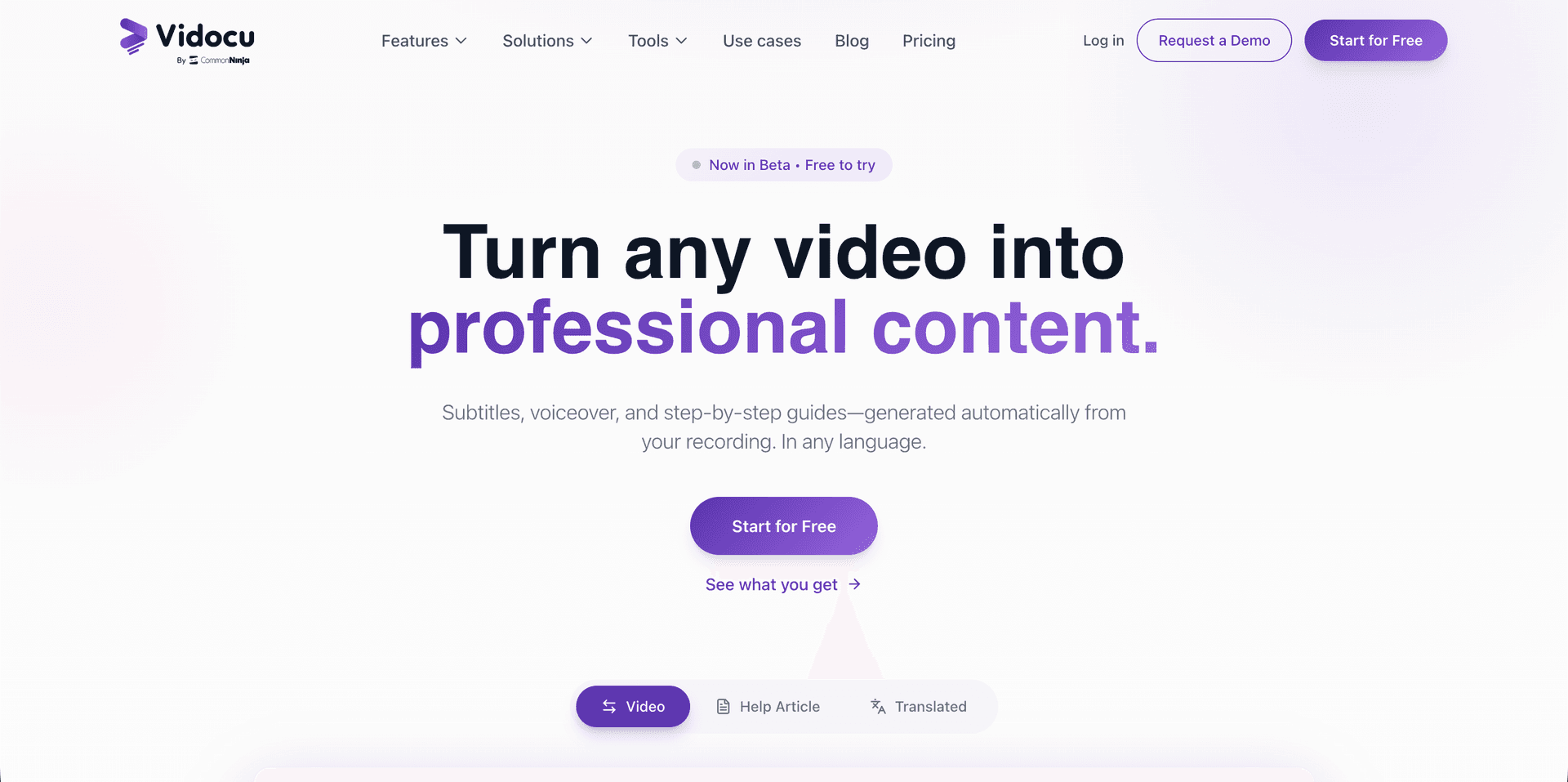
Vidocu takes a different approach from most SOP tools. Instead of requiring a browser extension or recording through their app, you upload any existing video (a screen recording, a Loom video, a Zoom call) and it generates both a polished video and structured documentation automatically.
There is now a second route that skips the recording step entirely. Vidocu's AI Recorder takes a plain-language description of the flow, performs it in a real browser, and records itself doing it, then returns the video, step screenshots, and the written SOP from that single run. It is useful for the long tail of procedures nobody has time to sit down and record. If you are weighing that approach against the usual tools, we compared them in the best AI screen recorders.
How it works:
- Upload your screen recording (any format)
- Vidocu's AI detects steps, extracts screenshots, and generates descriptions
- The video to SOP step returns a structured guide with screenshots, plus a polished video with subtitles, zoom effects, and optional AI voiceover
- Edit either output, then export or publish
What sets it apart:
- No extension needed: Use whatever recording tool you already have (OBS, Loom, QuickTime, anything)
- Dual output: Get both the written SOP and a polished tutorial video from one upload
- AI voiceover in 30+ languages: Turn silent recordings into narrated tutorials with natural-sounding AI voices
- Video editor included: Add zoom and pan effects, subtitles, background music, and watermarks without a separate tool
- Video translation: Translate your SOPs into multiple languages for international teams
Best for: Teams that need both video tutorials and written SOPs from the same recording. Especially useful if you're already recording with Loom or OBS and want video documentation software that works on footage you already have.
Turn Any Screen Recording into an SOP
Upload a video and get a step-by-step guide with screenshots, AI voiceover, and subtitles, automatically.
Try Video to SOPPricing: Free tier available. Paid plans start at $39/month.
2. Scribe: Best for Text-Based SOPs
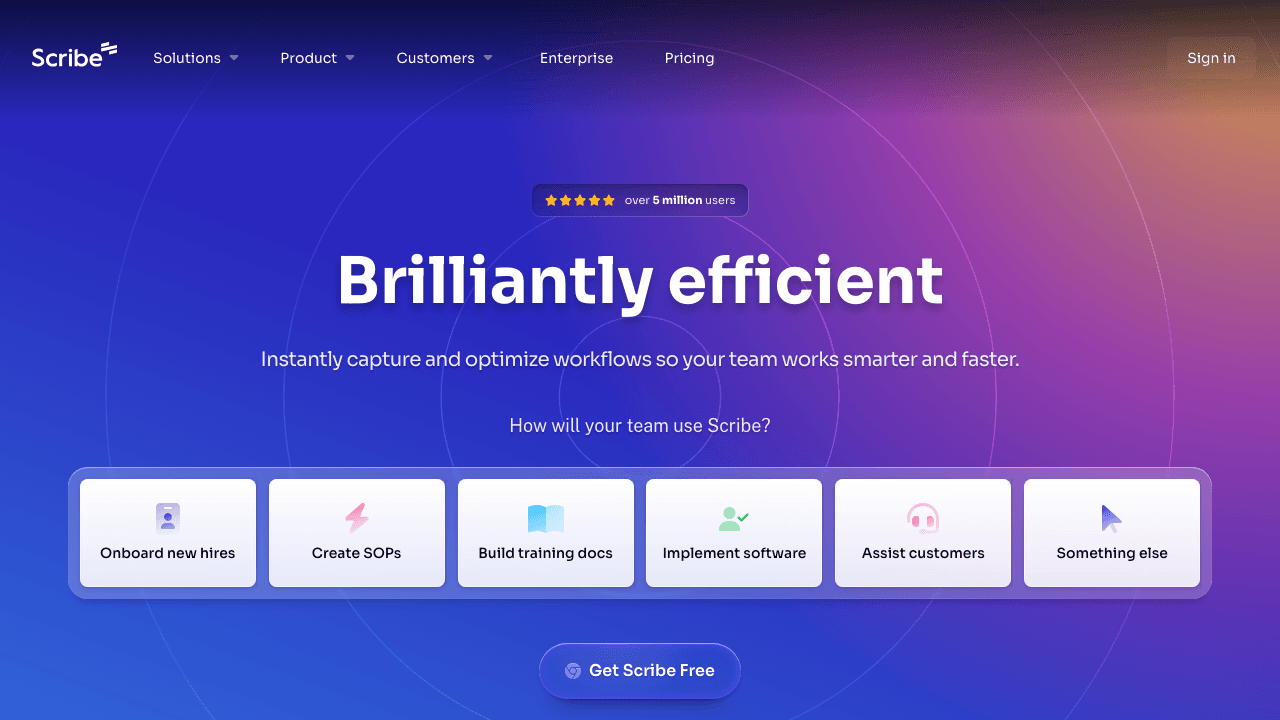
Scribe is the most established name in the SOP space. It captures your clicks and keystrokes via a browser extension and generates a written step-by-step guide with annotated screenshots. If that model is the wrong fit for your team, we compare the field in our best Scribe alternatives roundup.
How it works:
- Install the Chrome extension
- Click "Start Capture" and perform your process
- Scribe auto-generates a document with steps and screenshots
- Edit, share, or embed the guide
Strengths:
- Very polished text output with clean formatting
- Large library of templates
- Enterprise features (permissions, analytics, branding)
- Integrations with Confluence, Notion, and most knowledge bases
Limitations:
- No video output: Scribe only produces text documents, not videos
- Extension-dependent: Won't work for desktop apps or mobile processes
- No voiceover or subtitles: If you need a video tutorial alongside your SOP, you'll need another tool
Best for: Teams that only need written SOPs and work primarily in web-based tools. If you also need to convert a video to documentation, you'll need to pair Scribe with a video tool.
Pricing: Free for basic use. Pro starts at $23/month per user. Enterprise pricing available.
Read our detailed Scribe vs Tango vs Guidde vs Vidocu comparison for a deeper look.
3. Trupeer: AI Video Tutorials with Avatars
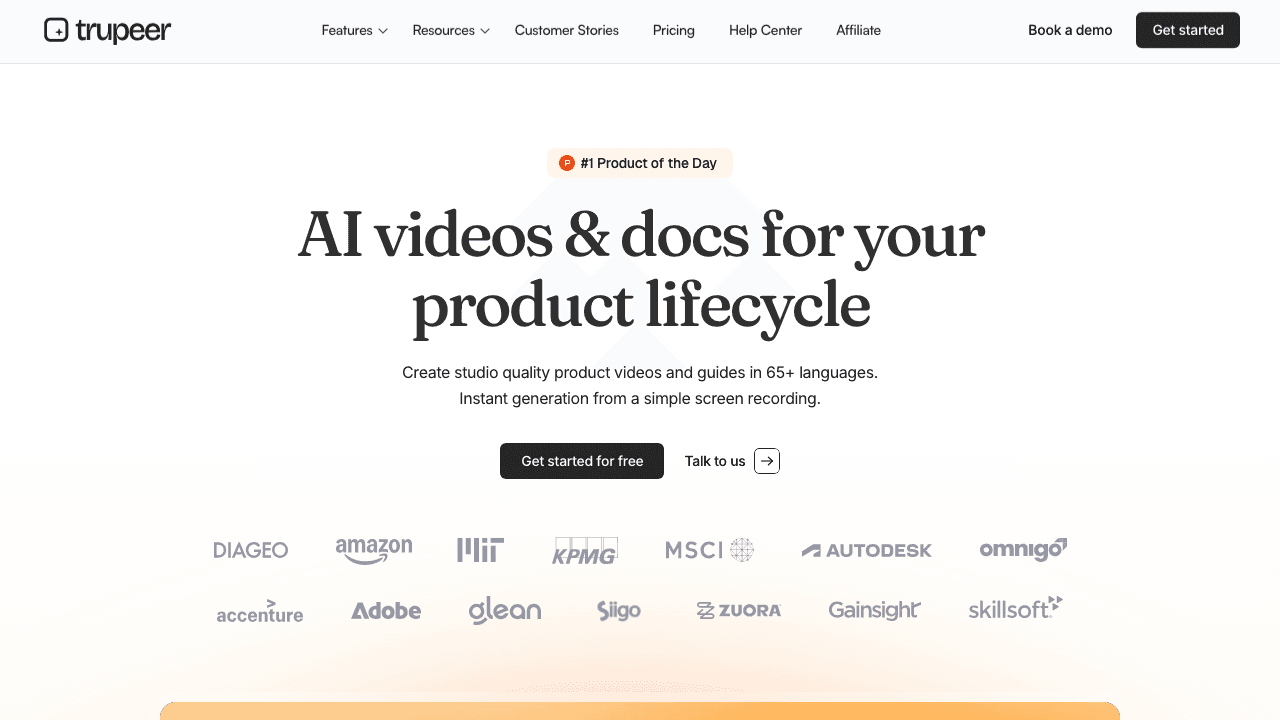
Trupeer focuses on creating AI-generated video tutorials from screen recordings. It adds AI avatars and voiceover to make tutorials feel more personal.
How it works:
- Record your screen through Trupeer's app
- AI generates a tutorial video with avatar presenter
- Edit the script and visuals
- Export and share
Strengths:
- AI avatar presenters add a human touch
- Automatic script generation from recordings
- Clean video output with zoom effects
Limitations:
- Expensive: $49/month for only 20 minutes of video
- Limited documentation output: Primarily focused on video, not structured text SOPs
- Newer platform: Smaller community, fewer integrations
Best for: Teams that want presenter-style tutorial videos. Less ideal if you need structured written SOPs.
Pricing: Starts at $49/month for 20 minutes. See our Trupeer vs Vidocu comparison for a detailed breakdown.
4. Guidde: Quick How-To Videos for Support Teams
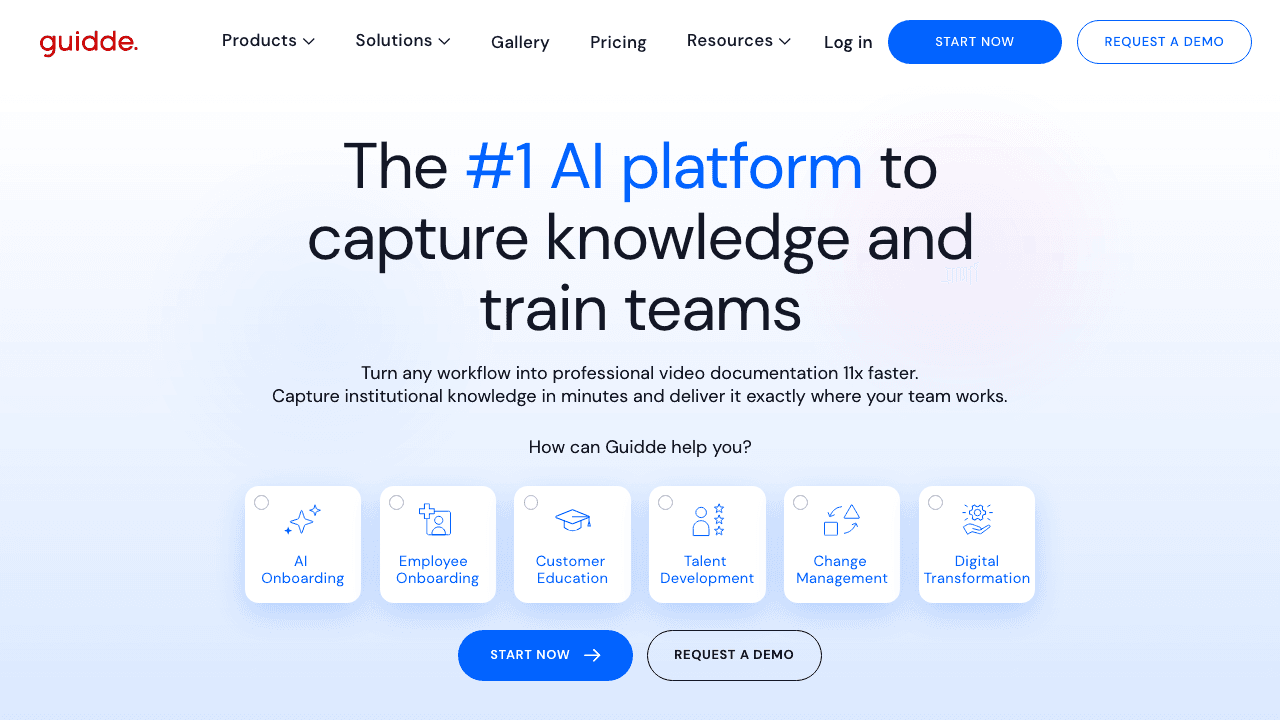
Guidde is geared toward customer support and success teams. It captures workflows via a browser extension and turns them into short how-to videos with AI narration.
How it works:
- Install the browser extension
- Record your workflow
- Guidde generates a how-to video with AI voiceover
- Share via link or embed in your help center
Strengths:
- Fast video generation for support workflows
- AI voiceover with multiple voice options
- Easy sharing and embedding
- Good free tier
Limitations:
- Extension-only: Can't process existing recordings or desktop apps
- Basic documentation output: Video-first, documents are secondary
- Limited editing: Less control over the final video compared to dedicated editors
Best for: Support teams that need quick how-to videos for customer-facing help centers.
Pricing: Free tier available. Paid plans start at $16/month.
5. Trainual: Best for Company-Wide SOP Management
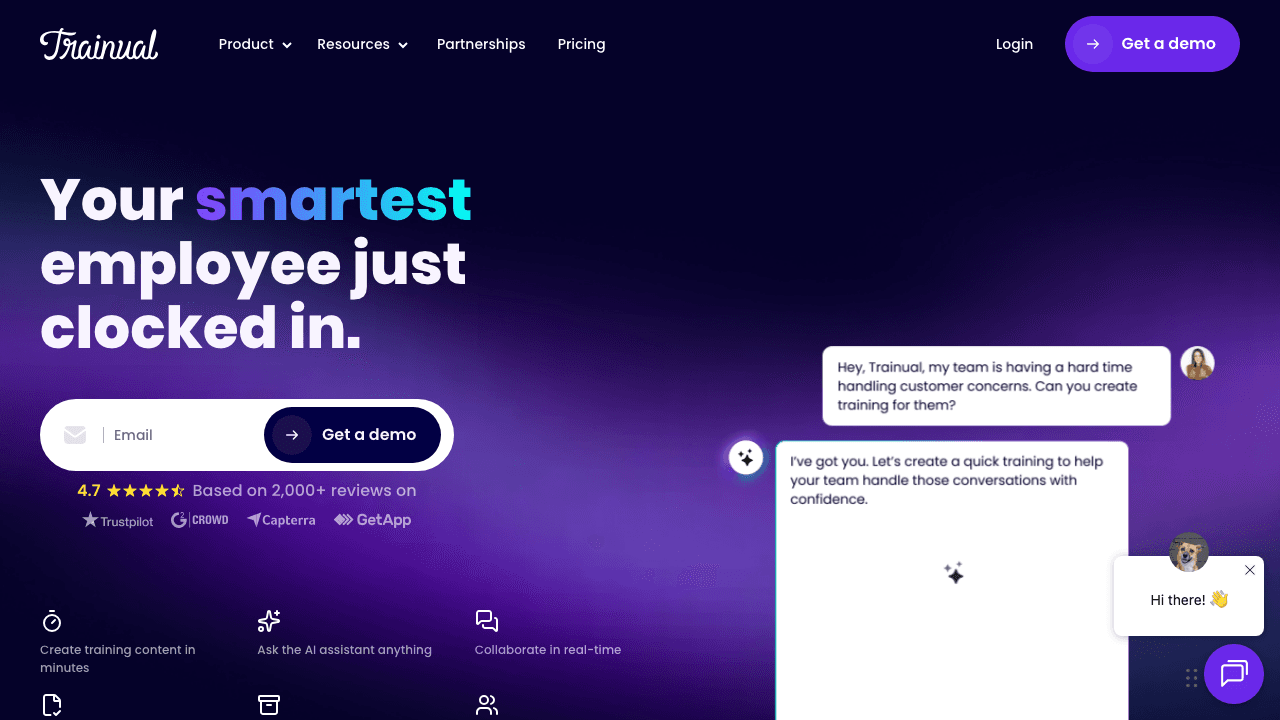
Trainual isn't really an SOP creation tool. It's an SOP management and training platform, and it is covered in that role in our general SOP software comparison. You create or upload your SOPs, organize them into playbooks, and assign them to team members for training.
How it works:
- Create SOPs manually or import existing docs
- Organize into subjects, topics, and steps
- Assign to team members and track completion
- Embed videos from YouTube, Loom, or other sources
Strengths:
- Excellent for organizing and assigning SOPs across a team
- Built-in training tracking and quizzes
- Role-based access and onboarding flows
- Clean, user-friendly interface
Limitations:
- No automatic SOP generation: You still write the SOPs manually
- No video creation: You embed videos from other tools, not create them
- Expensive: Starting at $249/month, it's designed for mid-size companies
Best for: Companies that already have SOPs and need a system to manage, distribute, and track them. Not for creating SOPs from recordings.
Pricing: Starts at $249/month.
6. Whale: Team Playbooks and Onboarding
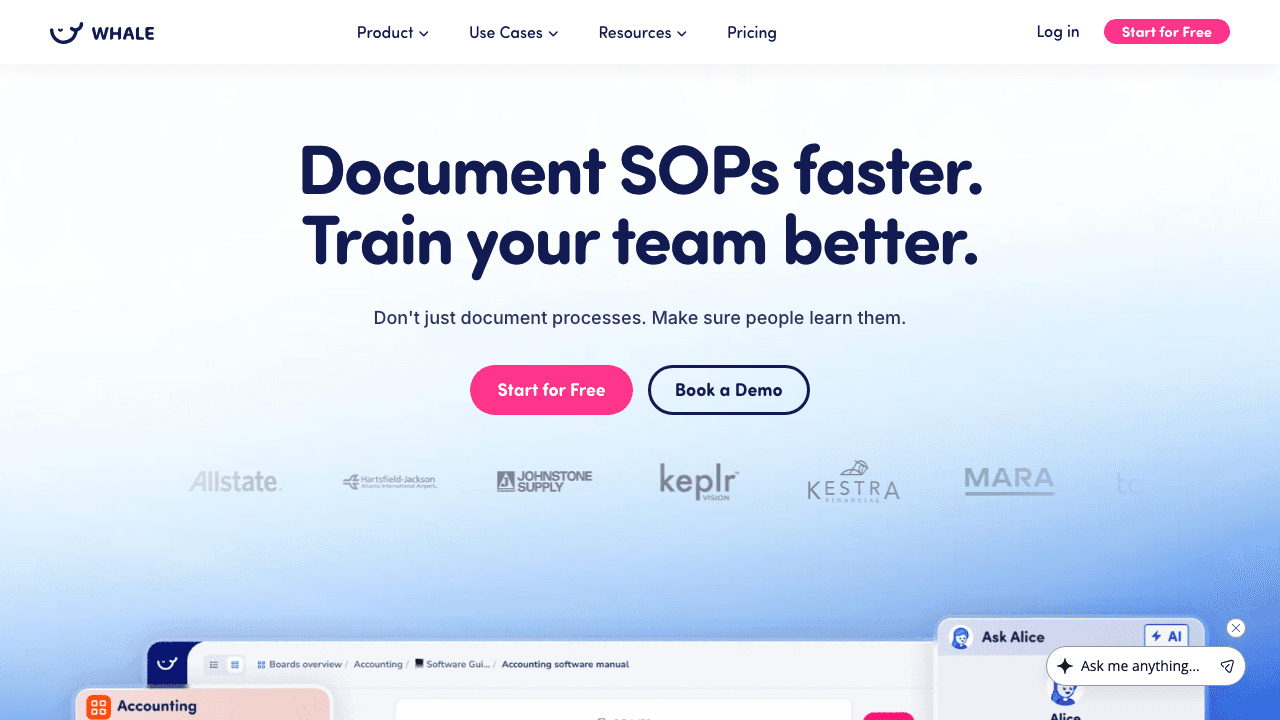
Whale is similar to Trainual in concept. It's a platform for organizing and sharing SOPs and playbooks. It has an AI assistant that helps write SOPs but doesn't auto-generate them from video.
How it works:
- Create SOPs using their editor (with AI writing assistance)
- Organize into flows and playbooks
- Share with team members
- Track who's read and completed what
Strengths:
- AI writing assistant helps draft SOPs
- Clean organization with flows and playbooks
- Integrations with Slack, Teams, and Chrome
- More affordable than Trainual for small teams
Limitations:
- No video-to-SOP conversion: You still write SOPs from scratch (AI helps with text, not video)
- No video creation: Embed external videos only
- Limited free tier
Best for: Small to mid-size teams that want organized playbooks with AI writing help, but don't need video-based SOP creation.
Pricing: $6/user/month (minimum seats apply).
7. Loom: Best for Recording (Not SOP Creation)
Loom deserves a mention because many teams use it as their starting point for SOPs: record a walkthrough in Loom, then... manually turn it into documentation. Which is exactly the problem video SOP tools solve. If Loom itself is what you are reconsidering rather than the SOP layer, we compared the best Loom alternatives separately.
Strengths:
- Dead simple screen recording
- Great for async communication
- AI-generated summaries and chapters
- Huge adoption, your team probably already uses it
Limitations:
- No SOP generation: Loom records video, it doesn't create structured documents
- No screenshot extraction: You can't automatically pull step-by-step screenshots
- Manual documentation: You still need another tool (or a lot of patience) to turn a Loom into an SOP
Best for: Recording processes. Not for creating SOPs. If you're using Loom today, pairing it with Vidocu's Loom-to-documentation workflow gives you the best of both worlds: record in Loom, upload to Vidocu, get the SOP automatically.
Pricing: Free tier available. Business starts at $12.50/user/month.
Already Using Loom? Turn Your Recordings into SOPs
Upload any Loom recording to Vidocu and get a step-by-step SOP with screenshots and AI voiceover, no re-recording needed.
Upload a Loom VideoGoing the Other Way: Turning a Written SOP Into a Video
Everything above assumes you have a recording and want a document. Plenty of teams have the opposite problem: a shelf of written SOPs in Word or PDF that nobody reads, and a request to make them watchable.
That is a different job, and it uses a different tool. Vidocu's document-to-video flow accepts PDF, DOCX, PPTX, Keynote, and plain text, turns each section into a narrated scene with AI voiceover, and returns a video you can caption and translate like any other. Export the SOP to PDF and run it through the free PDF to video converter, or start from the deck directly with PPTX to video if the procedure already lives in slides.
Be clear-eyed about what this produces. A document-to-video conversion is a narrated read-through of what you wrote: useful for policy, compliance, and onboarding material where the words are the point. It cannot show a product interface it has never seen, so it will not replace a screen recording for anything software-related. If the SOP describes clicking through an application, you will get a better result recording the process and generating the SOP from that instead, which is what the rest of this guide covers.
How to Choose the Right Video SOP Tool
Here's a quick decision framework:
Choose Vidocu if you want both written SOPs and polished tutorial videos from a single upload, especially if you already record with other tools.
Choose Scribe if you only need text-based SOPs and work entirely in web browsers.
Choose Trupeer if you want AI avatar presenters in your tutorial videos and budget isn't a concern.
Choose Guidde if you need quick how-to videos for customer support and want a generous free tier.
Choose Trainual or Whale if you already have SOPs and need a management platform to organize, assign, and track them.
Choose Loom + Vidocu if your team already records in Loom and you want to turn those recordings into structured SOPs without changing workflows.
What Screen Recorder Should You Use for SOPs?
For most teams the answer is: whichever recorder you already have. Every tool below produces a file that video SOP software can turn into a written procedure, so the recorder matters far less than what happens after the recording, which is where the hour actually goes.
Two things do matter. Record at a resolution where UI text stays legible once it is cropped into a screenshot (1080p is the practical floor), and record one process per file so each generated SOP maps to one procedure.
| Recorder | Best for | Cost | Produces the SOP too? |
|---|---|---|---|
| Vidocu AI Recorder | Describing the flow instead of performing it | Metered at 50 credits per minute of finished video | Yes: video, step screenshots, and written SOP from one run |
| Vidocu upload | Footage you already recorded, in any format | Free tier available, paid from $39/mo | Yes: full SOP from any existing file |
| OBS Studio | Desktop apps, multi-monitor, full control | Free and open source | No, recording only |
| QuickTime (Mac) / Xbox Game Bar (Windows) | A quick one-off capture with zero setup | Free, built into the OS | No, recording only |
| Loom | Sharing a walkthrough with a team quickly | Free tier available, Business from $12.50/user/mo | No, recording only |
| Scribe | Browser-only processes, text output | Free tier available, Pro from $23/mo per user | Text SOP only, no video |
The one case where the recorder does change the outcome is when you have not recorded anything yet. Vidocu's AI Recorder performs the workflow itself in a real browser and records as it goes, so the click timeline is captured as ground truth rather than inferred from the pixels afterwards. That is what places the auto-zoom and click spotlights on the element actually clicked. It needs credentials for the account being recorded, the same as every tool in this category, and it pauses to ask for an OTP or 2FA code mid-run.
If the process lives in a desktop app, on mobile hardware, or anywhere outside a browser, record it yourself and upload it. The agent drives a browser, not your operating system.
What the Workflow Looks Like With Any of These Tools
Regardless of which tool you pick, the general workflow is:
- Record your process: Use any screen recorder (OBS, Loom, QuickTime, built-in OS recorder)
- Upload to your SOP tool: Or if using an extension-based tool, record directly through it
- Review the auto-generated steps: Fix any misdetected steps, add context where needed
- Add media enhancements: Voiceover, subtitles, annotations
- Export and publish: PDF for offline, or publish directly to your knowledge base
If what you actually want is to do this now rather than choose a tool, Vidocu's video to SOP generator is the direct route: upload the recording and it returns numbered steps with a screenshot per step. For the longer written walkthrough with free templates, see our SOP playbook.
FAQ
Can you turn an existing SOP document into a video?
Yes, and it is a separate workflow from the one this guide covers. Vidocu accepts PDF, DOCX, PPTX, Keynote, and text files and turns each section into a narrated scene with AI voiceover. It works well for policy and onboarding material where the words carry the meaning, and poorly for anything describing a software interface, because the tool cannot show a screen it has never recorded.
What software do you use to record a screen for an SOP?
Any screen recorder works, because video SOP software builds the procedure from the resulting file. OBS Studio and the recorders built into macOS and Windows are free and sufficient. The choice only matters if you have not recorded yet, in which case an agentic recorder can perform and capture the flow for you.
Which video SOP tools work with recordings you already have?
Only the upload-based ones. Vidocu accepts footage you already have, including old Loom videos and Zoom call recordings, through its video to SOP converter. Extension-based tools such as Scribe and Guidde cannot, because they only capture activity live in the browser.
Does video SOP software need a browser extension?
No, and the extension requirement is the main thing that rules tools out. Extensions only see browser activity, so desktop applications, mobile processes, and anything running outside Chrome are invisible to them. Upload-based tools have no such limit.
How long should a video SOP be?
Keep one procedure per recording and aim for under five minutes. Long recordings produce long SOPs that people skim rather than follow, and a process that genuinely needs twenty minutes is usually several procedures that should be split.
How much does video SOP software cost?
Free tiers exist across most of this category. Paid plans in the comparison above run from $6 per user per month at the SOP-management end to $249 per month for company-wide platforms, with the video-generation tools clustered between $16 and $49 per month.
Final Thoughts
The days of manually writing SOPs from scratch are numbered. If you're unsure whether you need an SOP, a work instruction, or a process doc, our guide to choosing the right format can help. Video SOP software lets you record once and get both documentation and tutorial videos, saving hours per SOP.
If you're evaluating tools, start with the output you need: text-only SOPs (Scribe), video tutorials (Guidde, Trupeer), or both (Vidocu). Then consider whether you want extension-based capture or upload-based flexibility.
Most tools on this list offer free tiers, so the best approach is to upload the same recording to a few and compare the output.

Written by
Daniel SternlichtDaniel Sternlicht is a tech entrepreneur and product builder focused on creating scalable web products. He is the Founder & CEO of Common Ninja, home to Widgets+, Embeddable, Brackets, and Vidocu - products that help businesses engage users, collect data, and build interactive web experiences across platforms.