


Trupeer turns screen recordings into polished product videos with AI voiceover and zoom effects. It's a solid tool, but $49/month for just 20 minutes of video, Chrome-only recording, and no real free tier means it's not the right fit for every team.
Whether you need better pricing, deeper documentation output, or a tool that works beyond Chrome, here are nine Trupeer alternatives worth considering in 2026.
Quick Comparison
| Tool | Best For | Starting Price | Free Tier | Video Output | Doc Output | AI Voiceover |
|---|---|---|---|---|---|---|
| Vidocu | All-in-one video → docs + subtitles + voiceover | Free, paid from $39/mo | Yes | Yes | Full articles + SOPs | Yes |
| Guidde | Quick video guides with AI voiceover | $18/creator/mo | Yes | Yes | Step-by-step | Yes |
| Scribe | Screenshot-based process docs | $12/user/mo | Yes | No | Screenshots + text | No |
| Descript | Deep video editing with transcript-based workflow | $24/user/mo | Limited | Yes | No | Yes |
| Loom | Fast async video communication | $15/user/mo | Yes (25 vids) | Yes | No | No |
| Clueso | Enterprise video + article generation | $40/mo (annual) | Yes, permanent | Yes | Written articles | Yes |
| Kroto | Video docs + built-in knowledge base | $40/mo | Trial | Yes | Guides + walkthroughs | Yes |
| Synthesia | AI avatar videos from text | $18/mo | Limited | Yes | No | Yes |
| HeyGen | AI avatars + video translation | $29/mo | 3 vids/mo | Yes | No | Yes |
What to Look For in a Trupeer Alternative
Before diving into each tool, here's what matters most when switching from Trupeer:
- Pricing model: Trupeer's per-minute credit system ($49/mo for 20 minutes) gets expensive fast. Look for tools with unlimited exports or per-seat pricing.
- Recording flexibility: Trupeer only works through its Chrome extension. If you need desktop recording or want to upload existing videos, that's a dealbreaker.
- Documentation output: Trupeer generates a companion guide alongside its video output, but it's not a standalone article. If documentation is your primary goal, you need a tool that treats it as a first-class output.
- Free tier: Trupeer only offers a 10-day trial. Most competitors offer ongoing free plans.
- Editing depth: Small product changes in Trupeer mean re-recording the entire video. Tools with timeline-based editing let you update specific sections.
1. Vidocu: Best All-in-One Alternative
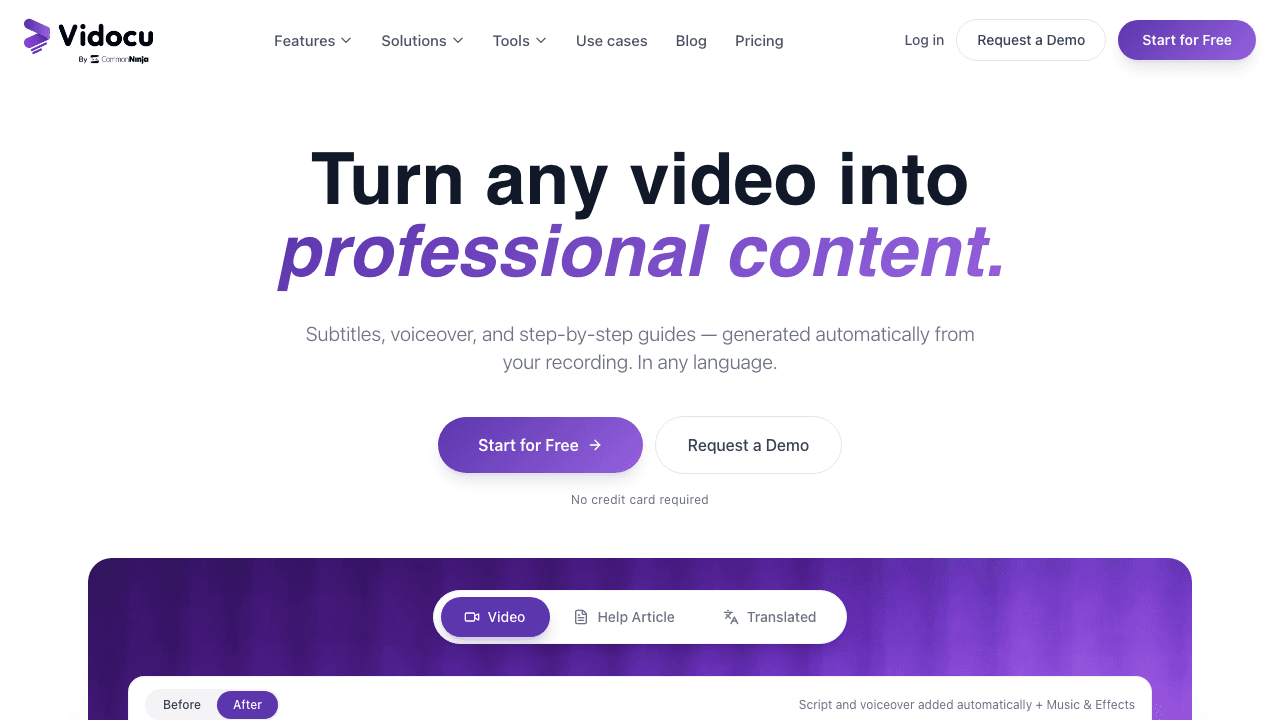
Vidocu takes a fundamentally different approach. Instead of requiring a Chrome extension, you upload any video and Vidocu generates everything: AI subtitles, natural voiceover, step-by-step documentation with screenshots, and multi-language translations, all from one upload.
Where Trupeer focuses on making screen recordings look polished, Vidocu focuses on turning video into multiple content types. Upload a product walkthrough and get a help article, an SOP, subtitles in 50+ languages, and a professional voiceover, without re-recording anything.
Key advantages over Trupeer:
- No extension required: upload any video file, not just Chrome recordings
- Full documentation output: generates standalone help articles and SOPs, not just companion guides
- Built-in video editor: trim, zoom, add elements, and adjust without re-recording
- Multi-language translation: translate video, subtitles, and voiceover in one step
- Free tier available: not just a time-limited trial
Pricing: Free plan at $0 (200 credits, roughly 4 minutes of AI video, 1 export). Pro is $39/month (820 credits, roughly 16 minutes) and Business is $149/month (4,000 credits, roughly 80 minutes).
Best for: Teams that need documentation, subtitles, and voiceover from a single video upload, without juggling multiple tools.
Turn Any Video Into Docs, Subtitles & Voiceover
Upload once. Get professional documentation, multi-language subtitles, and AI voiceover, all automatically.
Try Vidocu Free2. Guidde: Best for Quick Video Guides

Guidde is Trupeer's closest direct competitor. It captures workflows through a Chrome extension, then generates step-by-step video guides with AI voiceover and branding.
The biggest difference is pricing. Guidde charges per creator with unlimited videos, no minute caps. At $18/creator/month, a team of five pays $90/month for unlimited output. On Trupeer, that same team would need the Scale plan at $249/month and still be capped at 100 minutes.
What stands out:
- 400+ AI voice options in 50+ languages
- Per-creator pricing (no minute limits)
- Brand Kit with custom logos, colors, and intros
- PDF and PowerPoint export
- Free plan available
Limitations: Like Trupeer, it's primarily browser-based. Video editing is basic, you're mostly working with the auto-generated output. No standalone documentation or article output.
Pricing: Free plan available. Pro: $18/creator/month (annual). Business: $39/creator/month.
Best for: Teams that create lots of short how-to videos and want predictable per-seat costs.
3. Scribe: Best for Screenshot-Based Documentation
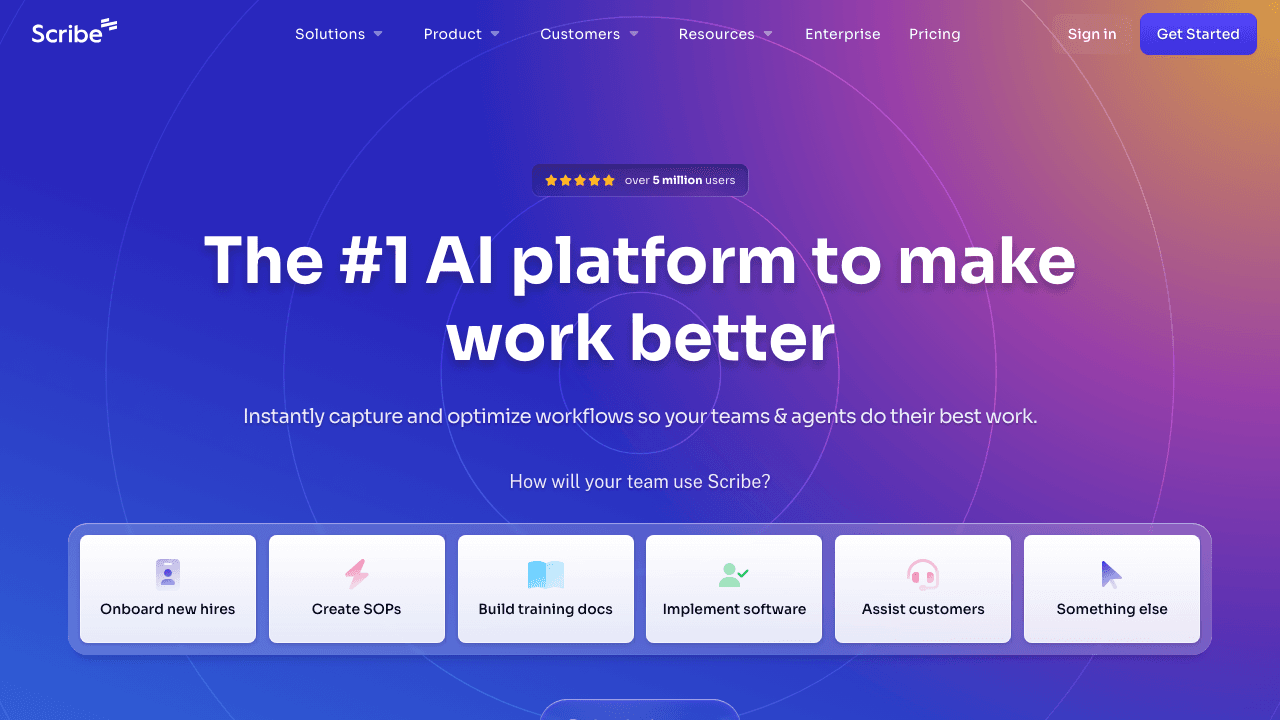
Scribe takes a completely different approach. Instead of video, it captures your clicks and keystrokes across web, desktop, and mobile, then generates annotated step-by-step guides with screenshots and written instructions.
If your goal is internal documentation rather than polished product videos, Scribe is dramatically cheaper and faster than Trupeer. At $12/user/month, it's the most affordable option on this list for SOP creation and process documentation.
What stands out:
- Works on web, desktop, and mobile (not Chrome-only)
- Auto-captures screenshots with annotations at each step
- Multi-format export (PDF, HTML, Markdown, Word)
- Enterprise-grade features: SSO, SCIM, audit logs
- The most widely adopted tool for internal documentation
Limitations: No video output whatsoever. If you need video tutorials, voiceover, or any visual media, Scribe isn't the right tool. Guides are screenshot + text only.
Pricing: Free plan available. Pro Team: $12/user/month (annual, 5-seat minimum). Enterprise: custom.
Best for: Teams that need written SOPs and process docs rather than video content.
4. Descript: Best for Deep Video Editing

Descript is a full video and podcast editor that lets you edit video by editing text. Its transcript-based editing means you can cut, rearrange, and polish video as easily as editing a document.
Where Trupeer automatically generates a polished video from your recording, Descript gives you granular control over every edit. It's more work upfront but far more flexible, and you never have to re-record an entire video just because one section changed.
What stands out:
- Edit video by editing the transcript, delete a word, delete the footage
- AI background removal and audio enhancement
- Animated captions with custom styling
- Filler word removal (ums, ahs, "you know")
- AI voices for text-to-speech inserts
- 25-language transcription
Limitations: Not purpose-built for documentation. No auto-generated guides or step-by-step articles. Steeper learning curve than Trupeer. No Chrome extension, it's a desktop/web app.
Pricing: Free plan (limited). Hobbyist: $24/user/month. Creator: $35/user/month. Business: $65/user/month.
Best for: Content creators and tutorial makers who need full editing control, not just auto-generated polish.
5. Loom: Best for Quick Async Communication
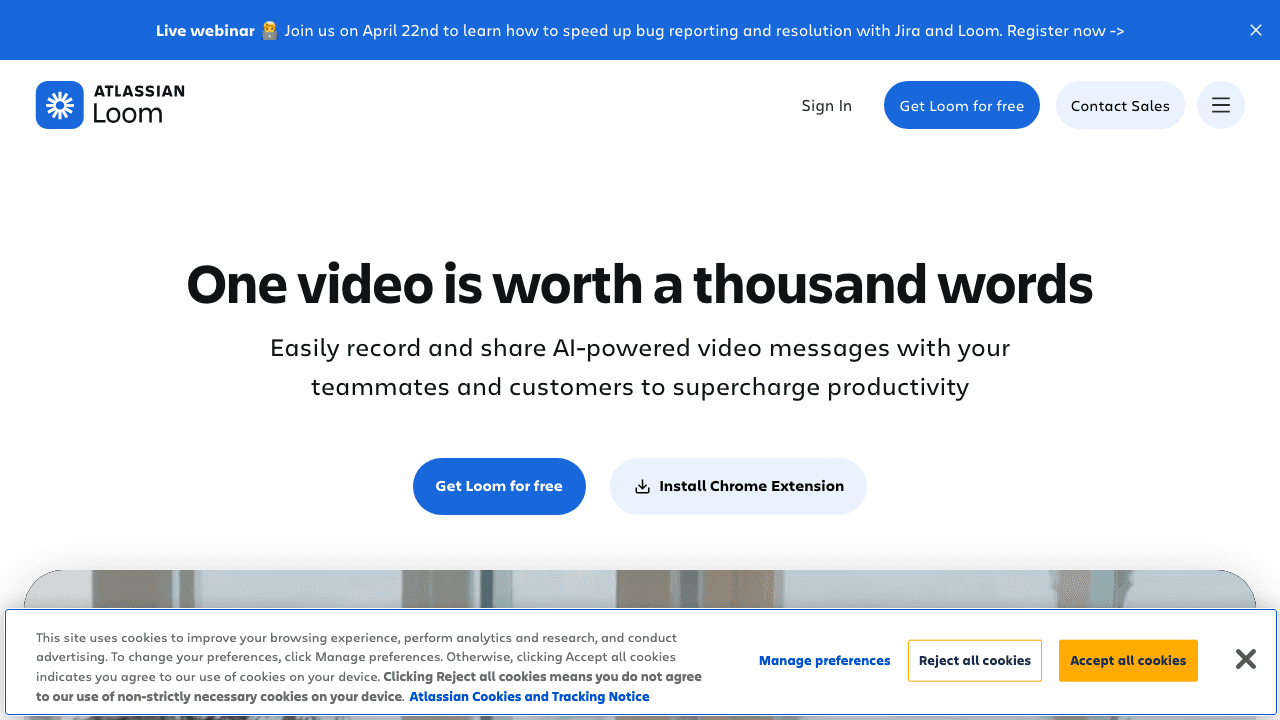
Loom (now owned by Atlassian) is the go-to for quick screen recordings shared via link. Record your screen, camera, or both, then share instantly. No editing required.
Loom isn't trying to compete with Trupeer on polish. It's optimized for speed: record, share, done. AI features add transcripts, summaries, and chapter markers automatically. If you're sending quick walkthroughs to teammates rather than creating customer-facing documentation, Loom is simpler and cheaper.
What stands out:
- Record and share in seconds
- AI transcripts, summaries, and chapters
- Atlassian ecosystem integration (Jira, Confluence)
- Viewer engagement analytics
- Free tier with 25 videos
Limitations: Videos aren't polished, no auto-zoom, no AI voiceover replacement, no professional-grade output. No documentation generation. 5-minute recording limit on the free plan.
Pricing: Free (25 videos, 5-min limit). Business: $15/user/month. Business + AI: $20/user/month. Enterprise: custom.
Best for: Teams already in the Atlassian ecosystem who need fast, informal screen recordings, not polished tutorials.
6. Clueso: Best for Enterprise Video + Article Generation
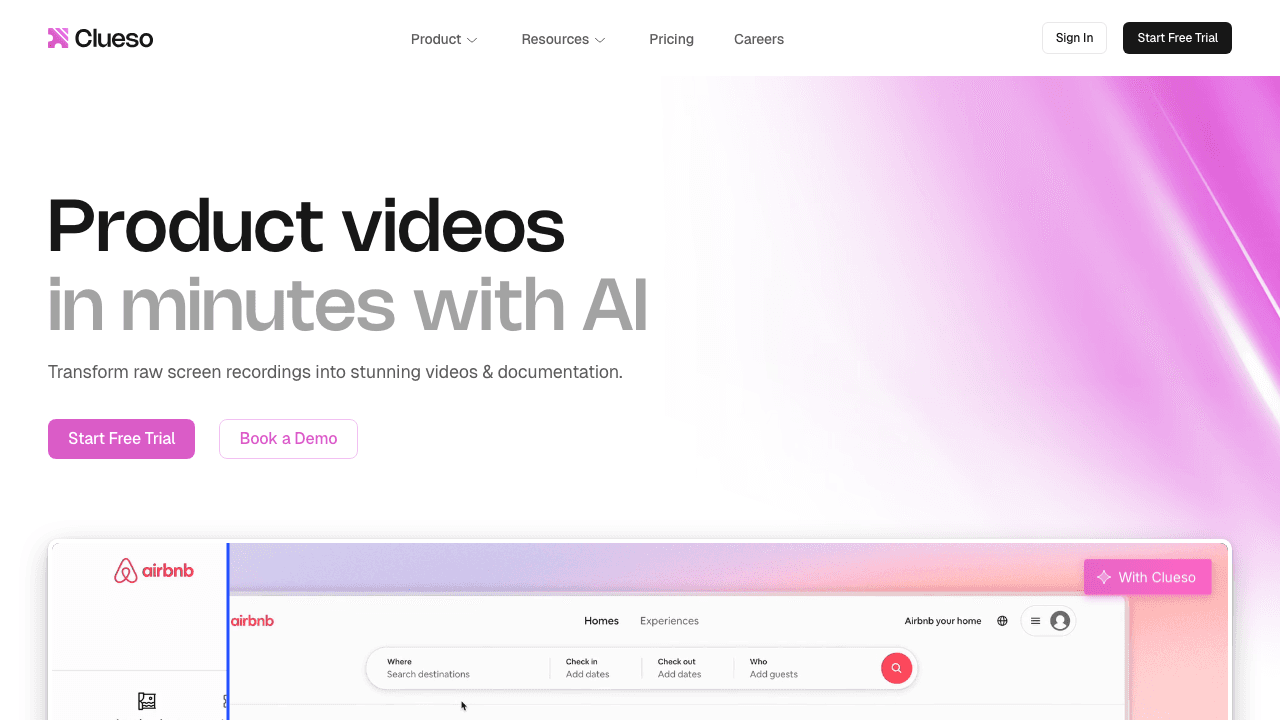
Clueso transforms screen recordings into two outputs (see our full Clueso alternative breakdown): a polished product video and a written step-by-step article. That dual output makes it one of the few tools that treats documentation as a primary deliverable, not an afterthought.
Pricing is sold as plans with a fixed number of included users (1 on Solo, 2 on Business) and a cap on exported video minutes, so check both ceilings against your team size before comparing it with Trupeer's credit model.
What stands out:
- Dual output: video + written article from one recording
- Plans bundle a set number of users with an export-minute cap
- Auto-zoom, cursor smoothing, and pan effects
- One-click translation of video, captions and docs, on every plan
- SOC 2 Type II and ISO 27001 certified
Limitations: Low export caps (15 minutes of video a month on Solo, 30 on Business). The team plan includes only 2 users. Its autonomous recording agents are listed on Enterprise. On monthly billing, unused minutes don't roll over.
Pricing: Free (10 minutes of exports a month, watermarked). Solo: $40/month billed yearly or $50 monthly. Business: $120/month billed yearly or $150 monthly. Enterprise: custom.
Best for: Teams that need both video and written docs, and enterprises that need ISO 27001.
Video + Documentation from One Upload
Vidocu generates help articles, SOPs, subtitles, and voiceover, all from a single video. No extension needed.
See How It Works7. Kroto: Best for Built-In Knowledge Base
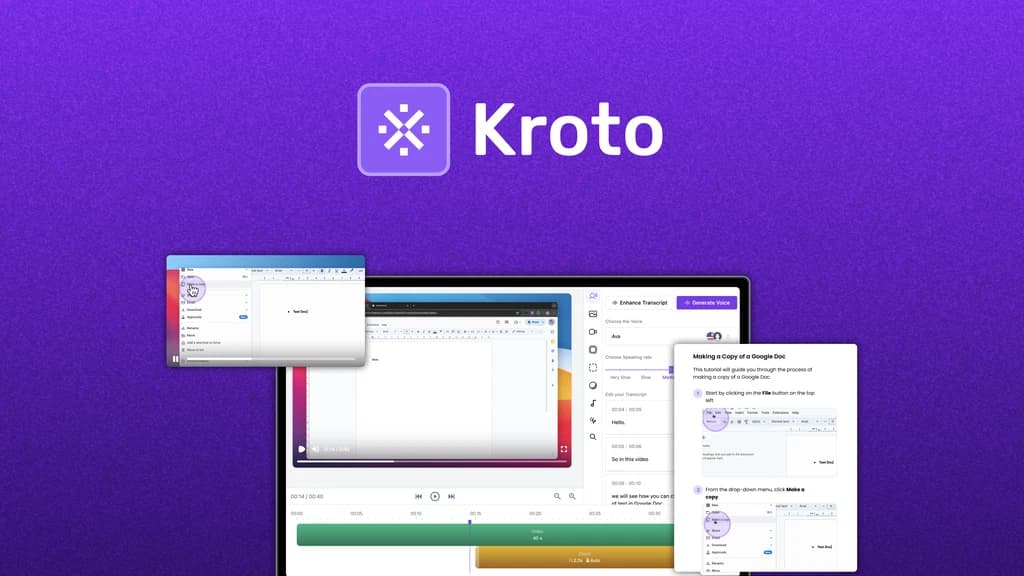
Kroto records your screen and generates product videos, step-by-step guides, and interactive walkthroughs. What sets it apart is the built-in knowledge base, host all your content on a custom domain with full branding control.
Trupeer offers a knowledge base too, but as a $150–200/month add-on. Kroto includes it in its base pricing at $40/month. For teams building a customer-facing help center, that's a meaningful difference.
What stands out:
- Knowledge base included (custom domain, branding, SSO)
- Interactive walkthroughs alongside video
- AI voiceover and auto-zoom effects
- User engagement analytics
- AppSumo lifetime deal sometimes available
Limitations: Smaller team (founded 2023, based in Bangalore). Less polished output than more established tools. Smaller user base means fewer integrations and community resources.
Pricing: Free trial. Paid plans from $40/month.
Best for: Teams that want video documentation and a hosted knowledge base without paying for separate tools.
8. Synthesia: Best for AI Avatar Videos Without Recording
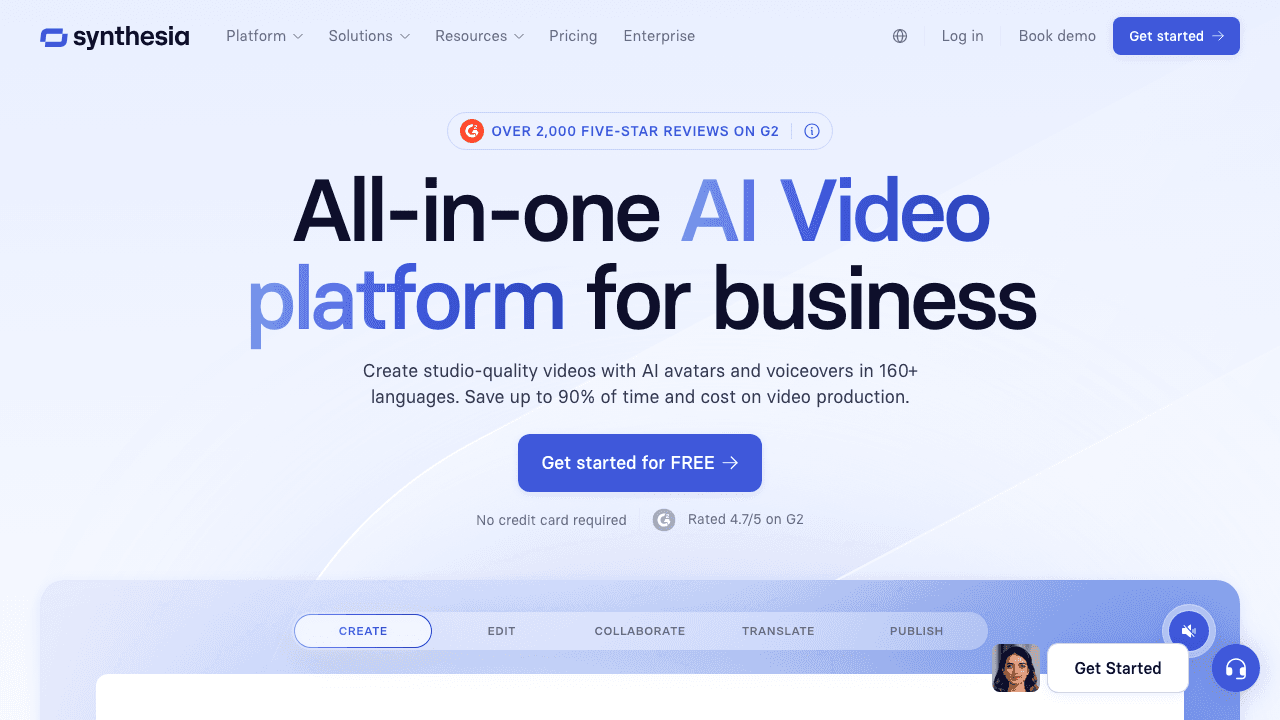
Synthesia doesn't require recording at all. Write a script or upload slides, and it generates a video with an AI avatar presenter. With 230+ stock avatars and 120+ language support, it's the industry leader in text-to-video generation.
This is a fundamentally different workflow from Trupeer. Instead of polishing a screen recording, you're creating video from scratch using text. That makes Synthesia ideal for training content, product announcements, and multi-language videos where recording a human presenter isn't practical.
What stands out:
- 230+ AI avatars (including custom avatar creation)
- Text/script/PowerPoint to video
- 120+ language support with lip-sync
- Interactive Video Agents for two-way conversations
- SOC 2 and GDPR compliant
Limitations: Not screen-recording based, different use case entirely. Minute-based pricing is restrictive (120 mins/year on Starter). No auto-documentation output. No zoom-from-recording effects.
Pricing: Starter: $18/month (120 mins/year). Creator: $64/month (360 mins/year). Enterprise: unlimited, custom.
Best for: L&D and marketing teams creating training or announcement videos from scripts, not screen recording workflows.
9. HeyGen: Best for Video Translation and Lip-Sync
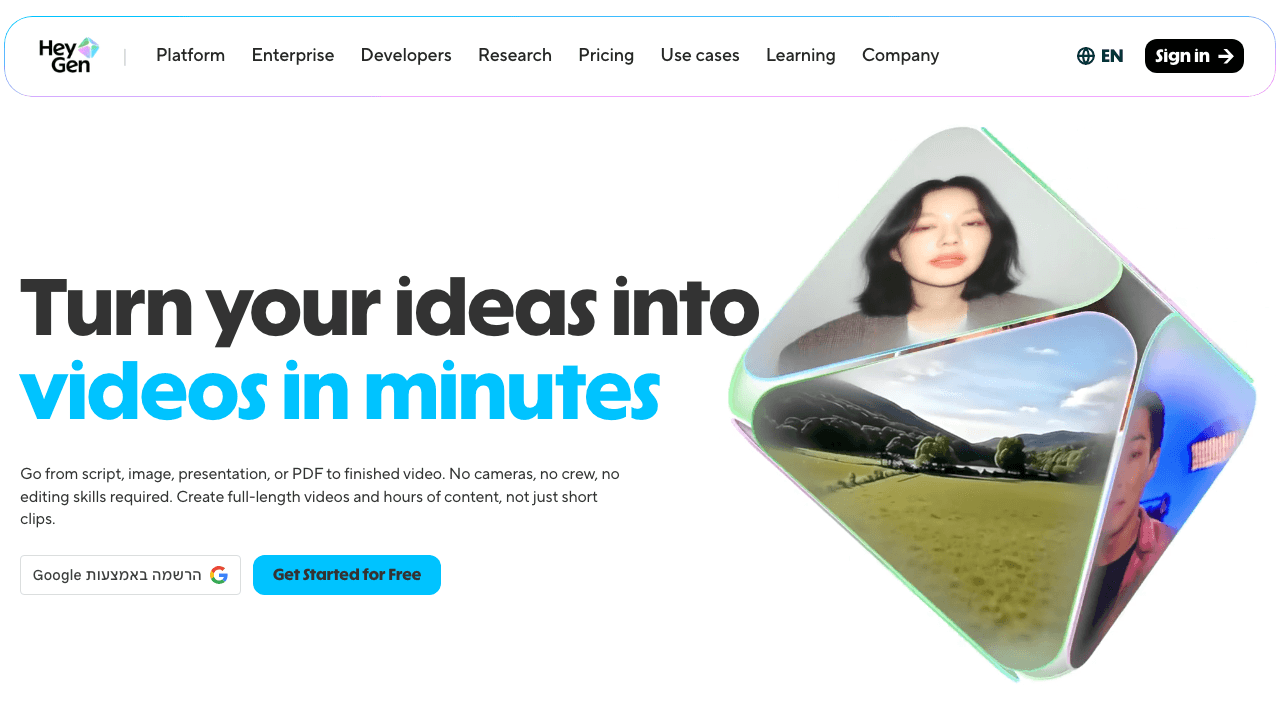
HeyGen is worth mentioning for a specific reason: Trupeer actually uses HeyGen's technology for its AI avatar feature. Going directly to HeyGen gives you more control, better avatars (including full-body motion with Avatar IV), voice cloning, and industry-leading video translation with lip-sync in 175+ languages.
If AI avatars and multi-language video are your primary use case, HeyGen offers more flexibility than accessing those same features through Trupeer's integration layer.
What stands out:
- Industry-leading lip-sync and avatar quality
- Voice cloning from short audio samples
- 175+ language translation with synchronized lip movement
- Full-body motion avatars (Avatar IV)
- API and MCP integrations for automation
- SCORM export for LMS platforms
Limitations: Not documentation-focused at all. No auto-guide generation. Credit system can be confusing (base videos vs. premium credits). "Unlimited videos" has caveats on certain plans.
Pricing: Free (3 watermarked videos/month). Creator: $29/month. Business: $99/month. Enterprise: ~$330+/month.
Best for: Teams focused on AI avatar videos and video translation, especially for customer-facing multilingual content.
How to Choose the Right Trupeer Alternative
The best choice depends on what's driving you away from Trupeer:
If it's pricing: Guidde ($18/mo unlimited) or Scribe ($12/user/mo) offer the most value per dollar. Vidocu's free tier lets you start without committing.
If it's Chrome-only recording: Vidocu accepts any uploaded video. Descript and Scribe work on desktop. FocuSee has native Mac and Windows apps.
If you need real documentation: Vidocu generates full help articles and SOPs. Scribe creates screenshot-based guides. Clueso outputs written articles alongside video.
If you need more editing control: Descript's transcript-based editing is unmatched. Vidocu's built-in editor lets you trim, zoom, and add elements without re-recording.
If you need AI avatars: Go directly to Synthesia or HeyGen rather than using Trupeer's HeyGen integration with extra markup.
If you need a knowledge base: Kroto includes one at $40/month. Trupeer charges $150–200/month extra for theirs.
FAQ
Is Trupeer free to use?
No. Trupeer offers a 10-day free trial with limited credits (10 AI video minutes, 5 guides, 3 exports), but there's no ongoing free tier. After the trial ends, you'll need to subscribe to the Pro plan at $49/month to continue using the platform. Several alternatives on this list offer permanent free plans, including Vidocu, Guidde, Scribe, and Loom.
What is the biggest limitation of Trupeer?
The Chrome-only recording requirement is the most commonly cited frustration. Trupeer's extension only works in Chrome, which means no Firefox, Safari, or desktop app recording. Combined with the per-minute credit system ($49/month for just 20 minutes) and no rollover for unused credits, teams often find themselves either rationing minutes or paying significantly more for the Scale plan.
Can I use Trupeer alternatives for customer-facing documentation?
Yes. Several alternatives produce customer-ready output. Vidocu generates professional help articles with screenshots and multilingual subtitles. Scribe creates polished step-by-step guides. Clueso produces both video and written articles. If you need a self-hosted help center, Kroto includes a built-in knowledge base with custom domain support.
Which Trupeer alternative is best for small teams on a budget?
For video documentation, Guidde at $18/creator/month with unlimited videos offers the best value. For written documentation, Scribe at $12/user/month is hard to beat. Vidocu's free tier is ideal for testing whether AI-powered documentation fits your workflow before committing to a paid plan.
Do any Trupeer alternatives work without a browser extension?
Yes. Vidocu is entirely upload-based, you can upload any video file from any source. Descript is a desktop and web application. Synthesia and HeyGen generate video from text and scripts with no recording required. Scribe works across web browsers, desktop apps, and mobile devices.

Written by
Daniel SternlichtDaniel Sternlicht is a tech entrepreneur and product builder focused on creating scalable web products. He is the Founder & CEO of Common Ninja, home to Widgets+, Embeddable, Brackets, and Vidocu - products that help businesses engage users, collect data, and build interactive web experiences across platforms.


