


Loom changed how teams communicate asynchronously. Hit record, talk through something, share the link. Simple, fast, effective.
But here's the thing, recording your screen isn't the same as creating a tutorial.
If you've ever tried to turn a Loom video into something reusable, a help article, an onboarding guide, a step-by-step walkthrough with subtitles and screenshots, you know the gap. Loom gives you the raw footage. Everything else is on you.
This post looks at tools that pick up where Loom leaves off. Tools that help you create actual tutorials, with documentation, subtitles, voiceover, and structured guides, not just screen recordings.
If what you actually want is a straight replacement for Loom's recording and sharing, that is a different question: start with our ranked comparison of the best Loom alternatives, free and paid. This post is about the step after the recording exists.
What Loom Does Well (and Where It Stops)
Let's be fair. Loom is excellent at what it does:
- Quick async video messages: explain something faster than typing it out
- Lightweight screen recording: no setup, no editing, just record and share
- Team communication: great for feedback, updates, and walkthroughs
For internal communication, Loom is hard to beat. But when you need to create tutorials, the kind with subtitles, voiceover narration, written documentation, or step-by-step guides with screenshots, Loom wasn't designed for that.
There's no built-in transcription-to-documentation pipeline. No automatic subtitle generation in multiple languages. No way to export a structured tutorial from your recording. You record, you share, and that's it.
If your goal is tutorial creation, you need a Loom alternative that goes further.
What to Look for in a Tutorial Creation Tool
Before comparing options, here's what separates a tutorial tool from a screen recorder:
- Automatic subtitles: not just transcription, but synced, styled captions
- Written documentation: step-by-step guides generated from the video
- Voiceover or narration: AI-generated or manual audio overlay
- Multi-language support: translation for global teams
- Export flexibility: markdown, PDF, help center articles, not just video links
With that in mind, let's look at six alternatives.
1. Vidocu: Upload a Video, Get a Complete Tutorial
Vidocu takes a fundamentally different approach. Instead of requiring a browser extension or a specific recording workflow, you simply upload any video, a Loom recording, a Zoom call, a screen capture from any tool, and Vidocu turns it into a full tutorial.
Here's what happens automatically:
- AI-generated subtitles synced to your video
- AI voiceover narration in multiple voices and languages
- Step-by-step documentation with screenshots extracted from the video
- Video translation into 30+ languages
No browser extension. No specific recording tool required. You can record with Loom, OBS, QuickTime, or your phone, then upload to Vidocu and get a polished tutorial out the other end.
This makes Vidocu particularly strong for training and onboarding workflows where you need both video and written documentation, and for technical writing teams that need to maintain help articles alongside video content.
If you're already using Loom for recording, Vidocu fits naturally into your workflow, just upload your Loom recordings and let AI handle the rest.
Turn Any Screen Recording Into a Tutorial
Upload a Loom video (or any recording) and get subtitles, voiceover, and step-by-step docs automatically.
Try Vidocu Free2. Scribe: Auto-Generated Step-by-Step Guides
Scribe takes a different angle entirely. Instead of working with video, it captures your browser actions as you perform them and generates a written guide with annotated screenshots. That suits click-based flows and little else, which is why we keep a separate list of alternatives to Scribe.
What it does well:
- Automatically captures clicks, form fills, and navigation
- Generates clean, numbered step-by-step guides
- Screenshots are annotated with highlights and arrows
- Easy to edit and share
Where it falls short:
- No video output, text and screenshots only
- Requires a browser extension (Chrome only for full features)
- Can't add voiceover or subtitles (there's no video to add them to)
- Limited to browser-based workflows
Scribe is great if your tutorials are purely browser-based and you only need written documentation. But if your audience expects video tutorials, or if you need to document desktop apps, mobile flows, or anything outside the browser, it won't cover you.
For a deeper comparison, check out our Scribe vs. Tango vs. Guidde vs. Vidocu breakdown.
3. Tango: Quick How-To Guides from Browser Actions
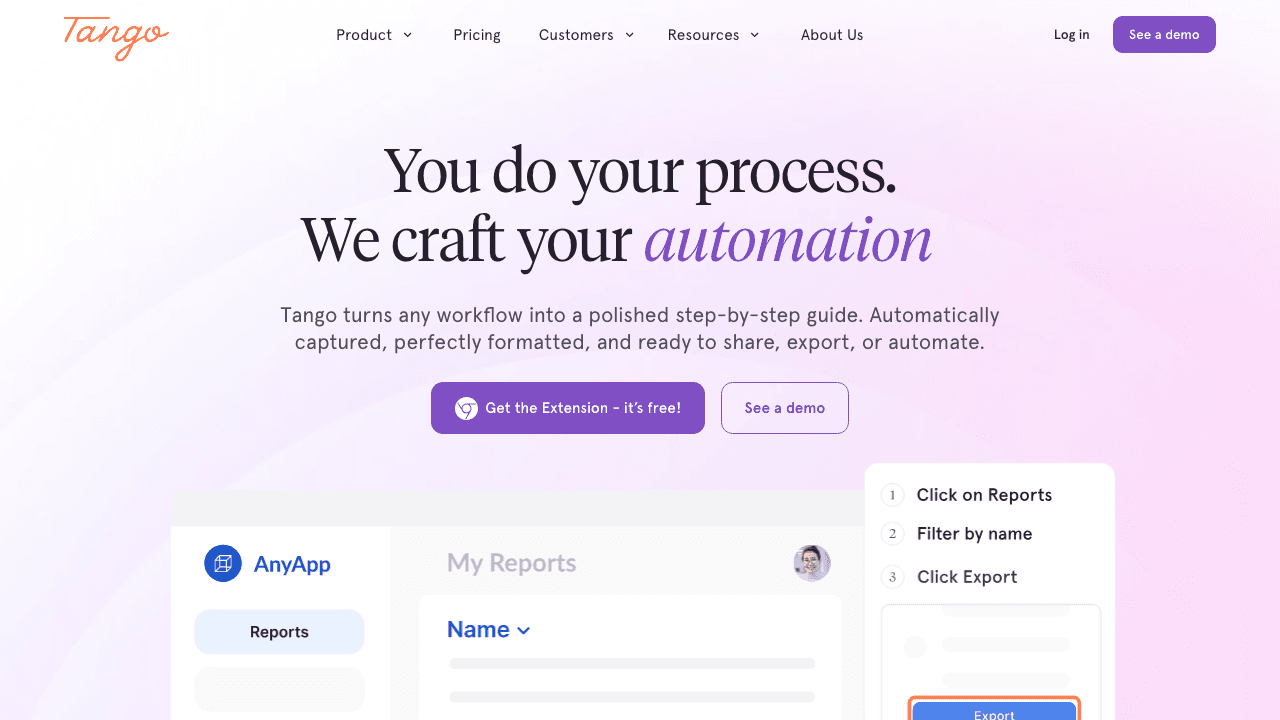
Tango (recently rebranded to tango.ai) works similarly to Scribe. Install the browser extension, perform your workflow, and Tango automatically generates a visual guide with screenshots and descriptions.
What it does well:
- Very fast capture, just click through your workflow
- Clean, shareable output
- Good integrations with Notion, Confluence, and other wikis
- Free tier is generous
Where it falls short:
- Browser extension required
- Text + screenshots only, no video tutorials
- No subtitles, voiceover, or translation
- Desktop and mobile workflows aren't supported
Tango is a solid pick for internal documentation of browser-based processes. If your team needs to document how to use a SaaS tool quickly, it gets the job done. But for customer-facing tutorials or anything requiring video, you'll need something else.
4. Descript: Video Editing Meets Transcription

Descript is a powerful video and audio editor that treats your transcript as the editing interface. Edit the text, and the video edits itself. It's a genuinely clever approach.
What it does well:
- Edit video by editing text, removes "ums, " pauses, and mistakes
- High-quality transcription
- AI voice cloning for overdubs
- Screen recording built in
- Polished output for YouTube, social media, courses
Where it falls short:
- Steep learning curve, it's a full editing suite
- Doesn't generate documentation or step-by-step guides
- Overkill for quick internal tutorials
- Pricing scales with usage (transcription hours, storage)
- More suited to content creators than documentation teams
If you're creating polished video courses or YouTube content, Descript is fantastic. But if you're a product team trying to create help articles and onboarding tutorials, it's more tool than you need, and it won't generate the written documentation you're likely after.
5. Guidde: AI Video Documentation
Guidde focuses specifically on creating video documentation using a browser extension. Record your workflow, and Guidde uses AI to add voiceover narration, descriptions, and step organization.
What it does well:
- AI-generated voiceover on captured workflows
- Automatic step descriptions
- Browser extension captures workflows smoothly
- Recently raised $50M Series B, active development
Where it falls short:
- Browser extension required for capture
- Limited to browser-based workflows
- Less flexibility with existing recordings (built around its own capture flow)
- Newer product, some features still maturing
Guidde is one of the closer alternatives to Vidocu in terms of output quality. The key difference is the workflow: Guidde requires you to record through its extension, while Vidocu works with any video you already have.
6. Trupeer: AI Documentation From Video
Trupeer is one of Vidocu's closest direct competitors. It uses AI to generate documentation from video recordings, including step-by-step guides and annotations.
What it does well:
- AI-powered documentation generation
- Works with video input
- Generates structured guides
Where it falls short:
- Smaller team and earlier stage
- Fewer language and translation options
- Less mature subtitle and voiceover features
- Narrower integration ecosystem
Trupeer is worth watching, but as of 2026, Vidocu offers a more complete feature set, particularly around AI voiceover, multi-language translation, and documentation generation.
Comparison Table
| Feature | Loom | Vidocu | Scribe | Tango | Descript | Guidde | Trupeer |
|---|---|---|---|---|---|---|---|
| Screen recording | ✅ | ❌ (upload-based) | ❌ | ❌ | ✅ | ✅ | ✅ |
| Works with any video | ❌ | ✅ | ❌ | ❌ | ✅ | ❌ | ✅ |
| AI subtitles | ❌ | ✅ | N/A | N/A | ✅ | ❌ | Limited |
| AI voiceover | ❌ | ✅ | N/A | N/A | ✅ | ✅ | Limited |
| Step-by-step docs | ❌ | ✅ | ✅ | ✅ | ❌ | ✅ | ✅ |
| Multi-language translation | ❌ | ✅ (30+ languages) | ❌ | ❌ | ❌ | ❌ | Limited |
| No extension needed | ✅ (has extension, optional) | ✅ | ❌ | ❌ | ✅ | ❌ | ✅ |
| Video output | ✅ | ✅ | ❌ | ❌ | ✅ | ✅ | ✅ |
| Written documentation output | ❌ | ✅ | ✅ | ✅ | ❌ | ✅ | ✅ |
| Best for | Async messaging | Tutorial creation | Browser SOPs | Browser how-tos | Video editing | Video docs | Video docs |
See How Vidocu Compares
Explore detailed comparisons with Loom, Scribe, Tango, and other documentation tools.
View All ComparisonsWhich Alternative Is Right for You?
The right choice depends on what you're actually trying to create:
Choose Loom if you just need quick async video messages for your team. It's still the best at that.
Choose Scribe or Tango if you only need written step-by-step guides for browser-based SaaS workflows and don't need video output.
Choose Descript if you're creating polished video content for courses, YouTube, or marketing, and you're comfortable with a full editing suite.
Choose Guidde if you want AI-generated video documentation and don't mind using a browser extension for every recording.
Choose Vidocu if you want the full package, subtitles, voiceover, written documentation, and translation, from any video you already have. No extension required, no specific recording workflow needed. Just upload and go.
For most teams that need to create tutorials (not just record them), Vidocu's all-in-one approach to AI video documentation covers the most ground with the least friction. You can even convert your existing Loom recordings into full documentation without re-recording anything.
FAQ
Can I use Loom recordings with these tools?
Yes, at least with some of them. Vidocu and Descript both accept uploaded video files, so you can download your Loom recording and upload it. Scribe and Tango don't work with video files at all (they capture browser actions live). Guidde requires its own extension for recording. If you have a library of Loom recordings you want to turn into tutorials, Vidocu's upload-based workflow is the most straightforward option.
What's the difference between a screen recorder and a tutorial tool?
A screen recorder captures what's on your screen. A tutorial tool takes that recording and adds structure, subtitles, voiceover, written steps, screenshots, and documentation. Think of it as the difference between raw footage and a finished product. Tools like Vidocu bridge that gap by automatically generating documentation from video.
Do I need a browser extension for these tools?
It depends on the tool. Scribe, Tango, and Guidde all require browser extensions for capturing workflows. Vidocu and Descript do not, they work with uploaded video files. If you prefer not to install extensions (or need to document non-browser workflows), an upload-based tool gives you more flexibility.
Which Loom alternative is best for creating tutorials in multiple languages?
Vidocu is the strongest option for multilingual tutorials. It offers AI-powered video translation in 30+ languages, including translated subtitles and voiceover. Most other tools on this list either don't support translation at all or offer limited language options. If you're creating tutorials for a global audience, this is a significant differentiator.
Are there free options for turning screen recordings into tutorials?
Most tools on this list offer free tiers or trials. Vidocu offers a free video-to-help-article converter that lets you test the workflow without signing up for a paid plan. Tango has a generous free tier for basic guides. Loom's free plan limits recording length. Scribe's free plan covers basic captures. For a broader overview, see our best screen recording software roundup.
Loom is great for what it was built for, quick, async video messages. But if your goal is creating tutorials that people can actually follow, learn from, and reference later, you need a tool designed for that purpose.
Try Vidocu for free and turn your next screen recording into a complete tutorial, with subtitles, voiceover, and documentation included.
Written by Daniel Sternlicht

Written by
Daniel SternlichtDaniel Sternlicht is a tech entrepreneur and product builder focused on creating scalable web products. He is the Founder & CEO of Common Ninja, home to Widgets+, Embeddable, Brackets, and Vidocu - products that help businesses engage users, collect data, and build interactive web experiences across platforms.


