
Translating subtitles used to mean exporting an SRT file, pasting lines into Google Translate, and fixing the timing by hand. AI changed that. The best subtitle translator tools now take a video or a caption file, translate every line into dozens of languages, and keep the timecodes intact so your subtitles still land on the right frame.
Quick answer: The best AI subtitle translator in 2026 is Vidocu, because it translates subtitles into 65+ languages directly from your video and bundles voiceover, captions, and documentation in the same workflow. For professional accuracy at scale, Maestra and Happy Scribe lead; for editing inside a video timeline, Kapwing wins; for AI dubbing, Rask AI; and for free desktop control, Subtitle Edit.
We tested each tool by translating the same 4-minute English product walkthrough into Spanish, French, and Japanese, then checking timing drift, line-break quality, and how much manual cleanup each one needed. Here are the six that earned a spot.
What a subtitle translator actually does
A subtitle translator does one specific job: it takes existing captions (or generates them from audio) and renders them in another language while preserving timing. That is different from a subtitle generator, which creates captions in the original language, and different from full video translation, which can also replace the spoken audio with a translated voiceover.
The good tools share four traits:
- Format support for SRT, VTT, and ASS, plus direct video upload
- Timing preservation so translated lines do not drift out of sync
- Line-length control so longer languages (German, Spanish) do not overflow the screen
- Bulk language output so one upload yields many language files
With that frame in place, here is how the six tools compare.
Comparison table
| Tool | Best for | Languages | Translates from video | Free tier | Starting price |
|---|---|---|---|---|---|
| Vidocu | All-in-one video to subtitles, voiceover, docs | 65+ | Yes | Yes | Free, paid from $39/mo |
| Maestra | Professional transcription + subtitle accuracy | 125+ | Yes | Limited trial | $29/mo |
| Happy Scribe | AI plus human-reviewed translation | 120+ | Yes | Trial | $19/mo |
| Kapwing | Editing subtitles inside a video timeline | 100+ | Yes | Yes (watermark) | $16/mo |
| Rask AI | AI dubbing with synced subtitle translation | 130+ | Yes | Trial | $60/mo |
| Subtitle Edit | Free desktop control over SRT files | Many (via engines) | No | Free (open source) | Free |
1. Vidocu
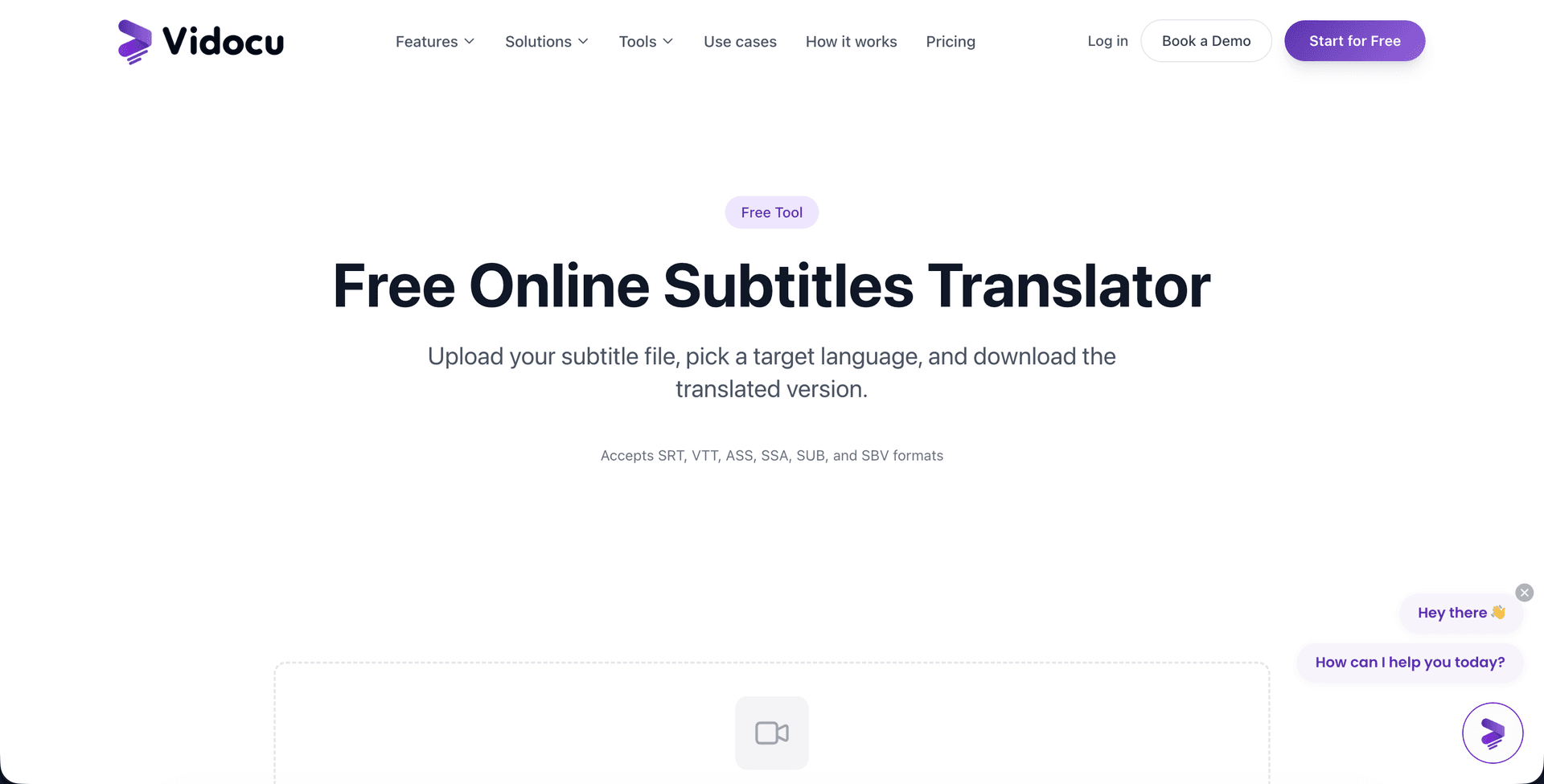
Vidocu leads this list because it treats subtitle translation as one step in a larger video workflow rather than a standalone export. Upload a video and Vidocu transcribes it, generates accurate subtitles, and translates them into 65+ languages while keeping every timecode aligned to the original speech. You can then burn the subtitles into the video, download clean SRT or VTT files, or push the same project into an AI voiceover so the translated version is both subtitled and dubbed.
That breadth is the differentiator. Most tools on this list stop at the caption file. With Vidocu, the translated subtitles are connected to a voiceover engine, a documentation generator, and a multilingual publishing layer, so a single English walkthrough becomes a fully localized asset without re-recording anything. In testing, the timing held across all three target languages with no manual nudging, and line breaks stayed readable even in longer Spanish phrasing.
It is also genuinely usable for free. The free subtitle translator needs no extension and no install. Create a free account and your first run is on us, which matters if you only need to localize a clip or two. There is a short tutorial on translating subtitles if you want to see the exact steps.
Pros: Translates straight from video, 65+ languages, voiceover and docs in the same workflow, free tier, no browser extension.
Cons: Built for product and tutorial video rather than feature-film localization; language count is lower than translation-management platforms.
Translate your subtitles into 65+ languages free
Upload a video, get accurate subtitles, and translate them into dozens of languages with timing intact. No extension, no re-recording.
Try the free subtitle translator2. Maestra
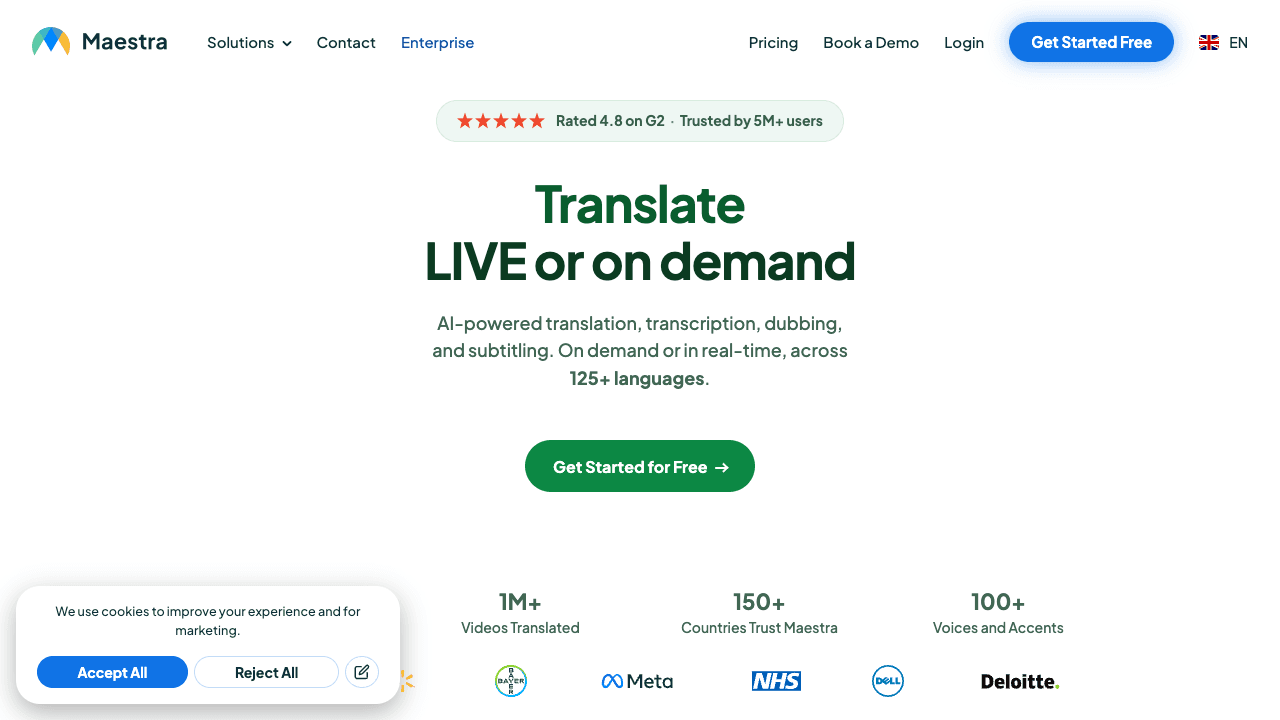
Maestra sits at the professional end of the market. It covers 125+ languages, claims high transcription accuracy, and is built for teams that produce subtitled content at volume for accessibility compliance or media archives. The editing interface is clean, and the translation step is fast once your source transcript is locked.
If your primary need is accurate transcription that then flows into subtitle translation, Maestra is a strong pick. It is less suited to teams that also want voiceover and documentation from the same source, which is where an all-in-one workflow like Vidocu's AI subtitle pipeline pulls ahead. Pricing starts around $29/mo for a few hours of processing.
Pros: 125+ languages, professional accuracy, polished editor.
Cons: Higher entry price, narrower scope (transcription and subtitles), no voiceover bundling.
3. Happy Scribe
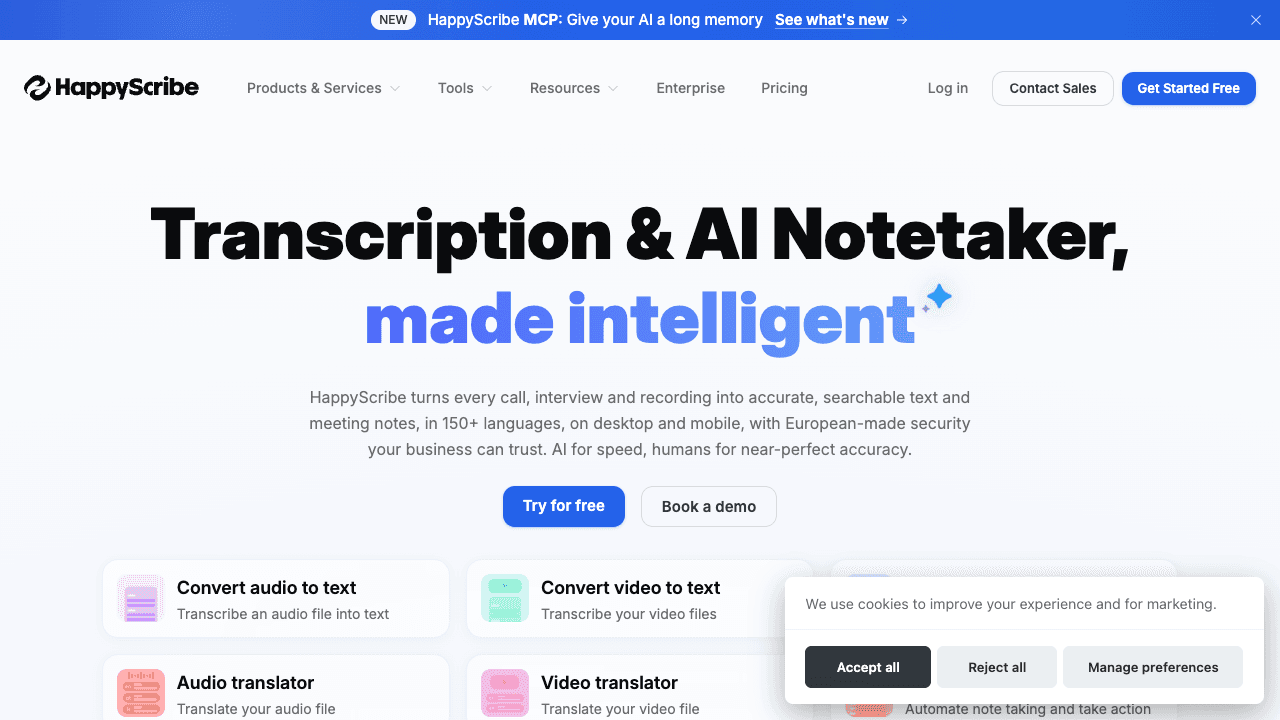
Happy Scribe's standout feature is the choice between fast AI translation and professionally human-reviewed translation on the same platform. For content where a mistranslation carries real cost (legal, medical, brand-sensitive marketing), the option to escalate to human review without switching tools is valuable. It supports 120+ languages and handles a wide range of subtitle file formats.
The tradeoff is that human review adds cost and turnaround time, so it is overkill for routine tutorial or social content. For everyday localization where speed matters more than certified accuracy, a faster AI-first tool is the better fit. Subscription plans start at $19/mo.
Pros: AI plus human-reviewed option, 120+ languages, broad format support.
Cons: Human review adds cost and time, no dubbing or docs layer.
4. Kapwing
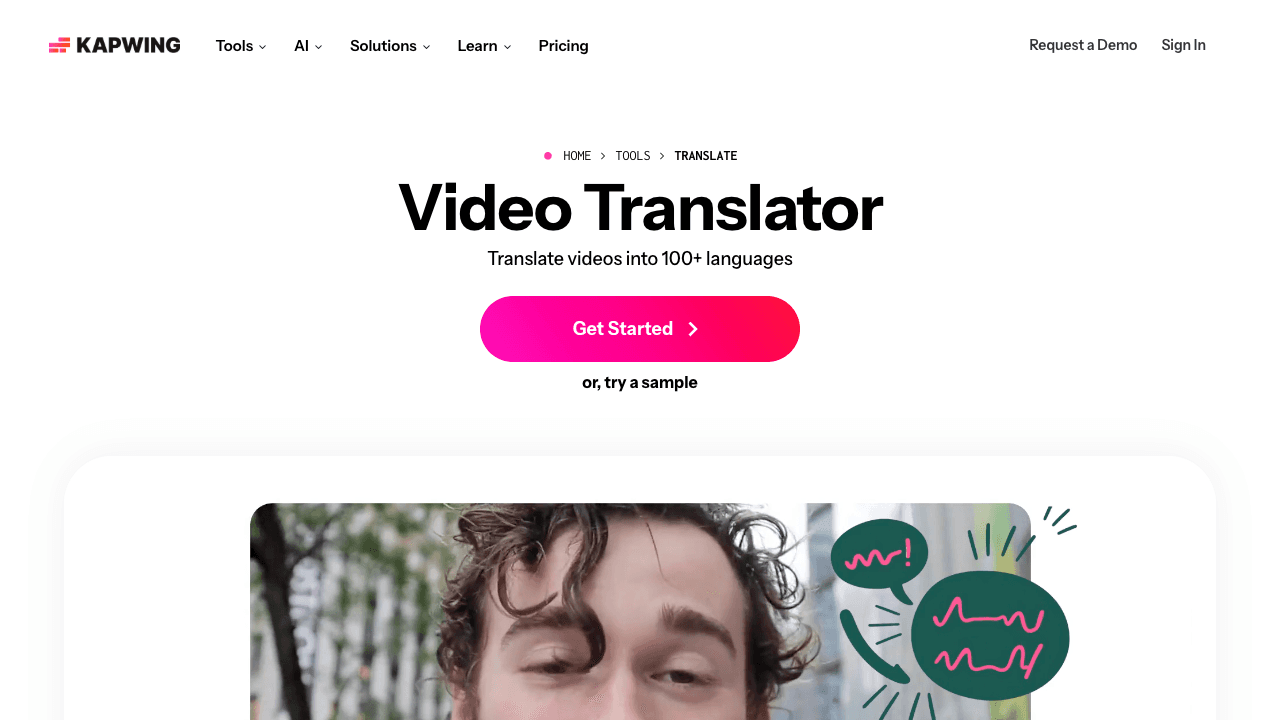
Kapwing is best when subtitle translation is one task inside a broader video edit. It is a browser-based video editor with translation built in for 100+ languages, so you can translate captions, restyle them, trim the clip, and export, all in one place. For social-first creators who are already editing in Kapwing, the embedded translation saves a round trip.
If your goal is purely to translate a batch of SRT files, a dedicated tool is faster and the free tier's watermark may get in the way. But as a creator workflow, Kapwing earns its spot. Annual pricing works out to about $16/mo. (Tools like VEED occupy a similar browser-editor niche; we folded that role into Kapwing as the stronger of the two for translation specifically.)
Pros: Translation inside a full editor, 100+ languages, beginner-friendly.
Cons: Free tier adds a watermark, translation is a feature rather than the focus.
5. Rask AI
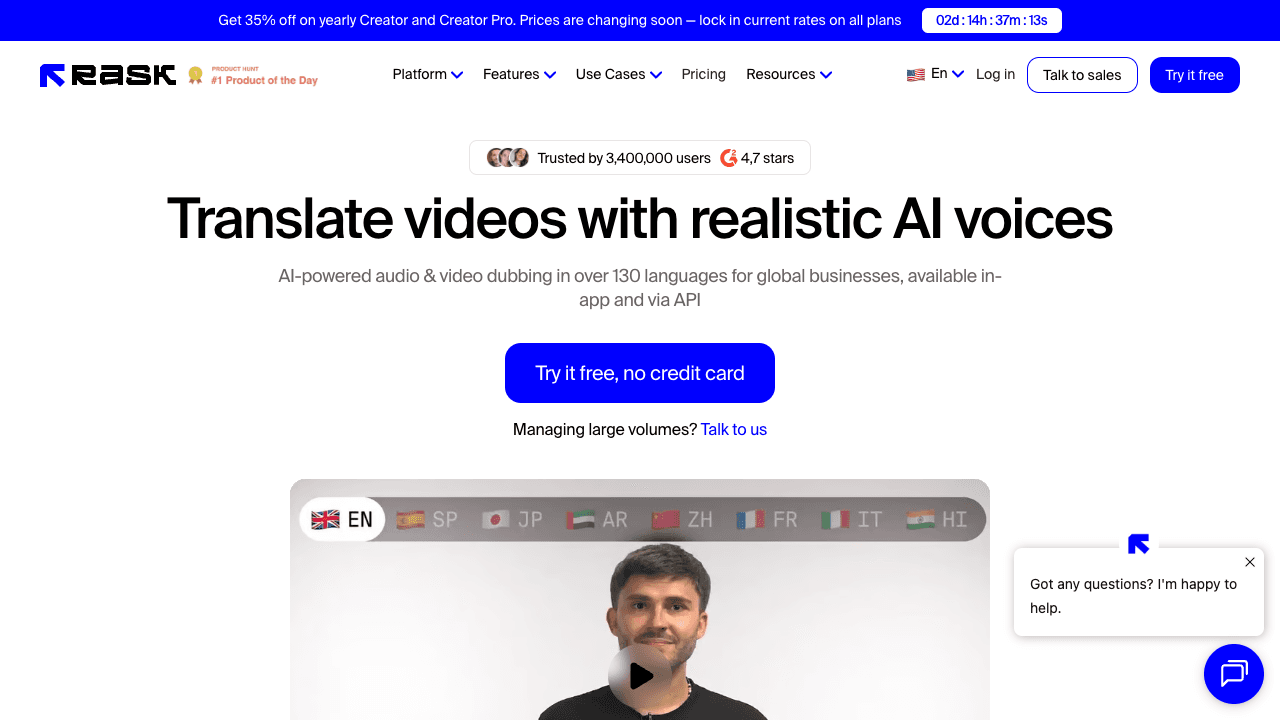
Rask AI leans into AI dubbing, and its subtitle translation is tightly synced to that dubbing engine across 130+ languages. If you want translated audio with matching translated subtitles (and, on some plans, lip-sync), Rask is purpose-built for it. Multi-speaker detection is a plus for interview or panel content.
The pricing model is per-minute and starts higher (around $60 for a creator allotment), so it is best for creators whose core need is dubbing rather than subtitle files alone. If subtitles plus optional voiceover is enough, the bundled approach in our free AI video translation guide covers a more economical path. We also maintain a deeper breakdown in our Rask AI alternatives comparison.
Pros: Strong dubbing plus synced subtitles, 130+ languages, multi-speaker handling.
Cons: Higher per-minute pricing, dubbing-first focus may exceed subtitle-only needs.
6. Subtitle Edit
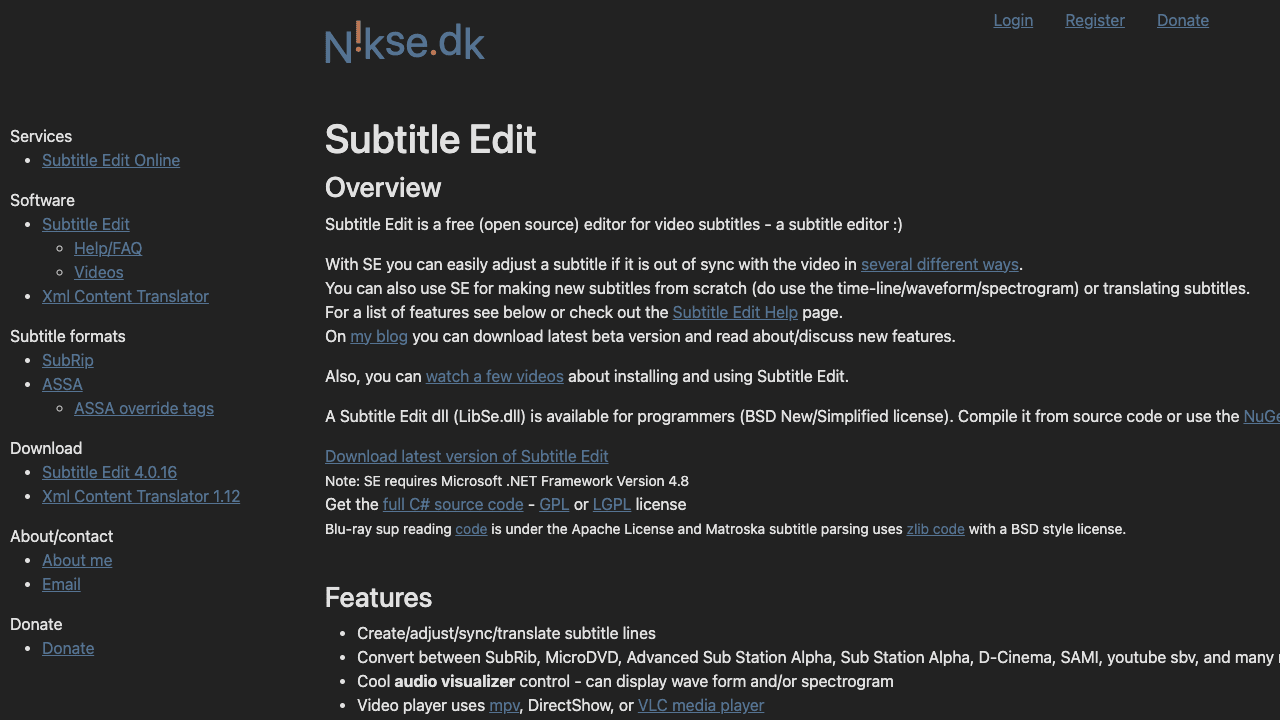
Subtitle Edit is the power-user pick: a free, open-source desktop application that gives you total control over SRT timing, formatting, and synchronization. It can call out to translation engines, and for anyone who needs to fine-tune frame-accurate timing or batch-fix a messy subtitle file, nothing beats its precision.
The catch is that it does not translate from video on its own; you bring the caption file, and the learning curve is steeper than any web tool here. For developers and localization specialists who live in subtitle files, it is indispensable. For everyone else, a browser tool is faster. It is completely free.
Pros: Free and open source, granular timing control, no usage caps.
Cons: Desktop only, steeper learning curve, no native video-to-subtitle translation.
How to choose the right subtitle translator
- You want subtitles, voiceover, and docs from one video: Vidocu. The translated captions plug straight into a voiceover and a documentation workflow.
- You need certified, human-checked accuracy: Happy Scribe.
- You translate at high volume across many languages: Maestra.
- You are already editing video in the browser: Kapwing.
- Your real need is dubbing, not just captions: Rask AI.
- You want frame-level control and zero cost: Subtitle Edit.
If you are localizing tutorials or a help center rather than one-off clips, it is worth reading how teams build a multilingual help center without a translation team and how to create multilingual tutorial videos without re-recording. The same translated-subtitle output feeds all of it.
From one video to every language
Subtitles, voiceover, and translated documentation from a single upload. Localize your content without a translation team.
Try Vidocu freeFAQ
What is the best AI subtitle translator in 2026?
Vidocu is the best all-in-one option because it translates subtitles into 65+ languages directly from your video and connects them to voiceover and documentation. For professional, high-volume accuracy, Maestra and Happy Scribe are the strongest dedicated alternatives.
Can I translate subtitles for free?
Yes. Vidocu's free subtitle translator runs in the browser with no extension, and Subtitle Edit is a free open-source desktop app. Most paid tools also offer a limited trial so you can test translation quality before subscribing.
Will translating subtitles mess up the timing?
Good AI tools preserve the original timecodes, so translated lines stay synced to the speech. The risk is line length: languages like German or Spanish run longer than English, so the best tools also adjust line breaks. In our testing, timing held without manual cleanup on the tools that translate directly from video.
What file formats do subtitle translators support?
The common formats are SRT, VTT, and ASS. Most tools let you upload a video and export the translated captions as SRT or VTT, and some also let you burn subtitles directly into the video for platforms that do not support separate caption tracks.
Is subtitle translation the same as dubbing?
No. Subtitle translation produces translated on-screen text while keeping the original audio. Dubbing replaces the spoken audio with a translated voiceover. Some tools do both: Vidocu can translate subtitles and generate an AI voiceover from the same project, while Rask AI is built dubbing-first. If you want the original spoken track as a standalone file, to hand to a translator or a transcription service, an audio extractor pulls it out in one step.
The bottom line
If you only need a translated SRT, any tool here will get you there. But subtitle translation is rarely the whole job. Most teams also need clean captions, a voiceover, and translated documentation, and that is where doing it all in one workflow saves the most time. Vidocu translates subtitles into 65+ languages straight from your video and carries that same source into voiceover, captions, and docs.
Try Vidocu for free and translate your first video's subtitles in minutes.
Author: Daniel Sternlicht

Written by
Daniel SternlichtDaniel Sternlicht is a tech entrepreneur and product builder focused on creating scalable web products. He is the Founder & CEO of Common Ninja, home to Widgets+, Embeddable, Brackets, and Vidocu - products that help businesses engage users, collect data, and build interactive web experiences across platforms.