
Translating a video used to mean a translator, a voice actor, a sound engineer, and a week of turnaround. In 2026, AI does the same job in minutes. The hard part now is choosing the right tool, because "video translation" means very different things depending on whether you want subtitles, dubbed audio, a lip-synced presenter, or a fully localized content asset.
The best AI video translation tool depends on what you are translating. For localizing an entire video asset (subtitles, voiceover, and written documentation) in one workflow, Vidocu leads. For lip-synced dubbing of real footage, Rask AI and HeyGen are strongest. Synthesia owns enterprise avatar dubbing, ElevenLabs wins on pure voice quality, Happy Scribe is the subtitle-first pick, and Kapwing is the best free browser all-rounder. Here are the seven that earned a spot, tested and compared, with Vidocu first.
How We Compared These Tools
We looked at five things that actually matter when you ship multilingual video:
- What it translates: subtitles only, dubbed audio, lip-sync, or the whole asset (captions plus voiceover plus docs). If all you need is the caption track in another language, a dedicated subtitle translator is faster and cheaper than a full translation platform.
- Language coverage: how many languages, and whether translation quality holds outside the common European pairs.
- Voice quality: natural narration versus robotic text-to-speech, and whether voice cloning is available.
- Workflow fit: is it a single-purpose translator or part of a broader video content pipeline.
- Pricing and free tier: what you can do for free, and where the paywall lands.
Pricing below reflects publicly listed plans at the time of writing. Always check the current pricing page before you buy, since these tools change tiers often.
Comparison Table
| Tool | Best for | Translates | Languages | Free tier | Paid from |
|---|---|---|---|---|---|
| Vidocu | Localizing the full video asset (captions + voiceover + docs) | Subtitles, AI voiceover, written documentation | 65+ | Yes (roughly 4 video min) | $39/mo (Pro) |
| Rask AI | Budget lip-sync dubbing at volume | Dubbed audio + lip-sync | 130+ | 3 min trial | $60/mo, $33/mo annual |
| Synthesia | Enterprise avatar dubbing | Dubbed audio + avatar lip-sync | 140+ | 10 min/mo | $29/mo (Starter) |
| HeyGen | Creator lip-sync dubbing | Dubbed audio + lip-sync | 175+ | 3 videos/mo | $29/mo (Creator) |
| ElevenLabs | Best voice quality (audio only) | Dubbed audio | 90+ | 10k credits/mo | $6/mo (Starter) |
| Happy Scribe | Subtitle-first translation | Subtitles + transcription | 60+ translate | 10 min trial | 8.50 euro/mo annual |
| Kapwing | Free browser all-rounder | Subtitles + basic dubbing | 100+ | Yes (watermark) | $16/mo annual |
1. Vidocu
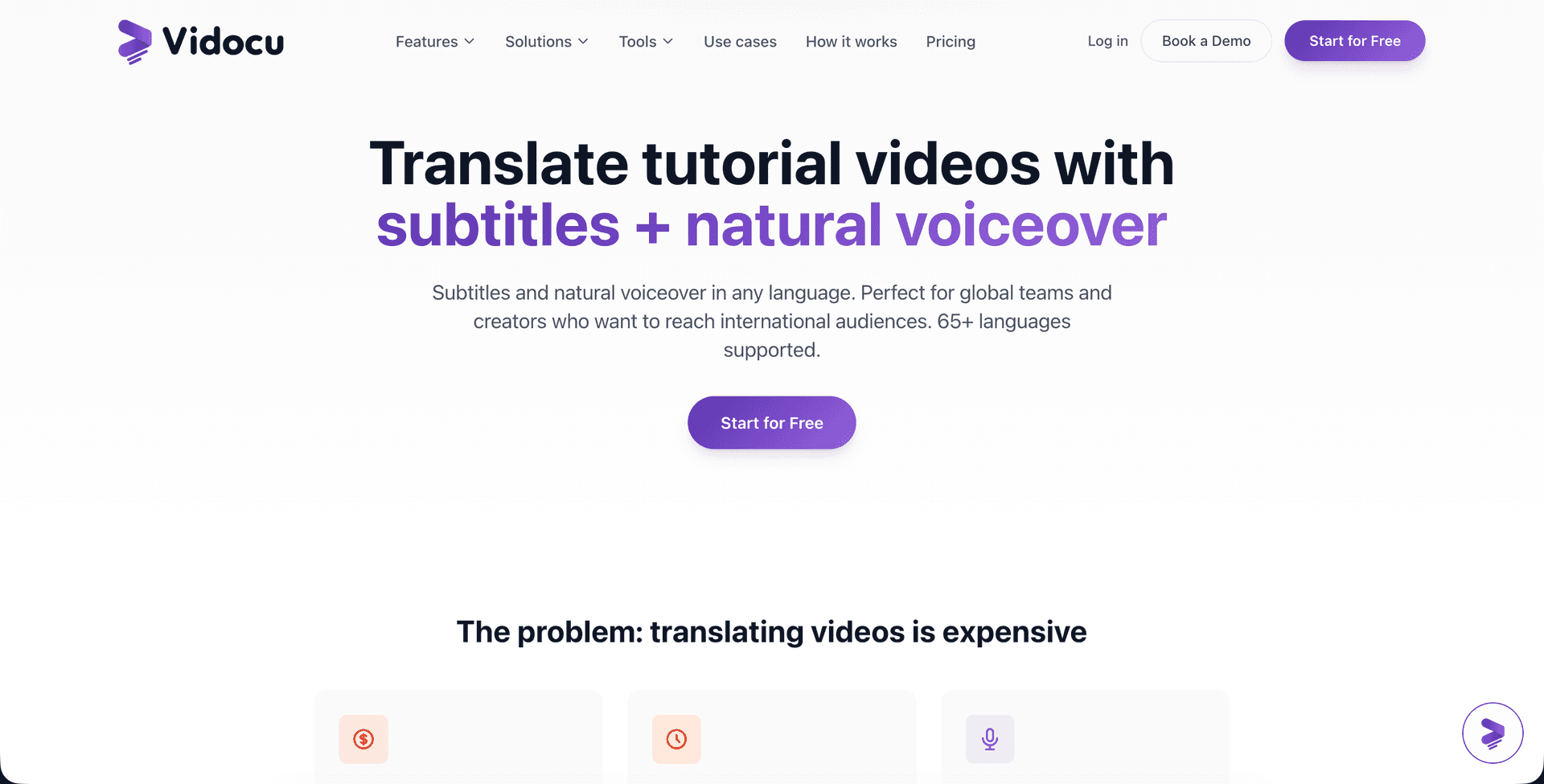
Vidocu is built around a single idea: recording is fast, everything after is slow. That includes translation. Instead of treating localization as a separate dubbing step, Vidocu translates your entire video asset from one upload. Upload a recording, and it generates translated subtitles, AI voiceover in the target language, and even the step-by-step written documentation that goes with the video, all in 65+ languages.
That makes it the strongest pick for teams who are not just translating a marketing clip but localizing a tutorial, training module, or help-center article. The video translation feature pairs translated AI subtitles with AI voiceover in 50+ natural voices, so the same recording ships in every market without re-recording. Batch mode lets you generate several languages at once.
Where Vidocu is honest about its lane: it is not an avatar-first lip-sync dubber for talking-head footage the way Rask or HeyGen are (though AI Avatars with lip-sync overlay are available on the Business plan). Its sweet spot is the full localization workflow, captions plus voiceover plus written docs, which the dubbing-only tools do not touch. If your translated video also needs to feed a multilingual help center, Vidocu is the only tool here that closes that loop.
Pricing: Free forever (200 credits, roughly 4 video minutes). Video translation and AI voiceover unlock on Pro ($39/mo); Business ($149/mo) adds avatars, team workspace, and an API.
Best for: Localizing tutorials, training, support, and documentation video, where the translation has to cover captions, narration, and written guides together.
Translate one video into 65+ languages
Vidocu generates translated subtitles, AI voiceover, and documentation from a single upload. No re-recording, no separate dubbing tool.
Try video translation free2. Rask AI
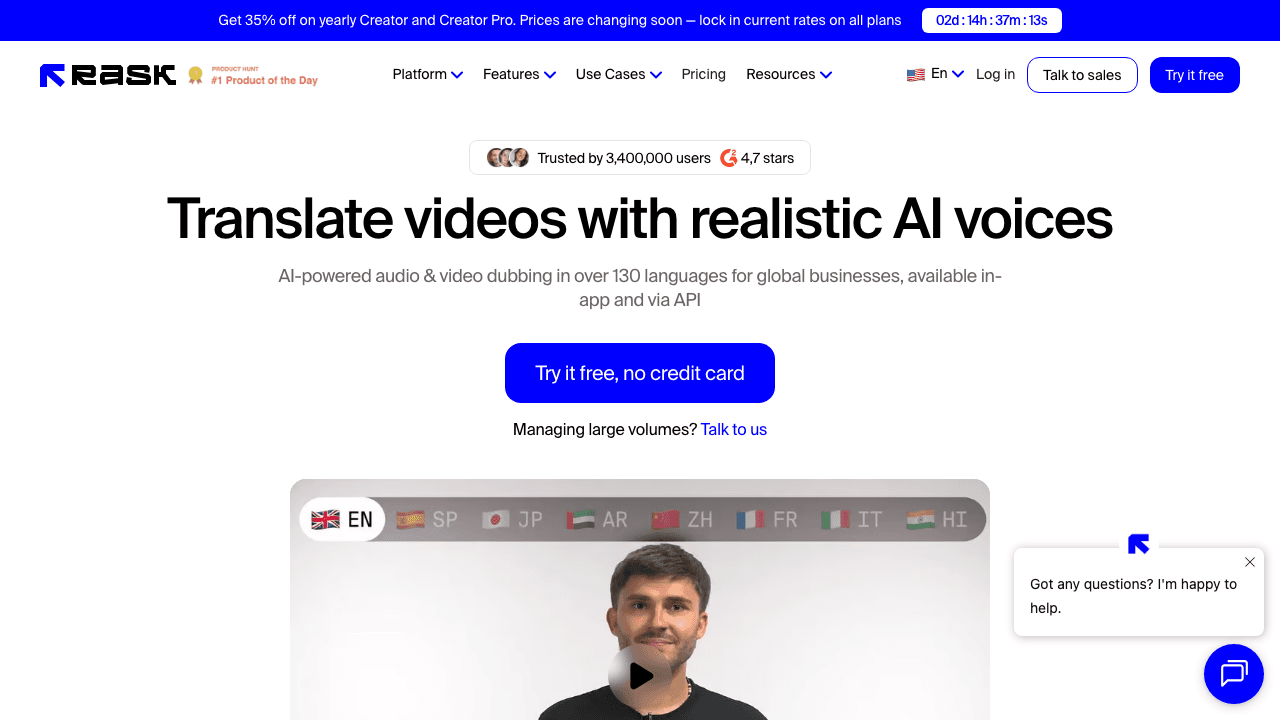
Rask AI is the go-to for creators and marketing teams who need lip-synced dubbing of real footage at volume. It handles the full pipeline, transcription through voice-cloned dubbing with lip-sync, across 135+ languages, and its strength is consistency: the same speaker voice carried across many languages without a localization team.
The catch is cost structure. Plans now start at $60 a month for 25 minutes (or $33 a month billed annually, 300 minutes a year), and lip-sync sits on the Creator Pro tier at $150 a month (or $78 a month annually), so the feature most people want Rask for is not on the entry plan. A short free trial (3 minutes) lets you test quality before committing. If Rask is on your shortlist, it is worth seeing how it stacks up against the field in our Rask AI alternatives breakdown, or in the direct Vidocu vs Rask AI comparison.
Best for: Creators and marketers dubbing talking-head video into many languages with a cloned voice.
3. Synthesia
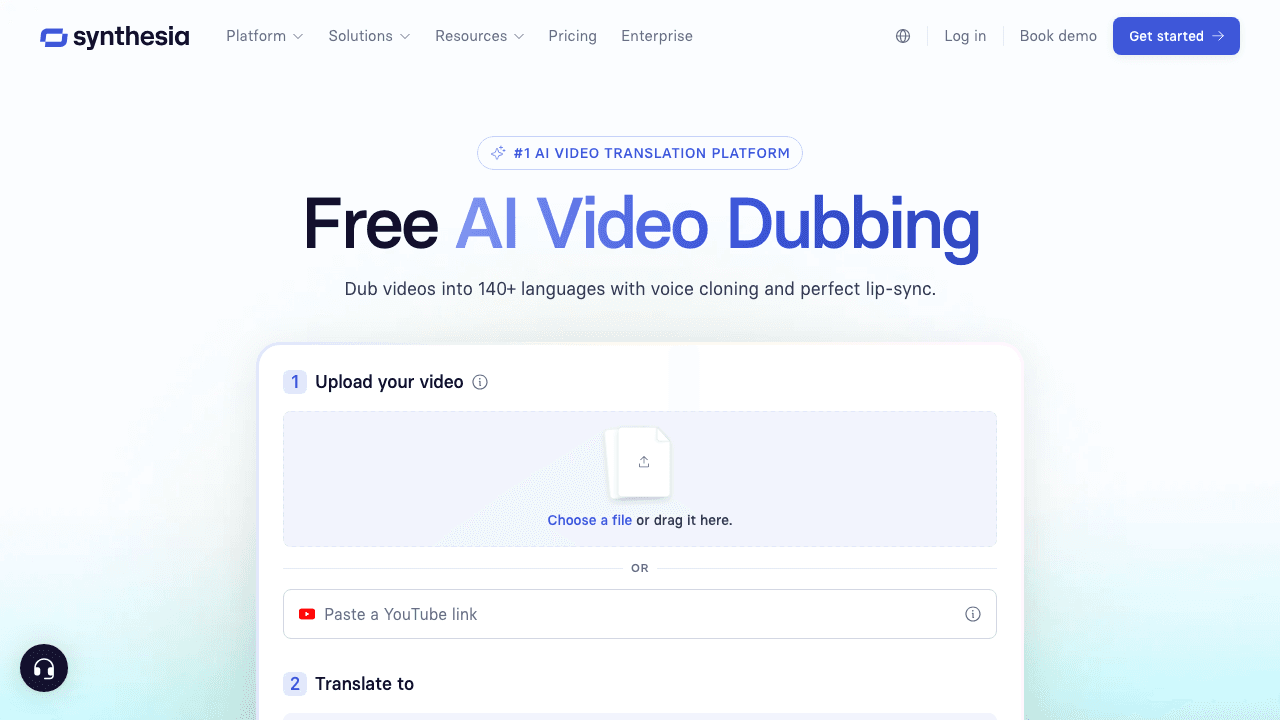
Synthesia started as an AI avatar generator and has grown into a serious dubbing platform. Its video translation produces convincing lip-sync and strong voice cloning, and it supports translation into 140+ languages. For enterprise teams already using Synthesia avatars for training and corporate comms, adding dubbing to the same workflow is the natural move.
Pricing is enterprise-leaning: the Starter plan is $29 a month (or $18 a month billed yearly) with a tight 10-minute monthly cap, and the Creator plan at $89 a month (or $64 a month billed yearly) for 30 minutes is more realistic for steady use. There is a free allowance of about one minute of translation to test lip-sync. If avatars are central to your strategy, Synthesia is hard to beat; if you only need dubbing, you may be paying for capabilities you will not use. We cover the trade-offs in our Synthesia alternatives guide.
Best for: Enterprise teams standardizing on avatars plus dubbing in one platform.
4. HeyGen
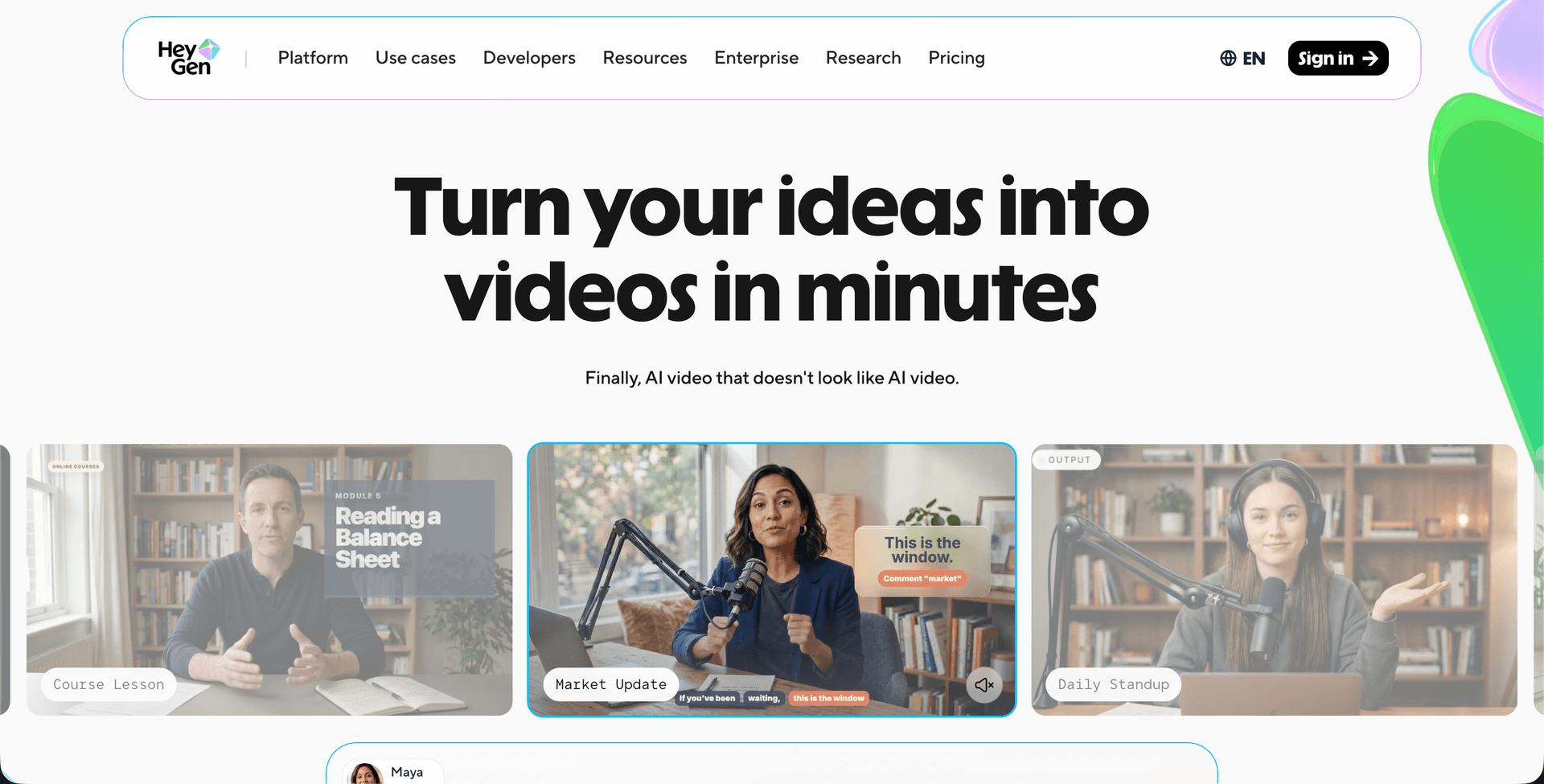
HeyGen is the creator-friendly counterpart to Synthesia. It bundles lip-synced dubbing, voice cloning, avatar creation, and 1080p output, and it covers an unusually wide 175+ languages. The headline is value: lip-synced dubbing lands on the Creator tier at $29 a month for 600 credits, and translation with lip sync costs 5 credits a minute, so that is roughly 120 minutes of dubbing. Pro is $49 a month (1,000 credits) and Business is $149 a month (1,500 credits). The free plan works for testing (three videos per month, up to one minute each).
That combination makes HeyGen the best entry point for individual creators who want lip-synced translation without an enterprise contract. Quality on common language pairs is excellent; as with every tool here, results soften on rarer languages. For the tutorial-and-documentation angle, the Vidocu vs HeyGen comparison maps where each fits.
Best for: Creators who want affordable lip-synced dubbing and a real free tier.
5. ElevenLabs
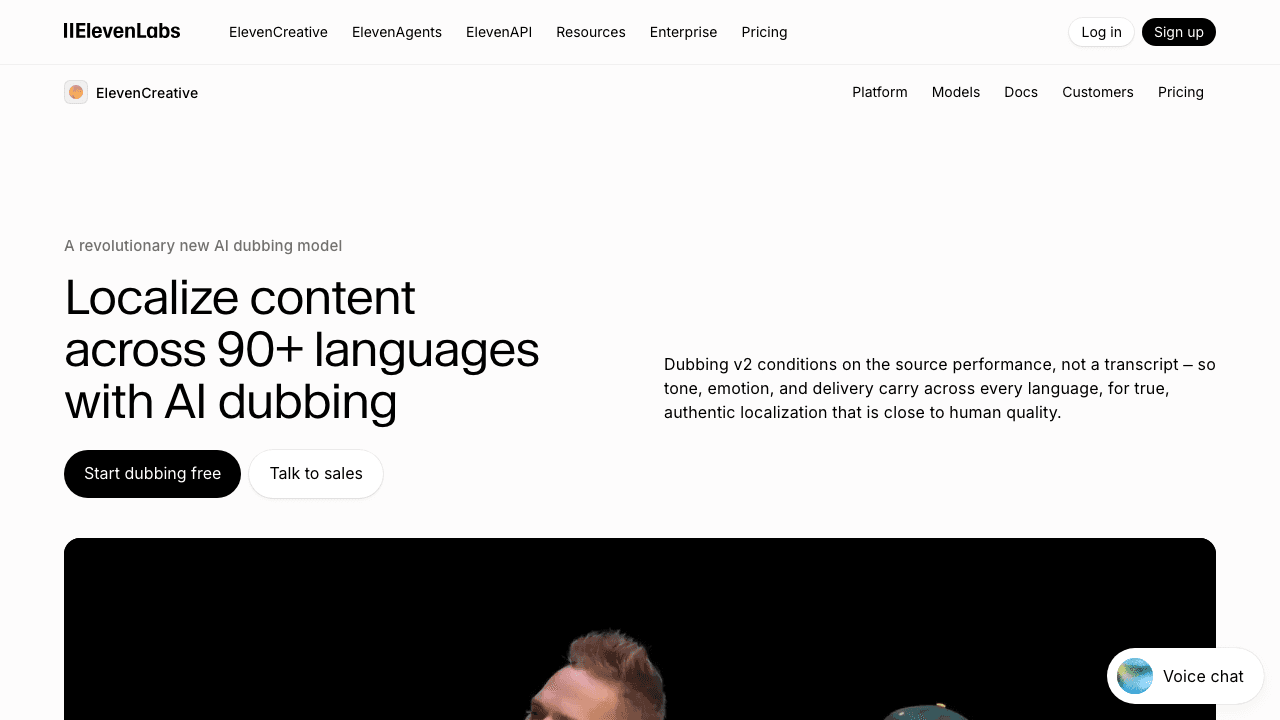
ElevenLabs built its reputation on voice cloning, and that expertise carries into its dubbing product. If you need the most natural-sounding translated narration, capturing emotional tone and delivery in a way other tools flatten, ElevenLabs is the benchmark. It supports 90+ languages and gives precise editing control over the final audio.
The trade-off: ElevenLabs dubs audio, not video. There is no lip-sync, so it is the right call when you want a translated voiceover track to lay over your footage, not a synced talking head. A free tier (10,000 credits per month) lets you sample the voices, with Starter at $6 a month (30,000 credits) and the dubbing-grade Creator plan at $22 a month (121,000 credits). Pro is $99 a month. Many teams pair it with a separate editor, which is exactly the kind of multi-tool stack a single workflow like Vidocu's AI voiceover is designed to replace.
Best for: Audio-only dubbing where voice realism is the top priority.
6. Happy Scribe
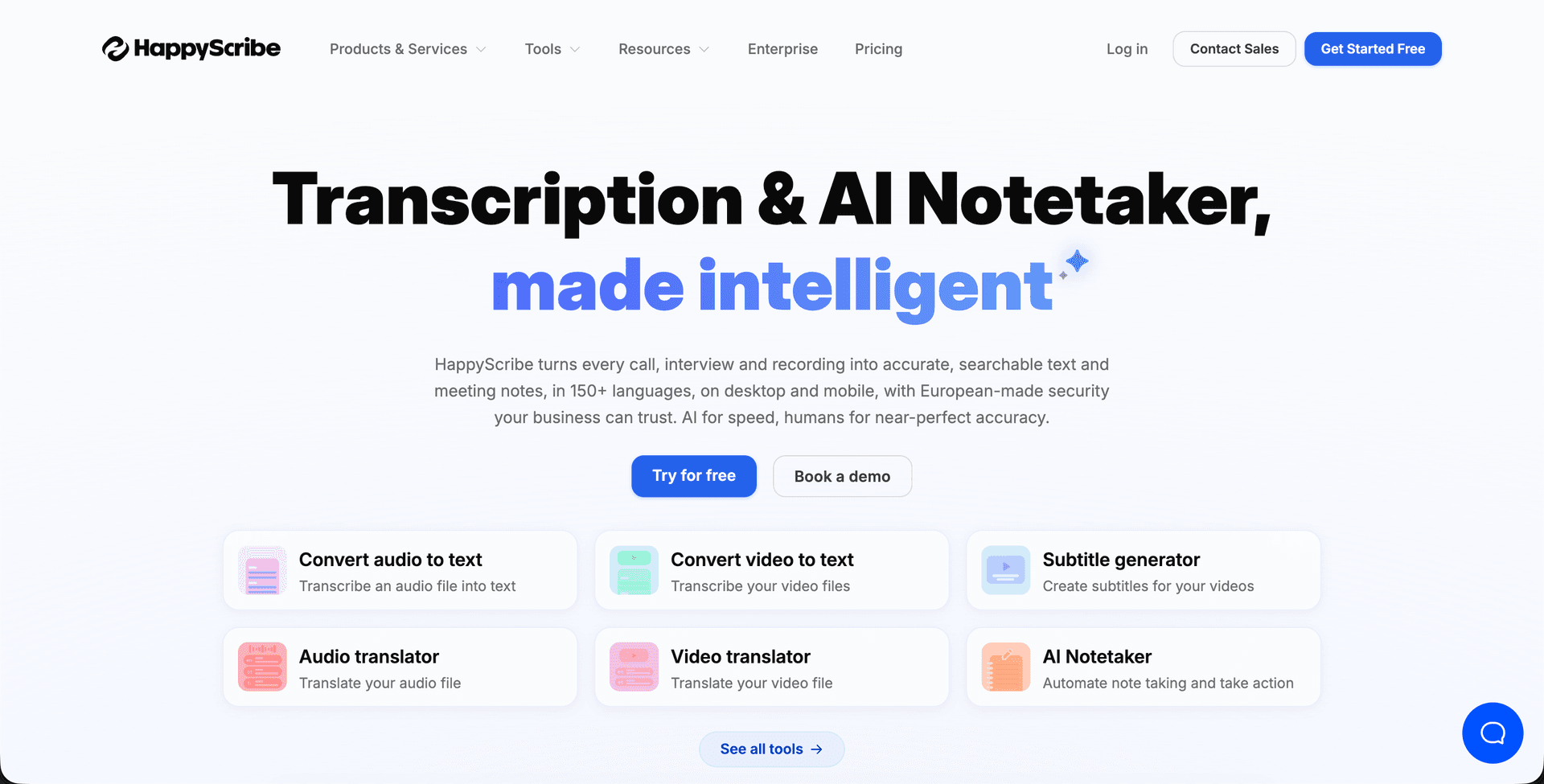
Happy Scribe approaches translation from the subtitle and transcription side. It transcribes in 150+ languages and translates subtitles into 60+, with an optional human-transcription add-on for accuracy-critical work. If your localization need is fundamentally about accurate translated captions (think interviews, documentaries, compliance-sensitive content) rather than dubbed audio, this is the focused pick.
Pricing is straightforward: Basic at 17 euro a month (8.50 billed annually) for 120 minutes, Pro at 29 euro a month (19 annually) for 600 minutes, and Business at 89 euro a month (59 annually) for 6,000 minutes. A free trial covers the first 10 minutes. It does not do lip-sync or avatar dubbing, so it pairs well with an audio tool if you eventually need voiceover. For a deeper look at subtitle-specific options, see our AI subtitle translator tools roundup.
Best for: Teams whose translation need is primarily accurate subtitles, with a human-review option.
7. Kapwing
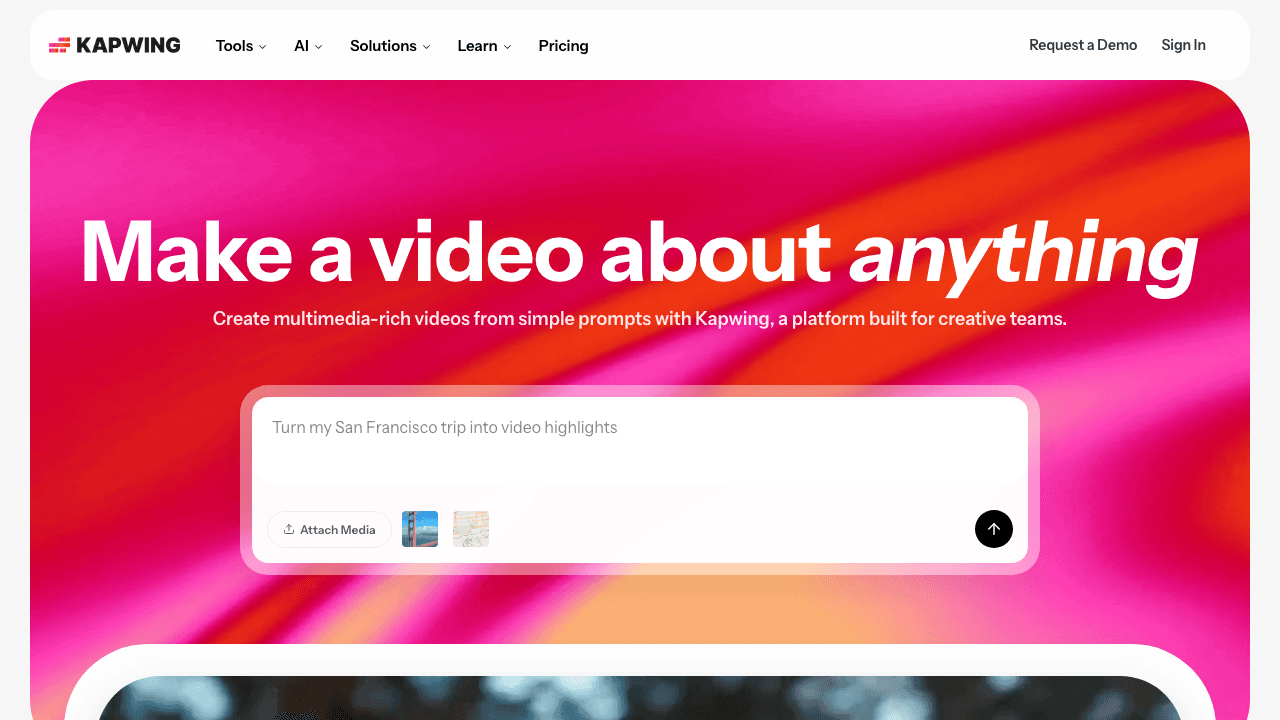
Kapwing is the free browser all-rounder. It is a general-purpose online video editor that happens to include solid subtitle translation and basic dubbing across 100+ languages, all without installing anything. For one-off projects, social clips, or quick turnarounds, it is a practical starting point, and the free tier (with a watermark) lets you try before paying, roughly $16/mo annual to remove limits.
It will not match the dedicated dubbing tools on lip-sync or the dedicated transcription tools on caption accuracy, but as an everything-in-one-browser-tab option, Kapwing earns its place for casual and creator use.
Best for: Quick, casual translation inside a free browser-based editor.
What AI Video Translation Costs in 2026
Translation pricing splits along one line: tools that sell you minutes of dubbed output, and tools that include translation inside a broader subscription.
| Tool | Free tier | Entry plan | What you get for it |
|---|---|---|---|
| Vidocu | 200 credits, roughly 4 video minutes | $39/mo (Pro) | Translated subtitles, AI voiceover, and written docs in 65+ languages from one upload; Business $149/mo |
| Rask AI | 3-minute trial | $60/mo, or $33/mo billed annually | 25 min/mo; lip-sync requires Creator Pro at $150/mo ($78 annually) |
| Synthesia | 10 min/mo | $29/mo, or $18/mo billed yearly | 10 min/mo; Creator $89/mo ($64 yearly) for 30 min |
| HeyGen | 3 videos/mo, 1 min each | $29/mo (Creator) | 600 credits, about 120 min of lip-synced translation at 5 credits/min |
| ElevenLabs | 10,000 credits/mo | $6/mo (Starter) | 30,000 credits; Creator $22/mo for dubbing-grade use |
| Happy Scribe | 10-minute trial | 8.50 euro/mo billed annually | 120 min/mo; Pro 19 euro annually for 600 min |
| Kapwing | Free with watermark | $16/mo billed annually | Watermark-free exports; $24/mo billed monthly |
Prices verified in August 2026 against each vendor's own pricing page. Annual and monthly rates differ sharply here (Rask is 45% cheaper annually, Synthesia 38%), so the monthly figure is rarely what teams actually pay.
Reading the table properly: per-minute dubbing tools look cheap until you localize a library. Twenty tutorials at five minutes each is 100 minutes per language, which puts Rask on Creator Pro and Synthesia beyond Creator. That is the arithmetic that decides most of these purchases.
How to Choose the Right Video Translation Tool
Match the tool to the job, not the hype:
- Localizing tutorials, training, or support content? You need captions, voiceover, and often written docs in every language. Vidocu is built for this end-to-end; the dubbing-only tools leave the documentation half undone.
- Dubbing talking-head footage with lip-sync? Rask AI (volume), HeyGen (value), or Synthesia (enterprise avatars).
- Just need a great translated voice track? ElevenLabs.
- Just need accurate translated subtitles? Happy Scribe.
- One-off or casual project? Kapwing's free tier.
A useful gut check: if your translated video has a written companion (a help article, an SOP, a knowledge-base entry), pick a tool that translates the whole asset so the text and video never drift out of sync. That is the core argument for a single workflow over a stack of single-purpose tools, and the same logic behind creating multilingual tutorial videos without re-recording.
Developers building translation into a product have a parallel set of options; see our video translation APIs comparison for that path. And if you want the full conceptual walkthrough, the free AI video translation guide covers the workflow start to finish.
One recording, every market
Generate translated subtitles, voiceover, and documentation in 65+ languages from a single upload, then publish everywhere.
Start freeFAQ
How much does AI video translation cost?
Entry pricing ranges from $6 a month (ElevenLabs Starter, audio dubbing only) and $16 a month annually (Kapwing) up to $60 a month (Rask AI). Vidocu is $39 a month on Pro, which covers translated subtitles, AI voiceover, and written documentation rather than dubbing alone. The bigger cost driver is minute allowances: lip-sync dubbing tools meter output tightly, so a large tutorial library usually pushes you two tiers up.
What is the best AI video translation tool in 2026?
It depends on what you are translating. For localizing a full video asset (subtitles, voiceover, and written documentation together) Vidocu is the strongest pick. For lip-synced dubbing of real footage, Rask AI and HeyGen lead, and ElevenLabs wins for pure voice quality. There is no single best tool, only the best fit for your content type.
What is the difference between video translation, dubbing, and subtitling?
Subtitling adds translated text on screen while keeping the original audio. Dubbing replaces the audio with a translated voiceover, and lip-sync dubbing also adjusts the speaker's mouth movements to match. Full video translation, like Vidocu's, does subtitles and voiceover together and can also localize the written documentation tied to the video. All three start from the same place, the spoken audio, so if you ever need that track on its own you can extract audio from a video and work with the MP3 directly.
Can I translate a video for free?
Yes, most tools offer a free tier with limits. Vidocu's free plan covers roughly 4 video minutes, HeyGen allows three short videos a month, and Happy Scribe translates your first 10 minutes free. Free tiers usually cap length, add a watermark, or restrict premium features like voice cloning, so they are best for testing before you commit. If your source is split across several recordings, combine the videos into one file before translating so you only pay for a single pass.
How accurate is AI video translation?
Leading tools reach 95 to 98 percent translation accuracy on common language pairs, which is strong enough for most business video. Accuracy drops on rarer languages, heavy accents, technical jargon, and overlapping speakers. For accuracy-critical content, choose a tool with editing controls or a human-review add-on and always proofread the output before publishing.
Do I need a separate tool for subtitles, voiceover, and documentation?
Not necessarily. Most tools handle one or two of these, which means stitching several subscriptions together. An all-in-one workflow like Vidocu translates subtitles, generates voiceover, and produces written documentation from a single upload, so the captions, narration, and docs stay in sync across every language.
The Bottom Line
There is no universal best video translation tool, only the right tool for what you are shipping. If you are dubbing talking-head footage, the avatar and voice-cloning tools shine. If you are localizing tutorials, training, support, and the documentation that travels with them, a workflow that translates the whole asset will save you a stack of subscriptions and a lot of drift between your video and your text.
If what you need translated is a product manual rather than footage, the workflow starts one step earlier: convert a PDF to video, then translate the result.
That is where Vidocu fits: one upload becomes translated subtitles, natural voiceover, and written documentation in 65+ languages, ready to publish everywhere. Try Vidocu for free and translate your first video in minutes.
By Daniel Sternlicht

Written by
Daniel SternlichtDaniel Sternlicht is a tech entrepreneur and product builder focused on creating scalable web products. He is the Founder & CEO of Common Ninja, home to Widgets+, Embeddable, Brackets, and Vidocu - products that help businesses engage users, collect data, and build interactive web experiences across platforms.