


Synthesia made AI avatar videos mainstream: type a script, pick a presenter, and get a talking-head video in minutes. But it is not the only way to make training, tutorial, and explainer videos, and for a lot of teams it is not the best fit. The avatars can feel generic, the per-minute and per-seat pricing adds up, and if what you actually need is a narrated product walkthrough, a synthetic presenter is the long way around.
This guide compares the 7 best Synthesia alternatives in 2026. Some are direct avatar-video replacements. One takes a different route entirely: instead of generating a fake presenter, you record your real screen once and let AI add the voiceover, subtitles, translation, and written docs. We tested each tool and ranked them by how well they fit the jobs people actually hire Synthesia for.
Quick Answer: What Is the Best Synthesia Alternative?
The best Synthesia alternative depends on what you are making. If you want polished avatar videos with strong translation, HeyGen is the closest like-for-like swap. For corporate training with multi-avatar scenes, Colossyan is purpose-built. But if your real goal is tutorials, SOPs, and product documentation, Vidocu skips the avatar step entirely: record your screen, and it generates the voiceover, captions, step-by-step docs, and translations from that single recording. No script-to-avatar workflow required.
The 7 Best Synthesia Alternatives at a Glance
| Tool | Best For | Approach | Free Tier | Starting Price |
|---|---|---|---|---|
| Vidocu | Tutorials, SOPs, product docs | Record real video, AI adds voice/docs/translation | ✅ | $39/mo |
| HeyGen | Avatar videos with translation | AI avatar from script | ✅ | $29/mo |
| Colossyan | Corporate training & L&D | AI avatar, multi-scene | Trial | ~$27/mo |
| D-ID | Custom & photo avatars, API | AI avatar from a photo | Trial | ~$5.9/mo |
| Vidnoz | Free avatar videos | AI avatar from script | ✅ | ~$15/mo |
| Vyond | Animated explainers (no avatars) | Drag-and-drop animation | Trial | ~$25/mo |
| Runway | Generative & cinematic clips | Text/image to new video | ✅ | $15/mo |
1. Vidocu
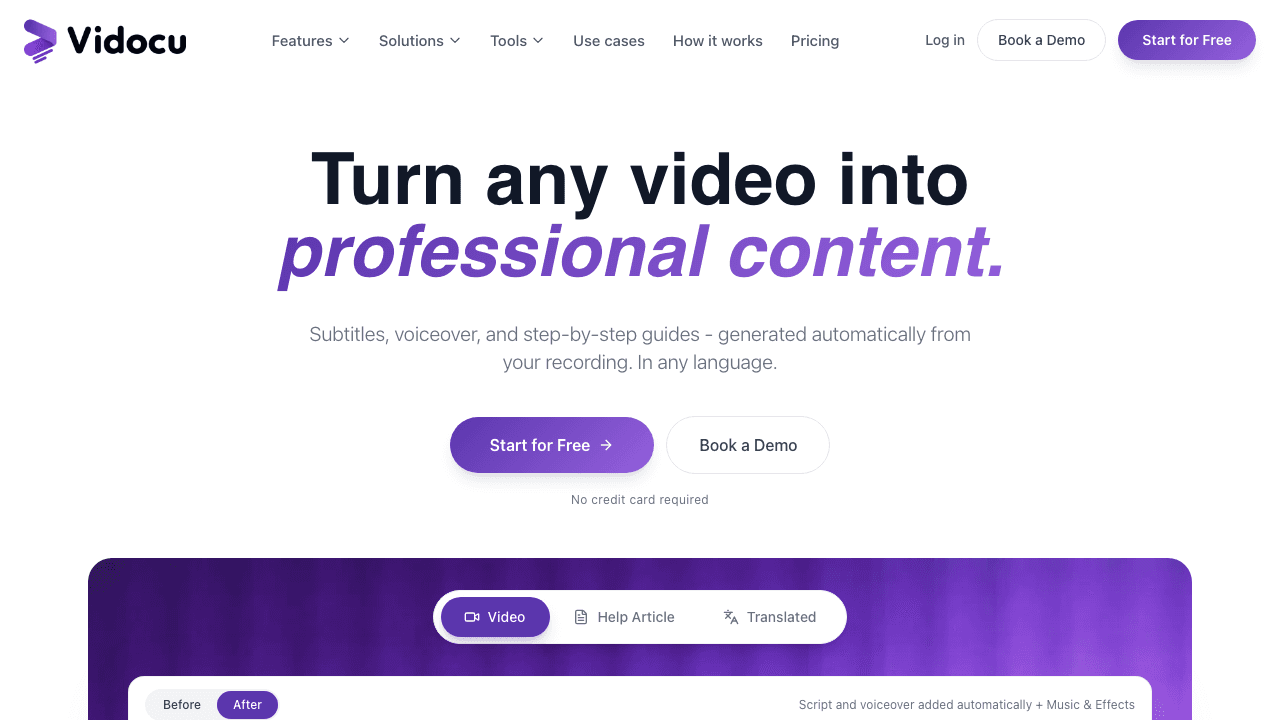
Most people who open Synthesia are not chasing a photorealistic avatar for its own sake. They need a clear training video, a product walkthrough, or an onboarding guide, and an avatar reading a script is just the means to an end. Vidocu attacks that goal from the other direction.
Instead of generating a synthetic presenter, you record your screen (or upload any existing clip) and Vidocu turns it into finished content: an AI voiceover so you never have to record audio, accurate subtitles, step-by-step documentation with auto-captured screenshots, and translation into 65+ languages. The same recording becomes a narrated video, a written guide, and a localized version, all from one upload.
That is a meaningful difference for tutorials and SOPs. A Synthesia avatar can describe a process, but it cannot show your actual interface clicking through the steps. Vidocu records the real thing and layers a professional voice and written guide on top, which is usually what a training or support team needs in the first place. For teams standing up onboarding content, the training video workflow and video-to-SOP features cover the whole job.
Key features:
- AI voiceover so you can skip recording narration
- Auto-generated subtitles and step-by-step docs with screenshots
- Translation into 65+ languages (subtitles and voiceover)
- Built-in video editor, no extensions or installs
- Processes most videos in about five minutes
Pricing: Free to start; Pro from $39/mo.
Best for: Teams that use Synthesia for tutorials, SOPs, onboarding, or product docs and would rather show a real screen than a synthetic avatar.
2. HeyGen
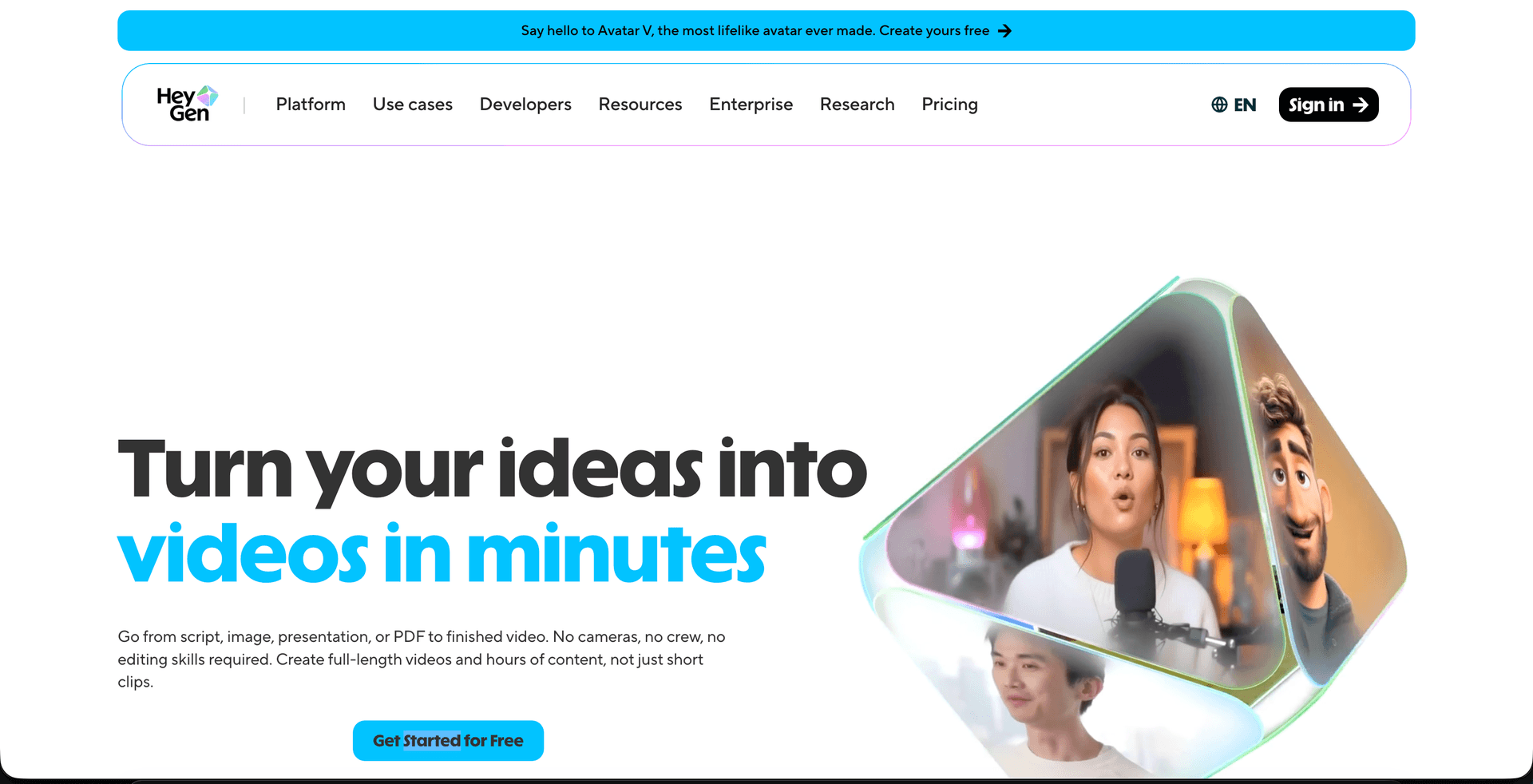
HeyGen is the closest direct competitor to Synthesia and the obvious swap if you specifically want avatar videos. Its avatars are among the most natural-looking on the market, with accurate lip-sync and a large stock library, plus the option to create a custom avatar of yourself.
Where HeyGen pulls ahead of Synthesia for many users is video translation. Its translation feature re-voices and lip-syncs a talking-head video into dozens of languages, which is strong for marketing and creator content. The Creator plan at $29/mo (600 credits) also undercuts Synthesia's entry pricing for a lot of use cases.
Key features:
- High-quality stock and custom avatars with realistic lip-sync
- Avatar video translation into 175+ languages
- Script-to-video editor with templates
- API for programmatic generation
Pricing: Free tier (3 videos/mo with watermark); Creator from ~$29/mo.
Best for: Marketing teams and creators who genuinely want a polished avatar presenter and strong translation. If you are weighing HeyGen against Vidocu specifically, see the Vidocu vs HeyGen head-to-head.
3. Colossyan
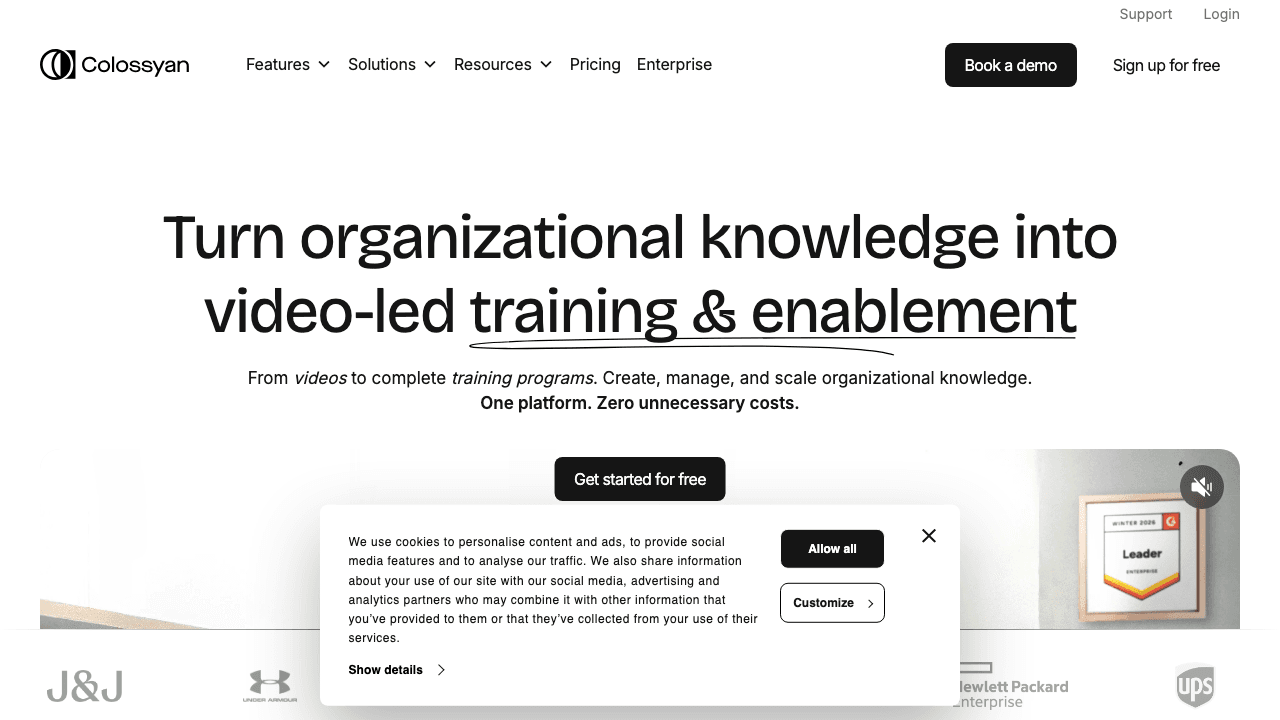
Colossyan is the most purpose-built Synthesia alternative for corporate training and L&D. It leans hard into the learning use case with features like multi-avatar scenes (up to four characters in one frame holding a conversation), which is genuinely useful for role-play and scenario-based training and is awkward to pull off elsewhere.
It also includes built-in interactivity (quizzes, branching) and integrations with authoring tools, so training teams can build a full module rather than a single clip. If your mandate is avatar-led training content specifically, Colossyan is a stronger fit than Synthesia's more general-purpose editor.
Key features:
- Multi-avatar conversational scenes
- Quizzes, branching, and interactive elements for courses
- Instant translation and voice cloning
- SCORM export for LMS platforms
Pricing: Free trial; paid plans from around $27/mo.
Best for: L&D teams building avatar-based training and scenario role-plays.
Make training videos without scripting an avatar
Record your screen once and Vidocu generates the voiceover, captions, written guide, and translations. The whole pipeline from one upload.
Try Vidocu Free4. D-ID
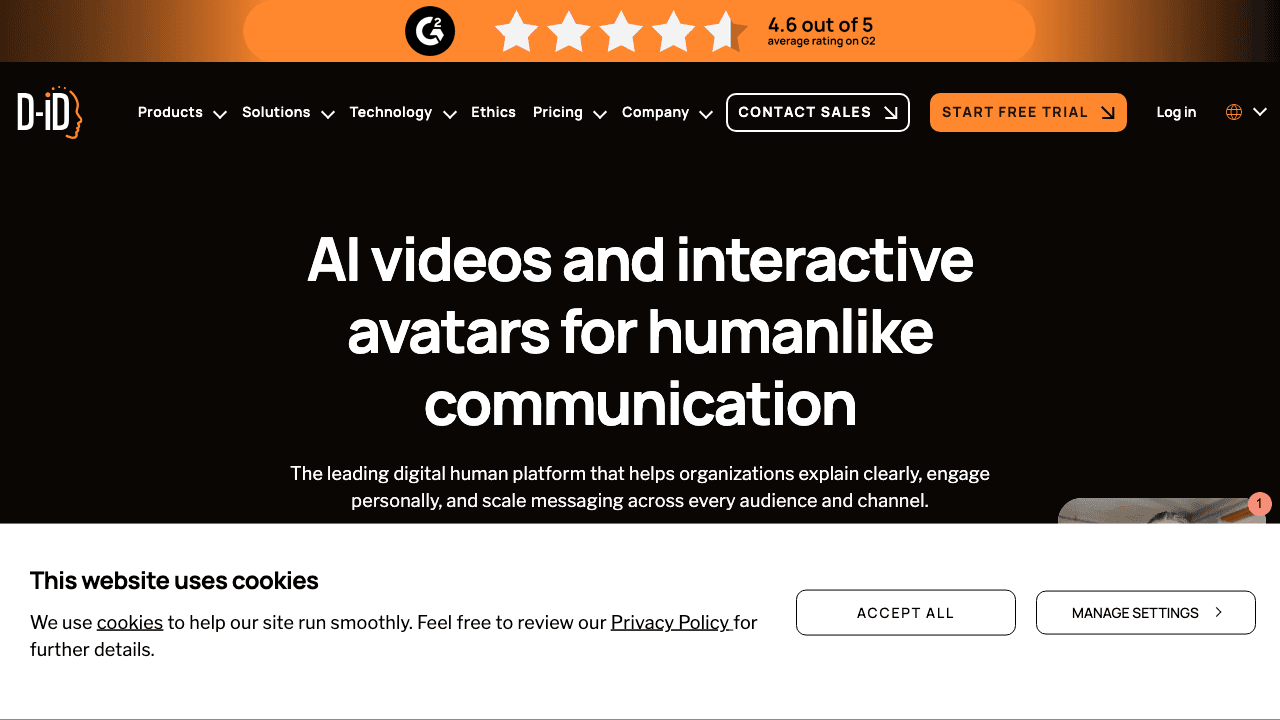
D-ID specializes in turning a single still image into a speaking, expressive presenter. Its Face Animation technology animates photos with real-looking facial movement, which lets brands feature their actual team members, a spokesperson, or a custom character without filming anything.
D-ID is also the most developer-friendly option here. Its API and "digital human" agents power live, interactive avatars in apps and kiosks, so it is a better pick than Synthesia if you want to embed real-time avatars into a product rather than render videos one at a time.
Key features:
- Photo-to-talking-avatar animation
- Real-time interactive "digital human" agents
- Robust API for embedding avatars
- Multilingual text-to-speech
Pricing: Free trial; paid plans from around $5.90/mo.
Best for: Developers and brands embedding custom or photo-based avatars, especially via API.
5. Vidnoz
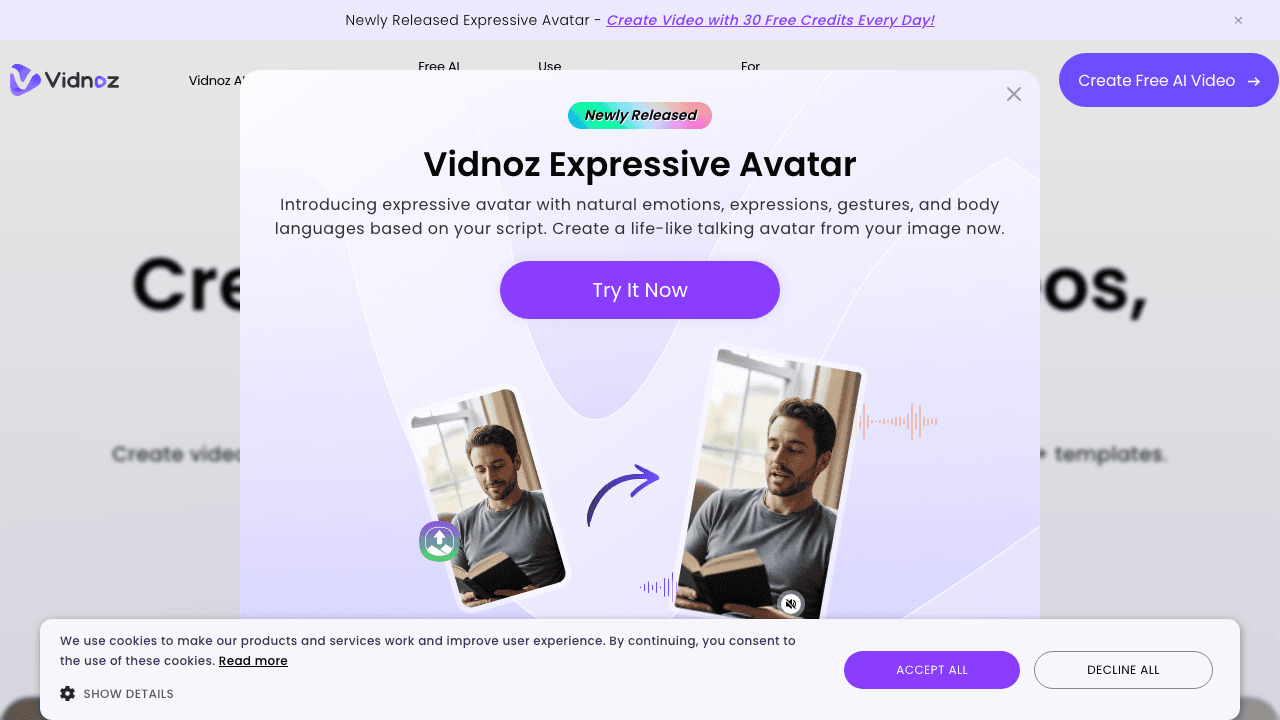
Vidnoz is the budget-friendly avatar option, built around a genuinely usable free tier. It offers a large library of avatars and templates and lets you generate a couple of minutes of avatar video per day for free, which is enough to test the format or produce the occasional short clip without paying.
The quality is a step below HeyGen and Synthesia, and the free tier adds a watermark, but for teams that want to try AI avatars before committing budget, Vidnoz lowers the barrier to entry more than any other tool on this list.
Key features:
- Free daily avatar video generation
- 1,000+ avatars and templates
- Text-to-speech in many languages
- Extra AI tools (talking photo, face swap)
Pricing: Free (about 2 minutes/day with watermark); paid from around $15/mo.
Best for: Individuals and small teams testing AI avatars on a tight budget.
6. Vyond
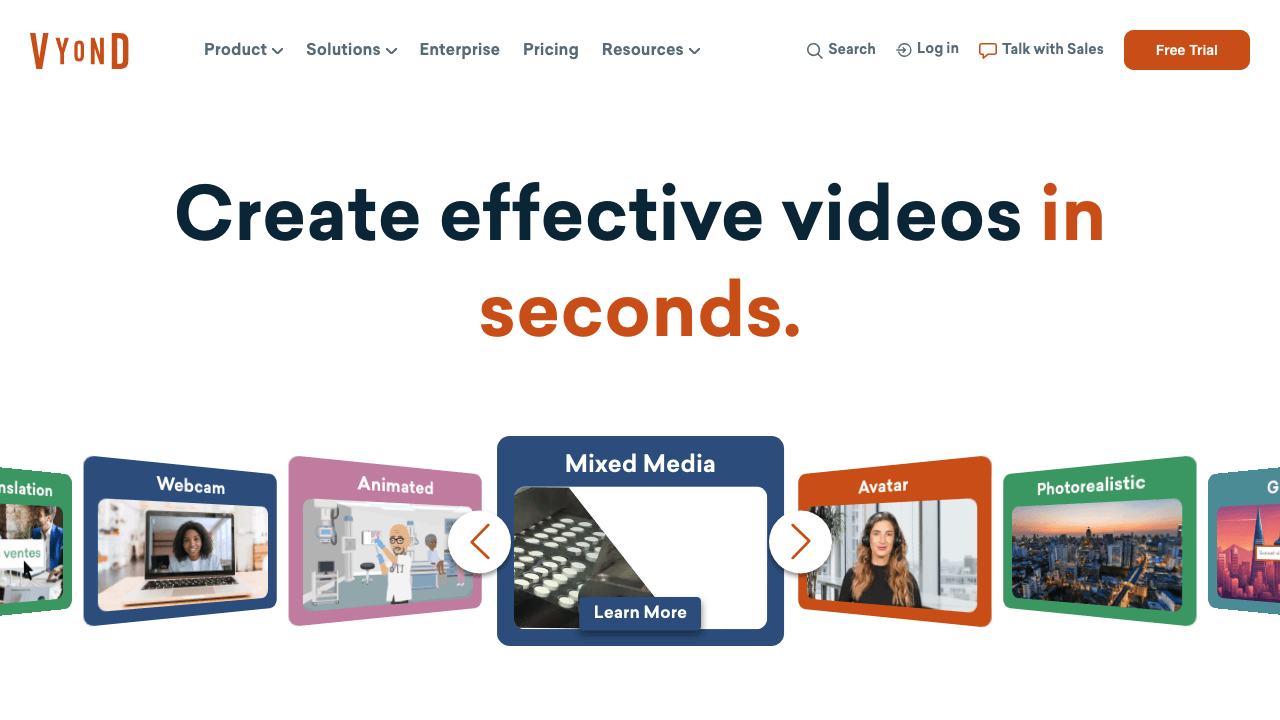
Vyond is the alternative for teams that want animated explainers rather than talking heads. Instead of avatars, you build character-driven animated scenes with a drag-and-drop studio, which suits storytelling, internal comms, and explainer content where a stylized look beats a realistic presenter.
Vyond has added AI script and scene generation, but at its core it is an animation studio, so there is more of a learning curve than a type-a-script avatar tool. For brand and L&D teams that have outgrown generic avatars and want a distinct animated style, it is a strong pick.
Key features:
- Drag-and-drop animated scene builder
- Large library of characters, props, and templates
- AI-assisted script and scene generation
- Lip-sync for animated characters
Pricing: No permanent free tier; plans from around $25/mo (billed annually).
Best for: Teams that want branded animated explainers instead of avatar videos.
7. Runway
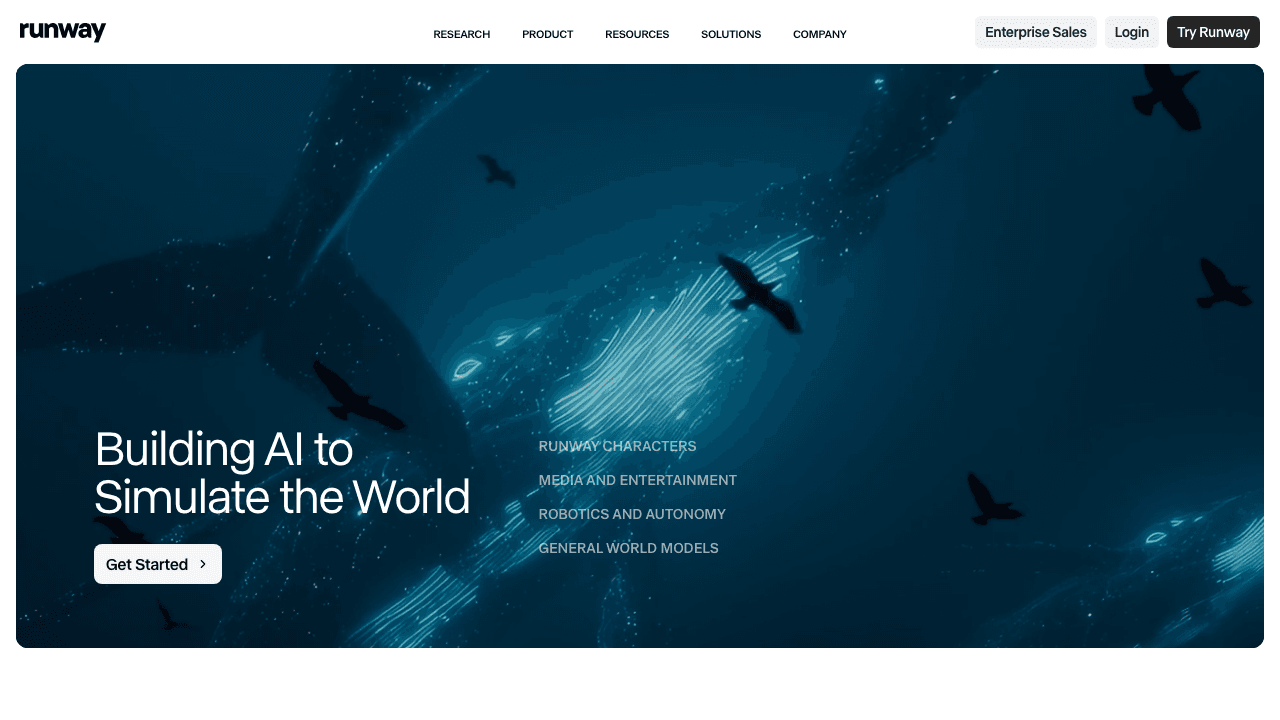
Runway is the outlier and the most creatively ambitious tool here. It is a generative AI video platform that creates entirely new footage from a text prompt, an image, or existing video. Where Synthesia puts a scripted avatar on screen, Runway can conjure a cinematic scene that never existed.
That makes it the wrong tool for a straightforward training video and the right tool for marketing, social, and creative work that needs original visuals. It also includes a deep editing suite (green screen, motion tracking, inpainting), so it doubles as a production tool, not just a generator.
Key features:
- Text-to-video and image-to-video generation
- Advanced editing (green screen, motion brush, inpainting)
- Camera and motion controls for generated clips
- Frequent model updates pushing quality forward
Pricing: Free tier with limited credits; Standard from $15/mo.
Best for: Creative, marketing, and social teams that need original generated footage, not a presenter.
How to Choose the Right Synthesia Alternative
Match the tool to the job, not to the avatar:
- Tutorials, SOPs, and product docs: Vidocu. Record the real screen and get voiceover, captions, written docs, and translation from one upload.
- A polished avatar presenter with translation: HeyGen is the cleanest like-for-like swap.
- Corporate training and role-play: Colossyan's multi-avatar scenes and SCORM export are built for L&D.
- Custom or photo avatars and API embedding: D-ID.
- Testing avatars for free: Vidnoz.
- Animated explainers: Vyond.
- Original generated footage: Runway.
The biggest decision is upstream of any feature list: do you actually need a synthetic presenter, or do you need finished training and documentation content? If it is the latter, generating an avatar is extra work. A video-to-documentation workflow gets you there faster, and the output (a narrated video plus a written, translated guide) is usually what the project needed all along.
Skip the avatar. Ship the tutorial.
Vidocu turns one screen recording into a narrated video, step-by-step docs, and 65+ language translations. No scripting an AI presenter.
Start free with VidocuFAQ
What is the best free Synthesia alternative?
For free avatar videos, Vidnoz (about 2 minutes/day) and HeyGen (3 videos per month) have the most usable free tiers, though both add a watermark. If your goal is tutorials or documentation rather than avatars, Vidocu is free to start and turns a screen recording into a captioned, narrated, documented video without any avatar step.
Is HeyGen better than Synthesia?
For avatar videos, HeyGen and Synthesia are close. HeyGen tends to win on video translation and entry pricing, while Synthesia has a polished editor and strong enterprise features. The better question is whether you need an avatar at all: for product walkthroughs and SOPs, a record-and-document workflow is often a better fit than either.
Why look for a Synthesia alternative?
Common reasons are cost (per-minute and per-seat pricing adds up), avatars that feel generic, and a mismatch with the actual task. Many Synthesia users are making tutorials or training docs, where showing a real interface with AI voiceover and auto-generated documentation beats a talking-head reading a script.
Can I create training videos without an AI avatar?
Yes. You can record your screen or a quick walkthrough and use Vidocu to add a professional AI voiceover, subtitles, a written step-by-step guide, and translations into 65+ languages. The result is a real, watchable tutorial without scripting or rendering a synthetic presenter.
Which Synthesia alternative is best for translation?
For avatar-based translation, HeyGen leads. For translating tutorials and training content, Vidocu translates both the subtitles and the voiceover from your original recording into 65+ languages, so you can localize a walkthrough without re-recording or rebuilding it.
The Bottom Line
Synthesia popularized AI video, but the best alternative for you depends on the job. If you want avatars, HeyGen, Colossyan, D-ID, and Vidnoz cover the range from premium to free, while Vyond and Runway serve animated and generative needs. And if you have been using Synthesia to produce tutorials, onboarding, and documentation, the fastest path is not a better avatar at all: it is recording your real screen and letting Vidocu generate the voiceover, captions, docs, and translations for you.
Try Vidocu for free and turn your next recording into a finished, documented, multilingual video.

Written by
Daniel SternlichtDaniel Sternlicht is a tech entrepreneur and product builder focused on creating scalable web products. He is the Founder & CEO of Common Ninja, home to Widgets+, Embeddable, Brackets, and Vidocu - products that help businesses engage users, collect data, and build interactive web experiences across platforms.


