
Quick answer: the best SOP software in 2026 depends on which of four jobs you are hiring it for. Vidocu leads on creating SOPs from a recording and proving people were trained on them. Scribe leads on click-capture speed. Process Street leads on enforcing a procedure every time it runs. Trainual leads on training accountability, and Whale, SweetProcess, Tango, and Waybook each win a narrower lane. Paid plans start at $39 per month, and four of the most-cited tools in this category publish no prices at all.
"SOP software" is a category that quietly covers four different jobs. Some tools help you write standard operating procedures. Some help you store and maintain them. Some enforce them, turning a procedure into a checklist that has to be completed and signed each time. And some prove that people were trained on them, which is the part an auditor, an insurer, or a new operations lead actually asks about.
No single product leads all four. The vendor listicles ranking for this term tend to skip that inconvenience and rank themselves first. This post does the opposite: it names the lane each tool genuinely leads, states the honest limits, and prints the pricing we could verify on each vendor's own page on September 8, 2026.
Here are the eight that earned a spot.
Quick comparison: 8 SOP software tools
| Tool | Best for | Creates SOPs from | Enforces each run | Proves training | Free tier | Paid from |
|---|---|---|---|---|---|---|
| Vidocu | SOP doc + polished video from one recording, with training records | Video upload, PDF, slide deck, or an AI-driven recording | No | Yes (knowledge checks, trainer sign-off, expiry tracking) | Yes | $39/mo |
| Scribe | Fastest click-capture guides | Browser clicks (extension) | No | No | Yes | $13 to $35/seat/mo |
| Process Street | Workflow enforcement and audit trail | Typed templates | Yes (leader) | Partial | No | Quote-based |
| Trainual | Training accountability | Typed docs + Chrome capture | Partial | Yes (leader) | No | Quote-based (plus $1,000 setup) |
| Whale | Flat-rate document, review, and train bundle | Screen and step recorder, video to text | Partial | Yes | Yes | $99/mo (annual) |
| SweetProcess | Cheapest flat text manual for ~10 people | Typed procedures + browser plugin | Yes (tasks) | Partial (quizzes) | No | $99/mo |
| Tango | In-app guidance on top of captured guides | Browser clicks (extension) | No | No | Yes | $15 to $26/user/mo |
| Waybook | 20-seat documentation + training bundle with review cycles | Typed docs + Shots extension | Partial | Yes | No | $99/mo (annual) |
What SOP software costs in 2026
Pricing in this category is unusually opaque, so the table says what each vendor publishes and flags what they do not.
| Tool | Free tier | Entry paid plan | Billing model | Prices public? |
|---|---|---|---|---|
| Vidocu | 200 credits (~4 min of AI video), 1 help article, 1 video export | Pro $39/mo; Business $149/mo | Flat monthly, credit-metered | Yes |
| Scribe | Browser capture only, no export | Pro Team $13/seat/mo billed yearly (5-seat minimum, so $65/mo); Pro Personal $35/mo or $25/mo yearly | Per seat | Yes |
| Process Street | None (14-day trial) | Startup, Pro, Enterprise | Per member, sales-led | No |
| Trainual | None (trial) | Core, Pro, Premium | Per seat bundle, sales-led | No, only a $1,000 implementation fee is listed |
| Whale | 10 members, 1 creator, video-to-SOP included | Team $99/mo billed yearly; Scale $249/mo; Advance $499/mo | Flat, per extra creator | Yearly prices only |
| SweetProcess | None (14-day trial) | $99/mo monthly or $82.50/mo yearly for 10 members, then $5/member | Flat plus per member | Yes |
| Tango | 5 shared workflows, 10 users | Pro Individual $22/mo or $15/mo yearly; Pro Team $26/mo or $20/mo yearly per user | Per user, whole workspace upgrades together | Yes |
| Waybook | None (7-day trial) | Core $99/mo billed annually or $119/mo monthly for 20 members; Pro $198/$238 | Flat plus $5 to $12 per extra member | Yes |
Two patterns worth knowing before you shortlist. First, the tools that lead on enforcement and training accountability (Process Street, Trainual) do not publish prices, so budget a sales call. Second, the per-seat tools (Scribe, Tango) get expensive fast if the people reading SOPs also need seats. Vidocu, Whale, and Waybook let unlimited people read, take a training, or watch a video without a paid seat of their own.
1. Vidocu: Best for turning a recording into an SOP, a video, and a training record
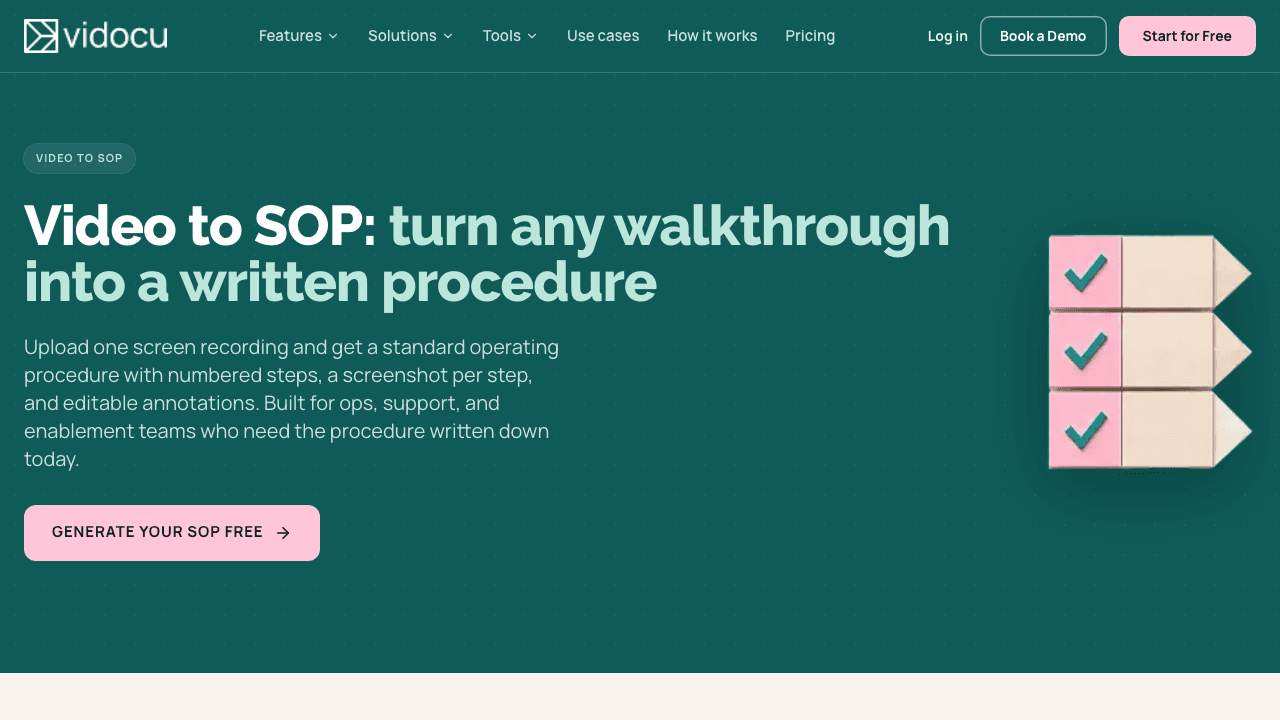
Most SOP software starts with a blank document. Vidocu starts with whatever you already have: a screen recording, a Loom or Zoom video, a PDF, a slide deck, or nothing at all, in which case its AI Recorder opens a real browser, performs the workflow you describe, and records itself doing it.
From that one input, the video to SOP workflow produces a standard operating procedure with numbered steps and a screenshot per step, in an editor where you tighten wording, reorder, and cut steps that turned out to be noise. The same upload also becomes a polished walkthrough video with subtitles, and on paid plans an AI voiceover and translation into 65+ languages. Processing for a typical walkthrough takes about five minutes, so the SOP exists the same afternoon the process was recorded.
The part that separates Vidocu from the documentation-only tools is what happens after the SOP is written. Vidocu's Training Center generates a knowledge check from the SOP's own article and transcript, grades every attempt on the server, and records who passed, who is overdue, and whose qualification has expired. You can require a trainer to sign off before someone counts as qualified, set how many days a qualification stays valid, and export the whole planner grid to CSV. That is the record an auditor asks for, produced by the same tool that wrote the procedure.
Where it leads: one recording in, SOP document plus finished video plus training record out. No other tool on this list does all three from a video.
Honest limits: Vidocu does not have a workflow-run engine. If your procedure has to be executed as a conditional checklist with sign-offs at every step, every time (a Process Street job), Vidocu documents and trains but does not enforce the run. SOPs are generated one video at a time, and hosting them as a searchable help center is a separate Knowledge Center add-on at $100/mo.
Pricing: Free plan with 200 credits (about 4 minutes of AI video), one help article, and one video export, enough to run a real process through before paying. Pro is $39/mo and unlocks unlimited articles and exports, voiceover, translation, the AI Recorder, and training quizzes and scoring. Business is $149/mo with 4,000 credits (about 80 minutes of AI video), a team workspace, and three editors. Every paid plan can create trainings; taking one never requires a plan.
Record it once. Get the SOP, the video, and the training record.
Upload a walkthrough or let the AI Recorder capture it, then export a numbered SOP with screenshots and attach a knowledge check your team can be signed off on.
Try Vidocu free2. Scribe: Best for the fastest click-capture guides
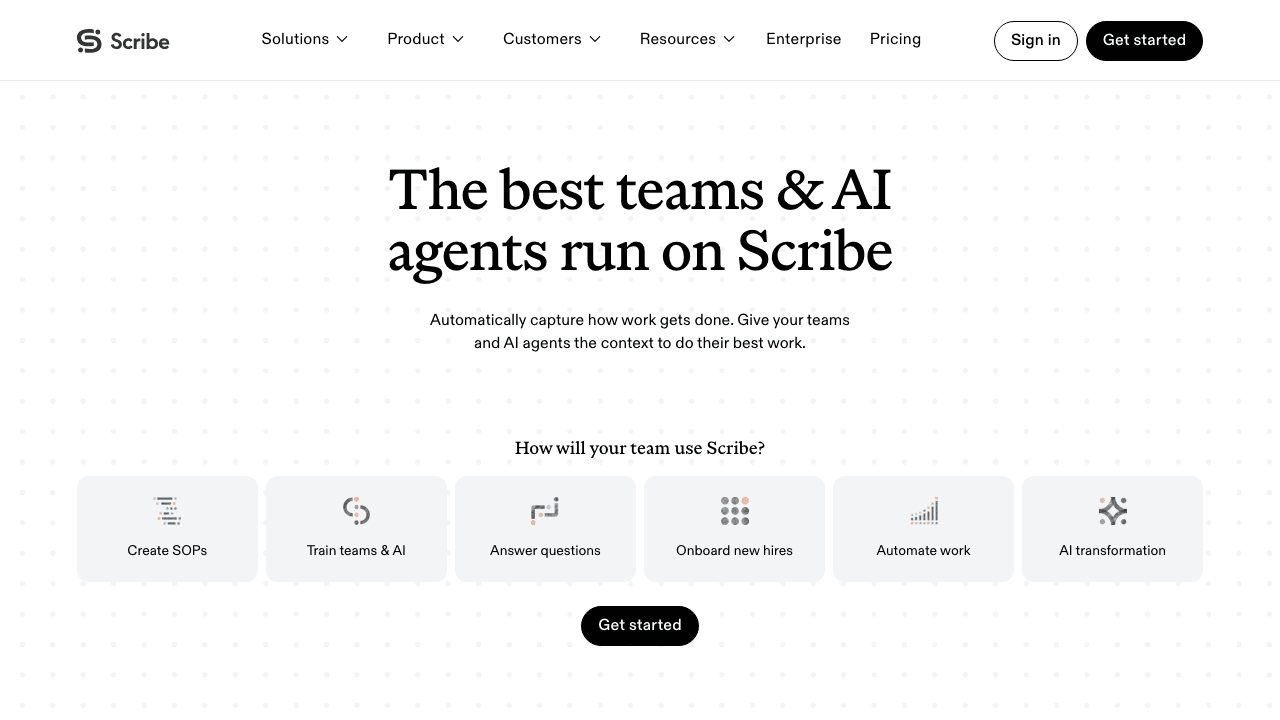
Scribe (now at scribe.com, formerly scribehow.com) is the tool most people picture when they say "SOP generator." You turn on the Chrome or Edge extension, click through a task, and Scribe writes a step-by-step guide with a screenshot per click. It is the fastest way on this list to get a browser-based procedure into a shareable document, and it has the biggest install base in the niche.
Where it leads: capture speed and reach. Free browser guides are unlimited, and the output is clean enough to ship without editing for simple tasks.
Honest limits: Scribe captures clicks, not video, so a recorded process cannot be turned into a guide after the fact, and there is no rendered training video. Version history is one week on Pro and only unlimited on Enterprise, translation is Enterprise-only, and there is no training or acknowledgement tracking at all. Free guides carry Scribe branding and cannot be exported. If you are comparing the two capture models directly, see Vidocu vs Scribe.
Pricing: Basic is free (browser only, no export). Pro Personal is $35/mo, or $25/mo billed yearly. Pro Team is $17/mo, or $13/mo billed yearly, with a five-seat minimum. Enterprise is custom and adds SSO, PII redaction, and translation.
3. Process Street: Best for enforcing a procedure every time it runs
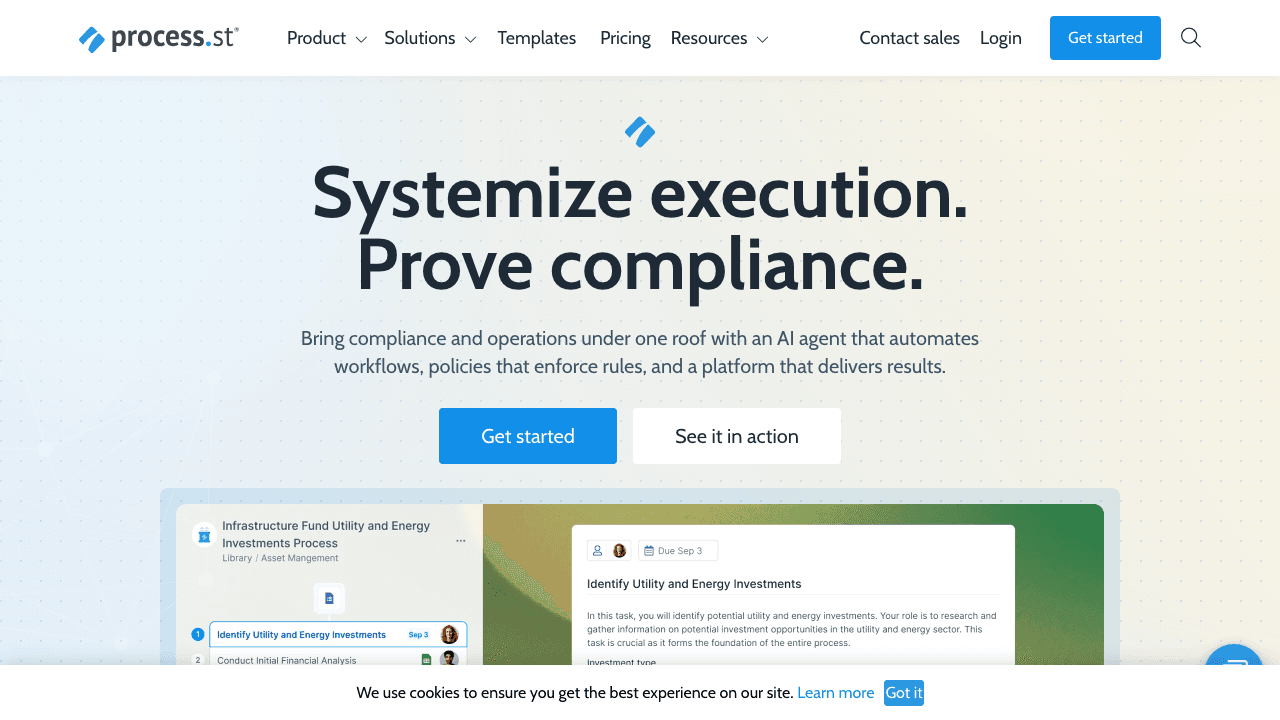
Process Street is the category leader for the enforcement job. A procedure becomes a workflow template, every execution becomes a run with assigned tasks, conditional logic, approvals, and an audit trail. It has repositioned around compliance operations, with an AI agent called Cora, and on September 7, 2026 it exposed its full API as tools on a hosted MCP server, so AI agents can start and complete runs too.
Where it leads: anything that must be done the same way, by the right person, with proof, every single time. Client onboarding, month-end close, safety checks.
Honest limits: it does not create the SOP for you. Writing the template is still manual, there is no screen or video capture, and no training layer beyond run completion. There is no free plan, and the pricing page lists Startup, Pro, and Enterprise with no dollar figures.
Pricing: quote-based on all three plans. The Startup plan is restricted to companies under 15 employees and $2M in revenue. Budget a sales conversation.
4. Trainual: Best for training accountability
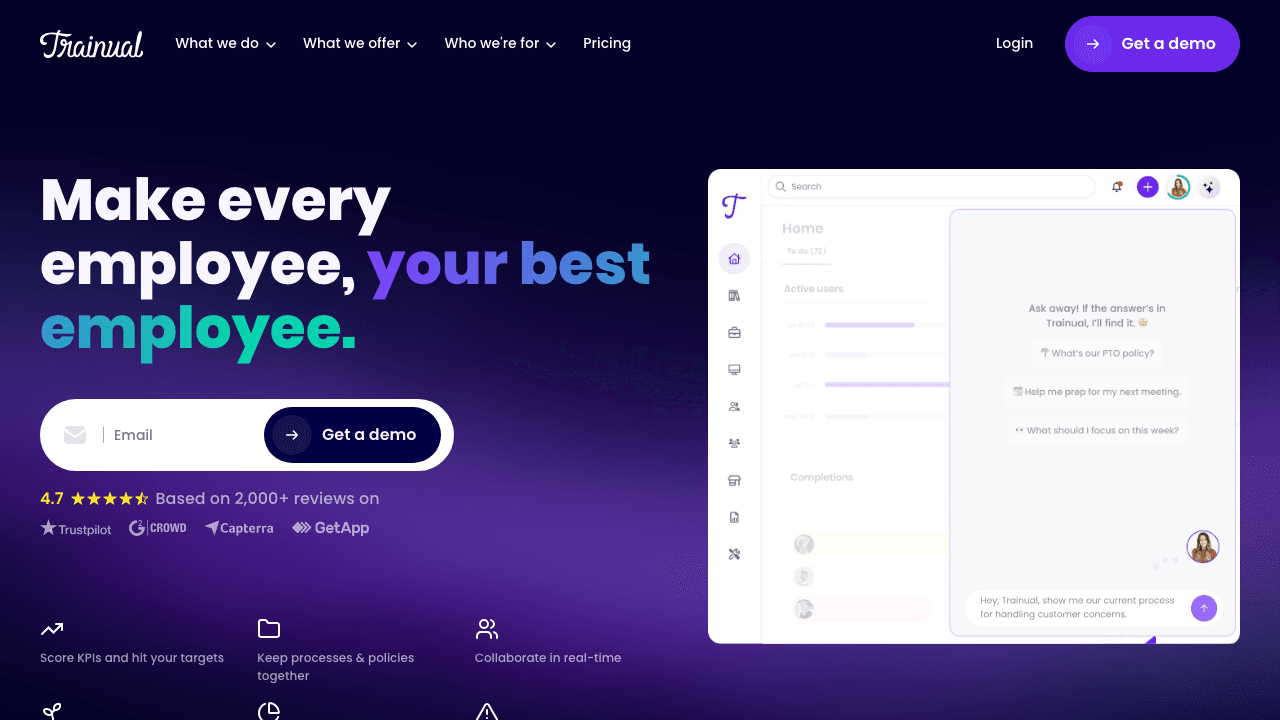
Trainual bundles documentation with the machinery to make sure people actually read it: training paths, tests, completion reporting, and e-signatures on higher tiers. It ships an AI writer on every plan and a Chrome extension that captures a screen and drafts steps, and it acquired the performance-management tool Uptick in late 2025, which tells you where it is heading.
Where it leads: proving that a company of 10 to 500 people completed its training, with the reporting to show a manager or an auditor.
Honest limits: the capture extension is a convenience, not a video-to-SOP pipeline, and there is no rendered video output or content translation on the pages we could read. The pricing page shows Core, Pro, Premium, and Enterprise with no prices and a one-time implementation fee of $1,000. Third-party reports put it at roughly $250 to $400 per month for a 10-seat bundle, but treat that as unverified.
Pricing: quote-based, plus the published $1,000 implementation fee.
5. Whale: Best flat-rate document, review, and train bundle
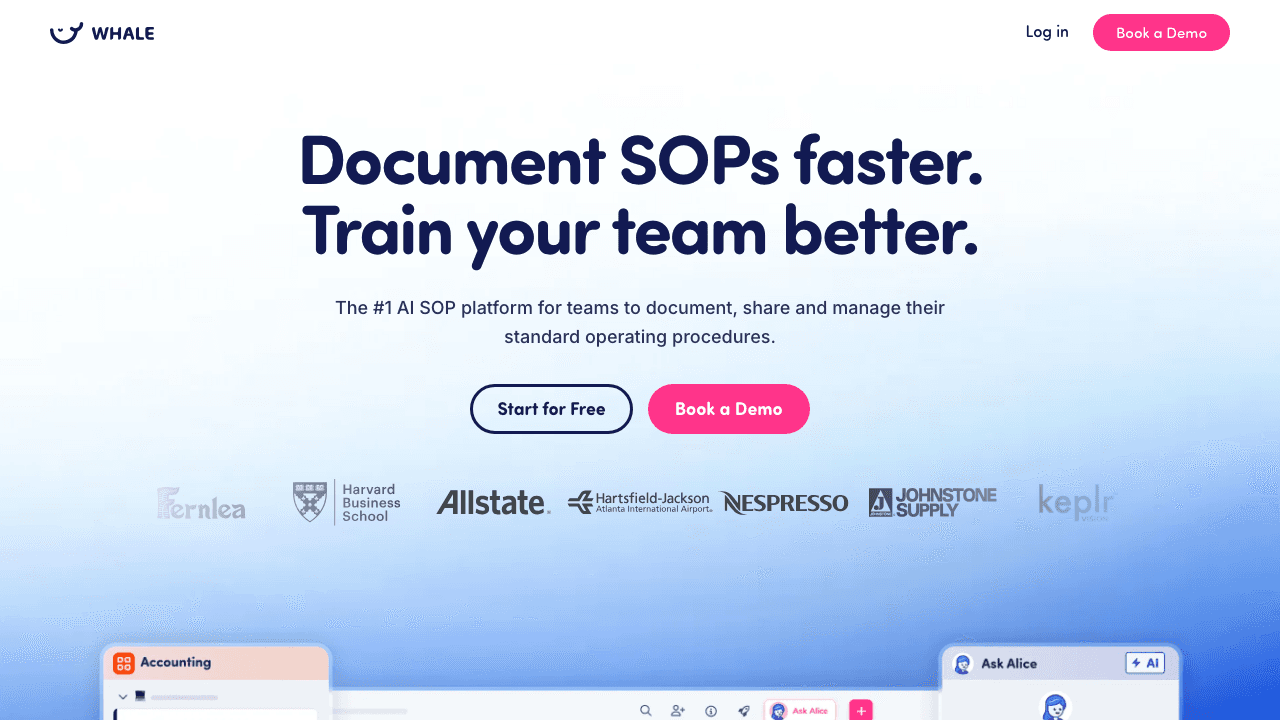
Whale is the most complete SMB bundle among the SOP-first tools: documentation with a step recorder and screen recorder, expert reviews and approval flows so a changed SOP passes a reviewer before it goes live, and on the Scale plan, training flows, AI quizzes, and acknowledgement tracking. Notably, its free tier includes a video-to-SOP converter, which makes it the strongest free option here for turning a recording into text.
Where it leads: the price-to-coverage ratio. Unlimited viewers from the Scale tier up, so a 200-person company pays per creator, not per reader.
Honest limits: the video features on the Advance plan are a trim-and-annotate editor for your own recordings, not a generated walkthrough with subtitles and voiceover. Its multi-language claim is not specified on the pricing page. And the pricing page only shows yearly-billed rates, so monthly billing is a question for sales.
Pricing: Free for 10 members and one creator. Team is $99/mo billed yearly (10 users, $10 per extra), Scale is $249/mo billed yearly (unlimited members, 3 creators, adds training and quizzes), Advance is $499/mo billed yearly (5 creators, video editor, AI voiceovers, SSO). Enterprise on request.
6. SweetProcess: Best for the cheapest simple text manual
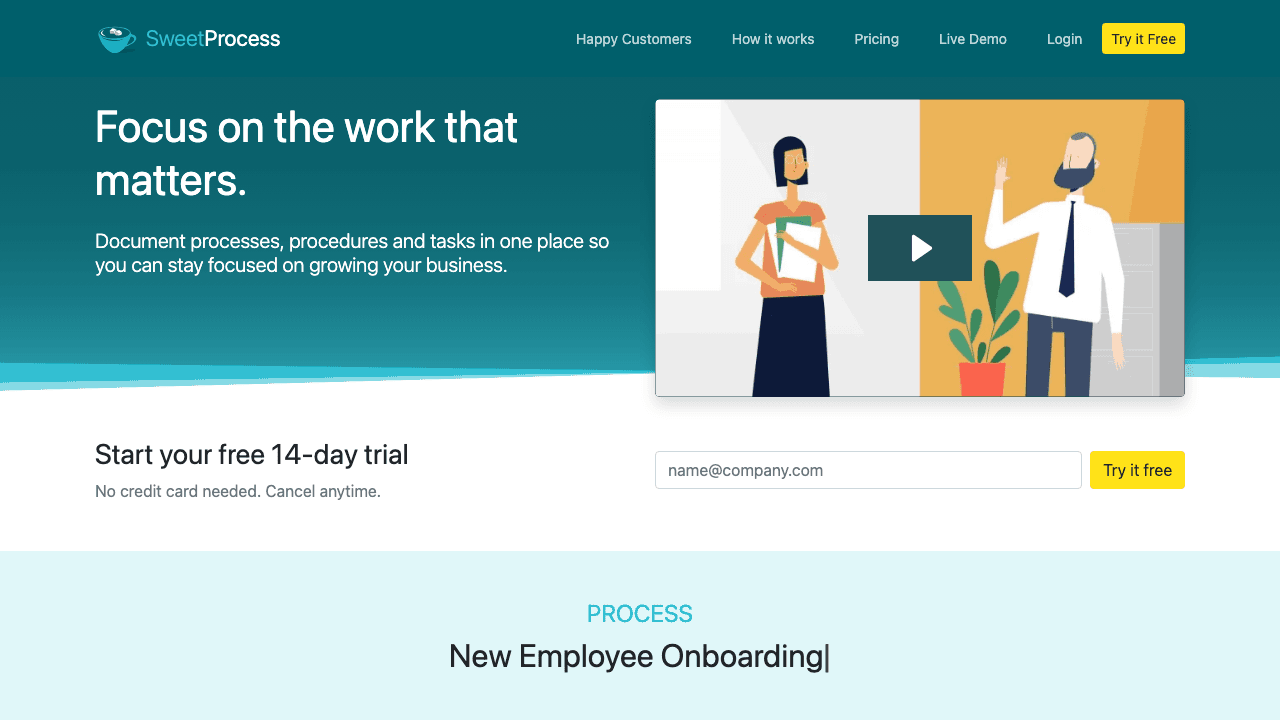
SweetProcess is a text-first procedure and policy manual with one pricing tier and every feature on it. You get version history with rollback, submit-for-approval, task assignment, a form builder, quizzes, an AI assistant, and a browser plugin that turns clicks into a procedure.
Where it leads: simplicity for a team of about 10 that wants everything for a flat fee with no plan matrix to decode.
Honest limits: no video input or output, English only, no free plan (a 14-day trial instead), and the training layer stops at quizzes. Note that the vendor's /pricing URL returns a 404; the prices live on the homepage and a separately named pricing page.
Pricing: $99/mo billed monthly for up to 10 members, plus $5/mo per extra member, or $82.50/mo billed yearly ($990/yr). A Small Team plan for under 10 employees is $495/yr for up to five users, annual only. 30-day money-back guarantee.
7. Tango: Best for in-app guidance layered on captured guides
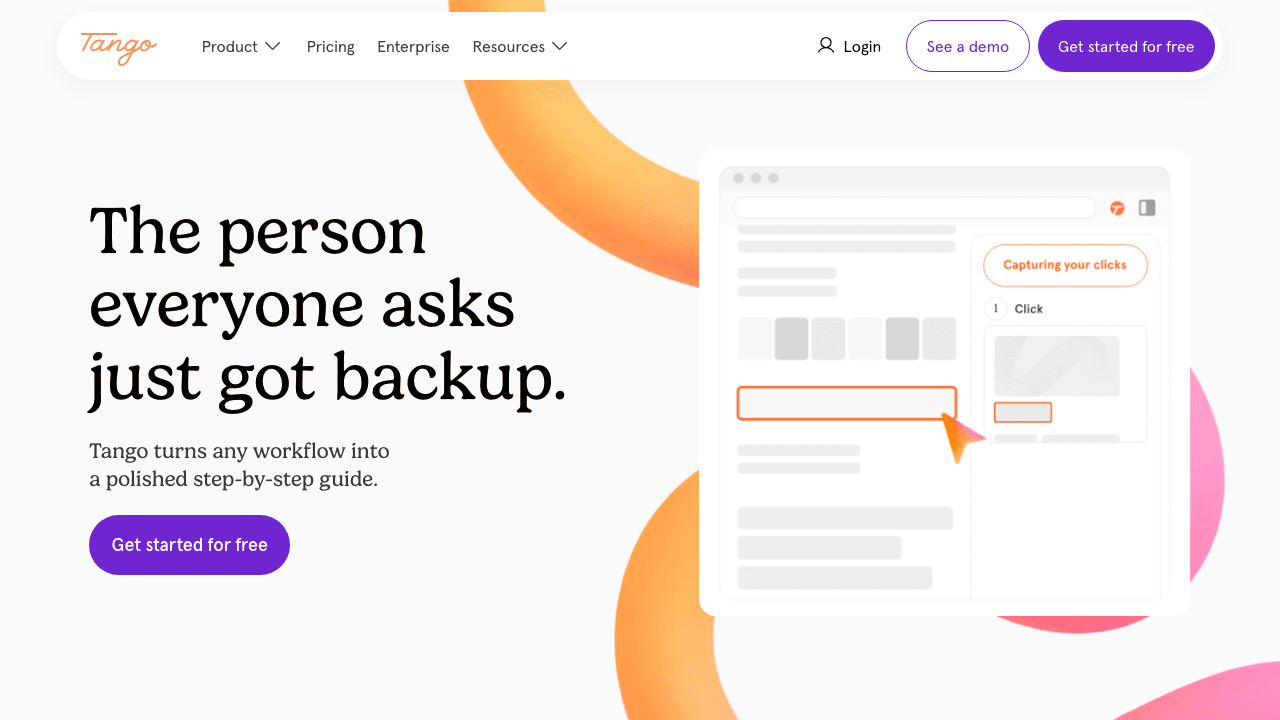
Tango (now at tango.ai) captures clicks into guides the way Scribe does, then goes a step further with "Guide Me" overlays and pins that walk a user through the real application in place, plus automations on enterprise plans. It has repositioned as a digital adoption platform with SAP and Salesforce solution pages, so SOP documentation is the on-ramp rather than the pitch.
Where it leads: when the SOP should appear inside the software while someone performs it, not in a separate document.
Honest limits: browser-click capture only, no video input, no rendered training video, no training records, and translation is Enterprise-only. Version history is 14 days on Pro. Free exports carry a "Created with Tango" badge. For a direct comparison of the two models, see Vidocu vs Tango.
Pricing: Free for 5 shared workflows and up to 10 users. Pro Individual (1 to 2 users) is $22/mo, or $15/mo billed yearly, per user. Pro Team (3+ users) is $26/mo, or $20/mo billed yearly, per user, and the whole workspace upgrades together. Enterprise is a custom platform fee.
8. Waybook: Best 20-seat documentation and training bundle with review cycles
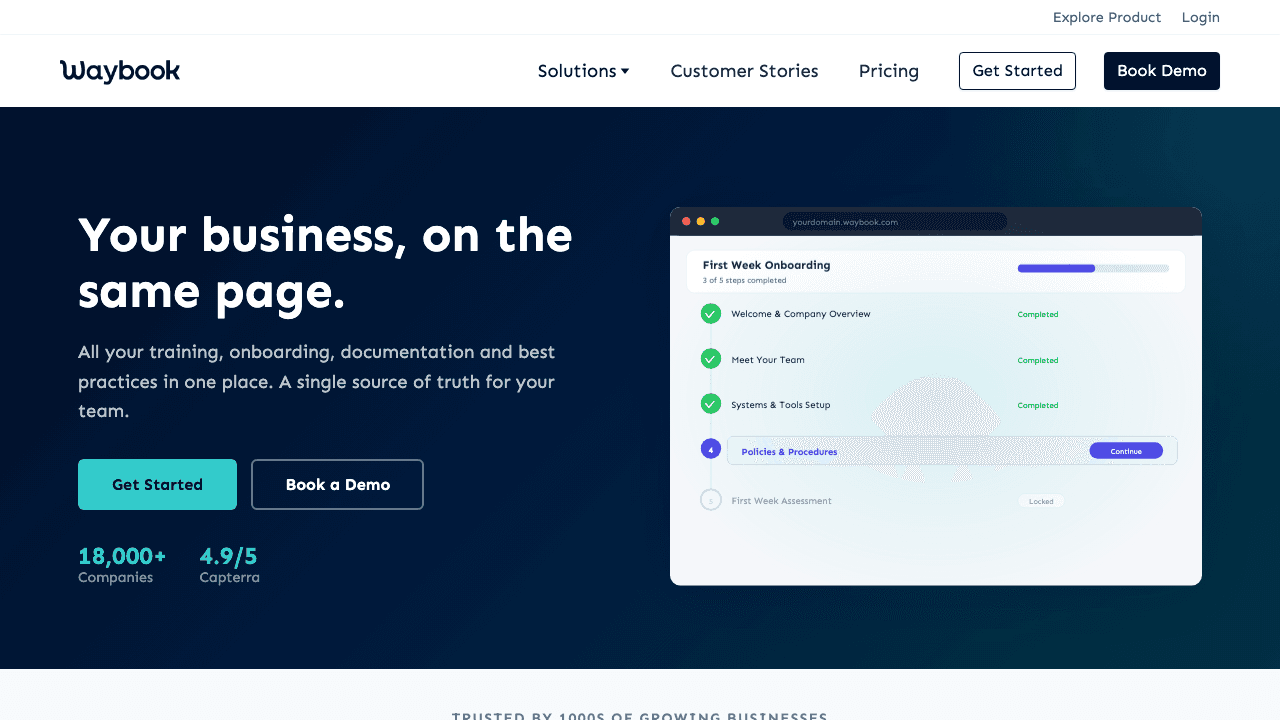
Waybook is a UK-built playbook for 20 to 500-person teams: SOPs, onboarding, and training in one place, with revision history, a content review process, and document verification with reset dates on the Pro plan. Its Shots extension builds a guide from clicks and fills missed steps from a recording, and its AI writer drafts content. Pro ships a Waybook MCP server, so AI assistants can read your SOPs.
Where it leads: a flat-rate bundle that includes 20 seats, knowledge tests, policy acceptance, and review cycles, for the price the per-seat tools charge for five.
Honest limits: no video output, no translation, and no free plan (a 7-day trial). A scraper reading its pricing page will get the numbers backwards, because the toggle defaults to annual; the figures below are read from the page's own price elements.
Pricing: Core is $99/mo billed annually or $119/mo billed monthly, with 20 members included and $5 to $6 per extra member. Pro is $198/mo billed annually or $238/mo monthly, adding due dates, an audit log, document verification, 2FA, SSO, and the MCP server. Enterprise is custom.
Which SOP software fits which job
The category splits cleanly once you name the job. Use this to shortlist before you compare features.
| The job you are hiring for | Pick first | Then consider |
|---|---|---|
| Get a procedure written from a recording, with a video people will actually watch | Vidocu | Whale (text only from video) |
| Prove who is trained and currently qualified, with sign-off and expiry | Vidocu, Trainual | Whale, Waybook |
| Enforce a checklist run with approvals and an audit trail every time | Process Street | SweetProcess (tasks), Waybook |
| Capture a browser task into a guide in under a minute | Scribe | Tango |
| Show the steps inside the application while someone does the task | Tango | Scribe |
| Everything for a flat fee, small team, no plan matrix | SweetProcess | Whale |
| A 20-seat bundle with review cycles and policy acceptance | Waybook | Whale |
If your processes live in a physical environment rather than on a screen, the tools above are not the right fit. Dozuki (quote-only) owns manufacturing work instructions, and SOPX ($9/user/mo billed yearly) turns a phone video into an SOP for shop-floor tasks. If that is your situation, our guide to digital work instructions compares the shop-floor tools directly, and our guide on how to write work instructions covers the writing side. We left both out because they do not compete for the office and software workflows this post is about. Notion and ClickUp were cut for a different reason: they are fine places to store SOPs, but they neither create nor enforce nor prove them.
Your team should not have to read a 40-page manual to learn a process.
Vidocu turns one walkthrough into a numbered SOP, a subtitled video, and a knowledge check with trainer sign-off, so the procedure and the proof live together.
See the video to SOP workflowHow to choose SOP software: four questions
1. Where do your procedures start? If the fastest way to capture them is to do them once on screen, you want a tool that starts from a recording or a click stream (Vidocu, Scribe, Tango, Whale). If procedures are policy-shaped and typed, a text-first manual (SweetProcess, Waybook, Trainual) is enough. The SOP vs work instruction vs process doc distinction matters here: work instructions almost always want a screenshot per step.
2. Do you need to enforce the run, or just document it? Most teams answer "document" and over-buy enforcement. If the honest answer is "enforce," Process Street is the only leader on this list and you should budget for its sales process.
3. Who has to prove training happened? If nobody will ever ask, skip the training layer entirely. If an auditor, a client, or an insurer might, the tool must produce a per-person record with dates. Vidocu's Training Center, Trainual, Whale (Scale tier), and Waybook do; Scribe, Tango, and Process Street do not.
4. Who pays for a seat? Per-seat tools charge for every reader. If 200 people will read SOPs and five will write them, a per-creator or flat model (Vidocu, Whale, Waybook, SweetProcess) will cost a fraction of Scribe or Tango at team scale.
For the video-first subset of this market, including tools that generate a narrated walkthrough rather than a document, our separate roundup of video SOP software goes deeper. And if you want to see the full workflow before picking anything, the how to create SOPs from video playbook walks through it with a free template.
FAQ
What is SOP software?
SOP software is any tool built to create, store, maintain, enforce, or verify standard operating procedures. In practice the category splits into four jobs: writing SOPs (often from a screen recording or click capture), keeping them current with version history and reviews, enforcing them as checklists with sign-offs, and proving that staff were trained on them. Few products do all four, so match the tool to the job you actually need.
How much does SOP software cost in 2026?
Self-serve paid plans start at $39/mo for Vidocu Pro, $13 to $35 per seat per month for Scribe, $15 to $26 per user per month for Tango, and $99/mo flat for SweetProcess, Whale (billed yearly), and Waybook (billed annually). Process Street, Trainual, Document360, and Dozuki do not publish prices. Free tiers exist at Vidocu, Scribe, Tango, and Whale, each with limits on exports or shared documents.
Can SOP software create an SOP from a video?
Some can. Vidocu generates a numbered SOP with a screenshot per step from an uploaded video, PDF, or slide deck, and also outputs a finished video. Whale's free tier converts a recording to text. Scribe, Tango, and Waybook's Shots extension capture clicks as you perform the task rather than reading a recording afterwards, so an existing video cannot be turned into a guide with those tools.
What is the difference between SOP software and a knowledge base?
A knowledge base stores and searches articles. SOP software adds at least one of the jobs a wiki does not do: capturing the procedure from a recording, routing changes through review, enforcing the procedure as a checklist, or tracking who has been trained on it. Vidocu, for example, hosts SOPs in its Knowledge Center add-on but also generates them and attaches training records, which Notion or Confluence do not.
Which SOP software is best for a small team?
For a team of about 10 that wants a flat fee and every feature, SweetProcess at $99/mo is the simplest text-first option. If the team would rather record processes than write them, Vidocu's Pro plan at $39/mo turns each recording into an SOP and a video, and Whale's free tier is a reasonable text-only starting point.
Final thoughts
The eight tools above lead genuinely different lanes, and the right pick follows from naming the job: create, maintain, enforce, or prove. If your procedures are best captured by doing them once on screen, and you need both a document and a record that people learned it, Vidocu covers the widest span of that list from a single upload. If the job is enforcing runs, go to Process Street and accept the sales call.
Try Vidocu for free and run one real process through it before you decide.

Written by
Daniel SternlichtDaniel Sternlicht is a tech entrepreneur and product builder focused on creating scalable web products. He is the Founder & CEO of Common Ninja, home to Widgets+, Embeddable, Brackets, and Vidocu - products that help businesses engage users, collect data, and build interactive web experiences across platforms.