
Create
Voice & language
Publish & train
One upload
See how it works
One recording becomes a video, an article and a translated guide.
Edit video
Subtitles & audio
Convert to video
Write from video
A PDF manual in. A 3D assembly guide out.
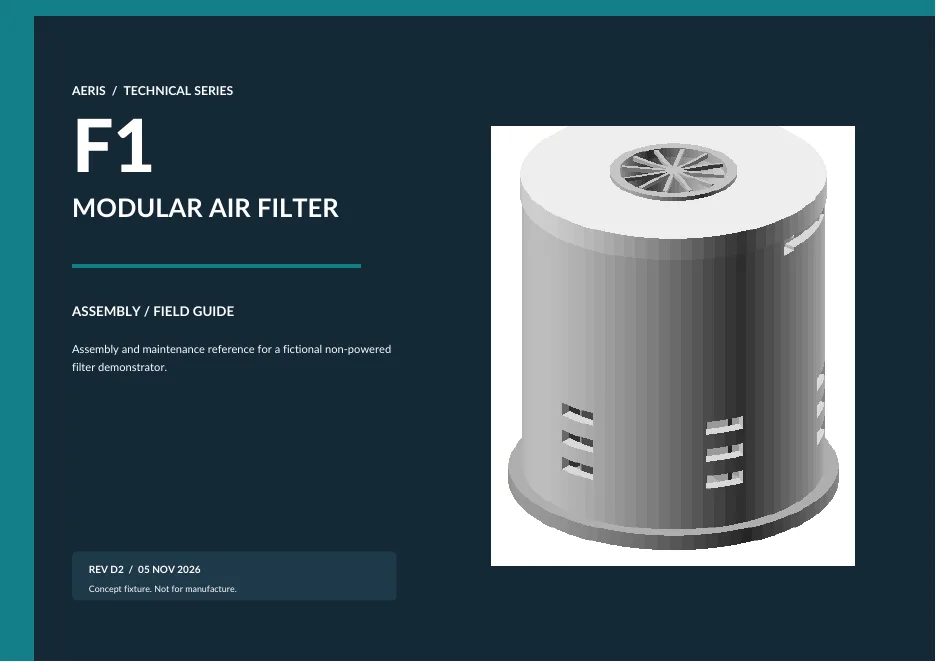
The AERIS F1 air filter manual: 9 part types, 13 pieces. Vidocu built every part in 3D, then made a step-by-step guide you can turn and zoom, and a video of the whole assembly.
What went in
What Vidocu made
Live, not a recording. Press Start to go step by step, drag to turn the model.
AERIS is a made-up company we use for demos. The input and the output are real: this is exactly what went into Vidocu and what came out.
The process
What Vidocu did
- 01
Read the manual
The parts list, the drawings and every step.
- 02
Built the product in 3D
Each part shaped and sized from the drawings, then checked and approved.
- 03
Planned the steps
Which part goes where, in what order, and how it moves into place.
- 04
Checked it against the manual
All 10 steps matched to the manual page they come from.
FAQ
Questions about this example
Do I need CAD files?
No. Vidocu works from the PDF manual you already ship. If you have a 3D file (STEP, STL, OBJ, glTF and more), you can start from that instead.
Can I check the 3D product before a guide is made?
Yes. You review the product and its parts, ask for changes, and approve it. Guides are made from the approved product.
Can I change the wording of a step?
Yes. Edit any step's text in the guide editor.
More examples
All examples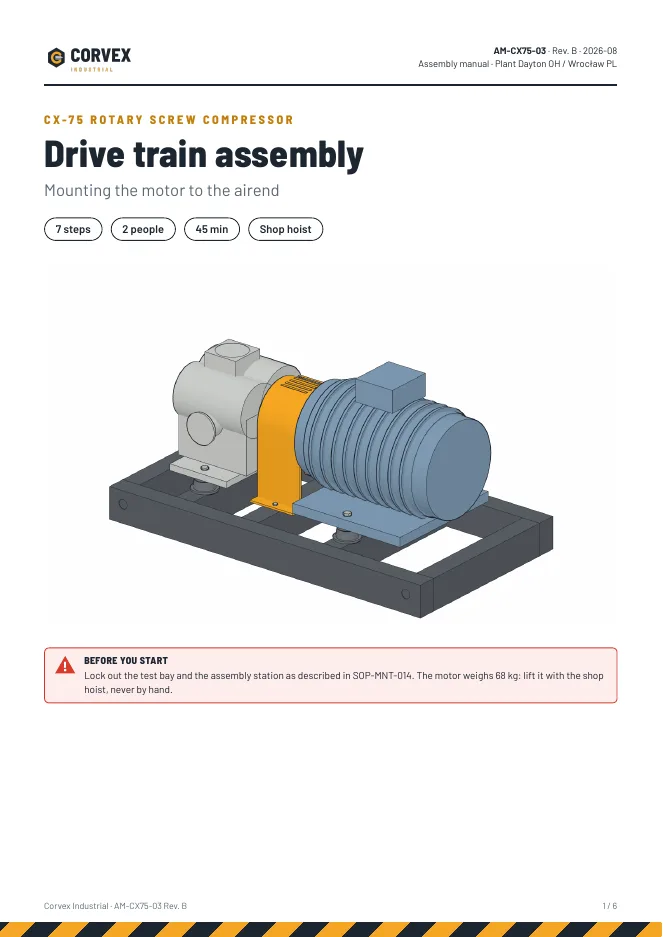 In
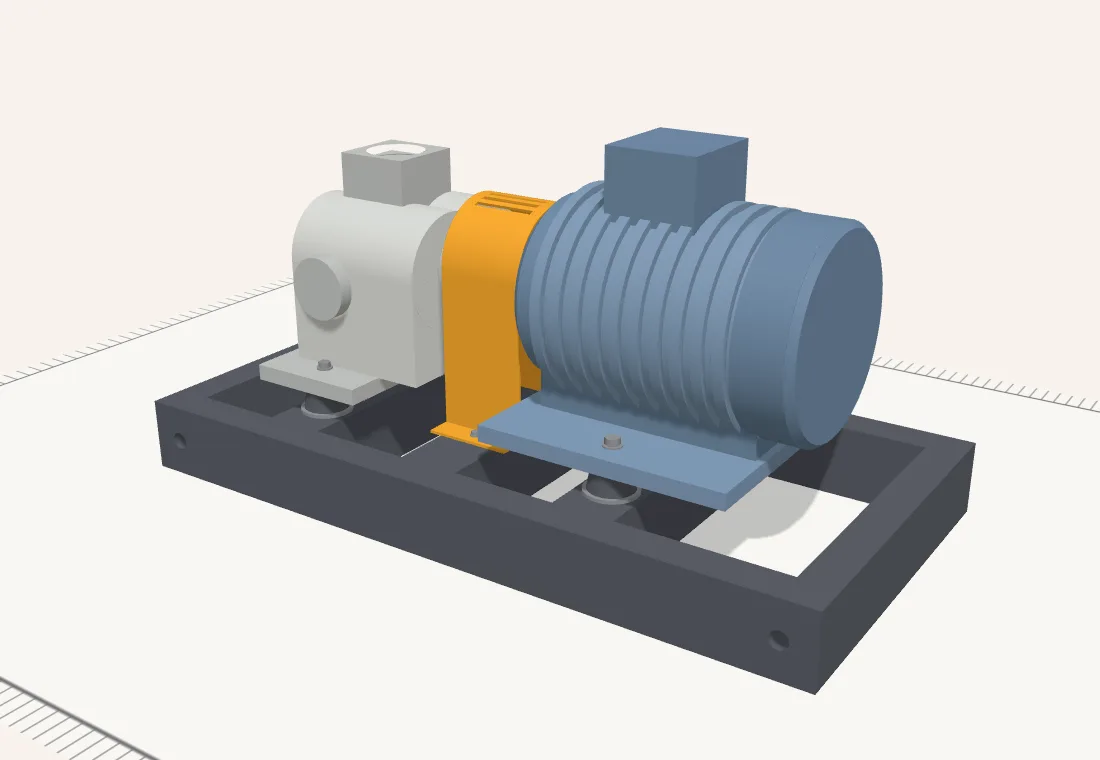 Out
Assembly
Machine manual → 3D step-by-step guide
Compressor manual → interactive 3D guide
See the example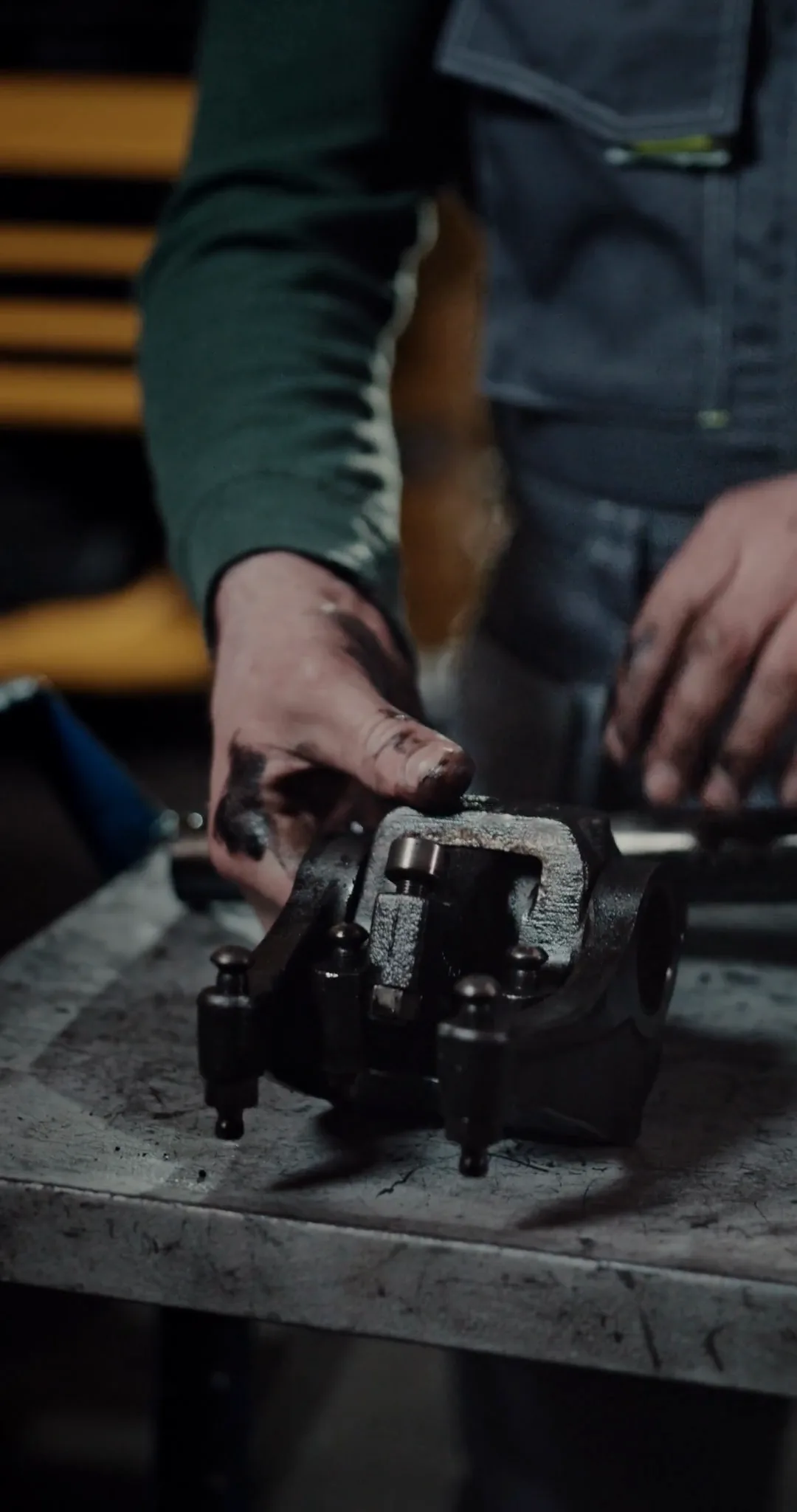 In
 Out
Work Instructions
Phone video → Work instructions
46-second bench footage → 5-step work instructions
See the example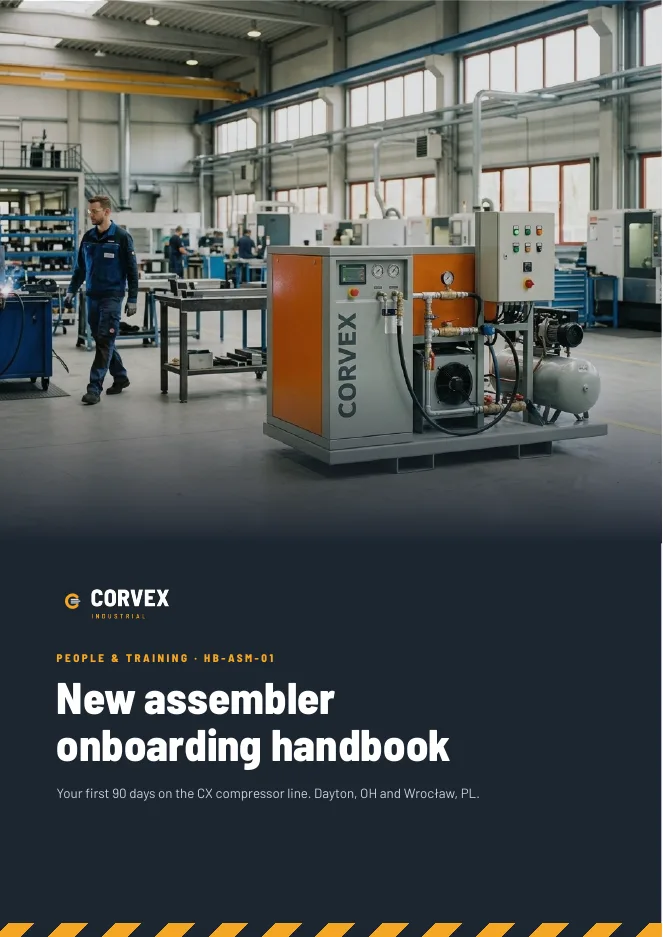 In
 Out
Course Builder
PDF handbook → Video course
Onboarding handbook → 11 video modules with quizzes
See the exampleYour files. The same result.
Upload a document, a recording or a script and see what Vidocu makes from it.
Your knowledge is valuable. Make it usable.
Upload once. Use everywhere.
The AI Knowledge Platform. One upload becomes videos, SOPs, guides, articles, and training - in any language.
© 2026 Vidocu. All rights reserved.