
Create
Voice & language
Publish & train
One upload
See how it works
One recording becomes a video, an article and a translated guide.
Edit video
Subtitles & audio
Convert to video
Write from video
A sentence in. A video clip out.
Corvex's training course needed footage of a factory that doesn't exist. Vidocu wrote a one-line description for each scene and generated the clip.

What went in
3 scene descriptions
1. Assembler tightening a fastener on a compressor frame, pulling the handle of a torque wrench smoothly. 2. A new assembler wearing safety gear walking into a busy compressor assembly hall, looking around at the line with interest. 3. Industrial compressor test bay, a compressor unit undergoing a high-pressure test run.
What Vidocu made
Torque wrench on the compressor frame.
Corvex Industrial is a made-up company we use for demos. The input and the output are real: this is exactly what went into Vidocu and what came out.
The process
What Vidocu did
- 01
Wrote a description per scene
Course Builder read each module's script and described the shot it needed.
- 02
Generated a still
A realistic first frame in the course's visual style.
- 03
Animated it
An 8-second clip with slow, natural camera movement.
- 04
Placed it in the video
Each clip lands under the line of narration it illustrates.
FAQ
Questions about this example
Do I have to write the descriptions?
No. Course Builder writes them from your script. You can rewrite any of them and generate again.
Can I use my own footage instead?
Yes. Swap any scene for your own clip, image or screen recording.
Which plans include AI footage?
AI footage is available on paid plans and charged in credits per clip.
More examples
All examples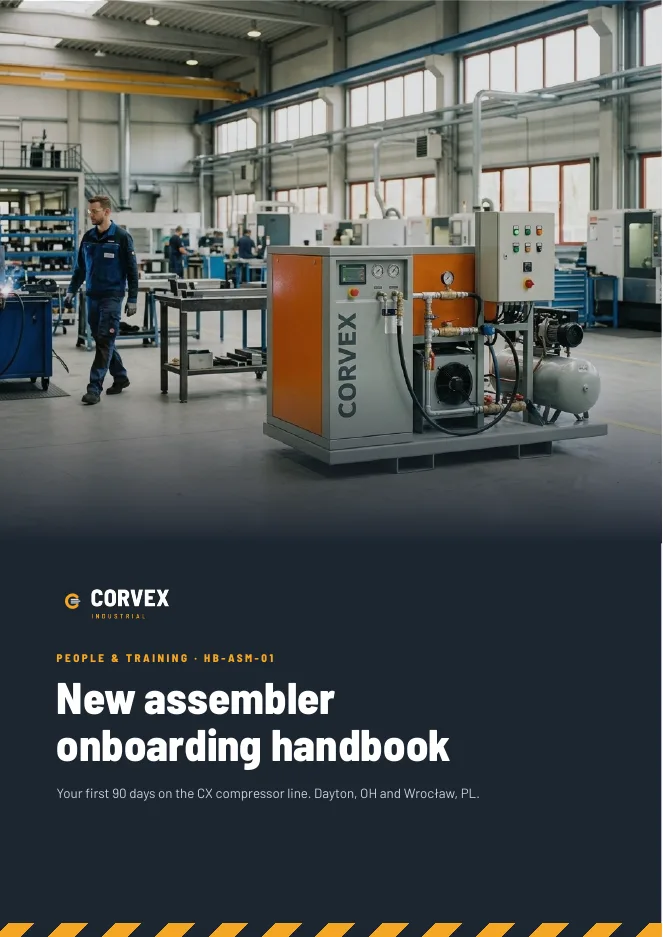 In
 Out
Course Builder
PDF handbook → Video course
Onboarding handbook → 11 video modules with quizzes
See the example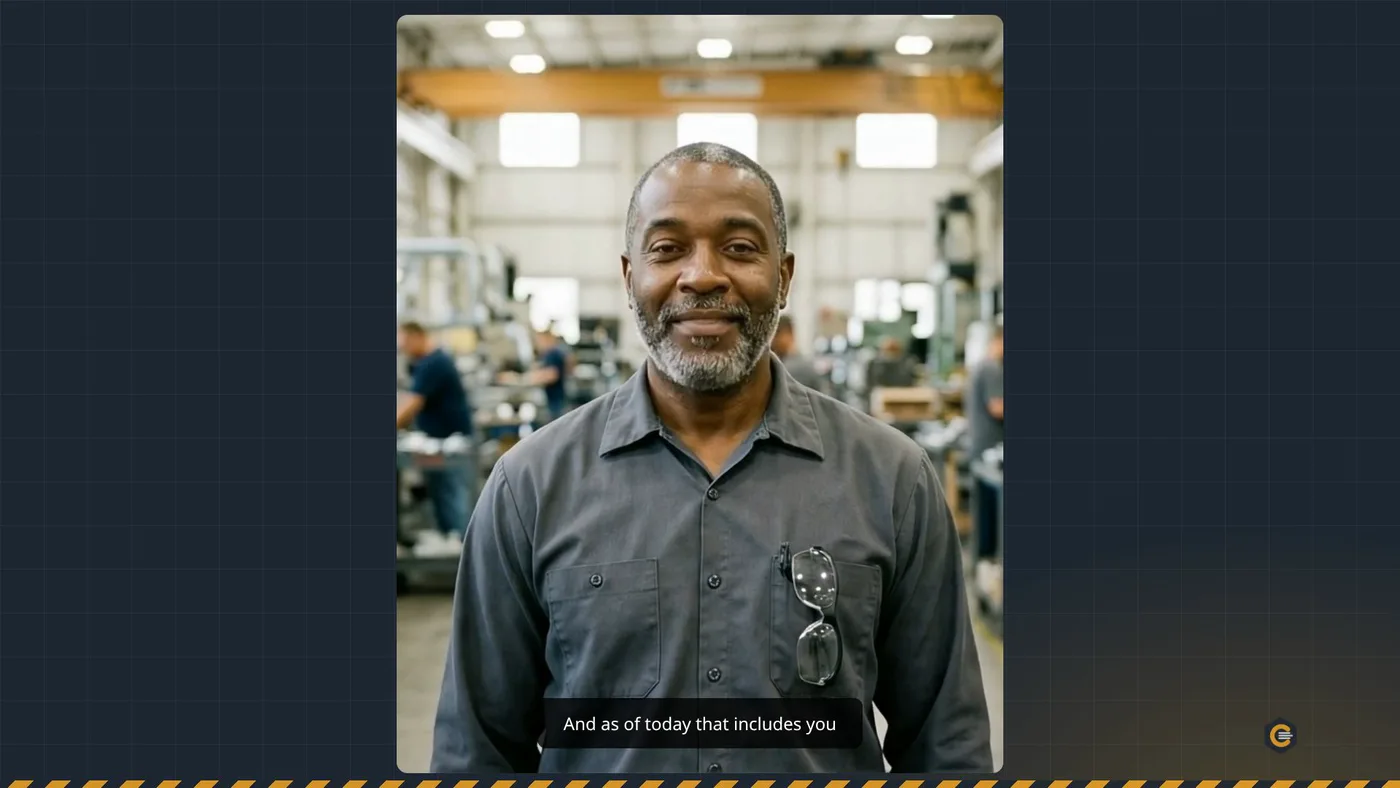 Out
AI Avatars
Written script → AI presenter video
Welcome script → AI presenter video in 2 languages
See the example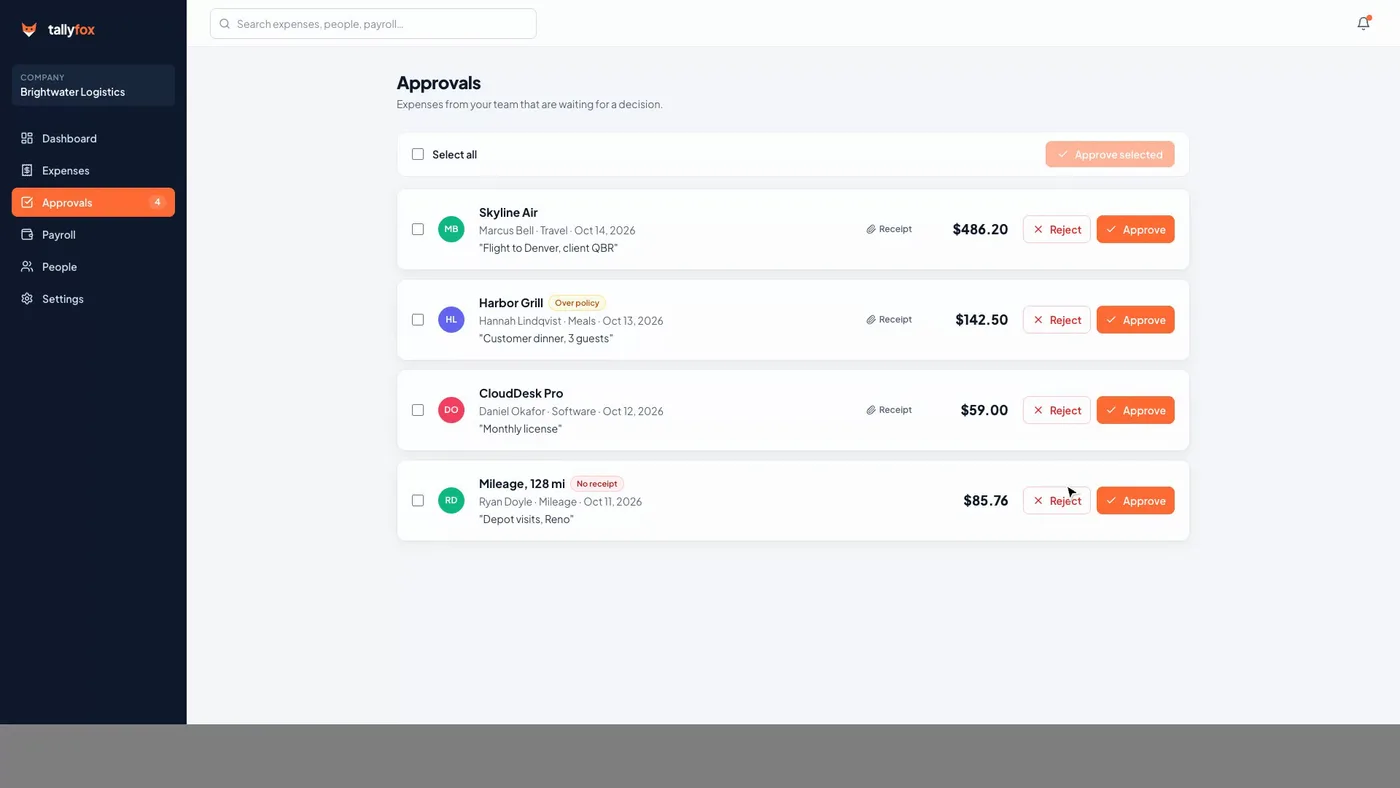 In
 Out
Studio
Several recordings → Produced video
Three recordings → 60-second product update
See the exampleYour files. The same result.
Upload a document, a recording or a script and see what Vidocu makes from it.
Your knowledge is valuable. Make it usable.
Upload once. Use everywhere.
The AI Knowledge Platform. One upload becomes videos, SOPs, guides, articles, and training - in any language.
© 2026 Vidocu. All rights reserved.