
Create
Voice & language
Publish & train
One upload
See how it works
One recording becomes a video, an article and a translated guide.
Edit video
Subtitles & audio
Convert to video
Write from video
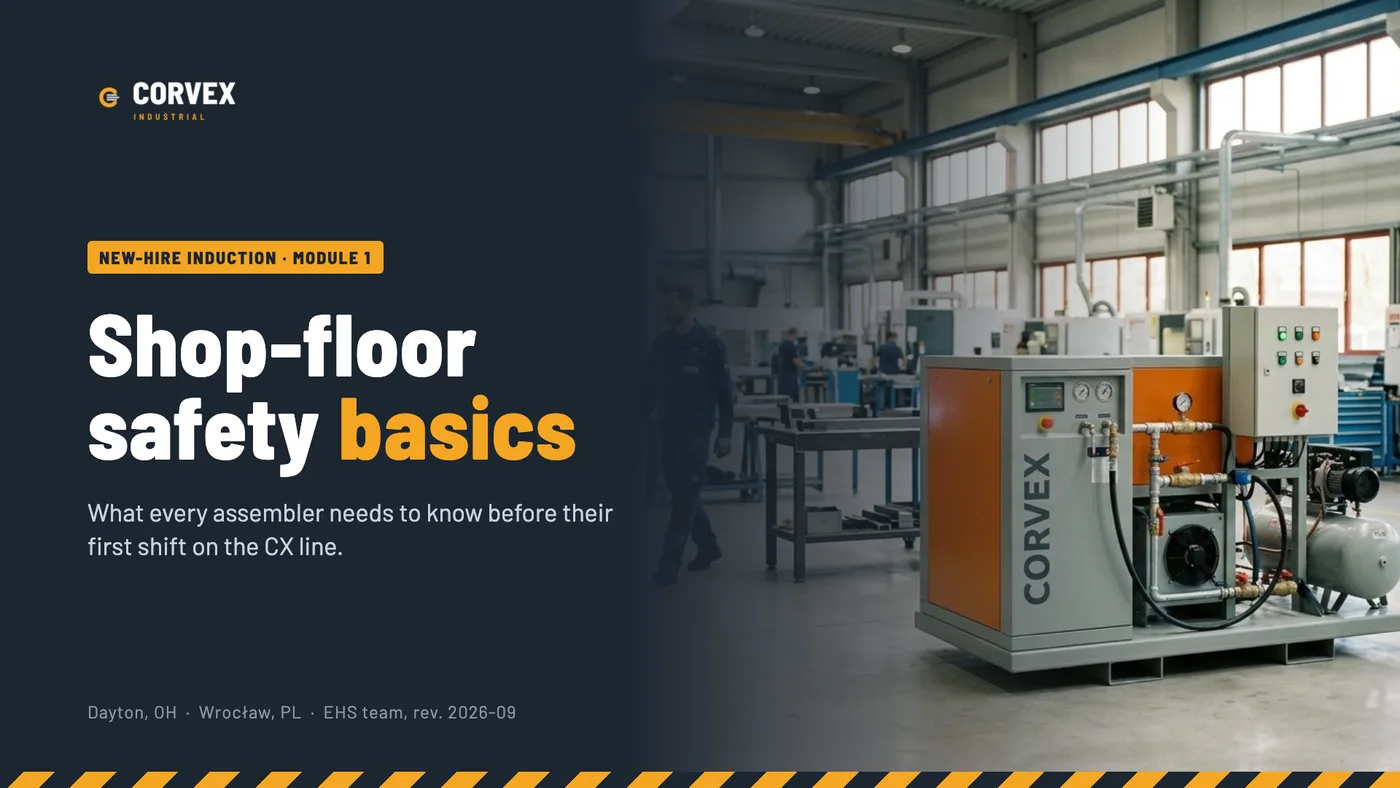
A 9-slide deck in. A narrated video out.
Corvex uploaded its shop-floor safety induction deck. Vidocu kept every slide as designed, wrote the narration and voiced it.
What went in
What Vidocu made
Your slides, narrated, with the Corvex intro and outro.
Corvex Industrial is a made-up company we use for demos. The input and the output are real: this is exactly what went into Vidocu and what came out.
The process
What Vidocu did
- 01
Read every slide
Titles, bullets and images, in order.
- 02
Kept your design
“Keep my slides” keeps each slide exactly as you made it. No redesign.
- 03
Wrote the narration
A script for each slide that explains it, instead of reading the bullets out.
- 04
Voiced and timed it
An AI voice reads each slide's script, and each slide stays up as long as its narration.
FAQ
Questions about this example
Will my slides be redesigned?
Only if you want them to be. “Keep my slides” uses your slides exactly as they are, or Vidocu can rebuild them in your brand.
Can I change what the narrator says?
Yes. Edit any slide's script in the editor and regenerate just that line.
Does it work with Google Slides and Keynote?
Yes. Upload PowerPoint, Keynote or a PDF export of Google Slides.
More examples
All examples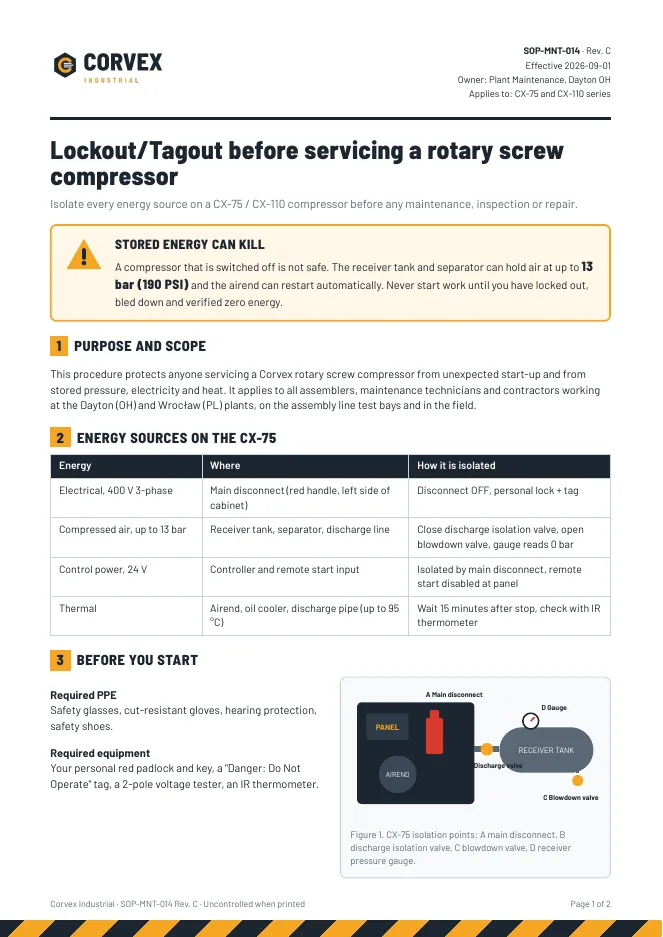 In
 Out
Course Builder
PDF procedure → Narrated video
Lockout/tagout SOP → narrated training video
See the example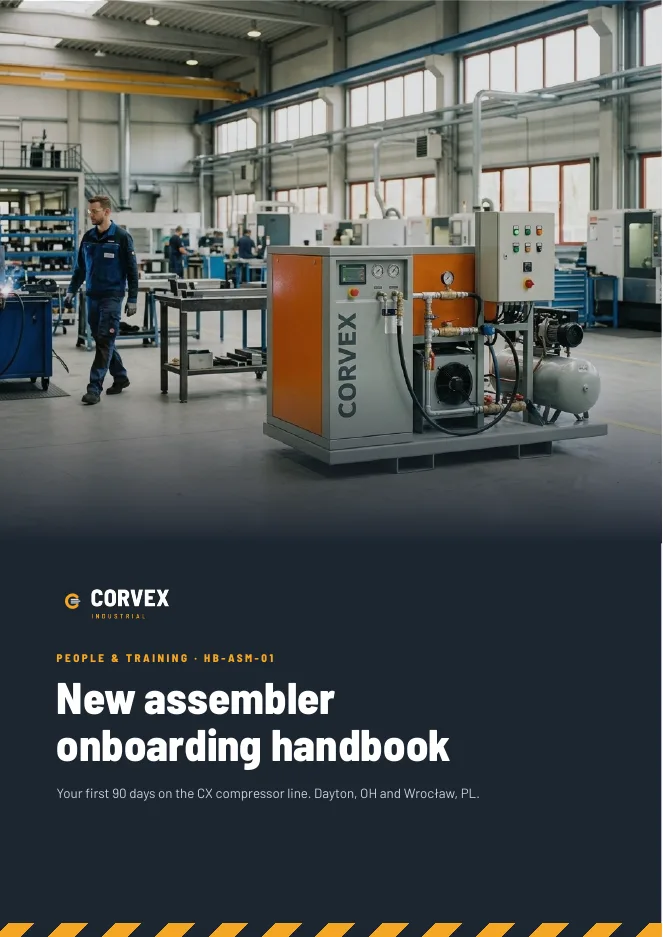 In
 Out
Course Builder
PDF handbook → Video course
Onboarding handbook → 11 video modules with quizzes
See the example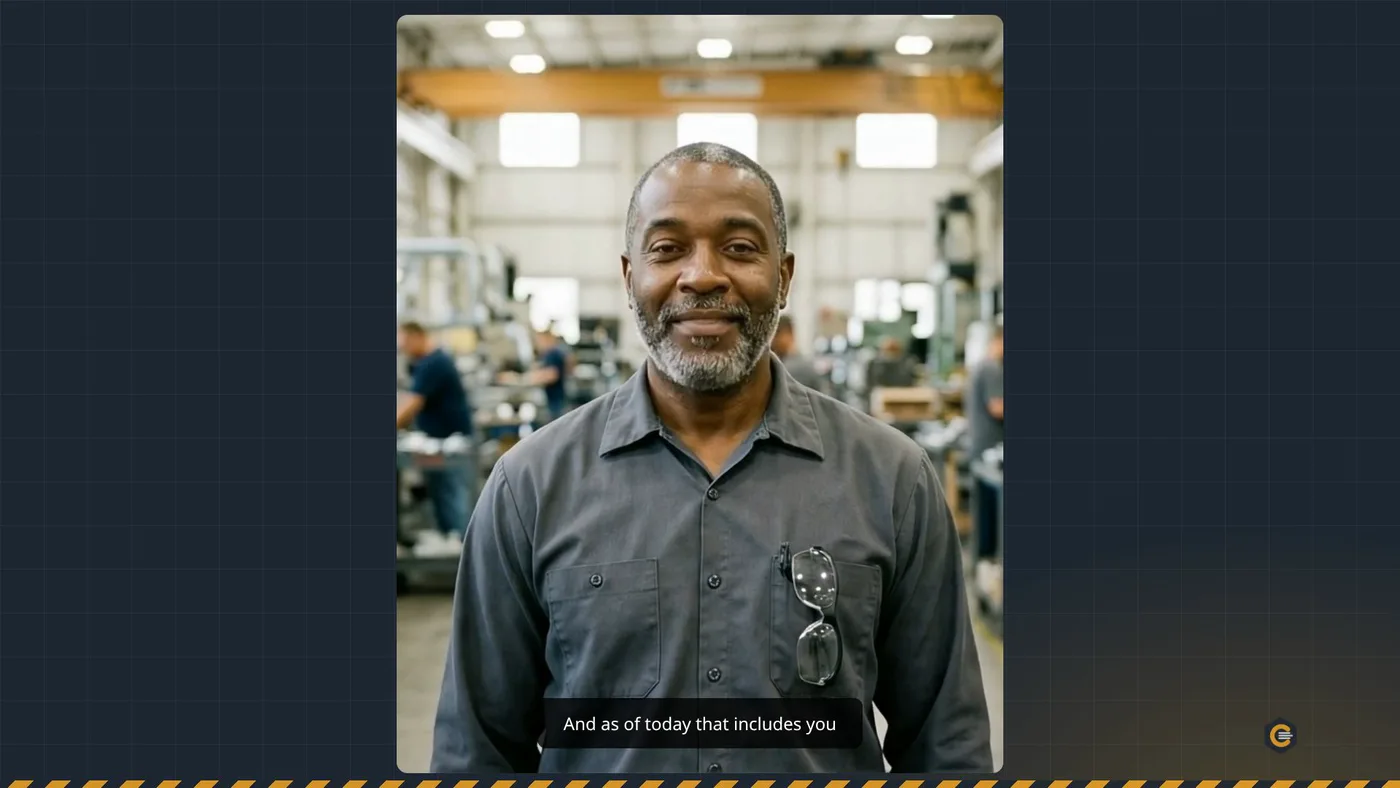 Out
AI Avatars
Written script → AI presenter video
Welcome script → AI presenter video in 2 languages
See the exampleYour files. The same result.
Upload a document, a recording or a script and see what Vidocu makes from it.
Your knowledge is valuable. Make it usable.
Upload once. Use everywhere.
The AI Knowledge Platform. One upload becomes videos, SOPs, guides, articles, and training - in any language.
© 2026 Vidocu. All rights reserved.