
Create
Voice & language
Publish & train
One upload
See how it works
One recording becomes a video, an article and a translated guide.
Edit video
Subtitles & audio
Convert to video
Write from video
One prompt in. A tutorial video and article out.
Nobody recorded anything. We described the task, and Vidocu's AI Recorder opened Tallyfox, did the task, recorded it, then narrated it and wrote the article.

What went in
A written prompt (shortened)
Show how to invite a new employee in Tallyfox. Type these exact values: Full name “Alex Rivera”, Work email “alex.rivera@brightwater.example”, Job title “Dispatcher”, Department “Operations”, Yearly salary “62000”. Start on the People page. Click “Invite employee”. Type the full name, the work email and the job title. Open the Department dropdown and pick Operations…
Run on: Tallyfox web app
What Vidocu made
Recorded by the AI, with a smooth cursor, zooms and narration.
Tallyfox is a made-up company we use for demos. The input and the output are real: this is exactly what went into Vidocu and what came out.
The process
What Vidocu did
- 01
Opened the app
In a secure cloud browser, signed in to your product.
- 02
Did the task
Clicked, typed and picked from dropdowns, following the prompt.
- 03
Recorded it cleanly
A smooth, steady cursor and a clean take, ready to narrate.
- 04
Narrated and zoomed
A script timed to every action, voiced, with zooms on each click.
- 05
Wrote the article
Steps and screenshots from the same recording.
FAQ
Questions about this example
Does it work on my product?
Yes, on any web app. Connect it once with a login and the recorder uses it for every recording.
What happens when my UI changes?
Run the same prompt again and you get a fresh video and article. Pulse can flag which ones went out of date.
Can I still edit the result?
Yes. It lands in the regular editor, like any other video.
More examples
All examples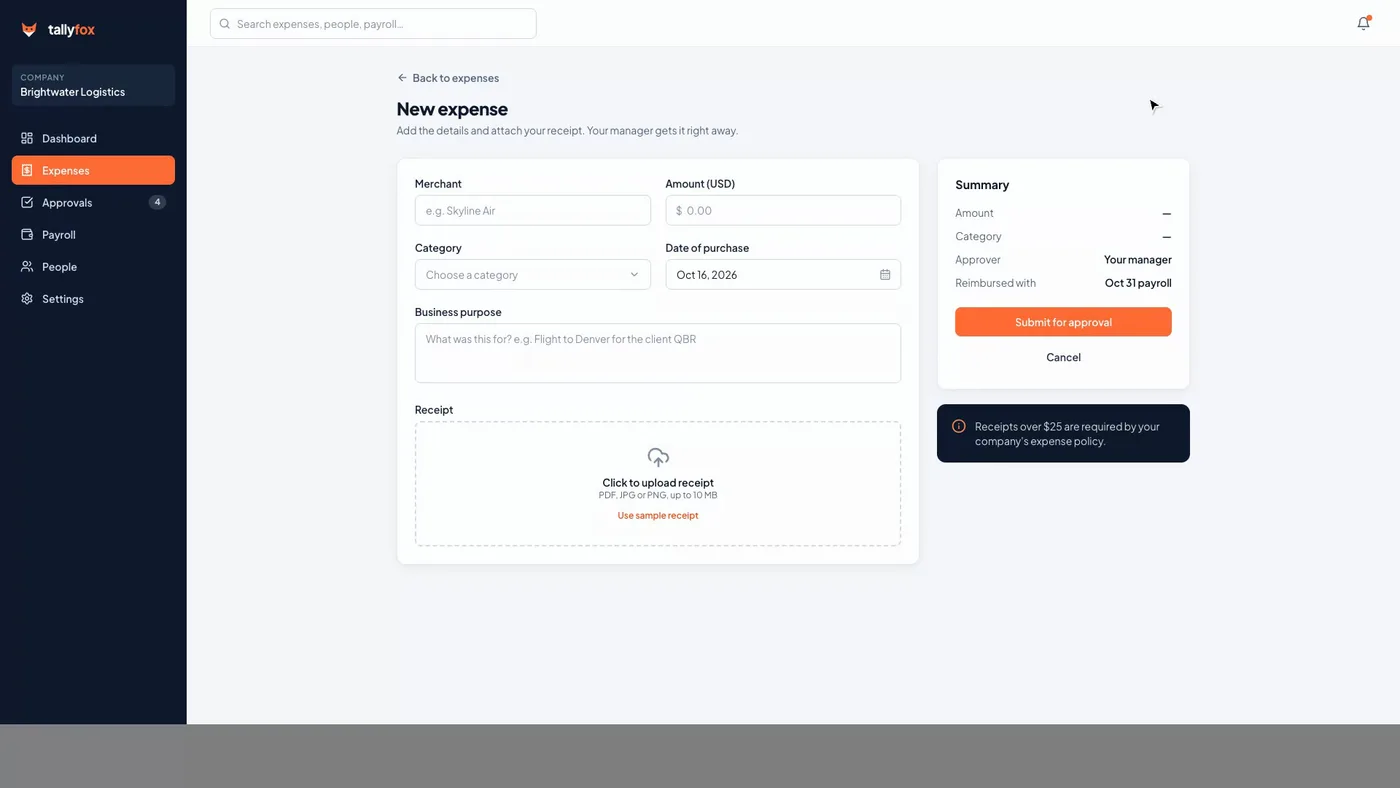 In
 Out
Video Editor
Raw screen recording → Polished tutorial
Silent recording → narrated tutorial with zooms
See the example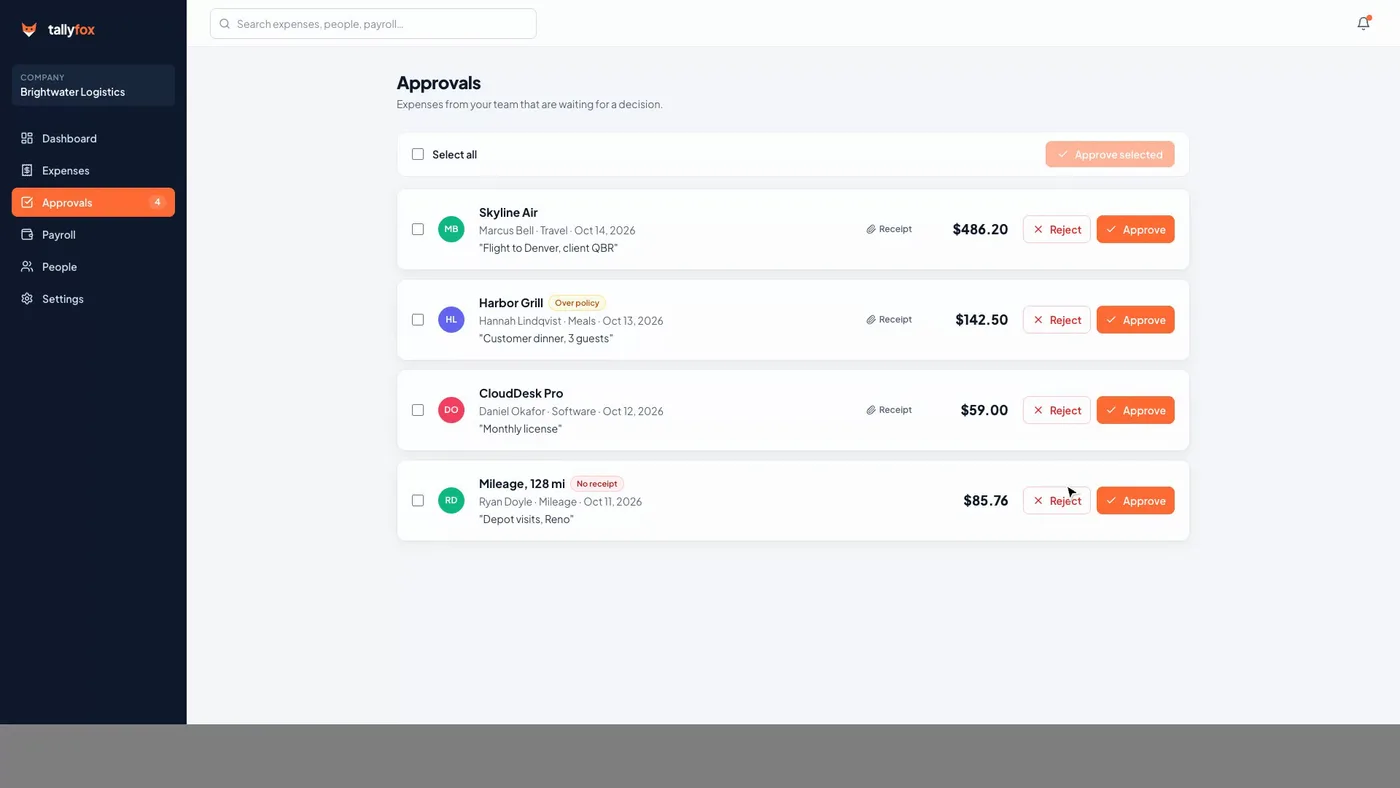 In
 Out
AI Articles
Screen recording → Help article
35-second recording → step-by-step article
See the example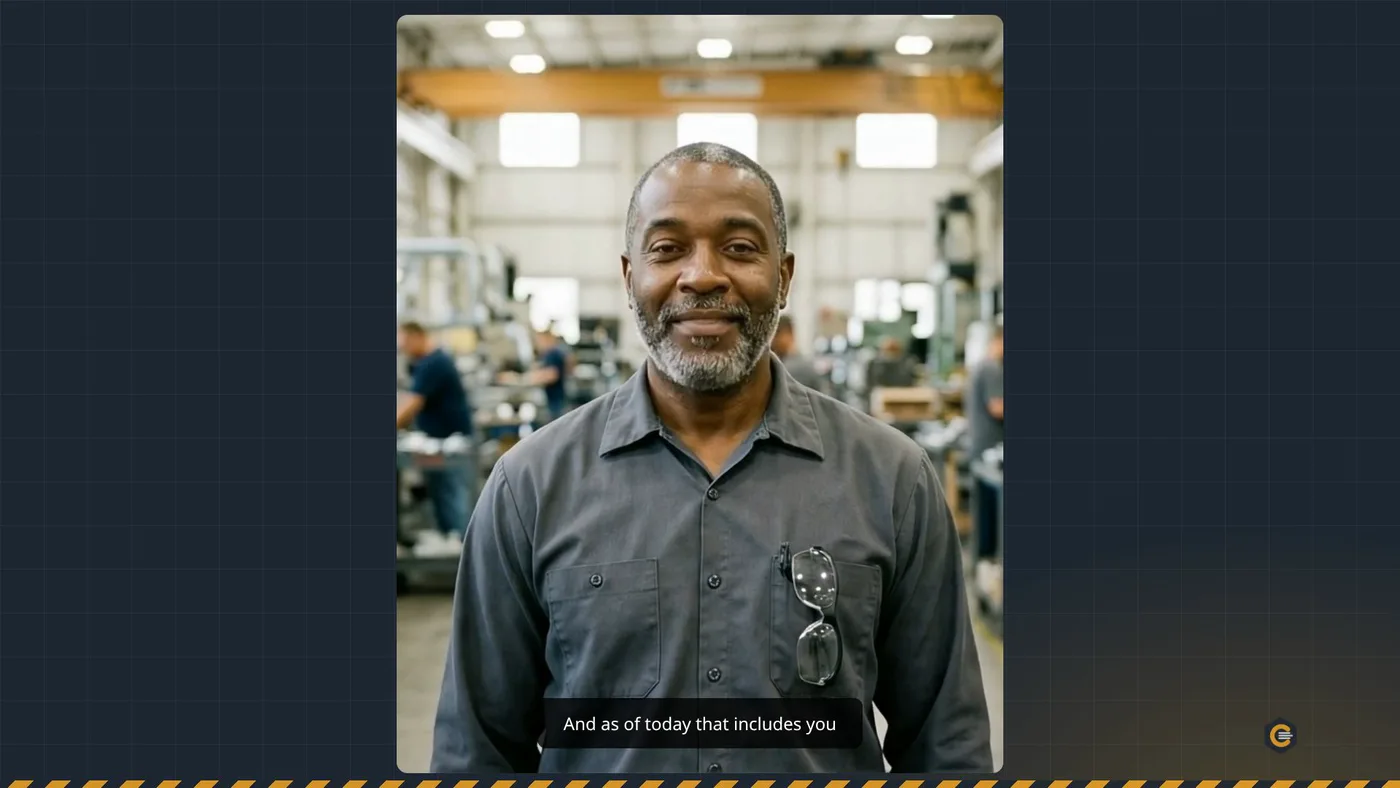 In
 Out
Video Translation
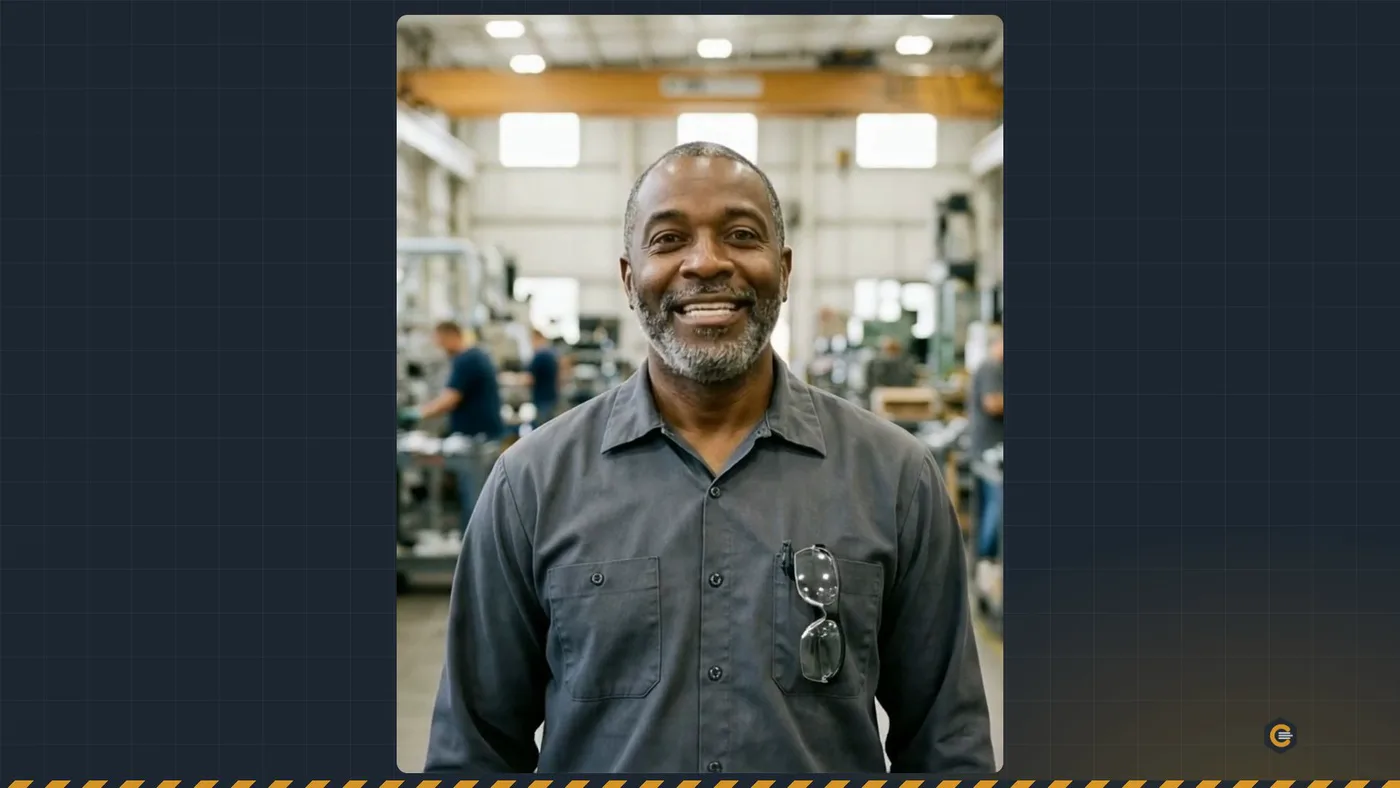
English video → Translated video
English video → Polish voice, captions and text
See the exampleYour files. The same result.
Upload a document, a recording or a script and see what Vidocu makes from it.
Your knowledge is valuable. Make it usable.
Upload once. Use everywhere.
The AI Knowledge Platform. One upload becomes videos, SOPs, guides, articles, and training - in any language.
© 2026 Vidocu. All rights reserved.