
Create
Voice & language
Publish & train
One upload
See how it works
One recording becomes a video, an article and a translated guide.
Edit video
Subtitles & audio
Convert to video
Write from video
An article in. A narrated video out.
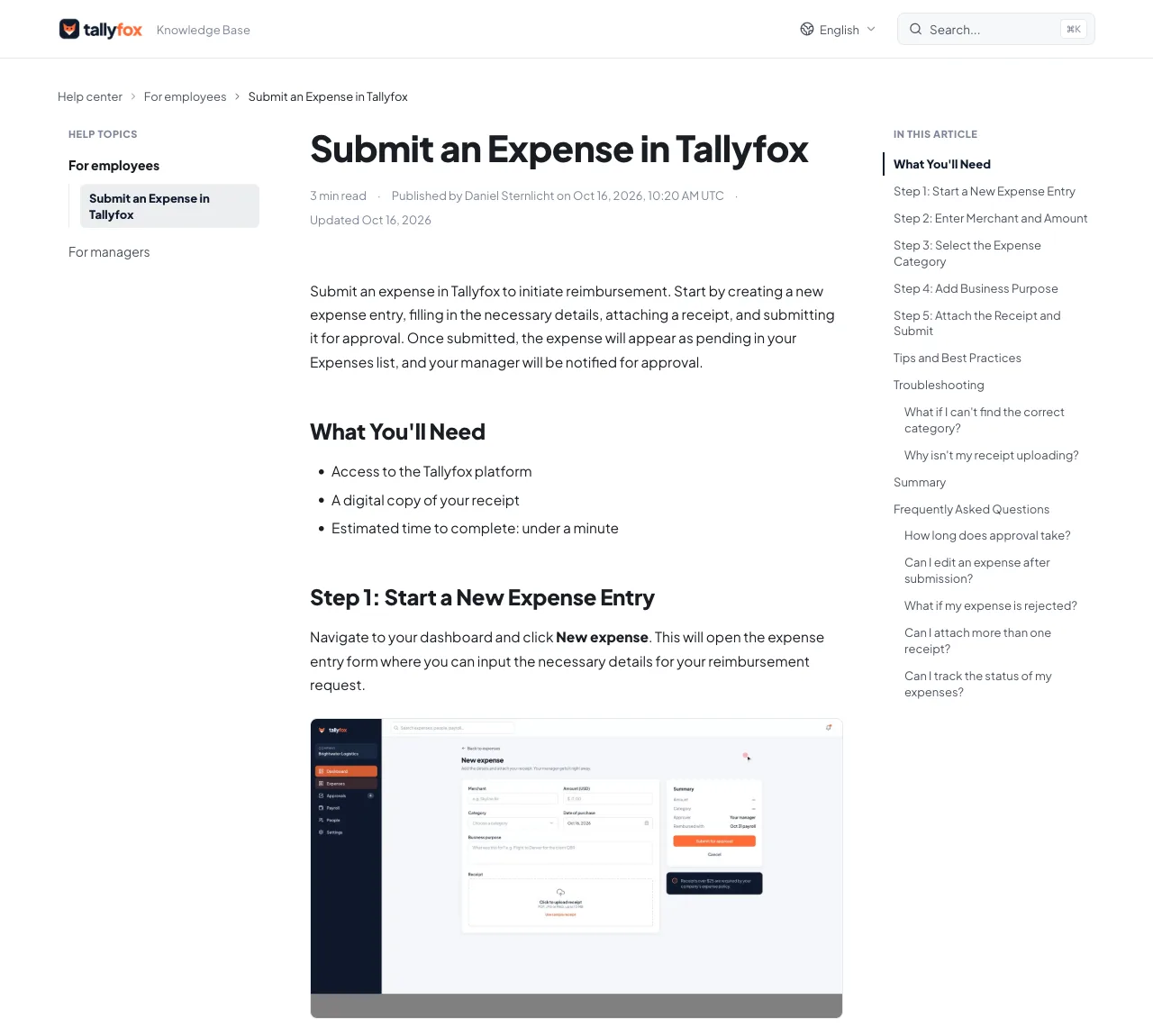
Tallyfox pasted the link to its “Submit an expense” help article. Vidocu used the article's 5 screenshots, wrote a short script and narrated it. One minute, about 45 seconds to make.

What went in
A help article with 5 screenshots
tallyfox.vidocu.help/for-employees/submit-an-expense-in-tallyfox
What Vidocu made
Unedited. Exactly what the tool returned. Voice: Adam.
Tallyfox is a made-up company we use for demos. The input and the output are real: this is exactly what went into Vidocu and what came out.
The process
What Vidocu did
- 01
Pasted the link
A public article URL. PDF, Word and HTML files work too.
- 02
Pulled the images
The article's screenshots became the video's visuals.
- 03
Wrote the narration
A short script from the article's steps, read in the chosen AI voice.
- 04
Built the video
Each image stays on screen while its part is read. 1080p MP4.
FAQ
Questions about this example
What can I convert?
A public article link, or a PDF, Word or HTML file up to 50 MB.
Does the article need images?
Yes, at least one. The images are the video's visuals, so an article with a screenshot per step works best.
Can I choose the voice?
Yes. Pick from the voice list, with a preview of each voice.
More examples
All examples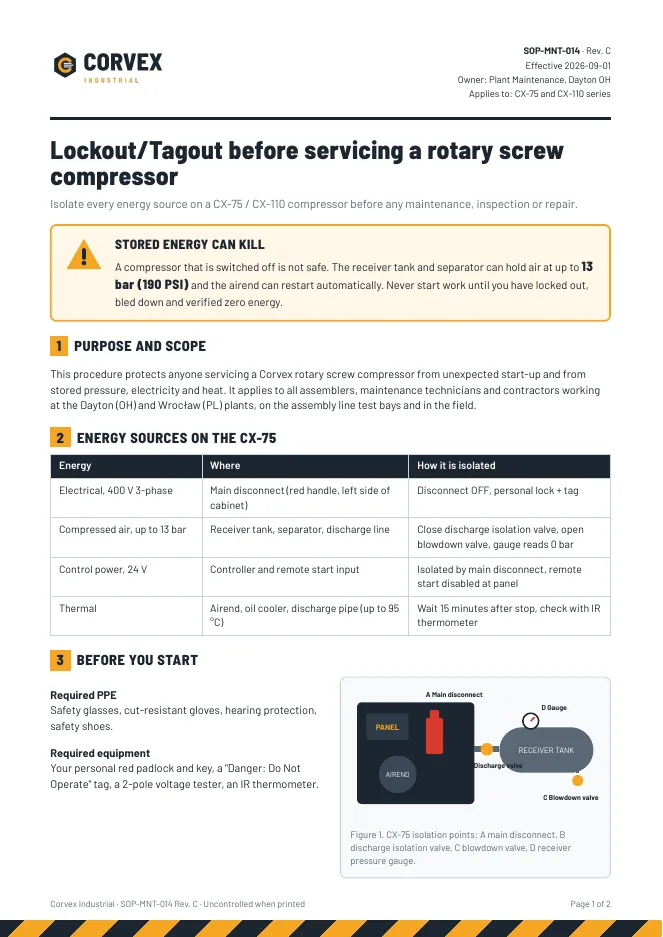 In
 Out
Course Builder
PDF procedure → Narrated video
Lockout/tagout SOP → narrated training video
See the example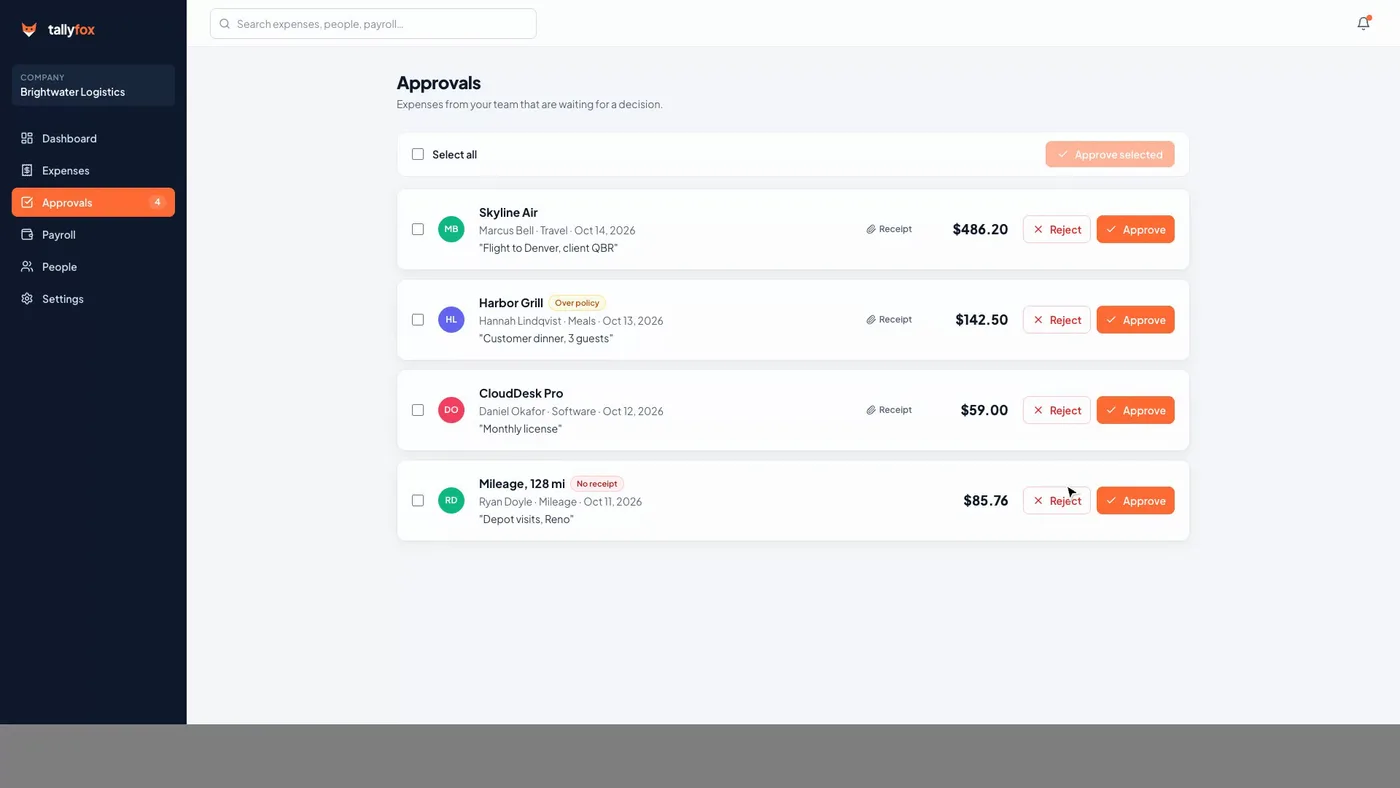 In
 Out
AI Articles
Screen recording → Help article
35-second recording → step-by-step article
See the exampleScript to Voiceover
Written script → AI voiceover
Safety briefing → natural AI voiceover MP3
See the exampleYour files. The same result.
Upload a document, a recording or a script and see what Vidocu makes from it.
Your knowledge is valuable. Make it usable.
Upload once. Use everywhere.
The AI Knowledge Platform. One upload becomes videos, SOPs, guides, articles, and training - in any language.
© 2026 Vidocu. All rights reserved.