
Create
Voice & language
Publish & train
One upload
See how it works
One recording becomes a video, an article and a translated guide.
Edit video
Subtitles & audio
Convert to video
Write from video
A script in. A voiceover out.
Corvex wrote a 62-word safety briefing for the start of each shift. Vidocu read it in a natural AI voice and handed back an MP3 in seconds.
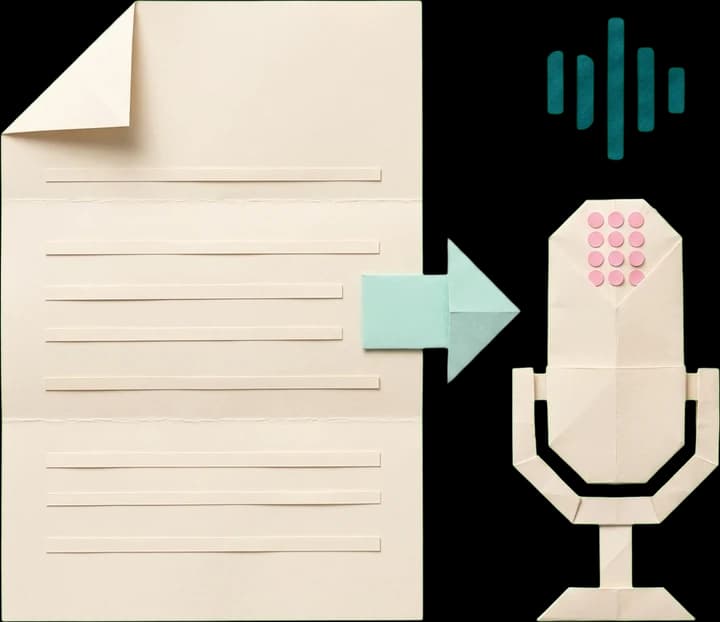
What went in
A 62-word script
Good morning, team. Before we start the line today, three quick reminders. First, every compressor on Bay 4 is locked out until the pressure test is signed off. Second, safety glasses and gloves stay on inside the yellow lines, no exceptions. Third, if anything looks or sounds wrong, stop the line and call your shift lead. Thanks, and have a safe shift.
What Vidocu made
Voice: Adam · English · 0:23
Unedited. Exactly what the tool returned.
Corvex Industrial is a made-up company we use for demos. The input and the output are real: this is exactly what went into Vidocu and what came out.
The process
What Vidocu did
- 01
Pasted the script
Plain text, up to 5,000 characters.
- 02
Picked a voice
With a preview of each voice before you choose.
- 03
Set the language
Or left it on auto-detect.
- 04
Downloaded the MP3
Ready for a video, a training module or the PA system.
FAQ
Questions about this example
Can I add pauses between sentences?
Yes. Add extra silence after every sentence, handy for step-by-step narration.
Can I put the voiceover on a video?
Yes. The video editor voices your video's script with the same AI voices.
Can I hear a voice before I use it?
Yes. Every voice in the list has a preview.
More examples
All examples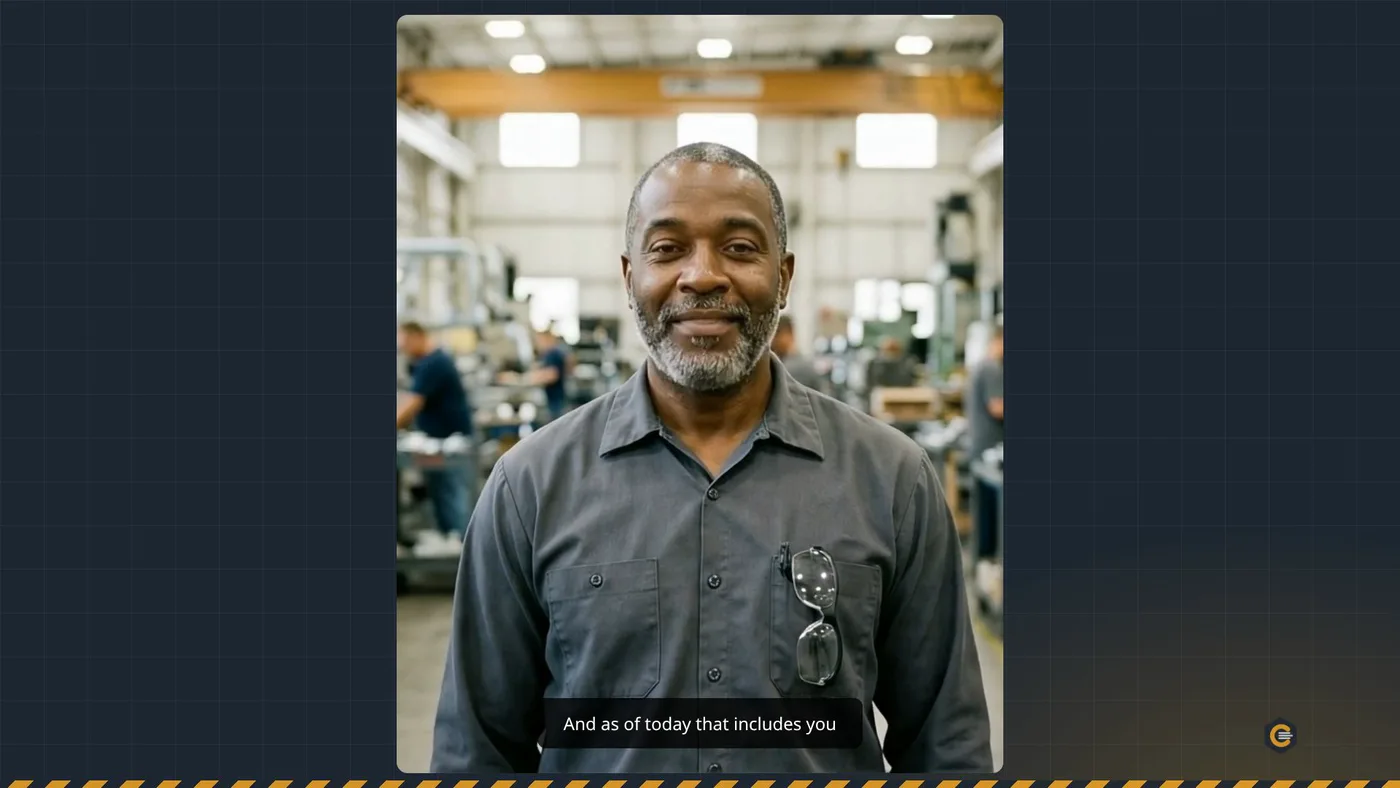 Out
AI Avatars
Written script → AI presenter video
Welcome script → AI presenter video in 2 languages
See the exampleIn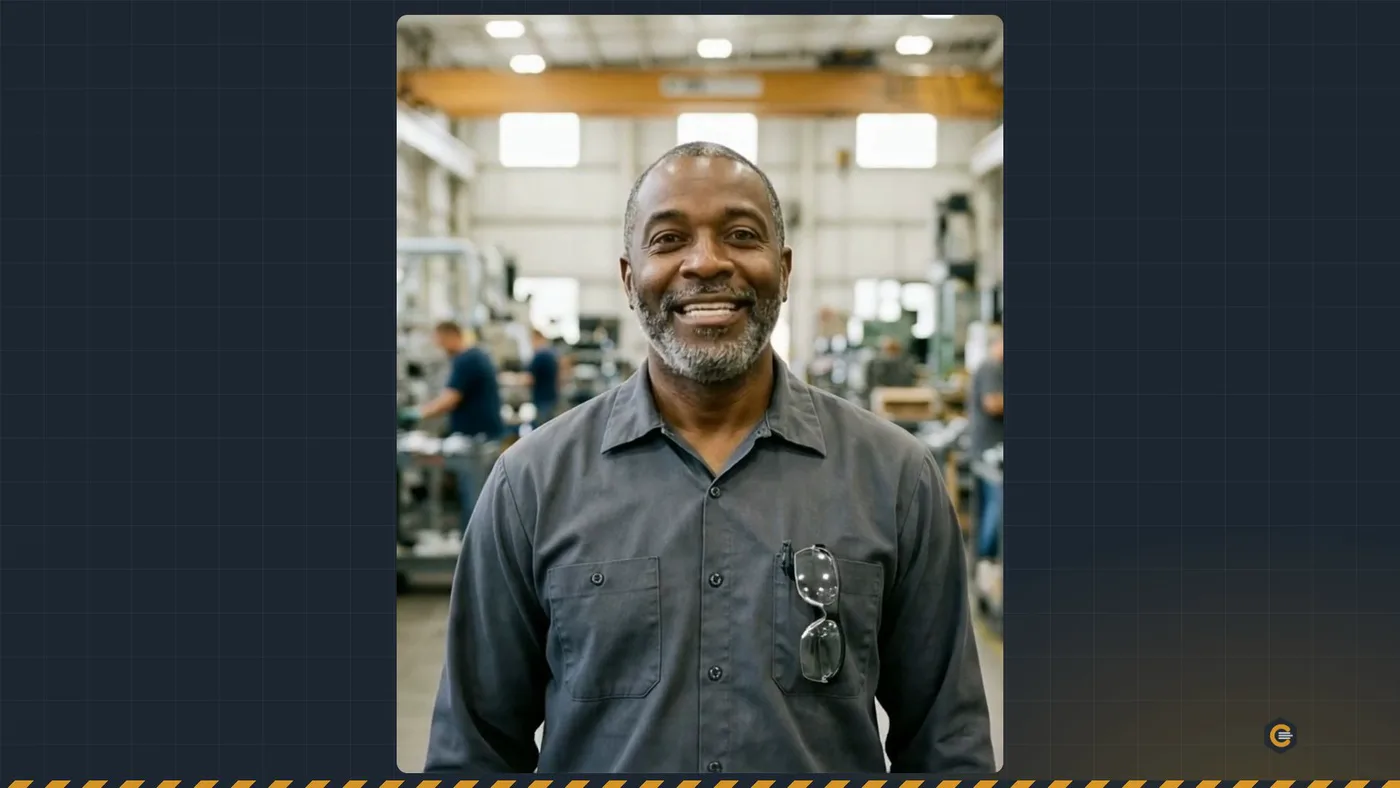 Out
Video Translation
English video → Translated video
English video → Polish voice, captions and text
See the example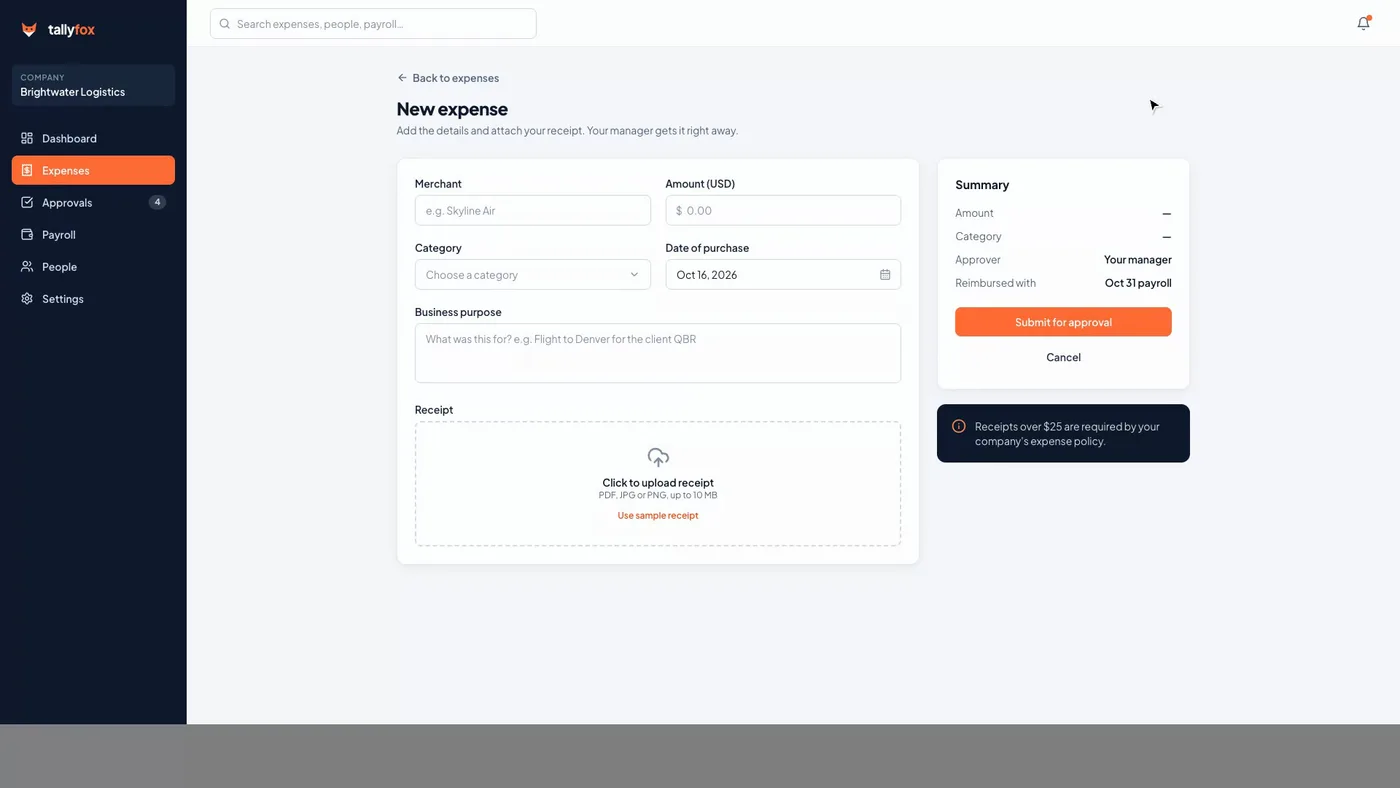 In
 Out
Video Editor
Raw screen recording → Polished tutorial
Silent recording → narrated tutorial with zooms
See the exampleYour files. The same result.
Upload a document, a recording or a script and see what Vidocu makes from it.
Your knowledge is valuable. Make it usable.
Upload once. Use everywhere.
The AI Knowledge Platform. One upload becomes videos, SOPs, guides, articles, and training - in any language.
© 2026 Vidocu. All rights reserved.