
Create
Voice & language
Publish & train
One upload
See how it works
One recording becomes a video, an article and a translated guide.
Edit video
Subtitles & audio
Convert to video
Write from video
Three videos in. A help center out.
Tallyfox's three tutorials became a branded help center: sections, a video and an article on every page, search, and an Ask AI button that answers from the content.
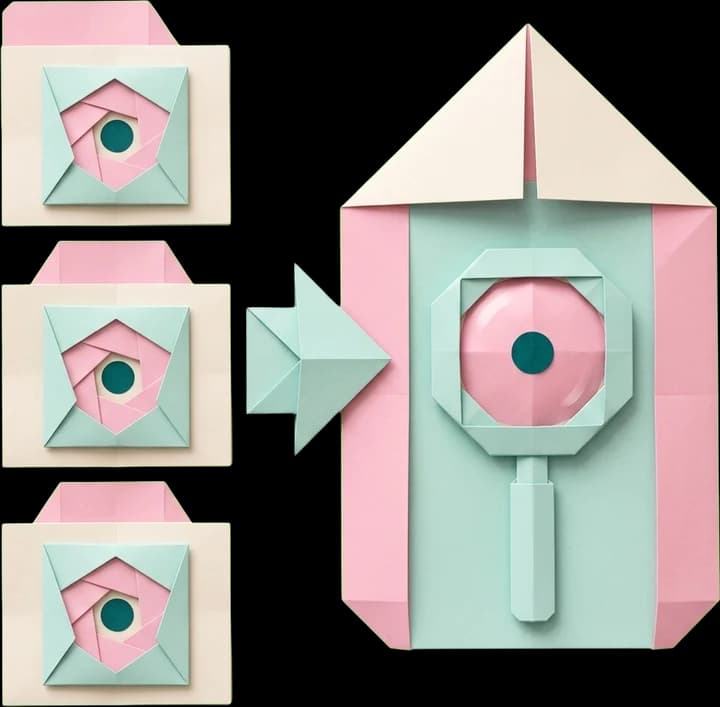
What went in
Three tutorial videos
- Submit an expense0:34
- Approve and reject expenses0:35
- Run payroll0:28
What Vidocu made
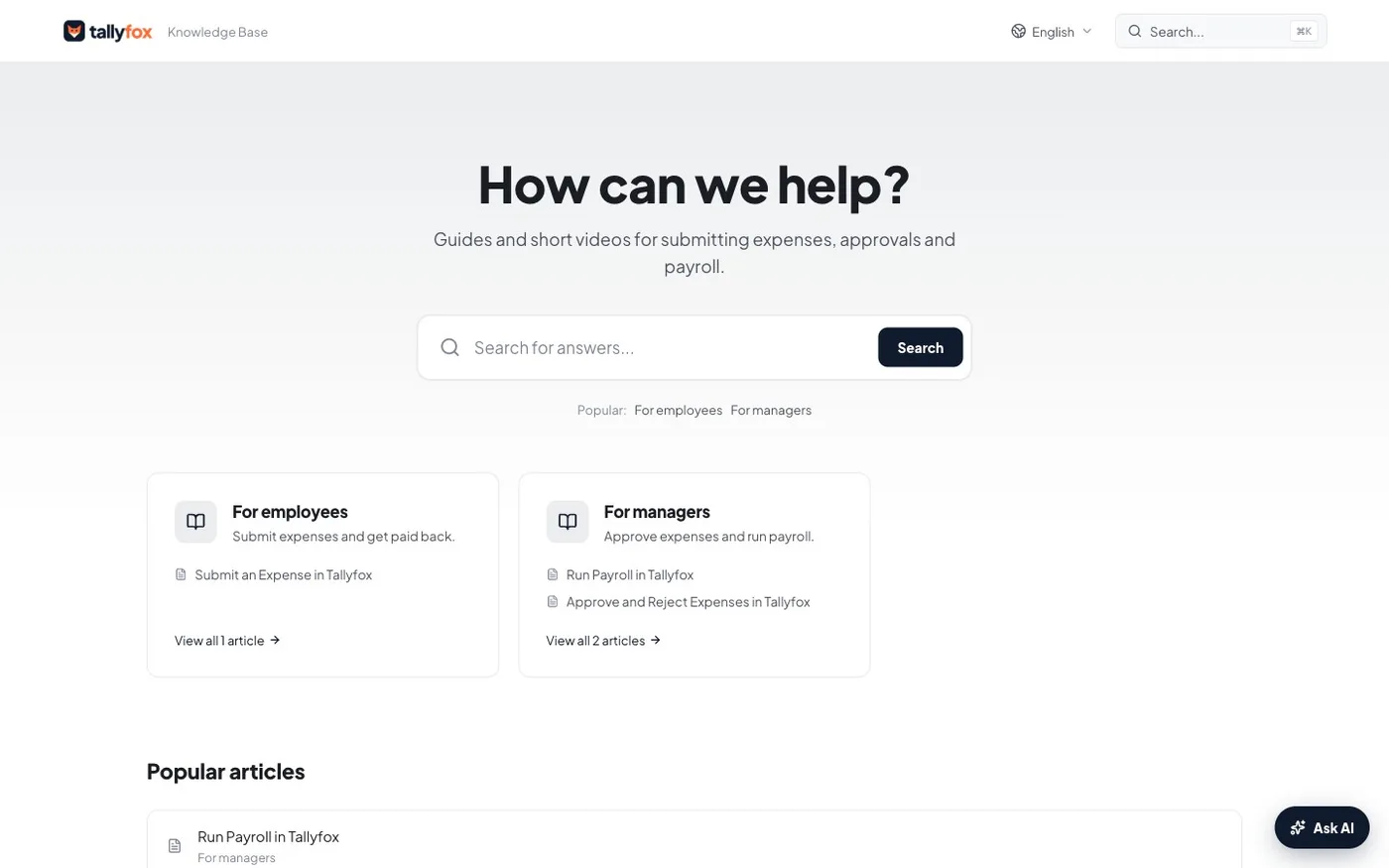
The home page, an article page, and Ask AI answering with screenshots and sources.
Tallyfox is a made-up company we use for demos. The input and the output are real: this is exactly what went into Vidocu and what came out.
The process
What Vidocu did
- 01
Wrote an article per video
Steps and screenshots, with the video on top.
- 02
Sorted them into sections
For employees and For managers.
- 03
Applied the brand
Tallyfox's logo, colours and fonts.
- 04
Published it
On its own address, with search and Ask AI.
FAQ
Questions about this example
Can I use my own domain?
Yes. Point a subdomain like help.yourcompany.com at it.
Where does Ask AI get its answers?
Only from the articles in that help center, and it links the sources it used.
Can I add articles that aren't from a video?
Yes. Write them in the article editor.
More examples
All examples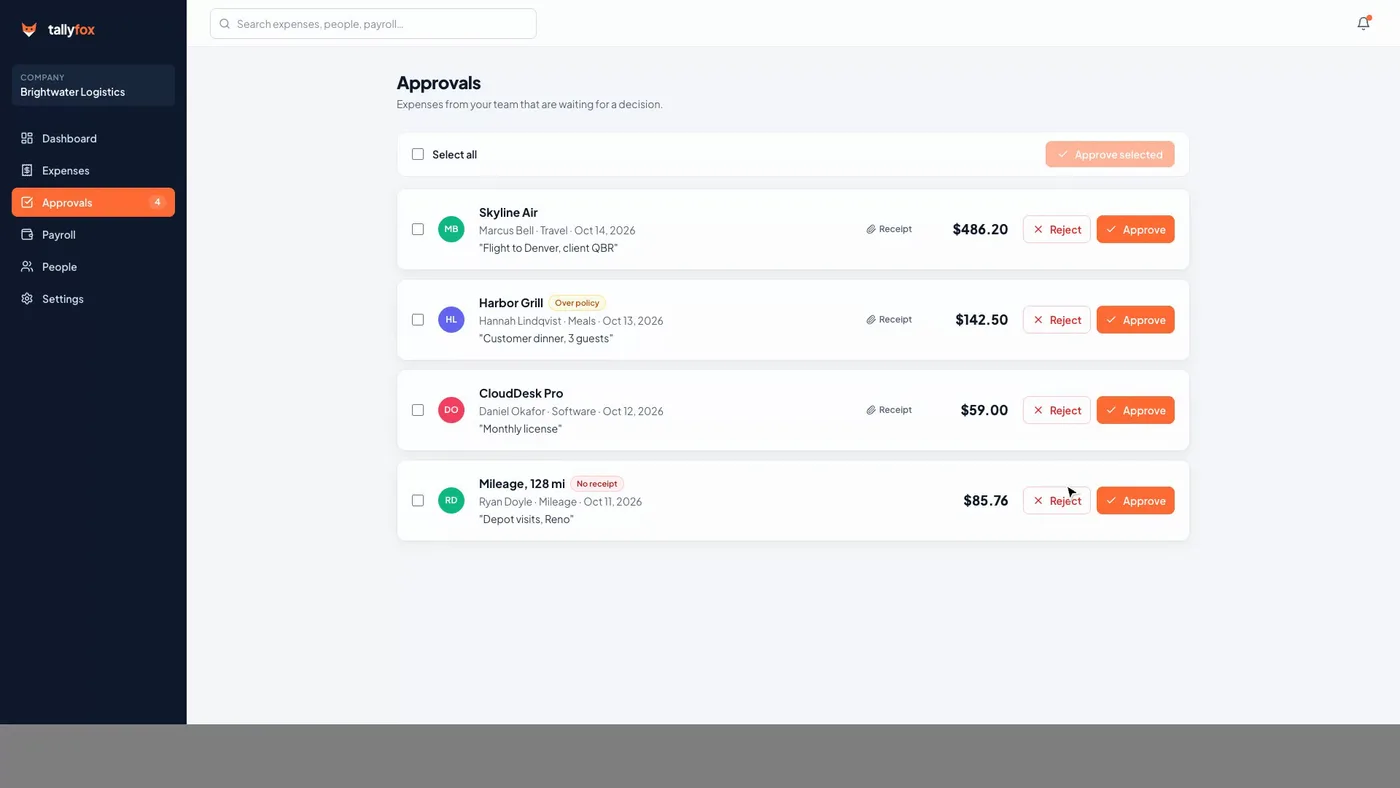 In
 Out
AI Articles
Screen recording → Help article
35-second recording → step-by-step article
See the example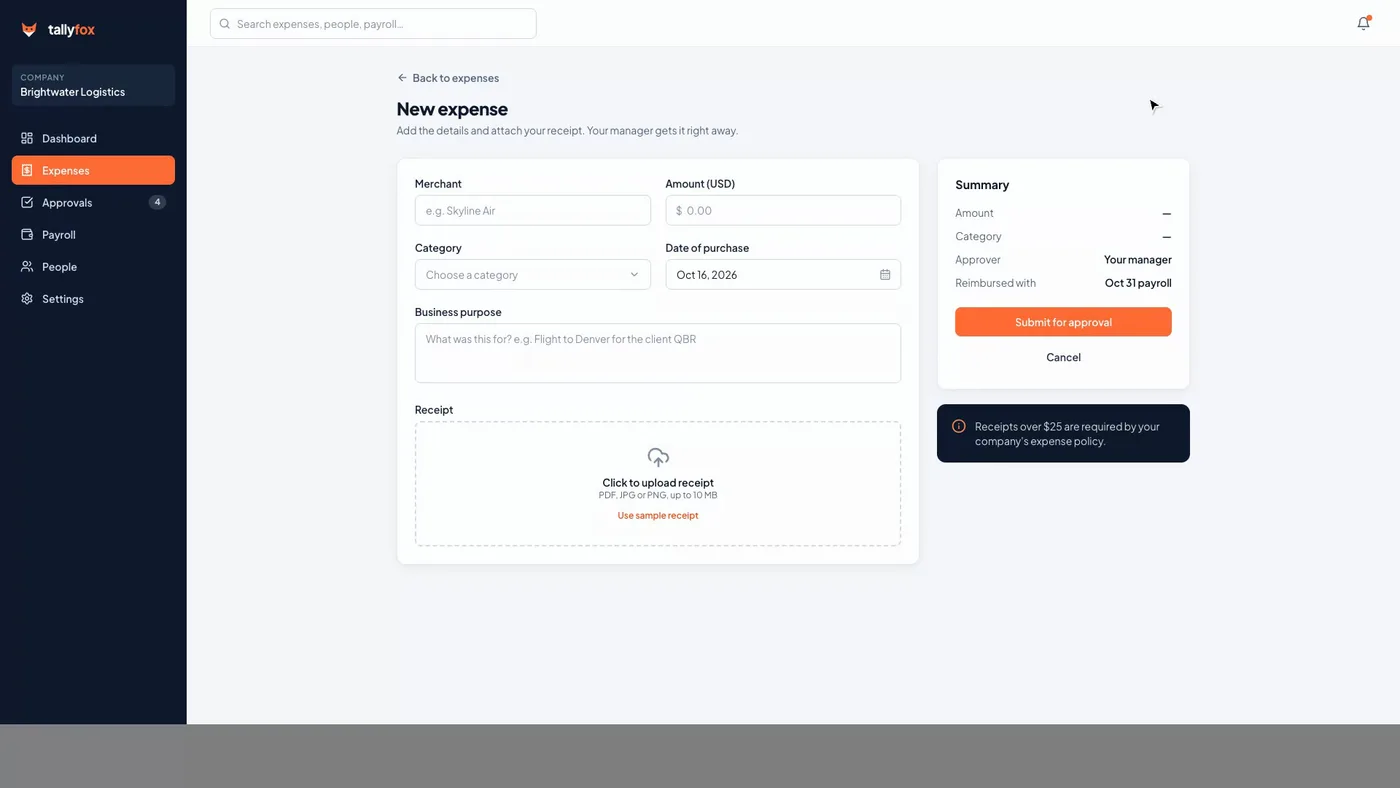 In
 Out
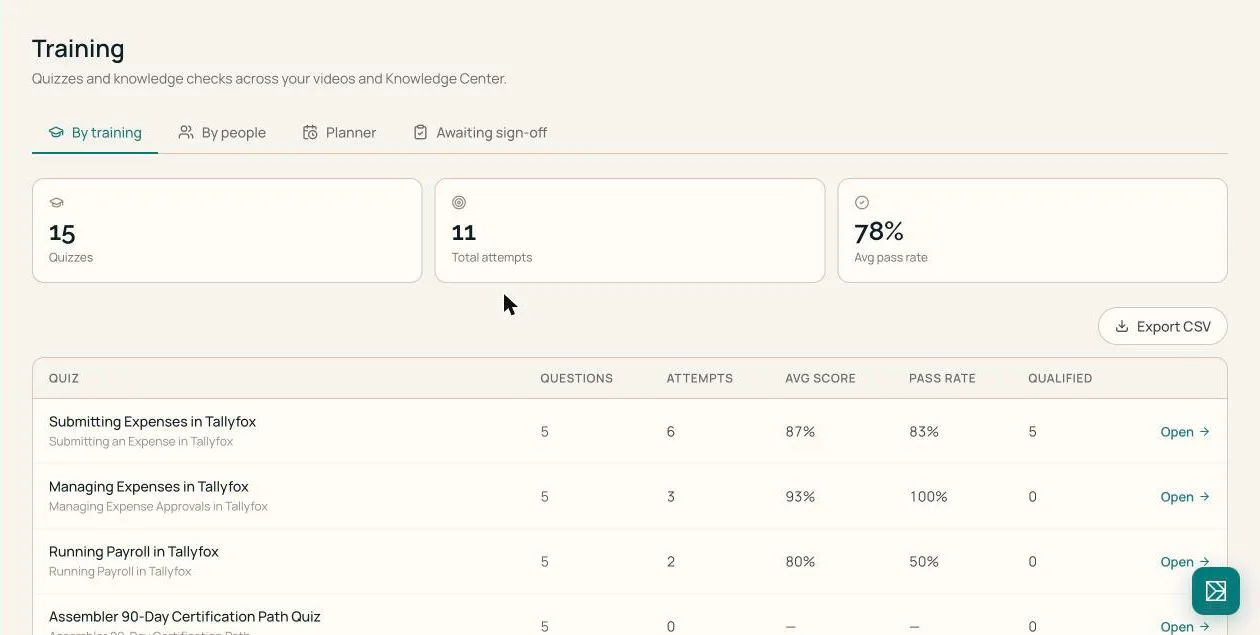
Training Center
Tutorial video → Quiz + training records
Tutorial video → quiz, scores and sign-off
See the example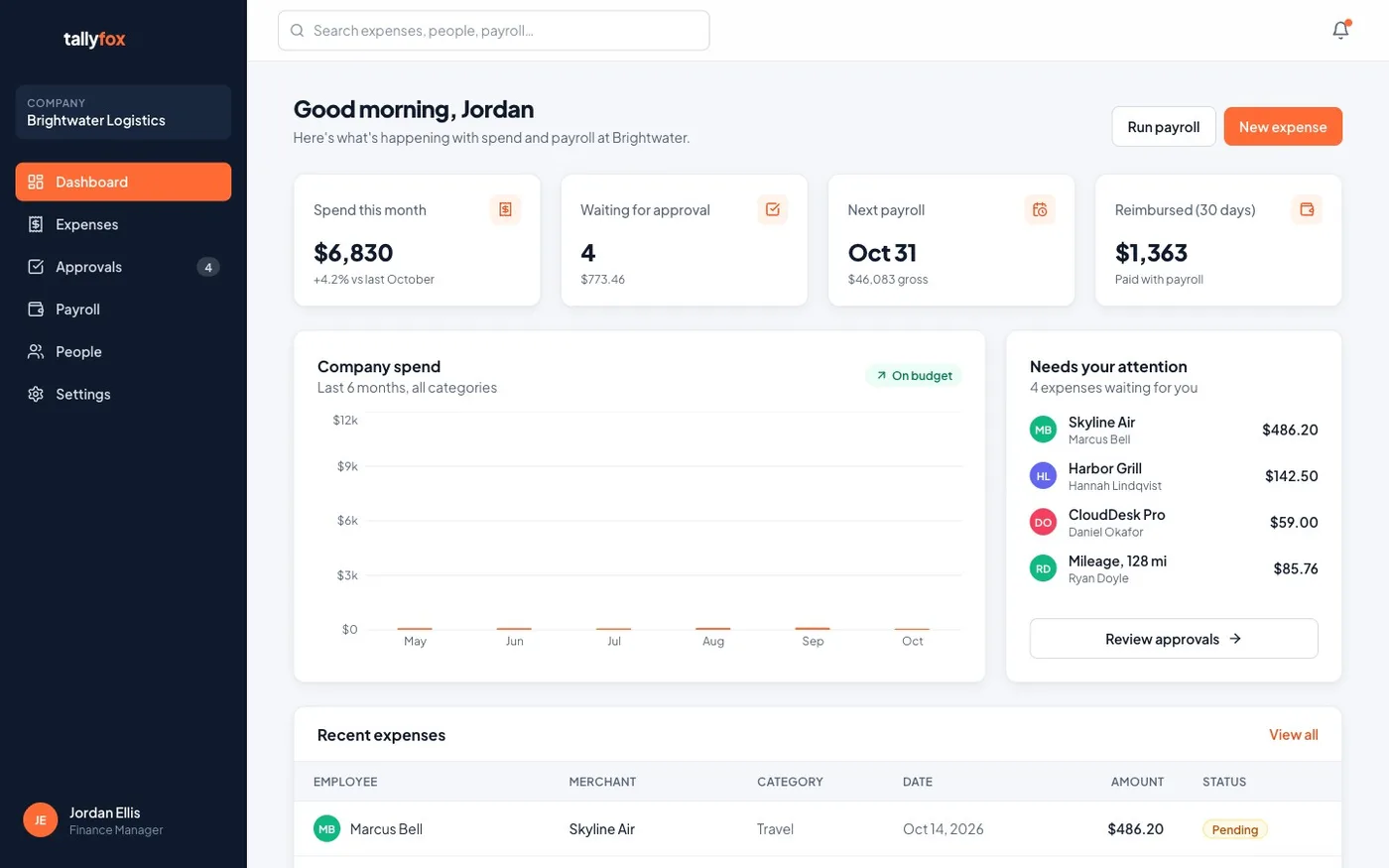 In
 Out
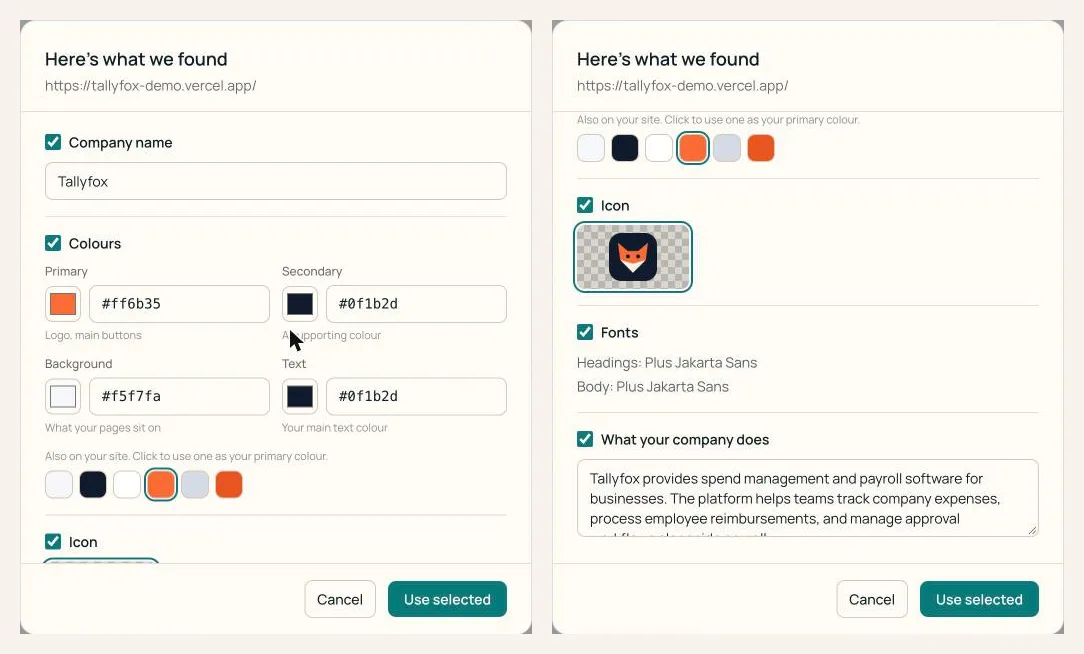
Brand Kit
Your website → Brand kit
One web address → logo, colours and fonts
See the exampleYour files. The same result.
Upload a document, a recording or a script and see what Vidocu makes from it.
Your knowledge is valuable. Make it usable.
Upload once. Use everywhere.
The AI Knowledge Platform. One upload becomes videos, SOPs, guides, articles, and training - in any language.
© 2026 Vidocu. All rights reserved.