
Create
Voice & language
Publish & train
One upload
See how it works
One recording becomes a video, an article and a translated guide.
Edit video
Subtitles & audio
Convert to video
Write from video
A web address in. Your brand kit out.
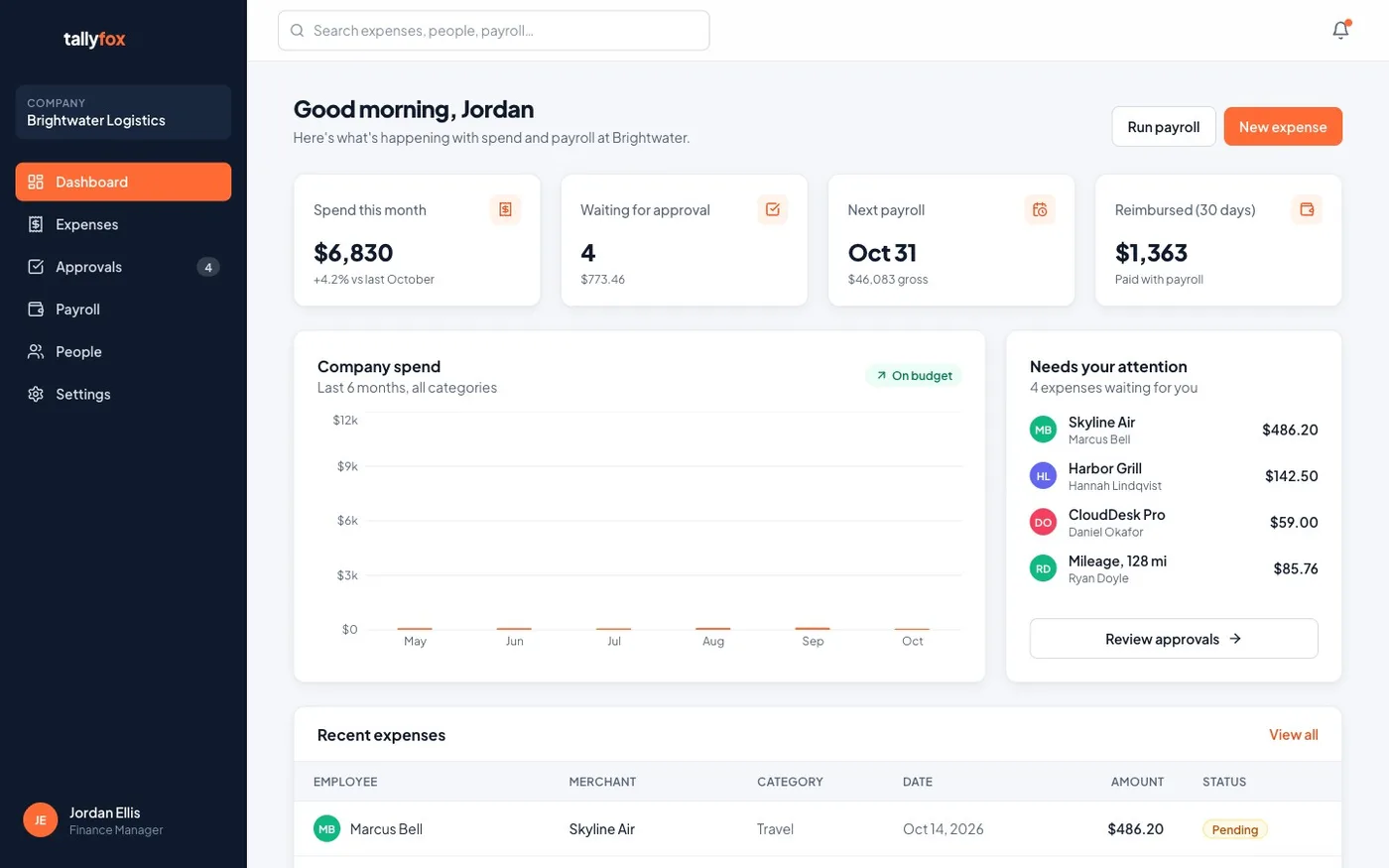
We typed Tallyfox's address. Vidocu read the site and found the name, icon, colours, fonts and what the company does. You choose what to keep.
What went in
The company website
tallyfox-demo.vercel.app
What Vidocu made
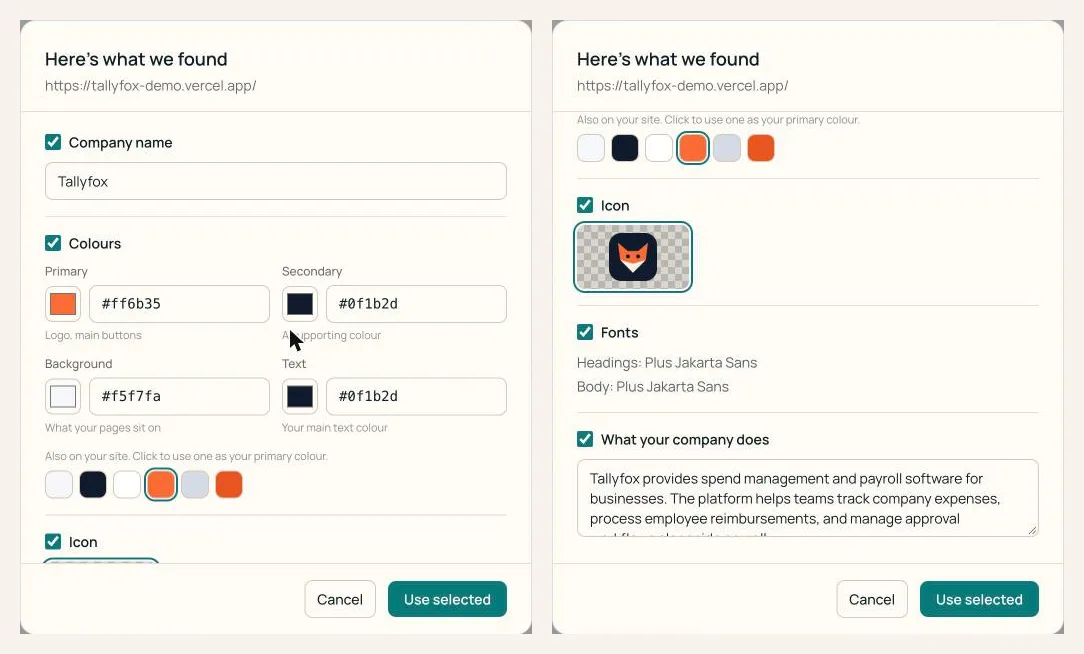
What Vidocu found. Every item can be kept, changed or left out.
Tallyfox is a made-up company we use for demos. The input and the output are real: this is exactly what went into Vidocu and what came out.
The process
What Vidocu did
- 01
Read the site
The home page, its styles and its logo files.
- 02
Picked the colours
Primary, secondary, background and text, plus the others it saw.
- 03
Found the fonts
Headings and body.
- 04
Described the company
A short summary Vidocu uses when it writes for you.
FAQ
Questions about this example
Does it overwrite my current brand?
No. You see what it found first and choose what to keep.
What if it picks the wrong colour?
Click another colour it found, or type your own.
Where is the brand used?
In new videos, articles, AI scenes and knowledge bases.
More examples
All examples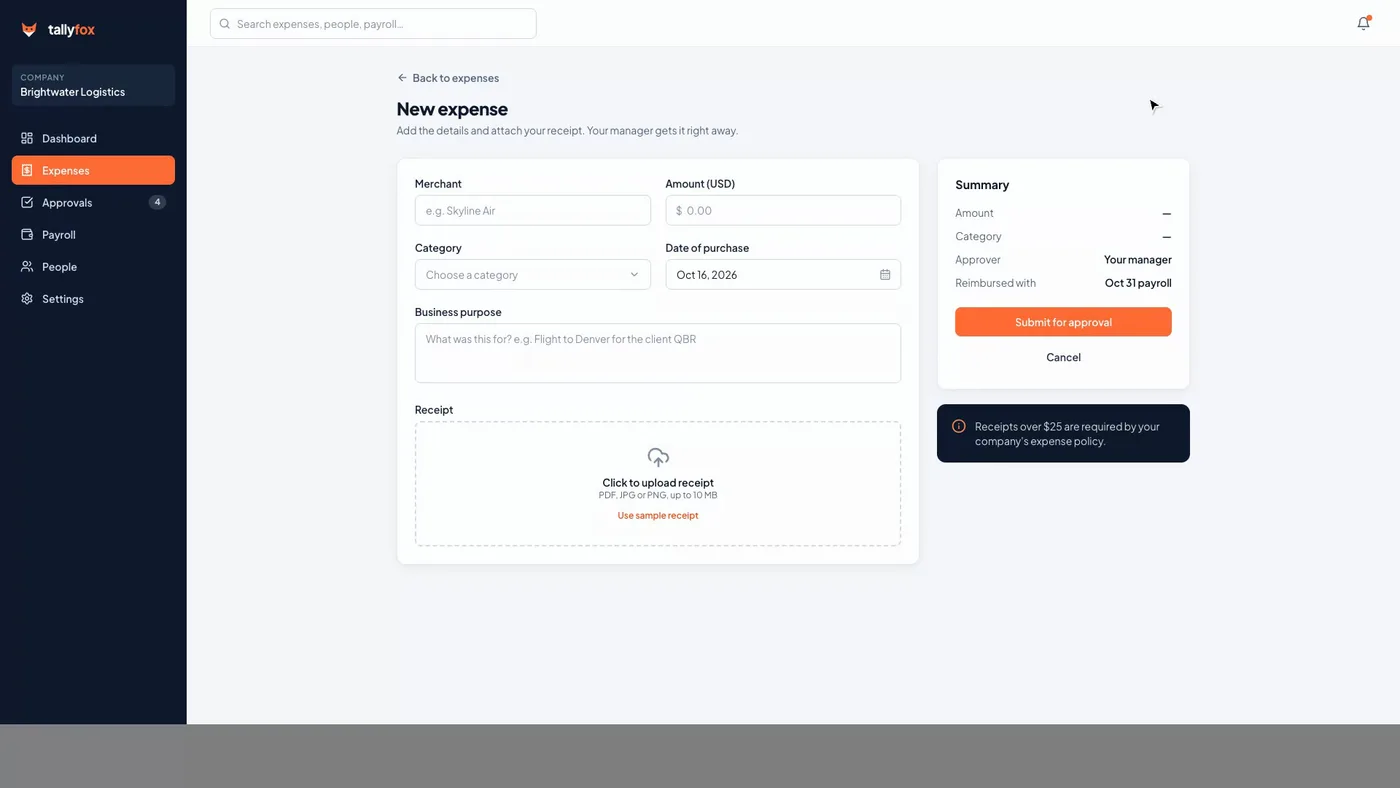 In
 Out
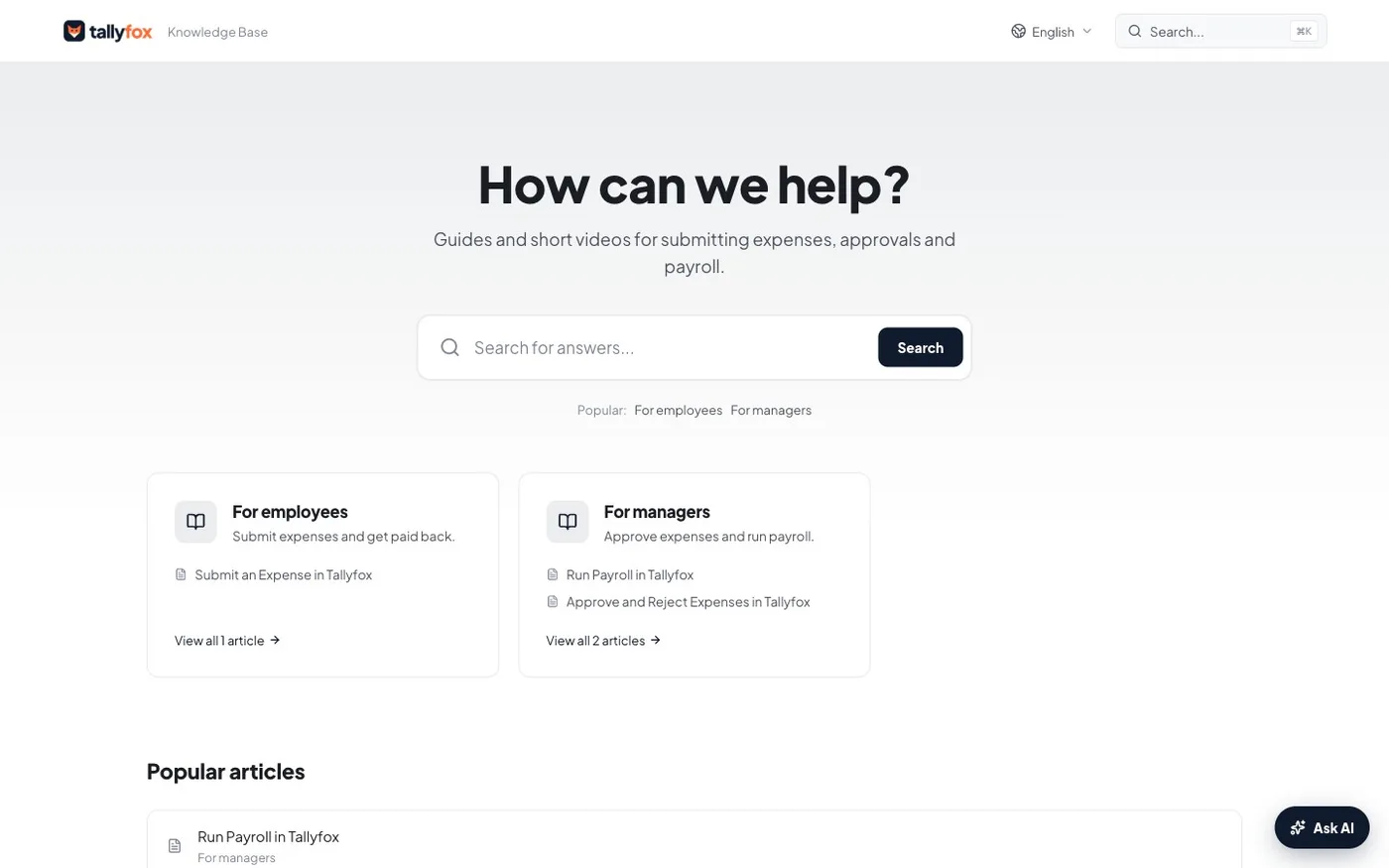
Knowledge Center
Tutorial videos → Branded help center
3 tutorial videos → live, branded help center
See the example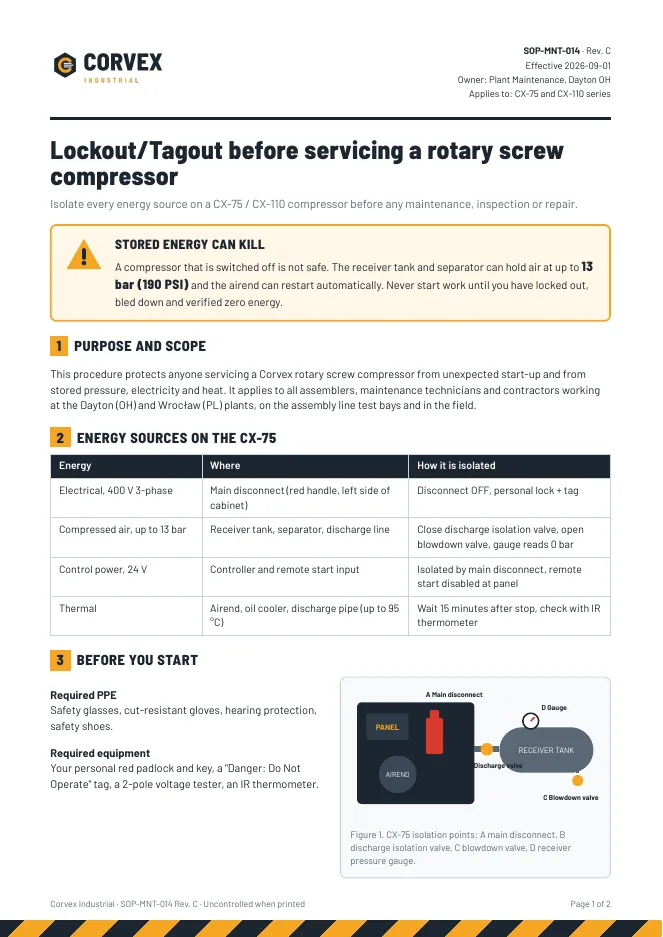 In
 Out
Course Builder
PDF procedure → Narrated video
Lockout/tagout SOP → narrated training video
See the example Out
AI Avatars
Written script → AI presenter video
Welcome script → AI presenter video in 2 languages
See the exampleYour files. The same result.
Upload a document, a recording or a script and see what Vidocu makes from it.
Your knowledge is valuable. Make it usable.
Upload once. Use everywhere.
The AI Knowledge Platform. One upload becomes videos, SOPs, guides, articles, and training - in any language.
© 2026 Vidocu. All rights reserved.