
Crop Video Online Free, No Watermark (3 Steps, Any Device)
Crop video online free with no watermark. Upload, drag the crop box or pick 9:16, 1:1, 4:5 or 16:9, then download an MP4. Works on any device.

Create
Voice & language
Publish & train
One upload
See how it works
One recording becomes a video, an article and a translated guide.
By outcome
By team
All use casesFrom your recordings
Manufacturing
Assembly videos
PDF manuals become 3D step-by-step assembly videos.
Edit video
Subtitles & audio
Convert to video
Write from video
Broad concepts, fundamentals, and best practices around video-based content and documentation.
14 posts
Crop video online free with no watermark. Upload, drag the crop box or pick 9:16, 1:1, 4:5 or 16:9, then download an MP4. Works on any device.
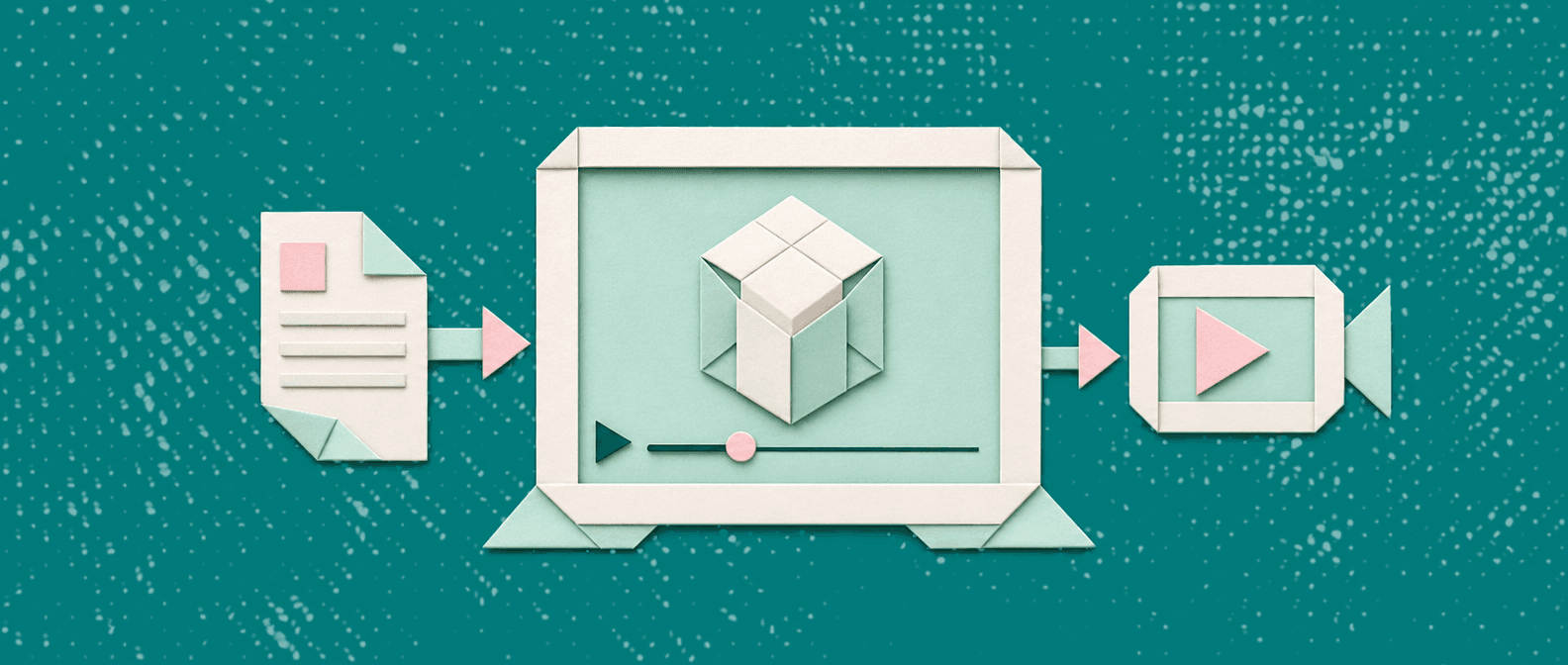
Digital assembly instructions compared: PDF vs video vs 3D motion. Learn which format fits your product and how to convert an existing PDF manual.

How to write assembly instructions customers can finish: a checklist, a copy-ready step template, and how to turn the PDF into a video.

Compare assembly instruction video software by approach, and see how to turn an illustrated PDF manual into a 3D assembly video with voiceover.

Add music to video free in your browser with no watermark. Upload, pick a track, set the volume and export. Plus licensing and mixing tips.

Best recording software for 2026, chosen by what you do after you record: share a clip, document a process, or let an AI record for you.

Watermark video online free in four steps, then place the mark so it survives 16:9 and 9:16. Learn when to skip it and what to check first.

Use a free audio extractor from video: paste a link or drop a file, pick MP3, WAV, AAC, FLAC or OGG, and download. No install needed.

Use Vidocu's free video cropper to crop video online with no watermark. Pick 9:16, 1:1, 4:5 or 16:9, then download the MP4. No install.
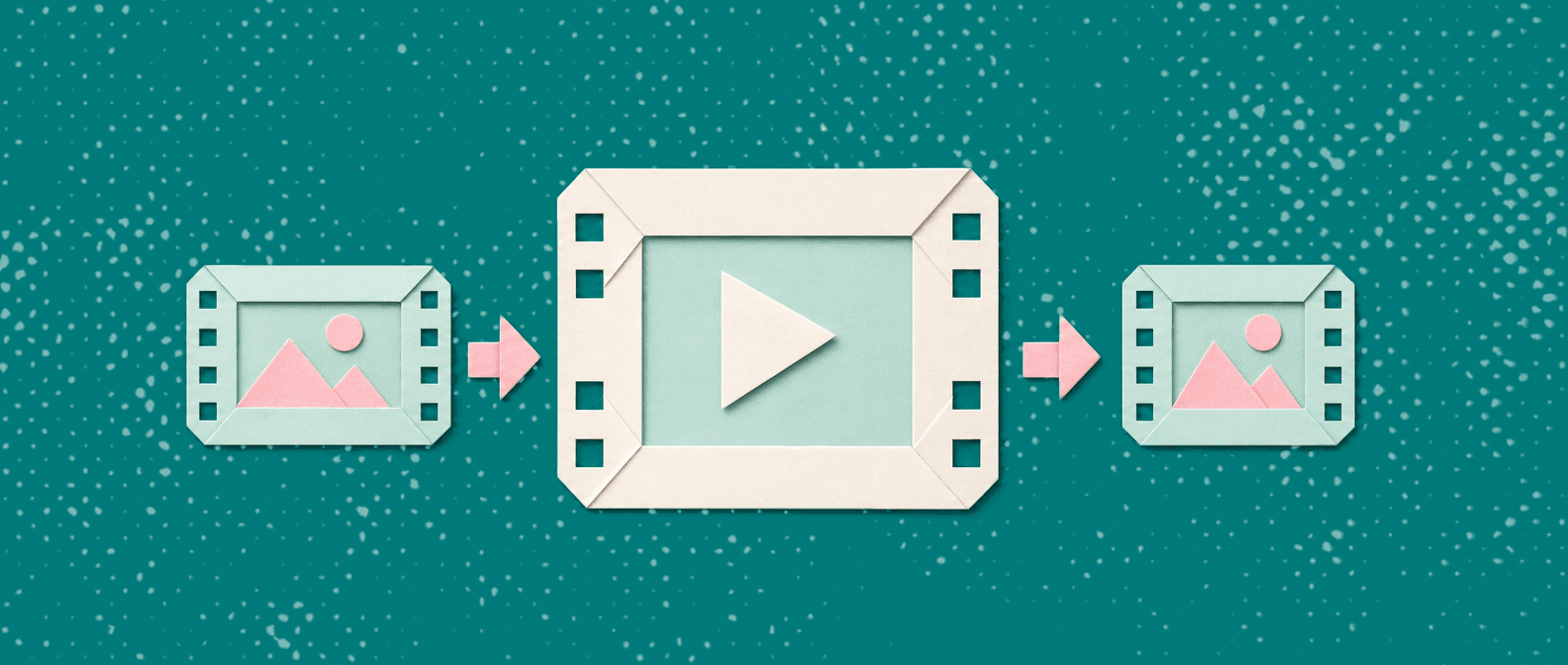
Find the best free video merger: no watermark, one MP4, clip order you control. Run this 5-point checklist, then try Vidocu's free merger.

Skip the studio. Record once and auto-generate subtitles, voiceover, and step-by-step docs in 65+ languages. Here's the AI-driven workflow.

Most teams spend $500-5,000+ per video on editing, subtitles, voiceover, and documentation without realizing it. Here is exactly where the money goes - and how AI automation can cut those costs by 90%.

Not sure when to use subtitles, captions, or closed captions? This guide breaks down the differences, platform expectations, and a practical workflow (with templates) you can reuse.

Turn a single tutorial recording into a publish-ready blog post and a reusable knowledge base article. Follow a practical workflow for topic extraction, content clustering, screenshots, and republishing, without rebuilding everything from scratch.
Upload once. Use everywhere.
The AI Knowledge Platform. One upload becomes videos, SOPs, guides, articles, and training - in any language.
© 2026 Vidocu. All rights reserved.
