
What Is Video Documentation? The Complete Guide for 2026
Video documentation turns screen recordings into tutorials, SOPs, subtitles, and help articles using AI. Learn what it is, who uses it, and how to get started.

Create
Voice & language
Publish & train
One upload
See how it works
One recording becomes a video, an article and a translated guide.
By outcome
By team
All use casesFrom your recordings
Manufacturing
Assembly videos
PDF manuals become 3D step-by-step assembly videos.
Edit video
Subtitles & audio
Convert to video
Write from video
Daniel Sternlicht is a tech entrepreneur and product builder focused on creating scalable web products. He is the Founder & CEO of Common Ninja, home to Widgets+, Embeddable, Brackets, and Vidocu - products that help businesses engage users, collect data, and build interactive web experiences across platforms.

Video documentation turns screen recordings into tutorials, SOPs, subtitles, and help articles using AI. Learn what it is, who uses it, and how to get started.

A practical guide to translating, dubbing, and adapting your product videos for global audiences - without re-recording.

Loom is great for async video messaging, but a recording is not a tutorial. Here is what has to happen after you hit stop: docs, subtitles, voiceover, and translation.

Compare video and written documentation for customer support. Learn the pros, cons, and how to efficiently create both formats.

Compare the top video knowledge base tools in 2026. See how Vidocu, Scribe, Notion, Confluence, Zendesk, Help Scout, and Guidde stack up for turning videos into searchable help content.

Compare the top video SOP tools in 2026. We tested Vidocu, Whale, Scribe, Trupeer, Guidde, Trainual, and Loom to find which ones actually turn screen recordings into structured SOPs.

Most teams spend $500-5,000+ per video on editing, subtitles, voiceover, and documentation without realizing it. Here is exactly where the money goes - and how AI automation can cut those costs by 90%.

Most support tickets are repetitive. Learn how to build self-service documentation that deflects 30–50% of incoming tickets - using video, AI, and smart knowledge base structure.

A step-by-step guide to creating a video-powered knowledge base your team will actually use - from planning categories to recording videos to generating articles with AI.

Descript is a powerful video editor. Vidocu turns videos into tutorials, SOPs, and documentation automatically. Here's how they compare for tutorial creation workflows.

Learn how to translate tutorial videos into multiple languages using AI, no re-recording, no voice actors, no weeks of waiting. Compare the top tools and get a practical workflow.

Compare the top AI voiceover tools for creating tutorial videos in 2026. From standalone voice generators to full tutorial pipelines, find the right fit for your team.

An honest comparison of Trupeer, Vidocu and Clueso on features, pricing, and workflow differences, including what each one actually meters and which is cheapest at your volume.

Not sure which AI documentation tool to pick? We compare Scribe, Tango, Guidde, and Vidocu on features, pricing, and workflows - so you can choose the right one for your team.

A practical, opinionated guide to the best AI documentation tools in 2026 - especially if you want to turn one screen recording into SOPs, help articles, and KB posts without rebuilding everything by hand.
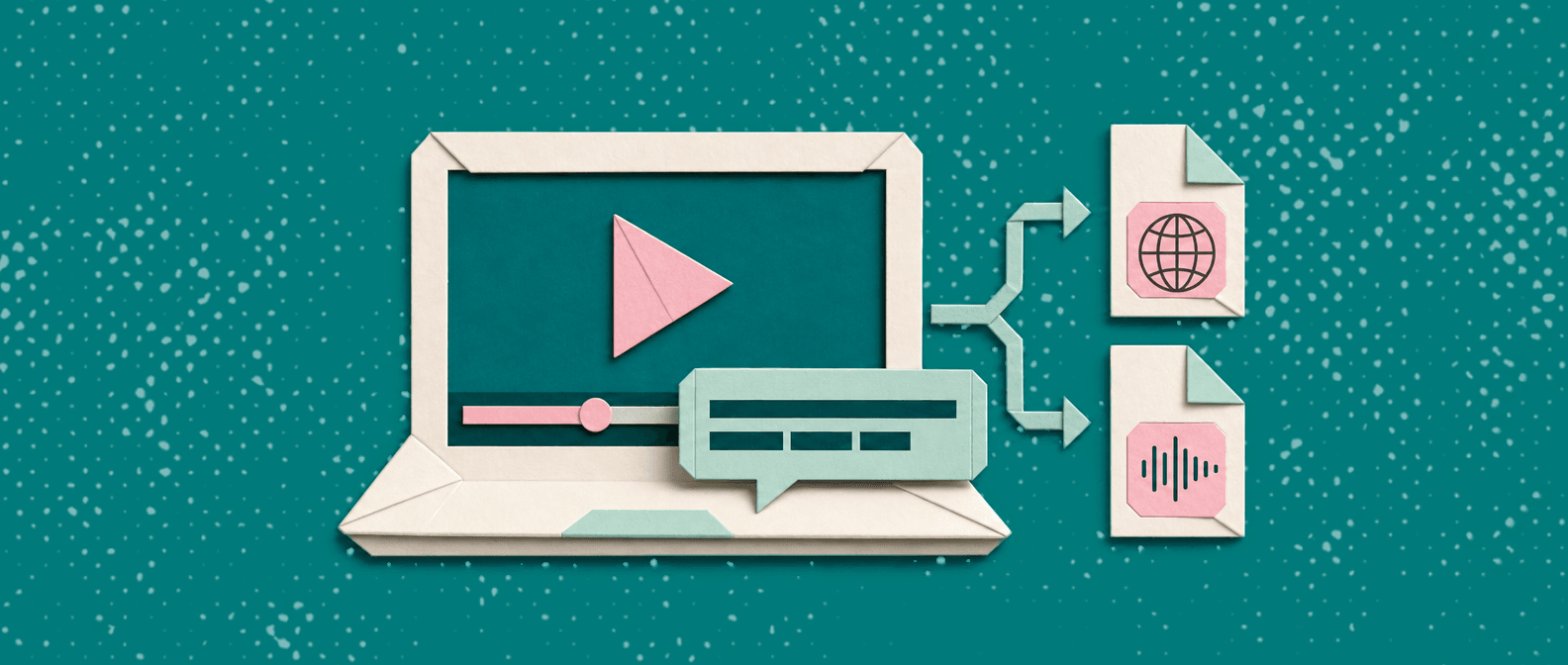
A practical, opinionated guide to the best subtitle generator tools in 2026, what’s actually accurate, what’s easy to edit, and what formats you’ll get at the end.

If your SOPs die in drafts, start with a screen recording. This 2026 playbook shows how to create SOPs from video, plus a copy‑paste template you can use today.

A practical, end-to-end guide on how to add subtitles to YouTube, plus the subtitle choices that actually improve watch time, clarity, and discoverability.

If you can record it once, you can document it well, without spending hours rewriting and screenshotting. Here is a practical process to turn a screen recording into a step-by-step guide with clean screenshots and clear instructions.

A practical, opinionated guide to the best screen recording software in 2026: what to pick for quick demos, training, support, and polished tutorials (with real tradeoffs, not fluff).
Upload once. Use everywhere.
The AI Knowledge Platform. One upload becomes videos, SOPs, guides, articles, and training - in any language.
© 2026 Vidocu. All rights reserved.